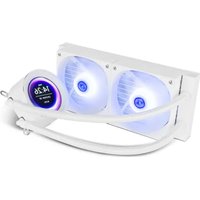
Hummer X-240 LCD - Computer cooling system NOX - Free user manual and instructions
Find the device manual for free Hummer X-240 LCD NOX in PDF.


User questions about Hummer X-240 LCD NOX
0 question about this device. Answer the ones you know or ask your own.
Ask a new question about this device
Download the instructions for your Computer cooling system in PDF format for free! Find your manual Hummer X-240 LCD - NOX and take your electronic device back in hand. On this page are published all the documents necessary for the use of your device. Hummer X-240 LCD by NOX.
USER MANUAL Hummer X-240 LCD NOX
BACKPLATE MOUNTING HOLES ILLUSTRATION
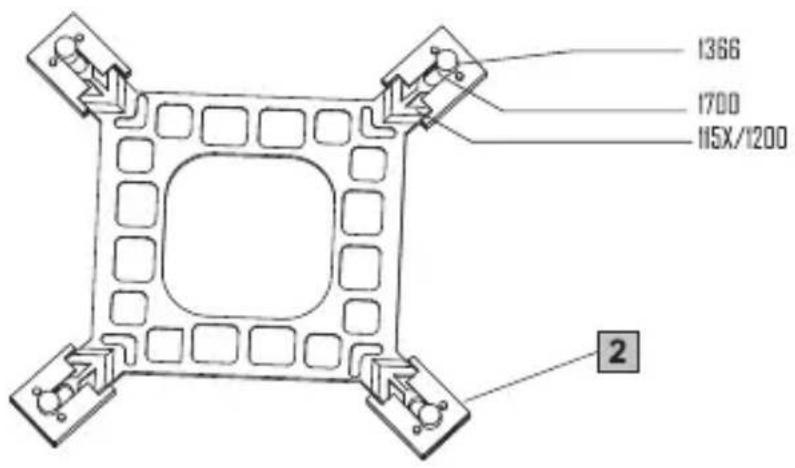
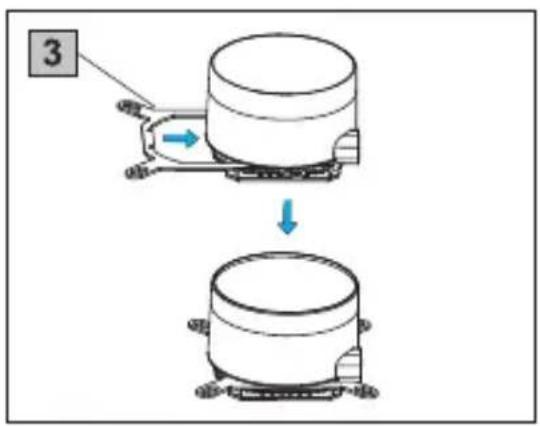
INTEL ASSEMBLY:
- Intel bracket mounting
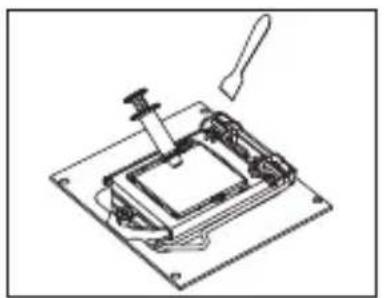
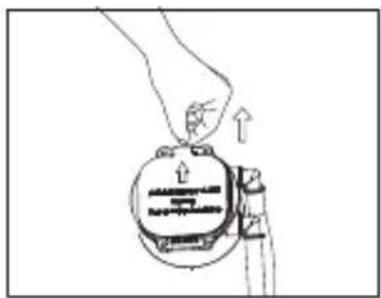
Apply thermal paste Remove the protection film
2.a. LGA1150 / 1151 / 1155 / 1156 / 1366 / 1200 Installation:
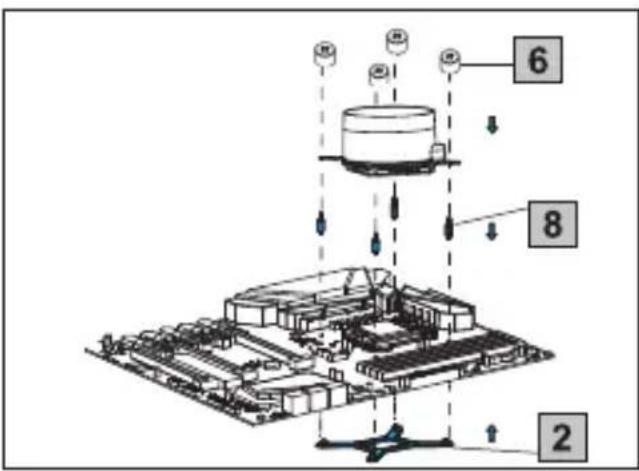
Secure the cooler into the CPU block
2.b. LGA2066 / 2011 Installation:

Secure the cooler into the CPU block
AMD ASSEMBLY:
1. AMD bracket mounting
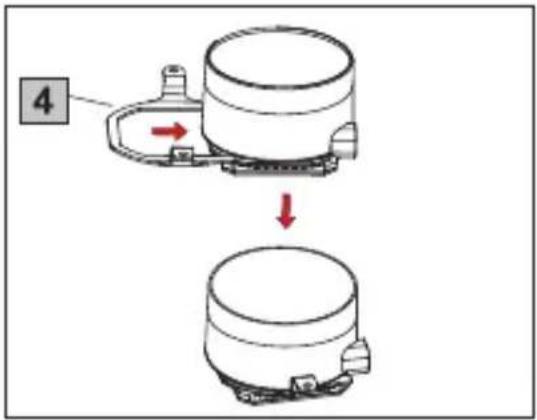
2.a. AMD AM4 / AM5 Installation:
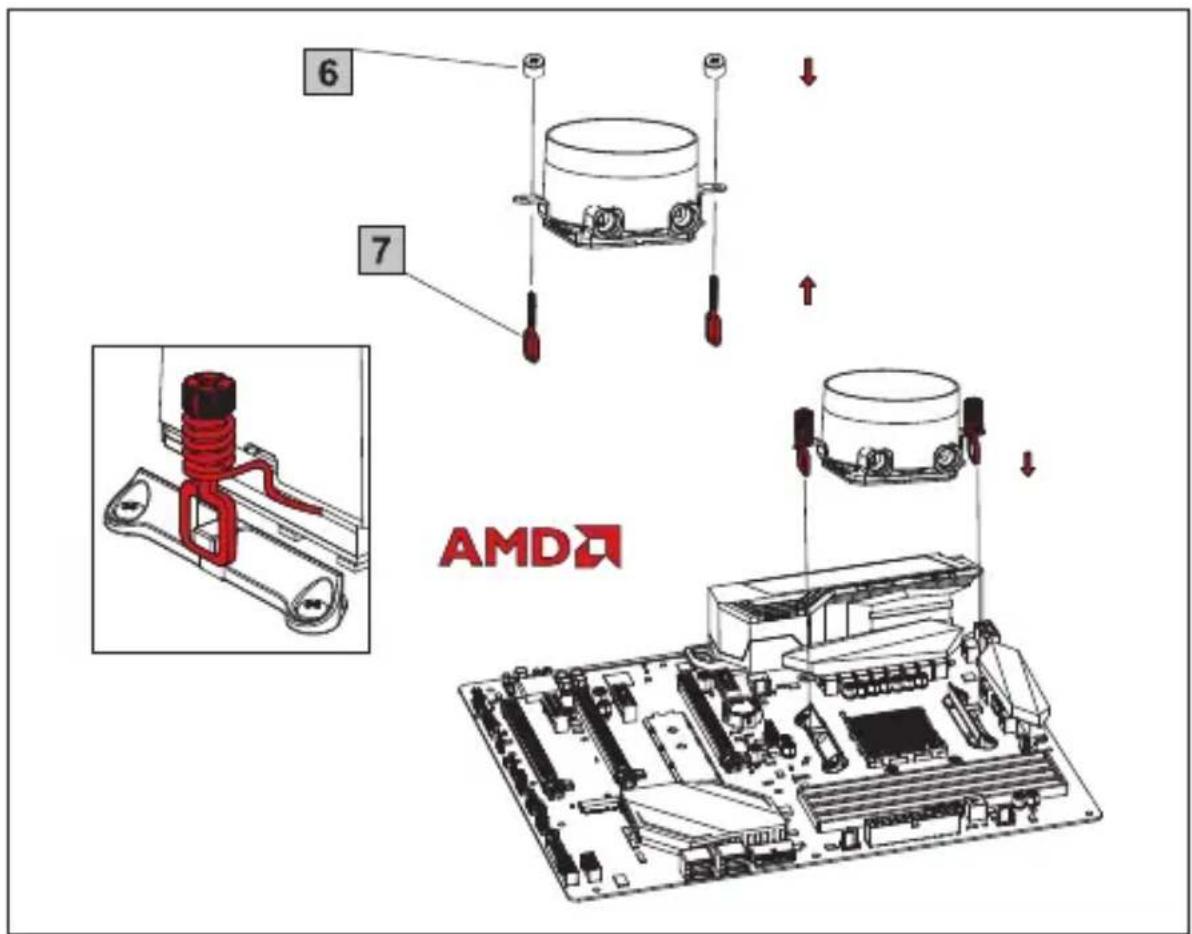
Secure the cooler into the CPU block
COMMON ASSEMBLY
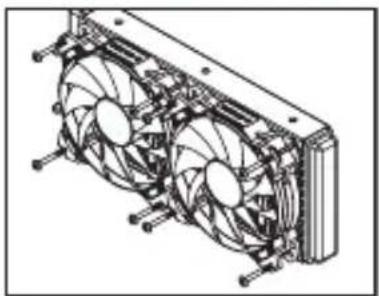
Use the fan mounting screws to secure the fans onto the radiator.
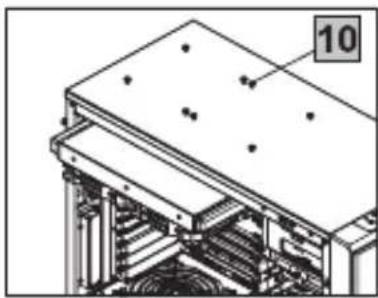
Use the radiator mounting screws to secure the radiator to the case panel.
CONNECTION GUIDE
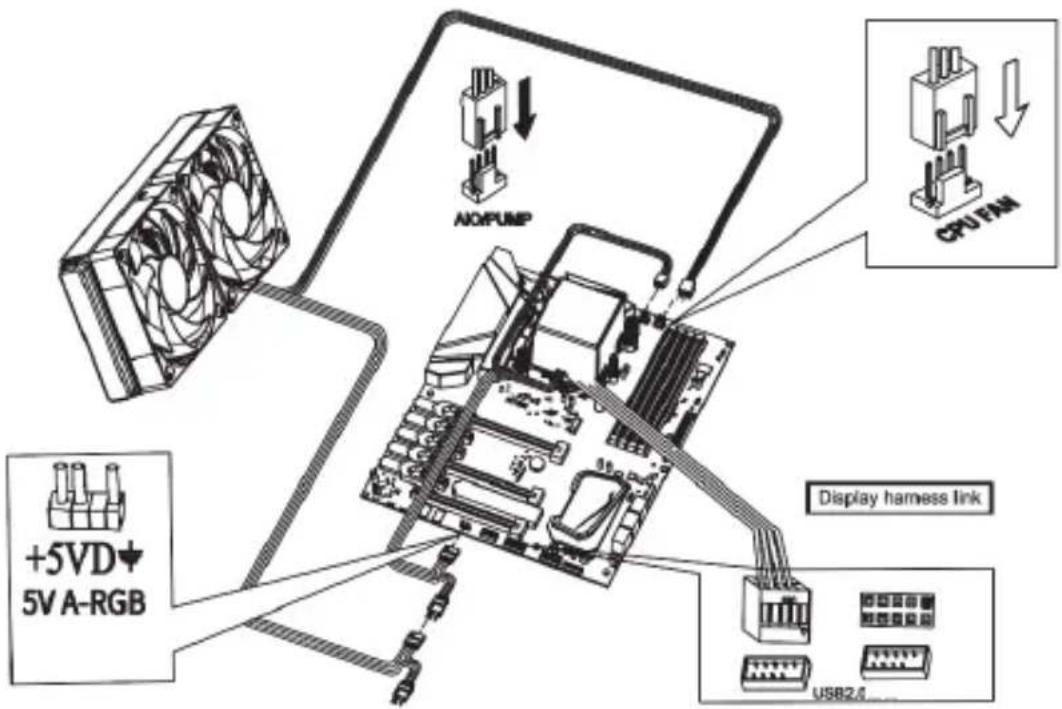
- Please link the display to the motherboard USB 2.0 interface.
- Connect the 3-Pin connector from the pump unit to AIO/PUMP socket on the motherboard.
- Connect the 4_Pin fan PWM connector to CPU_FAN socket on the motherboard.
- Connect the fan to the 5V ARGB socket on the motherboard.
EN - Warning
Improper installation will result in damage to the processor. Never switch the computer system on until the cooler and the fans are connected to the motherboard power connector.
Always use the included screws. Screw the radiator with care to avoid damaging it.
Electrostatic discharge (ESD) can damage system components. Use and ESD-controlled workstation. If a worksation is not available, wear an antistatic wrist strap or touch an earthed surface before handling any PC components.
PT - Atença
EN Important announcement
Please read this user's manual carefully before installation to get the water cooler's best performance by optimized installation. Nox Xtreme is not responsible for any damage to the product or injury caused by incorrect installation or user's carelessness. The water cooler may cause interference with some motherboards. If you face an interference between Hummer cooler and your motherboard, please stop installing it. Be careful not to hurt yourself by the radiator while installing & disassembling the water cooler. Do not move the water cooler around after the installation to prevent CPU damage. Please, do not use the water cooler for any other usage apart from the original purpose.
Warranty
For your warranty claims, please contact Nox Xtreme overseas distribution partners in your country. Find the distribution partner list at www.nox-xtreme.com
Warranty: 2 years from purchasing date. (Depending on the laws of each country)
-URL:www.nox-xtreme.com
E-mail: support@nox-xtreme.com