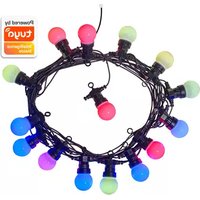
SLP-515 - Robot vacuum DENVER - Free user manual and instructions
Find the device manual for free SLP-515 DENVER in PDF.


| Product type | Robot vacuum cleaner |
| Brand | Denver |
| Model | SLP-515 |
| Dimensions (L × W × H) | 33 × 33 × 8 cm |
| Weight | 2,5 kg |
| Power supply | Li-ion battery 14.4 V, 2600 mAh |
| Runtime | Approx. 90 min |
| Charging time | Approx. 4 h |
| Dust bin capacity | 300 ml |
| Suction power | 1500 Pa |
| Noise level | ≤ 65 dB |
| Cleaning modes | Auto, edge, spot, schedule |
| Sensors | Anti-drop, anti-collision, dust detection |
| Auto return to base | Yes, with auto recharging |
| Brushes | Central brush + 2 side brushes |
| Filtration | Washable HEPA filter |
| Connectivity | Wi-Fi 2.4 GHz, Denver Smart Home app |
| Voice control | Compatible with Alexa, Google Assistant |
| Maintenance and cleaning | Empty the dust bin after each use, clean the brushes and filter regularly |
| Safety | Anti-drop sensors, automatic stop when lifted |
| Spare parts and repairability | Brushes, filters, battery and wheels available as spare parts |
| General information | 2-year warranty, compatible with hard floors and carpets |
Frequently Asked Questions - SLP-515 DENVER
User questions about SLP-515 DENVER
0 question about this device. Answer the ones you know or ask your own.
Ask a new question about this device
Download the instructions for your Robot vacuum in PDF format for free! Find your manual SLP-515 - DENVER and take your electronic device back in hand. On this page are published all the documents necessary for the use of your device. SLP-515 by DENVER.
USER MANUAL SLP-515 DENVER
natural_image
Abstract geometric logo with a stylized white letter 'D' inside a black hexagonal shape (no text or symbols)denver
User Manual
Denver SLP-515
natural_image
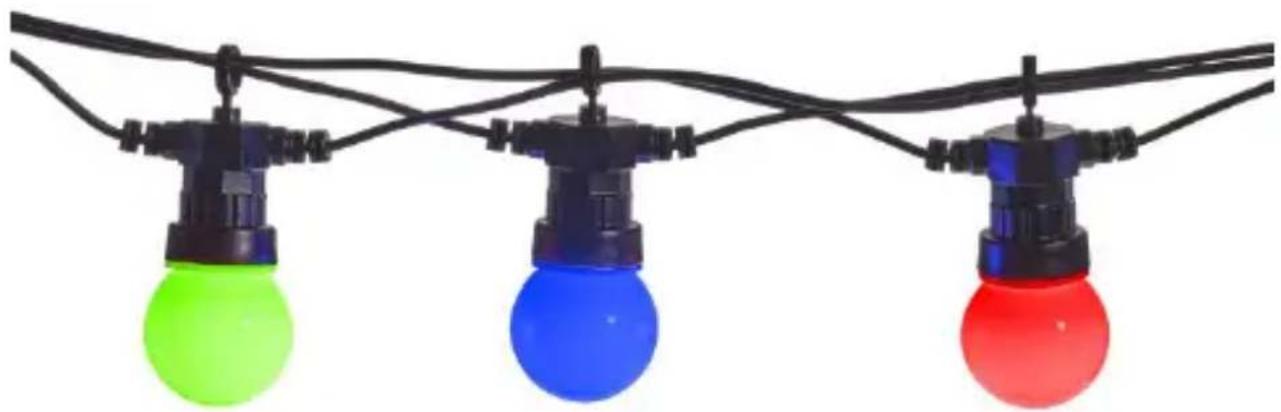
Three colorful light bulbes (green, blue, red) hanging from black cables against a white background (no text or symbols)Denver Smart Home
Android App iOS App
1 2 3


Lighting product instructions for use Universal Edition Denver Smart Home App
Safety information
Please read the safety instructions carefully before using the product for the first time and keep the instructions for future reference.
- This product is not a toy. Keep it out of reach of children.
- Keep product out of the reach of children and pets to avoid chewing and swallowing.
- Product operating and storage temperature is from -20 degree Celsius to 60 degree Celsius. Under and over this temperature might affect the function.
- Never open the product. Touching the inside electrics can cause electric shock. Repairs or service should only be performed by qualified personnel.
- Only charge with the original adapter supplied with this product!
- Only use with the attached accessories. Using non original accessories can make the product work abnormal.
- The direct plug-in adapter is used as disconnect device, the disconnect device shall remain readily operable. So, make sure there is space around the power outlet for easy access. Do not expose to heat, water, moisture, direct sunlight!
Preparation for use
- Power on the lamp while ensuring that your smartphone is connected to the 2.4 GHz Wi-Fi network;
- Download and open the app.
- Search for "Denver Smart Home" in the App Store or scan the QR code below or on the package to download and install the app.
- Tap the"Register"button to register if you download it for the first time. If you already have an account, tap the"Login"button.
Device Network configuration
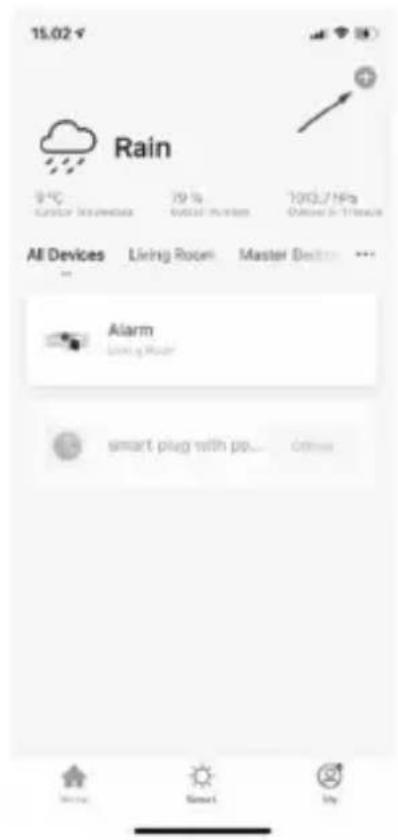
- Open the Denver Smart Home app and access the "Devices" page. Tap the "+" mark in the upper right corner of the page.
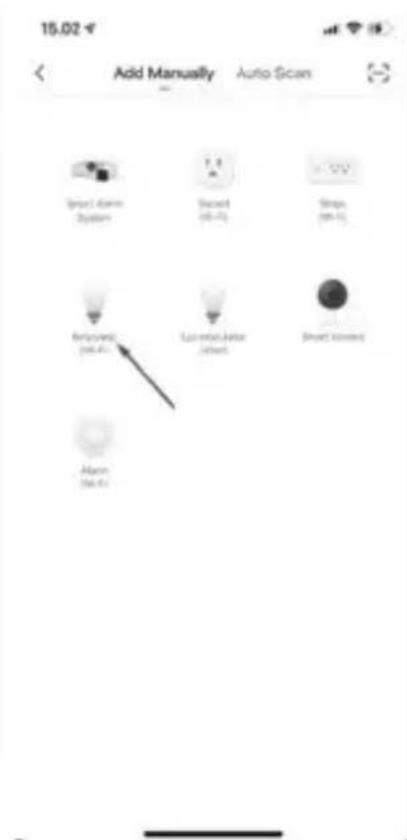
- Select"Lighting devices" on the device list page.
- Two configuration modes are available for connection: EZ mode and AP mode.
1) EZ Mode
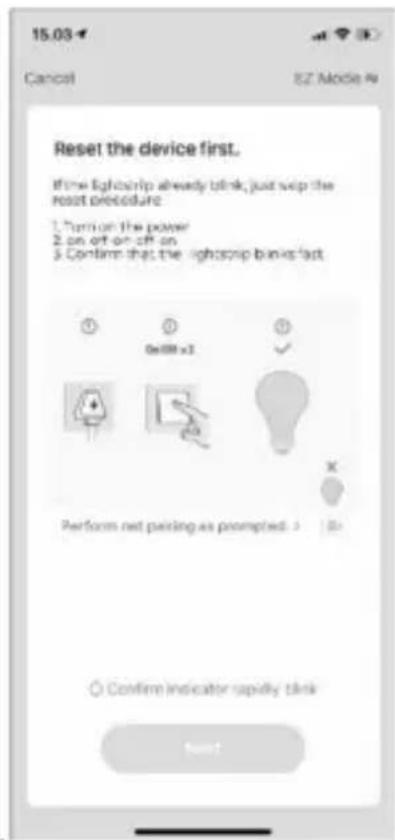
Ensure the light flashes quickly(twice a second).This indicates that the lightstrip is in configuration mode.
If it is not blinking, then turn on/off 5 times with approximately 1 second in between on the power outlet to reset. Afterwards it will go into configurations mode. Tap the “confirm light blinks rapidly” button on the “add device” page to start connection.
ALL RIGHTS RESERVED, COPYRIGHT DENVER A/S

Electric and electronic equipment contains materials, components and substances that can be hazardous to your health and the environment, if the waste material (discarded electric and electronic equipment) is not handled correctly.
Electric and electronic equipment is marked with the crossed out trash can symbol, seen above. This symbol signifies that electric and electronic equipment should not be disposed of with other household waste, but should be disposed of separately.
All cities have established collection points, where electric and electronic equipment can either be submitted free of charge at recycling stations and other collection sites, or be collected from the households. Additional information is available at the technical department of your city.
Hereby, Denver A/S declares that the radio equipment type SLP-515 is in compliance with Directive 2014/53/EU. The full text of the EU declaration of conformity is available at the following internet address: denver.eu and then click the search ICON on topline of website. Write model number: SLP-515. Now enter product page, and red directive is found under downloads/other downloads.
Wi-FI lamp control gears:
Operating Frequency Range: 2.4\~2.4835GHz
Maximum radio frequency power: ≤19dBm
DENVER A/S
Omega 5A, Soeften
DK-8382 Hinnerup
Denmark
www.facebook.com/denver.eu
(Push "2" for support)
For technical questions, please write to:
support@denver.eu
For all other questions please write to:
denver@denver.eu
Germany
Denver Germany GmbH Service
Gutenbergstrasse 1
94036 Passau
Phone: +49 851 379 369 40
Repair-germany@denver.eu
Fairfixx GmbH
Repair and service
(for TV, E-Mobility/Hoverboards/Balanceboards,
Smartphones & Tablets)
Tel.: +49 851 379 369 69
Brand : DENVER
Model : SLP-515
Category : Robot vacuum