Joy Dock - Phone charger RayNeo - Free user manual and instructions
Find the device manual for free Joy Dock RayNeo in PDF.


User questions about Joy Dock RayNeo
0 question about this device. Answer the ones you know or ask your own.
Ask a new question about this device
Download the instructions for your Phone charger in PDF format for free! Find your manual Joy Dock - RayNeo and take your electronic device back in hand. On this page are published all the documents necessary for the use of your device. Joy Dock by RayNeo.
USER MANUAL Joy Dock RayNeo
text_image
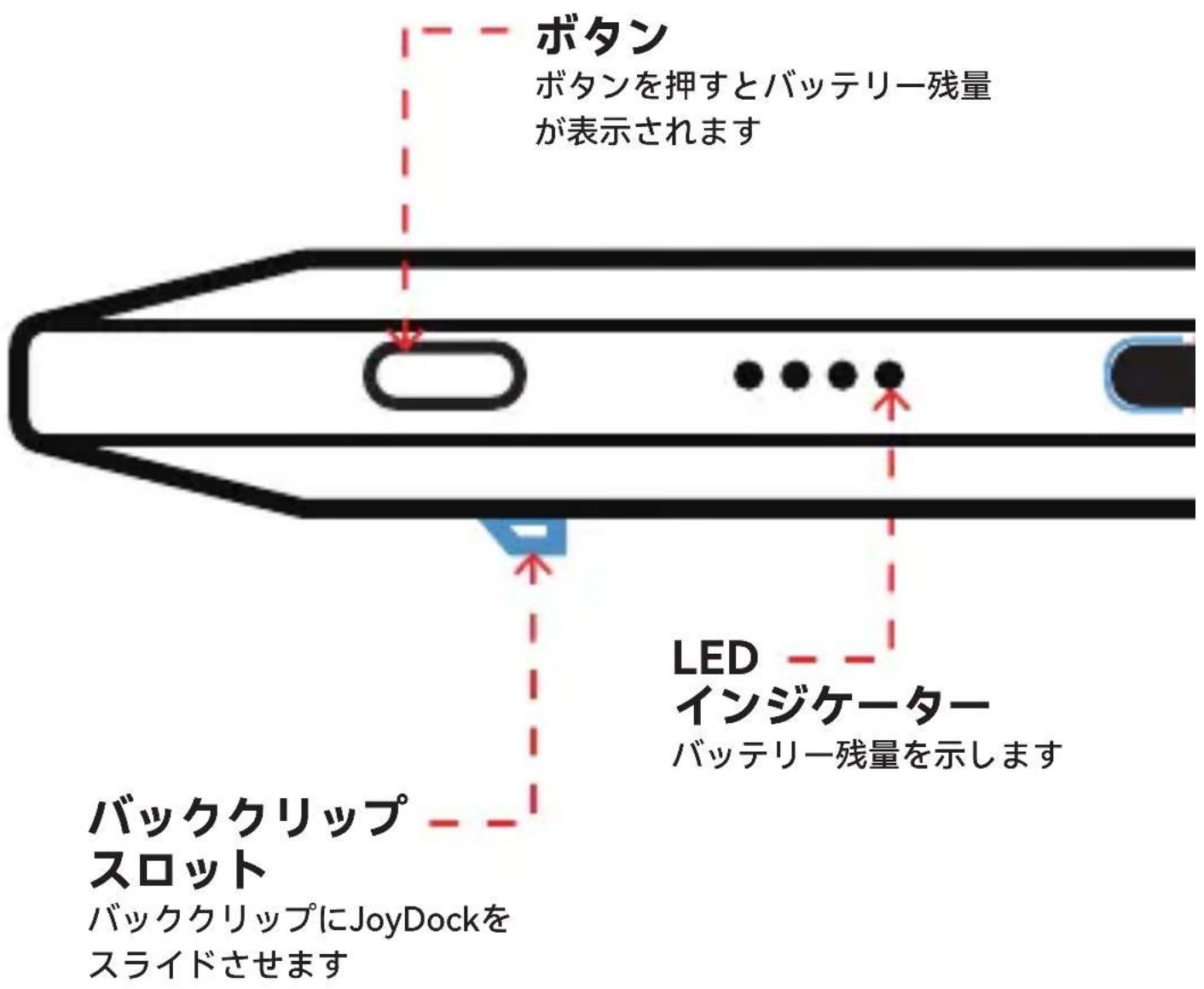
Button Press the button to view the remaining power LED indicator Indicates the remaining power Back clip slot Slide the JoyDock into the back clip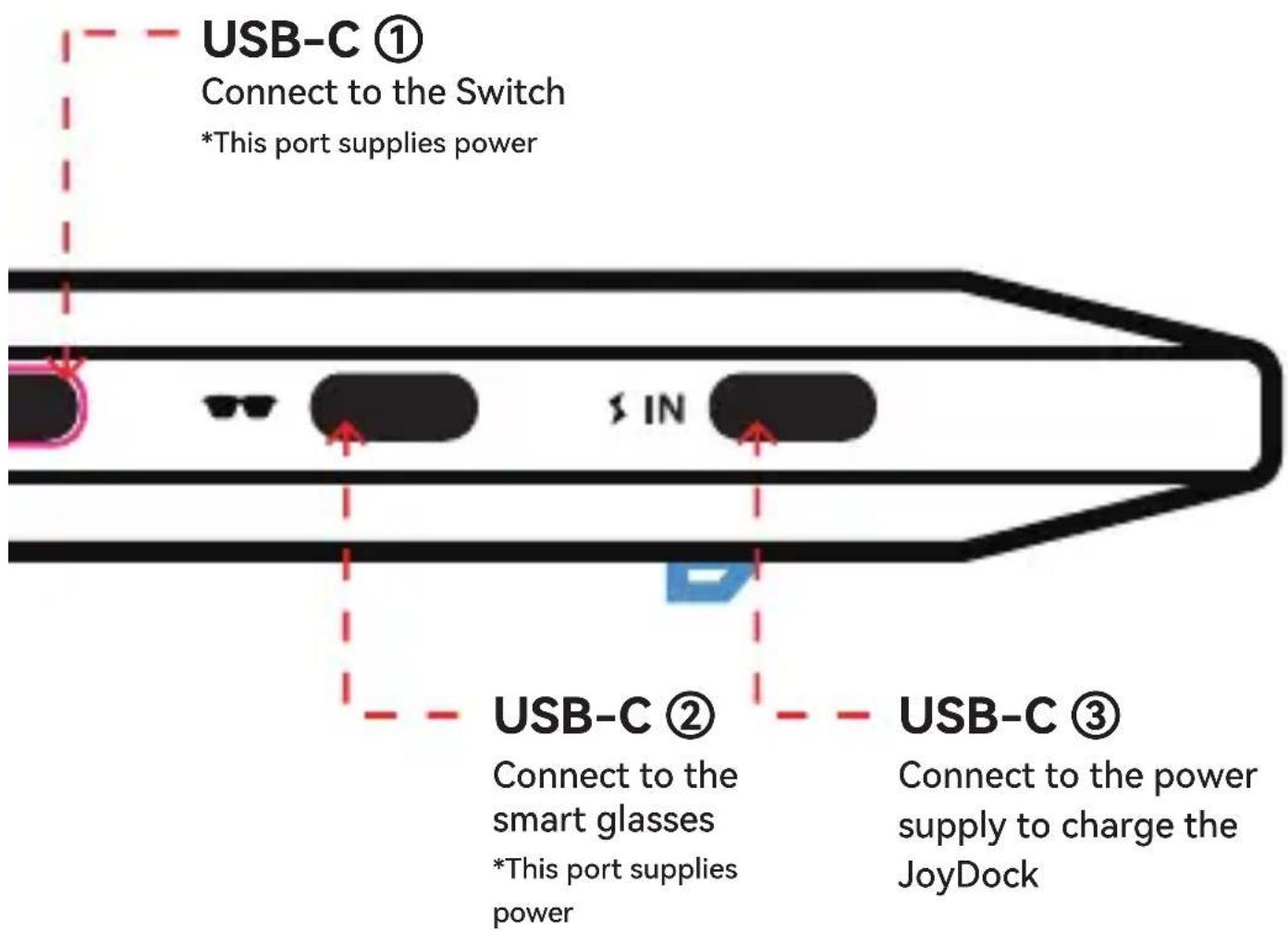
text_image
USB-C ① Connect to the Switch *This port supplies power $ IN USB-C ② Connect to the smart glasses *This port supplies power USB-C ③ Connect to the power supply to charge the JoyDock*The device is plug-and-play; it turns on automatically after it is connected and turns off automatically after it is disconnected. If the device does not turn on automatically, press the button to turn on the device manually, or disconnect and reconnect all cables.
Short cable
For the use of connecting the Switch to the JoyDock
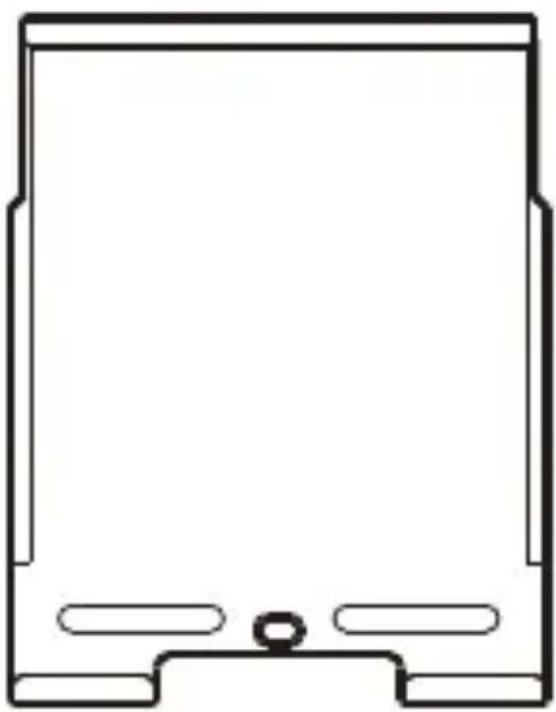
Back clip
For the use of fastening the Switch and the JoyDock

natural_image
Pure vertical line diagram with two shaded rectangular sections on both ends (no text or symbols)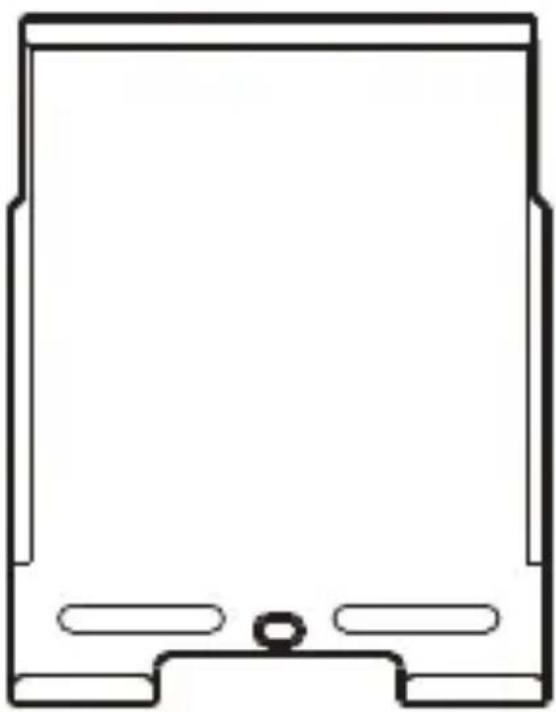
natural_image
Simple line drawing of a rectangular device with rounded corners and a central hole (no text or symbols)Disclaimer and Safety Instructions
Disclaimer
Once you use the product, you are deemed to have read the disclaimer and safety instructions carefully, and have understood, agreed to, and accepted the disclaimer and safety instructions. You are responsible for the consequences when you use the product. You agree to use the product only in proper environments and for purposes that are in accordance with all applicable laws and regulations. If spontaneous combustion, explosion, other loss, personal injuries, and other consequences occur due to your improper operations or violations of safety instructions, we assume no responsibility.
Safety Instructions
Operating Environment
· To ensure safety, it is important to carefully check the operating environment before using the product.
- Recommended temperature: 0^ - 35^ . Avoid extreme temperatures to prevent performance issues or damage.
Precautions for Product Usage
- Before using this product, it is recommended to flip the device and check for any obvious damage, electrical leakage, or any other conditions that may pose a risk to human safety.
- Please do not store the battery for a long period of time after fully discharging it, as this can cause damage to the battery cells due to over-discharge.
- To maintain optimal product performance, avoid prolonged charging.
· The product is not water resistant. Do not expose it to water or rain.
- Do not pour or spray liquid on the product. If you want to clean the product, dampen a microfiber cloth with neutral detergent and wipe the surface of the product with the microfiber cloth.
- Before cleaning and maintenance, please stop using the product and unplug all cables.
- Do not expose the product to direct sunlight and keep it away from heat sources such as radiators or flames.
· This product contains precision electronic components. Avoid strong impacts caused by dropping, collisions and other causes. Do not place heavy objects on top of the product. - Do not damage or modify the product in any form to ensure proper use.
- Do not use the product if it is damaged.
- The product cannot be disassembled without authorization. If the product does not work properly, contact after-sales personnel for troubleshooting. Unauthorized disassembly may cause an explosion or fire.
· This product contains a lithium battery. When boarding a plane, store the product in carry-on luggage. Do not store the product in checked baggage.
· If you think the product is interfering with any medical device, stop using the product and consult your doctor.
· Dispose of the waste lithium battery in accordance with local regulations on household waste. - Observe signs and notices of forbidding or restricting the use of electronic devices.
- Place the product and provided accessories in a proper location to prevent pets from biting and damaging them.
- If skin issues occur when you use the product, stop using it.
Precautions for Product Storage
- If you will not use the product within a long period of time, we recommend that you place it indoors and in a shaded and well-ventilated area.
- To prevent unrepairable damage to the product, avoid placing it in a damp place, and do not expose it to rain or snow.
· The recommended storage temperature is 0°C to 40°C.
- Avoid placing the product in high-temperature cars.
Warranty Instructions
Warranty service is provided within one year\* from the date of purchase.
The product is not within the scope of warranty in any of the following circumstances.
- The warranty period expires.
- Your product is a resold product.
- Damage caused by repairers who are not authorized by Dongguan Zhonglei Electronic Technology Co., LTD. to disassemble the product.
- Damage caused by failure to use, maintain, or store the product according to the requirements of the user manual.
- Damage caused by force majeure.
- Damage caused by other non-product quality issues.
* Warranty service is provided within one year from the date of purchase, unless local regulations state otherwise.
natural_image
Pure vertical line diagram with two shaded rectangular sections on both ends, no text or symbols present.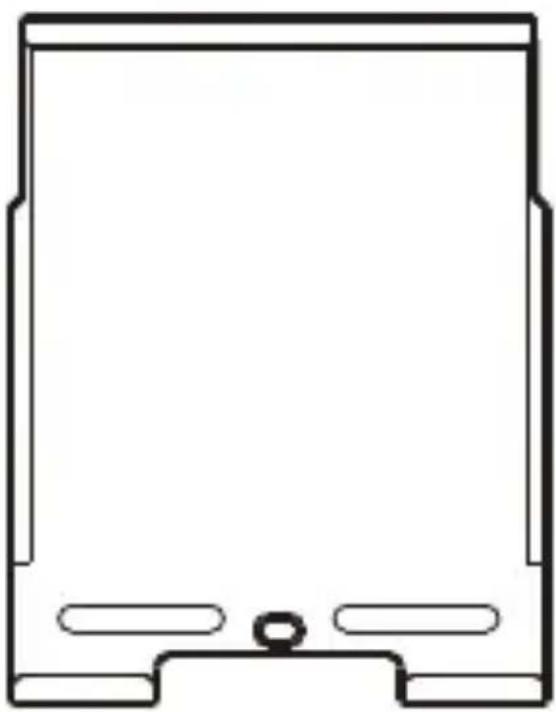
natural_image
Simple line drawing of a rectangular device with rounded corners and a central hole (no text or symbols)免責規定と安全ガイド
免責規定
natural_image
Pure vertical line diagram with two shaded rectangular sections on both ends, no text or symbols present.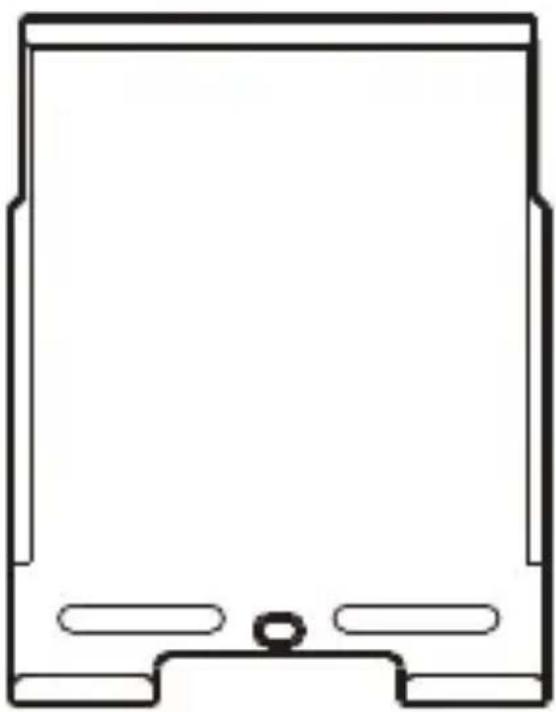
natural_image
Simple line drawing of a rectangular device with rounded corners and a central hole (no text or symbols)고지 사항 및 안전 지침
고지 사항
natural_image
Pure diagram of a vertical cylindrical object with two side handles, no text or symbols presentRückclip
natural_image
Simple line drawing of a rectangular device with rounded corners and a central hole (no text or symbols)natural_image
Pure vertical line diagram with two shaded rectangular sections on both ends (no text or symbols)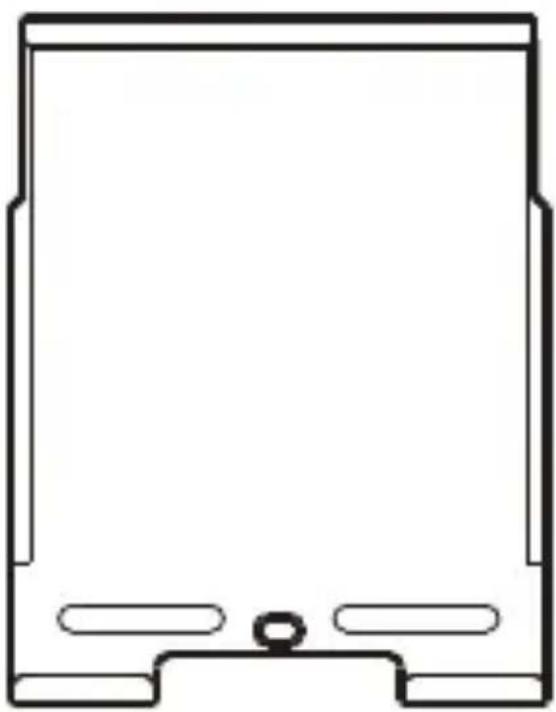
natural_image
Simple line drawing of a rectangular device with rounded corners and a central hole (no text or symbols)natural_image
Pure electrical circuit lines without any symbols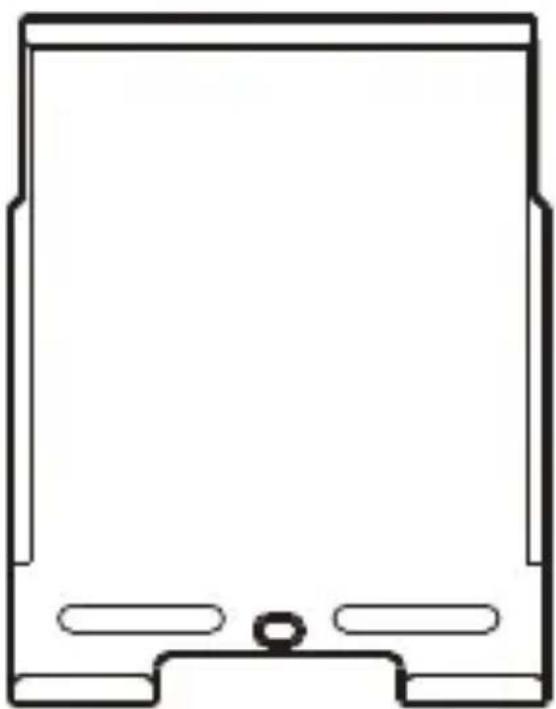
natural_image
Simple line drawing of a rectangular device with rounded corners and a central hole (no text or symbols)natural_image
Pure vertical line diagram with two shaded rectangular sections on both ends (no text or symbols)
natural_image
Simple line drawing of a rectangular device with rounded corners and a central hole (no text or symbols)natural_image
Pure electrical circuit lines without any symbols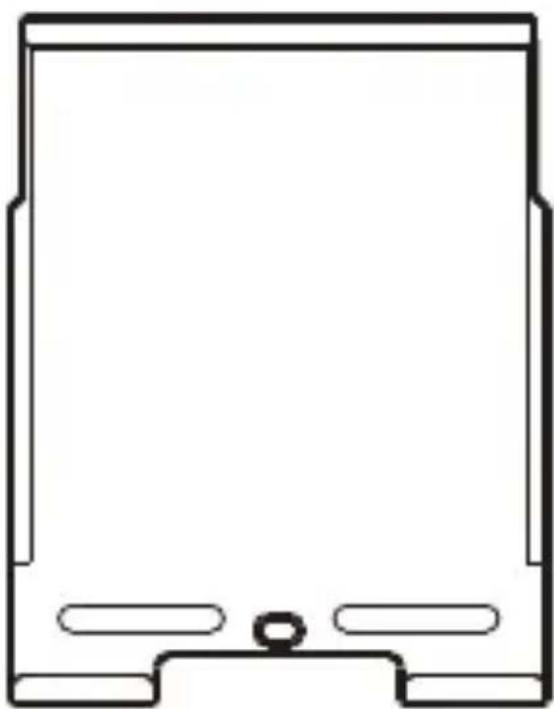
natural_image
Simple line drawing of a rectangular frame with rounded corners and a central hole (no text or symbols)natural_image
Pure vertical line diagram with two shaded rectangular sections on both ends (no text or symbols)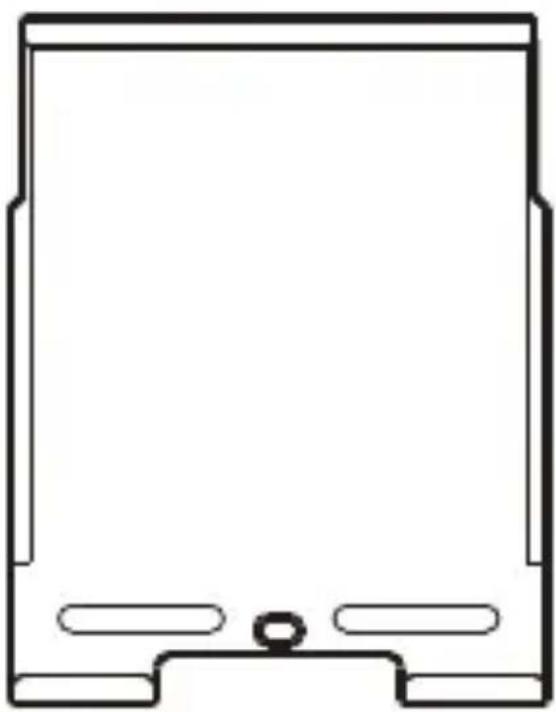
natural_image
Simple line drawing of a rectangular device with rounded corners and a central hole (no text or symbols)natural_image
Pure vertical line diagram with two shaded rectangular sections on both ends (no text or symbols)Zadní klip
natural_image
Simple line drawing of a rectangular device with rounded corners and a central hole (no text or symbols)natural_image
Simple line drawing of a rectangular frame with rounded corners and a central hole (no text or symbols)
natural_image
Pure electrical circuit lines without any symbolsإخلاء المسوّلية
natural_image
Pure vertical line diagram with two shaded rectangular sections on both ends, no text or symbols present.