GLC12 - Lighting Duronic - Free user manual and instructions
Find the device manual for free GLC12 Duronic in PDF.



| Product type | Clip-on horticultural grow light |
| Brand | Duronic |
| Model | GLC12 |
| Input voltage | 100 V - 240 V, 50/60 Hz |
| Nominal power | 20 W |
| LED type | 0.2 W 2835, lifespan 50,000 hours |
| Number of LEDs | 18 (11 red + 7 blue) |
| Wavelengths | Red 660 nm, Blue 450 nm |
| LED angle | 120° |
| Dimensions (L x W x H) | 35 x 12 x 7.5 cm |
| Weight | 275 g |
| Cable length | 155 cm |
| Operating temperature | -15 °C to 55 °C |
| Main functions | Red, blue or mixed light; 6 brightness levels; last mode memory function |
| Cleaning | Unplug and wipe with a dry cloth. Do not immerse or use corrosive products. |
| Safety | Indoor use only; avoid exposure to direct sunlight, humidity and corrosive gases; do not repair yourself. |
| Warranty | 1 year (Shine-Mart Ltd) |
| Repairability | Repair by a professional only; no user-serviceable parts. |
Frequently Asked Questions - GLC12 Duronic
User questions about GLC12 Duronic
0 question about this device. Answer the ones you know or ask your own.
Ask a new question about this device
Download the instructions for your Lighting in PDF format for free! Find your manual GLC12 - Duronic and take your electronic device back in hand. On this page are published all the documents necessary for the use of your device. GLC12 by Duronic.
USER MANUAL GLC12 Duronic
Creative Consumer Electronics
natural_image
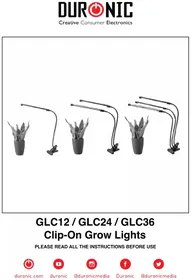
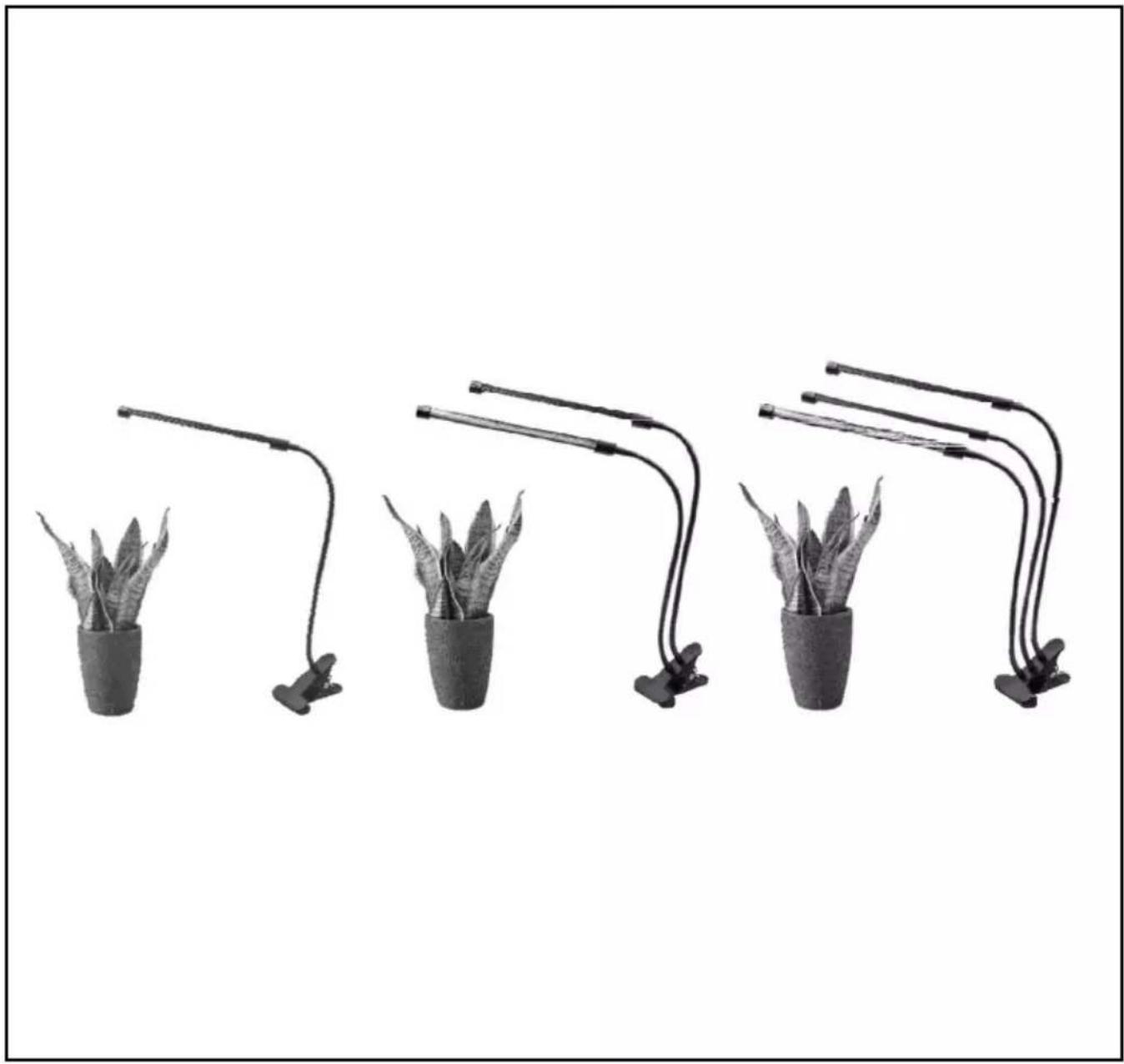
Four potted plants arranged in a row under adjustable lighting fixtures (no text or symbols visible)GLC12 / GLC24 / GLC36
Clip-On Grow Lights
PLEASE READ ALL THE INSTRUCTIONS BEFORE USE

duronic.com

duronic

@duronicmedia

Duronic

@duronicmedia
DURONIC
Contents
English Manual 5
PLEASE READ THIS MANUAL CAREFULLY AND RETAIN FOR FUTURE REFERENCE
- For indoor household/domestic use only. Do not use outdoors.
- Do not operate this appliance if the power cable or plug is damaged. If either is damaged return it to Duronic for service or repair by professional technician.
- Avoid placing the lamp in direct sunlight.
- Keep away from moisture
- When not using this lamp, store in a safe place. Do not place heavy things on top of it.
- Do not use in the presence of corrosive gas – use in a well-ventilated room.
- Please ensure the mains power supply is 220-240V / 50Hz.
- Never try to replace parts and repair the lamp by yourself.
Introduction
LED grow lights are the newest trend for the cultivation of indoor plants. Using an advanced full spectrum LED grow light will provide your plant/s with a broad spectrum of light (wavelength 400nm-840nm), similar to natural sunlight.
Red and blue LED lights have been proven best for encouraging plant growth, and so this light provides the user with the option to use red, blue or a combination of the two colours to obtain the best kind of light for their plant/s.
The wavelengths of the GLC lamps lights are blue (peak 450nm) and red (peak 660nm), which supplies the most efficient wavelength to enhance photosynthesis performance.
Specifications
| Model Number | GLC12 / GLC24 / GLC36 |
| Item Type LED Grow Light Clip | |
| Rated Voltage 100V-240V / 50HZ-60HZ | |
| Power GLC12: 20W | GLC24: 40WGLC36: 60W |
| LED Light Specific spectrum | |
| Type of LEDs 0.2W 2835 (average lifespan 50,000 hours). LEDs angle 120° | |
| Number of LEDs per Lamp | Total 18: 11 red + 7 blue |
| Wavelengths RED: 660 Blue: 450 | |
| Working Temperature -15°C - 55°C | |
| Size / Weight GLC12: 35 x 12 x 7.5 cm / 275gGLC24: 35 x 12 x 7.5 cm / 450gGLC36: 35 x 12 x 7.5 cm / 590g | |
| Cable Length | 155cm |
Using Your Grow Light
Remove packaging and check you have everything that should be in the box.
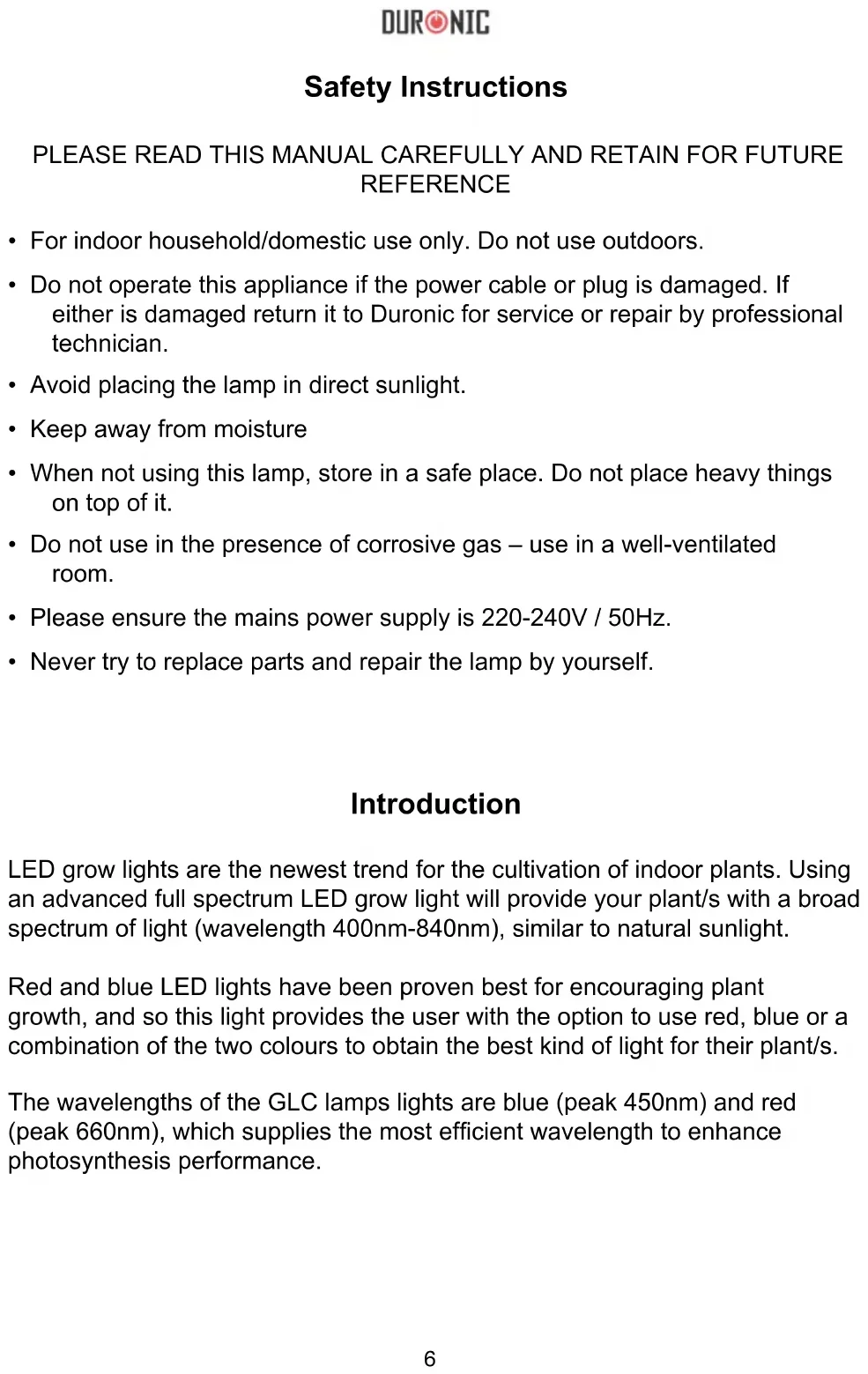
The GLC is a light with a clip on the base which enables you to clip the light to any surface near your plant pot.
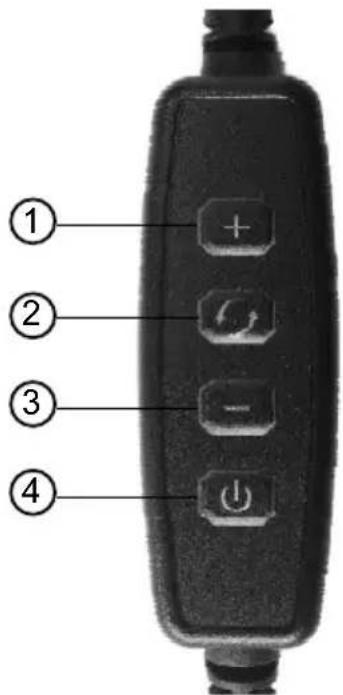
There is a light control pad which enables you to adjust the brightness, choose between red light, blue light or a mixture of red and blue light together.
Memory Function
The lamp will stay on the same setting that you had it on when you last switched it off.
For instance, if you set it to a red light and the highest brightness, when you next switch the lamp on it will return to the same bright red light setting. If you turn off the power at the plug socket, the lamp will reset and not remember the last setting it was on.
The Light Control Pad
Power Button
When plugged into the mains plug socket, the lamp's power button on the control pad will be illuminated. Press this button to switch on the light.
Red/Blue Light Button
To adjust the light colour, press this button.
+/- Brightness Adjustment Buttons
Use the + and – buttons to increase and decrease the brightness of your light. This can be done in 6 increments with repeated short presses, or it can be adjusted to the brightest or dullest with one long press of the button.
-
Brightness +
-
Red light Blue light Red + Blue light
-
Brightness -
-
Switch On/Off
Care and Maintenance
Before cleaning ensure the lamp is unplugged from the mains socket.
Do not submerge this lamp in water or any other liquid. Do not use corrosive cleaning products on it.
Simply use a dry cloth to dust and clean the lamp.
DURONIC
Warranty
1 Year Guarantee from Shine-Mart Ltd, Trademark owners of Duronic Products. NOTE: THESE STATEMENTS DO NOT AFFECT YOUR STATUTORY RIGHTS AS A CONSUMER
This product has been manufactured under the strictest or quality control procedures, and using the highest quality of materials, to ensure excellent performance and reliability. It will give very good and long lasting service, provided it is properly used and maintained. The product is guaranteed for 1 years from the date of original purchase. If any defect arises due to a faulty materials or poor workmanship, the faulty product must be returned to the original place of purchase. Refund or replacement is at the discretion of that company.
Duronic Products are offered with a 1 year guarantee under the following conditions:
- The product must be returned to the retailer with original proof of purchase.
- The product must be installed and used in accordance with the instructions contained in this operating manual.
- It must be used only for domestic purposes.
- It does not cover wear and tear, malicious damage, misuse, neglect, inexpert repairs or consumable parts.
- Shine-Mart Ltd has no responsibilities for accidental or consequential loss or damage.
- Shine-Mart Ltd are not liable to carry out any type of servicing work, under the guarantee
- Valid in the UK only
This product is fitted with CE:1363 plug and fuse Imported by Shine-Mart Ltd, RM3 8SB

Information on waste Disposal for Consumers of
Electrical & Electronic Equipment.
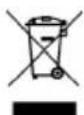
This mark on a product and/or accompanying documents indicates that when it is to be disposed of, it must be treated as Waste Electrical & Electronic Equipment, (WEEE).
Any WEEE marked products must not be mixed with general household waste, but kept separate for the treatment, recovery and recycling of the materials used.
For proper treatment, recovery and recycling; please take all WEEE marked waste to your Local Authority Civic waste site, where it will be accepted free of charge.
If customers dispose of Waste Electrical & Electronic Equipment correctly, they will be helping to save valuable resources and preventing any potential negative effects upon human health and the environment, of any hazardous materials that the waste may contain.
Follow Us
