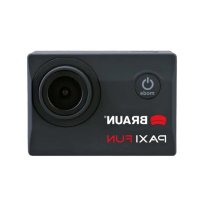
Paxi Fun - Sports camera BRAUN - Free user manual and instructions
Find the device manual for free Paxi Fun BRAUN in PDF.



| Product type | Sportscam |
| Brand | Braun |
| Model | Paxi Fun |
| Photo resolution (max) | 12 Megapixels |
| Video resolution | Full HD 1080p |
| Screen | Yes |
| Microphone | Built-in |
| Speaker | Built-in |
| Memory card compatibility | micro SD, micro SDHC, micro SDXC up to 32 GB (class 10) |
| Battery | Rechargeable, charges via USB (4 hours) |
| Battery life | Approximately 60 minutes |
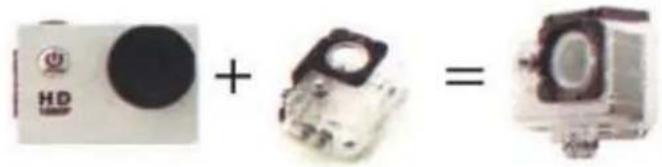
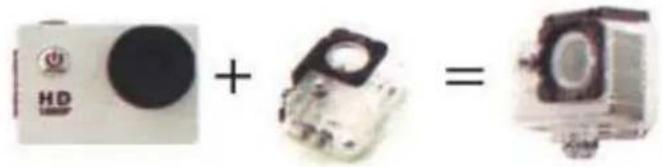
| Waterproof | Yes (waterproof housing) |
| Motion detection | Yes (on/off) |
| Loop recording | Off / 3 min / 5 min / 10 min |
| Self-timer | Off / 2s / 5s / 10s |
| Menu languages | English, Simplified Chinese, Traditional Chinese, Russian, Korean, etc. |
| Included mounts | Handlebar/mount bracket, clips and mounting parts |
| Connection | Micro USB |
| Care and cleaning | Clean with a soft, dry cloth. Do not use solvents. |
| Safety | Use only approved accessories. Follow charging instructions. |
| Spare parts and repairability | Spare parts available from the manufacturer. Repairs by a professional. |
| General information | Manual available in multiple languages. Made for Braun, Germany. |
Frequently Asked Questions - Paxi Fun BRAUN
User questions about Paxi Fun BRAUN
0 question about this device. Answer the ones you know or ask your own.
Ask a new question about this device
Download the instructions for your Sports camera in PDF format for free! Find your manual Paxi Fun - BRAUN and take your electronic device back in hand. On this page are published all the documents necessary for the use of your device. Paxi Fun by BRAUN.
USER MANUAL Paxi Fun BRAUN

| EN DE | |
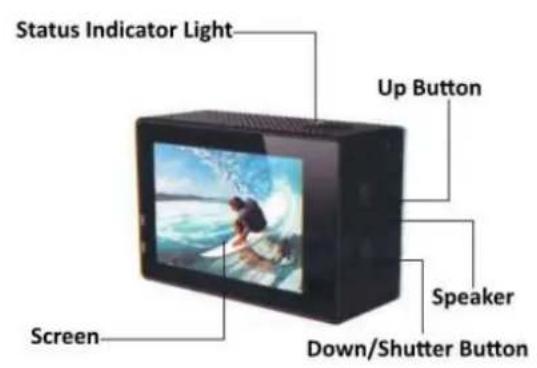
| Shutter/Select (utton +uslöser/+uswahltaste | |
| Status Light Status-LED | |
| Power/Mode (utton Ein/Modus | |
| MicroSD Slot microSD-Steckplatz | |
| Microphone Mikrofon | |
| Micro US( Port Mikro-US(-Port | |
| Lens Objektiv | |
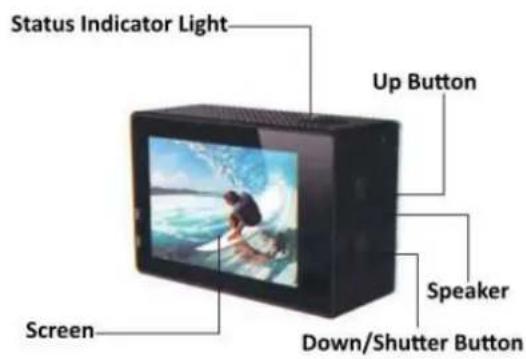
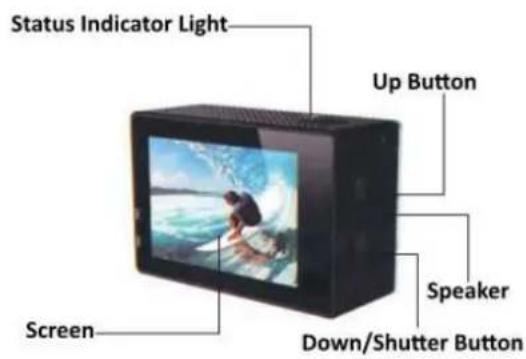
| Status Indicator Light Status-LED | |
| Screen Display | |
| Up (utton +ufwärts | |
| Speaker Lautsprecher | |
| Down/Shutter (utton +bwärts/+uslöser |
Z
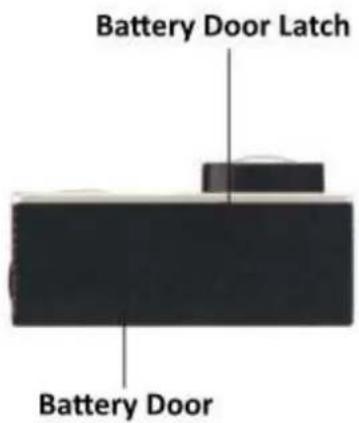
| ENzzDEz | |
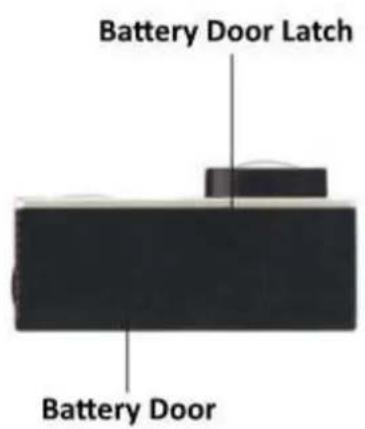
| (atteryzDoorzLatchzz(atteriefachverriegelungz | |
| (atteryzDoorzz(atteriefachz |
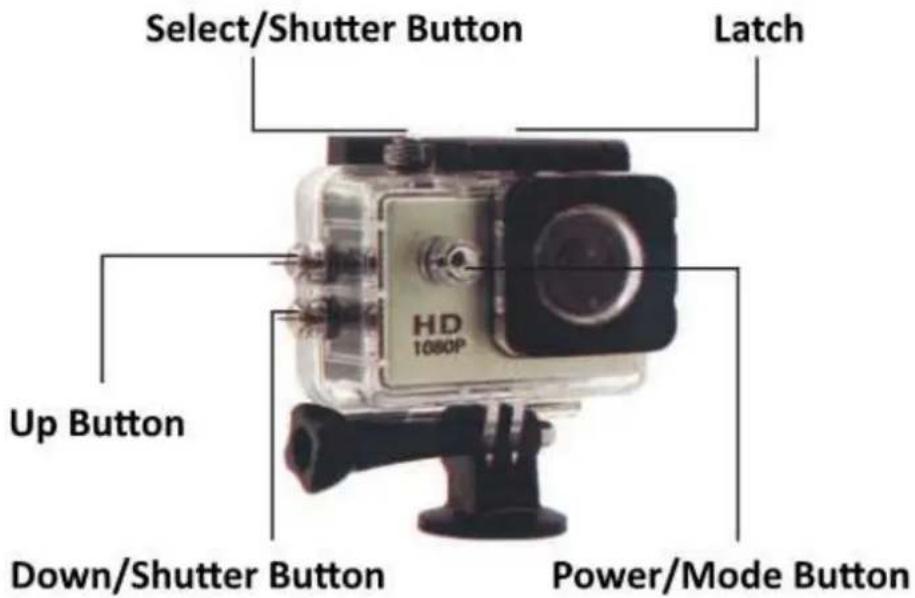
| EN DE | |
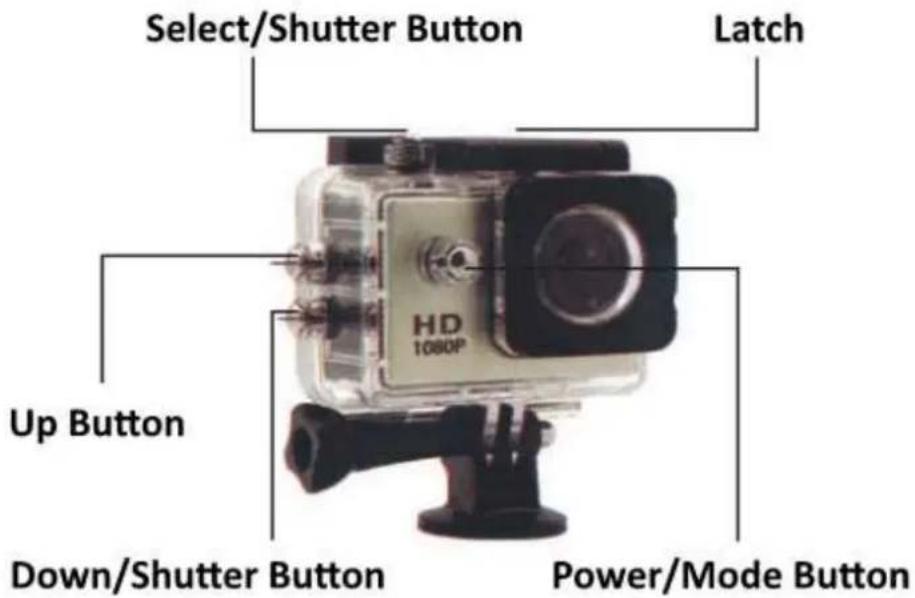
| Select/Shutter (utton +uslöser/+uswahltaste | |
| Up (utton +ufwärts) | |
| Down/Shutter (utton +bwärts/+uslöser | |
| Latch Verriegelung | |
| Power/Mode (utton Ein/Modus |
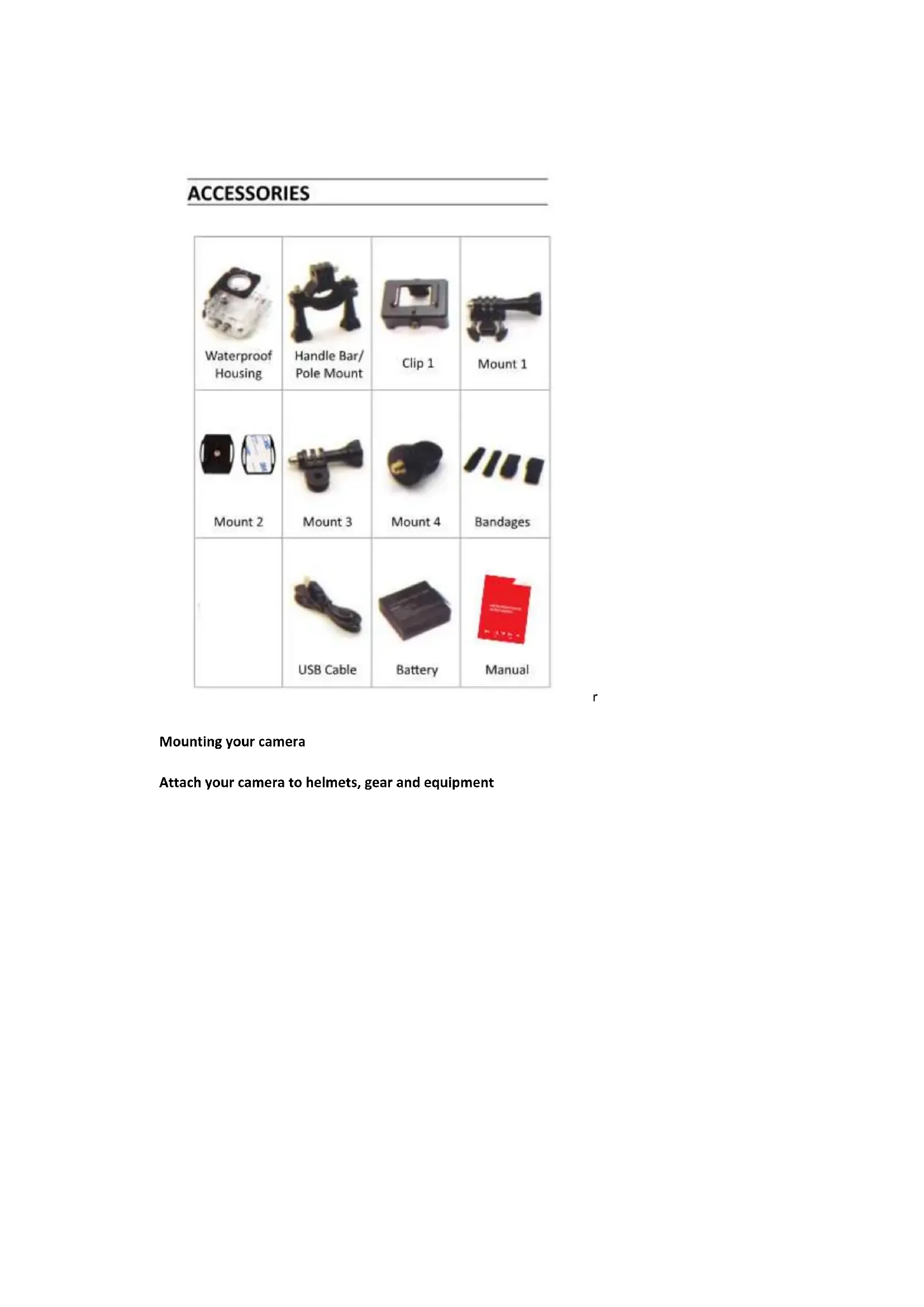
ACCESSORIES
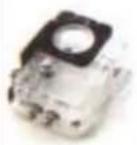 | 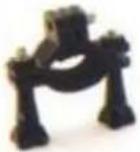 | 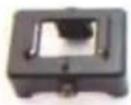 | 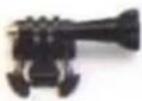 |
| Waterproof Housing | Handle Bar/Pole Mount | Clip 1 | Mount 1 |
  | 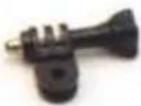 |  |  |
| Mount 2 | Mount 3 | Mount 4 | Bandages |
 |  |  | |
| USB Cable | Battery | Manual | |
ZUBEHÖR
Einleitung
1920 x 1080/1280 x 960/640 x 480/320 x 240
ACCESSORIES
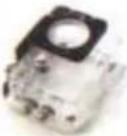 Waterproof Housing Waterproof Housing |  Handle Bar/Pole Mount Handle Bar/Pole Mount | 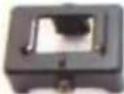 Clip 1 Clip 1 | 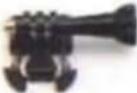 Mount 1 Mount 1 |
[WWAB] Mount 2 Mount 2 | 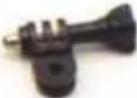 Mount 3 Mount 3 |  Mount 4 Mount 4 |  Bandages Bandages |
 USB Cable USB Cable |  Battery Battery |  Manual Manual |
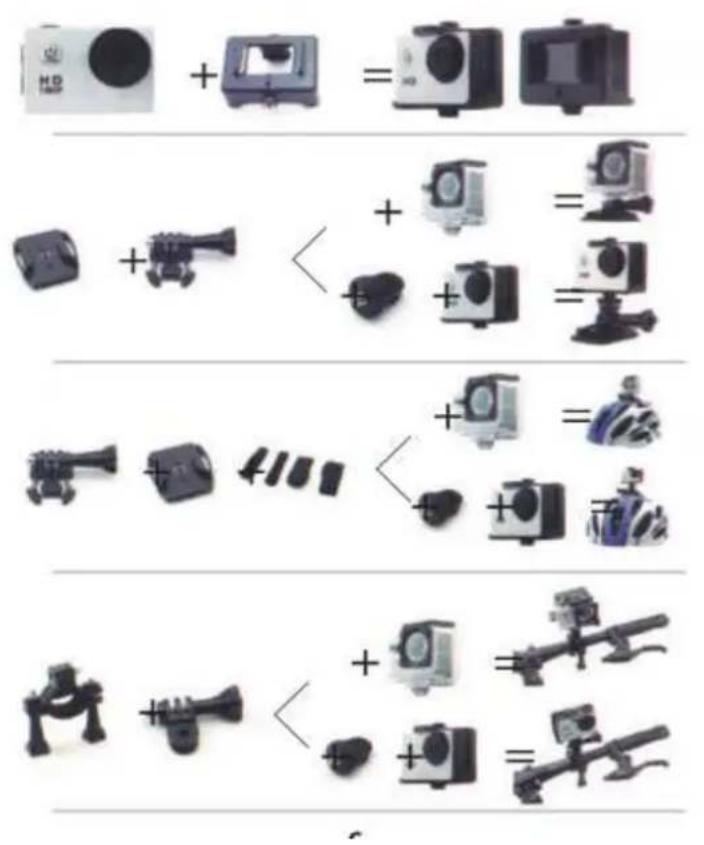
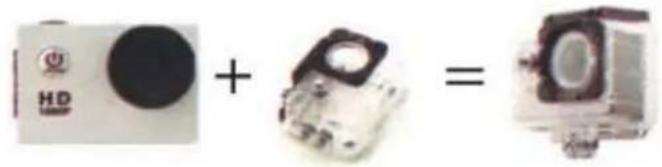
Mounting your camera
Attach your camera to helmets, gear and equipment
Introduction
Hello and congratulations on your new camera!
This user manual will help you learn the basics of recording images with this camera, enabling you to capture some of life's most incredible moments.
Getting Started
- Press switch/mode button to turn on the camera, hold 1-2 seconds to turn if off
- Press switch/mode button to switch between video recording/photo shooting/display back page
Video Setting
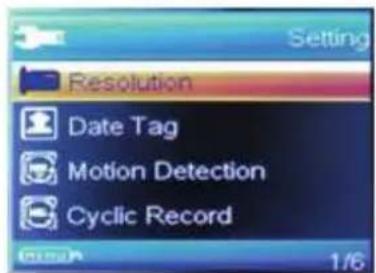
1920x1080/1280x960/640x480/x320x240
Date tag: off/on
Motion detection: OFF/ON
Cyclic Record: off/3 mins/5mins/10mins
Audio: off/on
EV:
Photo setting
Resolution: 12M/5M/3M/2M/1M
Fast view
OFF/2S/5S
Delay pictures:
OFF/2S/5S/10S
System Setting:
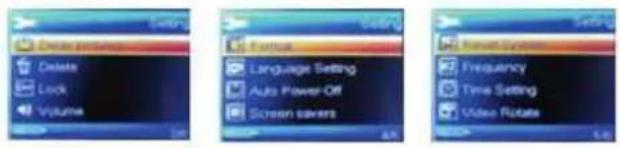
Delete
Lock
Volume: 0/1/2/3/4/5/6/7
Format
Language Setting: English/Simplified Chinese/
Traditional Chinese/Russian/Korean and so on.
Auto Power-off :OFF/1 min/3 mins
Screen savers: OFF/1min/3 mins/5mins
Reset System
Frequency: 50Hz/60Hz
Time Setting
Video Rotate: off/on
Version
r
r
Capturing video & photo
Press the mode button to select the video mode, press the OK button to start/stop recording.
Press the mode button to select the photo mode, press the OK button to start taking photos.
You also can change the video or the photo setting in the settings menu.
Storage/Micro SD cards
This camera is compatible with 8GB 16GB and 32GB capacity Micro SD, Micro SDHC and Micro SDXC memory card,
You must use a Micro SD card with class 10 speed rating. We recommend using brand name memory cards for maximum reliability in high-vibration activities.
Battery Life
If recording is on when the battery reaches 0%, the camera will save the file and power off.
Battery Charging
- Connect the camera to a computer or USB power supply.
- The charging status light remains on while the battery is charging.
- The charging status light will turn off when the battery is fully charged.
- Charging time : 4 hours
Declaration CE-Provisions
This device has been tested and complies with the limitations of a digital device according to the CE regulations. These limit values are intended to provide adequate protection against detrimental disturbances in domestic installations.
The Declaration of conformity is visible on our homepage.
| (N )R | |
| Select/Shutter 7utton 7outon de sélection/d'obturation | |
| Up 7utton 7outon haut | |
| +own/Shutter 7utton 7as/bouton d'obturation | |
| Latch Verrou | |
| Power/Mode 7utton 7outon alimentation/mode | |
ACCESSORIES
| 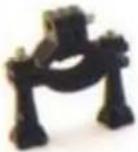 |  | 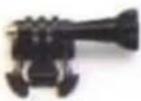 |
| Waterproof Housing | Handle Bar/Pole Mount | Clip 1 | Mount 1 |
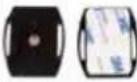 | 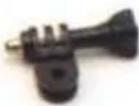 |  |  |
| Mount 2 | Mount 3 | Mount 4 | Bandages |
 |  |  | |
| USB Cable | Battery | Manual |
ACCESSOIRES
Introduction
1920x1080/1280x960/640x480/320x240
Balise de date : activer/désactiver
Stockage/carte micro SD
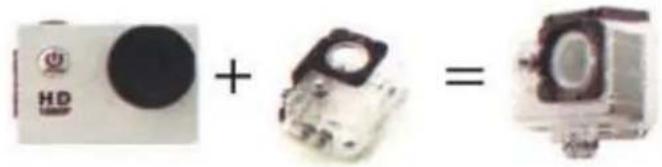
| | | |
| Waterproof Housing | Handle Bar/Pole Mount | Clip 1 | Mount 1 |
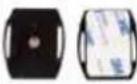 | | | |
| Mount 2 | Mount 3 | Mount 4 | Bandages |
| 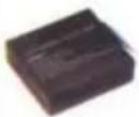 | | |
| USB Cable | Battery | Manual |
ACCESSORI
Introduzione
1920x1080/1280x960/640x480/x320x240
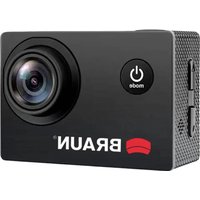
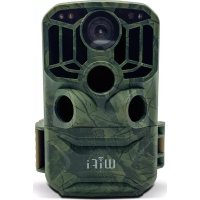
Brand : BRAUN
Model : Paxi Fun
Category : Sports camera