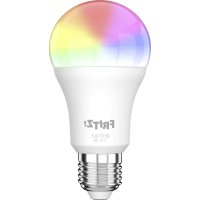
FRITZ!DECT 500 - Lamp AVM - Free user manual and instructions
Find the device manual for free FRITZ!DECT 500 AVM in PDF.


User questions about FRITZ!DECT 500 AVM
0 question about this device. Answer the ones you know or ask your own.
Ask a new question about this device
Download the instructions for your Lamp in PDF format for free! Find your manual FRITZ!DECT 500 - AVM and take your electronic device back in hand. On this page are published all the documents necessary for the use of your device. FRITZ!DECT 500 by AVM.
USER MANUAL FRITZ!DECT 500 AVM
- Lamp with E27 socket
- FRITZ!Box with DECT and FRITZ!OS 7.20 or higher (except FRITZ!Box 7560/7430).
Declaration of CE Conformity
The manufacturer Chacon declares herewith that the device SMLdu c9 E27* is compliant with the basic requirements and the relevant rules in directives 2014/53/EU, 2009/125/EC and 2011/65/EU.
The complete declaration of CE conformity is available in English and French at http://www.chacon.com/conformity
*distributed by AVM as the technically identical FRITZ!DECT 500
Security

FRITZ!DECT 500 can get hot during operation and must be handled with care.

FRITZ!DECT 500 is not intended for use with external dimmers.
- Only use FRITZ!DECT 500 indoors.
- Operate FRITZ!DECT 500 only on lamps with sufficient ventilation.
- Keep FRITZ!DECT 500 away from water. FRITZ!DECT 500 is not intended for operation in damp locations.
- Avoid looking directly into the light for more than a moment. FRITZ!DECT 500 has been tested in accordance with IEC/EN 62471 and categorized as risk group 1.
- Do not modify FRITZ!DECT 500. FRITZ!DECT 500 may not be opened, converted, modified or repaired except by a qualified technician.
- Children and persons with limited sensory abilities should be instructed on how to use FRITZ!DECT 500.
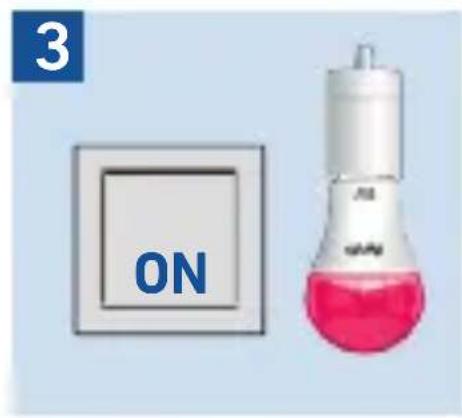
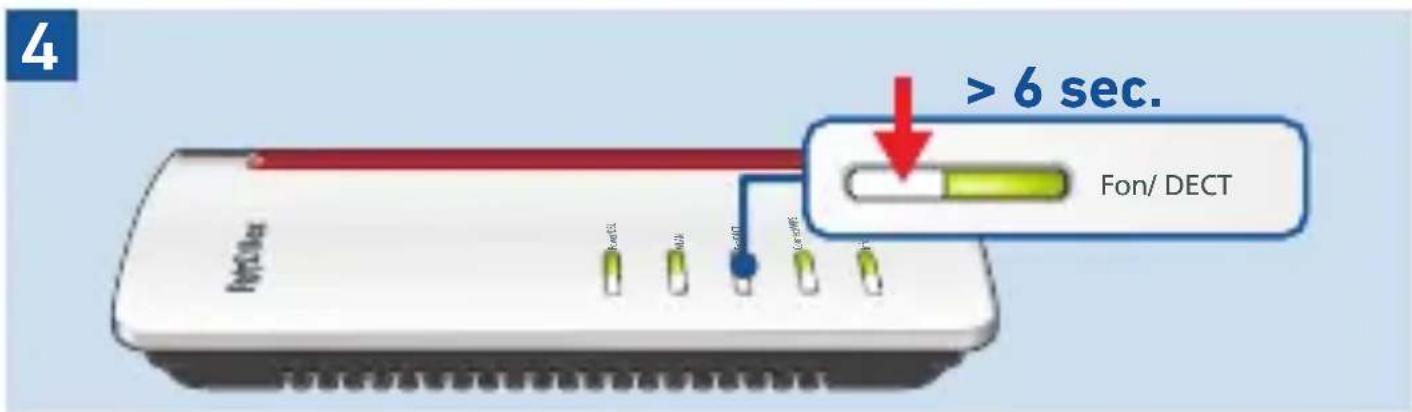
Log In
1

2
natural_image
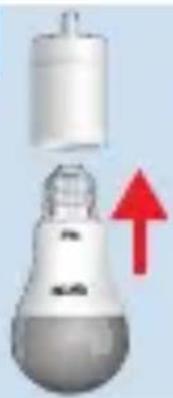
Illustration of a light bulb with a red upward arrow indicating growth (no text or symbols)
natural_image
Illustration of a white laboratory flask with a bulbous base and a small protrusion (no text or symbols)3

natural_image
Close-up of a laboratory flask with pink liquid and white cap (no visible text or symbols)4

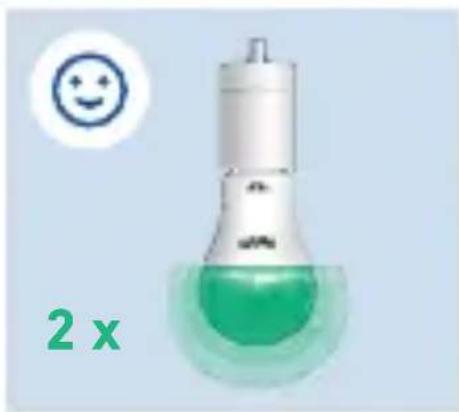
2x
natural_image
Illustration of a light bulb with green liquid inside, no text or symbols present
natural_image
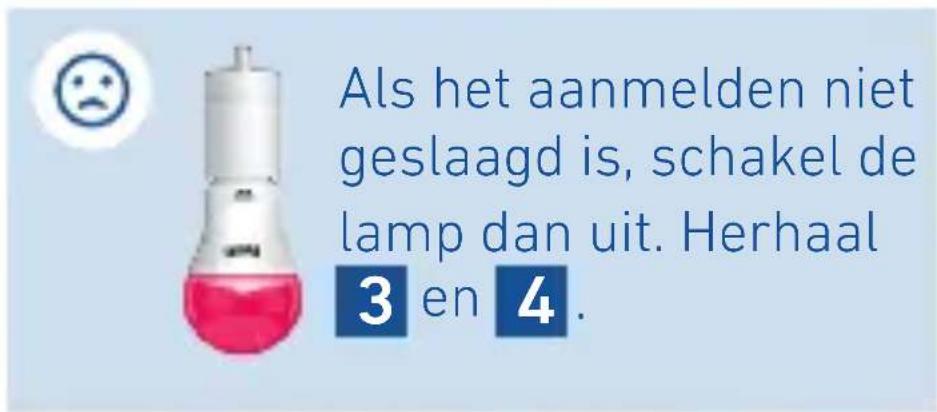
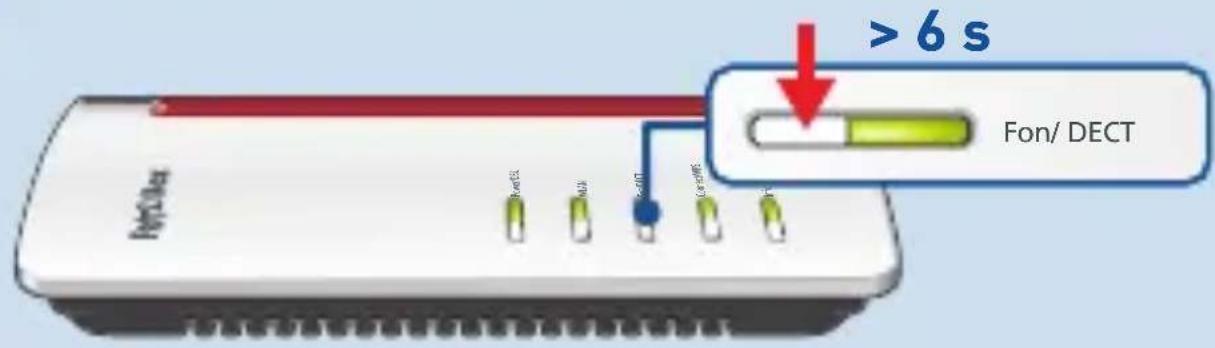
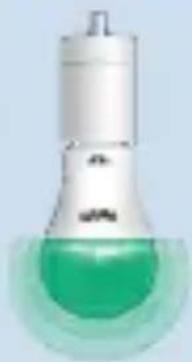
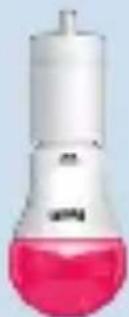
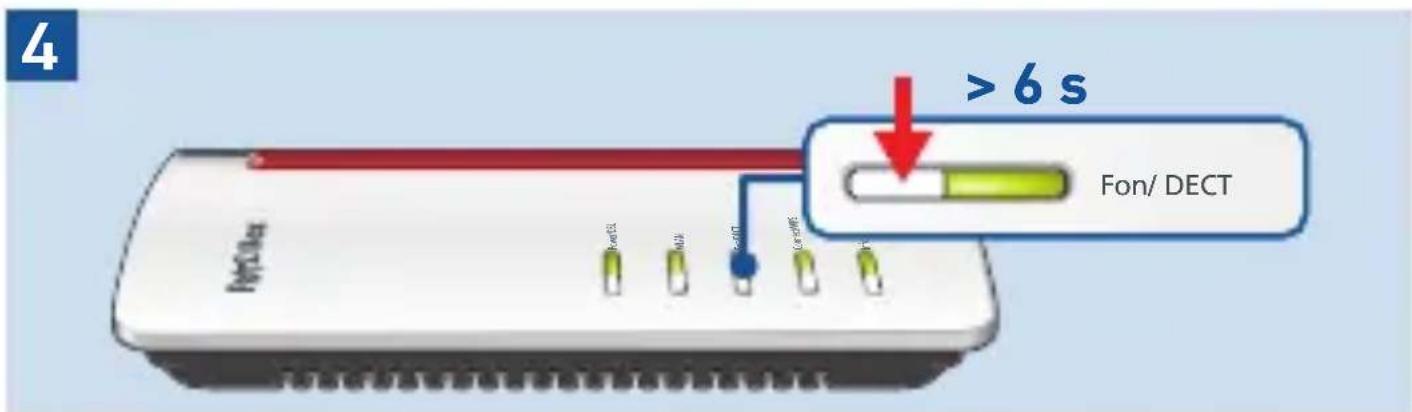
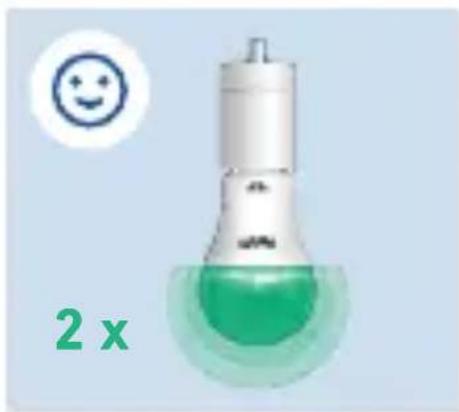
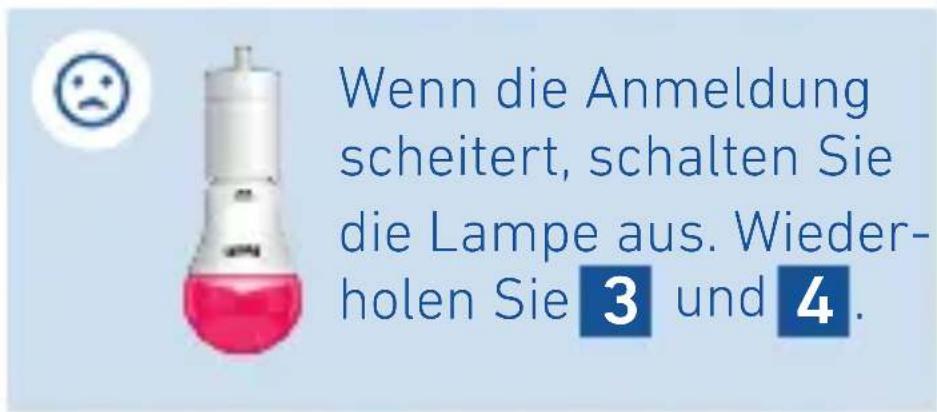
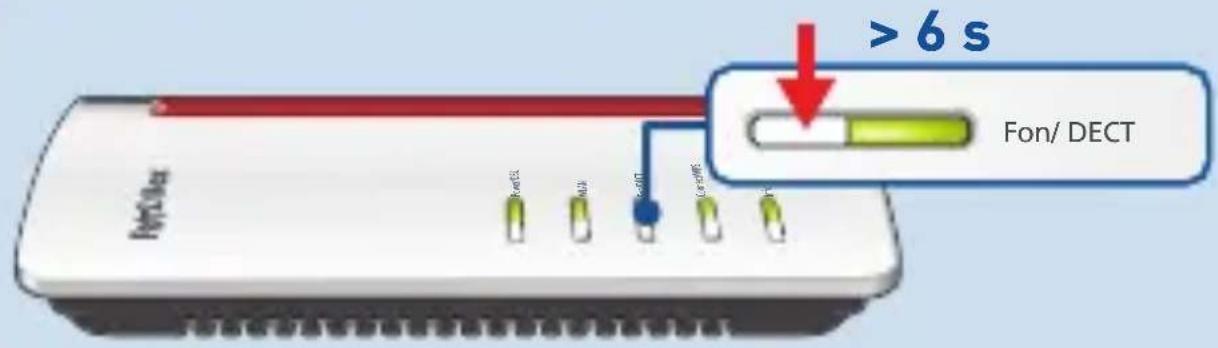
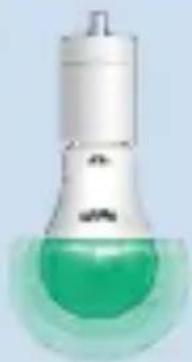
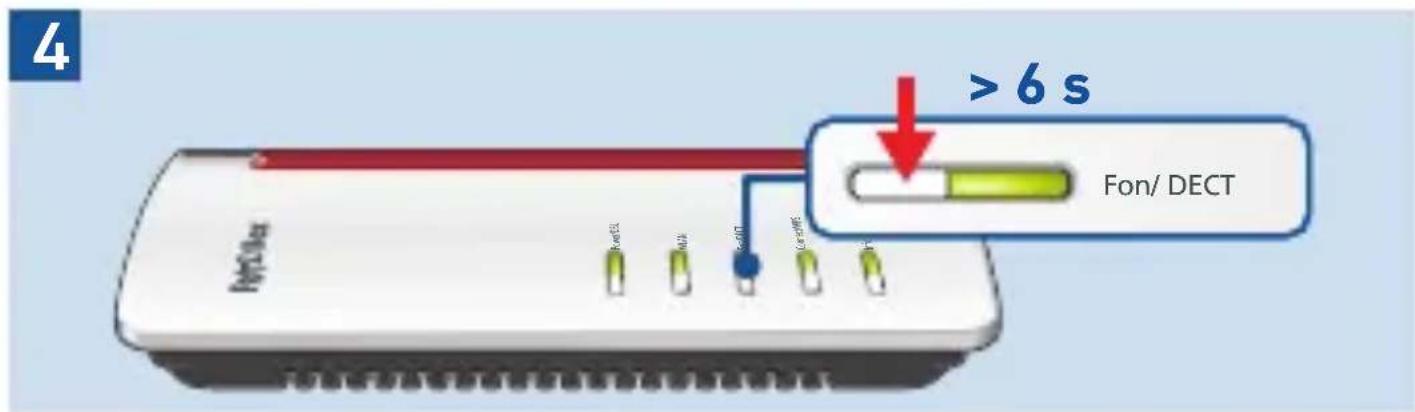
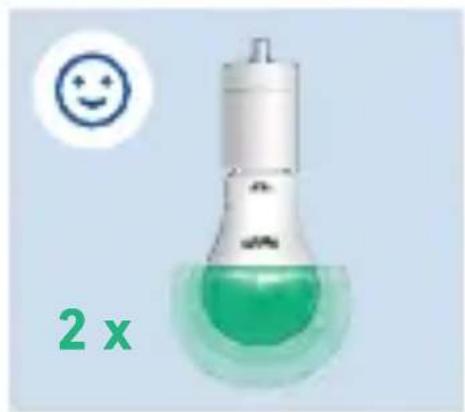
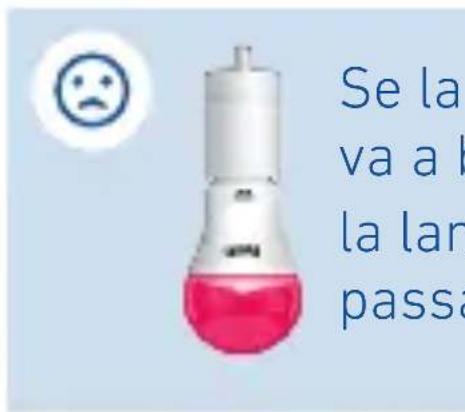
Illustration of a laboratory flask with pink liquid and white cap (no text or symbols)If login fails, switch the light off. Repeat and 4.
Configure
You can configure FRITZ!DECT 500 in the user interface of the FRITZ!Box.
- Open a web browser.
- Enter http://fritz.box in the address field.
- Open the Smart Home / Device Management menu.
- Click on behind your FRITZ!DECT 500.
- On the General Light Settings and Automatic Switching tabs you can configure FRITZ!DECT 500 and operate it directly as needed.
Operation
You can operate the FRITZ!DECT 500 with the FRITZ!DECT 440/400 switch, with a FRITZ!Box, with a FRITZ!Fon, or with the FRITZ!App Smart Home.
The FRITZ!App Smart Home can be downloaded for free:
Google Play (Android) App Store (iOS)


Factory Settings
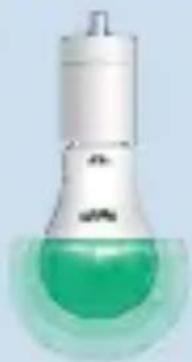
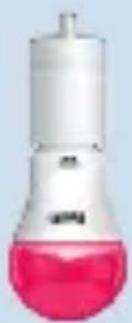
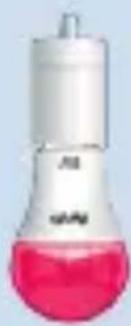
To remove FRITZ!DECT 500 from a FRITZ!Box permanently, restore the factory settings to FRITZ!DECT 500.
Repeat the following 2 steps 5 times with the light switch:
- Switch off the light off for 2 seconds.
- Switch the light on for 2 seconds.
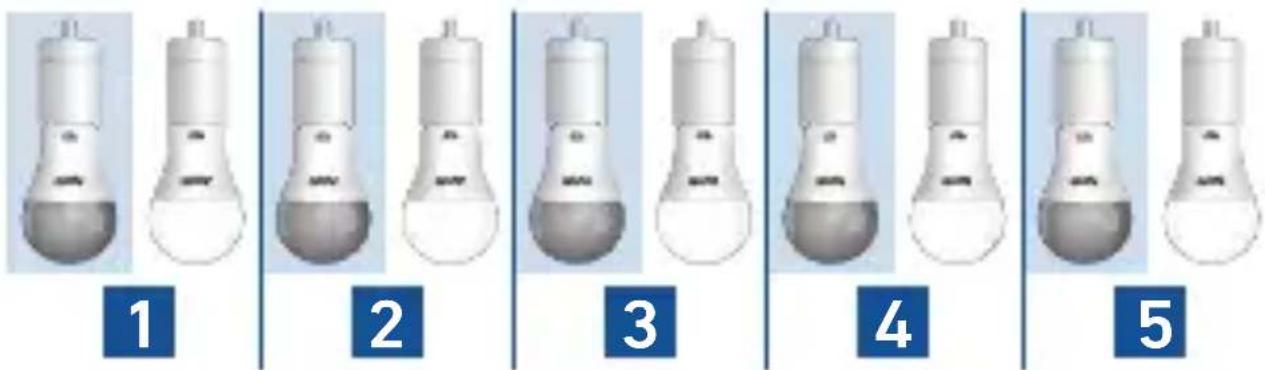
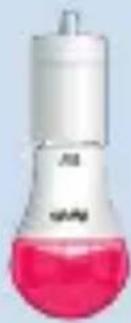
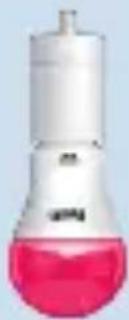
When the reset was successful, FRITZ!DECT 500 lights red.
Voraussetzungen
natural_image
Two white laboratory flasks with a red upward arrow indicating a change or transformation (no text or symbols present)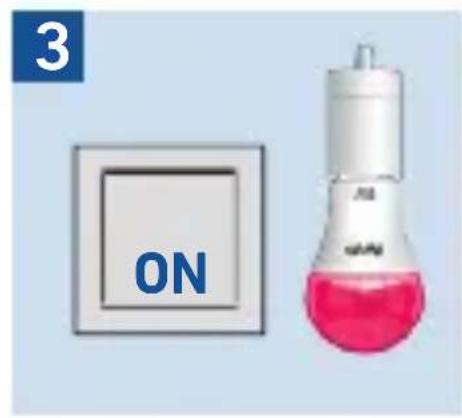

Werkseinstellungen
natural_image
Illustration of a light bulb with a red upward arrow indicating growth (no text or symbols)
natural_image
Illustration of a laboratory flask with a bulbous top and side outlet (no text or symbols)3

natural_image
Close-up of a laboratory flask with pink liquid and white cap (no visible text or symbols)4

2x
natural_image
Illustration of a light bulb with green liquid inside, no text or symbols present
natural_image
Illustration of a laboratory flask with pink liquid and white top (no text or symbols)
natural_image
Illustration of a light bulb with a red upward arrow indicating growth (no text or symbols)
natural_image
Simple illustration of a laboratory flask with a bulb (no text or symbols)3

natural_image
Close-up of a laboratory flask with pink liquid and white cap (no visible text or symbols)4

2x
natural_image
Illustration of a light bulb with green liquid inside, no text or symbols present
natural_image
Illustration of a laboratory flask with pink liquid and white cap (no text or symbols)
natural_image
Two white lightbulb-shaped objects with a red upward arrow indicating change or transformation (no text or symbols)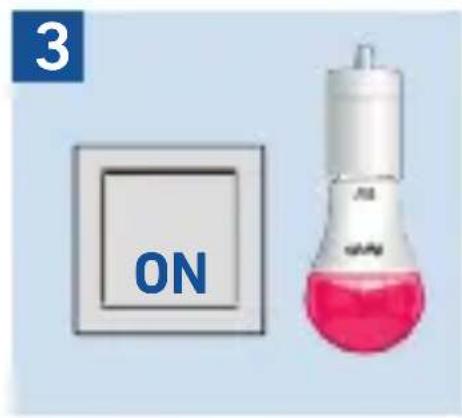

natural_image
Two white lightbulb-shaped objects with a red upward arrow indicating change or transformation (no text or symbols)