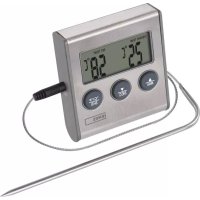
E2157 - Food thermometer Emos - Free user manual and instructions
Find the device manual for free E2157 Emos in PDF.



| Brand | Emos |
| Model | E2157 |
| Product type | Digital kitchen thermometer with corded probe |
| Temperature measurement range | -20 °C to +250 °C |
| Temperature resolution | 1 °C |
| Temperature units | °C / °F (selectable) |
| Probe length | 1.4 m |
| Timer function | Yes, up to 99 min 59 s |
| Stopwatch function | Yes |
| Temperature alarm | Yes, adjustable from -20 °C to +250 °C |
| Power supply | 1 AAA 1.5 V battery (not included) |
| Recommended battery type | Alkaline (do not use rechargeable batteries) |
| Mounting | Rear magnet and suspension hole |
| Approximate dimensions | 10 × 5 × 2 cm |
| Approximate weight | 60 g (with battery) |
| Care and cleaning | Soft cloth slightly damp; do not use solvents |
| Usage precautions | Do not immerse, do not expose to excessive heat or direct sunlight |
| Safety | Do not disassemble; do not use by unsupervised persons (children) |
| Warranty | Warranty void if internal opening |
| General information | Food thermometer with timer and stopwatch functions |
Frequently Asked Questions - E2157 Emos
User questions about E2157 Emos
0 question about this device. Answer the ones you know or ask your own.
Ask a new question about this device
Download the instructions for your Food thermometer in PDF format for free! Find your manual E2157 - Emos and take your electronic device back in hand. On this page are published all the documents necessary for the use of your device. E2157 by Emos.
USER MANUAL E2157 Emos
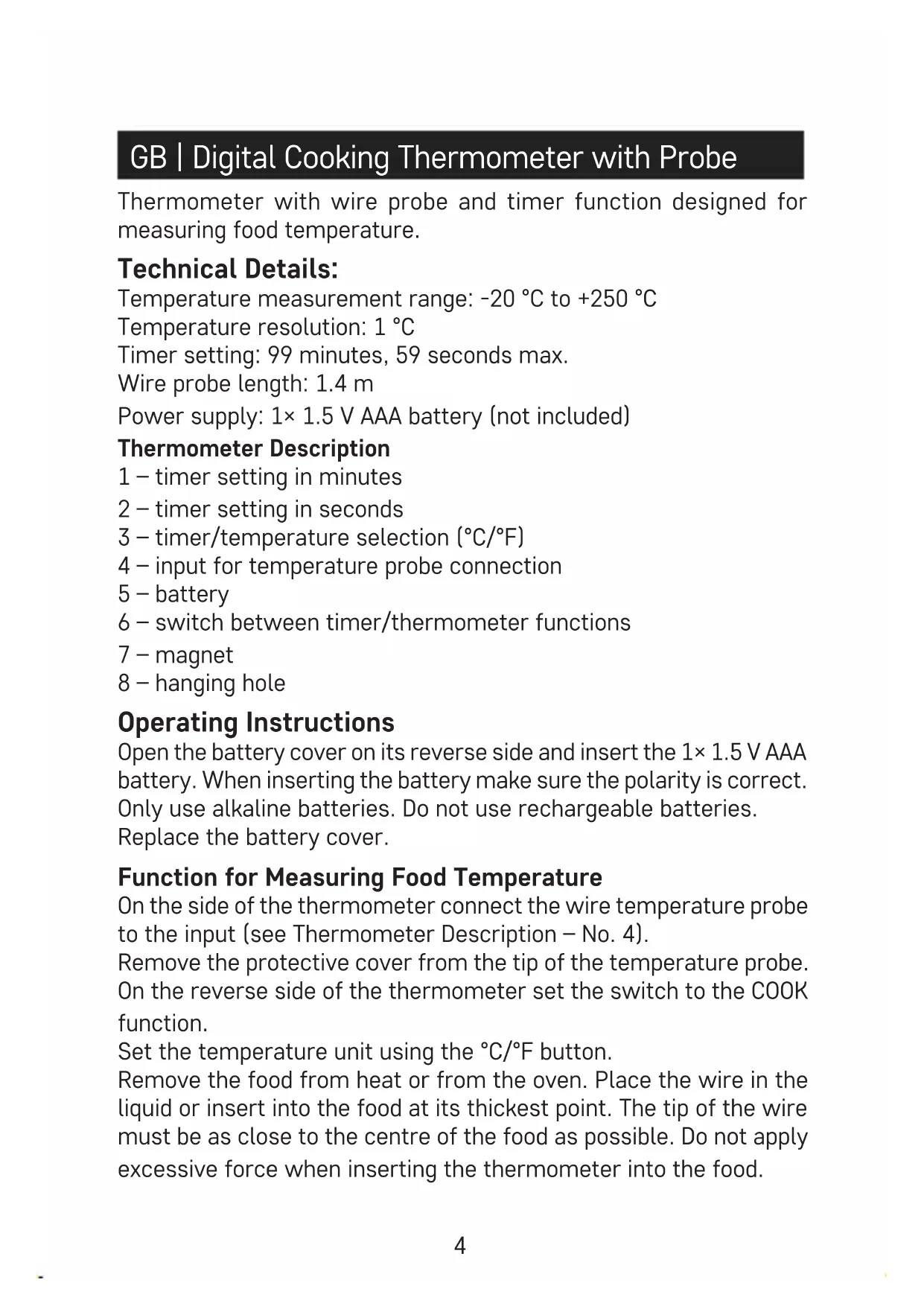
GB | Digital Cooking Thermometer with Probe
Thermometer with wire probe and timer function designed for measuring food temperature.
Technical Details:
Temperature measurement range: -20 °C to +250 °C
Temperature resolution: 1 °C
Timer setting: 99 minutes, 59 seconds max.
Wire probe length: 1.4 m
Power supply: 1× 1.5 V AAA battery (not included)
Thermometer Description
1 - timer setting in minutes
2 - timer setting in seconds
3 - timer/temperature selection (°C/°F)
4 – input for temperature probe connection
5 - battery
6 - switch between timer/thermometer functions
7 - magnet
8 - hanging hole
Operating Instructions
Open the battery cover on its reverse side and insert the 1× 1.5 V AAA battery. When inserting the battery make sure the polarity is correct.
Only use alkaline batteries. Do not use rechargeable batteries.
Replace the battery cover.
Function for Measuring Food Temperature
On the side of the thermometer connect the wire temperature probe to the input (see Thermometer Description – No. 4).
Remove the protective cover from the tip of the temperature probe. On the reverse side of the thermometer set the switch to the COOK function.
Set the temperature unit using the irc C/ irc F button.
Remove the food from heat or from the oven. Place the wire in the liquid or insert into the food at its thickest point. The tip of the wire must be as close to the centre of the food as possible. Do not apply excessive force when inserting the thermometer into the food.
Wait a few seconds until the rising or falling temperature on the LCD display stops.
The measured temperature will be displayed on the left of the screen in the THERMO TEMP box.
Temperature Alarm
The thermometer allows the temperature alarm to be set at the desired temperature.
Set the desired temperature of the food (-20 °C to +250 °C, resolution 1 °C) using the setting “Food Temperature Measurement Function”.
The set temperature will be displayed on the right of the screen in the SET TEMP box.
When the temperature of the food reaches the desired temperature, the thermometer will start beeping and the bell icon will be displayed.
To stop the beeping, disconnect the probe or switch to the TIMER function.
Do not leave the temperature probe in the food while cooking or baking. Remove immediately after measuring.
Timer Function
On the reverse side of the thermometer set the switch to the TIMER function.
- Press the MIN/SEC buttons repeatedly to set the desired time. Hold the MIN/SEC buttons to accelerate the setting. The maximum set duration is 99 minutes 59 seconds.
- Start the timer by pressing the S/S button.
- Once the timer ends, a sound alert is activated which lasts for 60 seconds.
- To stop the sound alert, press the S/S button.
How to Interrupt or Reset the Timer Before the Set Time Expires
To temporarily stop the set timer during operation, press the S/S button and again to restart.
To reset the set timer, press both the MIN and SEC buttons at the same time.
Last Set Value Memory
The timer has a memory function on the display indicating the last value that was set.
Start it anytime by pressing the S/S button.
To reset the set data, press both the MIN and SEC buttons at the same time before setting the new data on the timer.
Stopwatch
The thermometer can be used as a stopwatch.
When the display is set to 00:00, press the S/S button.
Press the S/S button to stop counting.
The maximum set duration is 99 minutes and 59 seconds.
To reset the display, press both the MIN and SEC buttons at the same time.
Placement
The thermometer is equipped with a magnet on its reverse side for securing it to vertical metal surfaces.
Maintenance
- Read the instructions before setting the thermometer.
- Do not shake or expose the thermometer to excessive force, dust, temperature or humidity. Doing so can cause the thermometer to malfunction, reduce the lifespan of the device and damage the battery and its component parts.
- Do not tamper with the internal wiring of the thermometer – this can lead to damage and termination of the warranty period.
- Do not expose the thermometer to direct sunlight or immerse it in water.
- Do not use cleaning products or solvents to clean the thermometer, since this may lead to plastic parts being scratched or the disruption of electrical circuits. Use a slightly damp cloth for cleaning.
- Do not disassemble the battery or expose it to fire. Return used batteries to a designated site for collection of such waste or to the store in which it was purchased.
This device is not intended for use by persons (including children) whose physical, sensory or mental disability or whose lack of experience or knowledge prevents them from using it safely. Such persons should be instructed as to how to use the device and supervised by a person responsible for their safety. Children must always be supervised and must never play with the device.
A declaration of conformity has been issued for this product.

- GB | Digital Cooking Thermometer with Probe
- Technical Details:
- Thermometer Description
- Operating Instructions
- Function for Measuring Food Temperature
- Temperature Alarm
- Timer Function
- How to Interrupt or Reset the Timer Before the Set Time Expires
- Last Set Value Memory
- Stopwatch
- Placement
- Maintenance
Brand : Emos
Model : E2157
Category : Food thermometer