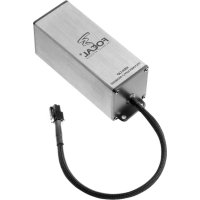
HIGHCAP - Audio Amplifier FOCAL - Free user manual and instructions
Find the device manual for free HIGHCAP FOCAL in PDF.


| Product Type | External power module for amplifier |
| Brand | Focal |
| Model | HIGHCAP |
| Use | Improves smoothing of the amplifier's high-voltage power supply |
| Audio benefits | High musical performance, consistent performance, extreme fidelity |
| Sale | Sold separately |
| Dimensions (approx.) | 100 x 80 x 30 mm |
| Weight (approx.) | 0.5 kg |
| Power supply | Via the amplifier's power supply (terminal block) |
| Operating voltage | 12 V DC (automotive system) |
| Connection | Terminal block: power, ground, remote |
| Installation | Professional recommended |
| Safety | Follow the procedure: turn off ignition, disconnect battery, wait 30 s |
| Caution | Risk of electric arc if mishandled |
| Maintenance | Clean with a dry, soft cloth |
| Warranty | Valid 10 days after purchase if coupon is returned |
| Country of manufacture | France |
| Customer service | Focal-JMlab, 04 77 43 57 00 |
Frequently Asked Questions - HIGHCAP FOCAL
User questions about HIGHCAP FOCAL
0 question about this device. Answer the ones you know or ask your own.
Ask a new question about this device
Download the instructions for your Audio Amplifier in PDF format for free! Find your manual HIGHCAP - FOCAL and take your electronic device back in hand. On this page are published all the documents necessary for the use of your device. HIGHCAP by FOCAL.
USER MANUAL HIGHCAP FOCAL
We thank you for choosing Focal amplifiers for your Car Audio system and for sharing our philosophy: "the Spirit of Sound". In order to obtain the best results, we highly recommend you have your new amplifier installed by your local Focal distributor.
The Focal Guarantee only applies if the last page is returned to us within 10 Days of purchase.

WARNING
This symbol denotes important instructions. Non respect of these instructions may lead to serious injuries and even fatal injuries.

CAUTION
This symbol denotes important instructions. Non respect of these instructions may lead to injury or material damage.
CE
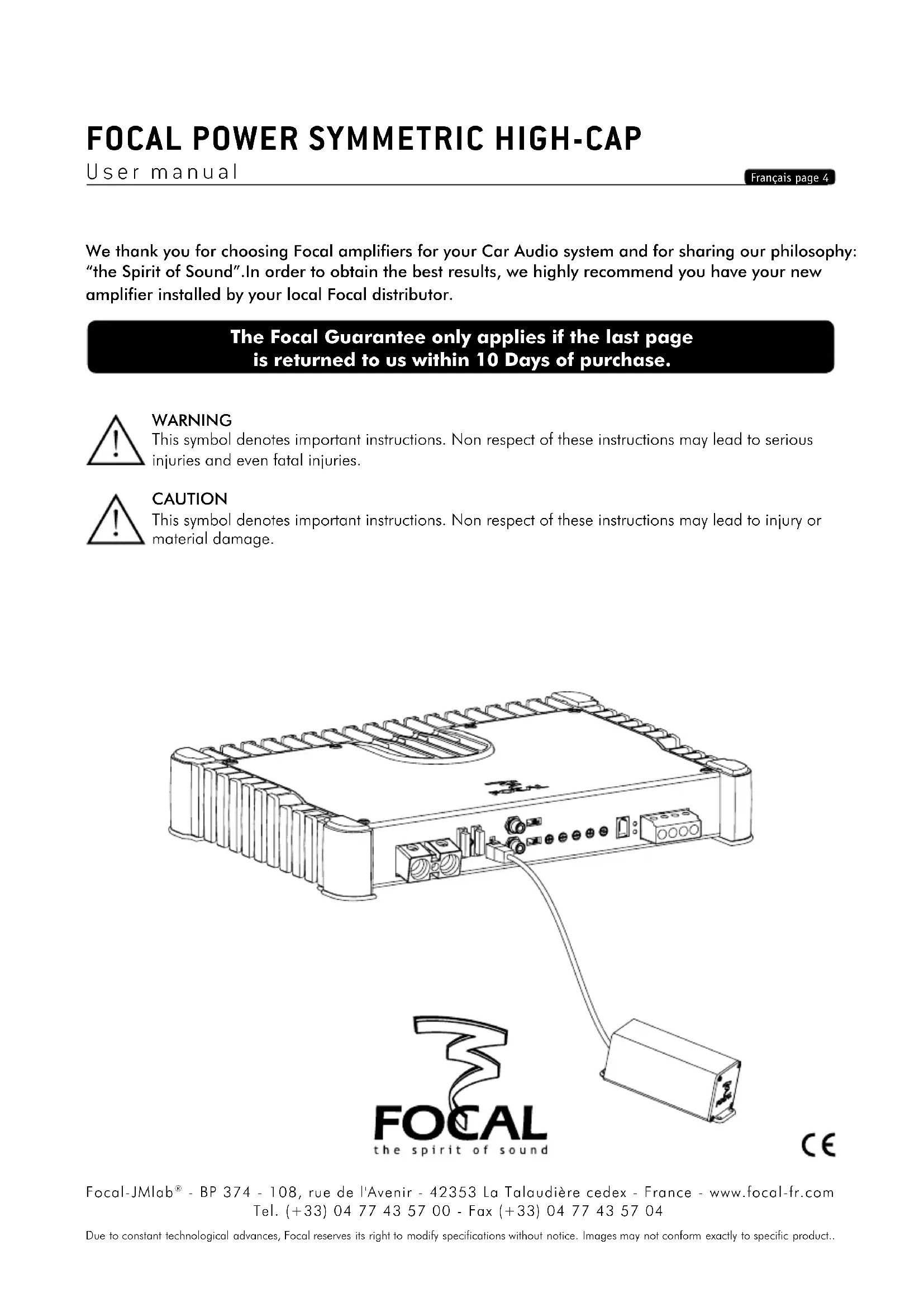
The High-Cap is an external power supply module. Once connected to the amplifier, it increases regulation capacitance of rail's power supply. It brings high music performance, a very high performance maintaining and an extremely high-fidelity of the audio signal. The High-Cap module is sold separately.

WARNING
For your safety and in order not to damage the equipment, you MUST follow the steps below.

CAUTION
In the event of a wrong handling, an electric arc may occur.
4 - HIGH-CAP connection
4.1 - Turn off the car radio in order to shut down all the elements. Switch off the engine of your vehicle and remove the key.
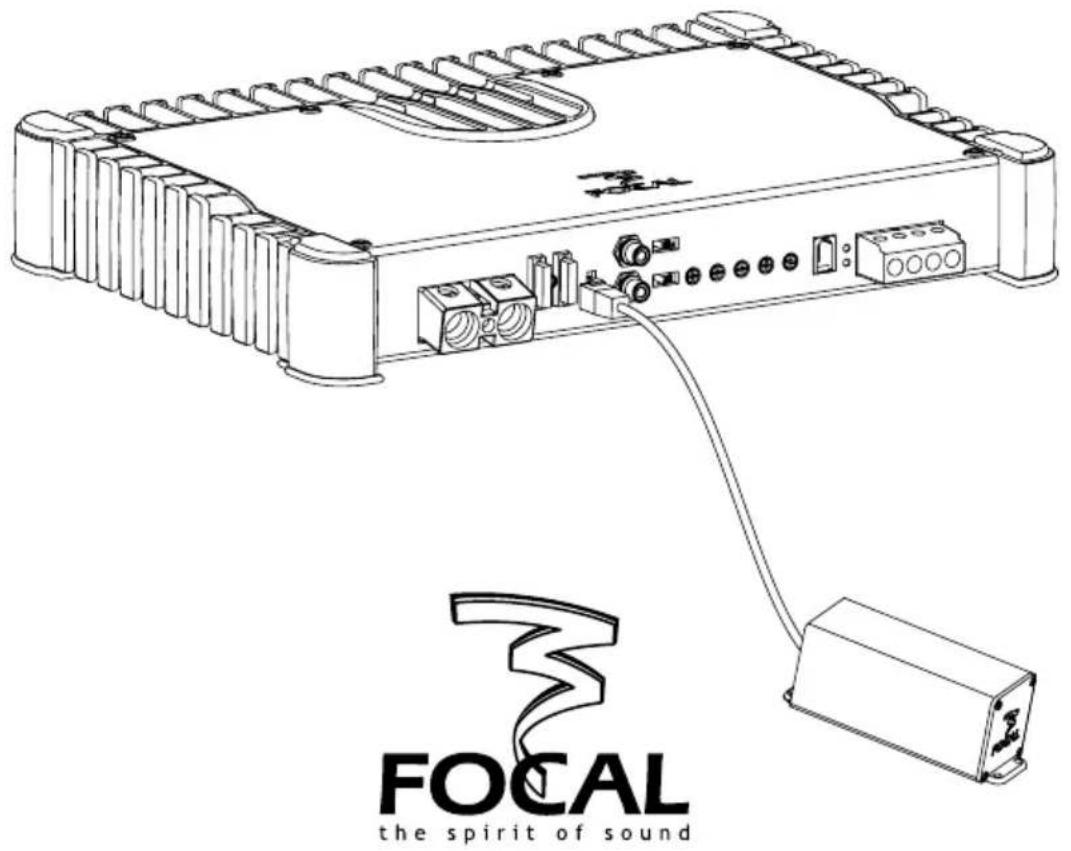
4.2 - Unplug the negative cable of the battery before starting the installation (pic.1).
4.3 - Remove the fuse of the amplifier power cable being careful not to make the cable touch the main body.
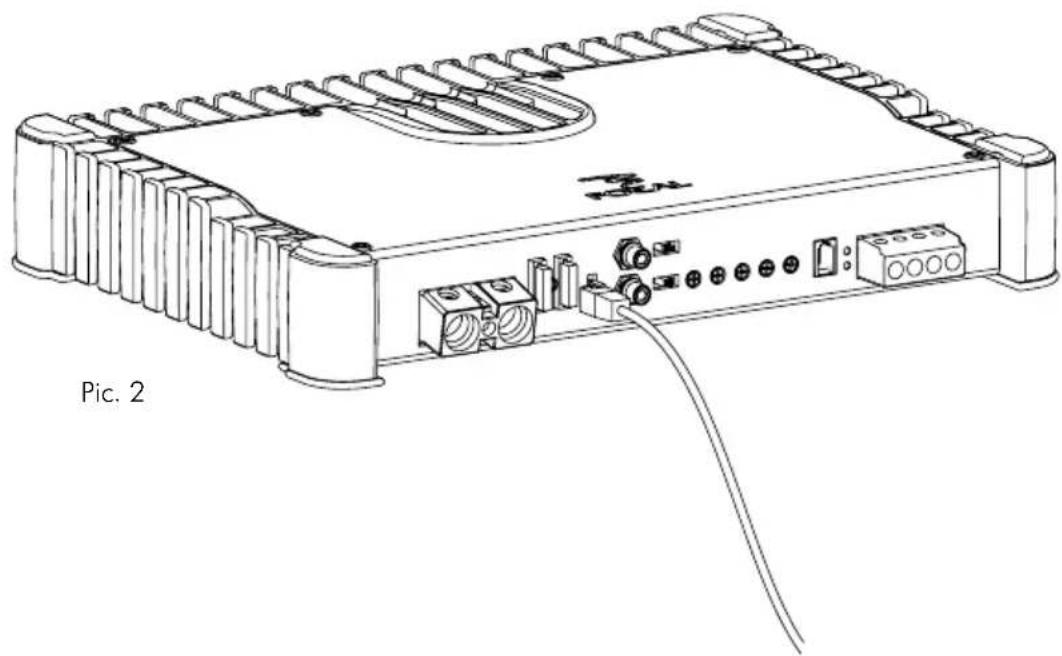
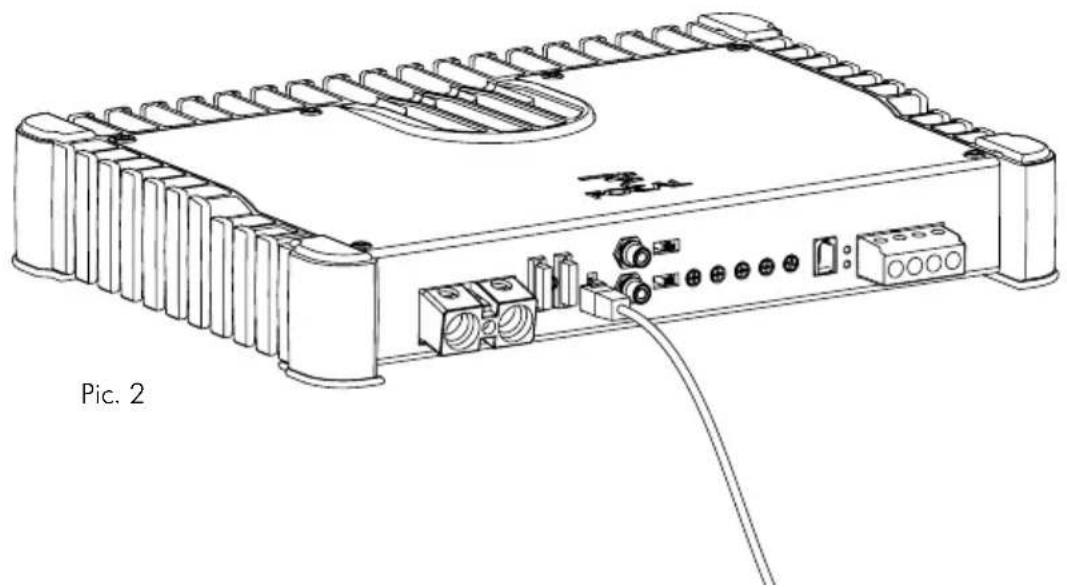
4.4 - Unplug the power cable, the ground cable and the remote cable from the amplifier (pic.2).
4.5 - Wait 30 seconds and then connect the HIGH-CAP(s).
4.6 - Plug the power cable, the ground cable and the remote cable to the amplifier through the adapted terminals.
4.7 - Plug the negative cable of the battery.

CAUTION: A small electric arc may occur.
4.8 - Insert the fuse into the fuse-holder(s), and screw in tightly.
4.9 - Turn on the different elements. Once all the elements are on, carry out a test at low volume.
5 - Unplug the HIGH-CAP
5.1 - Turn off the car radio in order to shut down all the elements. Switch off the engine of your vehicle and remove the key.
5.2 - Unplug the negative cable of the battery before starting the handling (pic.1).
5.3 - Remove the fuse of the amplifier power cable being careful not to make the cable touch the main body.
5.4 - Unplug the power cable, the ground cable and the remote cable from the amplifier.
5.5 - Wait 30 seconds and then unplug the HIGH-CAP(s) (pic.2).
5.6 - Plug the power cable, the ground cable and the remote cable to the amplifier through the adapted terminals.
5.7 - Plug the negative cable of the battery.

CAUTION: A small electric arc may occur.
5.8 - Insert the fuse into the fuse-holder(s), and screw in tightly.
5.9 - Turn on the different elements. Once all the elements are on, carry out a test at low volume.
For the validation of the Focal guarantee, send back this sheet within 10 days to the following address:
Your name: ____ Your age: ____ Your job: ____
Your full address:
Your e-mail address:
Your hobbies:
At home, do you own Hi-Fi loudspeakers? □ - Yes - Nφ
If yes, specify the brand:
Do you read the press? □ - Yes - No
If yes, which magazine(s)?
Your audio/video equipment (brands and models) before the acquisition of Focal products:
CD player/tuner: Multimedia player:
Navigation system: ____ Amplifier: ____
Speakers: ____ Enclosure/subwoofer: ____
Other elements:
Your choice for the purchase of this Focal model was made according to:
□ - Dealer's advice - Friend's or family's advice □
□ - Visiting an exhibition/a show - Quality-price ratio □
□ - Sound quality/listening room - Already own Focal products
□ - Reliability/manufacturing quality - Catalogues □
□ - Design/Finish - French product
□- Article in the press (if yes, specify the title of the magazine) □- Other : ____.
Your Focal product:
Model: Serial number: ____ ____
Dealer's name: City: ____ ____
Date of your purchase: Price of your purchase:
Did you leave the product installation to your dealer's care? □ - Yes - No
If not, why?
This information is necessary to our company to deal with your request. It is registered in our customer file and can give you the right to have access to and correct the information that concerns you through our customer service (+33 477 435 700).
If you do not wish to have your data used by our partners on commercial purpose, tick this box. □ If you do not wish to receive commercial propositions from our partners by e-mail, please tick this box. □
You may receive commercial offers from our company for products similar to those you have bought. If you do not wish to, tick that box.
The information given on this page will remain confidential.



Brand : FOCAL
Model : HIGHCAP
Category : Audio Amplifier