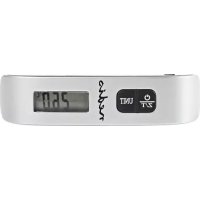
SCLU110GY - Electronic luggage scale NEDIS - Free user manual and instructions
Find the device manual for free SCLU110GY NEDIS in PDF.



| Product type | Electronic luggage scale |
| Brand | Nedis |
| Model | SCLU110GY |
| Display | LCD display 11.3 mm (0.44") |
| Maximum capacity | 50 kg / 110 lb |
| Accuracy | 50 g / 0.1 lb |
| Power supply | 1x lithium battery CR2032 (3 V) |
| Tare function | Yes |
| Low battery indicator | Yes, displays 'Lo' |
| Overload indicator | Yes |
| Ambient temperature display | Yes (°C / °F) |
| Measurement units | kg / lb (switchable) |
| Auto-off | After 2 minutes (stable weight) or 1 minute (inactivity) |
| Braided strap included | Yes |
| Hook | Triangular ring |
| Maintenance and cleaning | Slightly damp cloth; do not immerse |
| Safety | Do not use near strong magnetic fields; keep out of reach of children |
| Warranty | No warranty in case of modification or incorrect use |
| Environmental guidelines | Do not dispose of with household waste (WEEE) |
Frequently Asked Questions - SCLU110GY NEDIS
User questions about SCLU110GY NEDIS
0 question about this device. Answer the ones you know or ask your own.
Ask a new question about this device
Download the instructions for your Electronic luggage scale in PDF format for free! Find your manual SCLU110GY - NEDIS and take your electronic device back in hand. On this page are published all the documents necessary for the use of your device. SCLU110GY by NEDIS.
USER MANUAL SCLU110GY NEDIS
natural_image
Digital Labeled balance scale with a black strap and digital display showing 0.00 mm (no text or symbols on the scale itself)MANUAL (p. 2)
Electronic luggage scale
MODE D'EMPLOI (p. 9)
MANUAL DE USO (p. 21)
①2/11 : Switch on/off (press for 2 seconds to switch the device off)
UNIT: Switch between weight and temperature measurements
Weighing
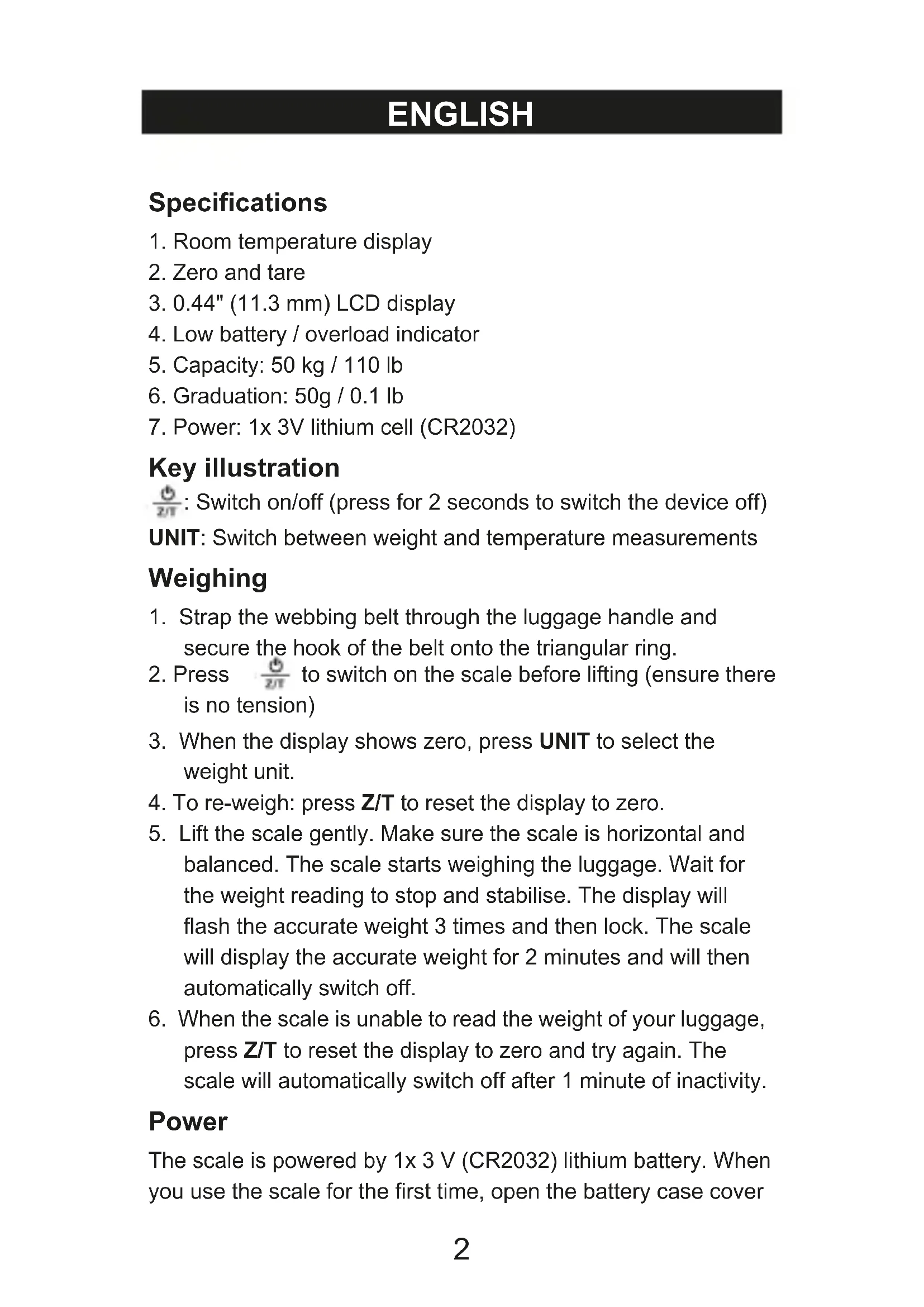
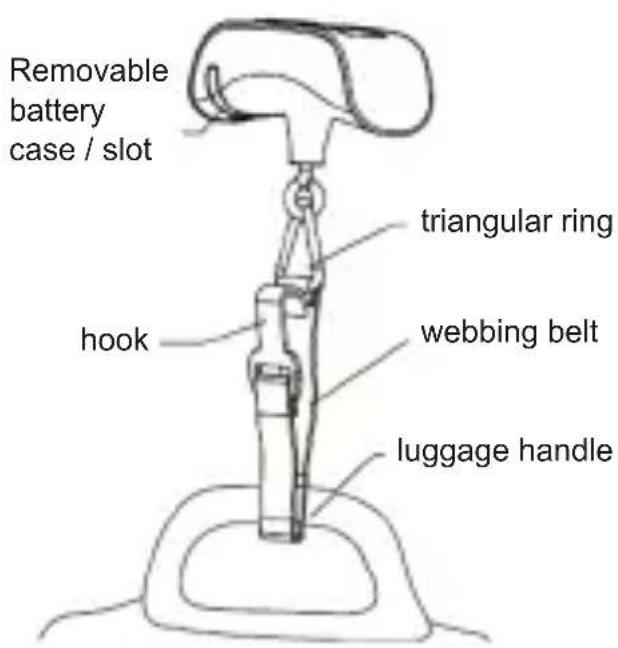
- Strap the webbing belt through the luggage handle and secure the hook of the belt onto the triangular ring.
- Press 52 to switch on the scale before lifting (ensure there is no tension)
- When the display shows zero, press UNIT to select the weight unit.
- To re-weigh: press Z/T to reset the display to zero.
- Lift the scale gently. Make sure the scale is horizontal and balanced. The scale starts weighing the luggage. Wait for the weight reading to stop and stabilise. The display will flash the accurate weight 3 times and then lock. The scale will display the accurate weight for 2 minutes and will then automatically switch off.
- When the scale is unable to read the weight of your luggage, press Z/T to reset the display to zero and try again. The scale will automatically switch off after 1 minute of inactivity.
Power
The scale is powered by 1x 3 V (CR2032) lithium battery. When you use the scale for the first time, open the battery case cover
on the right end of the scale and remove the battery isolation sheet before use.
How to Replace the Battery
LCD will display "Lo" when the battery power is low. Replace the battery as follows:
- Hold the scale in one hand. Use the thumb and index finger of your other hand to pull out the battery case from the slot.
- Push corner A outwards to release the used battery.
- To insert a new battery, slide one side of the battery beneath the retainer notches B & C. Press against the other side of the battery until it clips underneath corner A. Make sure the battery is inserted according to the polarity instructions.
- Insert the battery case back into the slot on the scale.

Room temperature
- Press to switch on the device. Wait until the display shows zero. Press UNIT to view temperature (in Celsius and Fahrenheit). Press UNIT again to revert to the normal weighing mode.
- When converting to temperature display mode the display will show: “----”. This means that the scale is testing the
temperature and will display the temperature reading in 2 seconds.
Care and maintenance:
- Wipe the scale with a slightly damp cloth. DO NOT immerse the scale in water or use chemical/abrasive cleaning agents.
- DO NOT stress the triangular ring for a long time. During travel, keep the scale away from objects with sharp ends (such as toys, stationery etc.), in case the scale is switched on frequently and consuming battery power.
- To make sure the scale is accurate, DO NOT use this scale in a strong magnetic field.
- Keep the scale away from babies and children to avoid the danger of swallowing the batteries and small parts.
Safety precautions:

To reduce risk of electric shock, this product should ONLY be opened by an authorised technician when service is required.
Disconnect the product from mains and other equipment if a problem should occur. Do not expose the product to water or moisture.
Maintenance:
Clean only with a dry cloth. Do not use cleaning solvents or abrasives.
Warranty:
No guarantee or liability can be accepted for any changes and modifications of the product or damage caused due to incorrect use of this product.
General:
- Designs and specifications are subject to change without notice.
- All logos, brands or brand logos and product names are trademarks or registered trademarks of their respective holders and are hereby recognised as such.
- This manual was produced with care. However, no rights can be derived. NEDIS can not accept liability for any errors in this manual or their consequences.
- Keep this manual and packaging for future reference.
Attention:

This product is marked with this symbol. It means that used electrical and electronic products should not be mixed with general household waste. There is a separate collections system for these products.
DEUTSCH
Spezifikationen
Batteriholder
Romtemperatur
Brand : NEDIS
Model : SCLU110GY
Category : Electronic luggage scale