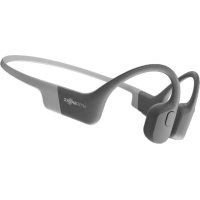
Aeropex - Earphones SHOKZ - Free user manual and instructions
Find the device manual for free Aeropex SHOKZ in PDF.


| Product Type | Bone Conduction Headphone |
| Model | AS800 |
| Weight | 26 g |
| Bluetooth Version | Bluetooth® v5.0 |
| Wireless Range | 10 m (33 ft) |
| Compatible Profiles | A2DP, AVRCP, HSP, HFP |
| Frequency Response | 20 Hz - 20 kHz |
| Sensitivity | 105 ± 3 dB |
| Microphone | -38 dB ± 3 dB |
| Speaker Impedance | Not specified |
| Battery Type | Rechargeable Lithium-ion |
| Battery Capacity | 145 mAh |
| Charging Time | 2 hours |
| Playback Time | 8 hours |
| Standby Time | 10 days |
| Protection Rating | IP67 (dust and water resistant) |
| Main Functions | Music play/pause, calls, volume control, equalizer, multipoint, redial, voice assistant |
| Power Supply | 5 V ± 5% via magnetic clip |
| Care and Cleaning | Wipe charging port after use; clean with a soft, dry cloth |
| Safety | Do not charge if charging port is wet; liquid detection |
| Included Accessories | Charging clip, USB cable, ear tips |
| Warranty | 2 years |
| Operating Frequency | 2402 - 2480 MHz |
Frequently Asked Questions - Aeropex SHOKZ
User questions about Aeropex SHOKZ
0 question about this device. Answer the ones you know or ask your own.
Ask a new question about this device
Download the instructions for your Earphones in PDF format for free! Find your manual Aeropex - SHOKZ and take your electronic device back in hand. On this page are published all the documents necessary for the use of your device. Aeropex by SHOKZ.
USER MANUAL Aeropex SHOKZ
How to Set Up Aeropex
1. Charge
Charge the headphones with the included magnetic charging cable. The LED indicator will turn from red to blue when charging is complete.
2. Pair
06
Start with your headphones powered off. Enter pairing mode by pressing and holding volume+ until Audrey says "pairing" and the LED indicator flashes red and blue.
3. Connect
Open your device's Bluetooth® menu and select "Aeropex by AfterShokz." Audrey says "connected" and the LED indicator will flash blue one time.
Let us take care of you! We've got your back against defects.
Register your Aeropex at
register aftershokz.com
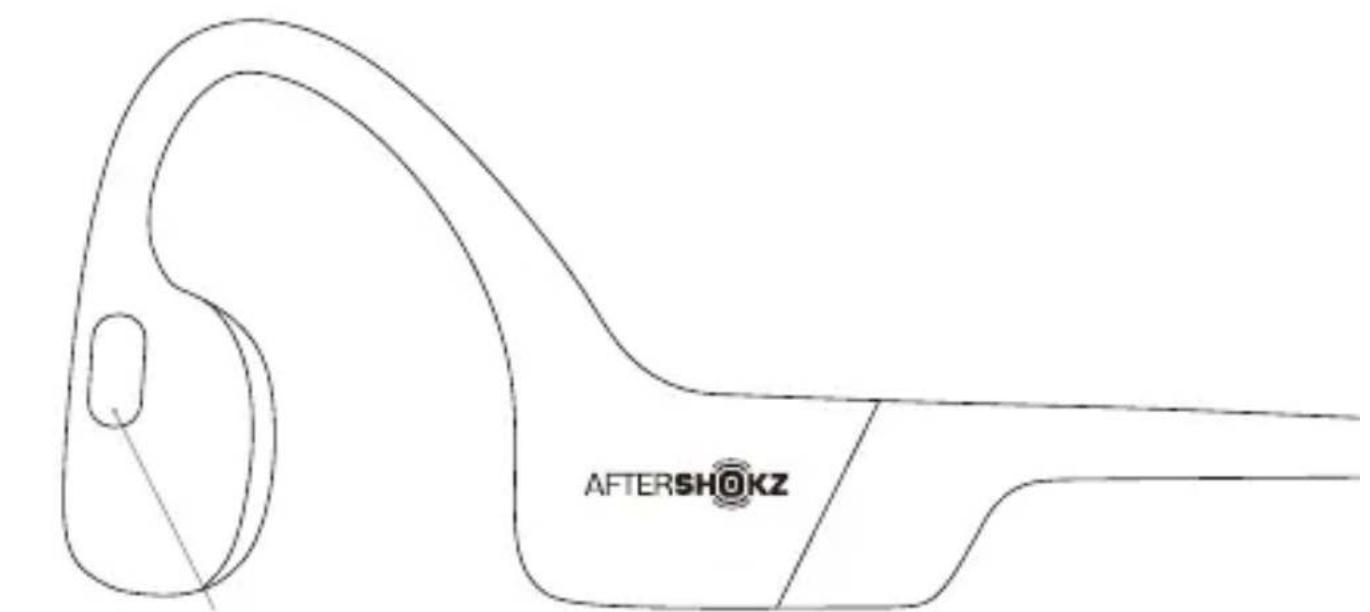
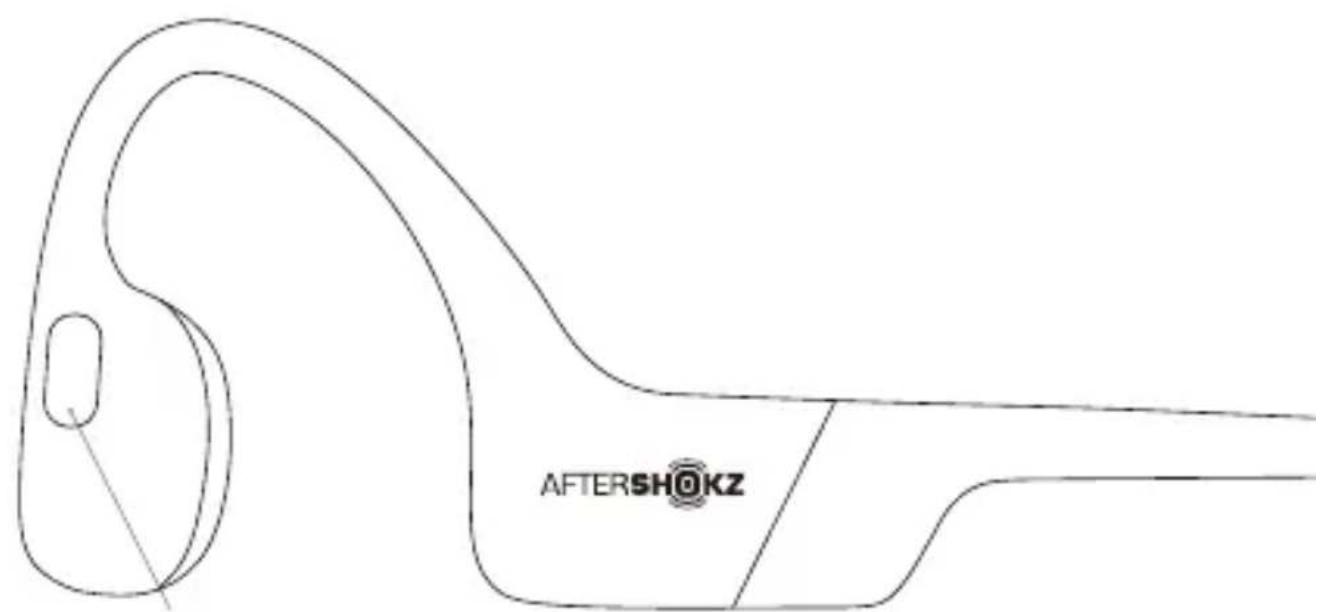
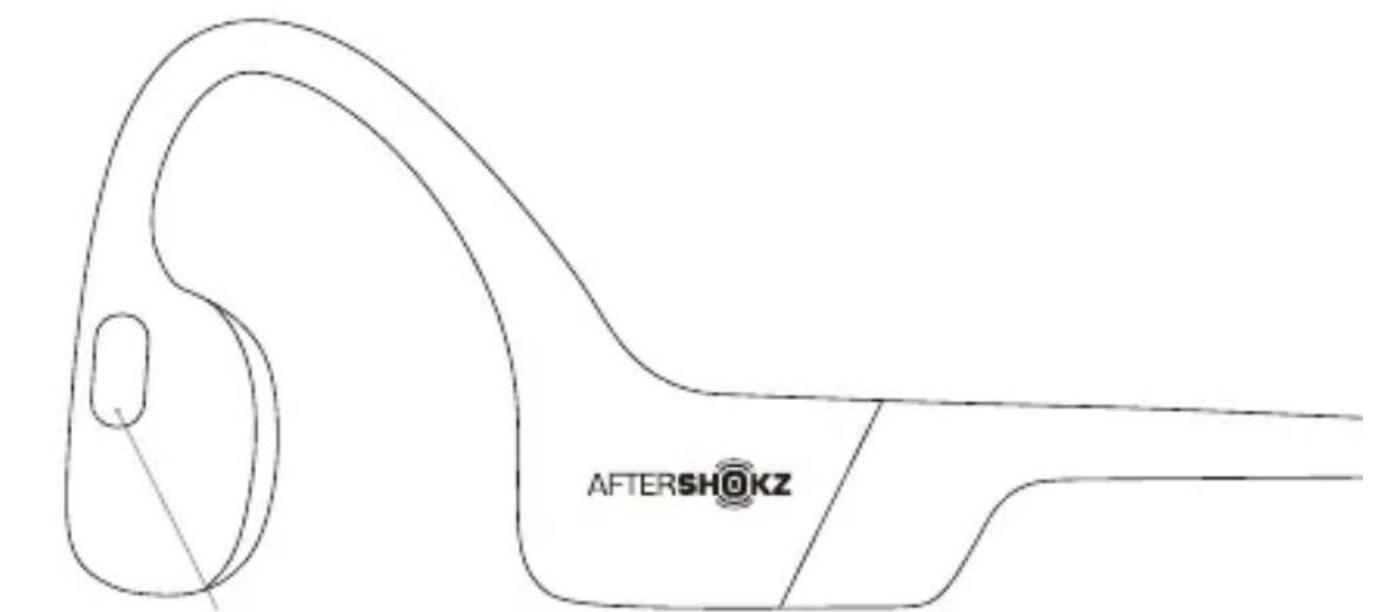
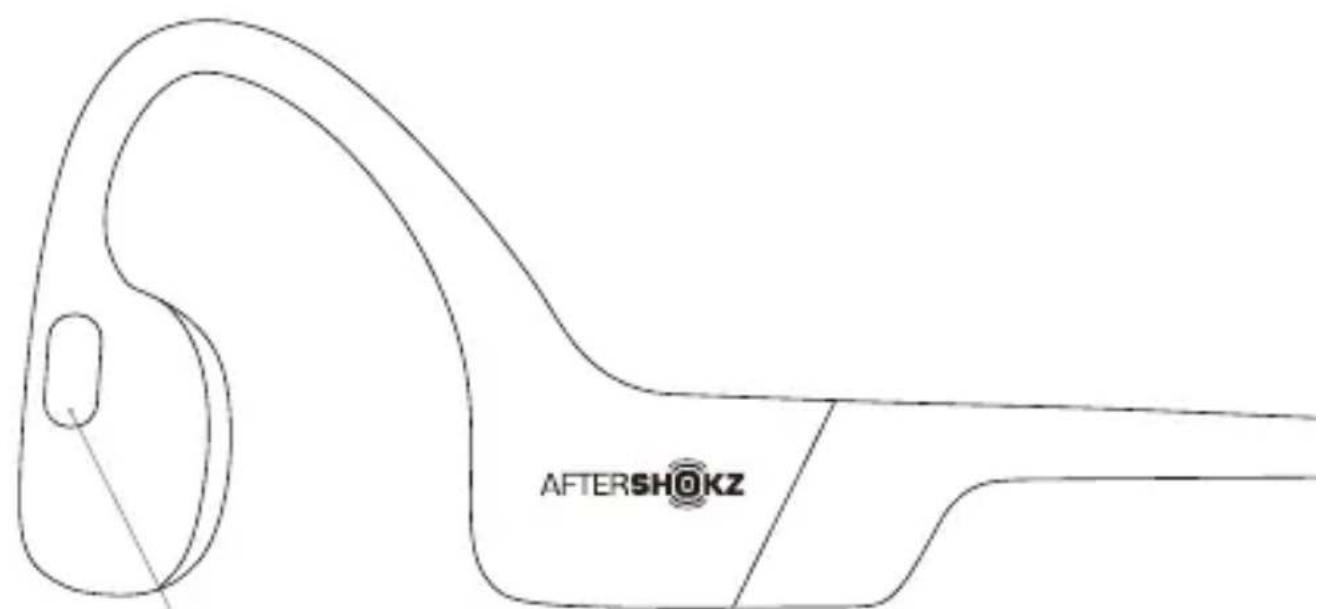
A (Multifunction Button)
07
Multifunction Button (A)
Function Action Prompt / "Audrey SaysTM"
| Play / pause music Click once | One beep | |
| Skip to next song | Double-click while music is playing | One beep |
| Back to previous song | Three-click while music is playing | One beep |
| Answer call Click once | Two beeps | |
| End call | Click once One beep | |
| Answer call waiting and hang up on current caller | Press and hold for 2 seconds One beep | |
| Reject a call Press and hold for 2 seconds Two beeps | ||
| Prompt device's voice assistant Press and hold for 2 seconds | Device beep | |
| Redial last number Double-click (when idle) "Redial last number" | ||
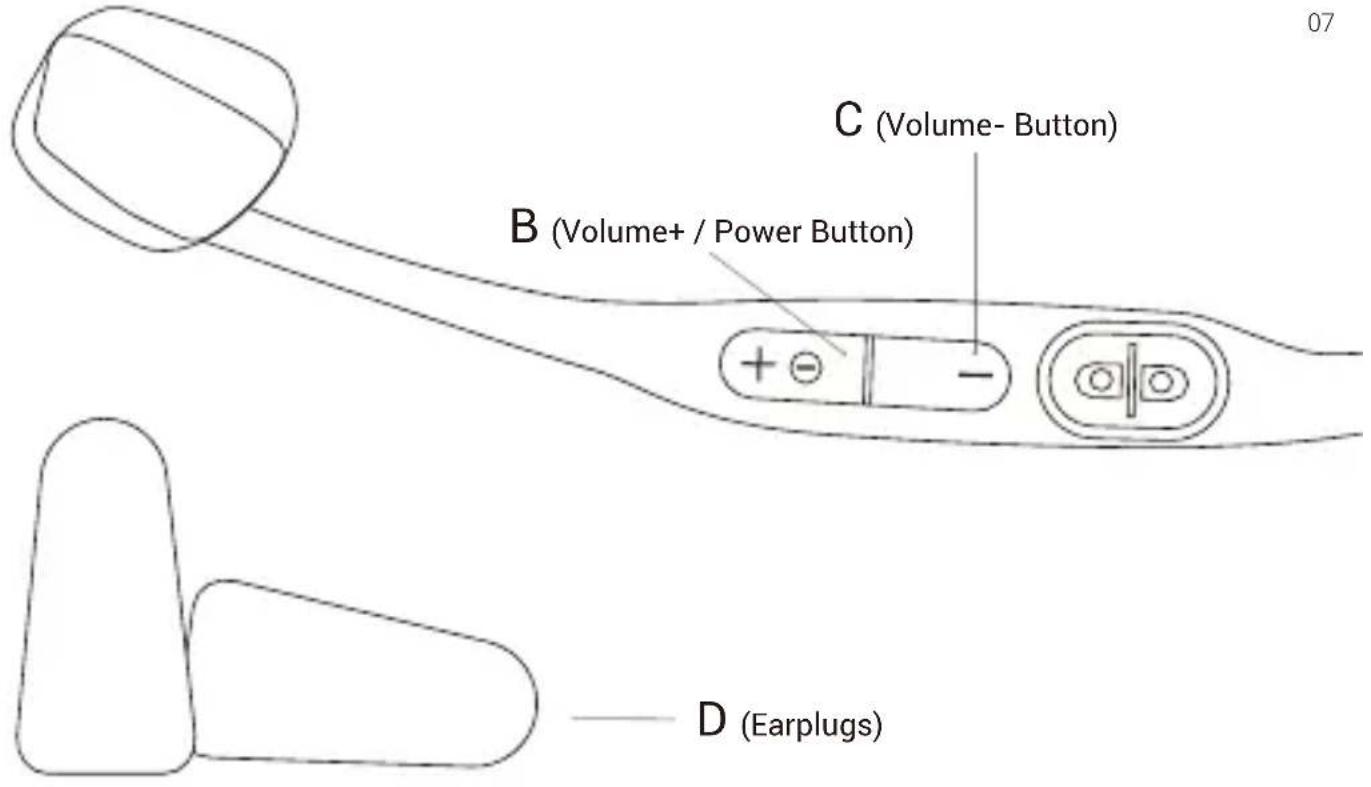
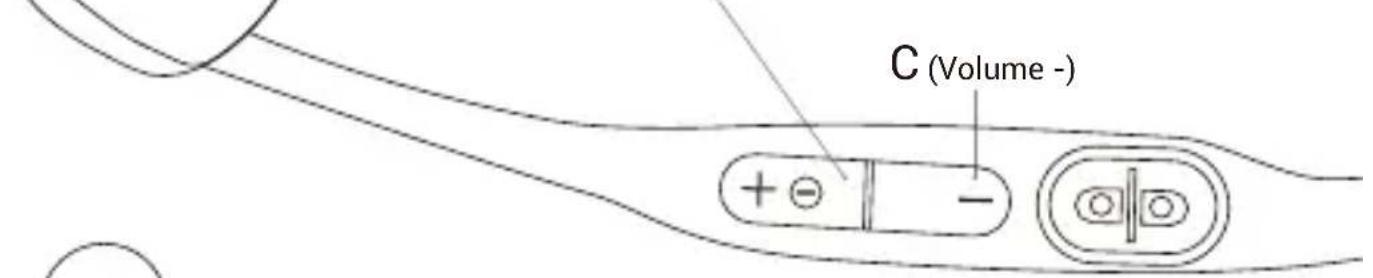
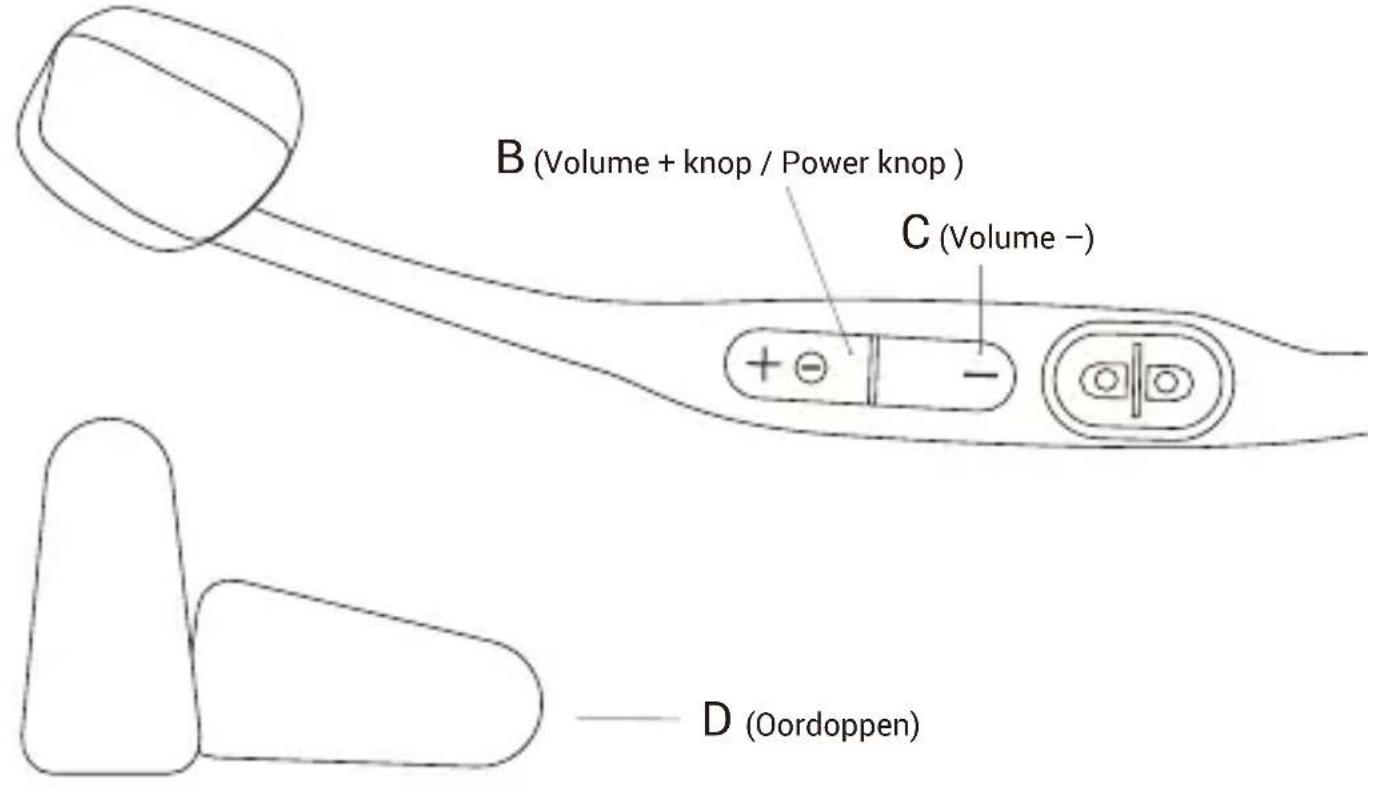
Volume+ / Power Button (B); Volume- Button (C)
Function Action Prompt / "Audrey SaysTM"
| Power on | Press and hold volume+ for 2 seconds | "Welcome to AfterShokz" |
| Power off "Power off" | Press and hold volume+ for 3 seconds | |
| Mute | Press and hold both buttons for 2 seconds while on a call | "Mute on" or "Mute off" |
| Change EQ setting | Press and hold both buttons for 3 seconds while music is playing | "EQ changed" |
| Check battery status | Click the volume+ or volume- button while music is paused | "Battery high/Battery medium/ Battery low/Charge me" |
| Adjust volume | Click the volume+ or volume- button to adjust volume while music is playing | One beep |
Specifications
| Part number | AS800 20Frequency response | |
| Speaker type | Bone conduction transducer | Sensitivity 105±3dB |
| Bluetooth® version Microphone | ® v5.0 | -38dB ± 3dBBluetooth |
| Wireless range | 10 m | Battery | Li-Polymer battery | |
| Compatible profiles | A2DP, AVRCP, HSP, HFP | Weight | 26 g | |
| Continuous play Standby time | Up to 8 hours | Up to 10 days | ||
| Charge time | 2 hours | Warranty | 2 years | |
| Frequency band Maximum RF20MHz p.u./Hz 4dBm | ||||
| Charge voltage | 5V±5% | Water resistance IP67 | ||
| Speaker impedance | 8.5ohm±20% | Battery capacity | 145 mAh | |
LED Indicator
| Solid red Charging | |
| Solid blue Charging complete | |
| Flashes red and blue Pairing mode | |
| Flashes blue Incoming call | |
| Flashes red every 2 minutes Low battery |
Multipoint Pairing
Multipoint pairing allows Aeropex to be connected to two devices at once, allowing users to seamlessly transition between the two.
- Start with your headphones powered off.
- Press and hold volume+ until Audrey says "pairing" and the LED indicator flashes red and blue.
- Press and hold the multifunction button and volume+ button for 3 seconds. Audrey says "multipoint enabled."
- Open your first device's Bluetooth® menu and select "Aeropex by AfterShokz." Audrey says "connected".
- Turn your headphones off.
- Re-enter pairing mode by pressing and holding volume+ until Audrey says "pairing" and the LED indicator flashes red and blue.
- Open your second device's Bluetooth® menu and select "Aeropex by AfterShokz." Audrey says "connected."
- Turn your headphones off.
- Turn your headphones on. Your headphones are now connected to both devices.
- To turn multipoint pairing off: Press and hold the multifunction button and volume button for 3 seconds. Audrey says "multipoint disabled."
More information: bit.ly/ASMultipoint
Moisture Detected Alert
These headphones can detect liquid such as water, sweat, and rain. If the headphones are plugged into the charger while wet, the LED indicator will flash red and blue. The headphones will also vibrate and emit a beep. If this happens, remove the charging cable from the headphones, dry them completely and then proceed with charging.
How to Reset Your Headphones
- Start with your headphones powered off.
- Enter pairing mode by pressing and holding volume+ until Audrey says "pairing" and the LED indicator flashes red and blue.
- Press and hold the multifunction button, volume+ button and volume- button (all three buttons) simultaneously for 3-5 seconds, until you hear two beeps or feel vibrations.
- Turn your headphones off. Aeropex is now reset and can be re-paired to your device.
Optional Accessories
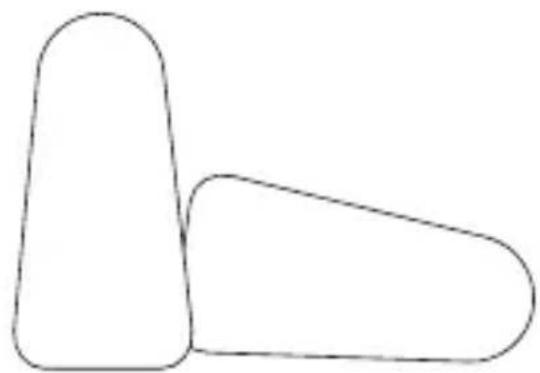
Earplugs (D)
Use with headphones in environments where it is safe to block out ambient noise, such as on a train or airplane.
- Roll earplugs firmly between fingers and place in ears.
- While music is playing to adjust EQ settings to reduce or enhance bass while wearing earplugs, press and hold volume+ and volume- buttons simultaneously.
- Switch EQ to original setting when you take out the earplugs.
Manufacturer
AfterShokz LLC
6057 Corporate Dr., East Syracuse, NY 13057
ESPANOL
register aftershokz.com
6057 Corporate Dr., East Syracuse, NY 13057
FRANÇAIS
register aftershokz.com
6057 Corporate Dr., East Syracuse, NY 13057
DEUTSCH
Aeropex einrichten
1. Laden
register aftershokz.com
zu registrieren
6057 Corporate Dr., East Syracuse, NY 13057
POLSKI
Jak ustawić Aeropex
1. Ladowanie
6057 Corporate Dr., East Syracuse, NY 13057
register aftershokz.com
register aftershokz.com
B (Tecla Volume +/Interruptor)
D (Tampoes)
6057 Corporate Dr., East Syracuse, NY 13057
NEDERLANDS
register aftershokz.com
A (Multifunctionele knop)
Multifunctionele knop (A)
6057 Corporate Dr., East Syracuse, NY 13057
Hactpoika Aftershokz Aeropex
1. 3apяdka
3apnTe HayuHnKc nomObMoHHTHO Ka6eJ Iy 3apn. Po 3aBepne Hn 3apKn KpaHbI CBeToNDoHbI INDkATOp CTaHOBTcCINHM.
62
2.Союражени
Hajmte u depkna Te KhoNky nTaHnHa HemHOrn 6oJe 5 cekyHd, YTObI BOIT BpeKIM COpJKeHn. CBeToNDnHbI INDnKaTOp 6yDeT MInaTb YepeNyUOumncB Cnblkamn CnHeRo/ KpacHOrO UBeTa.
3.Поdkлючени
HaiDnTe MeHIO Bluetooth Ha MObIbHOM yCTpOiCTBe H BbIbepNTe NyHKT « Aeropex by AfterShokz". "Odpri roBOpIT, «Connected», n CBeToDiOnHbI INHdNkAtOp 6yJeT MInrA Tb CINHM ODNH pa3."
Mbl3aunTum BaC OT NOBpeKdeHn.
3apeHcTpyTe cBoi Ha caITe
register aftershokz.com
A (KhoNka ynpaBneHn)
6057 Corporate Dr., East Syracuse, NY 13057
aftershokz @voxtech.com
www. aftershokz.com.cn
生产厂商:深圳市韶音科技有限公司