Wireless Fast Charger - Smartphone GIGASET - Free user manual and instructions
Find the device manual for free Wireless Fast Charger GIGASET in PDF.



| Product Type | Wireless charger (inductive charging base) |
| Brand | Gigaset |
| Model | Wireless Fast Charger |
| Charging standard | Qi (compatible with any Qi device) |
| Input power | 5V/3A, 9V/2A, 12V/1.5A |
| Output power | 15W (5V), 18W (9V), 18W (12V) |
| Charging frequency | 110 - 205 kHz |
| Built-in protection | OVP (Overvoltage Protection) |
| Operating temperature | 0 °C to +40 °C |
| Maximum relative humidity | 90% |
| LED indicator | Light ring: green (charging), red (foreign object/incompatible) |
| Recommended compatibility | Gigaset GX290, GS290, and any Qi-compatible smartphone with fast charging |
| Body safety distance | ≥ 20 cm |
| Operating environment | Indoors, dry, flat and non-slip surface |
| Package contents | Charging base, USB cable (power adapter not included) |
| Maintenance and cleaning | Unplug before cleaning; use a dry, soft cloth; avoid moisture and corrosive products |
| Spare parts and repairability | No user-serviceable parts; repair only by Gigaset authorized service |
| Warranty (France/Switzerland/Belgium) | 24 months (wear parts: 6 months) |
| Certification | Compliant with directive 2014/53/EU; see www.gigaset.com/docs |
| Disposal (WEEE) | Do not dispose of with household waste; recycle according to local regulations |
Frequently Asked Questions - Wireless Fast Charger GIGASET
User questions about Wireless Fast Charger GIGASET
0 question about this device. Answer the ones you know or ask your own.
Ask a new question about this device
Download the instructions for your Smartphone in PDF format for free! Find your manual Wireless Fast Charger - GIGASET and take your electronic device back in hand. On this page are published all the documents necessary for the use of your device. Wireless Fast Charger by GIGASET.
USER MANUAL Wireless Fast Charger GIGASET
Wireless Fast Charger
Sicherheitshinweise
Wireless Fast Charger (Ladestation)
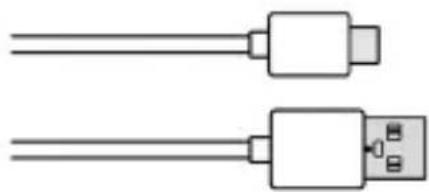
USB-Typ-C-Kabel
Bedienungsanleitung

OCP (Over Current Protection),
OTP (Over Temperature Protection),
FOC (Foreign Object Checking)
| Read the safety precautions and the user guide before use. The device cannot be used in the event of a power failure. | |
| Do not use the devices in environments with a potential explosion hazard (e.g. paint shops). | |
| The devices are not splashproof. For this reason do not install them in a damp environment such as bathrooms or shower rooms. | |
| Whilst charging, the power socket must be easily accessible. | |
| Do not use the device if the display is cracked or broken. Broken glass or plastic can cause injury to hands and face. Send the device to our Service department to be repaired. | |
| Place the Wireless Fast Charger at a minimum distance of 20 cm from your body. Using your device may affect nearby medical equipment. Be aware of the technical conditions in your particular environment, e.g. doctor's surgery. If you use a medical device (e.g. a pacemaker), please contact the device manufacturer. They will be able to advise you regarding the susceptibility of the device to external sources of high frequency energy (for the specifications of your Gigaset product see "Technical data"). |
More information
- Before you use the charger, check that your end device supports inductive charging.
- The charger supports fast charging. Check whether your end device supports fast charging.

The Wireless Fast Charger complies with the Qi standard; it is fully tested and compatible with Gigaset GX290 and GS290 smartphones and 9V/2A USB power adapters.
Please see the relevant user guide for information about the functions of your end device.
- Do not connect another charger to the charger socket of your end device while you are charging inductively.
- Any material between the end device and the charger (such as a protective case >5mm ) can affect or prevent charging. Take your device out of its case when you charge it inductively.
- Ensure that there are no metal objects between the end device and the charger. Metal heats up in the induction field of the charger and can damage it. Note that protective cases can also contain metal parts.
- Do not place any magnetically sensitive objects or cards with magnetic strips (EC cards, credit cards etc) on the charger. This can damage the data on the cards or even delete it completely.
- It is normal for the charger to become warm during use. Keep metals, textiles and other objects away from the charger to avoid any damage from overheating.
- The charger does not have an on/off switch. To save energy, disconnect it from the mains supply when you are not using it.
Gigaset Wireless Fast Charger
Package contents
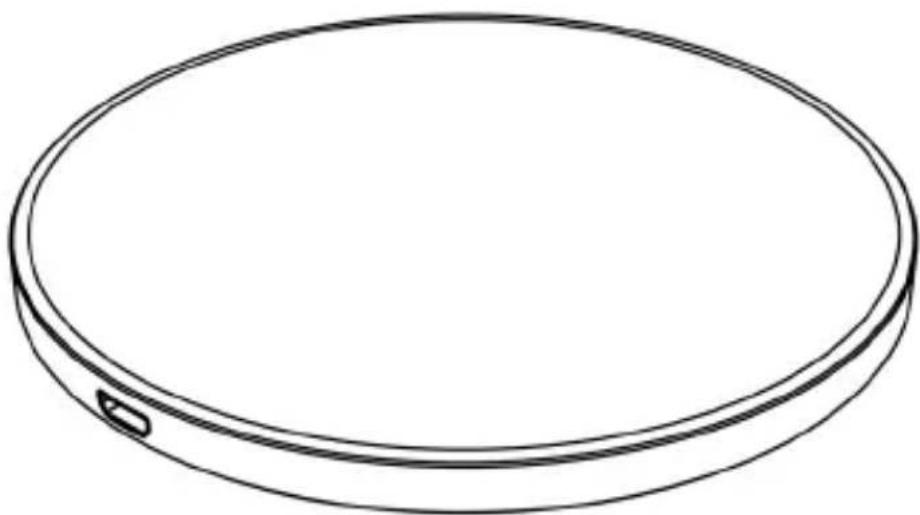
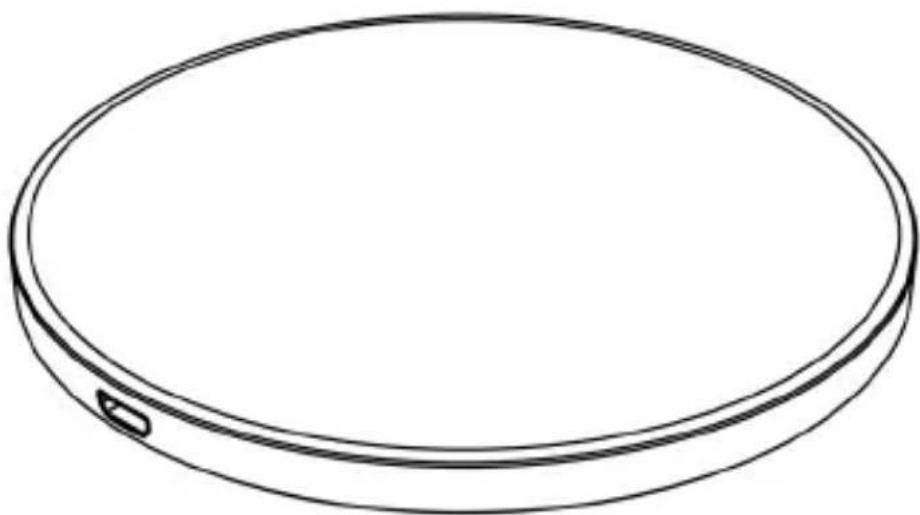
Wireless Fast Charger
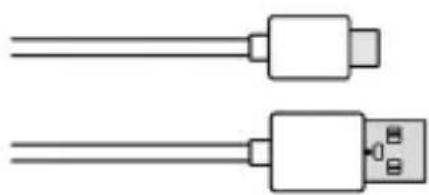
USB Type C cable
User guide

To conserve natural resources, the package does not contain a USB power adapter.
Please use the USB power adapter from your smartphone.
USB power adapters are also available from the Gigaset online shop.
Getting started
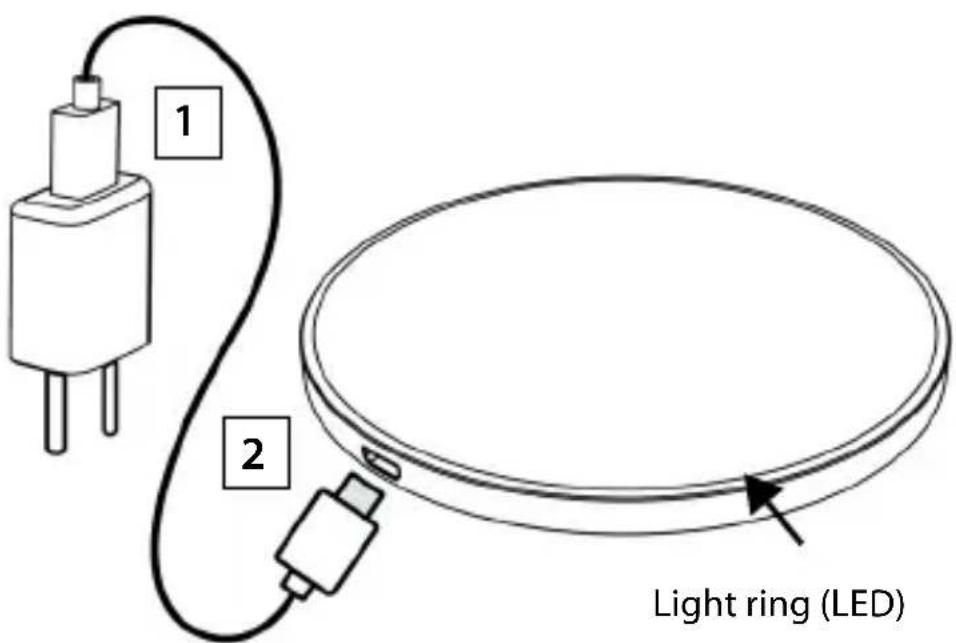
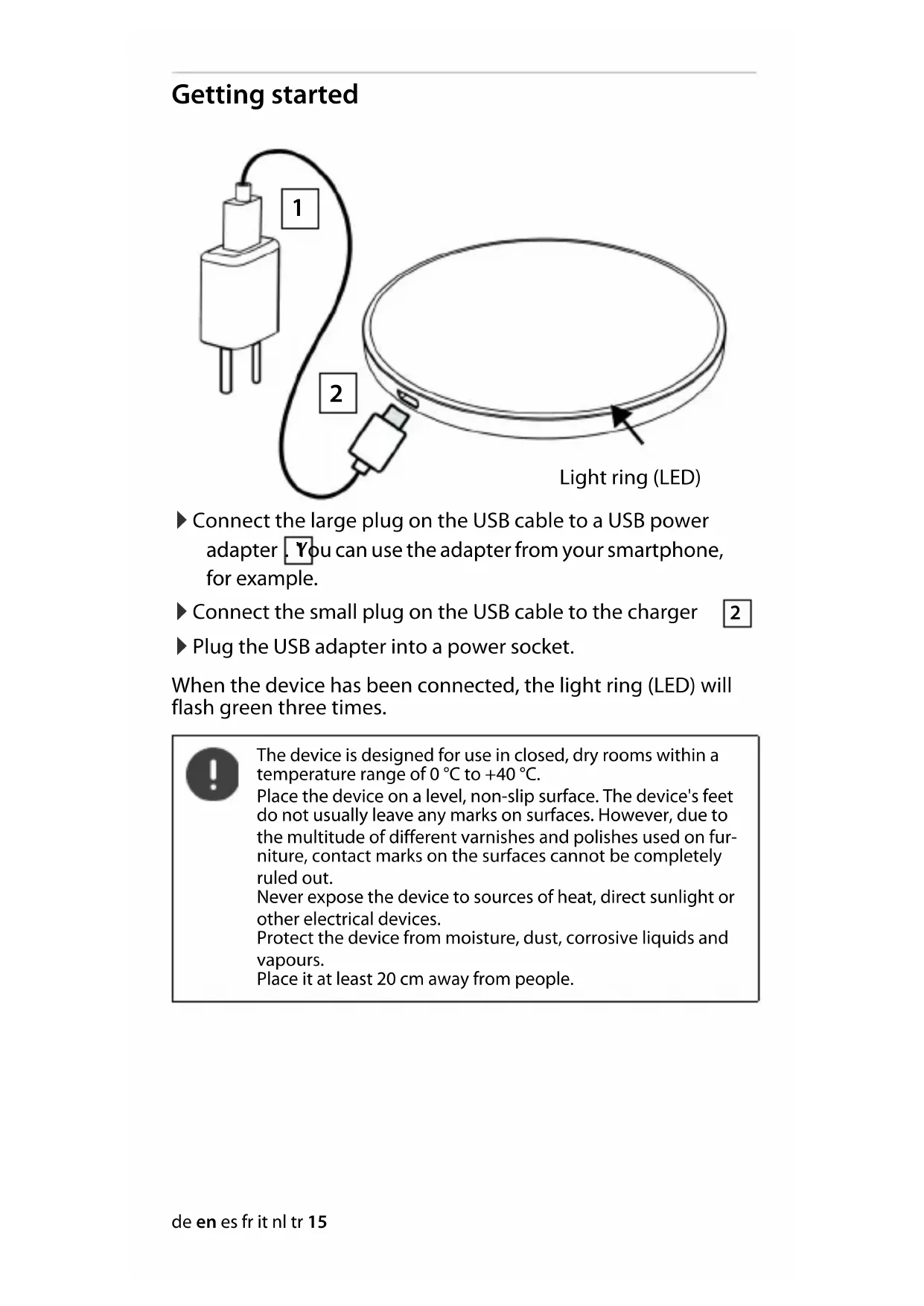
Connect the large plug on the USB cable to a USB power adapter. You can use the adapter from your smartphone, for example.
Connect the small plug on the USB cable to the charger 2
Plug the USB adapter into a power socket.
When the device has been connected, the light ring (LED) will flash green three times.

The device is designed for use in closed, dry rooms within a temperature range of 0ircC to +40ircC .
Place the device on a level, non-slip surface. The device's feet do not usually leave any marks on surfaces. However, due to the multitude of different varnishes and polishes used on furniture, contact marks on the surfaces cannot be completely ruled out.
Never expose the device to sources of heat, direct sunlight or other electrical devices.
Protect the device from moisture, dust, corrosive liquids and vapours.
Place it at least 20 cm away from people.
Light ring (LED)
| Red Green Meaning | ||
| - | Flashes 3 times | Connected to mains supply |
| - | - | S t |
| - | P u | I S |
| Flashes - | Foreign object or non-compatible device detected | |
a a
Charging your smart-phone
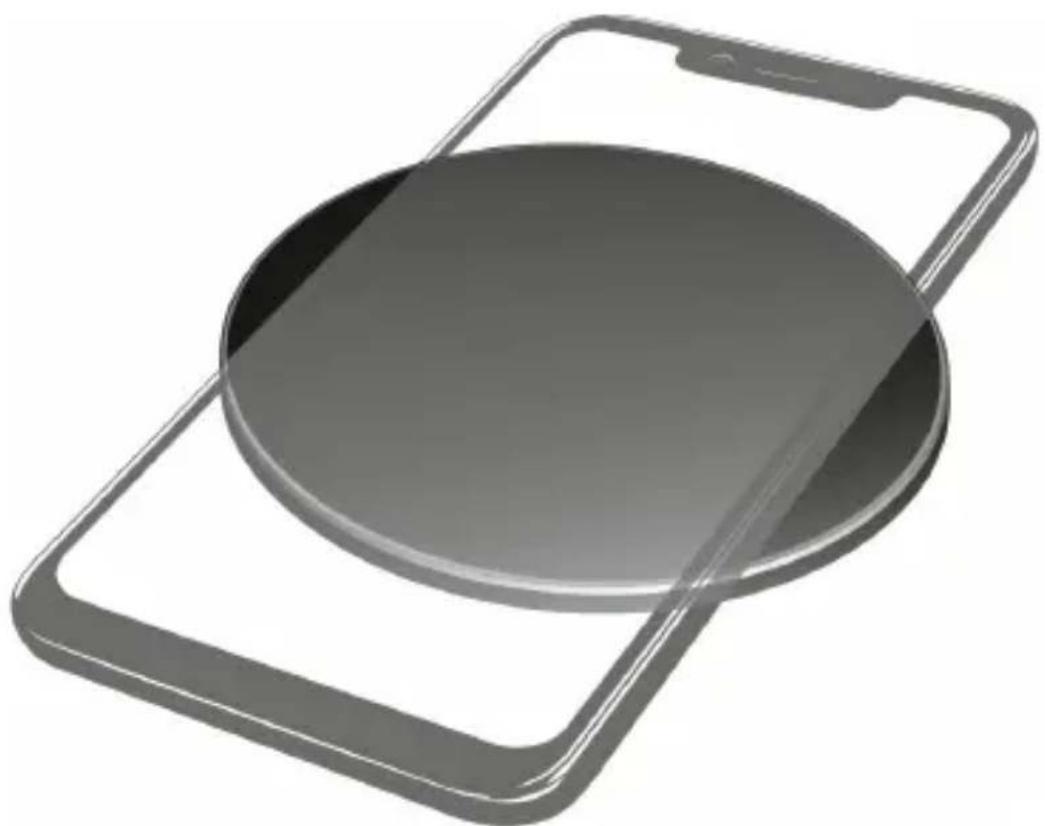
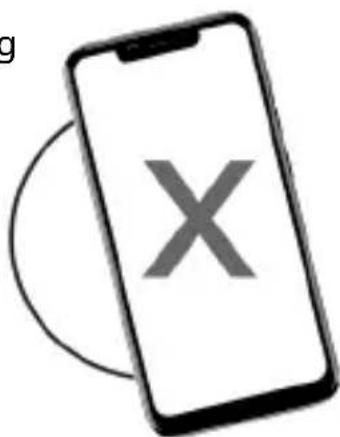
Place your smart-phone centrally on the Wireless Fast
Charger.
Ensure that it is positioned correctly.
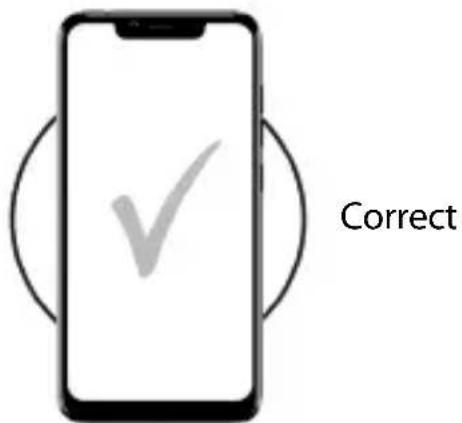
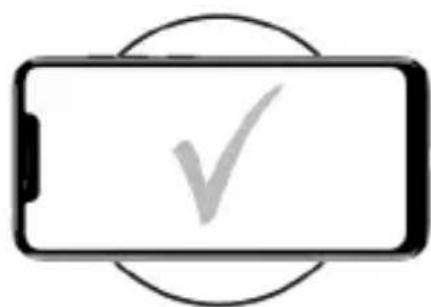
When charging, the light ring pulsates green.
You can take the smartphone off the charger at any time during the charging process.
Charging time depends on the device and the power adapter used. The charge level is shown in the status bar on your smart-phone.
Wrong
Customer service
If you have problems with your device, please contact a Gigaset dealer or the Gigaset Service Centre
If you need help, go to www.qigasset.com/service
Guarantee Certificate - United Kingdom and Ireland
Without prejudice to any claim the user (customer) may have in relation to the dealer or retailer, the customer shall be granted a manufacturer's Guarantee under the conditions set out below:
- In the case of new devices and their components exhibiting defects resulting from manufacturing and/or material faults within 24 months of purchase, Gigaset Communications shall, at its own option and free of charge, either replace the device with another device reflecting the current state of the art, or repair the said device. In respect of parts subject to wear and tear (including but not limited to, batteries, keypads, casing), this warranty shall be valid for six months from the date of purchase.
- This Guarantee shall be invalid if the device defect is attributable to improper care or use and/or failure to comply with information contained in the user manuals. In particular claims under the Guarantee cannot be made if:
- The device is opened (this is classed as third party intervention)
- Repairs or other work done by persons not authorised by Gigaset Communications.
- Components on the printed circuit board are manipulated
- The software is manipulated
- Defects or damage caused by dropping, breaking, lightning or ingress of moisture. This also applies if defects or damage was caused by mechanical, chemical, radio interference or thermal factors (e.g.: microwave, sauna etc.)
Devices fitted with accessories not authorised by Gigaset Communications - This Guarantee shall not apply to or extend to services performed by the authorised dealer or the customer themselves (e.g. installation, configuration, software downloads). User manuals and any software supplied on a separate data medium shall be excluded from the Guarantee.
- The purchase receipt, together with the date of purchase, shall be required as evidence for invoking the Guarantee. Claims under the Guarantee must be submitted within two months of the Guarantee default becoming evident.
- Ownership of devices or components replaced by and returned to Gigaset Communications shall vest in Gigaset Communications.
- This Guarantee shall apply to new devices purchased in the European Union. For Products sold in the United Kingdom and in the Republic of Ireland the Guarantee is issued by: Gigaset Communications UK Limited, 2 White Friars, Chester, CH1 1NZ.
- Any other claims resulting out of or in connection with the device shall be excluded from this Guarantee. Nothing in this Guarantee shall attempt to limit or exclude a Customers Statutory Rights, nor the manu
facturer's liability for death or personal injury resulting from its negligence.
- The duration of the Guarantee shall not be extended by services rendered under the terms of the Guarantee.
- Insofar as no Guarantee default exists, Gigaset Communications reserves the right to charge the customer for replacement or repair.
- The above provisions do not imply a change in the burden of proof to the detriment of the customer.
To invoke this Guarantee, please contact the Gigaset Communications helpdesk. This number is also to be found in the accompanying user guide.
Manufacturer's advice
Authorisation
This device is intended for use worldwide. Use outside the European Economic Area (with the exception of Switzerland) is subject to national approval.
Country-specific requirements have been taken into consideration.
Hereby, Gigaset Communications GmbH declares that the radio equipment type Gigaset Wireless Fast Charger is in compliance with Directive 2014/53/EU.
The full text of the EU declaration of conformity is available at the following internet address:
www.gigaset.com/docs.
This declaration could also be available in the "International Declarations of Conformity" or "European Declarations of Conformity" files.
Therefore please check all of these files
Waste and environmental protection
Correct disposal of this product
(Directive for electric and electronic equipment (WEEE))
(Applicable in countries with waste separation systems)

This label on the product, accessory or in documentation indicates that the product and its electronic accessories (such as charger, headphones and USB cable) may not be disposed of in household waste.
To avert potential environmental harm and health risks from unmanaged waste disposal, recycle responsibly with the aim of encouraging sustainable reuse of raw materials.
Private users should turn to the dealers from where they bought their products, or contact the authorities responsible, who are able to provide information on where parts can be taken for disposal in an environmentally friendly manner.
Commercial users should please contact their suppliers and check the general terms of their purchase agreement.
This product and the electronic accessory parts may not be disposed of with other commercial waste.
This "WEEE" is compatible with the RoHS Directive.
Technical details
Connection: USB Type C
Input: 5V/3A 9V/2A 12V/1.5A
Power consumption when charging: 15 W 18 W 18 W ing:
Frequency: 110 - 205 kHz
Protection: OVP (Over Voltage Protection),
OCP (Over Current Protection),
OTP (Over Temperature Protection),
FOC (Foreign Object Checking)
Environmental conditions for 0ircC to +40ircC
operation: up to 90% relative humidity
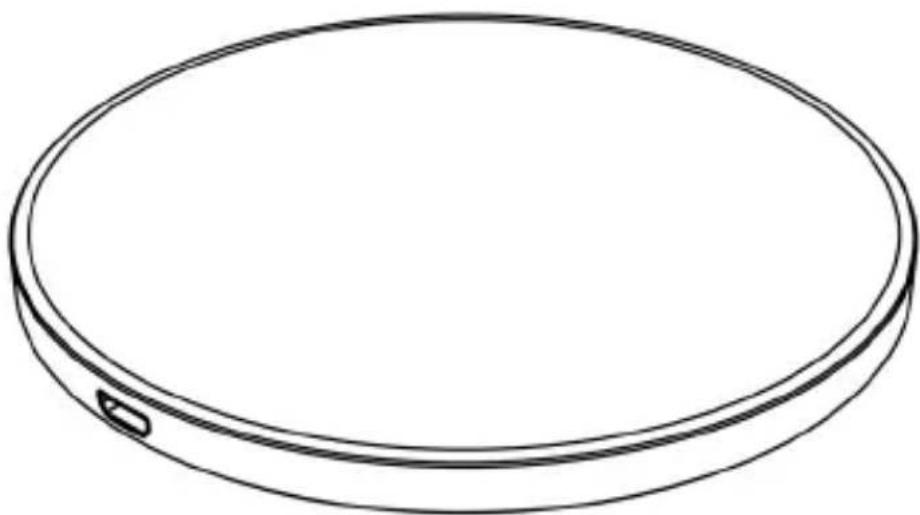
Wireless Fast Charger (base de chargement)
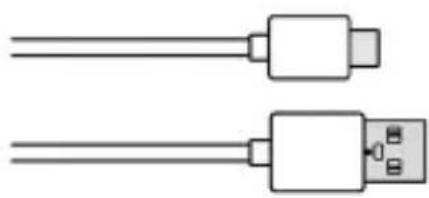
Cable USB type C
Mode d'emploi

OCP (Over Current Protection),
OTP (Over Temperature Protection),
FOC (Foreign Object Checking)
OCP (Over Current Protection),
OTP (Over Temperature Protection),
FOC (Foreign Object Checking)
Condizioni ambientali in esercizio: 0ircC + 40ircC
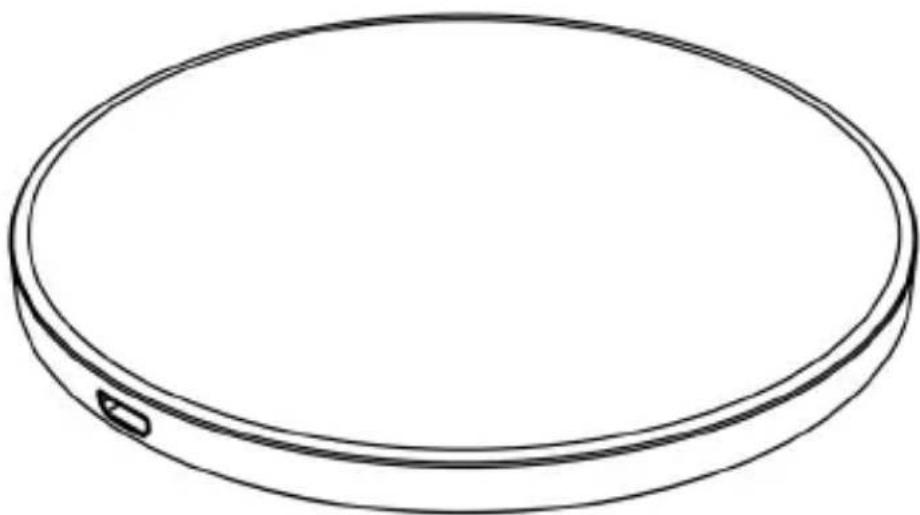
Wireless Fast Charger (laadstation)
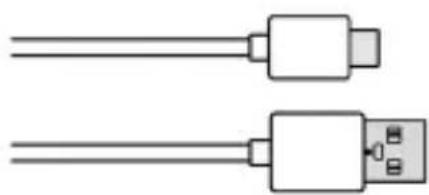
Kabel USB-type-C
Gebruiksaanwijzing

OCP (Over Current Protection),
OTP (Over Temperature Protection),
FOC (Foreign Object Checking)
OCP (Over Current Protection - Asiri
Akim Koruması),
OTP (Over Temperature Protection -
Asiri Sicaklik Korumasi),
FOC (Foreign Object Checking -
Yabanci Cisim Kontrolu)
Calisma sirasindaki ortam kosul
lari:
0ircC iIa +40ircC
© Gigaset Communications GmbH 2020
Subject to availability.
All rights reserved. Rights of modification reserved.
www.qigasset.com
This user guide is made of 100% recycled paper
A31008-N1182-R101-1-QD43
- Sicherheitshinweise
- More information
- Gigaset Wireless Fast Charger
- Package contents
- Getting started
- Light ring (LED)
- Charging your smart-phone
- Customer service
- Guarantee Certificate - United Kingdom and Ireland
- Manufacturer's advice
- Authorisation
- Waste and environmental protection
- Correct disposal of this product
- Technical details
Brand : GIGASET
Model : Wireless Fast Charger
Category : Smartphone