PDMIC58 - Microphone Pyle - Free user manual and instructions
Find the device manual for free PDMIC58 Pyle in PDF.


| Brand | Pyle |
| Model | PDMIC58 |
| Product Type | Dynamic Microphone |
| Usage | Singing, speech, recording |
| Optimal Pickup Distance | 5 to 10 cm from source |
| Output Connector | Male XLR (estimated) |
| Cable Length | Approximately 3 meters (estimated) |
| Weight | Approximately 300 g (estimated) |
| Dimensions (L x W x H) | Approximately 15 x 5 x 5 cm (estimated) |
| Power Supply | None (passive dynamic microphone) |
| Body Material | Metal (estimated) |
| Grille | Metal grille |
| Polar Pattern | Cardioid (based on radar data) |
| Sensitivity at 500 Hz (0°) | -20 dB |
| Sensitivity at 6400 Hz (0°) | -15 dB |
| Frequency Response | 50 Hz - 15 kHz (typical estimate) |
| Impedance | 600 ohms (estimated) |
| Maintenance | Clean the grille with a soft cloth, avoid moisture |
| Safety | Do not expose to rain, shocks, or extreme temperatures |
| Spare Parts | XLR cable, pop filter (optional) |
| Warranty | 1 year (estimated) |
Frequently Asked Questions - PDMIC58 Pyle
User questions about PDMIC58 Pyle
0 question about this device. Answer the ones you know or ask your own.
Ask a new question about this device
Download the instructions for your Microphone in PDF format for free! Find your manual PDMIC58 - Pyle and take your electronic device back in hand. On this page are published all the documents necessary for the use of your device. PDMIC58 by Pyle.
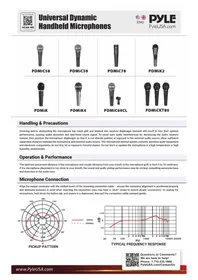
USER MANUAL PDMIC58 Pyle
natural_image
Close-up of a black PDMiC60CL microphone with a small attached clip, no visible text or symbols on the device itself.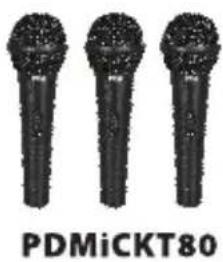
Handling & Precautions
Covering and/or obstructing the microphone top mesh grill and internal mic receiver diaphragm element will result in less than optimal performance, causing audio distortion and interfered sound signal. To avoid such audio interferences try decreasing the audio source's volume, then position the microphone diaphragm so that it is not directly pointed or exposed to the external audio source; allow sufficient separation distance between the microphone and external audio source. The microphone internal system contains sensitive audio equipment and electronic components, do not drip, hit or expose to forceful impact. Do not store or operate the microphone in a high temperature or high humidity, environment.
Operation & Performance
The optimum placement distance of the microphone and vocals (distance from your mouth to the microphone grill) is from 5 to 10 centimers. If the microphone placement is too close to your mouth, the sound and audio pickup performance may be unclear, outputting excessive bass and distortion in the audio tone.
Microphone Connection
Align the output connector with the slotted insert of the incoming connection cable -- ensure the connector alignment is positioned properly and adequate pressure is used when inserting the connection (you may hear a "click" sound to ensure proper connection). To unplug the microphone, hold down the button tab, and ensure it is depressed, then pull the connection cable outward gently.
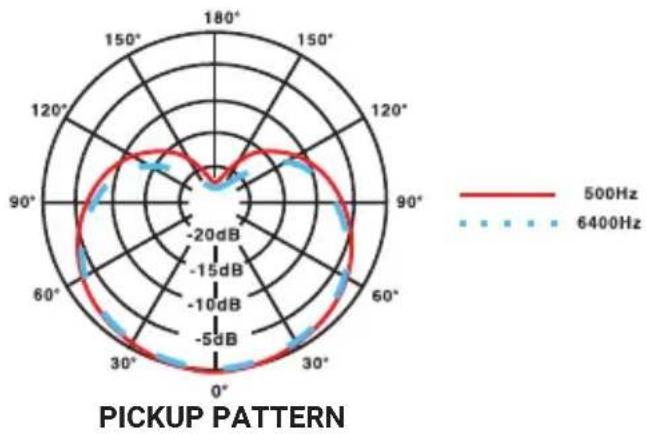
radar
| Angle | 500Hz (dB) | 6400Hz (dB) | |-------|------------|-------------| | 0° | -5 dB | -10 dB | | 30° | -15 dB | -20 dB | | 60° | -10 dB | -15 dB | | 90° | -5 dB | -10 dB | | 120° | -15 dB | -20 dB | | 150° | -20 dB | -15 dB | | 180° | -15 dB | -10 dB |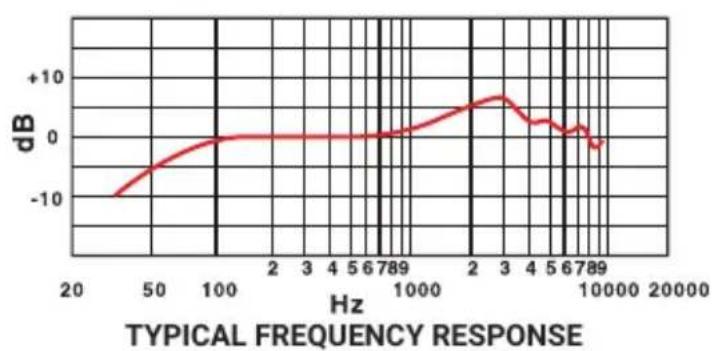
line
| Hz | dB | |-------|--------| | 20 | -10.0 | | 50 | -5.0 | | 100 | 0.0 | | 2 | 0.0 | | 3 | 0.0 | | 4 | 0.0 | | 5 | 0.0 | | 6 | 0.0 | | 789 | 0.0 | | 1000 | 5.0 | | 2 | 10.0 | | 3 | 5.0 | | 4 | 0.0 | | 5 | -5.0 | | 6 | -10.0 | | 789 | -5.0 | | 10000 | -10.0 |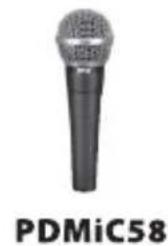
natural_image
Close-up of a black microphone with no visible text or symbols on its body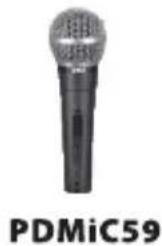
natural_image
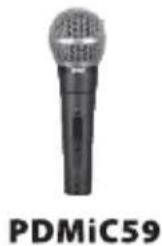
Microphone with label PDMiC59 (no other text or symbols visible)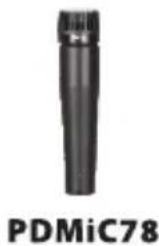
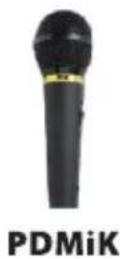
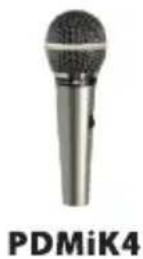
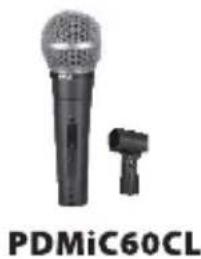
natural_image
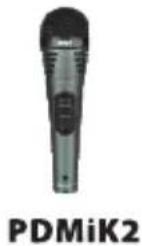
Close-up of a black PDMiC60CL microphone with a small attached clip, no visible text or symbols on the device itself.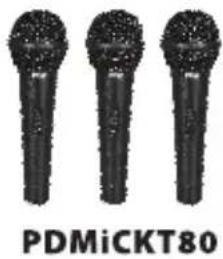
natural_image
Three black-and-white microphones with no visible text or symbols on the devices themselves.natural_image
Close-up of a black PDMiC60CL microphone with a small connector (no visible text or symbols on the device body)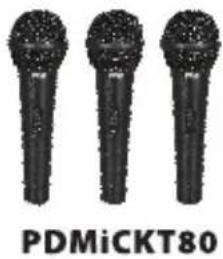
natural_image
Three black microphones with no visible text or symbols on the devices themselvesManipulation & Précautions
line
| Hz | dB | |-------|--------| | 20 | -10.0 | | 50 | -5.0 | | 100 | 0.0 | | 2 | 0.0 | | 3 | 0.0 | | 4 | 0.0 | | 5 | 0.0 | | 6 | 0.0 | | 7 | 0.0 | | 8 | 0.0 | | 9 | 0.0 | | 10 | 0.0 | | 2 | 5.0 | | 3 | 10.0 | | 4 | 5.0 | | 5 | 0.0 | | 6 | -5.0 | | 7 | -10.0 | | 8 | -5.0 | | 9 | -10.0 | | 10 | -5.0 | | 20 | -10.0 | | 50 | -5.0 | | 100 | -10.0 | | 200 | -5.0 | | 500 | -10.0 | | 1000 | -5.0 | | 2000 | -10.0 | | 5000 | -5.0 | | 10000 | -10.0 | | 20000 | -5.0 |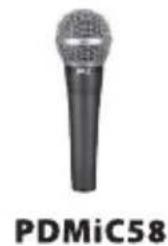
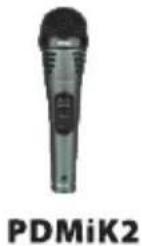
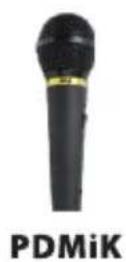
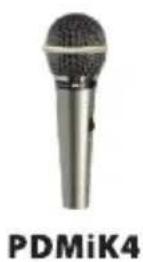
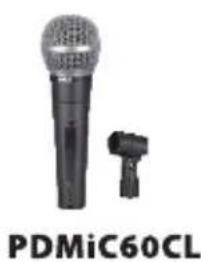
natural_image
Close-up of a black and white microphone with a small connector, labeled 'PDMiC60CL' below (no other text or symbols visible)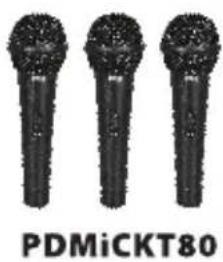
line
| Hz | dB | |-------|--------| | 20 | -10.0 | | 50 | -5.0 | | 100 | 0.0 | | 2 | 0.0 | | 3 | 0.0 | | 4 | 0.0 | | 5 | 0.0 | | 6 | 0.0 | | 789 | 0.0 | | 1000 | 5.0 | | 2 | 10.0 | | 3 | 5.0 | | 4 | 0.0 | | 5 | -5.0 | | 6 | -10.0 | | 789 | -5.0 | | 10000 | -10.0 |line
| Hz | dB | |-------|--------| | 20 | -10.0 | | 50 | -5.0 | | 100 | 0.0 | | 2 | 0.0 | | 3 | 0.0 | | 4 | 0.0 | | 5 | 0.0 | | 6 | 0.0 | | 7 | 0.0 | | 8 | 0.0 | | 9 | 0.0 | | 10 | 0.0 | | 2 | 5.0 | | 3 | 10.0 | | 4 | 5.0 | | 5 | 0.0 | | 6 | -5.0 | | 7 | -10.0 | | 8 | -5.0 | | 9 | -10.0 | | 10 | -5.0 | | 20 | -10.0 |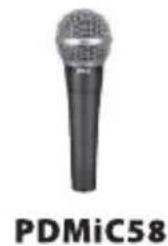
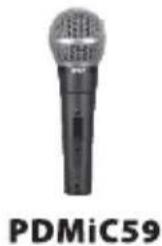
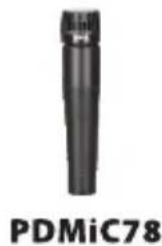
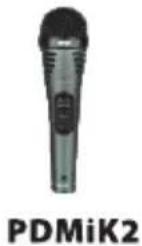
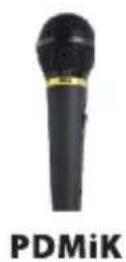
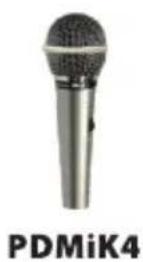
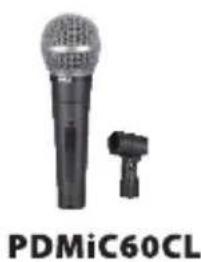
natural_image
Close-up of a black and white microphone with a small connector, labeled 'PDMiC60CL' below (no other text or symbols visible)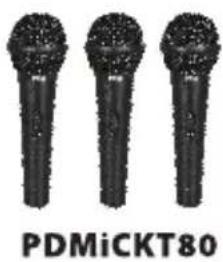
Handling & Precautions
Covering and/or obstructing the microphone top mesh grill and internal mic receiver diaphragm element will result in less than optimal performance, causing audio distortion and interfered sound signal. To avoid such audio interferences try decreasing the audio source's volume, then position the microphone diaphragm so that it is not directly pointed or exposed to the external audio source; allow sufficient separation distance between the microphone and external audio source. The microphone internal system contains sensitive audio equipment and electronic components, do not drip, hit or expose to forceful impact. Do not store or operate the microphone in a high temperature or high humidity, environment.
Operation & Performance
The optimum placement distance of the microphone and vocals (distance from your mouth to the microphone grill) is from 5 to 10 centimers. If the microphone placement is too close to your mouth, the sound and audio pickup performance may be unclear, outputting excessive bass and distortion in the audio tone.
Microphone Connection
Align the output connector with the slotted insert of the incoming connection cable -- ensure the connector alignment is positioned properly and adequate pressure is used when inserting the connection (you may hear a "click" sound to ensure proper connection). To unplug the microphone, hold down the button tab, and ensure it is depressed, then pull the connection cable outward gently.
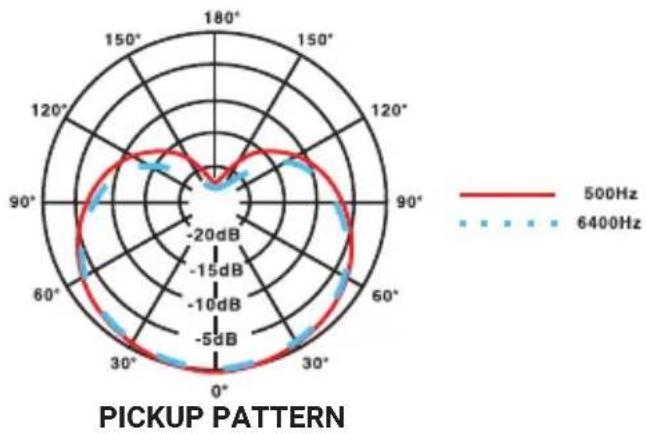
radar
| Angle | 500Hz (dB) | 6400Hz (dB) | |-------|------------|-------------| | 0° | -5 dB | -10 dB | | 30° | -10 dB | -15 dB | | 60° | -20 dB | -20 dB | | 90° | -15 dB | -15 dB | | 120° | -10 dB | -10 dB | | 150° | -5 dB | -5 dB | | 180° | 0 | 0 |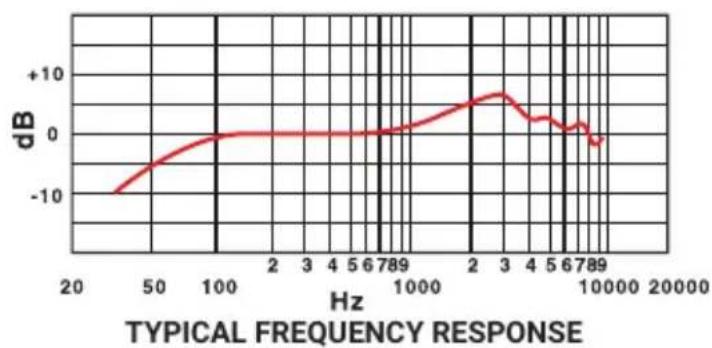
line
| Hz | dB | |-------|--------| | 20 | -10.0 | | 50 | -5.0 | | 100 | 0.0 | | 2 | 0.0 | | 3 | 0.0 | | 4 | 0.0 | | 5 | 0.0 | | 6 | 0.0 | | 789 | 0.0 | | 1000 | 0.0 | | 2 | 5.0 | | 3 | 7.5 | | 4 | 5.0 | | 5 | 2.5 | | 6 | 1.0 | | 789 | -1.0 | | 10000 | -2.5 |
natural_image
Microphone icon with no visible text or symbols on the device body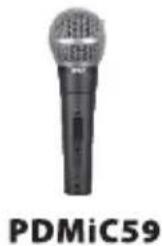
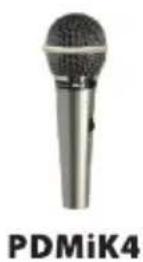
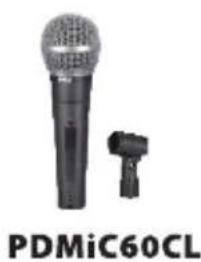
natural_image
Close-up of a black PDMiC60CL microphone with a small attached clip, no visible text or symbols on the device itself.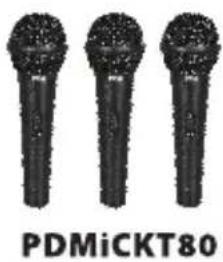
Handling & Precautions
Covering and/or obstructing the microphone top mesh grill and internal mic receiver diaphragm element will result in less than optimal performance, causing audio distortion and interfered sound signal. To avoid such audio interferences try decreasing the audio source's volume, then position the microphone diaphragm so that it is not directly pointed or exposed to the external audio source; allow sufficient separation distance between the microphone and external audio source. The microphone internal system contains sensitive audio equipment and electronic components, do not drip, hit or expose to forceful impact. Do not store or operate the microphone in a high temperature or high humidity, environment.
Operation & Performance
The optimum placement distance of the microphone and vocals (distance from your mouth to the microphone grill) is from 5 to 10 centimers. If the microphone placement is too close to your mouth, the sound and audio pickup performance may be unclear, outputting excessive bass and distortion in the audio tone.
Microphone Connection
Align the output connector with the slotted insert of the incoming connection cable -- ensure the connector alignment is positioned properly and adequate pressure is used when inserting the connection (you may hear a "click" sound to ensure proper connection). To unplug the microphone, hold down the button tab, and ensure it is depressed, then pull the connection cable outward gently.
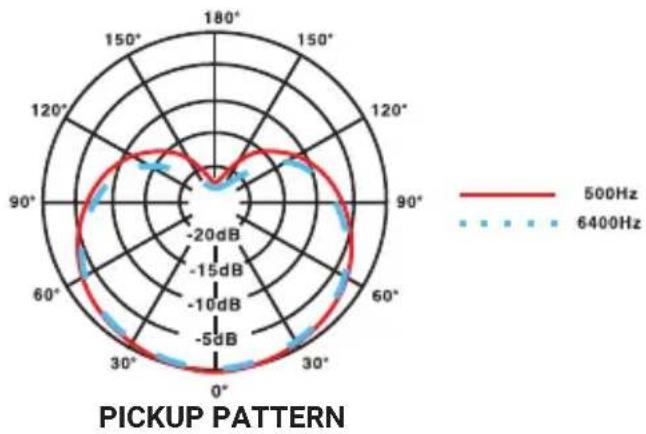
radar
| Angle | 500Hz (dB) | 6400Hz (dB) | |-------|------------|-------------| | 0° | -5 dB | -10 dB | | 30° | -15 dB | -20 dB | | 60° | -10 dB | -15 dB | | 90° | -5 dB | -10 dB | | 120° | -15 dB | -20 dB | | 150° | -20 dB | -15 dB | | 180° | -15 dB | -10 dB |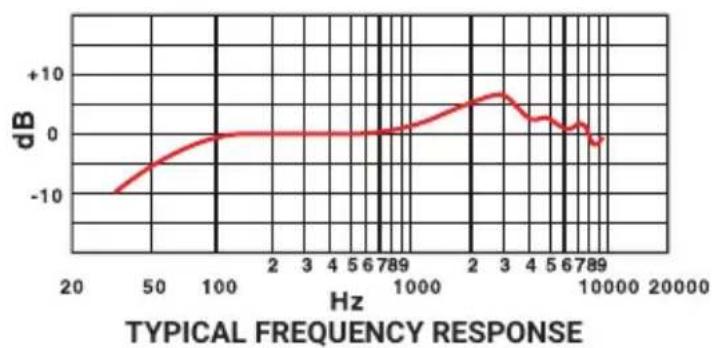
line
| Hz | dB | |-------|--------| | 20 | -10.0 | | 50 | -5.0 | | 100 | 0.0 | | 2 | 0.0 | | 3 | 0.0 | | 4 | 0.0 | | 5 | 0.0 | | 6 | 0.0 | | 789 | 0.0 | | 1000 | 0.0 | | 2 | 5.0 | | 3 | 7.5 | | 4 | 5.0 | | 5 | 2.5 | | 6 | 1.0 | | 789 | -1.0 | | 10000 | -2.5 |Brand : Pyle
Model : PDMIC58
Category : Microphone