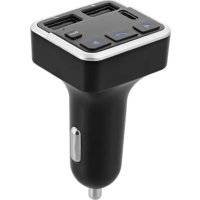
FMCT07V2 - Car audio accessory TNB - Free user manual and instructions
Find the device manual for free FMCT07V2 TNB in PDF.



| Product Type | Bluetooth Hands-Free Kit with FM Transmitter |
| Brand | TNB |
| Model | FMCT07V2 |
| Bluetooth Version | V5.0 |
| Bluetooth Frequency | 2402 - 2480 MHz |
| FM Frequency | 87.6 - 107.8 MHz |
| Input Voltage | 12-24V |
| USB Ports | USB-A (charging) and USB-C (charging), USB music (MP3 playback) |
| USB Output Current | 5V/3.1A total |
| Supported Audio Formats | MP3, WMA |
| Maximum USB Drive Capacity | 64 GB |
| Power Supply | 12-24V Cigarette Lighter Socket |
| Dimensions (estimated) | Approximately 10 x 5 x 3 cm |
| Weight (estimated) | Approximately 50 g |
| Main Functions | Bluetooth hands-free, FM transmission, USB playback, bass boost, LED frequency/voltage display |
| Maintenance and Cleaning | Clean with a soft, dry cloth, device turned off and unplugged |
| Safety Instructions | Do not expose to moisture, temperature 0-35°C, keep out of reach of children, do not disassemble |
| Spare Parts and Repairability | Not user-repairable, contact support |
| General Information | Indoor use (vehicle), manufacturer warranty, support info@t-nb.com |
Frequently Asked Questions - FMCT07V2 TNB
User questions about FMCT07V2 TNB
0 question about this device. Answer the ones you know or ask your own.
Ask a new question about this device
Download the instructions for your Car audio accessory in PDF format for free! Find your manual FMCT07V2 - TNB and take your electronic device back in hand. On this page are published all the documents necessary for the use of your device. FMCT07V2 by TNB.
USER MANUAL FMCT07V2 TNB
TRANSMETTEUR FM BLUETOOTH®
Bluetooth® FM transmitter
natural_image
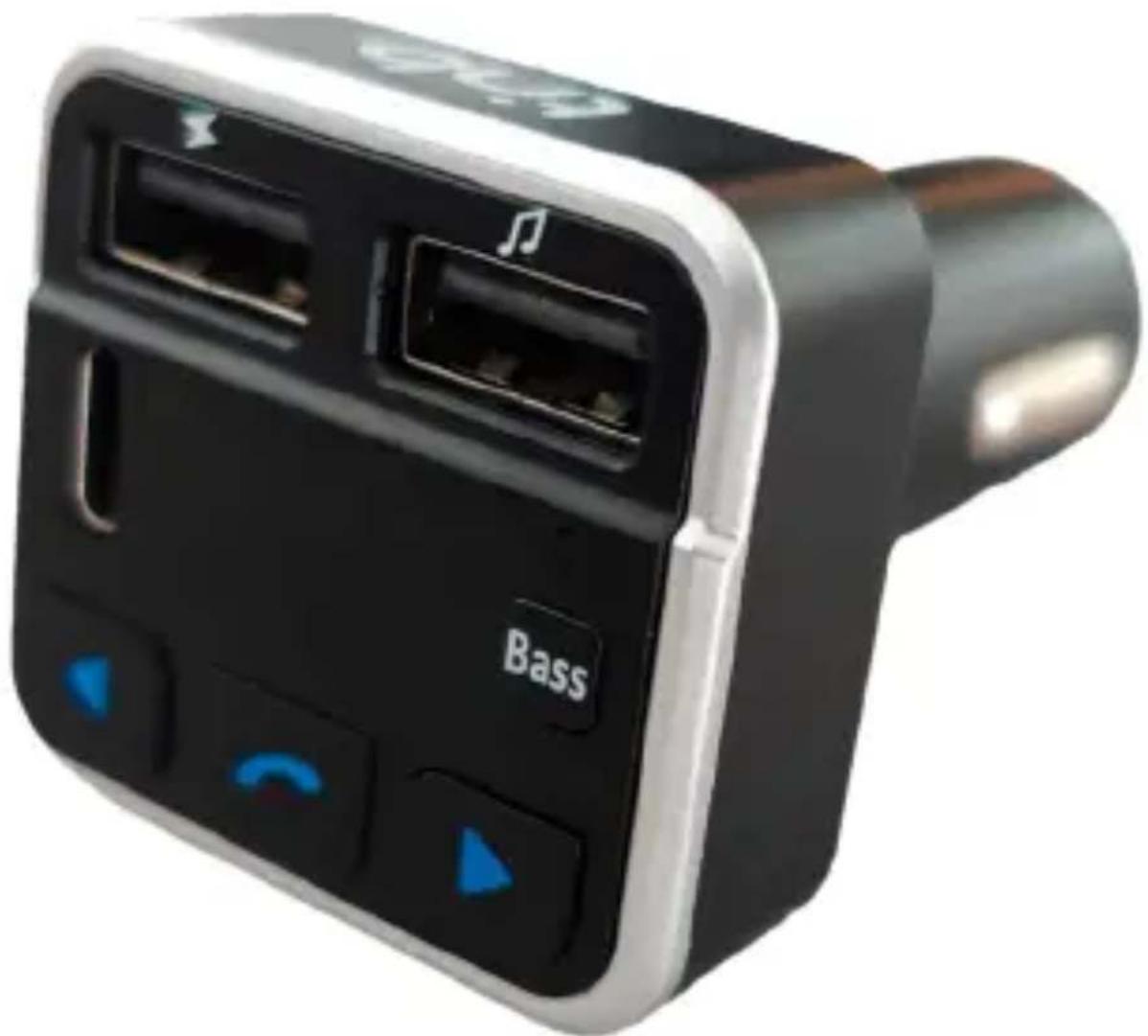
Close-up of a black and silver electronic device with two ports and control buttons, labeled 'Bass' (no readable text beyond branding)Instructions
Congratulations on your purchase and thank you for the trust you have placed in T'nB. Our products comply with the all relevant regulations and standards. Before using this equipment, we recommend that you read the instructions and safety instructions carefully and keep this manual for future reference.
IMPORTANT SAFETY INSTRUCTIONS
- No guarantee will apply in case of misuse.
- T'nB accepts no liability if the safety instructions are not respected.
- Handle the device with care.
- The power supply of your device must match the initially specified characteristics
- The socket of the electrical equipment must be located near the said equipment and easy to get to.
- Keep the device away from flammable objects, explosive substances or dangerous objects.
- Use and store your device in an environment where the temperature is between 0°C and 35°C.
- Store your device out of the reach of children.
- This device is not designed to be used by persons (including children) whose physical, sensory or mental capacities are reduced, or persons without experience or knowledge, except if they are supervised or receive prior instruction on using the device by a person in charge of their safety.
- Do not disassemble your device and do not attempt to repair or modify it yourself.
- Stop using your device if it has been hit or damaged.
- To avoid the risk of electric shock, disconnect your device from the mains and from any other device before cleaning it or when not in use.
- Only use the supplied accessories and connectors. The use of any other type of accessory not intended for this purpose may irremediably damage your device.
- Make sure the appliance is switched off and cold before cleaning. Do not use any product or lubricant which may damage the appliance.
- T'nB accepts no liability for damage caused by misuse of the product or by use with an incompatible electrical device.
- Unless otherwise stated, never use your device in rain, in damp places or near a water source.
- Unless otherwise stated, this product is for indoor use only.
- Keep the original product-related documentation for future reference.
- Do not leave wireless products near credit cards or other data storage devices.
- Avoid using your wireless devices near sources of interference, such as power supply cables, microwave ovens, fluorescent lamps, wireless video cameras and wireless domestic telephones.
- To improve the quality and the strength of the wireless signal, reduce the number of devices operating on the same wireless frequency.
- Never look directly at the LED light beam. Do not point it directly into the eyes of a person or animal. This product may emit optical rays that are potentially dangerous.
PACKAGE CONTENTS
1 x FMCT07V2 Bluetooth® Hands-Free Kit
1 x User Manual
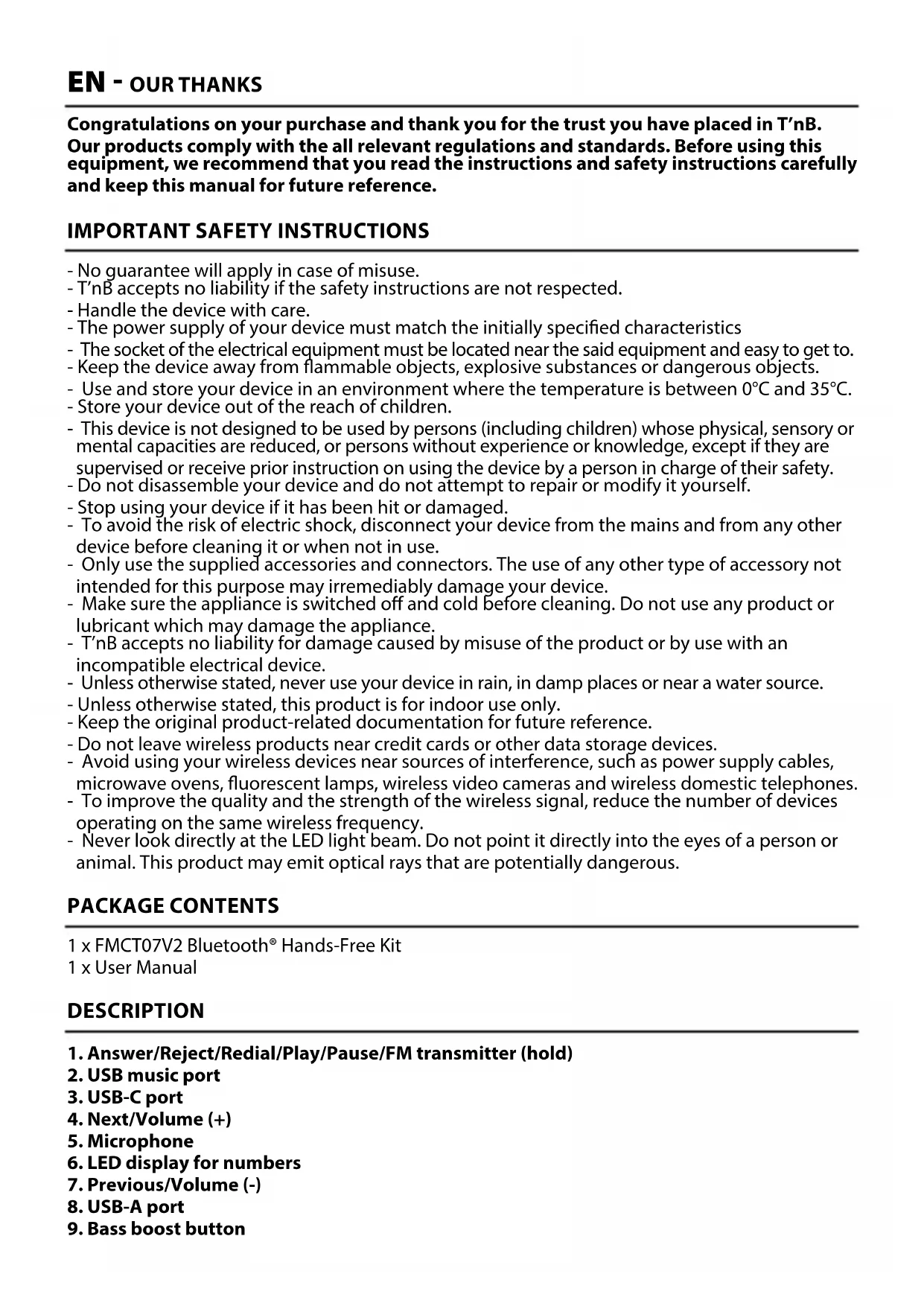
DESCRIPTION
- Answer/Reject/Redial/Play/Pause/FM transmitter (hold)
- USB music port
- USB-C port
- Next/Volume (+)
- Microphone
- LED display for numbers
- Previous/Volume (-)
- USB-A port
- Bass boost button
| Bluetooth® Version V5.0 | |
| Bluetooth® Frequency 2402 - 2480 MHz | |
| FM Frequency 87.6 - 107.8 MHz | |
| Input Voltage 12-24V | |
| USB-A + USB-C 5V/3.1A | |
| Music Format MP3/WMA | |
| USB Flash Drive (Max) 64Go |
FEATURES
- Transmits your audio source to your car radio via FM waves.
- The Bluetooth® hands-free kit allows you to answer, hang up, or redial a call.
- Echo and noise cancellation technologies provide an optimized sound experience.
• Supports AD2P Hi-Fi stereo system function. - Plays music from a USB flash drive.
• 12-24V power supply suitable for all vehicles.
• LED display for frequency and battery voltage.
USAGE
Configuring the FM Transmission Function:
a) Plug the FM transmitter into your car's cigarette lighter socket.
b) Hold down button (1), and the FM transmitter will automatically search for a free radio frequency.
c) On your car radio, adjust the frequency to match the one displayed on the FM transmitter.
Using the USB Connector
a) Insert the USB connector containing MP3/WMA music into the USB music port (2).
b) The music will automatically be transmitted to your car radio.
Using the Bluetooth® Function
a) Activate the Bluetooth® function on your device and pair it with «FMCT07» (some devices may require a PIN code: 0000).
b) After pairing, the music from your device will be transmitted to your car radio.
c) In music mode, if an incoming call occurs, the transmitter will automatically switch to call mode.
d) Press button (1) once to answer, and press button (1) again to hang up.
e) Press button (1) twice to reject an incoming call.
f) To redial the last call, press button (1) twice.
Operation FM transmitter
| Power On/Off | Plug your FM transmitter into the vehicle's cigarette lighter socket. Your FMCT07V2 will automatically turn on. |
| Play/Pause Press button (1) once in music mode. | |
| Answer/Hang up/Reject/Redial | Press button (1) once to answer a call, press it again to hang up. Double-click button (1) to reject a call. When not in a call, press button (1) twice to redial your last call. |
| Adjust Volume | Press and hold button (4) to increase volume, press and hold button (7) to decrease volume. |
| Change Music | Press button (7) to play the previous track, press button (4) to play the next track. |
| Change Bass Effect Press button (9) to boost bass frequencies. | |
| USB/Bluetooth Mode | Press and hold buttons (4) and (7) to switch between USB and Bluetooth® mode. |
NEED HELP?
Concerned about the satisfaction of our customers, you can contact us at info@t-nb.com. Maintenance, troubleshooting, miscellaneous information about this product, please visit our website: www.t-nb.com

Direct current
To indicate on the rating plate that the equipment is suitable for direct current only; to identify relevant terminals.
Operation FM-Transmitter
Brand : TNB
Model : FMCT07V2
Category : Car audio accessory