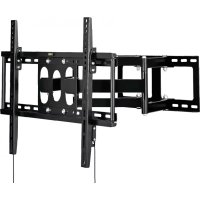
MFM00524 - TV wall mount MAGNAVOX - Free user manual and instructions
Find the device manual for free MFM00524 MAGNAVOX in PDF.


| Product Type | Wall Mount for TV |
| Brand | Magnavox |
| Model | MFM00524 |
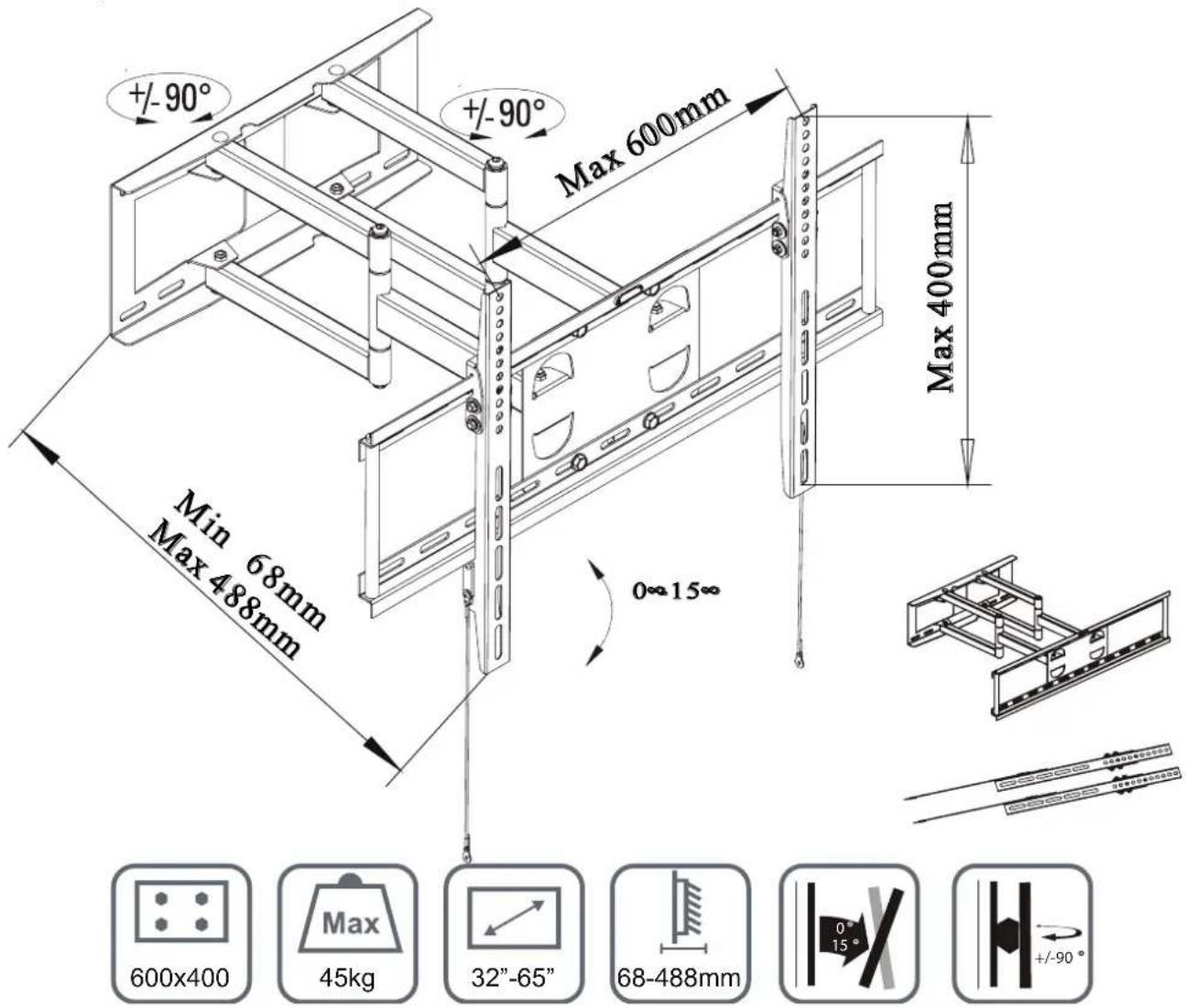
| Maximum Load Capacity | 45 kg |
| Included Mounting Hardware | Bolts M5x12mm, M5x25mm, M6x12mm, M6x25mm, M8x16mm (4 each), washers M5/M6, M8, anchors for drywall and masonry |
| Usage | Indoor only |
| Installation | By a professional, minimum two persons required |
| Compatible Materials | Drywall (plasterboard) with studs, masonry (concrete, brick) |
| Angle Adjustment | Possible after mounting |
| Unlocking Mechanism | Straps to pull down to retract the TV |
| Warranty | 5 years against manufacturing and material defects |
| Maintenance and Cleaning | Check screw tightness every two months |
| Safety | Contains small parts - choking hazard; use appropriate safety equipment; do not exceed maximum load |
| Spare Parts and Repairability | Contact Magnavox for repair or replacement under warranty; shipping and installation costs are at the customer's expense |
| General Information | Trademark of Koninklijke Philips N.V.; online support: www.magnavox.com/support or phone: 1-866-341-3738 |
Frequently Asked Questions - MFM00524 MAGNAVOX
User questions about MFM00524 MAGNAVOX
0 question about this device. Answer the ones you know or ask your own.
Ask a new question about this device
Download the instructions for your TV wall mount in PDF format for free! Find your manual MFM00524 - MAGNAVOX and take your electronic device back in hand. On this page are published all the documents necessary for the use of your device. MFM00524 by MAGNAVOX.
USER MANUAL MFM00524 MAGNAVOX
LED AND LCD FULL MOTION TV WALL MOUNT
SOPORTE DE PARED MOVIMIENTOTOTAL PARA TV LED O LCD
SUPPORT MURALE MOUVEMENT COMPLETE POUR TV LED OU LCD
ENGLISH
PANOL
FRANCAS
Safety instructions and Specifications
Read your owner's manual first for quick tips that make using your Magnavox product more enjoyable. If you still need more assistance, you may access our online help at
www.magnavox.com/support
or call 18663413738
while with your product (and Model/Serial number)
This product contains small items that could be a chocking hazard if swallowed. Keep these items away from small children.
The wall or mounting surface must be capable of supporting the combined weight of the mount and the TV, otherwise the structure must be reinforced.
Never exceed the maximum load capacity of 45kg
Please check joint parts every two months, making sure they are tight.
Safety gear and proper tools must be used. A minimum of two people are required for this installation.
Failure to use safety gear can result in property damage, serious injury or death.
This product is intended for indoor use only.

Must be installed by professional
Hardware included

4pcs
M5X12mm

4pcs
M5X25mm

4 pcs
M6X12mm

4 pcs

4pcs

4 pcs

4 pcs
M5/M6 washer

4 pcs
M8 washer

4pcs
M8 washer
WALLFIXING-4sets

4pcs
Sleeve barrel
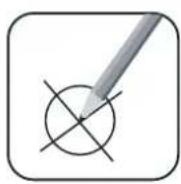
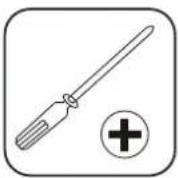
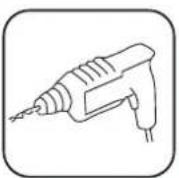
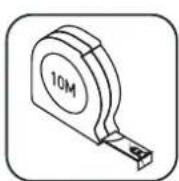
DRY WALL INSTALLATION MASONRY INSTALLATION
- Adjustable spanner/socket set
-
Philips head screwdriver
Power drill
High speed drill bit
Pencil -
Adjustable spanner/socket set
- Philips head screwdriver
- Power drill with hammer function
- Masonry drill bit
Pencil - Hammer
Y WALL & MASONRY
Installation steps
1
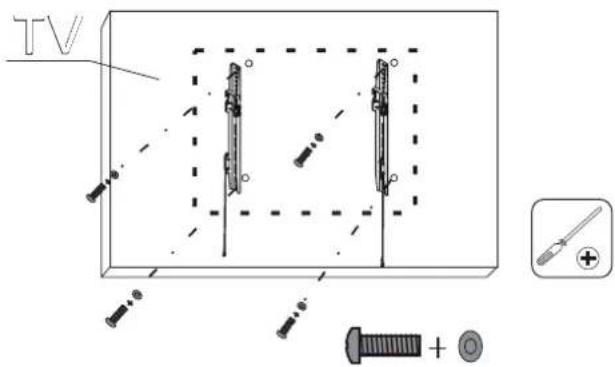
Check the back of your TV to find the appropriate mounting pattern.
Sort through the provided bolts until you find the correct size that easily fits into the back of your TV and fits snugly.
Install TV mount brackets to the back of the tv and use the hole spacer in case of non flat surfaces.
To avoid damaging TV, do not overtighten bolts.

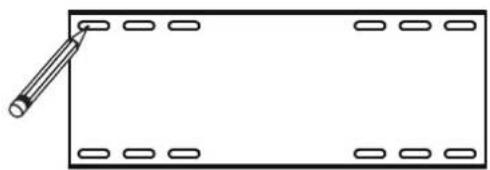
Use the template to determine the proper location to drill holes for the wall plate.
3
WALL MOUNTING
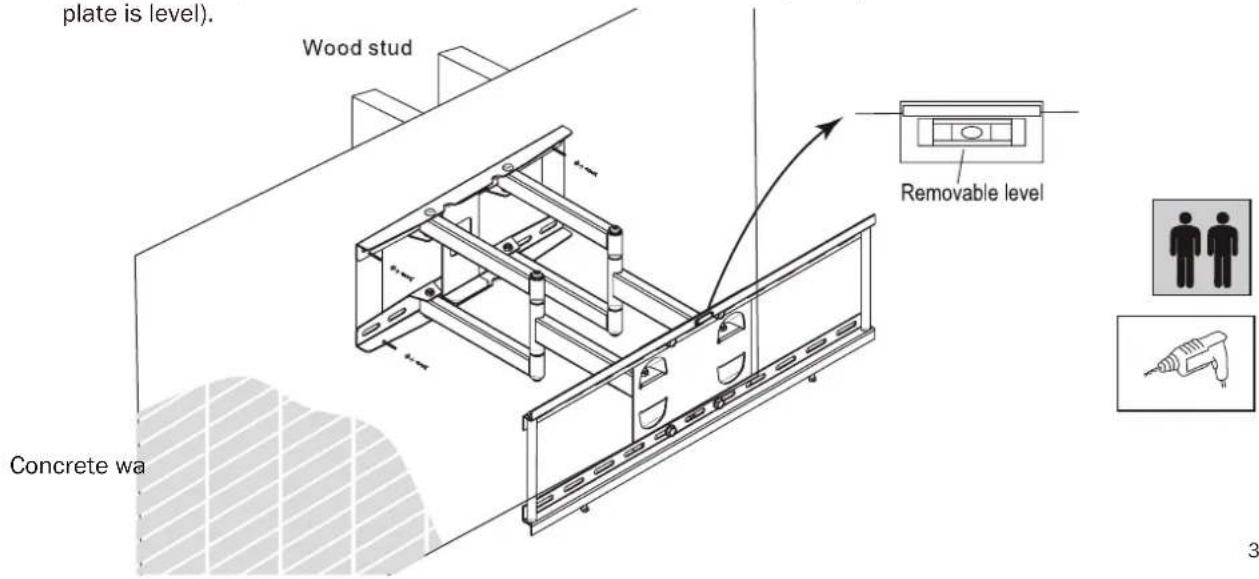
Drill 4 holes according to the provided template. Over wood wall, make sure to locate a stud. Screw the base plate into the concrete wall or studs behind the dry wall (make sure base plate is level).
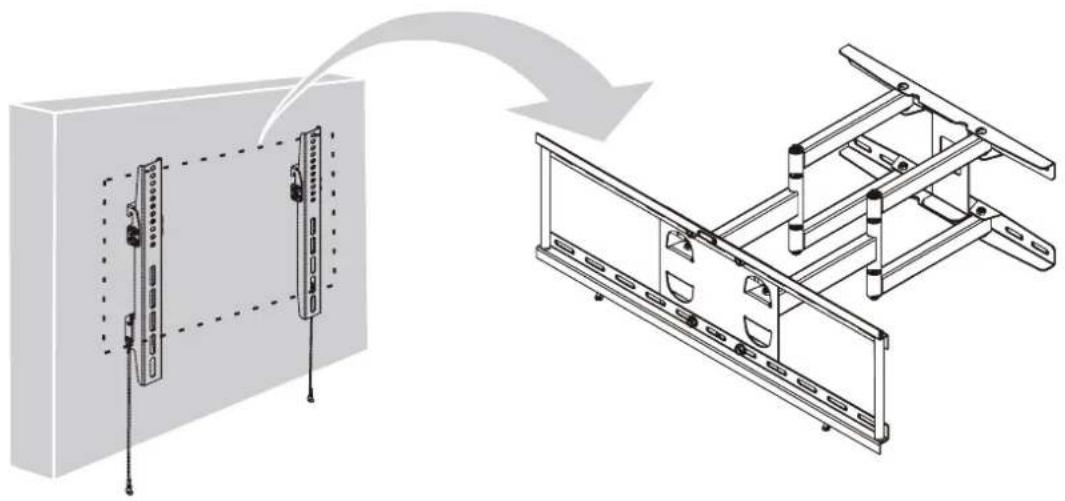
Attach the TV to base plate on the wall
Set the desired angle of the screen
In case you want to detach the TV from the wall mount, just pull down both straps to unlock the mechanism
5 YEAR WARRANTY
Magnavox warrants that if this product purchased by you from Magnavox or a retail outlet is found by Magnavox to be defective in workmanship or materials within 5 years of the date of purchase, Magnavox will (at its election) either repair that product, replace the product, supply an equivalent product or pay the costs of repairing or replacing the product or acquiring an equivalent product.
This limited warranty will not extend to or cover any expenses associated with removing, demounting the original product or installing the repaired, replaced or equivalent product or all or any of its components, you must bear these expenses. It also does not cover damage or loss resulting from intentional or unintentional misuse of, tampering with, alterations to or incorrect installation of this product or use of this product for purposes other than that for which it is designed or in a
manner inconsistent with the product's instructions. This limited warranty also does not apply to damage or loss resulting from fair wear and tear or events beyond Magnavox control including but not limited to natural disasters.
In order to claim under this warranty, you must contact Magnavox and return to Magnavox (via our nominated reply paid address) the product and its components and proof of purchase (including the date and location of purchase) so that Magnavox can verify the defect and your purchase.
(PLEASE PROVIDE CONTACT)
Distributed by O.B.O.
Baltimore, MD
Brand : MAGNAVOX
Model : MFM00524
Category : TV wall mount