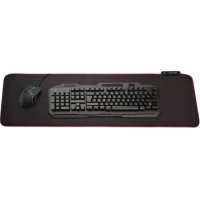
MPL250 - Mouse pads DENVER - Free user manual and instructions
Find the device manual for free MPL250 DENVER in PDF.

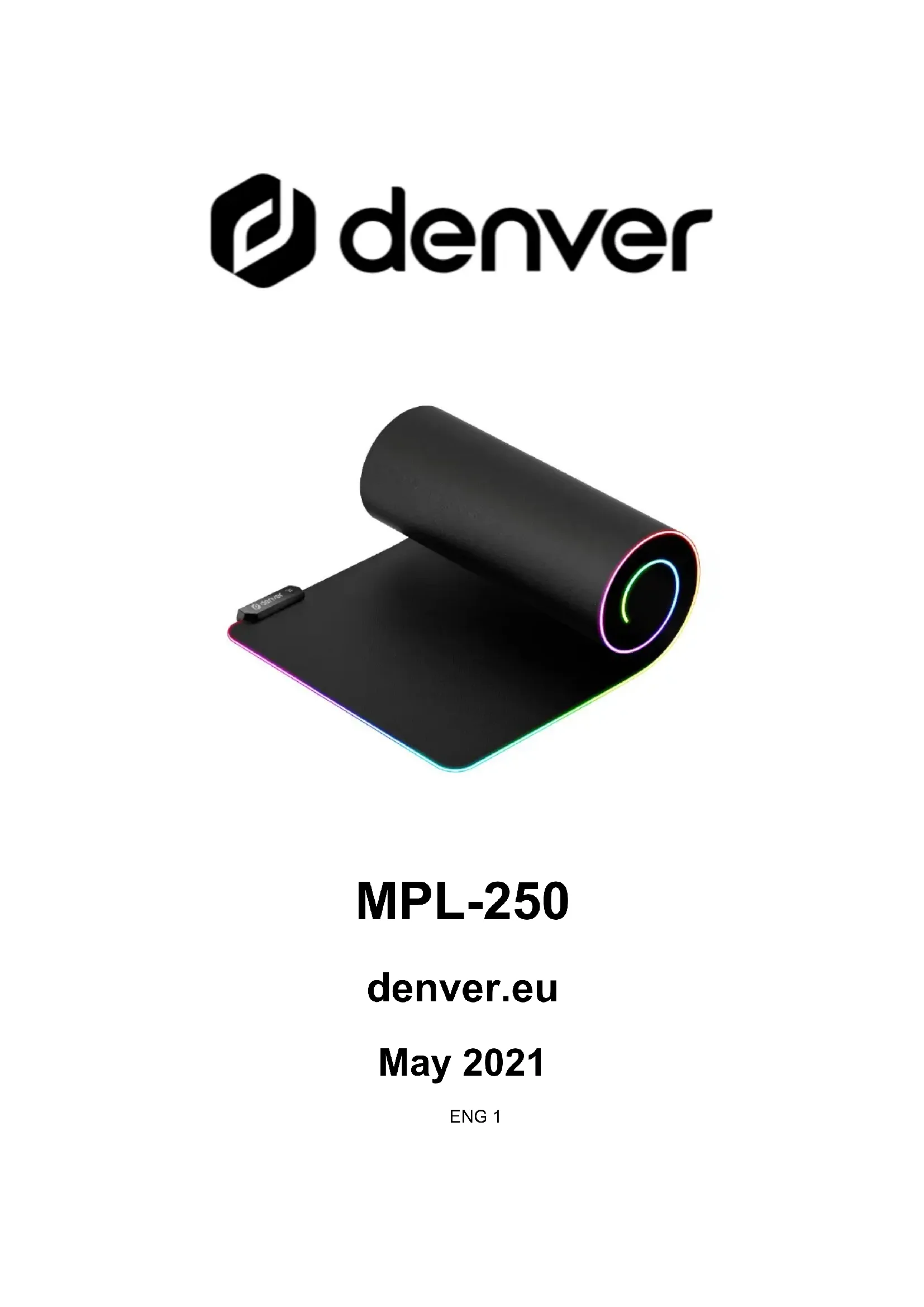


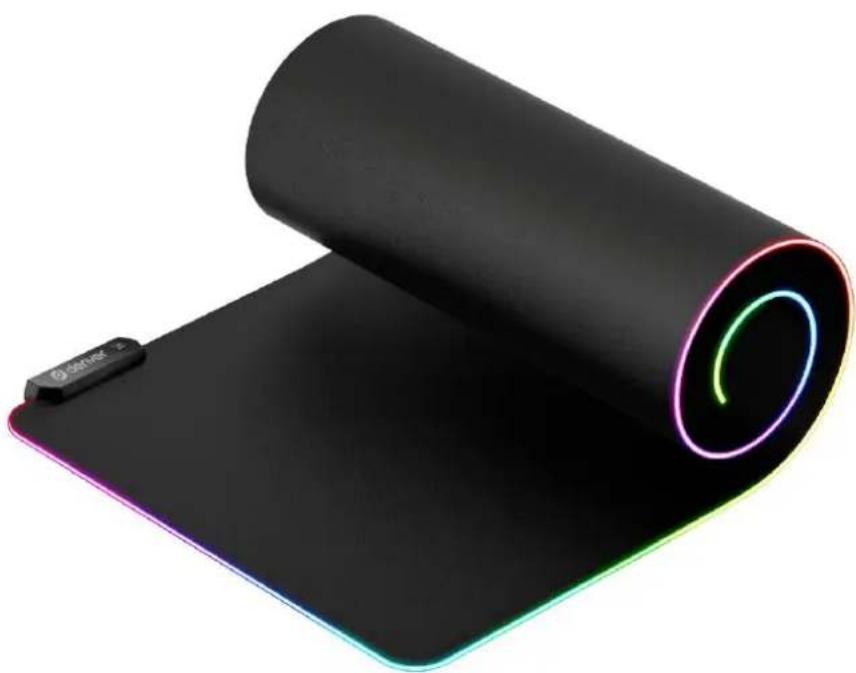
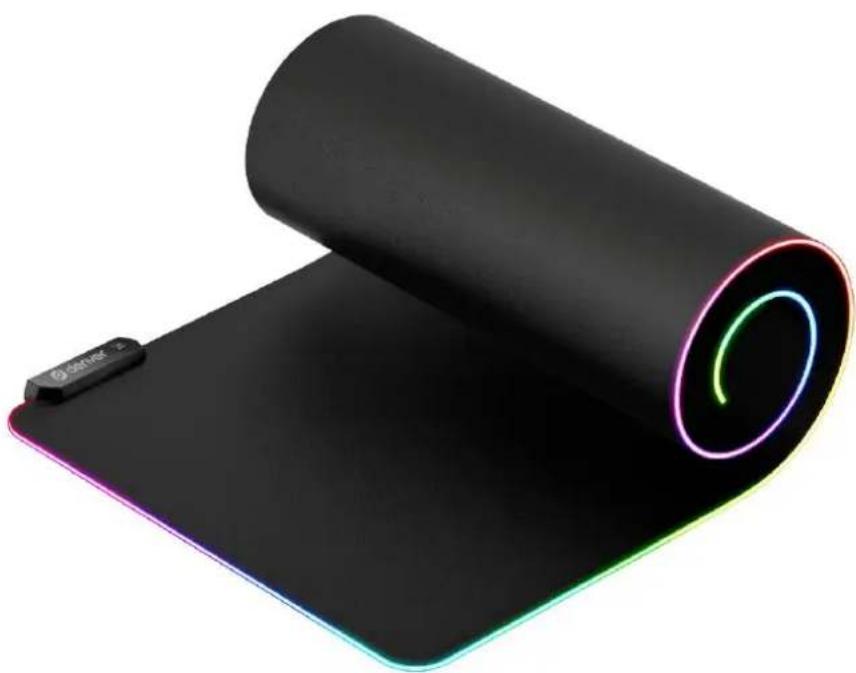
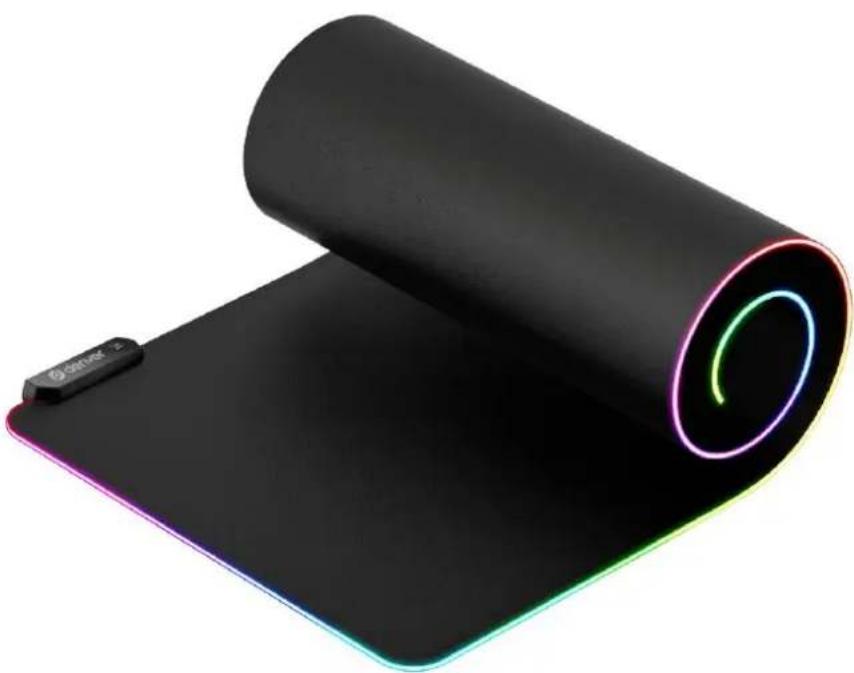
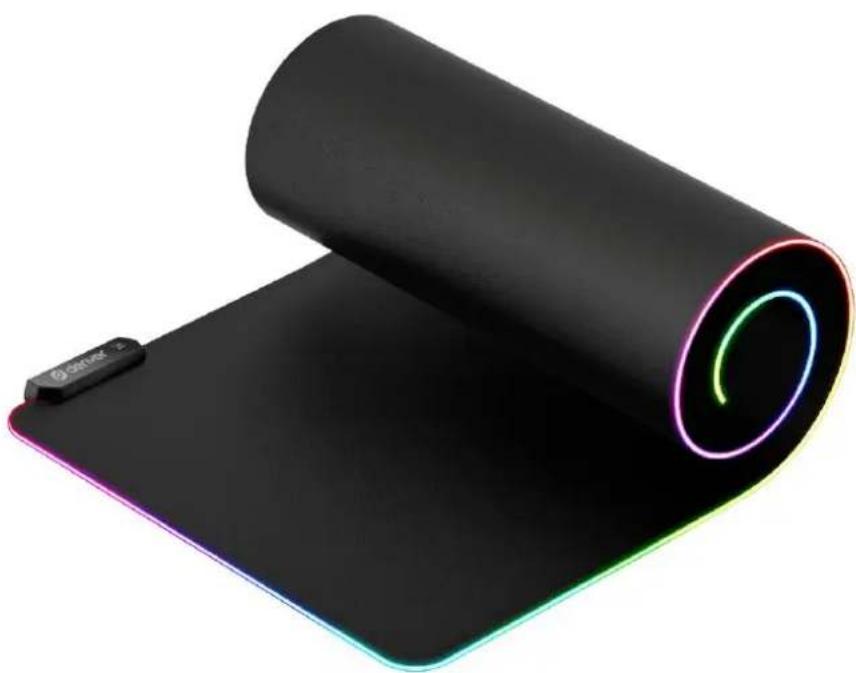
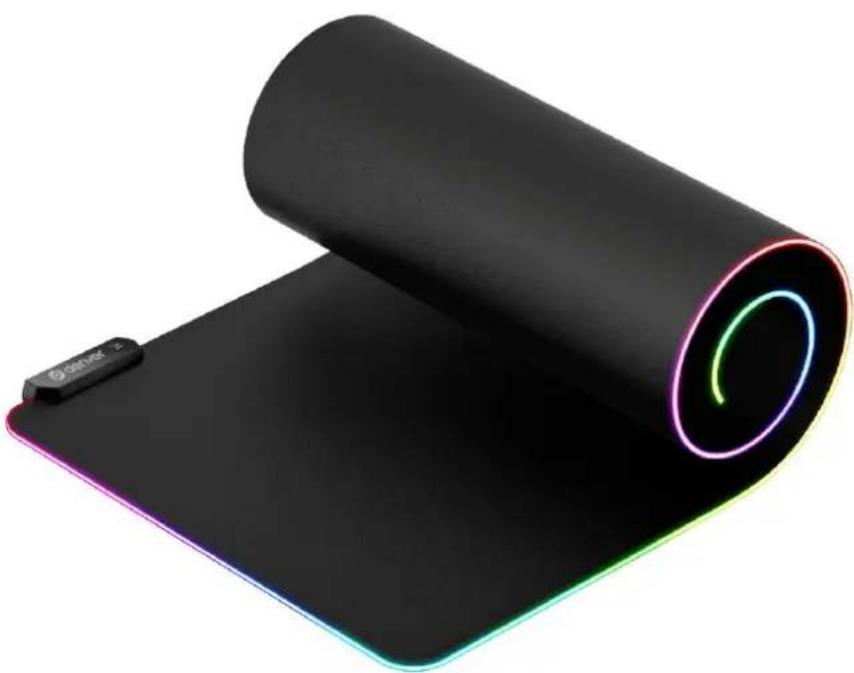
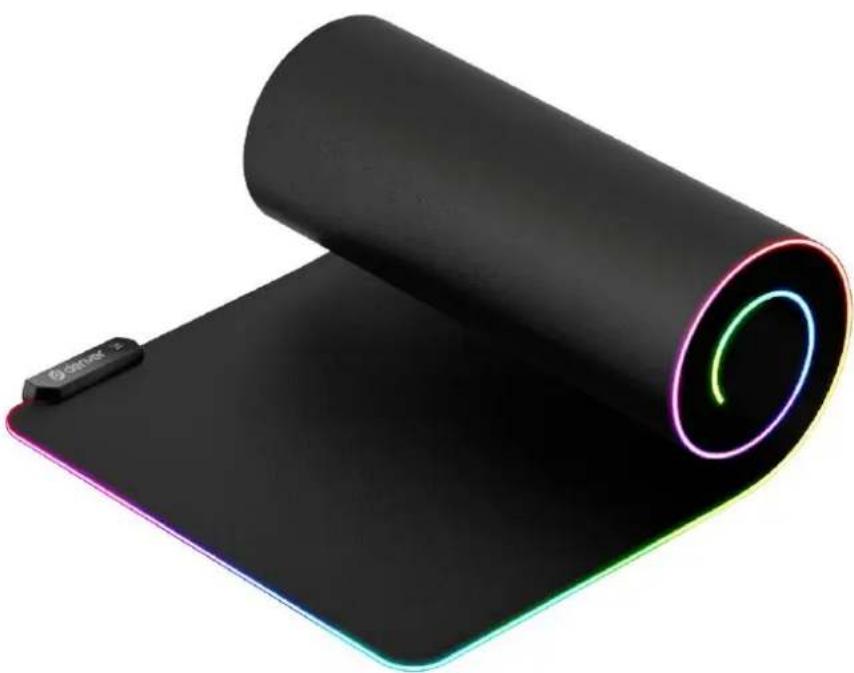
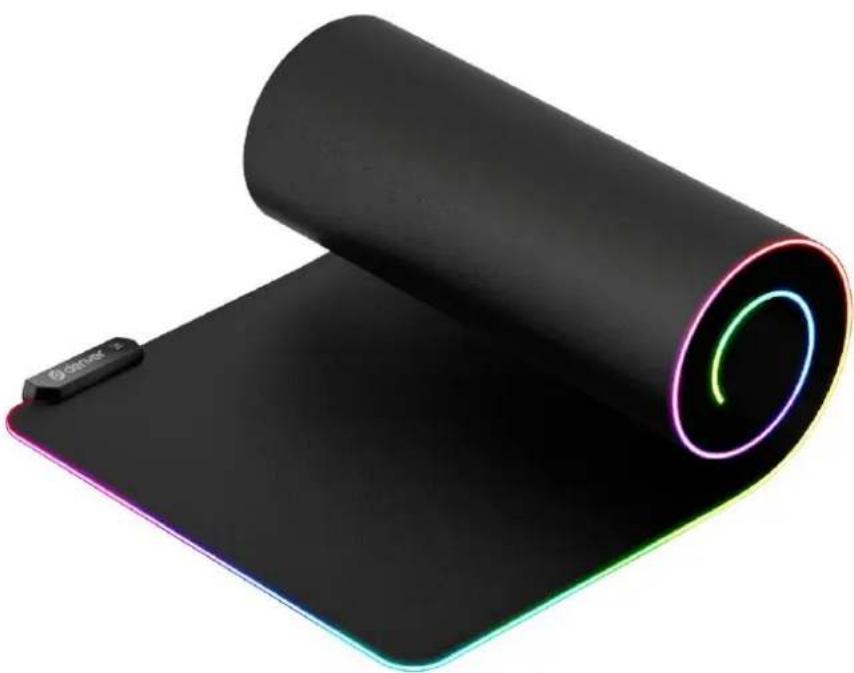
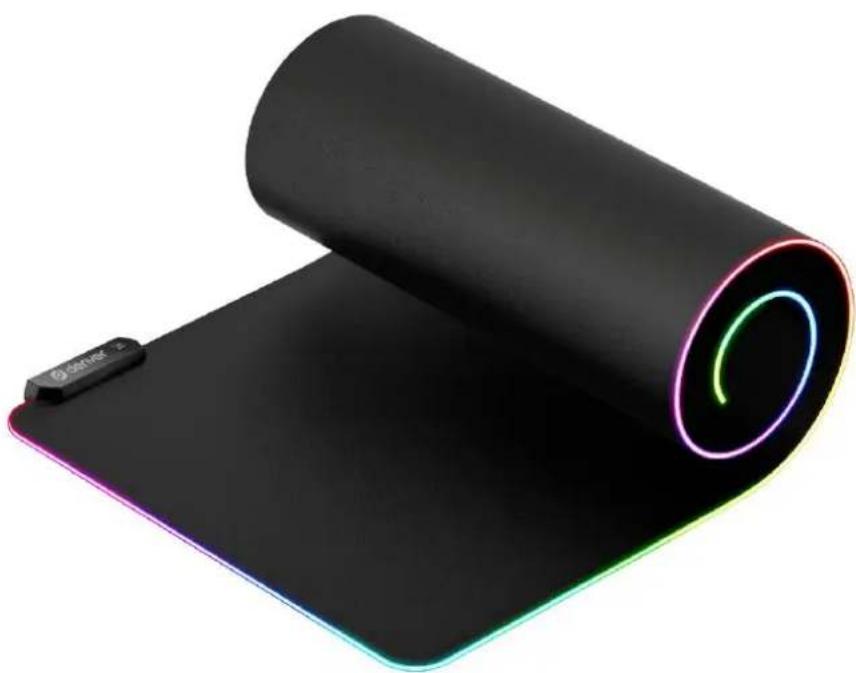
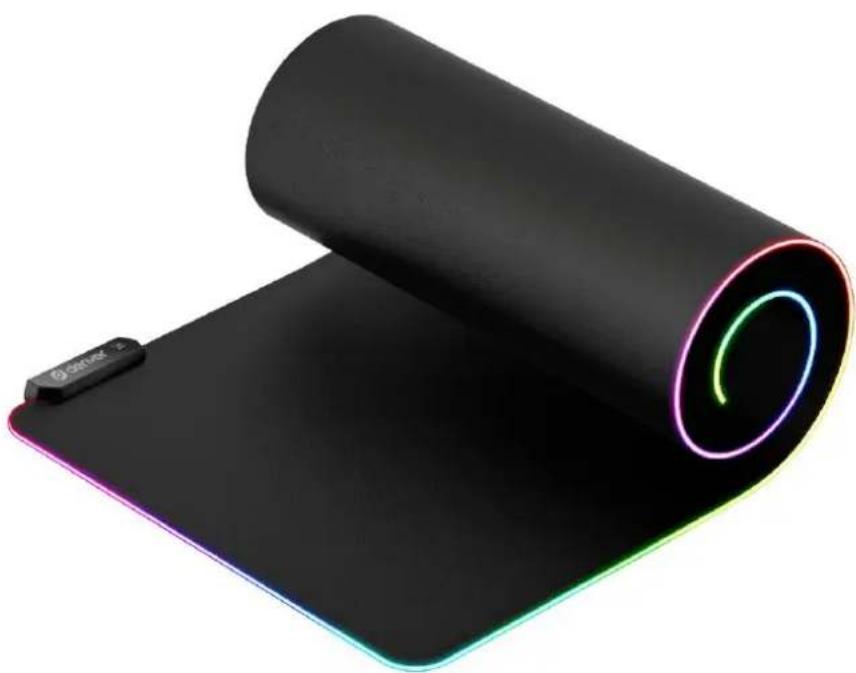
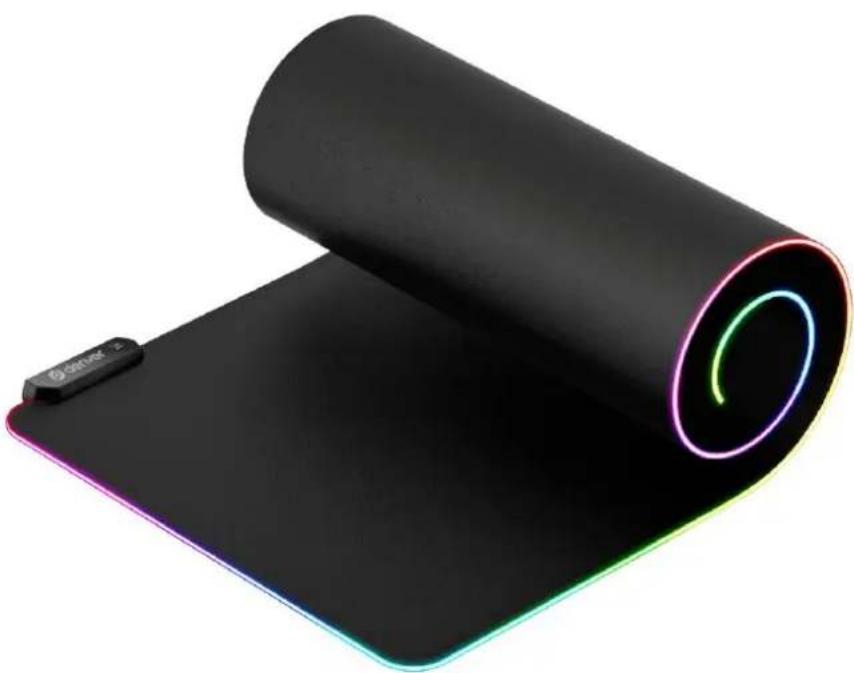
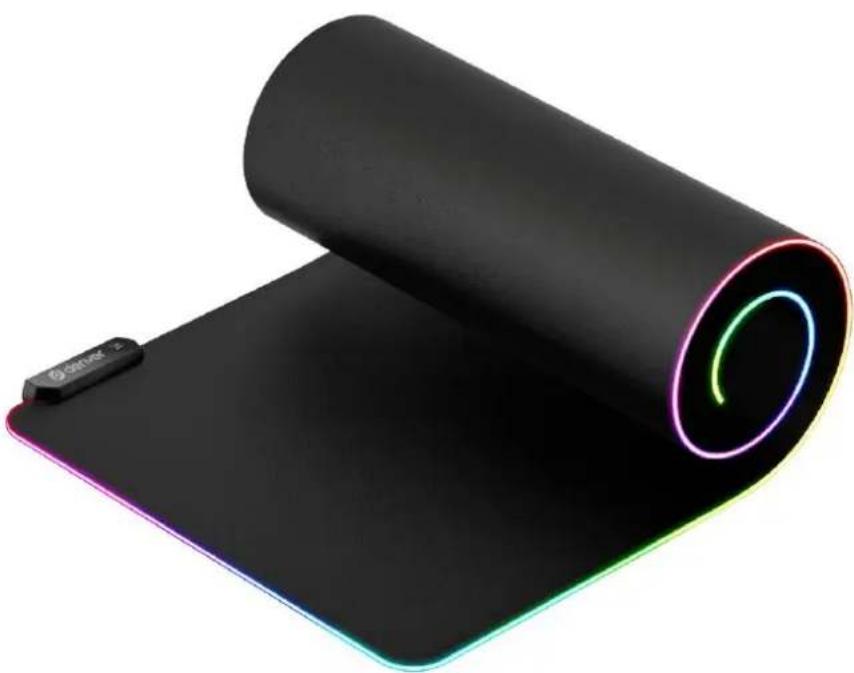
| Product type | RGB mouse pad |
| Brand | Denver |
| Model | MPL250 |
| Dimensions | 900 x 400 x 3 mm (estimated) |
| Weight | 450 g (estimated) |
| Power | USB port (integrated cable) |
| Surface material | Microfiber fabric |
| Non-slip base | Rubber |
| Number of lighting modes | 14 modes |
| Brightness levels | 2 levels (high and low) |
| Settings memory | Yes |
| Main functions | RGB lighting with mode switching, brightness adjustment, long press to turn off |
| Care and cleaning | Clean with a damp cloth. Do not immerse or use abrasive cleaners. |
| Safety | Do not open the product. Avoid moisture, heat and direct sunlight. Keep out of reach of children. |
| Repairability | Not user repairable. Any intervention must be carried out by qualified personnel. |
| General information | Manufactured by DENVER A/S, Omega 5A, Soeften, DK-8382 Hinnerup, Denmark. |
Frequently Asked Questions - MPL250 DENVER
User questions about MPL250 DENVER
0 question about this device. Answer the ones you know or ask your own.
Ask a new question about this device
Download the instructions for your Mouse pads in PDF format for free! Find your manual MPL250 - DENVER and take your electronic device back in hand. On this page are published all the documents necessary for the use of your device. MPL250 by DENVER.
USER MANUAL MPL250 DENVER
natural_image
Abstract geometric logo with a stylized white letter 'D' inside a black hexagon (no text or symbols)denver
natural_image
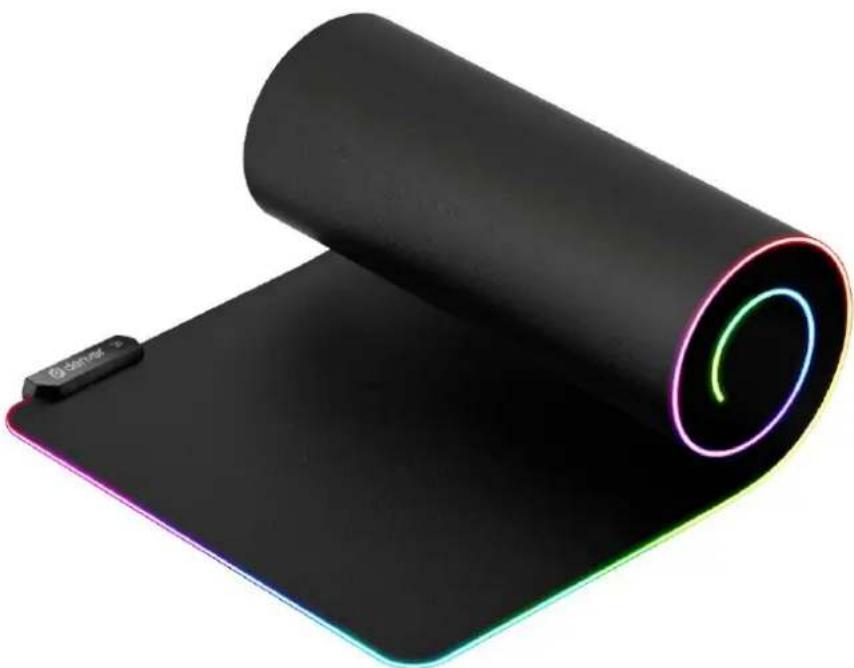
Roll of black rectangular mat with glowing blue and green neon light, no visible text or symbolsMPL-250
denver.eu
May 2021
ENG 1
Safety information
Please read the safety instructions carefully before using the product for the first time and keep the instructions for future reference.
- This product is not a toy. Keep it out of reach of children.
- Keep product out of the reach of children and pets to avoid chewing and swallowing.
- Never open the product. Touching the inside electrics can cause electric shock. Repairs or service should only be performed by qualified personnel.
- Do not expose to heat, water, moisture, direct sunlight!
- The unit is not waterproof. If water or foreign objects enter the unit, it may result in fire or electric shock. If water or a foreign object enters the unit, stop use immediately.
- The direct USB power plug is used as disconnect device, the disconnect device shall remain readily operable. So, make sure there is space around the USB cable connection on the PC for easy access.
- Do not use non original accessories together with the product as this can make the product functionality abnormal.
Mouse pad operating instructions
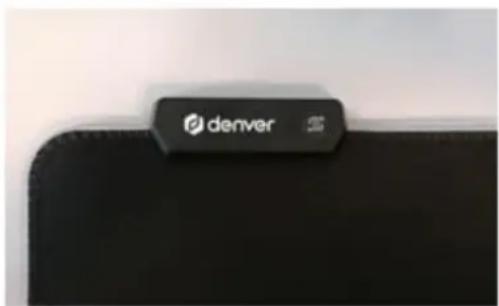
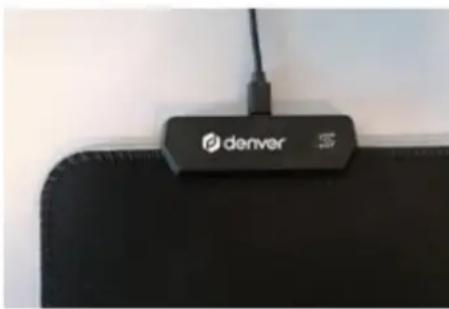
Switch key function:
- Click to switch modes, a total of 14 light modes, which can be cycled
- Double-click to switch the brightness, there are two levels of high and low.
- Long press for 3 seconds to turn off the light, then lightly press again to turn on the light
- Both the light mode and brightness have a memory function, whether it is a long press to shut down or power off, it can remember the state before it is turned off.
natural_image
Close-up of a black remote control device with 'denver' logo and cable (no readable text or symbols beyond branding)Please notice - All products are subject to change without any notice. We take reservations for errors and omissions in the manual.
ALL RIGHTS RESERVED, COPYRIGHT DENVER A/S
denver.eu

Electric and electronic equipment contains materials, components and substances that can be hazardous to your health and the environment, if the waste material (discarded electric and electronic equipment) is not handled correctly.
Electric and electronic equipment is marked with the crossed out trash can symbol, seen above. This symbol signifies that electric and electronic equipment should not be disposed of with other household waste, but should be disposed of separately.
All cities have established collection points, where electric and electronic equipment can either be submitted free of charge at recycling stations and other collection sites, or be collected from the households. Additional information is available at the technical department of your city.
DENVER A/S
Omega 5A, Soeften
DK-8382 Hinnerup
www.facebook.com/denver.eu

natural_image
Abstract geometric logo with a stylized white letter 'D' inside a black hexagon (no text or symbols)denver
natural_image
Roll of black rectangular mat with glowing blue and green light patterns, no visible text or symbolsMPL-250
denver.eu
Mai 2021
GER 1
Sicherheitshinweise
natural_image
Close-up of a black laptop mouse with a 'denver 5' logo on top (no additional text or symbols visible)natural_image
Abstract geometric logo with a stylized white letter 'D' inside a black hexagon (no text or symbols)denver
natural_image
Roll of black rectangular mat with glowing blue and green light patterns, no visible text or symbolsMPL-250
denver.eu
Maj 2021
DAN 1
natural_image
Close-up of a black remote control pad with 'denver' logo and cable, no visible text or symbols beyond brandingDAN 3
natural_image
Abstract geometric logo with a stylized white letter 'D' inside a black hexagonal shape (no text or symbols)denver
natural_image
Roll of black rectangular electronic device with glowing blue and green light, no visible text or symbolsMPL-250
denver.eu
Mei 2021
NED 1
natural_image
Close-up of a black laptop mouse with a 'denver' logo on top (no additional text or symbols visible)natural_image
Abstract geometric logo with a stylized white letter 'D' inside a black hexagonal shape (no text or symbols)denver
natural_image
Roll of black rectangular mat with glowing blue and green light, no visible text or symbolsMPL-250
denver.eu
Mai 2021
FRA 1
natural_image
Close-up of a black laptop mouse with a 'denver' logo on top (no additional text or symbols visible)FRA 3
natural_image
Abstract geometric logo with a stylized letter 'D' inside a hexagonal shape (no text or symbols)denver
natural_image
Roll of black rectangular electronic device with glowing blue and green light, no visible text or symbolsMPL-250
denver.eu
Mayo de 2021
ESP 1
natural_image
Close-up of a black laptop with 'denver 5' logo on top, attached to a cable (no visible text beyond logo)ESP 3
natural_image
Abstract geometric logo with a stylized letter 'D' inside a hexagonal shape (no text or symbols)denver
natural_image
Roll of black rectangular electronic device with glowing blue and green light, no visible text or symbolsMPL-250
denver.eu
Maggio 2021
natural_image
Close-up of a black laptop mouse with a 'denver' logo on top (no additional text or symbols visible)natural_image
Abstract geometric logo with a stylized white letter 'D' inside a black hexagonal shape (no text or symbols)denver
natural_image
Roll of black rectangular electronic device with glowing blue and green light, no visible text or symbolsMPL-250
denver.eu
Maj 2021
natural_image
Close-up of a black laptop with 'denver' logo and cable, placed on a flat surface (no text or symbols visible on device body)natural_image
Abstract geometric logo with a stylized white letter 'D' inside a black hexagon (no text or symbols)denver
natural_image
Roll of black rectangular mat with glowing blue and green light patterns, no visible text or symbolsMPL-250
denver.eu
Maj 2021
SWE 1
natural_image
Close-up of a black laptop with a 'denver 5' logo on top, attached to a white surface (no additional text or symbols visible)SWE 3
natural_image
Abstract geometric logo with a stylized white letter 'D' inside a black hexagonal shape (no text or symbols)denver
natural_image
Roll of black rectangular mat with glowing blue and green light, no visible text or symbolsMPL-250
denver.eu
Toukokuu 2021
FIN 1
Turvallisuustiedot
natural_image
Close-up of a black remote control device with 'denver' logo and cable, placed on a flat surface (no text or symbols visible beyond branding)natural_image
Abstract geometric logo with a stylized white letter 'D' inside a black hexagonal shape (no text or symbols)denver
natural_image
Roll of black rectangular electronic device with glowing blue and green light, no visible text or symbolsMPL-250
Denver.eu
Mai 2021
NOR 1
natural_image
Close-up of a black laptop mouse with a 'denver' logo on top (no additional text or symbols visible)natural_image
Abstract geometric logo with a stylized white letter 'D' inside a black hexagonal shape (no text or symbols)denver
natural_image
Roll of black rectangular electronic device with glowing blue and green light, no visible text or symbolsMPL-250
Denver.eu
Maio de 2021
POR 1
natural_image
Close-up of a black laptop with 'denver' logo and cable, no visible text or symbols on device surfacePOR 3
Brand : DENVER
Model : MPL250
Category : Mouse pads