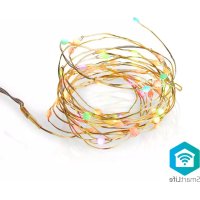
WIFILX50RGB - Lighting NEDIS - Free user manual and instructions
Find the device manual for free WIFILX50RGB NEDIS in PDF.

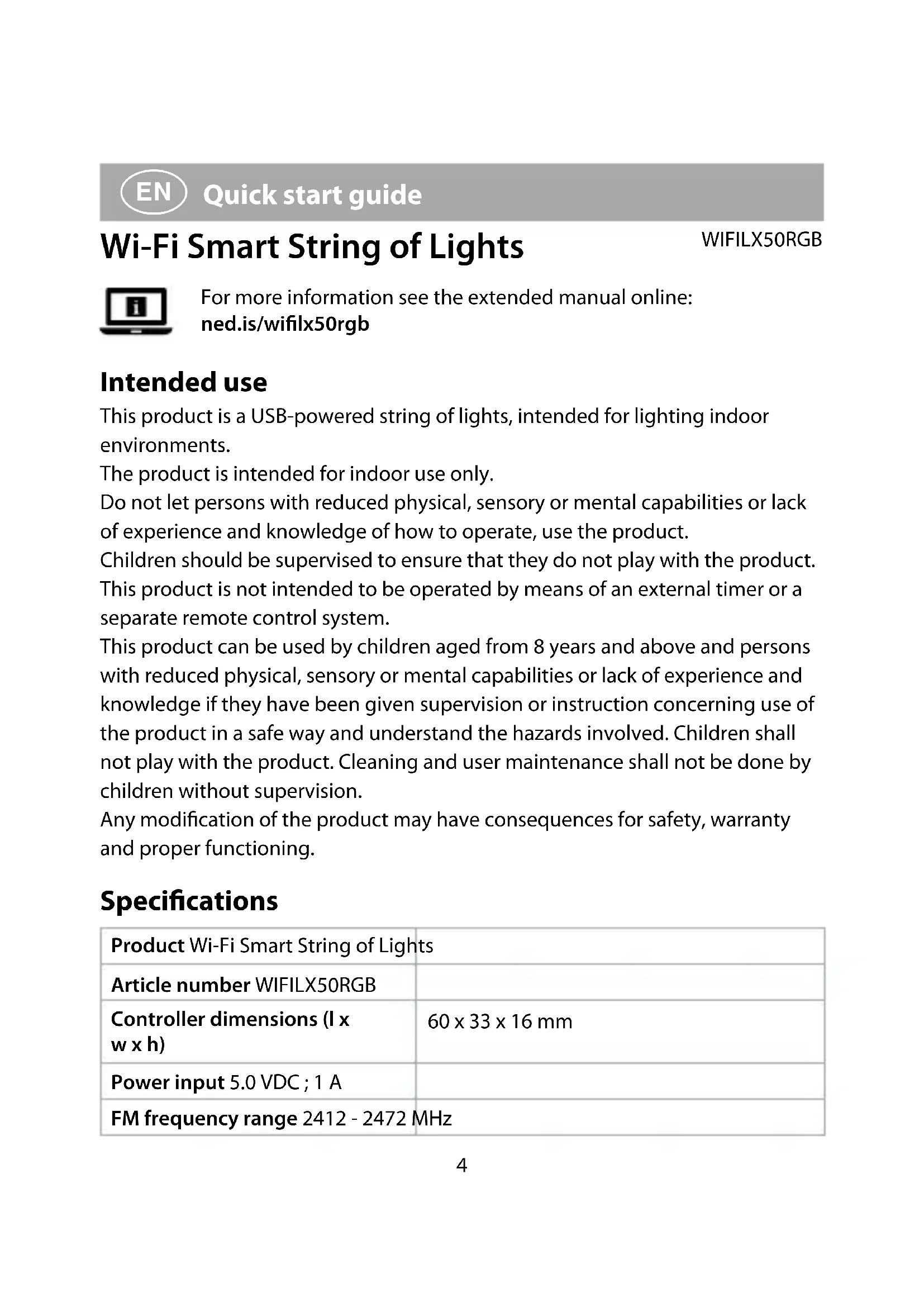


| Product type | Smart WiFi LED light chain |
| Brand | Nedis |
| Model | WIFILX50RGB |
| Controller dimensions (L x W x H) | 60 x 33 x 16 mm |
| Weight | 145 g |
| Power supply | 5.0 VDC; 1 A |
| Light chain length | 500 cm |
| Power cable length | 100 cm |
| Frequency band | 2412 - 2472 MHz |
| Maximum transmission power | 16 dBm |
| Main functions | WiFi control via Nedis SmartLife app, music mode with microphone, color changing, built-in dimmer |
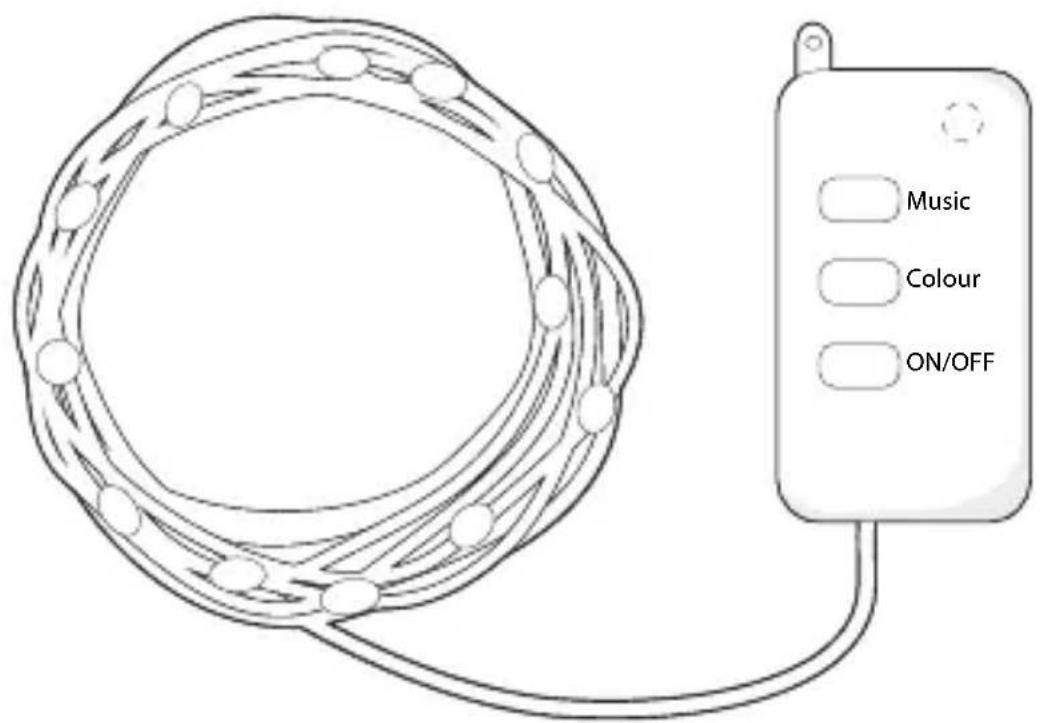
| Control buttons | Power, color, music |
| Built-in microphone | Yes, for sound reaction |
| Intended use | Indoor only, decorative lighting |
| Maintenance and cleaning | Wipe with a soft, dry cloth; unplug before cleaning |
| Safety | Do not use outdoors or near water; keep out of reach of children under 8 years; do not repair yourself |
| Spare parts and repairability | Repair by qualified technician only; no spare parts provided |
| General information | Warranty and CE compliance; declaration available at nedis.fr/wifilx50rgb#support |
Frequently Asked Questions - WIFILX50RGB NEDIS
User questions about WIFILX50RGB NEDIS
0 question about this device. Answer the ones you know or ask your own.
Ask a new question about this device
Download the instructions for your Lighting in PDF format for free! Find your manual WIFILX50RGB - NEDIS and take your electronic device back in hand. On this page are published all the documents necessary for the use of your device. WIFILX50RGB by NEDIS.
USER MANUAL WIFILX50RGB NEDIS
Wi-Fi Smart String of Lights
full colour with moving patterns and music mode
WIFILX50RGB
EN Quick start guide 4
DE Kurzanleitung 8
FR Guide de démarrage rapide 12
NL Snelstartgids 16
IT Guida rapida all'avvio 20
ES Guia de inicio=rápido 24
PT Guia de iniciação=rapida 28
SV Snabbstartsguide 32
FI Pika-aloitusopas 36
NO Hurtiguide 40
DA Vejledning til hurtig start 44
HU Gyors beüzemelési utmutató 48
PL Przewodnik Szybki start 52
EL O8nyoc yrhoynopnc EKKivnonc 56
SK Rychly námod 60

Rychly námod 64

Ghid rapid de initiere 68

Luhijuhend 72
A
Wi-Fi Smart String of Lights
WIFILX50RGB
For more information see the extended manual online:ned.is/wifilx50rgb
Intended use
This product is a USB-powered string of lights, intended for lighting indoor environments.
The product is intended for indoor use only.
Do not let persons with reduced physical, sensory or mental capabilities or lack of experience and knowledge of how to operate, use the product.
Children should be supervised to ensure that they do not play with the product. This product is not intended to be operated by means of an external timer or a separate remote control system.
This product can be used by children aged from 8 years and above and persons with reduced physical, sensory or mental capabilities or lack of experience and knowledge if they have been given supervision or instruction concerning use of the product in a safe way and understand the hazards involved. Children shall not play with the product. Cleaning and user maintenance shall not be done by children without supervision.
Any modification of the product may have consequences for safety, warranty and proper functioning.
Specifications
| Product Wi-Fi Smart String of Lights | |
| Article number WIFILX50RGB | |
| Controller dimensions (I x w x h) | 60 x 33 x 16 mm |
| Power input 5.0 VDC; 1 A | |
| FM frequency range 2412 - 2472 MHz | |
| Maximum transmission power 16 dBm | |
| Weight 145g | |
| Cable length 100 cm | |
| String of lights length 500 cm | |
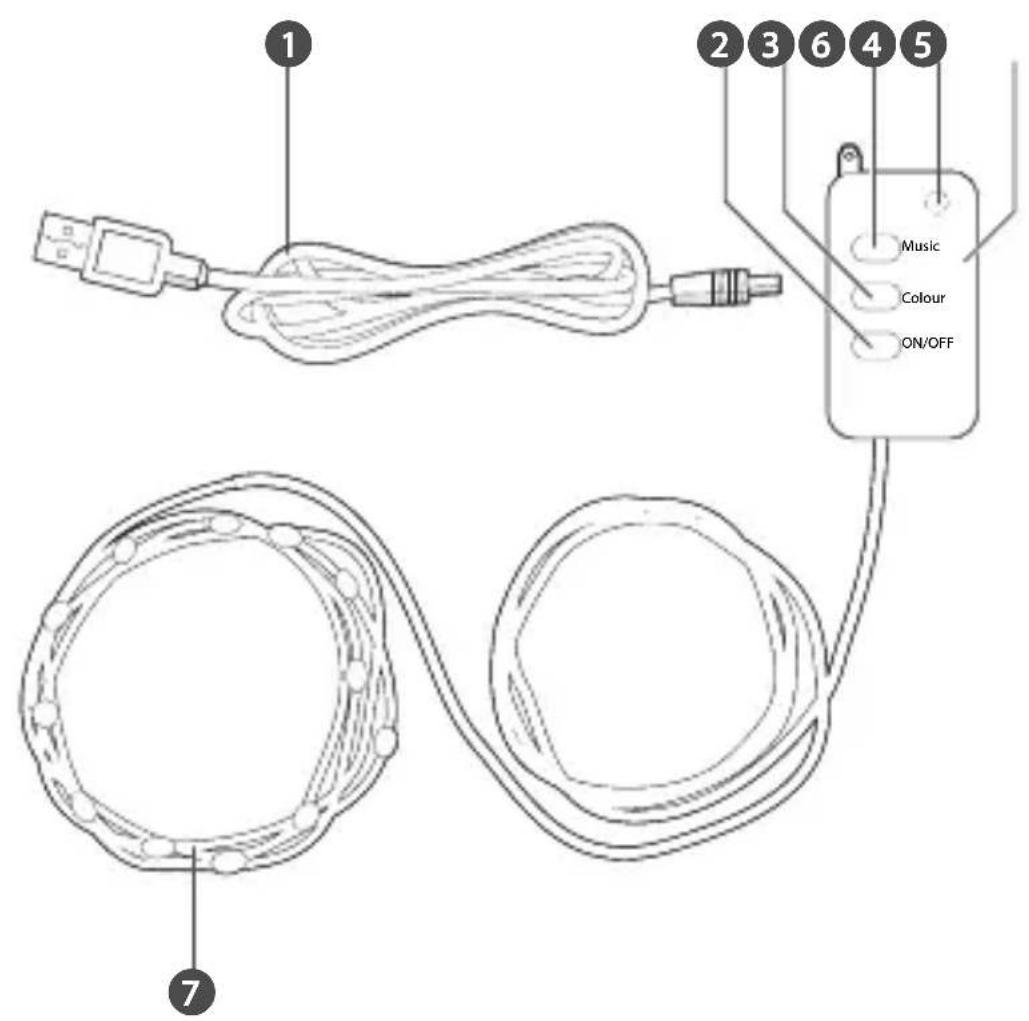
Main parts (image A)
USB power cable
2 Power button
3 Colour button
4 Music button
5 Microphone
6 Control unit
7 LED strip
Safety instructions

Do not use the product where splashing of water might occur, e.g. bathroom, swimming pool or close to a washbowl.
WARNING
- Ensure you have fully read and understood the instructions in this document before you install or use the product. Keep the packaging and this document for future reference.
- Only use the product as described in this document.
- Do not use the product if a part is damaged or defective. Replace a damaged or defective product immediately.
- Do not drop the product and avoid bumping.
- Do not expose the product to water or moisture.
- This product may only be serviced by a qualified technician for maintenance to reduce the risk of electric shock.
- The surfaces of the product get hot during use.
- Keep the product and power cable out of reach of children under 8 years of age.
- Only use the provided power cable.
Installing the Nedis SmartLife app
- Download the Nedis Smartlife app for Android or iOS on your phone via Google Play or the Apple App Store.
- Open the Nedis Smartlife app on your phone.
- Create an account with your mobile phone number or your e-mail address and tap Continue.
- Enter the received verification code.
- Create a password and tap Done.
- Tap Add Home to create a SmartLife Home.
- Set your location, choose the rooms you want to connect with and tap Done.
Installing the product
- Connect the USB cable A 1 to a USB power adapter (not included).
- The light strip starts flashing quickly.
The power button A2 for 5 seconds to reset the product if the light strip does not flashes quickly.
- Tap + in the Nedis SmartLife app.
- Select 'LED strip' from the list of available products.
- Tap to confirm.
- Enter the password of the 2,4 GHz Wi-Fi network to which your phone is connected and tap Confirm.
- Rename the product after it has been found and added.
If the above connection method fails, the product can be connected using AP mode:
- Press and hold A2 for 5 seconds.
A7 flashes quickly. - Press and hold A again for 5 seconds.
A7 flashes slowly. - Tap + in the Nedis SmartLife app.
- Under Add Manually, tap LED strip.
- Tap AP Mode in the top right corner.
- Follow steps 5 till 7 of the regular connection method.
Using the product
The product can be controlled with the Nedis SmartLife app via a Wi-Fi connection from any location.
The home menu of the Nedis SmartLife app shows a control tile for each connected lamp and/or group.
- Press the power button A2 to switch on the product.
- Press A 4 to enter Music mode.
The microphone A 5 changes the light colour when it detects sound.
- Press A 3 to change the colour of A 7.
- Press A 2 to switch the product off.
Declaration of Conformity
We, Nedis B.V. declare as manufacturer that the product WIFILX50RGB from our brand Nedis®, produced in China, has been tested according to all relevant CE standards and regulations and that all tests have been passed successfully. This includes, but is not limited to the RED 2014/53/EU regulation.
The complete Declaration of Conformity (and the safety datasheet if applicable) can be found and downloaded via:
nedis.com/wifilx50rgb#support
For additional information regarding the compliance, contact the customer service:
Web: www.nedis.com
E-mail: service@nedis.com
Nedis B.V., de Tweeling 28
5215 MC's-Hertogenbosch, the Netherlands
Intelligente WLAN-Lichterkette
WIFILX50RGB
Installation of Nedis SmartLife-appen
5215 MC's-Hertogenbosch, the Netherlands
5215 MC's-Hertogenbosch, the Netherlands
Inteligenty retazec svetiel Wi-Fi
WIFILX50RGB
Viac informáci najdete v rozsirenom navode online:ned.is/wiflx50rgb
Urcené použitie
Tento vyrobok je retazec svetiel s napajanim z USB urceny na osvetlenie vnutornych prostredi.
5215 MC's-Hertogenbosch, the Netherlands.
Nedis BV
De Tweeling 28, 5215 MC's-Hertogenbosch - The Netherlands 11/21


- Wi-Fi Smart String of Lights
- Intended use
- Specifications
- Main parts (image A)
- Safety instructions
- WARNING
- Installing the Nedis SmartLife app
- Installing the product
- Using the product
- Declaration of Conformity
- Intelligente WLAN-Lichterkette
- Installation of Nedis SmartLife-appen
- Inteligenty retazec svetiel Wi-Fi
- Urcené použitie
- Nedis BV
Brand : NEDIS
Model : WIFILX50RGB
Category : Lighting