
WIFILCS10WT - Lighting NEDIS - Free user manual and instructions
Find the device manual for free WIFILCS10WT NEDIS in PDF.


| Product Type | Smart LED Strip Light |
| Model Number | WIFILCS10WT |
| Brand | Nedis |
| Color | White (10 meters) |
| Length | 10 meters |
| Light Color | RGB + White |
| Connectivity | Wi-Fi 2.4 GHz |
| Compatibility | Amazon Alexa, Google Assistant |
| Power Supply | External adapter, 12V DC 2A |
| Power Consumption | 24 W (max) |
| Weight | 0.35 kg |
| Dimensions (packaged) | 15 x 15 x 5 cm |
| IP Rating | IP20 (indoor use only) |
| Control | Via Nedis SmartLife app (iOS/Android) |
| Functions | On/Off, dimming, color changing, scheduling, music sync |
| Installation | Self-adhesive backing, plug and play |
| Operating Temperature | 0°C to 40°C |
| Warranty | 2 years |
Frequently Asked Questions - WIFILCS10WT NEDIS
User questions about WIFILCS10WT NEDIS
0 question about this device. Answer the ones you know or ask your own.
Ask a new question about this device
Download the instructions for your Lighting in PDF format for free! Find your manual WIFILCS10WT - NEDIS and take your electronic device back in hand. On this page are published all the documents necessary for the use of your device. WIFILCS10WT by NEDIS.
USER MANUAL WIFILCS10WT NEDIS
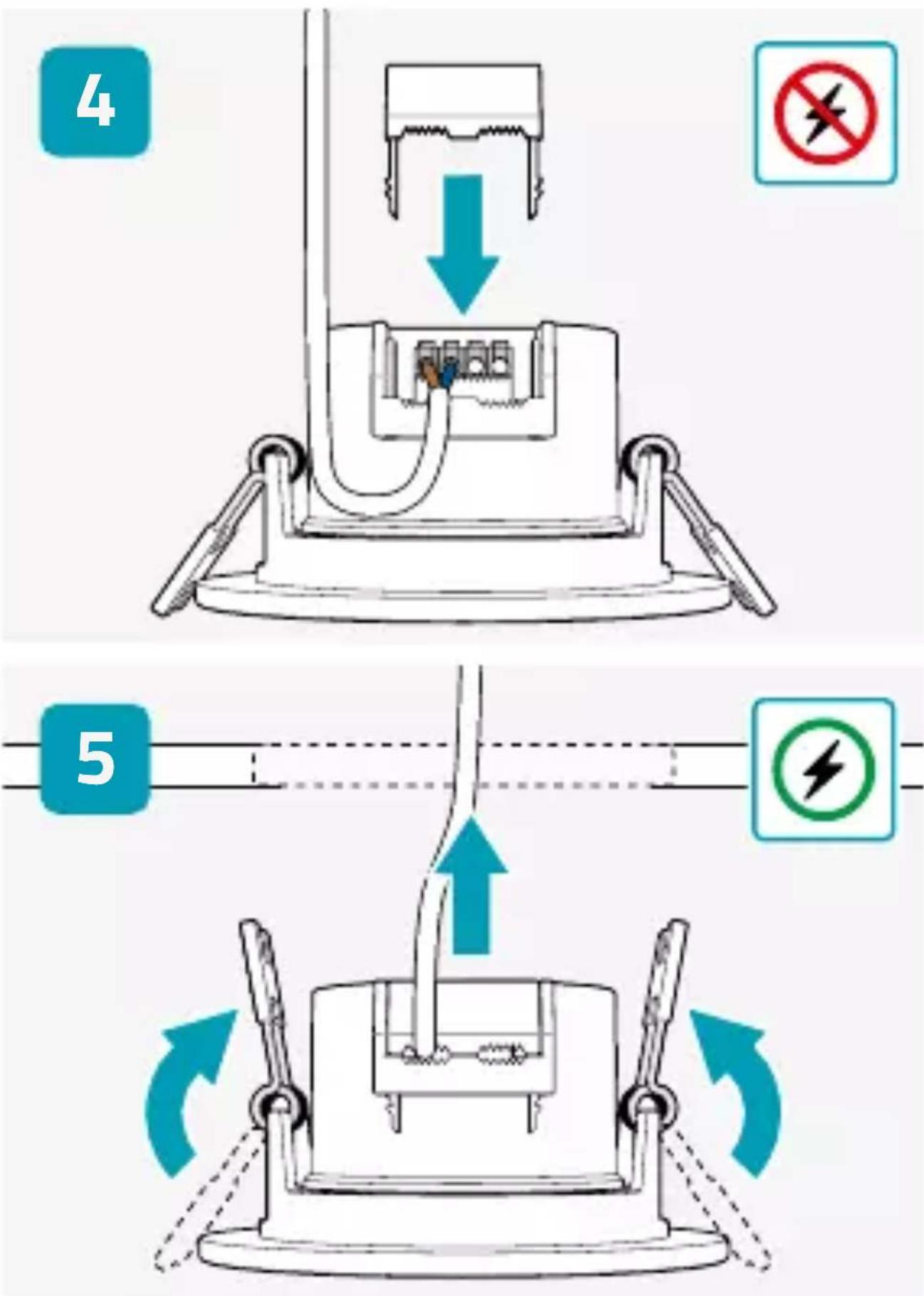
Smart Ceiling Spotlight
Installation

natural_image
Icon of a house with Wi-Fi signal symbol inside a hexagon (no text or numbers)Nedis SmartLife
WIFILCS10WT

natural_image
Top-down line drawing of a ceiling light fixture with concentric circular lighting (no text or symbols)
Scan the QR code for more information about your Nedis product or go to:
ned.is/wifilcs10wt

natural_image
Blue circular icon with a white downward arrow (no text or symbols)Download

natural_image
Teal hexagonal icon with a white house and Wi-Fi symbol inside (no text or numbers)Nedis SmartLife


∅ 67 - 75 mm


Nedis B.V.
De Tweeling 28
5215 MC 's-Hertogenbosch
The Netherlands
www.nedis.com

natural_image
Two black-and-white icons: a person recycling and a trash bin with a trash can (no text or symbols)

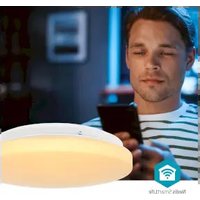
Brand : NEDIS
Model : WIFILCS10WT
Category : Lighting