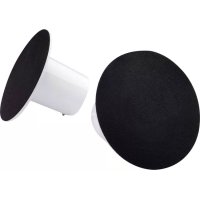
Sound² - Speaker LACIE - Free user manual and instructions
Find the device manual for free Sound² LACIE in PDF.


| Product Type | Stereo speaker |
| Brand | LaCie |
| Model | Sound² |
| Design | Neil Poulton |
| Power supply | Power adapter (included) or USB port (built-in cable) |
| Connectivity | USB for computer, 3.5mm audio jack input for device |
| Compatibility | Windows and Mac |
| Volume control | Rotary knob on the main speaker |
| Components | Main speaker and secondary speaker |
| Auxiliary input | Yes (cable included) |
| USB cable length | Approximately 1.2 m |
| Weight | Approximately 600 g |
| Dimensions (L x W x H) | 10 x 10 x 12 cm (estimate) |
| Material | ABS plastic |
| Color | Black |
| Maintenance | Clean with a soft dry cloth |
| Safety | Do not open or expose to moisture |
| Operating temperature | 0°C to 40°C |
| Power consumption | 5 V / 500 mA |
| Box contents | Main speaker, secondary speaker, power adapter, USB cable, audio cable, quick start guide |
| Warranty | 1 year |
Frequently Asked Questions - Sound² LACIE
User questions about Sound² LACIE
0 question about this device. Answer the ones you know or ask your own.
Ask a new question about this device
Download the instructions for your Speaker in PDF format for free! Find your manual Sound² - LACIE and take your electronic device back in hand. On this page are published all the documents necessary for the use of your device. Sound² by LACIE.
USER MANUAL Sound² LACIE
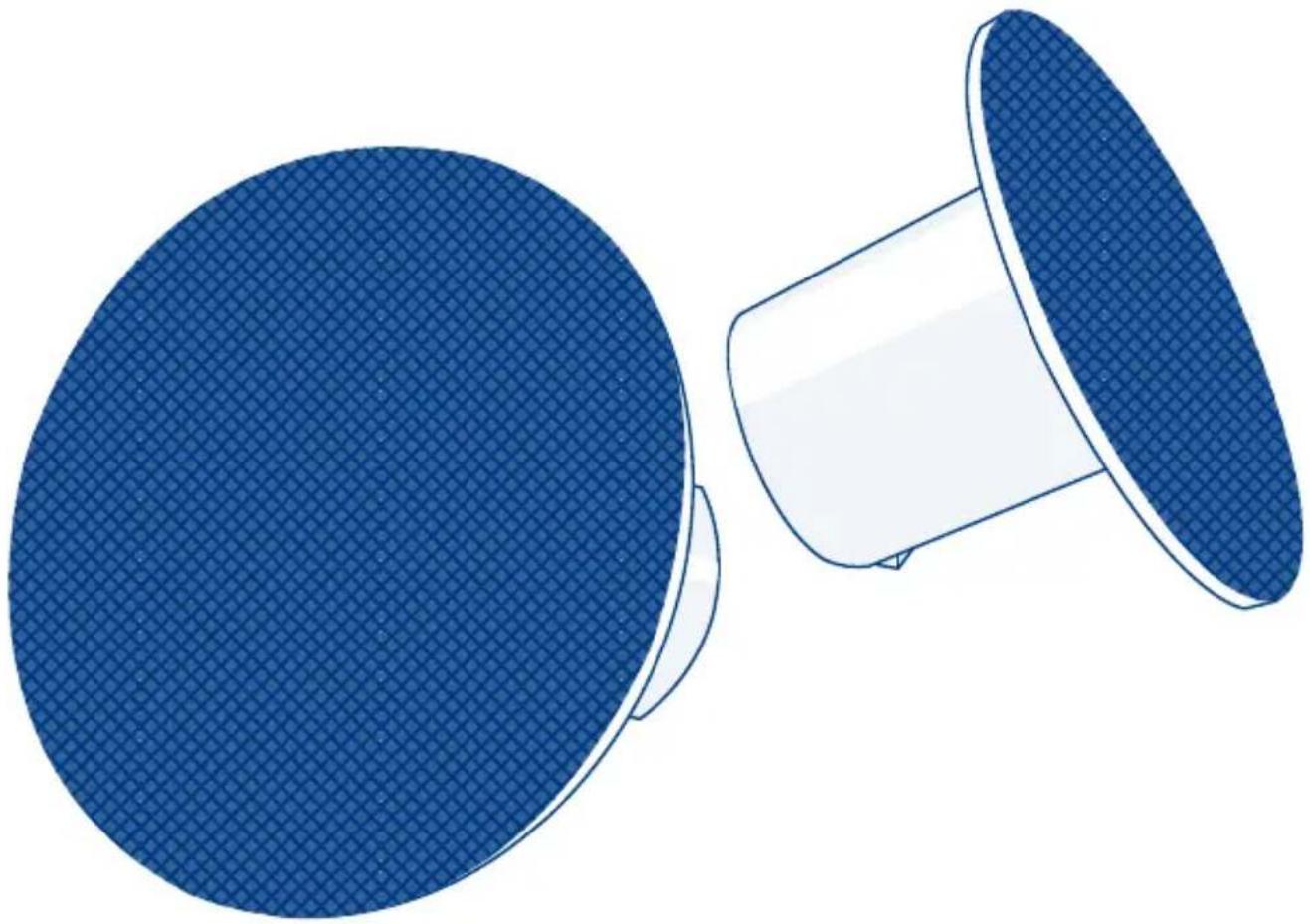
Sound ^2 Speakers
DESIGN BY NEIL POULTON

natural_image
Illustration of two blue filter wheel components, one circular and one conical, with no text or symbols present.Quick Install Guide
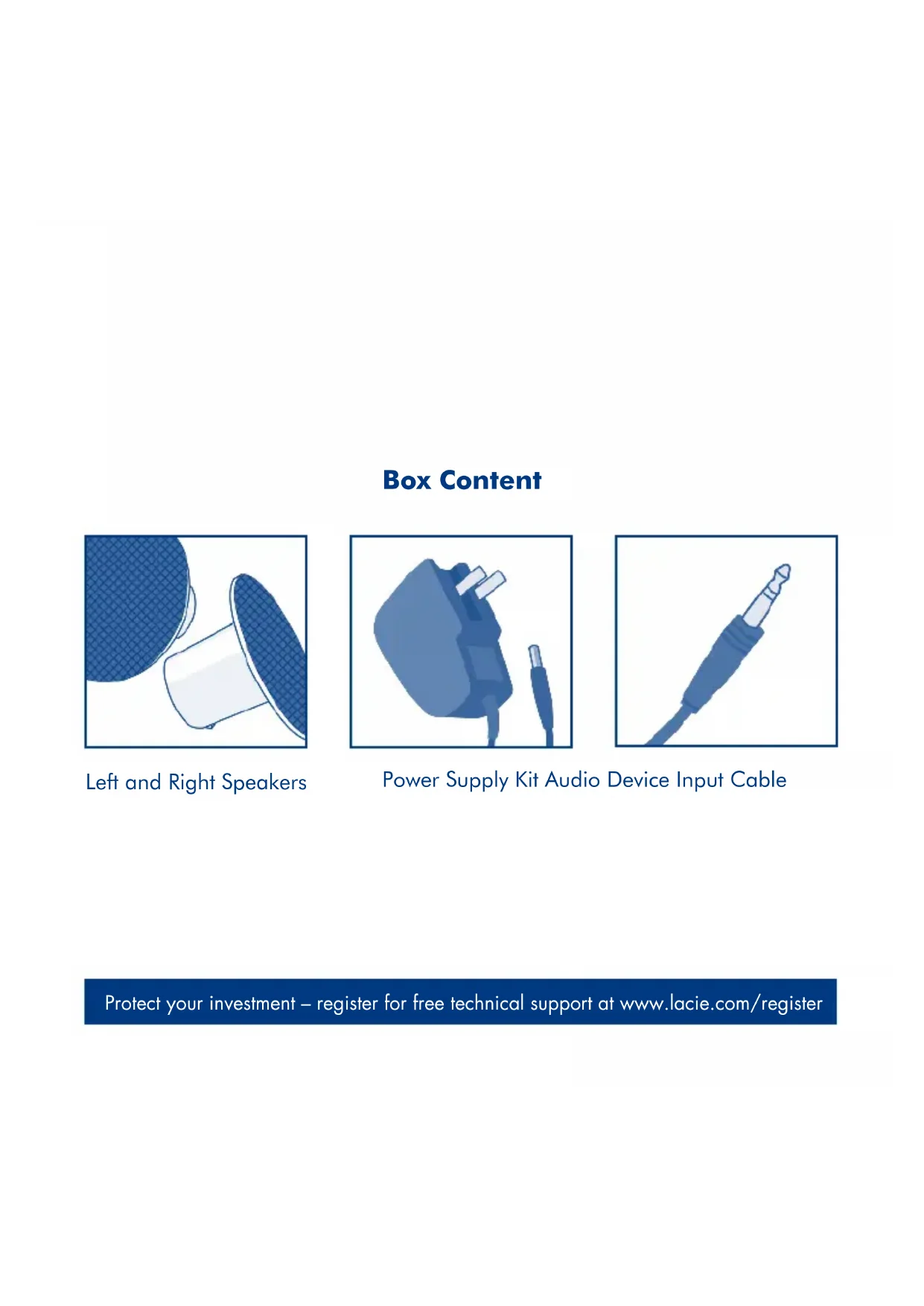
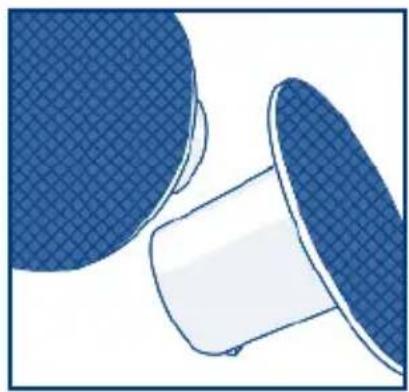
Box Content
natural_image
Illustration of a blue mesh cap and a white plastic cup (no text or symbols)Left and Right Speakers
natural_image
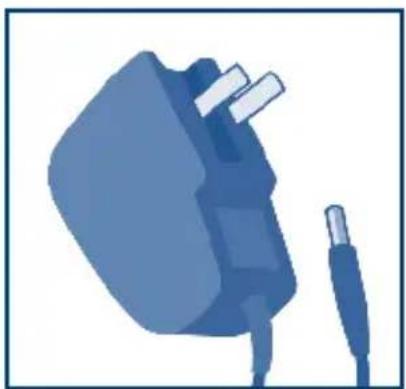
Illustration of a blue electric plug with attached cable (no text or symbols)Power Supply Kit Audio Device Input Cable
natural_image
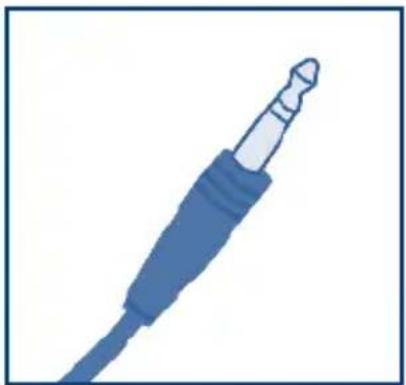
Illustration of a blue audio jack with a pointed tip and cable (no text or symbols)Protect your investment – register for free technical support at www.lacie.com/register
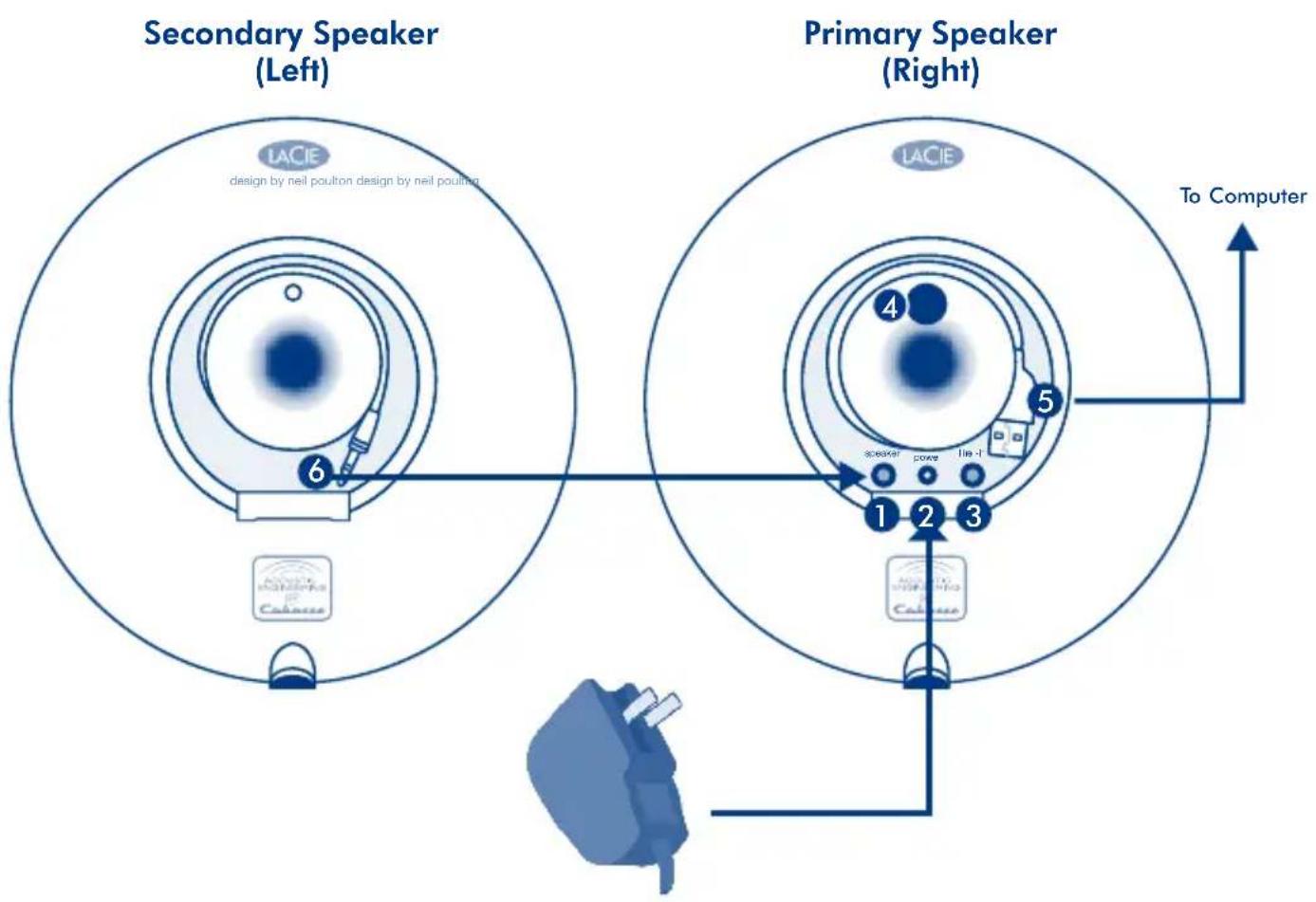
- Cable to connect to primary speaker
- Power supply port
-
Audio line-in port
-
Power switch/volume control
- Built-in USB Cable
- Cable to connect to primary speaker
Setup Steps
- Plug the secondary speaker into the main speaker.
- Connect the power supply kit to a wall outlet and to the speakers.
- Connect the speakers to your computer with the integrated USB cable.
- Switch on the LaCie Sound Speakers and adjust volume level by turning the volume wheel clockwise.
IMPORTANT: For optimum sound, set the pre-amplifier of your audio player (ex. iTunes, Windows Media Player, or VLC) to 0db. A different configuration may cause parasite noise or signal distortion.
Note: If you connect and switch on your LaCie Sound ^2 Speakers but you don't hear any sound when playing an audio file, you may need to select the speakers manually as your audio output device.
Windows Users: Control Panel>Sounds>Audio>Playback>LaCie Speakers Mac Users: System Preferences>Sound>Output>LaCie Speakers
To use the LaCie Sound ^2 Speakers with an audio device (ex. iPod), connect them to the device with the audio line-in cable.
FR
LaCie Sound ^2 Speakers
DESIGN BY NEIL POULTON
Wanchai, Hong Kong, China
sales.asia@lacie.com
LaCie Australia
458 Gardeners Rd.
Alexandria, NSW 2015
sales.au@lacie.com
LaCie Belgium
Vorstlaan 165/ Bld
du Souverain 165
1160 Brussels
sales.benelux@lacie.com
LaCie Canada
235 Dufferin St.
Toronto, Ontario M6K 1Z5
sales.ca@lacie.com
LaCie Germany
Am Kesselhaus 5
D-79576 Weil Am Rhein
sales.de@lacie.com
LaCie Italy
Milano Business Park
Edificio B1
LaCie Middle East FZE
LIU-E6, PO Box 293860,
Dubai Airport Free Zone,
Dubai, U.A.E.
sales.me@lacie.com
LaCie Nordic
(Sweden, Denmark, Norway, Finland)
Sveavägen 90, 5tr
113 59 Stockholm, Sweden
sales.nordic@lacie.com
LaCie Spain
LaCie United Kingdom and Ireland
LaCie LTD - Friendly House
52-58 Tabernacle Street
London, England EC2A 4NJ
UK: sales.uk@lacie.com
Ireland: sales.ie@lacie.com
LaCie Worldwide Export
17, rue Ampère
91349 Massy Cedex, France
sales.intl@lacie.com
Visit www.lacie.com for more information on LaCie products.
Copyright © 2009, LaCie
713437 090717


Brand : LACIE
Model : Sound²
Category : Speaker