PowerEdge T105 - Server DELL - Free user manual and instructions
Find the device manual for free PowerEdge T105 DELL in PDF.



| Product Type | Tower server |
| Brand | Dell |
| Model | PowerEdge T105 |
| Form factor | Tower |
| Dimensions (H x W x D) | 41.3 cm x 18.7 cm x 45.8 cm |
| Weight (maximum configuration) | 13 kg |
| Processor | Intel Xeon 3000 series |
| RAM | Up to 8 GB DDR2 ECC |
| Supported memory types | DIMM 512 MB, 1 GB, 2 GB (not supported as single module) |
| Expansion capability | 1 PCI 32-bit 33 MHz, 1 PCIe x1, 2 PCIe x8 |
| SATA controller | Integrated (NVIDIA nForce) |
| Hard disk bays | Up to 4 internal SATA bays |
| Optical drives | Up to 2: combo CD-RW/DVD or DVD-RW (SATA) |
| Graphics card | ATI ES1000 2D, 32 MB |
| Power supply | 350 W (estimated) |
| Supported operating system | Windows Server, SUSE Linux Enterprise Server 10 |
| Primary functions | File server, printing, applications, web |
| Maintenance and cleaning | Regular dust removal, fan inspection |
| Security | Chassis lock, BIOS password, ESD precautions |
| Spare parts and repairability | Memory, drives, power supply, fans |
| General information | Manual available in multiple languages at notice-facile.com |
Frequently Asked Questions - PowerEdge T105 DELL
User questions about PowerEdge T105 DELL
0 question about this device. Answer the ones you know or ask your own.
Ask a new question about this device
Download the instructions for your Server in PDF format for free! Find your manual PowerEdge T105 - DELL and take your electronic device back in hand. On this page are published all the documents necessary for the use of your device. PowerEdge T105 by DELL.
USER MANUAL PowerEdge T105 DELL
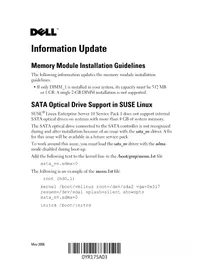
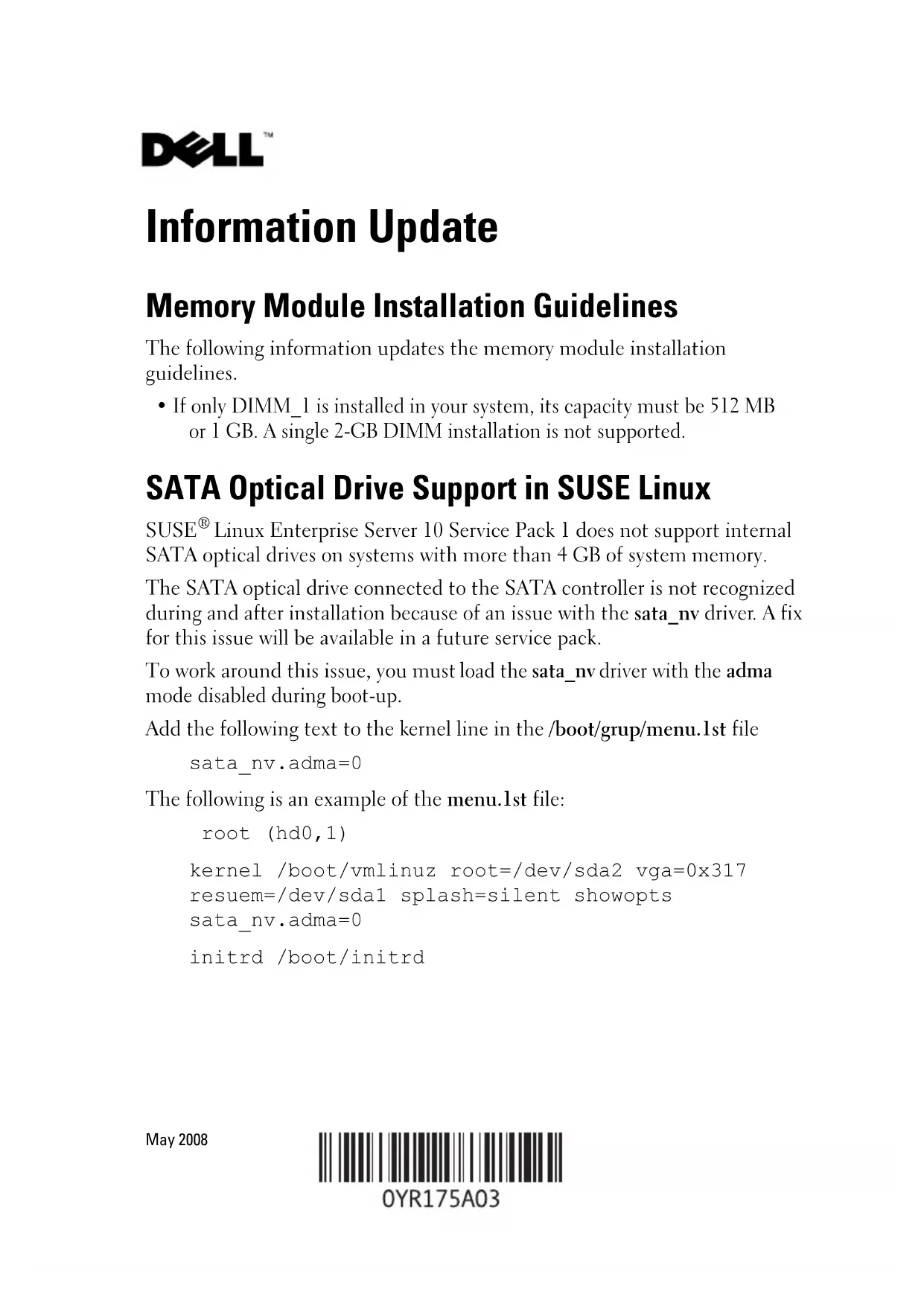
- If only DIMM_1 is installed in your system, its capacity must be 512 MB or 1 GB. A single 2-GB DIMM installation is not supported.
SATA Optical Drive Support in SUSE Linux
SUSE ^® Linux Enterprise Server 10 Service Pack 1 does not support internal SATA optical drives on systems with more than 4 GB of system memory.
The SATA optical drive connected to the SATA controller is not recognized during and after installation because of an issue with the sata_nv driver. A fix for this issue will be available in a future service pack.
To work around this issue, you must load the sata_nv driver with the adma mode disabled during boot-up.
Add the following text to the kernel line in the /boot/grup/menu.1st file
sata_nv.adma=0
The following is an example of the menu.1st file:
root (hd0,1)
kernel /boot/vmlinuz root=/dev/sda2 vga=0x317
resuem=/dev/sda1 splash=silent showopts
sata_nv.adma=0
initrd /boot/initrd
System Board Update
Figure 6-1 in the Hardware Owner's Manual incorrectly illustrated the system jumpers and the PCI slot (slot 3). Figure 1-1 shows the correct illustration.
Figure 1-1. System Board Jumpers

Expansion Card Update
The following updates incorrect expansion card information.
The system board can accommodate up to four expansion cards:
• One 3.3-V, half-length 32-bit, 33-MHz PCI (slot 3)
• One 2.5-Gb/sec PCIe x1 (slot 4)
- Two 2.5-Gb/sec PCIe x8 (slots 1 and 2)
System Features Update
The following system features are new or updated.
- A DVD-RW drive has been added to the list of supported optical drives.
- The amount of graphics memory for the ATI ES 1000 2D graphics controller is 32 MB instead of 16 MB.
Technical Specifications Update
A DVD-RW drive has been added to the list of supported optical drives.
Drives
Optical Drives up to two optional internal DVD-ROM,
combination CD-RW/DVD, or DVD-RW optical drives (SATA interface only)
NOTE: DVD devices are data only.
The physical system dimensions have been corrected as follows.
Physical
Height 41.3 cm (16.25 inches)
Width 18.7 cm (7.36 inches)
Depth 45.8 cm (18 inches)
Weight (maximum configuration) 13 kg (28.6 lb)
Information in this document is subject to change without notice. © 2007–2008 Dell Inc. All rights reserved.
Reproduction in any manner whatsoever without the written permission of Dell Inc. is strictly forbidden.
Trademarks used in this text: Dell, the DELL logo, and PowerEdge are trademarks of Dell Inc.; SUSE is a registered trademark of Novell, Inc., in the United States and other countries.
Other trademarks and trade names may be used in this document to refer to either the entities claiming the marks and names or their products. Dell Inc. disclaims any proprietary interest in trademarks and trade names other than its own.
信息更新
内存模块安装原则
以下信息是对内存模块安装原则的更新。
扩充卡更新
以下是对扩充卡错误信息的更新。
系统板最多可以容纳四块扩充卡。
拡張カードに関するアップデート情報
확장 카드 업데이트
Brand : DELL
Model : PowerEdge T105
Category : Server