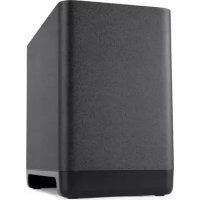
React Sub - Hi-fi system POLK - Free user manual and instructions
Find the device manual for free React Sub POLK in PDF.


| Brand | POLK |
| Model | React Sub |
| Product type | Subwoofer |
| Category | Hi-fi system |
| Power supply | Mains (power cord included) |
| Connection | Wireless with soundbar (via CONNECT button) |
| Maximum range | 10 meters (30 feet) |
| LED indicator | Green light: solid = paired, flashing = not paired |
| Firmware update | Automatic via internet when soundbar is connected |
| Box contents | Subwoofer, power cord, documentation |
| Care and cleaning | Wipe with a soft, dry cloth. Do not use abrasive products. |
| Phone support (North America) | 800-377-POLK (7655) |
| Phone support (United Kingdom and Ireland) | +44 2890279830 |
| Phone support (Netherlands) | +31 402507800 |
| Phone support (Other countries) | +1-410-358-3600 |
| Email support | polkcs@polkaudio.com |
| Online FAQ | polk.custhelp.com |
Frequently Asked Questions - React Sub POLK
User questions about React Sub POLK
0 question about this device. Answer the ones you know or ask your own.
Ask a new question about this device
Download the instructions for your Hi-fi system in PDF format for free! Find your manual React Sub - POLK and take your electronic device back in hand. On this page are published all the documents necessary for the use of your device. React Sub by POLK.
USER MANUAL React Sub POLK
Date 3 December 2020
TITLE BLOCK DOES NOT PRINT
File Name Polk_React_Subwoofer_QSG_110420.pdf
Scale 168mm x 124mm
Drawn By KB
Color Full color
Paper Tortilla smooth/80T (uncoated stock) (98 opacity, 10.6 caliper, 150 smoothness) Offset
Artwork Digital file
| Revision | Date Description | |
| A 10/16/20 Initial release | ||
| B 11/4/20 Content review updates and drawing revisions | ||
| C 12/3/20 Added translations | ||
| D 12/9/20 Updated front cover; removed Chinese & Japanese | ||
| E 12/14/20 Phone # edit to cust svc pages | ||
polk
REACT SUB
WIRELESS SUBWOOFER
Quick Start Guide
THANK YOU FOR YOUR POLK® PURCHASE!
If you have a question or comment, please feel free to contact us.
TECHNICAL ASSISTANCE
North America: 800-377-POLK (7655)
United Kingdom and Ireland: +44 2890279830
Netherlands: +31 402507800
Other countries: +1-410-358-3600
Email: polkcs@polkaudio.com
Polk FAQs: polk.custhelp.com
In all other countries, refer to polk-eu@mailmw.custhelp.com for support contact details.
Polk Audio is a DEI Holdings, Inc. company. Polk Audio and Polk are registered trademarks of Polk Audio, LLC. All other trademarks, product names, logos, and brands referenced herein are the property of their respective owners.
WHAT'S IN THE BOX
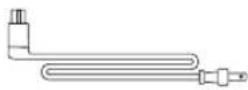
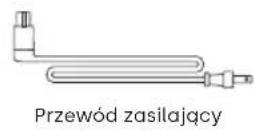
Power cable

Product literature

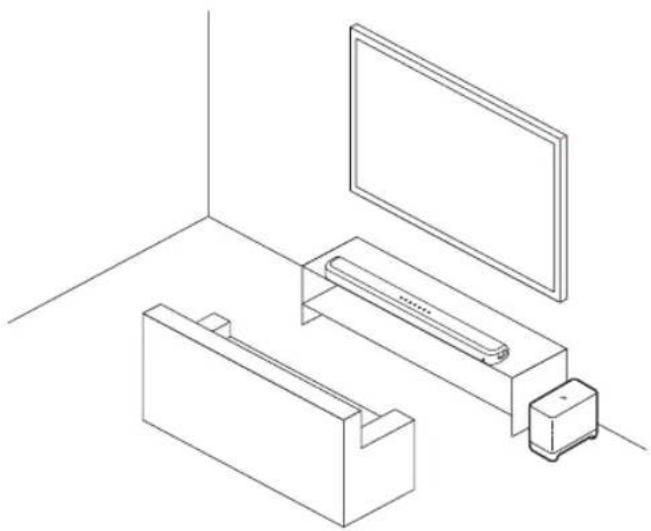
POSITION YOUR SUBWOOFER
-
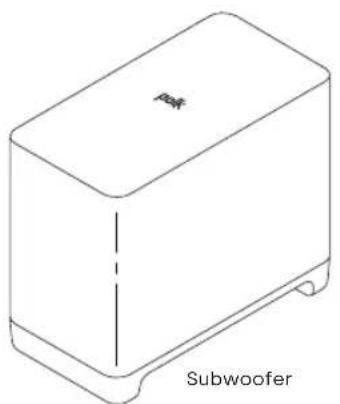
Unpack the subwoofer and power cable.
-
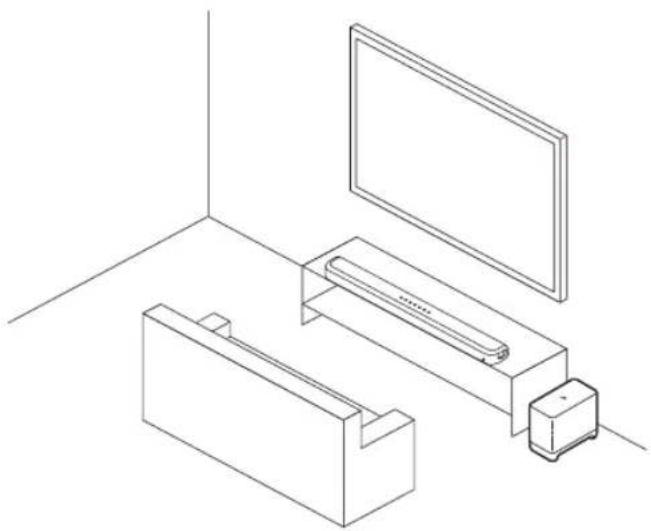
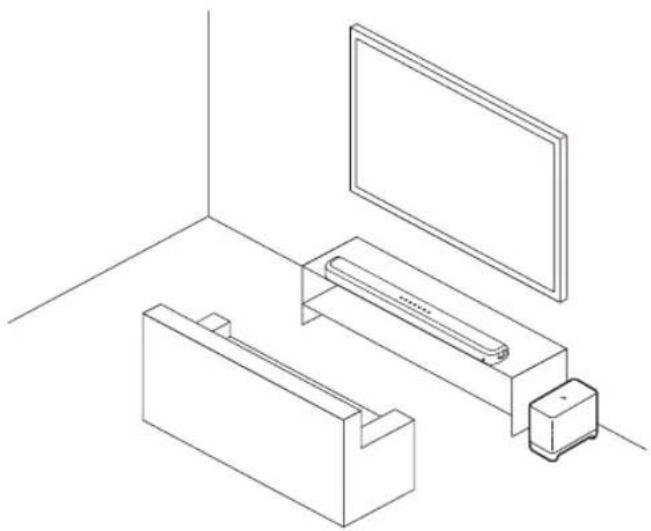
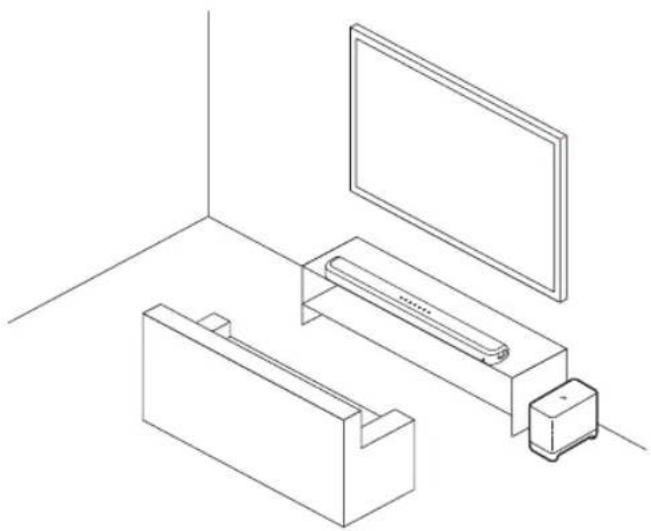
Place the subwoofer along the same wall as the TV, no more than 30 ft (10m) from the sound bar.
- Connect the power cord to the back of the subwoofer.
- Connect the other end of the power cord into an AC power outlet.
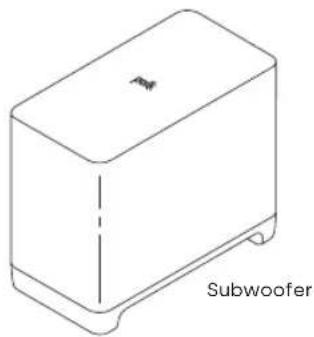
natural_image
Simple line drawing of a rectangular box with a small protrusion and label 'Subwoofer' below (no other text or symbols)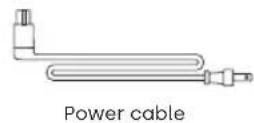
natural_image
Line drawing of a room interior with a TV, wall-mounted monitor, and storage unit (no text or symbols)CONNECT YOUR SUBWOOFER
Enter pairing mode on the sound bar
- Press and hold the CONNECT button on the back of the sound bar for about four seconds.
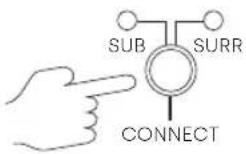
Connect the subwoofer
- Press and hold the CONNECT button on the back of the subwoofer for about four seconds.
- Release the button when the light on the back of the subwoofer is solid green.
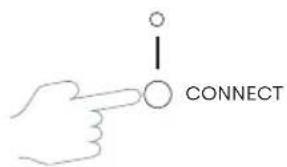
- Press and release the CONNECT button on the back of the sound bar to complete pairing.

I DO NOT HEAR SOUND FROM MY SUBWOOFER
- Check that the sound bar is powered on and playing audio.
- Turn up the bass using the provided Polk remote.
- Check that the power cable is secure in the back of the subwoofer and wall outlet.
- Check that a solid green light is visible on the back of the subwoofer.
- Unplug power from the subwoofer for 30 seconds and then plug back in.
- If the light on the back of the subwoofer is flashing green, you will need to reconnect the subwoofer to the sound bar using the instructions in "Connect Your Subwoofer".
UPDATING YOUR SUBWOOFER
The subwoofer is automatically updated whenever your sound bar is connected to the Internet and receives an update. Refer to your sound bar's Quick Start Guide and make sure your sound bar is properly connected to your home network.
For more troubleshooting and information, please visit polkaudio.com/support.
MERCI POUR VOTRE ACHAT POLK®!
natural_image
Line drawing of a room interior with a TV, wall-mounted monitor, and storage unit (no text or symbols)BRANCHEZ VOTRE CAISSON DE GRAVES
natural_image
Line drawing of a room interior with a TV, wall-mounted monitor, and storage unit (no text or symbols)CONECTE SU ALTAVOZ DE GRAVES
natural_image
Line drawing of a rectangular electronic device with a labeled base (no text or symbols on the device itself)natural_image
Line drawing of a rectangular box with a small protrusion and label 'Subwoofer' below (no other text or symbols)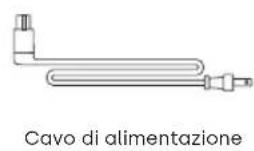
natural_image
Line drawing of a room interior with a TV, wall-mounted monitor, and storage unit (no text or symbols)COLLEGARE IL SUBWOOFER
natural_image
Line drawing of a rectangular box with a small protrusion and label 'Subwoofer' below (no other text or symbols)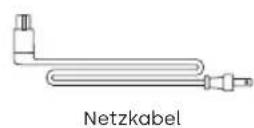
natural_image
Line drawing of a room interior with a TV, wall-mounted monitor, and storage unit (no text or symbols)VERBINDEN SIE IHREN SUBWOOFER
DE
natural_image
Line drawing of a rectangular box with a small protrusion and label 'Subwoofer' (no other text or symbols)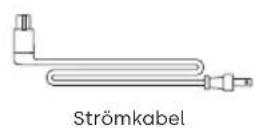
natural_image
Line drawing of a room interior with a TV, wall-mounted monitor, and storage unit (no text or symbols)
ANSLUTA SUBWOOFERN
UPPDATERA SUBWOOFERN
natural_image
Line drawing of a room interior with a TV, wall-mounted monitor, and storage unit (no text or symbols)ПОДКЛЮЧИТЕ САБВУФЕР
UW SUBWOOFER POSITIONEREN
natural_image
Line drawing of a rectangular box with a small protrusion and label 'Subwoofer' below (no other text or symbols)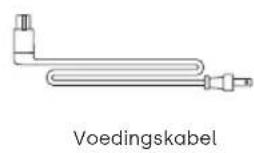
natural_image
Line drawing of a room interior with a TV, wall-mounted monitor, and storage unit (no text or symbols)UW SUBWOOFER AANSLUITEN
UW SUBWOOFER UPDATEN
natural_image
Line drawing of a rectangular electronic device with a labeled base (no text or symbols on the device itself)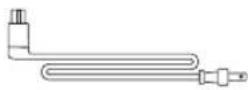
Przewód zasilający
USTAW SWÓJ SUBWOOFER
natural_image
Line drawing of a rectangular box with a small protrusion and label 'Subwoofer' below (no other text or symbols)