
RR-XS450E - Dictaphone PANASONIC - Free user manual and instructions
Find the device manual for free RR-XS450E PANASONIC in PDF.
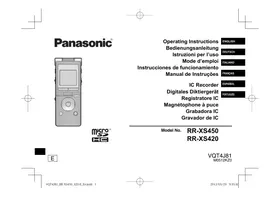


Pick your language and provide your email: we'll send you a specifically translated version.
| Product Type | Digital Voice Recorder |
| Brand | Panasonic |
| Model | RR-XS450E |
| Dimensions (W x D x H) | 107 x 38 x 17 mm |
| Weight | Approx. 60 g (with battery) |
| Power Supply | 1 AAA battery (1.5 V) or rechargeable battery |
| Recording Formats | MP3, WMA |
| Internal Memory | 4 GB (approximate capacity) |
| Main Functions | Recording, playback, repeat, level indicator, sleep, auto-off |
| Care and Cleaning | Clean with a soft, dry cloth |
| Safety | Do not expose to moisture or extreme temperatures |
| Spare Parts and Repairability | Contact Panasonic after-sales service |
| General Information | Manual available in French, English, German, Spanish, Italian, Portuguese |
Frequently Asked Questions - RR-XS450E PANASONIC
How to record a message on the Panasonic RR-XS450E?
Press the record button (usually marked with a red dot) to start. To stop, press again. The file is automatically saved.
How to play a recording?
Press the play button. Use the navigation keys to select a file. Adjust volume with the + and - buttons.
How to delete an audio file?
In play mode, press the 'Erase' button (often a trash can symbol). Confirm the deletion.
What is the battery life?
With an alkaline AAA battery, the battery life is approximately 30 hours of continuous recording (depending on usage conditions).
Can the voice recorder be used with headphones?
Yes, a headphone jack (3.5 mm) is available for private listening.
How to transfer files to a computer?
Connect the voice recorder via the supplied USB cable. The device appears as a removable drive. Copy MP3/WMA files directly.
Is there a repeat function?
Yes, press the 'Repeat' (or A-B) button to set a passage to repeat.
How to adjust recording quality?
Go to the settings menu and choose between 'HQ' (high quality) and 'SP' (standard). Higher quality results in larger file size.
Does the voice recorder have a sleep mode?
Yes, after a period of inactivity, the device enters sleep mode to save battery. Press any button to wake it up.
Where can I find the complete manual?
The manual is available for free download in PDF format on notice-facile.com. You can also request a translation by email.
User questions about RR-XS450E PANASONIC
0 question about this device. Answer the ones you know or ask your own.
Ask a new question about this device
No questions yet. Be the first to ask one.
Download the instructions for your Dictaphone in PDF format for free! Find your manual RR-XS450E - PANASONIC and take your electronic device back in hand. On this page are published all the documents necessary for the use of your device. RR-XS450E by PANASONIC.
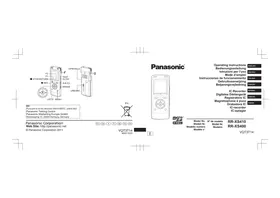
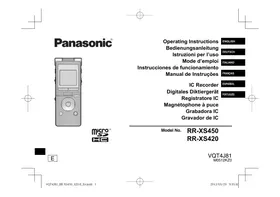
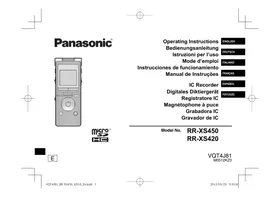
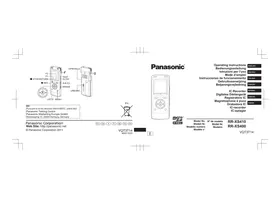
USER MANUAL RR-XS450E PANASONIC

Manual assistant
Powered by Anthropic
Waiting for your message
Product information
Brand : PANASONIC
Model : RR-XS450E
Category : Dictaphone