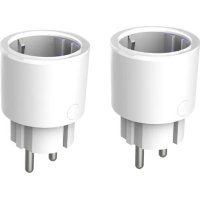
EW10 - Smart plug Prixton - Free user manual and instructions
Find the device manual for free EW10 Prixton in PDF.



| Product type | Smart plug |
| Brand | Prixton |
| Model | EW10 |
| Rated voltage | 85-240 V |
| Max current | 10 A |
| Rated power | 2200 W |
| Input voltage | 110-220 V |
| Wireless network type | WiFi 2.4 GHz |
| Operating temperature | -10 °C to 60 °C |
| Compatible operating systems | Android / iOS |
| Control app | Smart Life |
| Pairing modes | EZ (fast flashing) and AP (slow flashing) |
| Indicator light | Blue LED |
| Installation | Plug in, hold 5s for EZ mode, configure via app |
| Maintenance and cleaning | Unplug, wipe with a dry cloth |
| Safety | Max current 10 A, indoor use |
| Spare parts and repairability | No detachable parts, contact customer service |
| Warranty | In accordance with national regulations, support via www.prixton.com |
| Declaration of conformity | Directive 2014/53/EU, full text at www.prixton.com |
Frequently Asked Questions - EW10 Prixton
User questions about EW10 Prixton
0 question about this device. Answer the ones you know or ask your own.
Ask a new question about this device
Download the instructions for your Smart plug in PDF format for free! Find your manual EW10 - Prixton and take your electronic device back in hand. On this page are published all the documents necessary for the use of your device. EW10 by Prixton.
USER MANUAL EW10 Prixton
natural_image
Technical illustration of a cylindrical electronic component with four pins and internal slots (no text or symbols)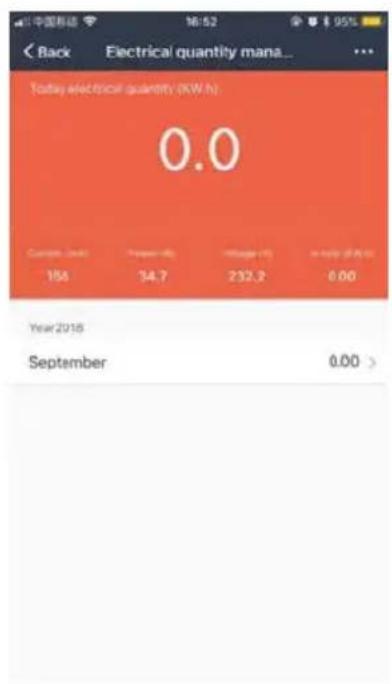
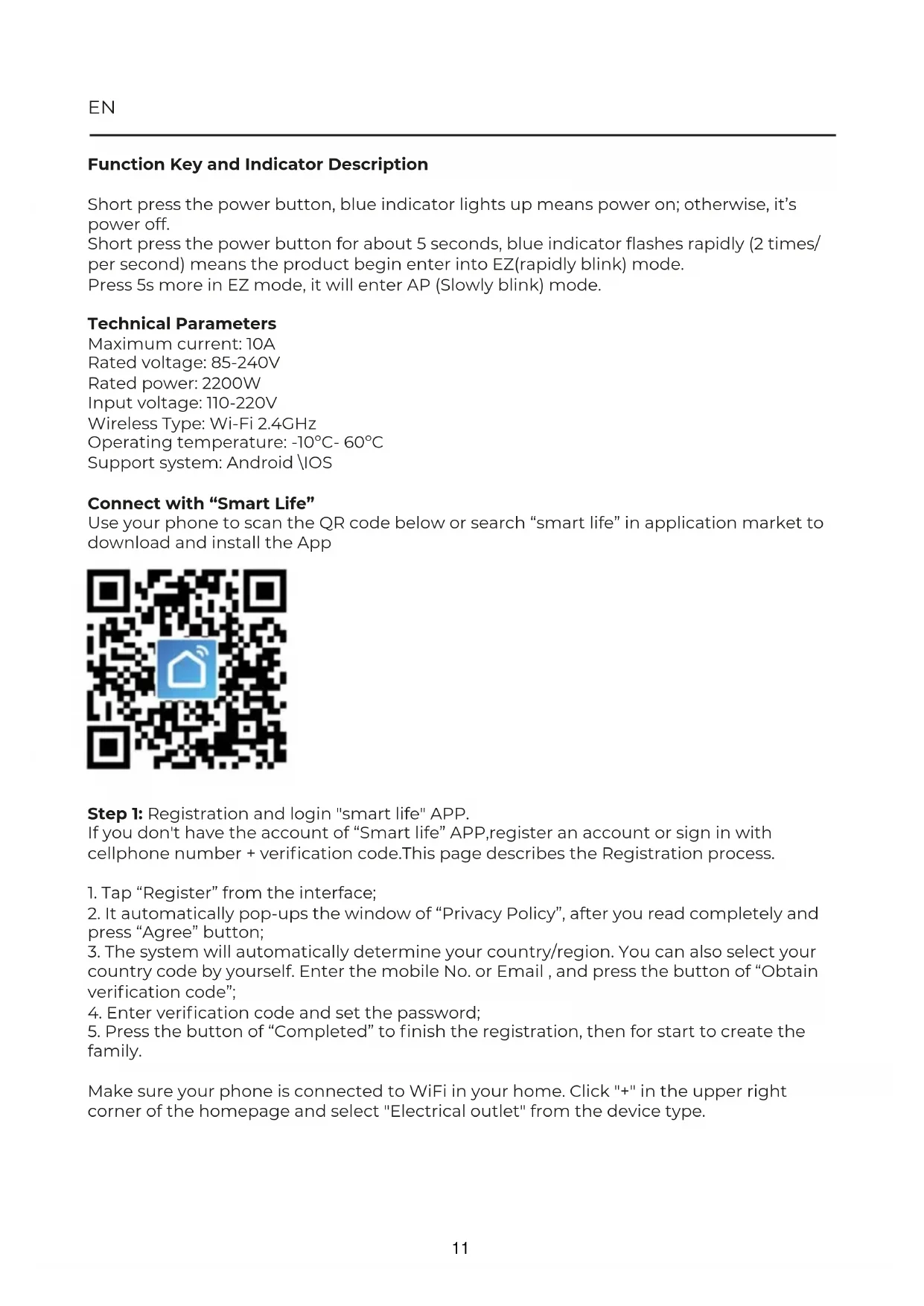
Function Key and Indicator Description
Short press the power button, blue indicator lights up means power on; otherwise, it's power off.
Short press the power button for about 5 seconds, blue indicator flashes rapidly (2 times/per second) means the product begin enter into EZ(rapidly blink) mode.
Press 5s more in EZ mode, it will enter AP (Slowly blink) mode.
Technical Parameters
Maximum current: 10A
Rated voltage: 85-240V
Rated power: 2200W
Input voltage: 110-220V
Wireless Type: Wi-Fi 2.4GHz
Operating temperature: -10^ - 60^
Support system: Android \IOS
Connect with "Smart Life"
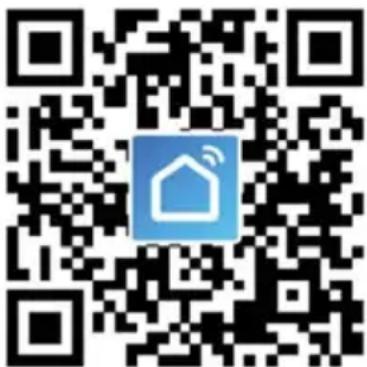
Use your phone to scan the QR code below or search “smart life” in application market to download and install the App
Step 1: Registration and login "smart life" APP.
If you don't have the account of "Smart life" APP, register an account or sign in with cellphone number + verification code. This page describes the Registration process.
- Tap "Register" from the interface;
- It automatically pop-ups the window of "Privacy Policy", after you read completely and press "Agree" button;
- The system will automatically determine your country/region. You can also select your country code by yourself. Enter the mobile No. or Email, and press the button of "Obtain verification code";
- Enter verification code and set the password;
- Press the button of "Completed" to finish the registration, then for start to create the family.
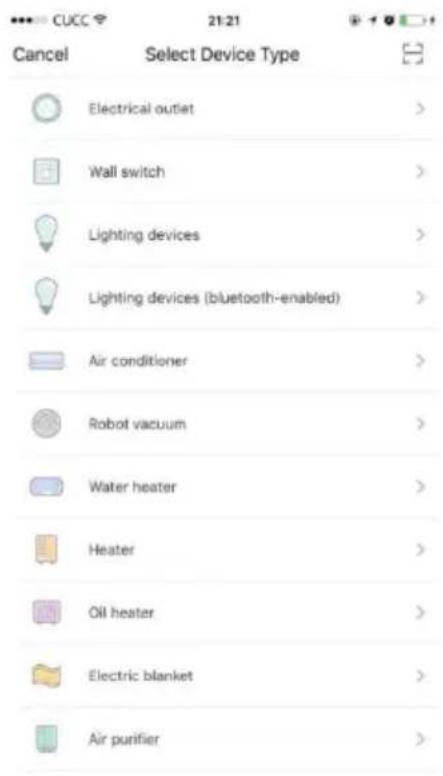
Make sure your phone is connected to WiFi in your home. Click "+" in the upper right corner of the homepage and select "Electrical outlet" from the device type.
Step 2: Connect with the power supply, long press the power button more than 5 seconds until the blue indicator enters into the fast flash mode.
Select and press the button of "confirm indicator rapidly blink".
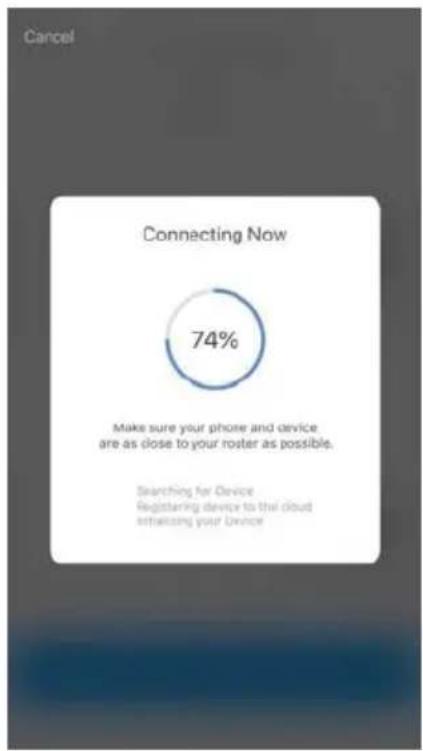
Step 3: Enter your WiFi password for your phone and click "Confirm" to enter the page of the search device.
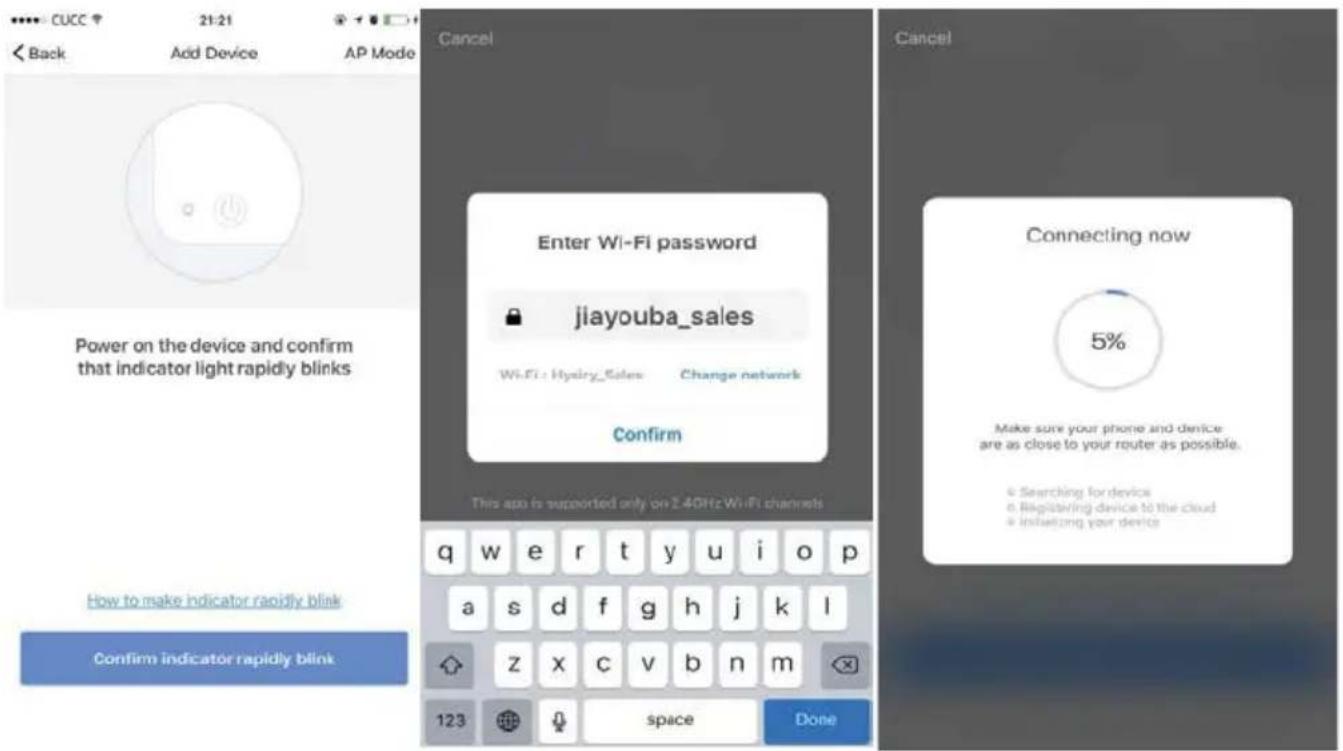
While under AP mode, press the button" Confirm indicator slowly blink", and input the WiFi password to complete the connecting.
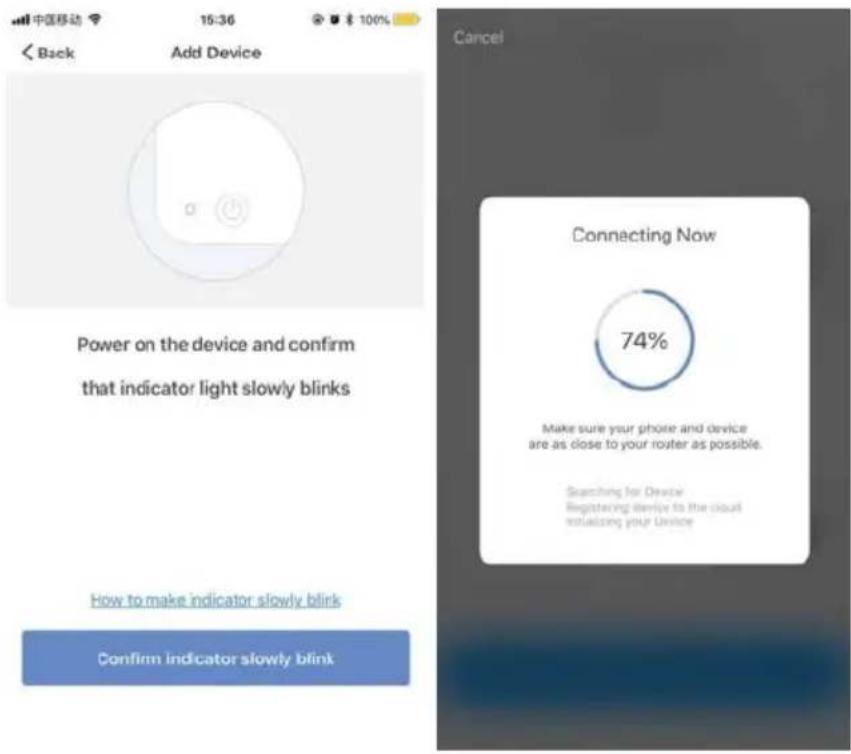
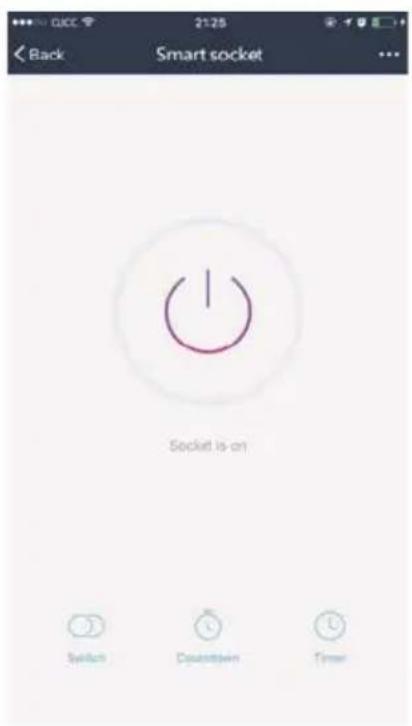
Step 4: Enter the device page, then complete the configuration
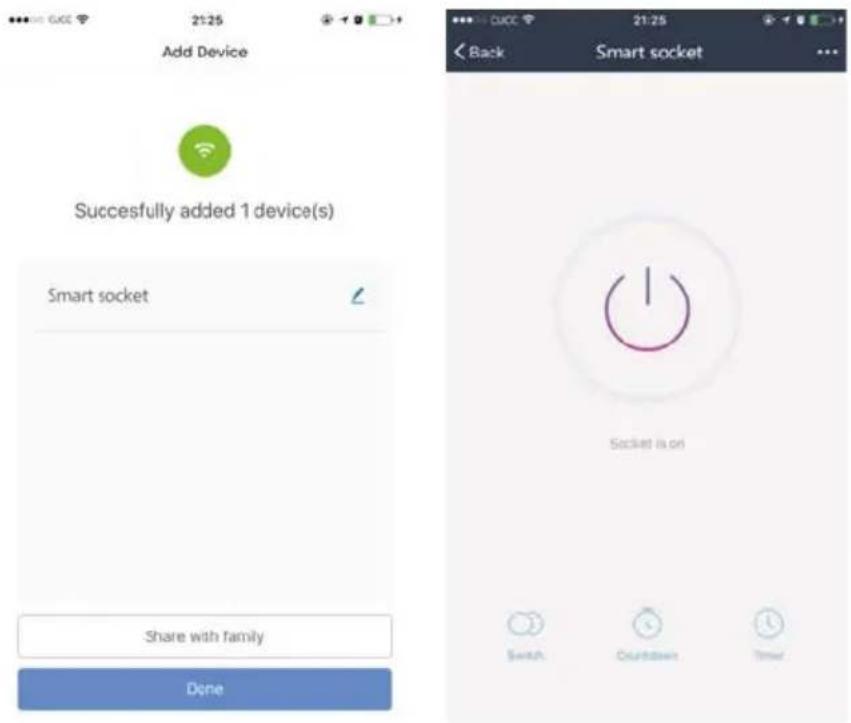
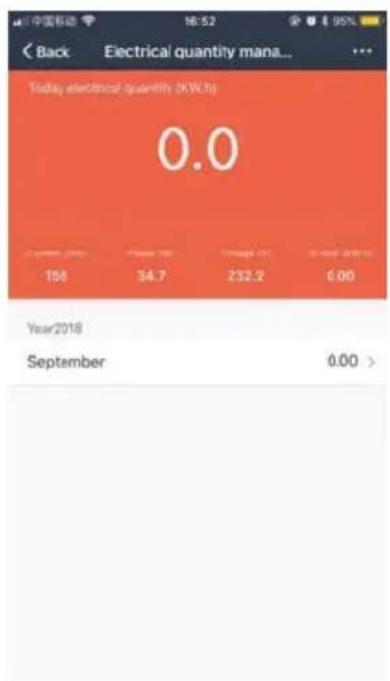
Take use of Statistic Function:
Click the icon of "statistics" at the lower right corner, it will enter the interface of "Electrical Quality Management". Check the current detailed data.

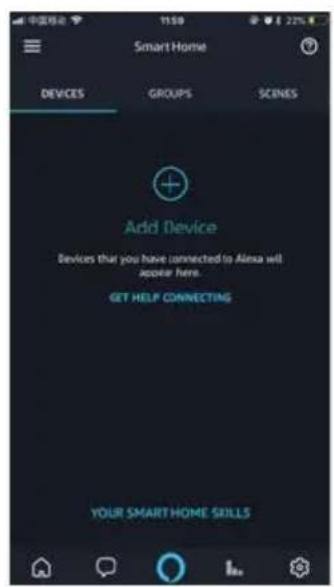
How to use Amazon Echo to control your Smart devices?
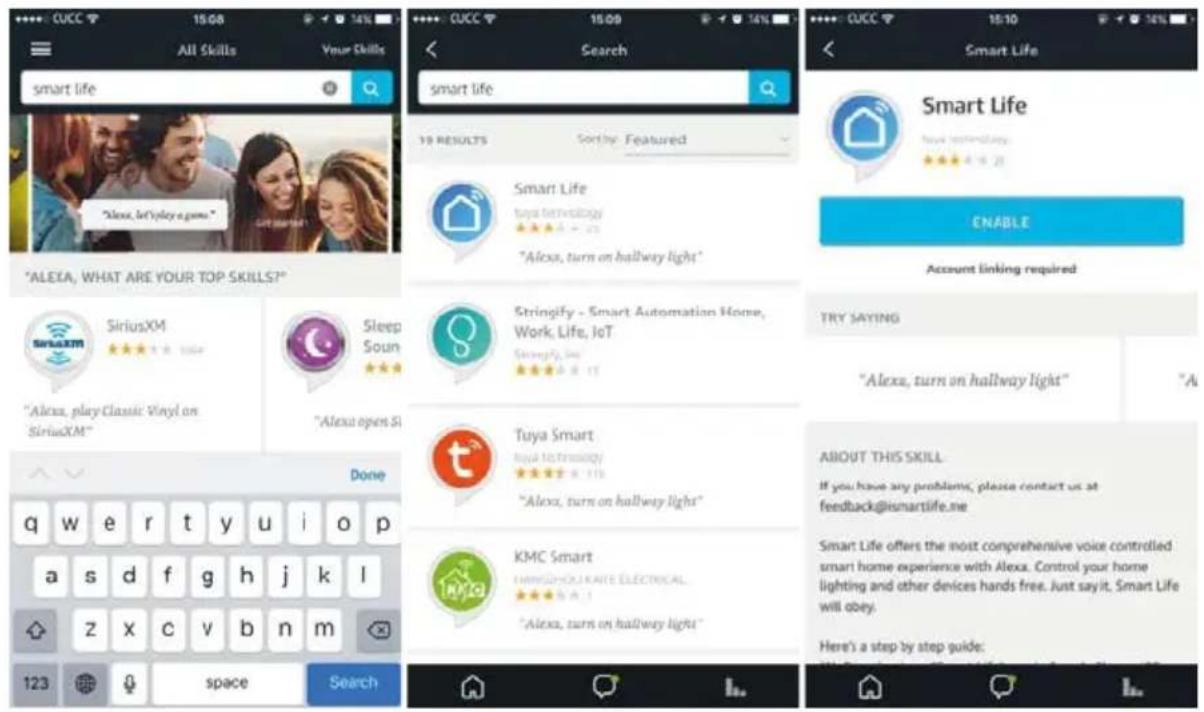
Step 1: Open the" Amazon Alexa"APP, then find the "Skills "button on the menu. Press it.
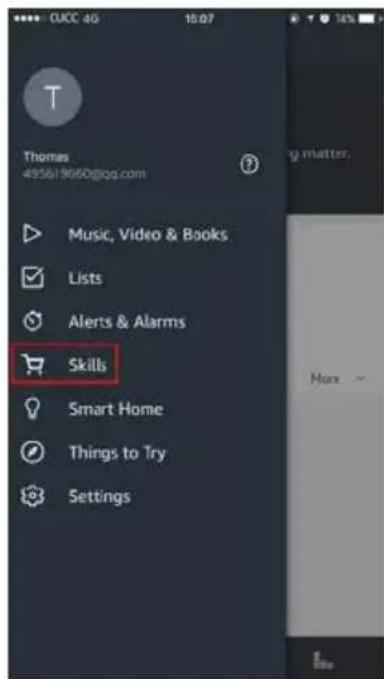
Step 2: Search the" Smart life" and choose the first one, then Enable it.
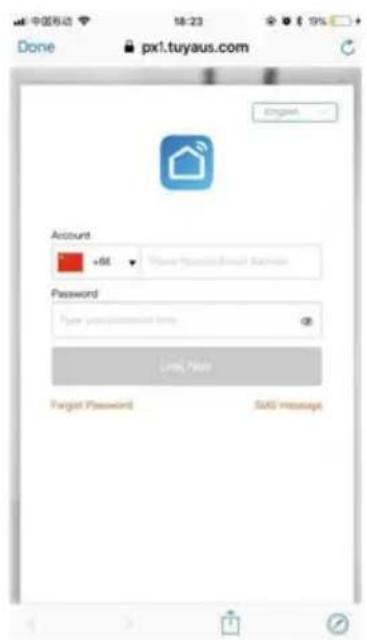
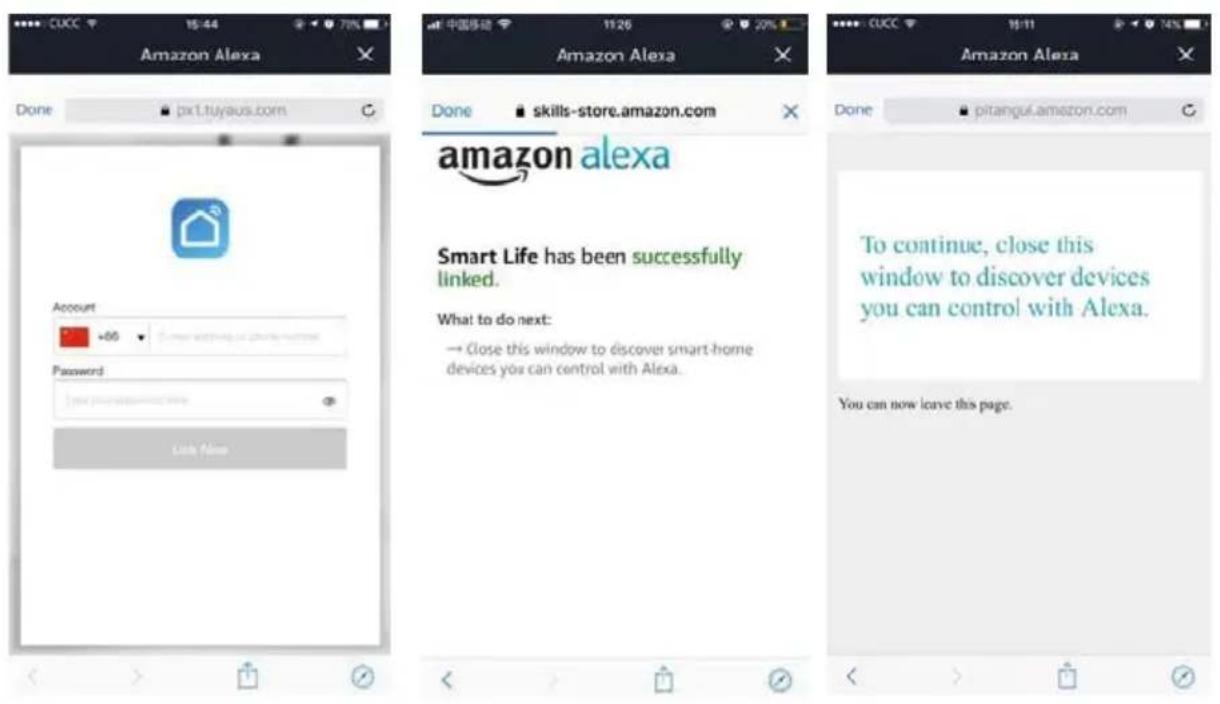
Step 3: Select your country code and Enter your "Smart life" APP Account and Password, then press the "Link Now" button. When the Account success to login press the "Done" button.
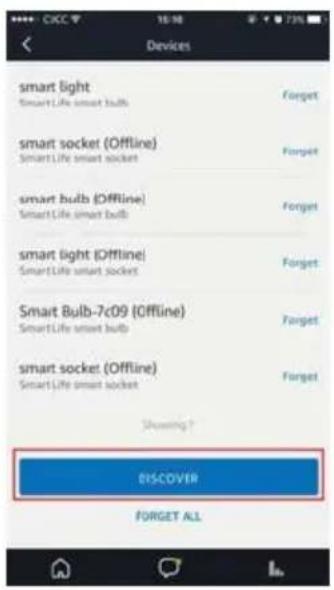
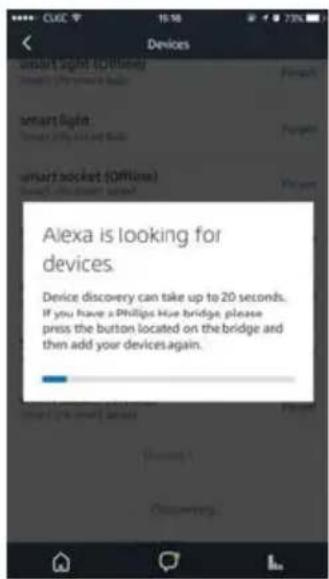
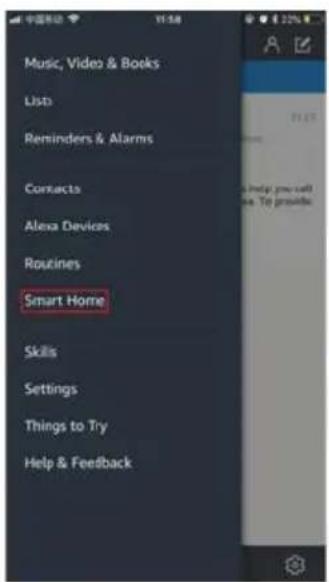
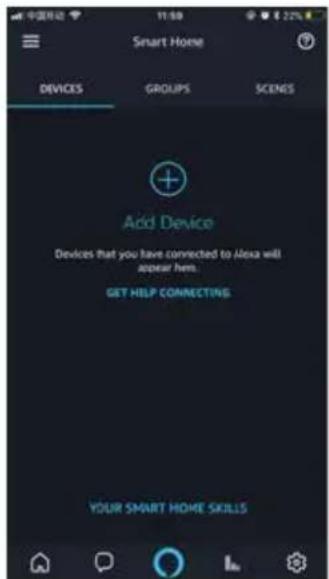
Step 4: Back to the menu, and press the "Smart home" button, then choose the "Devices", then press the "Discover" button.
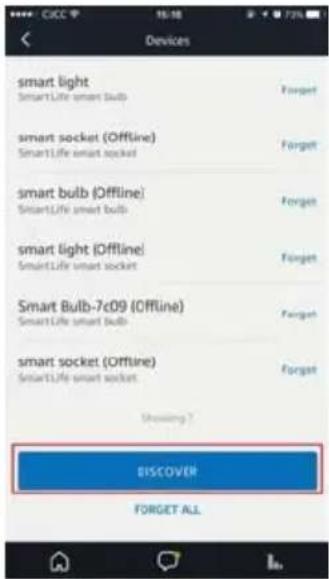
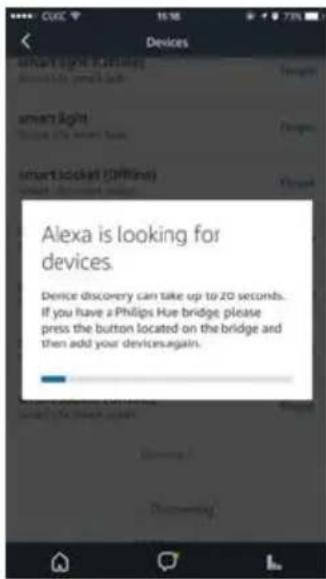
Step 5: Now you can use your Alexa to control your Smart devices, enjoy yourself.
How to connect with Google Home?
-
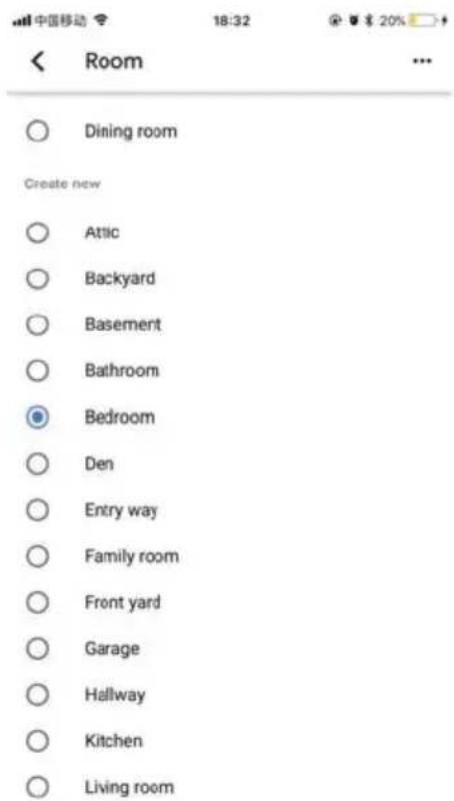
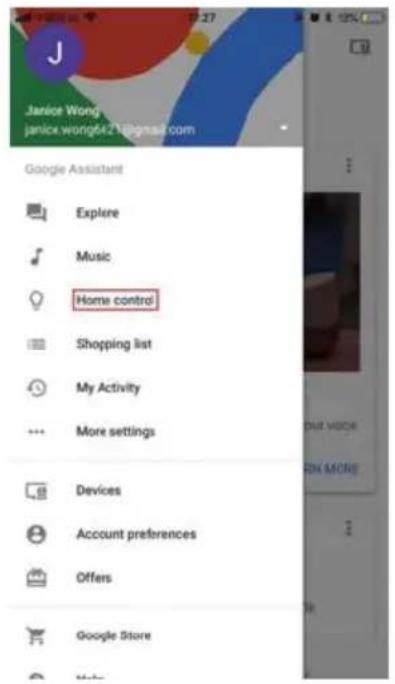
Click the button of "Home Control" on the left side of Google Home Page just as the illustration;
-
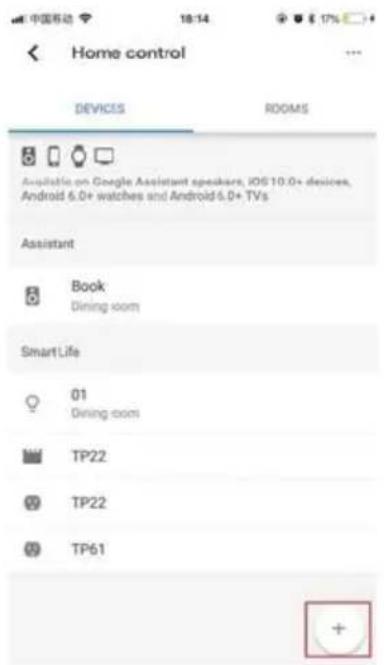
Then Click the button "+" on the lower right corner to add devices;
- Choose "Smart Life" in the Add device list;
- Please choose the country you living in, enter your account and password in the new window, then click the button "Link Now";
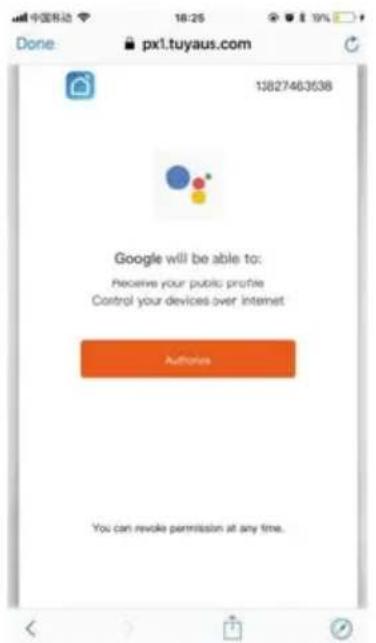
- With the interface of Authorization, click the button "Authorize"
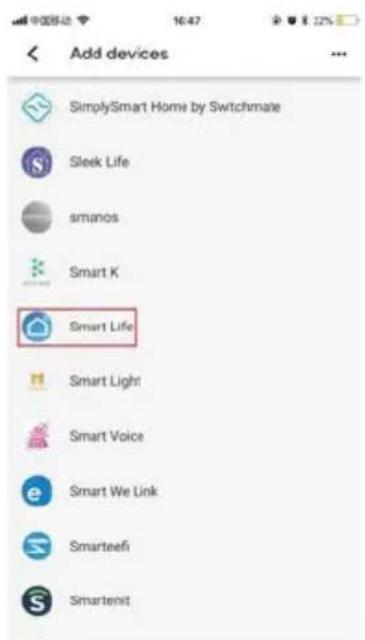
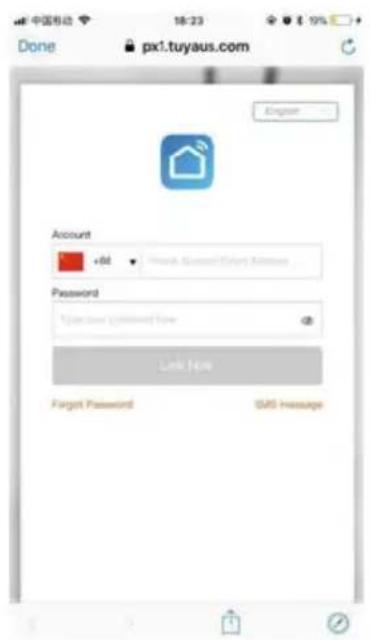
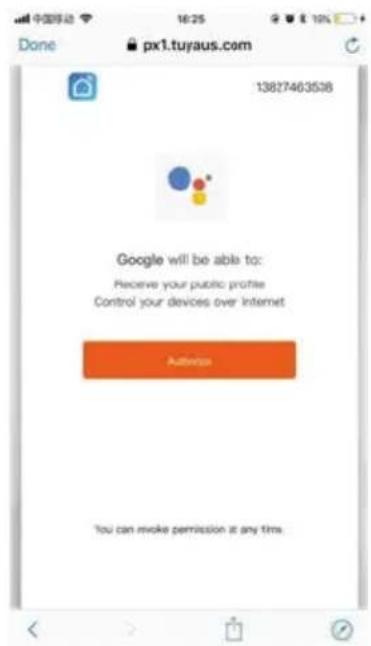
- Then you will be asked to assign the rooms;
- After you assign rooms for device, your device will be listed in the Home Control interface;
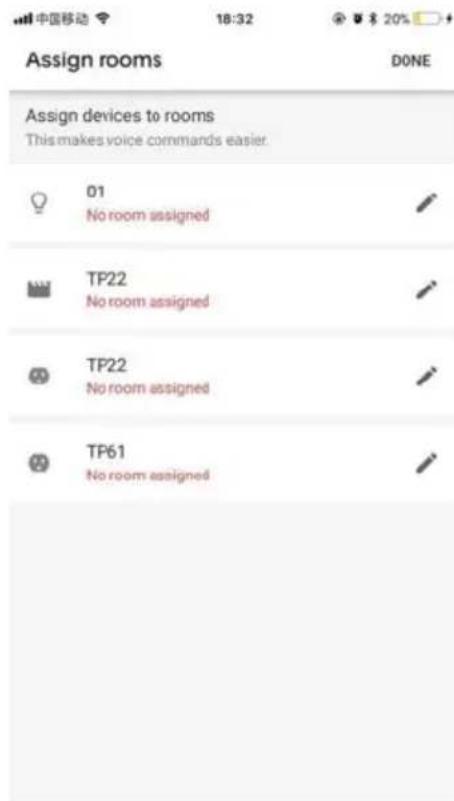
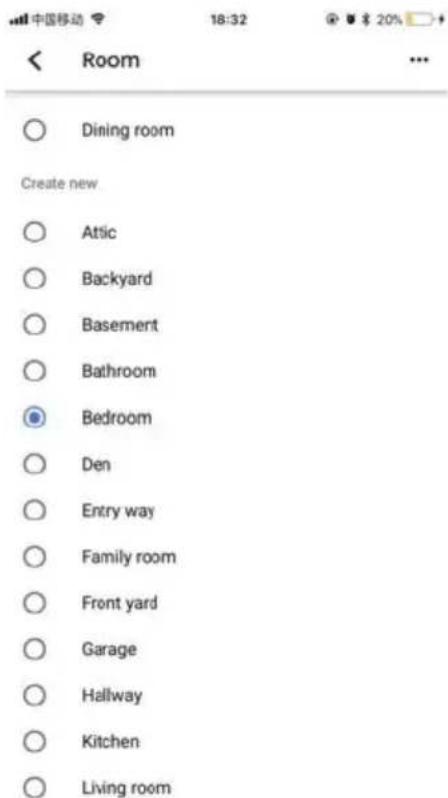
- Now you can control these devices using Google Home. Take the bedroom plug as an example, the supported voice are commanded as below: Ok, google, turn on the bedroom plug.
Warranty policy
This product complies with the warranty law in force in the country of purchase. When you have a problem that you can not solve, you must access the web www.prixton.com and click on the contact option to send us your assistance form.
These technical and electrical specifications are those of typical units and may be changed without prior notice in order to provide improved equipment.
Simplified EU Declaration Of Conformity
We, La Trastienda Digital located in Avenida Cervantes 49, módulo 25, Basauri 48970, Bizkaia hereby declare that the following goods, imported and selling at European market:
| BRAND | MODEL NAME DESCRIPTION | CATEGORY |
| Prixton EW10 | Wifi Plug | Home |
Are in compliance with the EC Council Directive of 2014/53/EU (EM DIRECTIVE) and harmonized standards and with the board of the 16th of April 2014.
The complete text of the UE Declaration of conformity is available anytime at this website address:
www.prixton.com LA TRASTIENDA DIGITAL
Garantiepolitik
Política de garantia
Maximale stroom: 10 A
Nominale spanning: 85-240 V
App "Smart Life" downloaden
Garantie beleid
- Function Key and Indicator Description
- Technical Parameters
- Connect with "Smart Life"
- Take use of Statistic Function:
- How to use Amazon Echo to control your Smart devices?
- How to connect with Google Home?
- Warranty policy
- Simplified EU Declaration Of Conformity
- Garantiepolitik
- Política de garantia
- App "Smart Life" downloaden
- Garantie beleid
Brand : Prixton
Model : EW10
Category : Smart plug