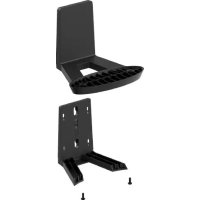
Orbi RBKWMB - Network accessory NETGEAR - Free user manual and instructions
Find the device manual for free Orbi RBKWMB NETGEAR in PDF.



| Product Type | Wall mounting kit for Orbi router |
| Brand | NETGEAR |
| Model | Orbi RBKWMB |
| Color | Black |
| Compatibility | Orbi routers with mounting holes on bottom (e.g., RBRE960B) |
| Dimensions (approx.) | 10 x 6 x 3 cm |
| Weight | 150 g |
| Material | Plastic and metal |
| Wall mounting | Anchors and screws included, 62 mm spacing |
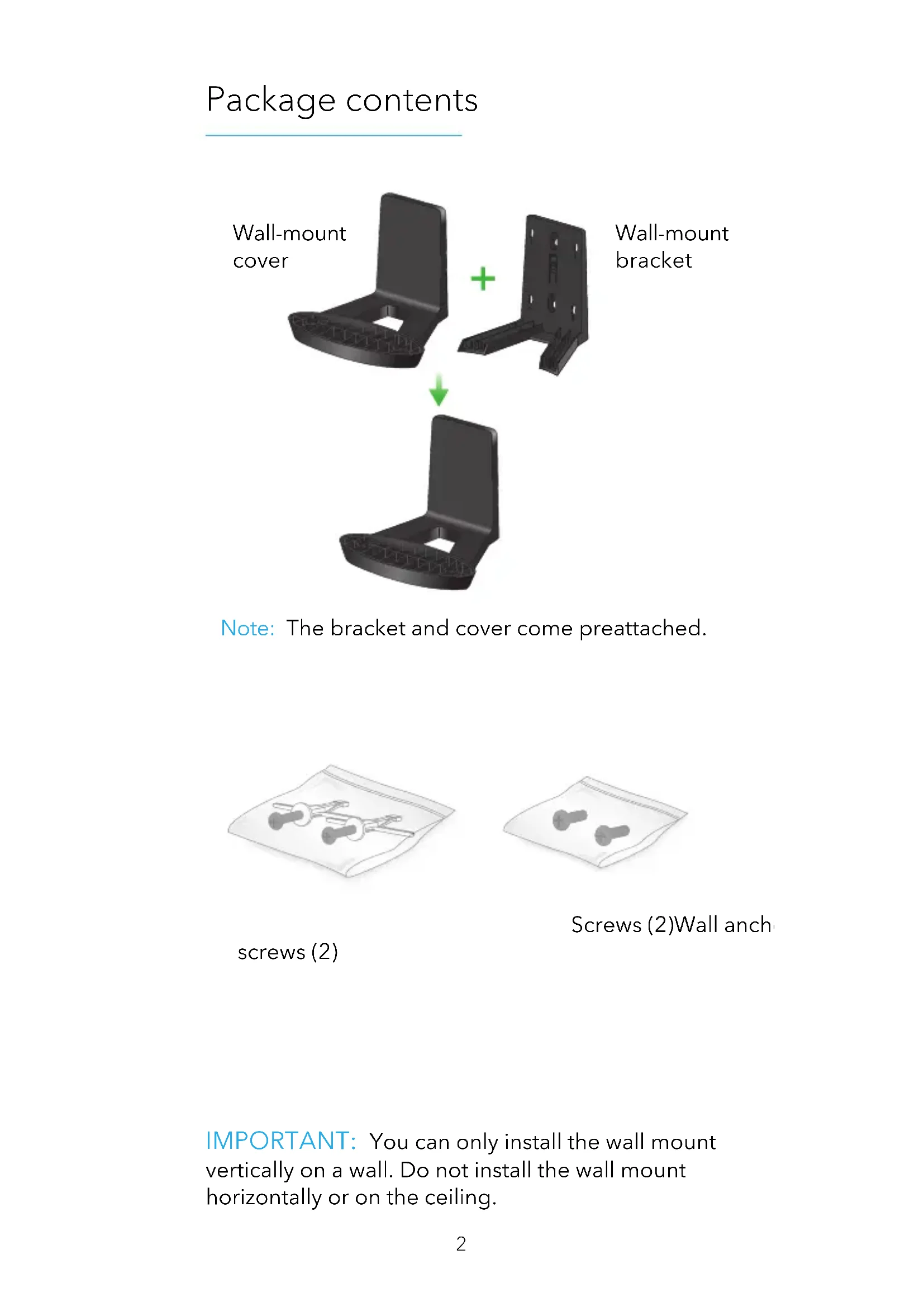
| Box contents | Wall bracket, cover, 2 anchors, 2 screws |
| Installation | Vertical on wall only |
| Power | None (passive bracket) |
| Main functions | Secure wall mounting for Orbi router, stable hold |
| Maintenance | Clean with a soft, dry cloth |
| Safety | Do not install horizontally or on ceiling |
| Spare parts | Not available separately |
| Repairability | Not applicable (non-repairable product) |
| General information | 1-year warranty, EU compliant |
Frequently Asked Questions - Orbi RBKWMB NETGEAR
User questions about Orbi RBKWMB NETGEAR
0 question about this device. Answer the ones you know or ask your own.
Ask a new question about this device
Download the instructions for your Network accessory in PDF format for free! Find your manual Orbi RBKWMB - NETGEAR and take your electronic device back in hand. On this page are published all the documents necessary for the use of your device. Orbi RBKWMB by NETGEAR.
USER MANUAL Orbi RBKWMB NETGEAR
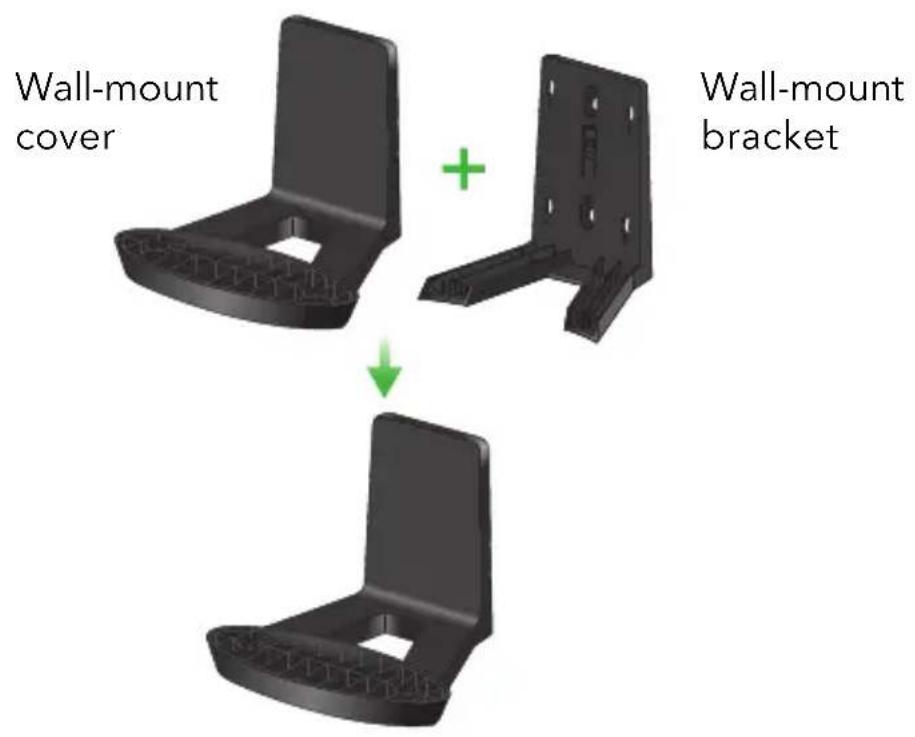
Note: The bracket and cover come preattached.
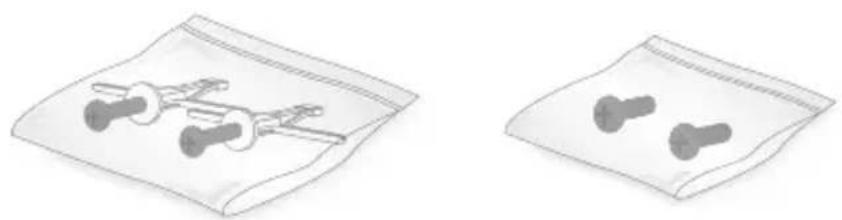
Screws (2) Wall anch
screws (2)
IMPORTANT: You can only install the wall mount vertically on a wall. Do not install the wall mount horizontally or on the ceiling.
Prepare the wall mount
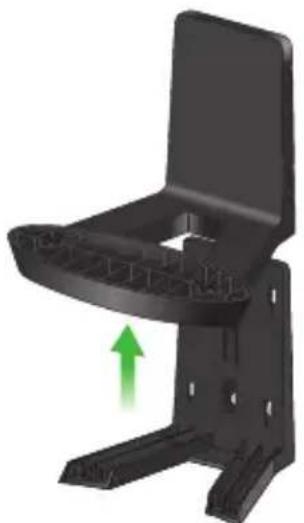
1 Slide the wall-mount cover up to detach it from the bracket.
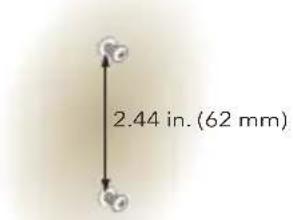
2 Mark the wall where you want to insert the provided anchors and screws, which must be 2.44 in. (62 mm) apart, and drill a 10mm (25/64") pilot hole for each anchor.
3 Insert the anchors and screws, leaving about 0.25 in. (6 mm) of each screw protruding from the wall.
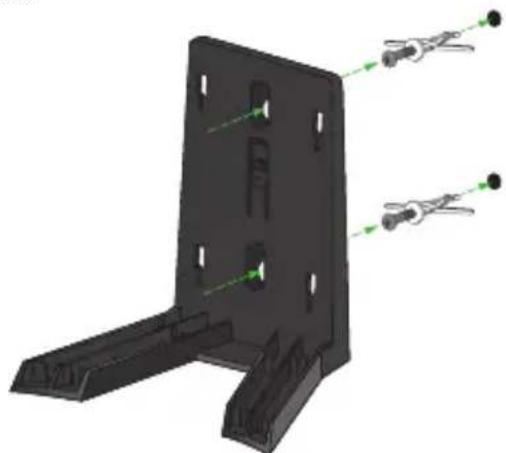
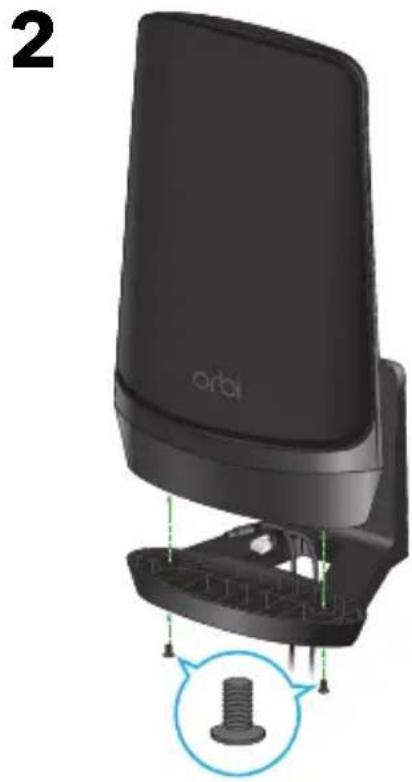
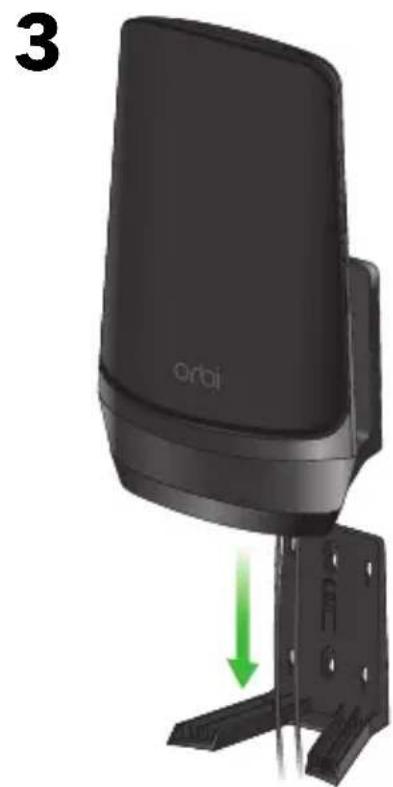
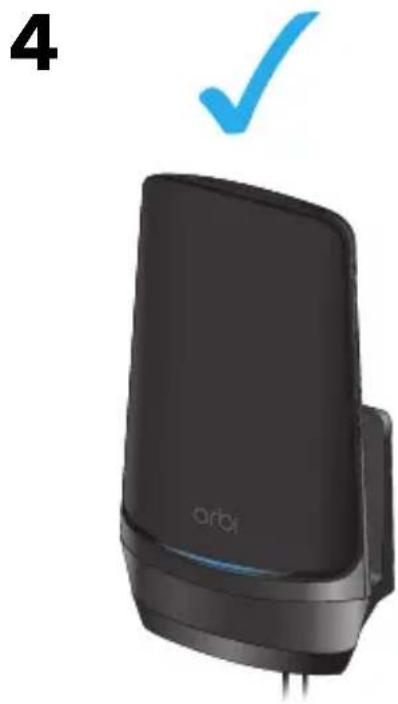
When the screws are placed correctly, the holes at the back of the mounting bracket fit over the protruding screws, allowing you to slide the mounting bracket downward until the tops of the slots are resting on the screws.
Install the wall mount
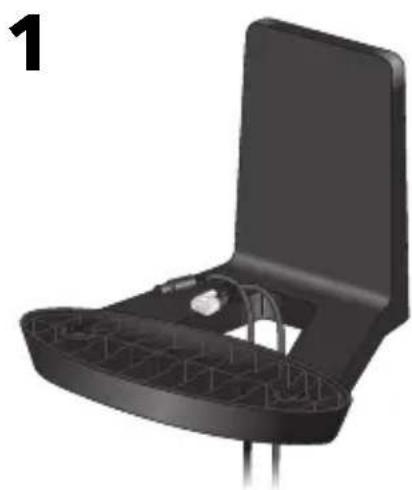
How to install Orbi models with mounting holes on the bottom.
Note: These instructions show the Orbi WiFi 6E Quad Band Router AXE11000 (model RBRE960B).
Support and Community
Visit netgear.com/support to get your questions answered and access the latest downloads.
You can also check out our NETGEAR Community for helpful advice at community.netgear.com.
Regulatory and Legal
(If this product is sold in Canada, you can access this document in Canadian French at https://www.netgear.com/support/download/.)
For regulatory compliance information including the EU Declaration of Conformity, visit https://www.netgear.com/about/regulatory/.
See the regulatory compliance document before connecting the power supply.
For NETGEAR's Privacy Policy, visit https://www.netgear.com/about/privacy-policy.
By using this device, you are agreeing to NETGEAR's Terms and Conditions at https://www.netgear.com/about/terms-and-conditions. If you do not agree, return the device to your place of purchase within your return period.
NETGEAR, Inc.
350 East Plumeria Drive San Jose, CA 95134, USA
NETGEAR INTERNATIONAL LTD
Floor 6, Penrose Two, Penrose Dock, Cork, T23 YY09, Ireland
orbi
https://www.netgear.com/cn/about/regulatory/
连接电源之前,请查阅法规遵从性文件。
March 2023
201-30388-02
NETGEAR
ネトジア合同会社
NETGEAR, Inc.
350 East Plumeria Drive
San Jose, CA 95134, USA