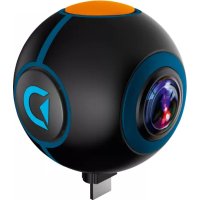
8785108 - Camcorder BRESSER - Free user manual and instructions
Find the device manual for free 8785108 BRESSER in PDF.

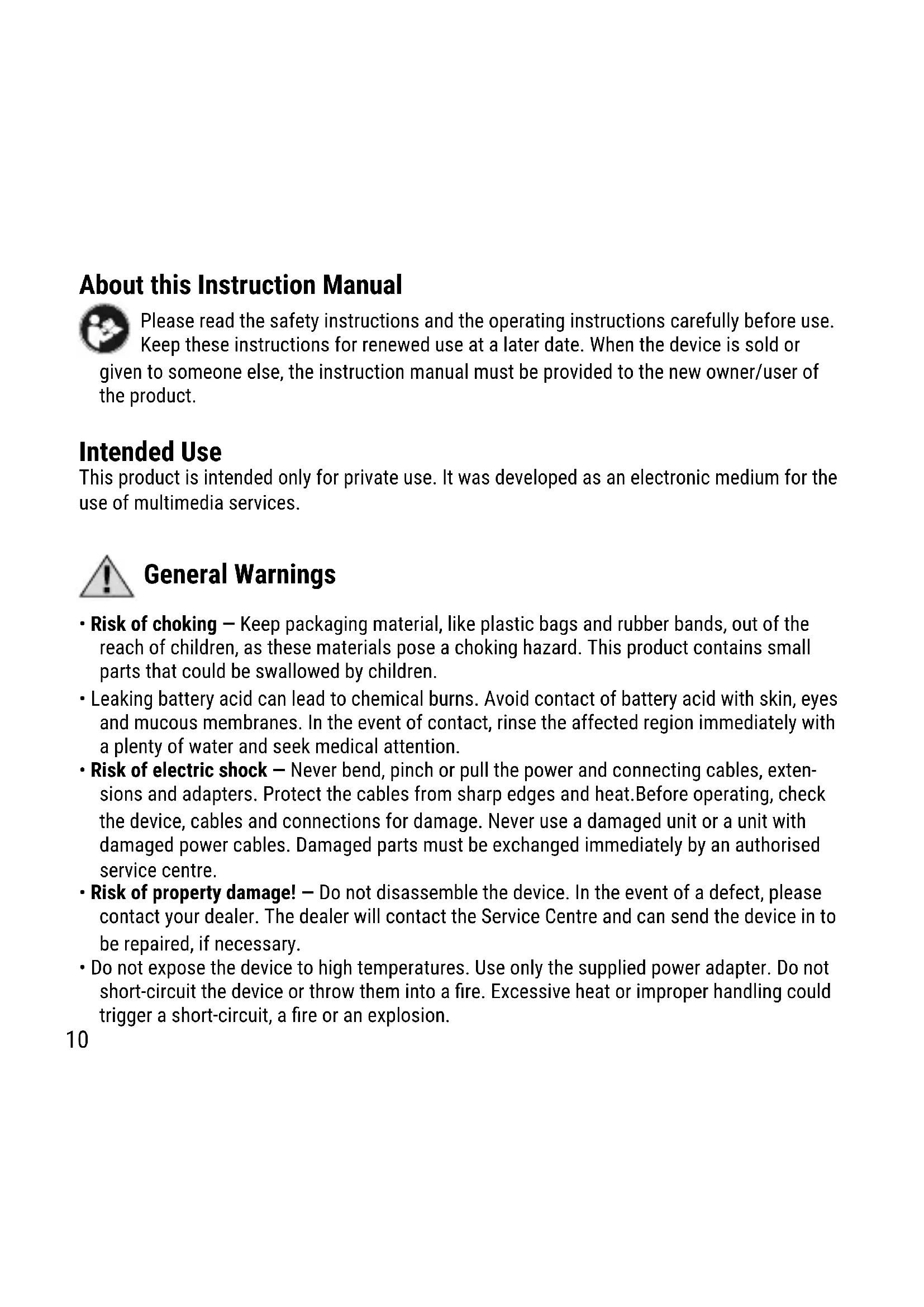


| Product type | Camcorder |
| Brand | Bresser |
| Model | 8785108 |
| Dimensions | 41 x 41 x 42 mm |
| Weight | 36 g |
| Video resolution | 1920 x 960 pixels |
| Lenses | 2 wide-angle lenses |
| Connectivity | Micro USB, USB type-C (via included adapters) |
| Smartphone compatibility | Android 5.0 and higher, OTG support |
| Application | VPai (available on Google Play Store) |
| Power | Built-in rechargeable battery |
| Box contents | Micro USB adapter, USB type-C adapter, user manual |
| Main functions | Video and photo capture, viewing recordings, settings via the application |
| Cleaning | Clean lenses with a soft, lint-free cloth; housing with clean water |
| Safety | Choking hazard (small parts); risk of electric shock; do not disassemble |
| Warranty | 2 years, extension possible with online registration |
Frequently Asked Questions - 8785108 BRESSER
User questions about 8785108 BRESSER
0 question about this device. Answer the ones you know or ask your own.
Ask a new question about this device
Download the instructions for your Camcorder in PDF format for free! Find your manual 8785108 - BRESSER and take your electronic device back in hand. On this page are published all the documents necessary for the use of your device. 8785108 by BRESSER.
USER MANUAL 8785108 BRESSER
Discovery ADVENTURES™
Art.No. 8785108
| DE | Bedienungsanleitung |
| EN | Operating instructions |
| FR | Mode d'emploi |
| ES | Instrucciones de uso |
| PT | Manual de instruções |
| PL | Instrukcja użytkownika |
natural_image
Black and blue spherical object with a camera lens and orange headband, featuring a stylized 'D' logo (no text or symbols on the object itself)ACTION CAMERA
Spy // HD Dual Lens 720°
EN Visit our website via the following QR Code or web link to find further information on this product or the available translations of these instructions.
FULL MANUAL & APP & VIDEO DOWNLOAD:
natural_image
Simple shield icon with a checkmark inside, no text or symbols presentSERVICE AND WARRANTY:
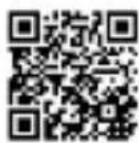
www.bresser.de/warranty_terms
EN Operating instructions 10
FR Mode d'emploi 16
natural_image
Simple circular diagram with concentric rings and a numbered label (1) in the top-left corner.① Kamera
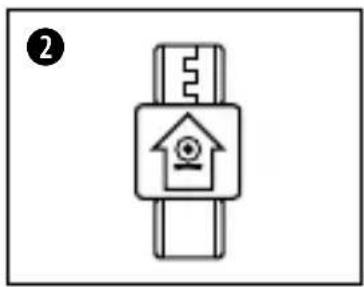
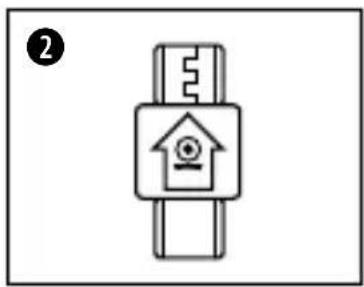
② Micro USB Adapter
natural_image
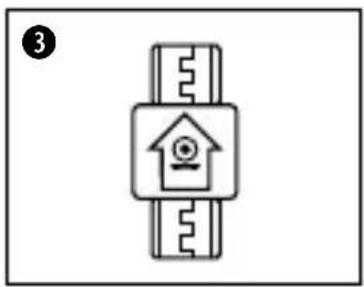
Simple line drawing of a smartwatch with a home icon and circuit-like components (no text or symbols)③ Type-C Adapter
DE
Erste Schritte
natural_image
Diagram of a circular mechanical component with a central connector and a blue arrow pointing to it, labeled '1' (no text or symbols on the diagram itself)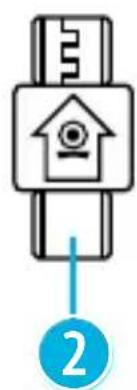
natural_image
Simple line drawing of a smartwatch with a house icon and ruler, no text or symbols present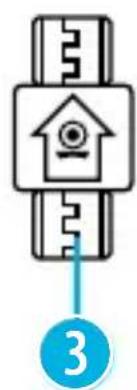
natural_image
Simple line drawing of a key inserted into a device with an icon, no text or symbols present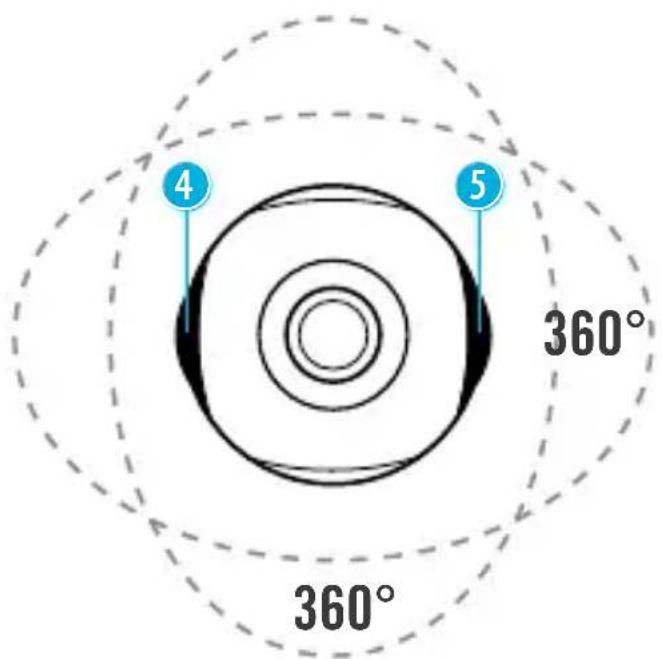
DE
Technische Daten
2 Weitwinkel Linsen
Video: 1920x960 Pixel
Gewicht: 36 g
Anschlüsse: Micro USB / Type-C
Maße: 41x41x42 mm
Kompatibilität
About this Instruction Manual

Please read the safety instructions and the operating instructions carefully before use.
Keep these instructions for renewed use at a later date. When the device is sold or given to someone else, the instruction manual must be provided to the new owner/user of the product.
Intended Use
This product is intended only for private use. It was developed as an electronic medium for the use of multimedia services.

General Warnings
- Risk of choking — Keep packaging material, like plastic bags and rubber bands, out of the reach of children, as these materials pose a choking hazard. This product contains small parts that could be swallowed by children.
- Leaking battery acid can lead to chemical burns. Avoid contact of battery acid with skin, eyes and mucous membranes. In the event of contact, rinse the affected region immediately with a plenty of water and seek medical attention.
- Risk of electric shock – Never bend, pinch or pull the power and connecting cables, extensions and adapters. Protect the cables from sharp edges and heat. Before operating, check the device, cables and connections for damage. Never use a damaged unit or a unit with damaged power cables. Damaged parts must be exchanged immediately by an authorised service centre.
- Risk of property damage! — Do not disassemble the device. In the event of a defect, please contact your dealer. The dealer will contact the Service Centre and can send the device in to be repaired, if necessary.
- Do not expose the device to high temperatures. Use only the supplied power adapter. Do not short-circuit the device or throw them into a fire. Excessive heat or improper handling could trigger a short-circuit, a fire or an explosion.
- Do not interrupt an on-going data connection to a computer before all data has been transferred. This could lead to data loss for which the manufacturer is not liable.
EN
Notes on cleaning
- Turn off the camera
- Clean the eyepieces and/or lenses only with a soft, lint-free cloth, (e.g. microfibre cloth). To avoid scratching the lenses, use only gentle pressure with the cleaning cloth.
- Only use a dry cloth to clean the exterior of the device. To avoid damaging the electronics, do not use any cleaning fluid.
- Clean the protective case after each use with clear, clean water and dry it thoroughly.
EC Declaration of Conformity

Bresser GmbH has issued a Declaration of Conformity' in accordance with applicable guidelines and corresponding standards. This can be viewed any time upon request.
Disposal

Dispose of the packaging materials properly, according to their type, such as paper or cardboard. Contact your local waste-disposal service or environmental authority for information on the proper disposal.
Do not dispose of electronic devices in the household garbage!
As per the Directive 2002/96/EC of the European Parliament on waste electrical and electronic equipment and its adaptation into German law, used electronic devices must be collected separately and recycled in an environmentally friendly manner. Empty, old
batteries must be disposed of at battery collection points by the consumer. You can find out more information about the disposal of devices or batteries produced after 6 January 2006 from your local waste-disposal service or environmental authority.
The integrated battery must only be removed for disposal. Opening the device housing can damage the unit.
Drain the battery completely before disposal. Remove all the screws in the housing and open the device housing. Remove the connections to the battery and remove it. Cover the open contacts with tape and package the battery in such a way that it cannot shift in the packaging.
Warranty & Service
The regular guarantee period is 2 years and begins on the day of purchase. To benefit from an extended voluntary guarantee period as stated on the gift box, registration on our website is required. You can consult the full guarantee terms as well as information on extending the guarantee period and details of our services at www.bresser.de/warranty_terms.
Scope of delivery
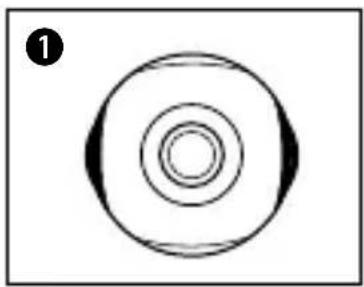
natural_image
Simple circular diagram with concentric rings and a numbered label (1) in the top-left corner.① Camera
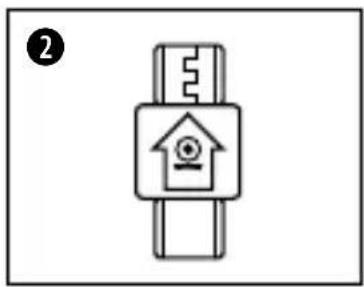
② Micro USB Adapter
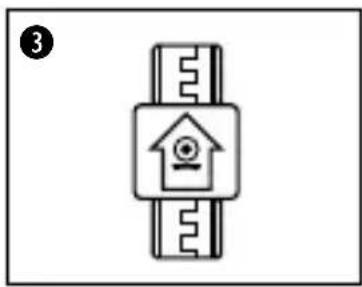
natural_image
Simple line drawing of a smartwatch with a home icon on the screen (no text or symbols)③ Type-C Adapter
EN
First Steps
Establish a connection
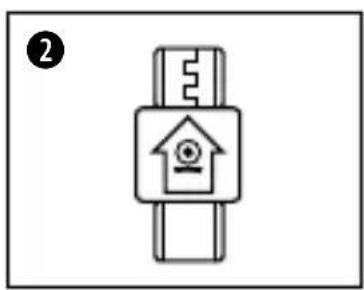
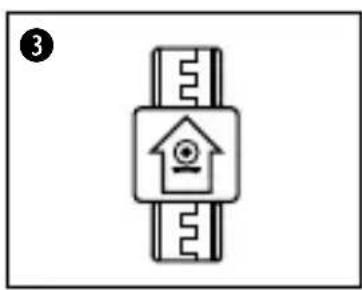
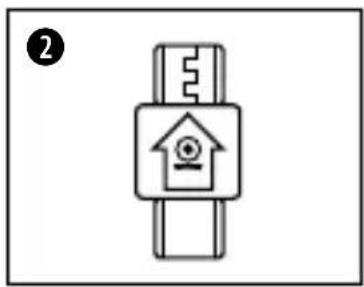
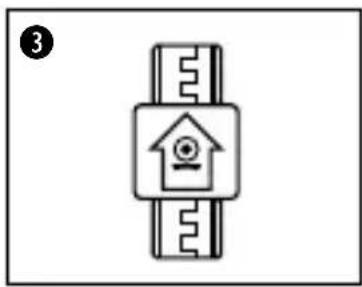
Connect the Camera with your Smartphone, use the Micro USB 2.0 Adapter or the Type-C Adapter.
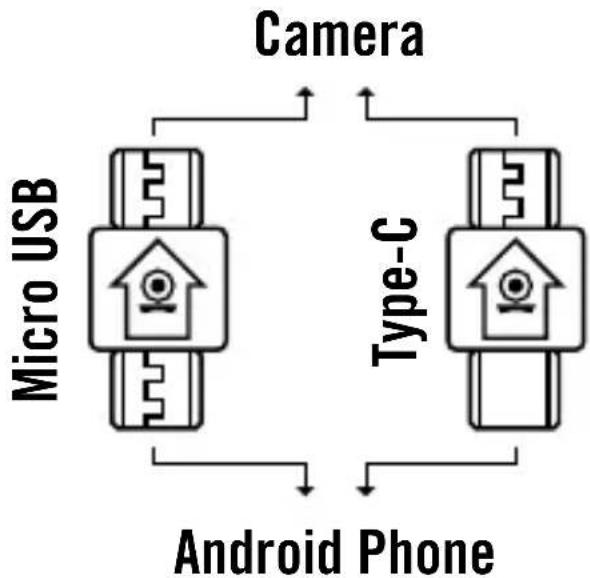
flowchart
graph TD
    A["Micro USB"] --> B["Camera"]
    C["Type-C"] --> B
    D["Android Phone"] --> B
    B --> A
    B --> C
    B --> D
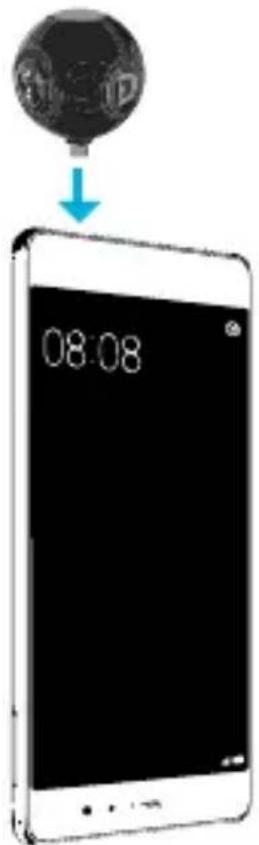
Camera App
First, install the app on your smartphone. Look for "VPai" on Google Play Store or use the Download Link found in this Manual. Start the App now.
APP DOWNLOAD:
Taking videos or photos and adjusting settings
You now have the option to record videos and photos with the smartphone app. Through the app, you can also watch recordings and adjust the settings of your camera.
Functions
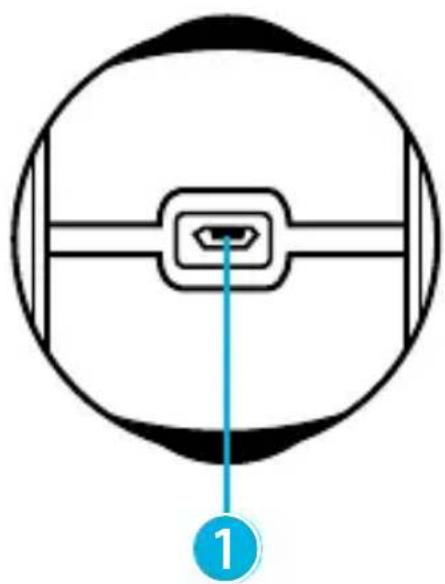
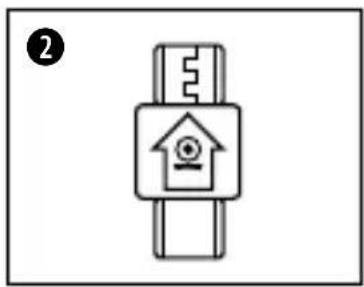
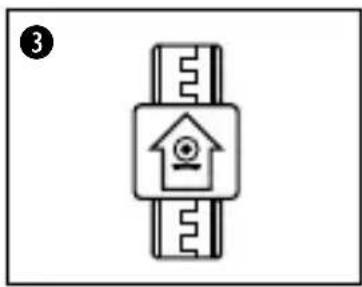
- Micro USB Port
- Micro USB Adapter
- Type-C Adapter
- Camera lens 1
- Camera lens 2
natural_image
Diagram of a circular mechanical component with a central connector and a blue arrow pointing to it, labeled '1' (no text or symbols on the diagram itself)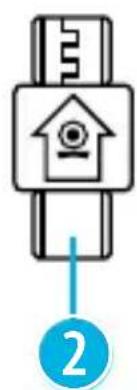
natural_image
Simple line drawing of a smartwatch with a house icon and ruler, no text or symbols present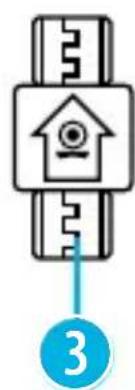
natural_image
Simple line drawing of a smart lock with a house icon and key, no text or symbols present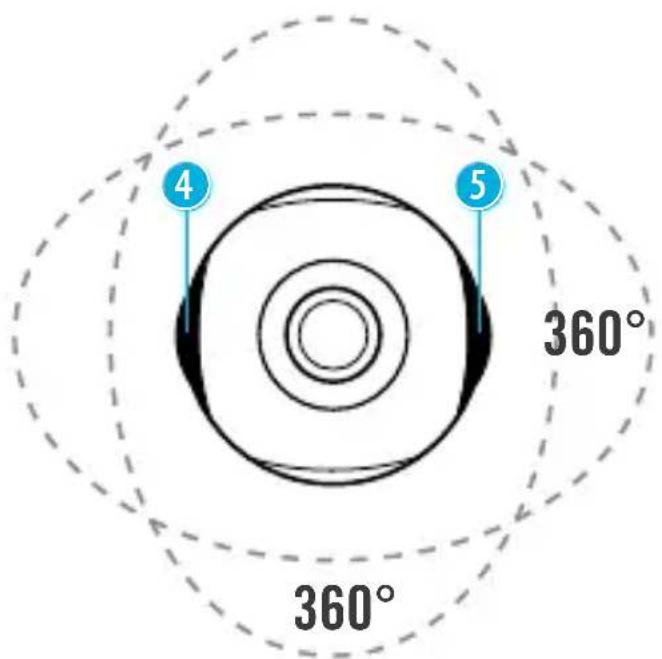
EN
Technical data
2 Wide Angle Lenses
Video: 1920x960 pixel
Weight: 36 g
Connector: Micro USB / Type-C
Dimensions: 41x41x42 mm
Compatibility
The app requires Android 5.0 or later, and the smartphone must support the OTG (On-The-Go) USB standard.
Samsung: A9000 / S7 edge
Huawai: Honor 6 / Honor 7 / Mate S / Mate 8 / Mate 9 / P9
HTC: M8et / M8t / A9W
natural_image
Simple circular diagram with concentric rings and a numbered label (1) in the top-left corner.① Caméra
natural_image
Simple line drawing of a smartwatch with a home icon on the screen (no text or symbols)natural_image
Diagram of a circular mechanical component with a central connector and a blue arrow pointing to it, labeled '1' (no text or symbols on the diagram itself)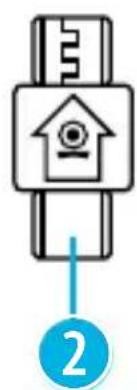
natural_image
Simple line drawing of a smartwatch with a house icon and ruler, no text or symbols present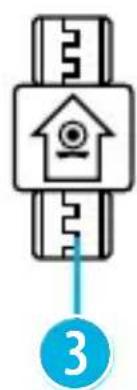
natural_image
Simple line drawing of a smart lock with a house icon and number 3 below (no text or symbols on the lock itself)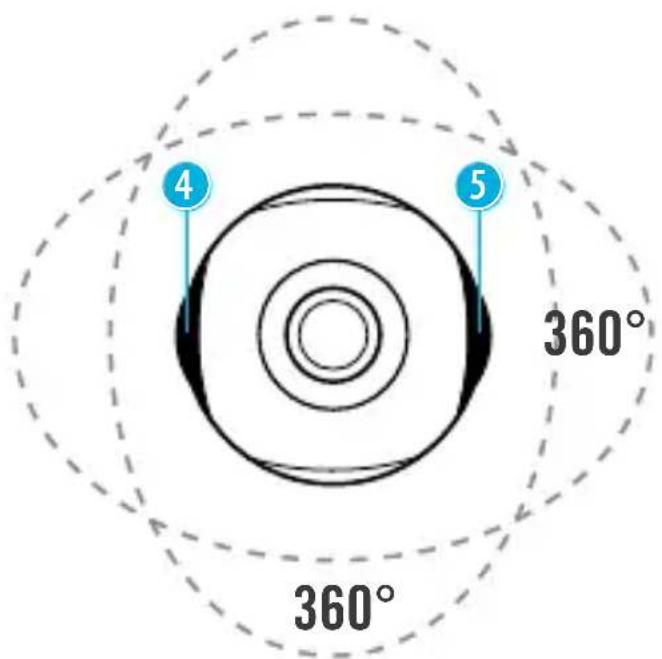
FR
natural_image
Simple circular diagram with concentric rings and a numbered label (1) in the top-left corner.① Cámara
② Adaptador Micro USB
natural_image
Simple line drawing of a smart home control device with keys and a house symbol (no text or labels)③ Adaptador Tipo C
ES
Primeros pasos
Conexión
natural_image
Diagram of a circular mechanical component with a central connector and a blue arrow pointing to it, labeled '1' (no text or symbols on the diagram itself)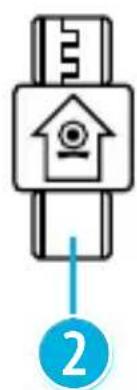
natural_image
Simple line drawing of a smartwatch with a house icon and ruler, no text or symbols present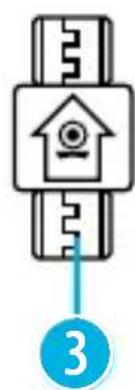
natural_image
Simple line drawing of a key inserted into a device with a house icon, no text or symbols present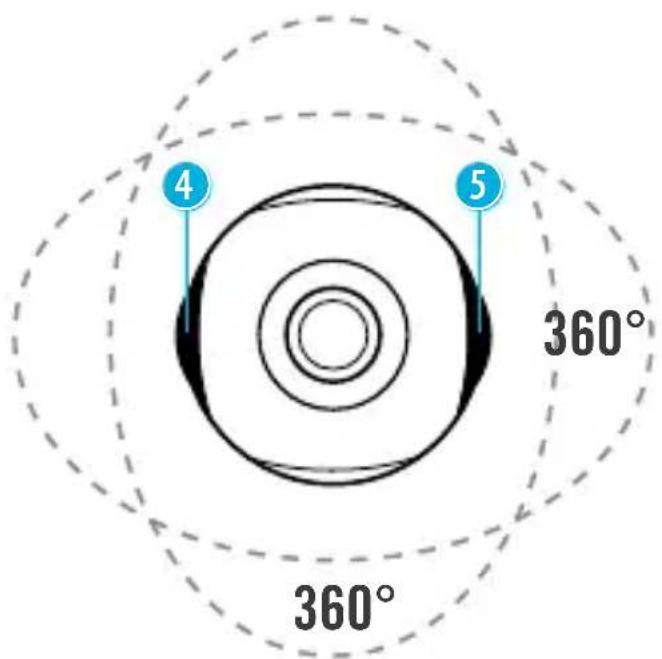
ES
natural_image
Simple circular diagram with concentric rings and a numbered label (1) in the top-left corner.① Câmara
② Adaptador Micro USB
natural_image
Simple line drawing of a smartwatch with a home icon and gear (no text or symbols)③ Adaptador Type C
PT
Primeiros passos
natural_image
Diagram of a circular mechanical component with a central connector and a blue arrow pointing to it, labeled '1' (no text or symbols on the diagram itself)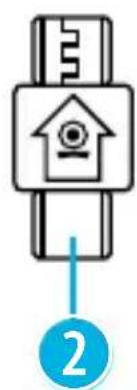
natural_image
Simple line drawing of a smartwatch with a house icon and ruler, no text or symbols present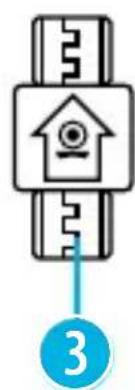
natural_image
Simple line drawing of a smart lock with a house icon and key, no text or symbols present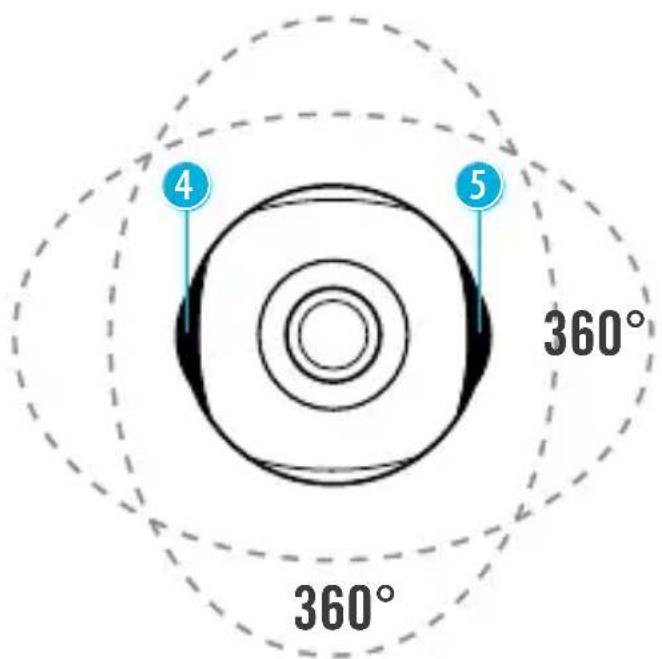
PT
Dados técnicos
natural_image
Simple circular diagram with concentric rings and a numbered label (1) in the top-left corner.① Kamera
② Adapter micro USB
natural_image
Simple line drawing of a smartwatch with a home icon on the screen (no text or symbols)3 Adapter typu C
PL
Pierwsze kroki
natural_image
Diagram of a circular mechanical component with a central connector and a numbered label (1) pointing to it, no text or symbols present.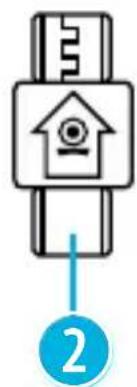
natural_image
Simple line drawing of a smartwatch with a house icon and a key, no text or symbols present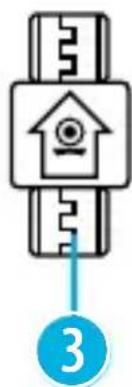
natural_image
Simple line drawing of a smart lock with a house icon and key, no text or symbols present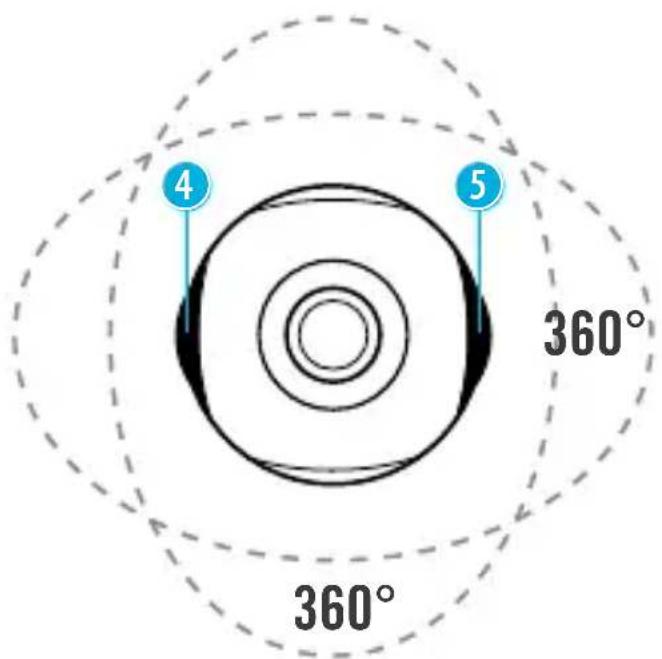
PL
Dane techniczne
© 2017 & TM Discovery Communications, LLC. Discovery Adventures™ and logo are trademarks of Discovery Communications, LLC, used under license. All rights reserved.
OFFICIAL LICENSED PRODUCT

BRESSER®
Bresser GmbH
Gutenbergstr. 2
DE-46414 Rhede
- Discovery ADVENTURES™
- ACTION CAMERA
- Spy // HD Dual Lens 720°
- Erste Schritte
- Technische Daten
- Kompatibilität
- About this Instruction Manual
- Intended Use
- General Warnings
- Notes on cleaning
- EC Declaration of Conformity
- Disposal
- Warranty & Service
- Scope of delivery
- First Steps
- Establish a connection
- Camera App
- APP DOWNLOAD:
- Taking videos or photos and adjusting settings
- Functions
- Technical data
- Compatibility
- Primeros pasos
- Conexión
- Primeiros passos
- Dados técnicos
- Pierwsze kroki
- Dane techniczne
- BRESSER®
Brand : BRESSER
Model : 8785108
Category : Camcorder