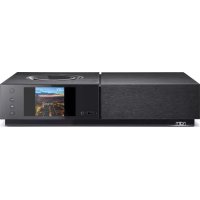
Uniti Nova - Receiver NAIM - Free user manual and instructions
Find the device manual for free Uniti Nova NAIM in PDF.


| Product Type | All-in-one audio receiver |
| Brand | Naim |
| Model | Uniti Nova |
| Included items | 1 x Uniti Nova, documentation, cleaning cloth, power cable, remote control, 4 AAA batteries, 2 speaker plugs, F-type connector (optional) |
| Power supply | Mains via provided cable |
| Remote control | Yes, wireless, requires initial pairing |
| Mobile app | Naim for iOS and Android, setup and control |
| Main functions | Online streaming, music server, multi-room, digital/analog/HDMI connections, USB playback |
| Network connectivity | Wi-Fi, wired Ethernet (optional) |
| Streaming services | Internet radio stations, preferred streaming services |
| Maintenance | Clean with provided cloth, avoid liquids |
| Safety | Use according to instructions, do not open |
| Speaker compatibility | Passive speakers with cables (not included) |
| Requirements | Active Wi-Fi router, smartphone or tablet |
| Warranty | Consult the dealer or Naim website |
| Repairability | Spare parts available via Naim after-sales service |
Frequently Asked Questions - Uniti Nova NAIM
User questions about Uniti Nova NAIM
0 question about this device. Answer the ones you know or ask your own.
Ask a new question about this device
Download the instructions for your Receiver in PDF format for free! Find your manual Uniti Nova - NAIM and take your electronic device back in hand. On this page are published all the documents necessary for the use of your device. Uniti Nova by NAIM.
USER MANUAL Uniti Nova NAIM

AAA batteriesCleaning
1x
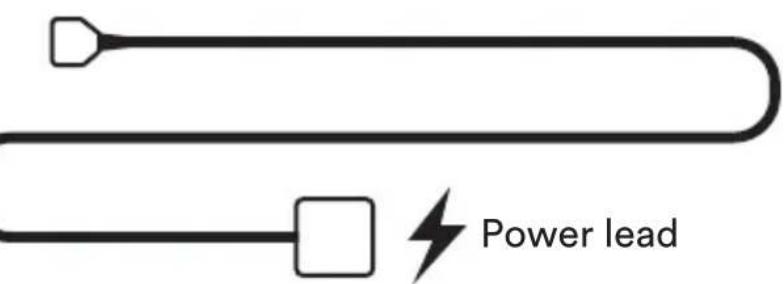
2x

Speaker plugs
1x

F-Type connector applied when DAB/FM (optional module fitted)

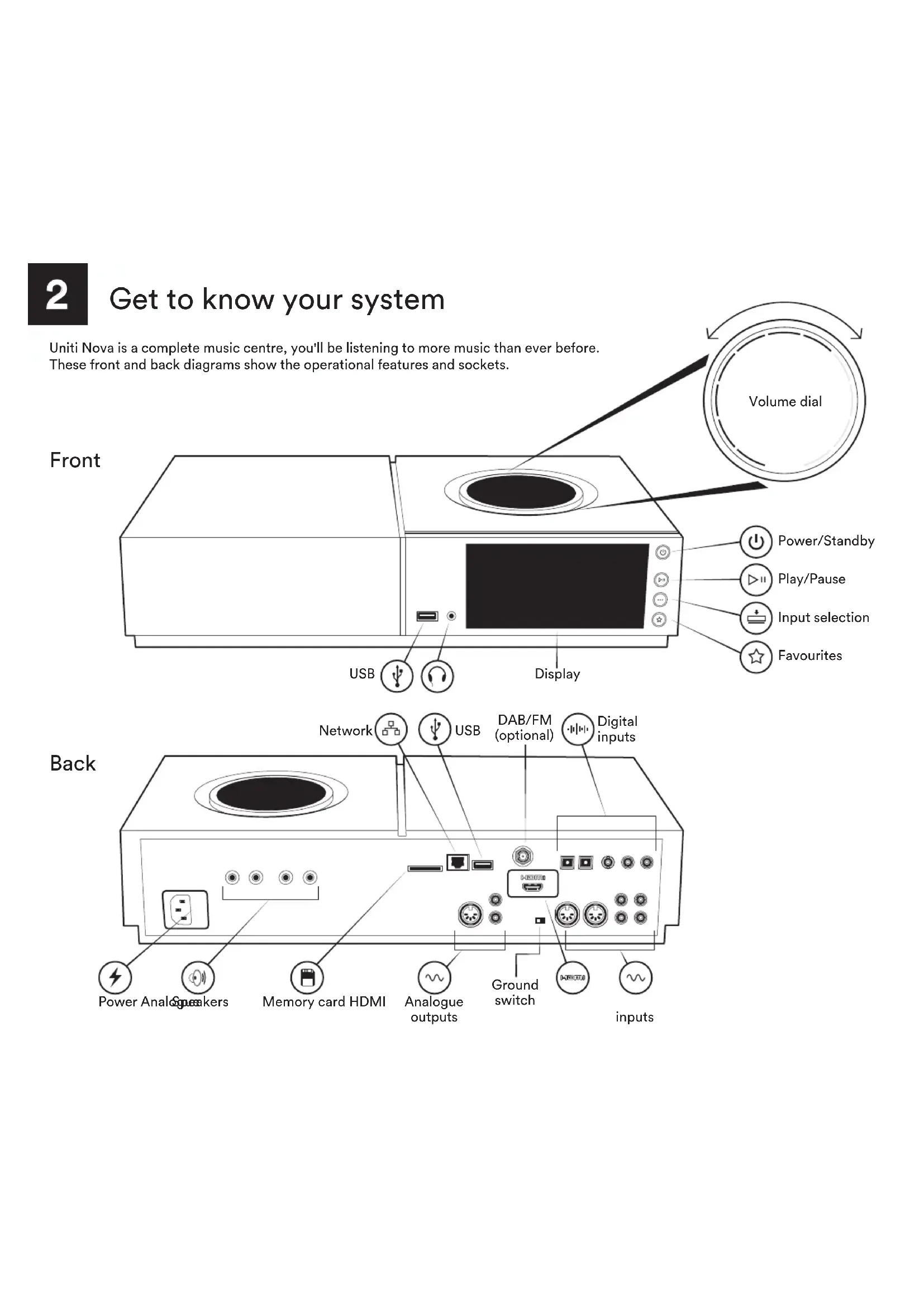
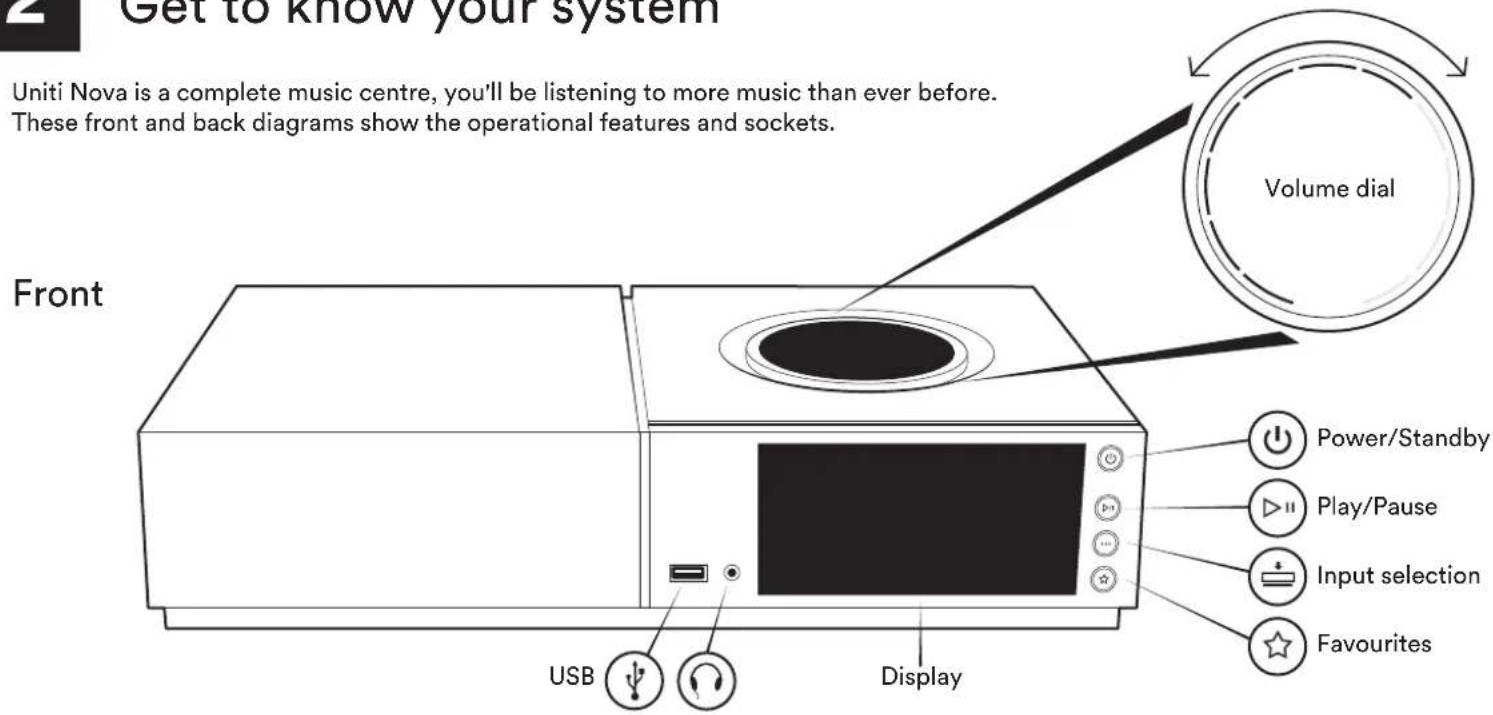
Get to know your system
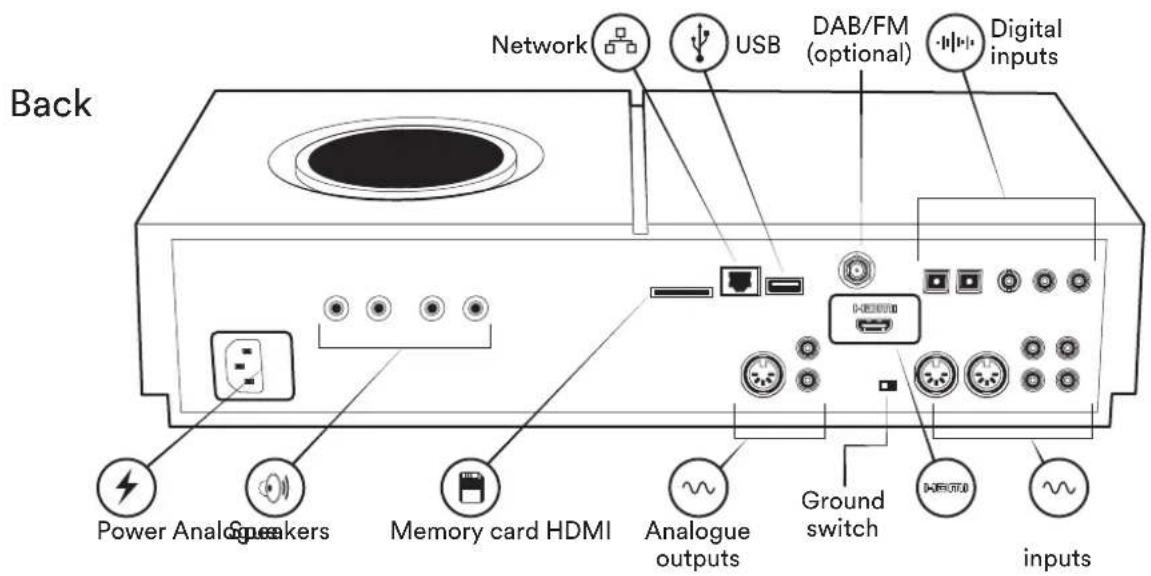
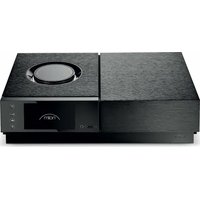
Uniti Nova is a complete music centre, you'll be listening to more music than ever before. These front and back diagrams show the operational features and sockets.
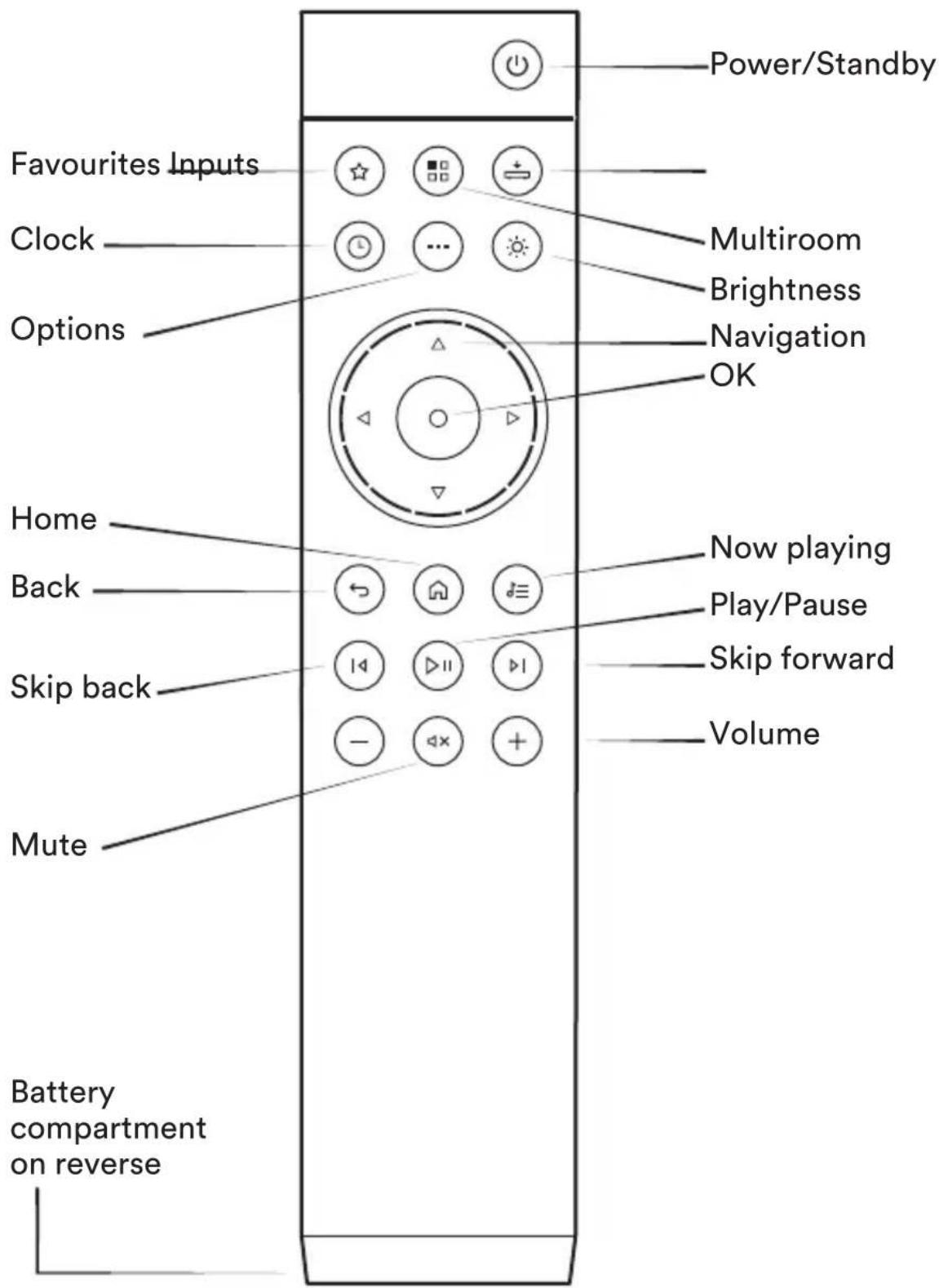
Remote
3
Simple setup
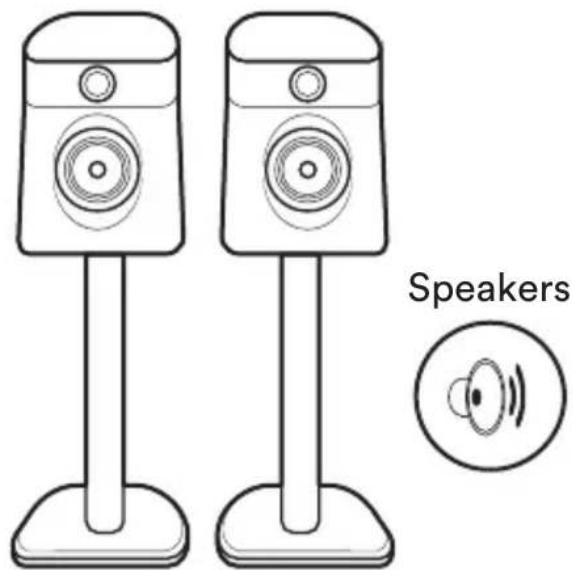
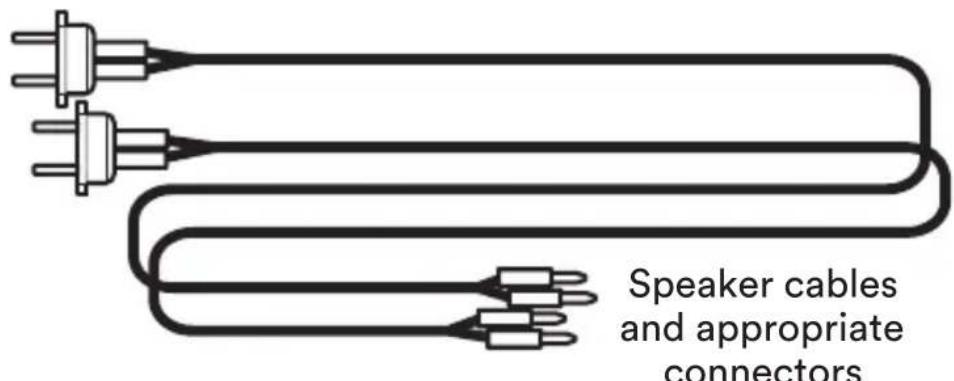
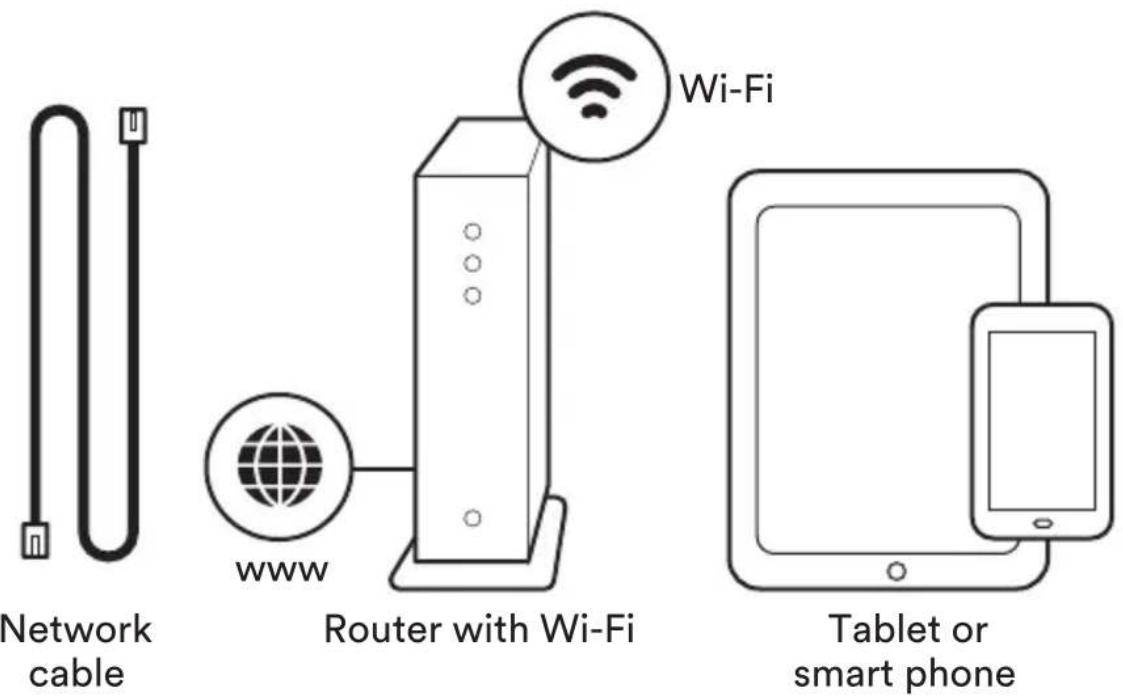
You will also need speakers with cables, a router with Wi-Fi which is connected to the internet and a smart phone or tablet. Alternatively, a network cable can be used for a wired connection.

Network cable
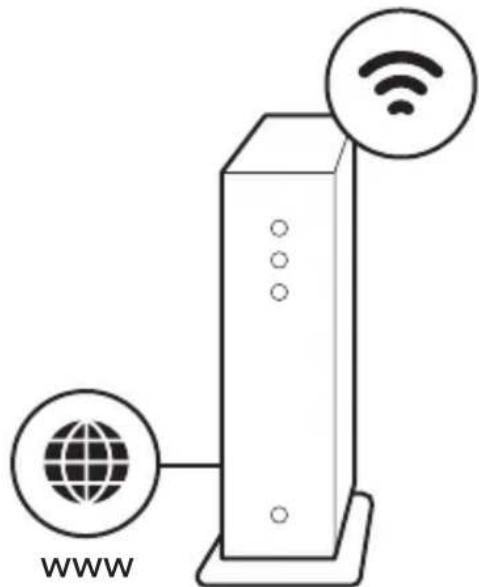
Router with Wi-Fi
Wi-Fi
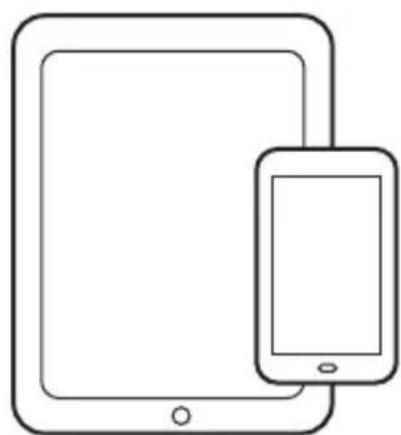
Tablet or smart phone
Simple setup
You will also need speakers with cables, a router with Wi-Fi which is connected to the internet and a smart phone or tablet. Alternatively, a network cable can be used for a wired connection.
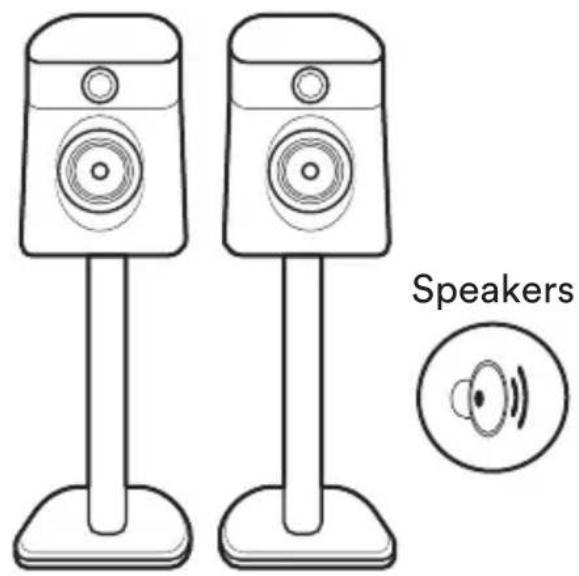
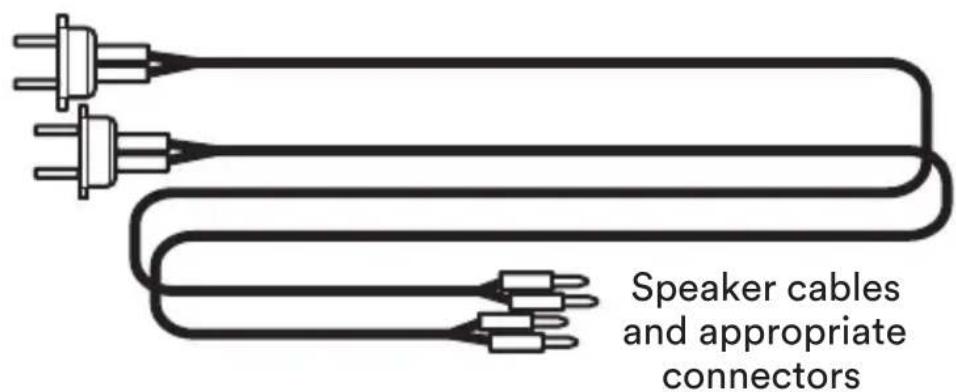
Pairing the remote
Once your unit is powered and on, you will need to pair the remote. To do this hold the remote close to the unit's display screen and press the remote's home button for 3 seconds.
The remote is now paired to the unit and ready to use.
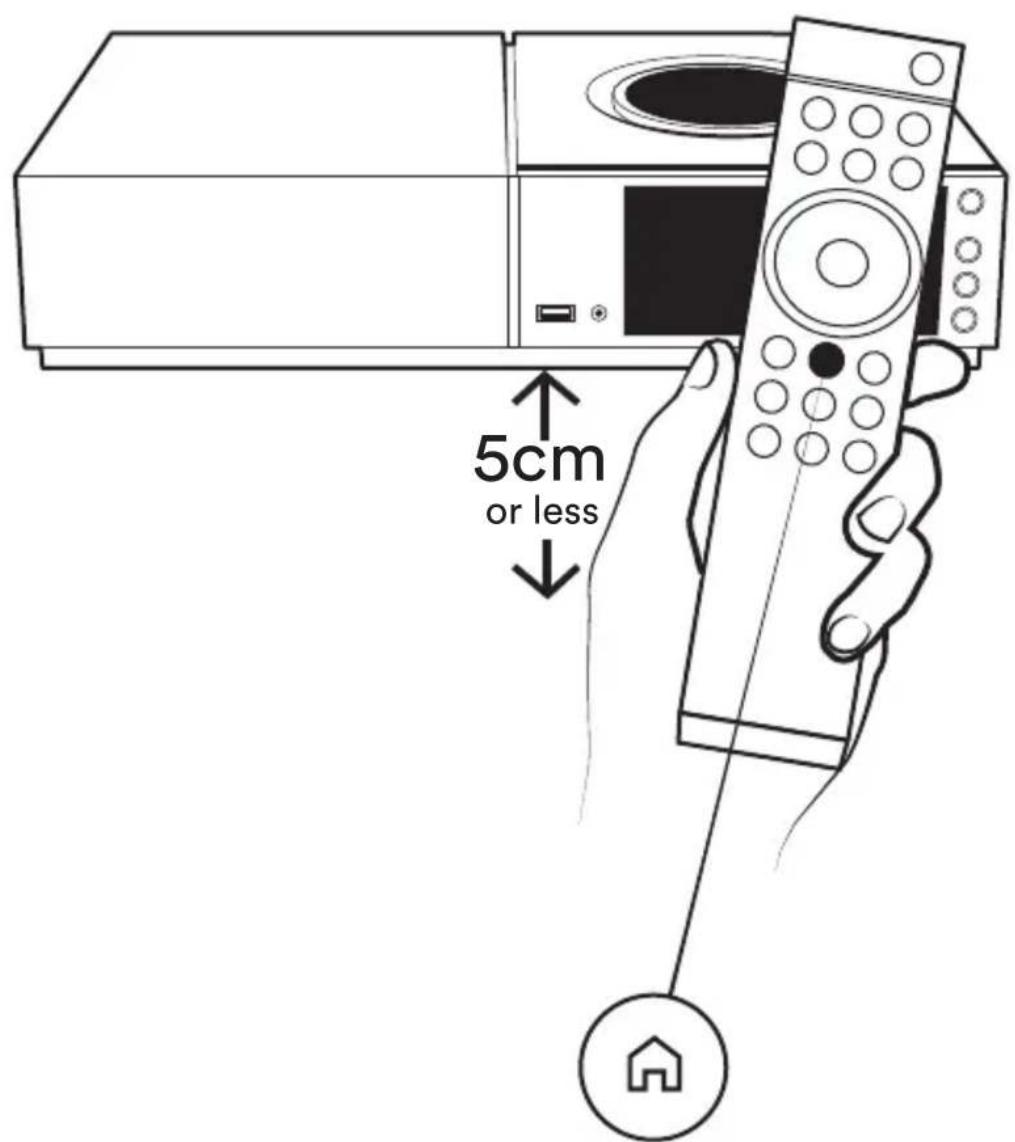
Home button, press and hold to pair

Download Naim app
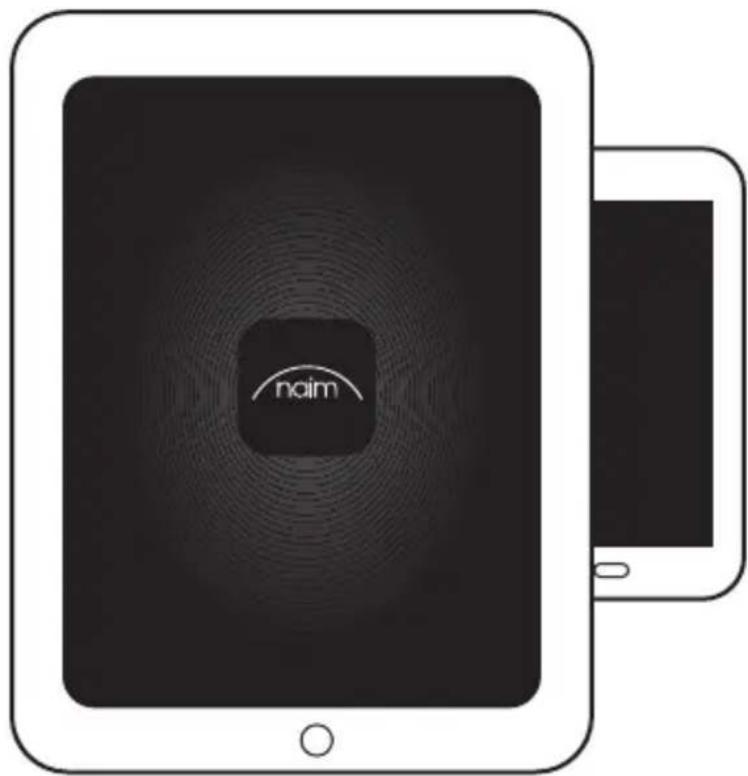
Download and install the Naim app for your iOS or Android device.
Launch the Naim app and follow the setup instructions to configure the product.

Download on the App Store

GET IT ON Google Play


Playing music
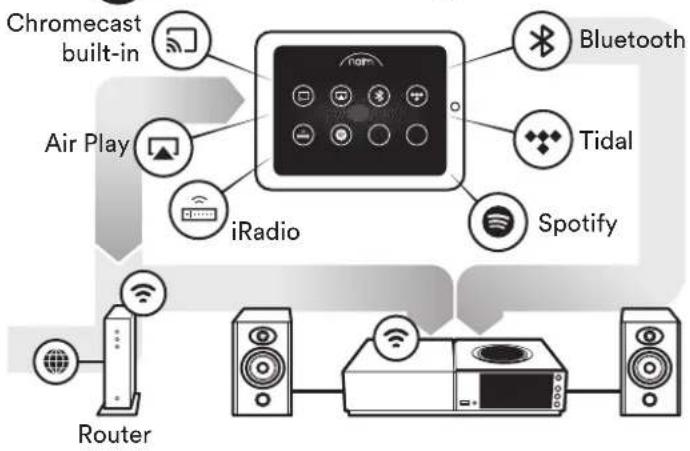
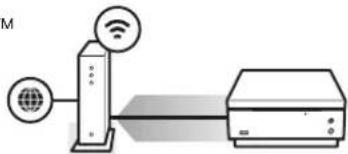
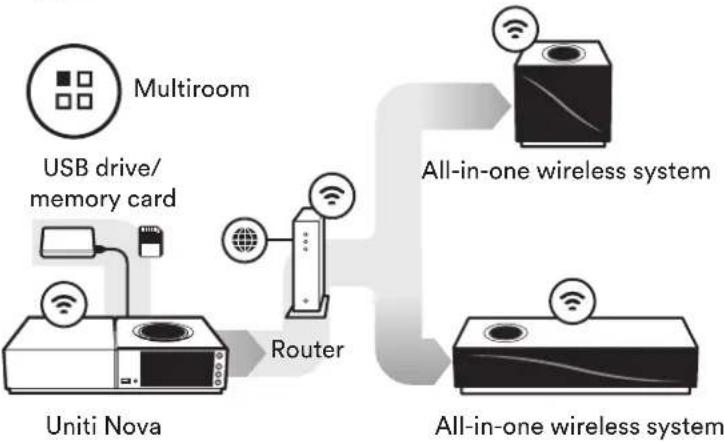
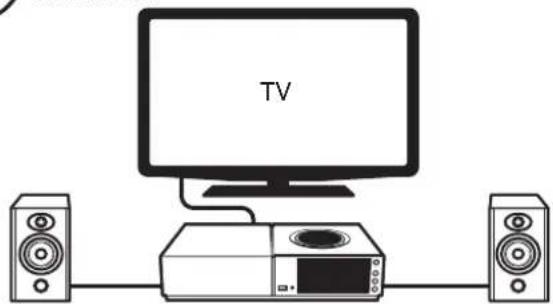
Access all of your music including your favourite streaming services and Internet radio stations, play your stored music from a Naim server (such as a Uniti Core) and be the source for your multiroom system. Uniti Nova also includes digital, analogue and HDMI connections so you can connect your external sources.

Online streaming services

Streaming from a music server

UPnP
Router Uniti core

Uniti Nova

Music server for multiroom streaming

Playing other sources

HDMI (ARC) connection
Uniti Nova
Further help and FAQs
Visit the Naim website for further support, including useful video tutorials and interactive setup and support guides.
www.naimaudio.com/naim-support

Contact
uniti-support@naimaudio.com
Support helpline:
+44 (0) 333 321 9923 (UK)
+1 800 961 5681 (USA and Canada)
Acknowledgements
Uniti, Nova
Uniti Nova® is a registered trademark of Naim Audio Ltd. Registered in the United Kingdom and other countries.
Made for

iPod

iPhone

iPad
Made for iPhone 7 Plus, iPhone 7, iPhone SE, iPhone 6s Plus, iPhone 6s, iPhone 6, iPhone 5s, iPhone 5c, iPhone 5, iPhone 4s, iPad Pro (12.9-inch), iPad Pro (9.7-inch), iPad Air 2, iPad Air, iPad mini 4, iPad mini 3, iPad mini 2, iPad mini, iPad (3rd generation), iPad (4th generation), iPad 2, iPod touch (5th generation), iPod touch (6th generation).
AirPlay works with iPhone, iPad, and iPod touch with iOS 4.3.3 or later, Mac with OS X Mountain Lion, and Mac and PC with iTunes 10.2.2 or later.
Chromecast built-in
Stream the entertainment you love from your phone, tablet or laptop to your TV. Chromecast is a trademark of Google Inc.

Spotify

The Spotify software is subject to third party licenses found here: www.spotify.com/connect/third-party-licenses.

TIDAL
HIGH FIDELITY MUSIC STREAMING

Bluetooth
The Bluetooth® word mark and logos are registered trademarks owned by Bluetooth SIG, Inc. and any use of such marks by Naim Audio Ltd. is under licence. Other trademarks and trade names are those of their respective owners.
Qualcomm aptX

Qualcomm is a trademark of Qualcomm Incorporated, registered in the United States and other countries, used with permission. aptX is a trademark of Qualcomm Technologies International, Ltd., registered in the United States and other countries, used with permission. Qualcomm aptX is a product of Qualcomm Technologies International, Ltd.
HOMI
HIGH-DEFINITION MULTIMEDIA INTERFACE
The terms HDMI and HDMI High-Definition Multimedia Interface, and the HDMI Logo are trademarks or registered trademarks of HDMI Licensing LLC in the United States and other countries.
UPnP
UPnP ^TM is a trademark of the UPnP ^TM Forum.
WiFi CERTIFIED
Wi-Fi® logo is a registered trademark of Wi-Fi Alliance.
中文
1 盒中内装物
www.naimaudio.com/naim-support
Nederlands
6 Naim-app downloads
(A) Online streaming services
www.naimaudio.com/naim-support
Français
www.naimaudio.com/naim-support
Deutsch
1 Lieferumfang
www.naimaudio.com/naim-support
Espanol
www.naimaudio.com/naim-support
Italiano
www.naimaudio.com/naim-support
日本語
1 棚包内容
www.naimaudio.com/naim-support
韓国
1.
www.naimaudio.com/naim-support
Polski
www.naimaudio.com/naim-support
Portugues
1 Conteudo da caixa
www.naimaudio.com/naim-support
Pycckn
1 YTO BXOINT B KOMNJIeKT?
1xUnitiNova,1XKOMnIeKTDOKyMeHTOB
1x canfoetka dnyu nctkn, 1 x npoBOd nHTAHN, 1 x nybT dNCTaHcNOHORO ynpabNeHn, 4 x 3JeMeHTaNTaHn AAA,
2x wTekepa nЯpoDKIIOUeHnA DNHAMKOB, 1x KOHNKeTOp F-Tnna (noCTaBJIeTcB Clyuae yCTaHOBKn DOnONHITeJbHOrO moyJnDAB/FM)
2 3HaKOMCTBO C CNCTeMOI
Uniti Nova -3TO NOJHoueHHbIM My3bIkaJIbHbI ueHTP, C KOTOpbIM Bac Jxdet 6oJIbWe My3bIKn, Yem KOrda-NIO6O! Pa6OuHne cyHKcUN n pa3bEmbl NOKa3aHbI Ha pncyHKax nepedHeN 3aDHeN naHeJe.
3 PocTaHaCTpOka
Bam TaKKe IOTpe6yIOTc DaHaMnKc Ka6eIeM, MapuTy3aTOp c Wi-Fi, NODKnIOUeHHbIK INHTepHety, n CMaprTOH NN PAnHWeT. NNN JMe MOxHo NCNoJIb3OBAtB CeTeBOi Ka6eJIb
www.naimaudio.com/naim-support


- Get to know your system
- 3
- Simple setup
- Pairing the remote
- Download Naim app
- Playing music
- Online streaming services
- Streaming from a music server
- Music server for multiroom streaming
- Playing other sources
- Further help and FAQs
- Contact
- Acknowledgements
- Uniti, Nova
- Chromecast built-in
- Bluetooth
- Qualcomm aptX
- HOMI
- UPnP
- WiFi CERTIFIED
- 中文
- 盒中内装物
- Nederlands
- Naim-app downloads
- Online streaming services
- Français
- Deutsch
- Lieferumfang
- Espanol
- Italiano
- 日本語
- 棚包内容
- 韓国
- 1.
- Polski
- Portugues
- Pycckn
- 3HaKOMCTBO C CNCTeMOI
- PocTaHaCTpOka
Brand : NAIM
Model : Uniti Nova
Category : Receiver