Ambit 3 Run 1.0 - Smartwatch SUUNTO - Free user manual and instructions
Find the device manual for free Ambit 3 Run 1.0 SUUNTO in PDF.


| Product type | Sport watch (smartwatch) |
| Brand | Suunto |
| Model | Ambit 3 Run 1.0 |
| Power | Rechargeable lithium-ion battery, charging via USB cable (2-3 hours for full charge) |
| Battery life | Varies by usage (GPS, backlight, etc.) |
| Main functions | GPS, compass, heart rate (with Bluetooth Smart belt), activity tracking, navigation, stopwatch, countdown timer, alarm, Suunto Apps |
| Water resistance | 50 meters / 5 bars (swimming, but not diving) |
| Connectivity | Bluetooth Smart, USB |
| Display | Digital display with backlight, adjustable contrast, color inversion |
| Built-in sensors | GPS, accelerometer (FusedSpeed), compass |
| Maintenance and cleaning | Rinse with clean water and mild soap, clean with a soft damp cloth |
| Safety | Risk of skin allergies; consult a doctor before any training program; do not rely solely on GPS |
| Spare parts and repairability | Use only genuine Suunto accessories; repairs by authorized service center |
| Warranty | 2 years for the product, 1 year for accessories |
| General information | Manual available in PDF (111 pages); software update via Movescount |
Frequently Asked Questions - Ambit 3 Run 1.0 SUUNTO
User questions about Ambit 3 Run 1.0 SUUNTO
0 question about this device. Answer the ones you know or ask your own.
Ask a new question about this device
Download the instructions for your Smartwatch in PDF format for free! Find your manual Ambit 3 Run 1.0 - SUUNTO and take your electronic device back in hand. On this page are published all the documents necessary for the use of your device. Ambit 3 Run 1.0 by SUUNTO.
USER MANUAL Ambit 3 Run 1.0 SUUNTO
3.20 Notifications 58
3.21 PODs and HR sensors 59
Suunto Ambit3 Run has a digital compass that allows you to orient yourself in relation to magnetic north. The tilt-compensated compass gives you accurate readings even if the compass is not horizontally level.
You can show/hide the compass display from the options menu while in a sport mode under ACTIVATE Compass.
The compass display includes the following information:
middle row: compass heading in degrees
- bottom row: change view to current heading in cardinals, to time or empty with [View]

The compass switches to power saving mode after one minute. Reactivate it with [Start Stop].
Your Suunto Ambit3 Run comes with several different features, such as the stopwatch (see 3.27 Chronomètre), that are handled as
displays that can be viewed by pressing [Next]. Some of them are permanent, and others you can show or hide as you like.
To show/hide displays:
- Press [Start Stop] to enter the start menu.
- Scroll to DISPLAYS by pressing [Light Lock] and press [Next].
- In the list of display, toggle any feature on/off by scrolling to it with Start Stop or Light Lock and pressing Next.
Keep [Next] pressed to exit the displays menu if needed.
Your sport modes (see 3.26 Modes sportifs) also have multiple displays that that you can customize to view different information while you exercise.
nourriture/restaurant/café
forêt
gécache
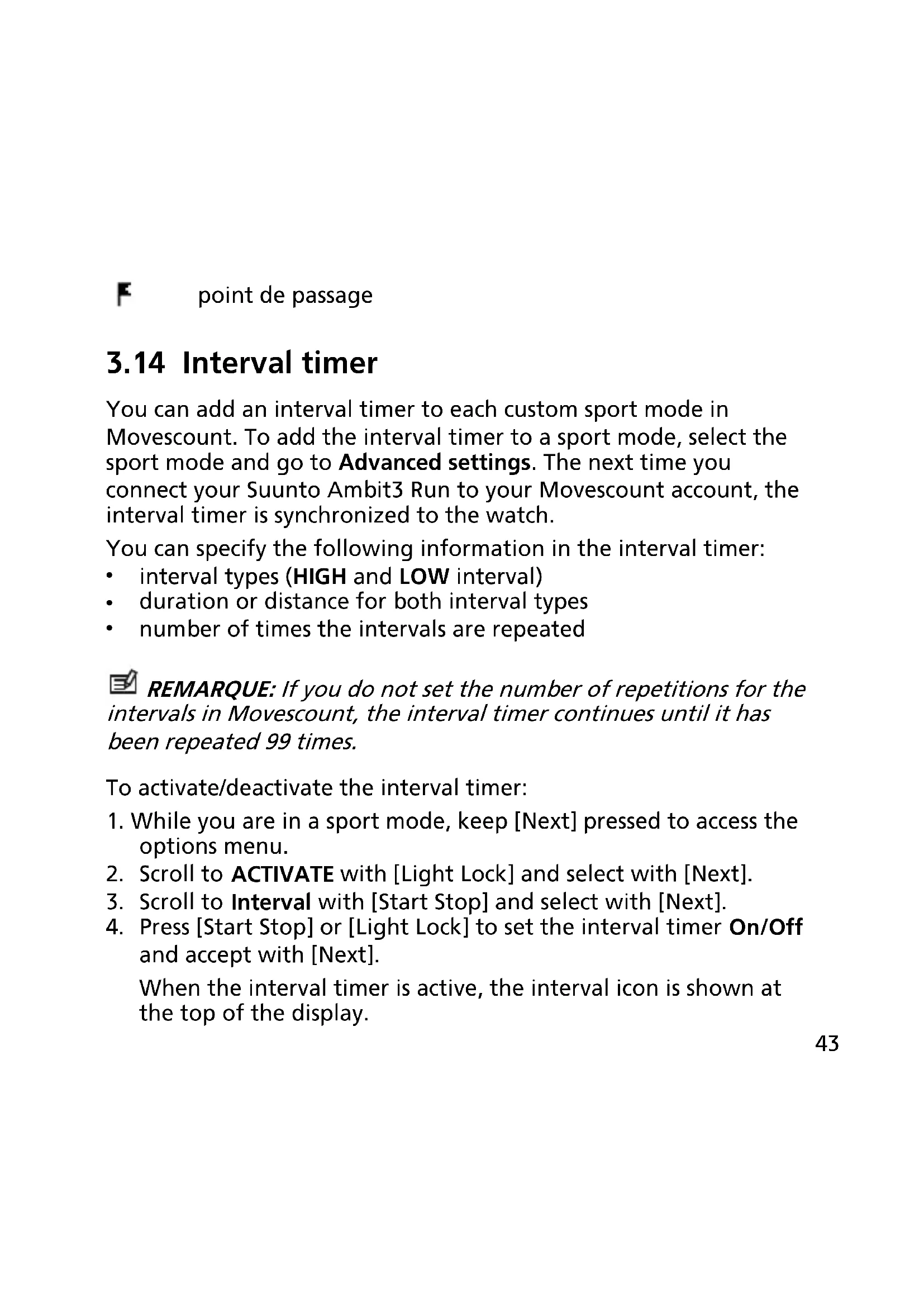
You can add an interval timer to each custom sport mode in Movescount. To add the interval timer to a sport mode, select the sport mode and go to Advanced settings. The next time you connect your Suunto Ambit3 Run to your Movescount account, the interval timer is synchronized to the watch.
You can specify the following information in the interval timer:
- interval types (HIGH and LOW interval)
duration or distance for both interval types
number of times the intervals are repeated

REMARQUE: If you do not set the number of repetitions for the intervals in Movescount, the interval timer continues until it has been repeated 99 times.
To activate/deactivate the interval timer:
- While you are in a sport mode, keep [Next] pressed to access the options menu.
- Scroll to ACTIVATE with [Light Lock] and select with [Next].
- Scroll to Interval with [Start Stop] and select with [Next].
- Press [Start Stop] or [Light Lock] to set the interval timer On/Off and accept with [Next].
When the interval timer is active, the interval icon is shown at the top of the display.


3.15 Logbook
The logbook stores the logs of your recorded activities. The maximum number of logs and the maximum duration of a single log depend on how much information is recorded in each activity. GPS accuracy (see 3.19.3 Precision GPS et économique d'énergie) and using the interval timer (see 3.14 Interval timer), for example, directly impact the number and duration of logs that can be stored. You can view the log summary of your activity right after you have stopped recording or through the LOGBOOK under the start menu.
The information shown in the log summary is dynamic: it changes depending factors such as sport mode and whether or not you used an heart rate belt or GPS. By default, all logs include at minimum the following information:
sport mode name
time
- date
duration
laps

CONSEIL: You can see many more details of your recorded
activities in Movescount.com.
To view log summary after stopping a recording:
- Keep [Start Stop] pressed to stop and save the exercise.
Alternatively, you press [Start Stop] to pause the recording. After pausing, stop by pressing [Back Lap], or continue recording by pressing [Start Stop].
After pausing and stopping the exercise, save the log by pressing [Start Stop]. If you do not want to save the log, press [Light Lock]. If you do not save the log, you can still view the log summary after pressing [Light Lock], but the log is not stored in the logbook for later viewing.
- Press [Next] to view the log summary.

You can also view the summaries of all your saved exercises in the logbook. In the logbook the exercises are listed according to date and time.
To view summary log in the logbook:
- Press [Start Stop] to enter the start menu.
- Scroll to LOGBOOK with [Light Lock] and enter with [Next]. Your current recovery time is shown.
- Scroll the logs with [Start Stop] or [Light Lock] and select a log with [Next].
- Browse the summary views of the log with [Next].


If the log includes multiple laps, you can view lap-specific information by pressing [View].
3.18 Movescount Mobile App
3.21 PODs and HR sensors
Pair your Suunto Ambit3 Run with a Bluetooth® Smart compatible foot to receive additional information during exercise.
The Suunto Smart Sensor included in your Suunto Ambit3 Run package (optional) is already paired. Pairing is required only if you want to use a different Bluetooth Smart compatible heart rate sensor.
3.21.1 Pairing PODs and HR sensors
Pairing procedures may vary depending on the POD or heart rate (HR) sensor type. Please refer to the user guide for the device you are pairing with your Suunto Ambit3 Run before continuing.
To pair a POD or heart rate sensor:
- Activate the POD or heart rate sensor.
If you are pairing a Suunto Smart Sensor, see 3.9.2 Installation du Suunto Smart Sensor.
-
Keep [Next] pressed to enter the options menu.
-
Scroll to PAIR with [Light Lock] and select with [Next].
-
Scroll the options with [Start Stop] and [Light Lock] and press [Next] to select a POD or heart rate sensor to pair.
-
Hold your Suunto Ambit3 Run close to the device you are pairing and wait for Suunto Ambit3 Runto notify that pairing was successful.
If the pairing fails, press [Start Stop] to retry, or [Light Lock] to return to the pairing setting.


5.1 Technical specifications
General
operating temperature: -20^ to +60^ / -5^ to +140^
- battery charging temperature: 0^ C to +35^ C / +32^ F to +95^ F
storage temperature: -30^ to +60^ / -22^ to +140^
weight: 72 g/2.5 oz
water resistance (watch): 50 meters/164 feet/5 bar
water resistance (HR belt): 20 m/66 ft (ISO 2281)
- lens: mineral crystal glass
- power: rechargeable lithium-ion battery
- Battery life: 10 - 100 hours depending on selected GPS accuracy
Memory
- Point of Interest (POIs): max. 250
Radio receiver
- BLUETOOTH SMART compatible
- communication frequency: 2.4 GHz
range: 3m / 9.8 ft
Chronograph
resolution: 1 s until 9:59'59, after that 1 min
Compass
resolution: 1 degree/18 mils
GPS
- technology: SiRF star V
resolution: 1 m/3 ft
5.2 Conformité
5.2.1 CE
This product is protected by pending patent applications and their corresponding national rights.
Watch: EP 11008080, EU designs 001332985-0001 or
001332985-0002, US 61/649,617, US 61/649,632
HR belt: US 13/071,624, US 13/832,049, US 13/832,598, US
13/917,668, US 13/397,872, USD 667,127, US 8,386,009, US 8,750,959,
US 8,814,574, US 8,886,281
Additional patent applications have been filed.
5.5 Garantie
show/hide displays, 25
E

Brand : SUUNTO
Model : Ambit 3 Run 1.0
Category : Smartwatch