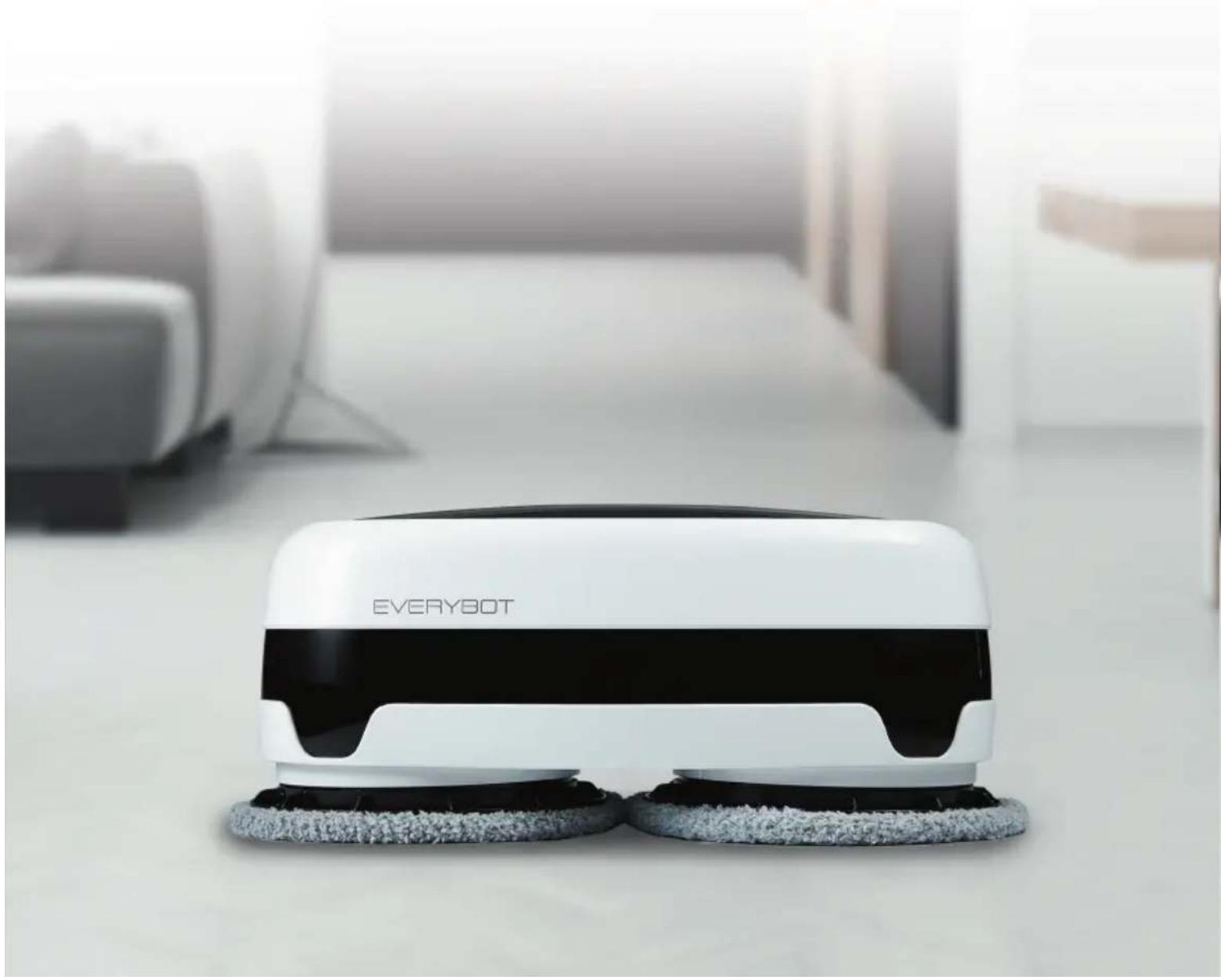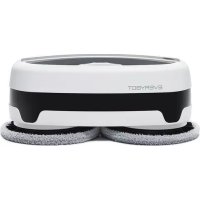
Edge - Robot vacuum Everybot - Free user manual and instructions
Find the device manual for free Edge Everybot in PDF.


User questions about Edge Everybot
0 question about this device. Answer the ones you know or ask your own.
Ask a new question about this device
Download the instructions for your Robot vacuum in PDF format for free! Find your manual Edge - Everybot and take your electronic device back in hand. On this page are published all the documents necessary for the use of your device. Edge by Everybot.
USER MANUAL Edge Everybot
Email: info@tjmsupplies.nl
Telefoon: +31 85-0402973
KVK nummer: 69091919
BTW nummer: NL857729275B01
In de doos
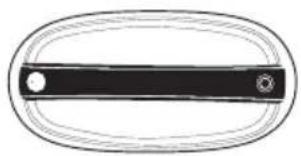
Everybot Edge Reinigings
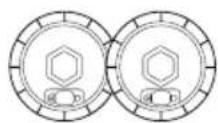
Waterreservoir kit Microvezel

dweilopzetstuk
(grijs)

dweilopzetstuk
(groen)
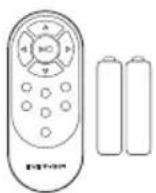
inclusiefbatterijen
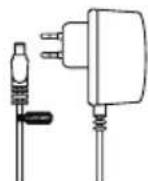
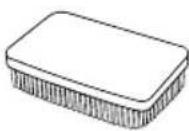
OpladerAfstandsbedieBingpnen borstel
Email: info@tjmsupplies.nl
Telefonnummer: +31 85-0402973
www.tjmsupplies.nl/declaration-of-conformity-everybot-edge/
Importateur
Entreprise: TJM Imports B.V.
Adresse: Zompstraat 8
8102HX Raalte
les
Pays-Bas
Email: info@tjmsupplies.nl
Declaration of Conformity
Product information
For the following
Product: radio equipment
Type: Edge

Declaration and applicable standards
Hereby, TJM Imports B.V. declares that the type of radio equipment Edge conforms to:
Directive EMC 2014/30/EU and the RoHS directive (2011/65/EU) on the restriction of the use of certain hazardous substances in electronic and electronic equipment by applying EN 50581:2012 and IEC 62321-3-1:2013.
The full text of the EU declaration of conformity can be found at the following internet address: www.tjmsupplies.nl/declaration-of-conformity-everybot-edge/
Importer
Company: TJM Imports B.V.
Email: info@tjmsupplies.nl
Phone number: +31 85-0402973
Business license number: 69091919
VAT number: NL857729275B01
In the box

Everybot Edge Mother Yarn MopsWater Supply
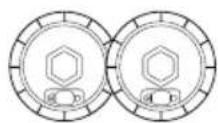
Mop Kit

Grey

Microfiber Mops:
Green
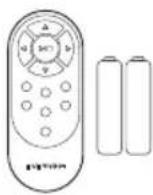
with Battery
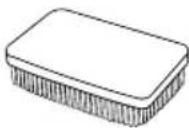
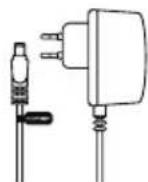
Power AdaptorRemote ConSibicon Brush
How to use and charge

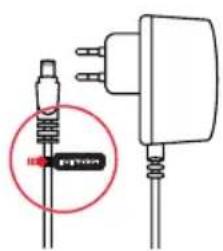
- Please charge the product fully before the first operation.
- When charging the battery, the button on the main unit and the remote control does not work.
- Do not use any other power adapter other than the adapter which came with the unit.
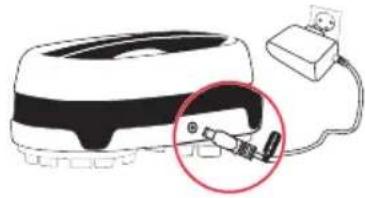
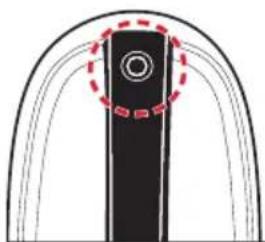

Yellow LED Blinks
Low Battery Level

Blue LED Blinks
Medium Battery Level

LED is OFF
Full Battery
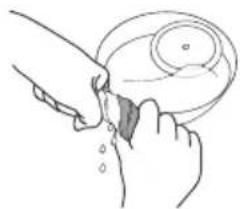
1 Wet the mops thoroughly in water and apply them in the main unit after wringing them out.
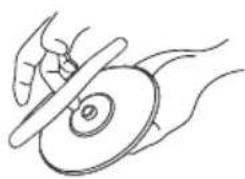
2 Attach the mop pads to fit the joint parts to the holes of the water supply mop kit.
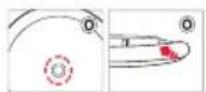
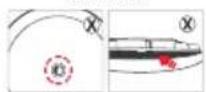
Correct
Wrong
3 Open the rubber cap of the water supply mop kit and fill the water into the water tank.
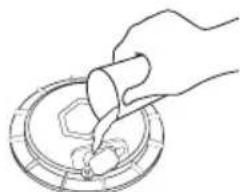
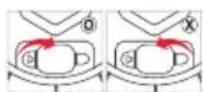
Correct Wrong
4 Close the rubber caps and attach the reservoirs under the Everybot Edge. Press the attachment while you rotate it until a clear click is heard.
5 Press the operation button more than 2sec. to turn on the main unit.
6 Press the operation button on the main unit or play button of a remote control to startthe machine.
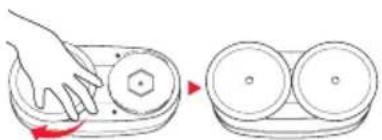
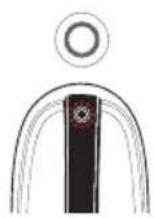
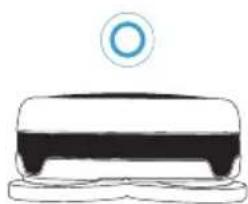
Cleaning modes
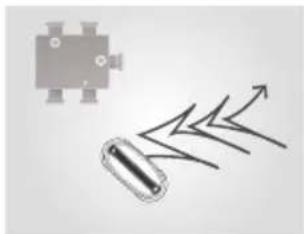
Y' Cleaning Step Cleaning

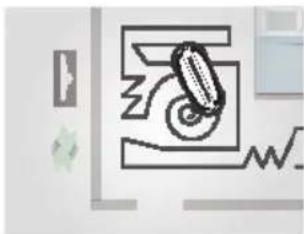
50min.Cleaning
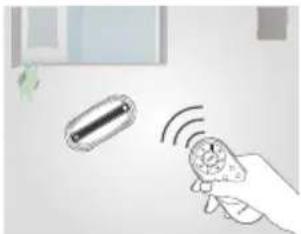
Manual Cleaning
Cautions when using the product
Do not use unauthorized adaptors.
- It may cause serious damage for the product.
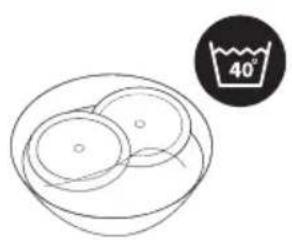
Please wash the mops with detergent before of first using.
- Otherwise there could be tainted problem.
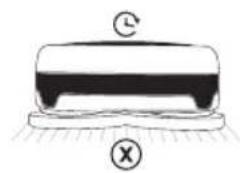
Please separate the mop from the water tank mop kit after finished operating.
- If the wet mops stay long time on the floor, the floor may be discolored or polluted.
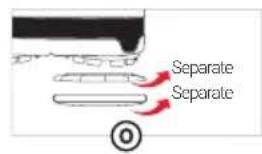
Maintaining water supply mop kits
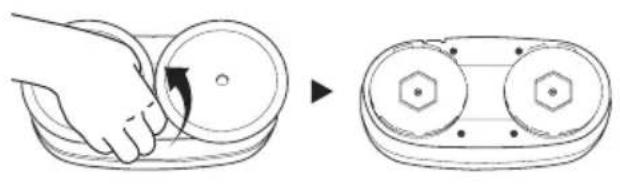
1 Separate the mop from the water tank mop kit after finished operating.
- Please just pull out the water tank mop kit by hands.
- If it is hard to pull out, please twist it a little bit.
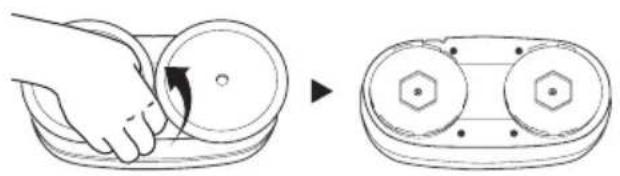
2 Open the rubber cap to dry out inside of water tank after pour remained water.
This is not a malfunction. Please check
LED lamp is OFF
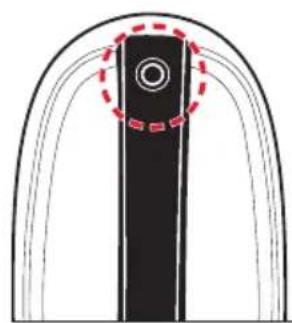

LED OFF

LED ON
If the machine does not work for 5 min. It automatically power off together with LED lamp.
If you press a operation button for 2 sec. LED lamp will be turned on with power on status.
Sound alarm while its operation
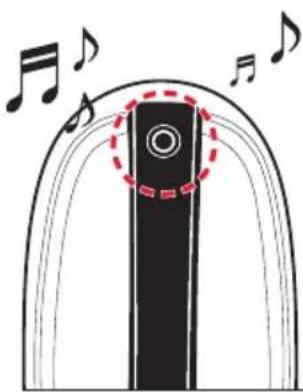

Blue Blinks
After 50minute cleaning, the main unit sounds the alarm to change mops and fill water in the water supply mop kit.
- For the better cleaning, replace with new mops and fill water after charging.
How to convert to dark floor version
- Please connect Edge with power adapter to make it 'Charging status'. (You must see Yellow LED blinking.)
- Please press the 'Up Key' for 3 seconds. Then, it will ring signal and it is now 'Dark Floor Mode'
- Now please Start Edge on Black Floor. It will work well but cannot sense any cliff.
- To get back to the normal mode: Please connect Edge with adapter and press 'Down Key' for 3second. You will hear signal alarm. Then now it is 'Normal Mode'.
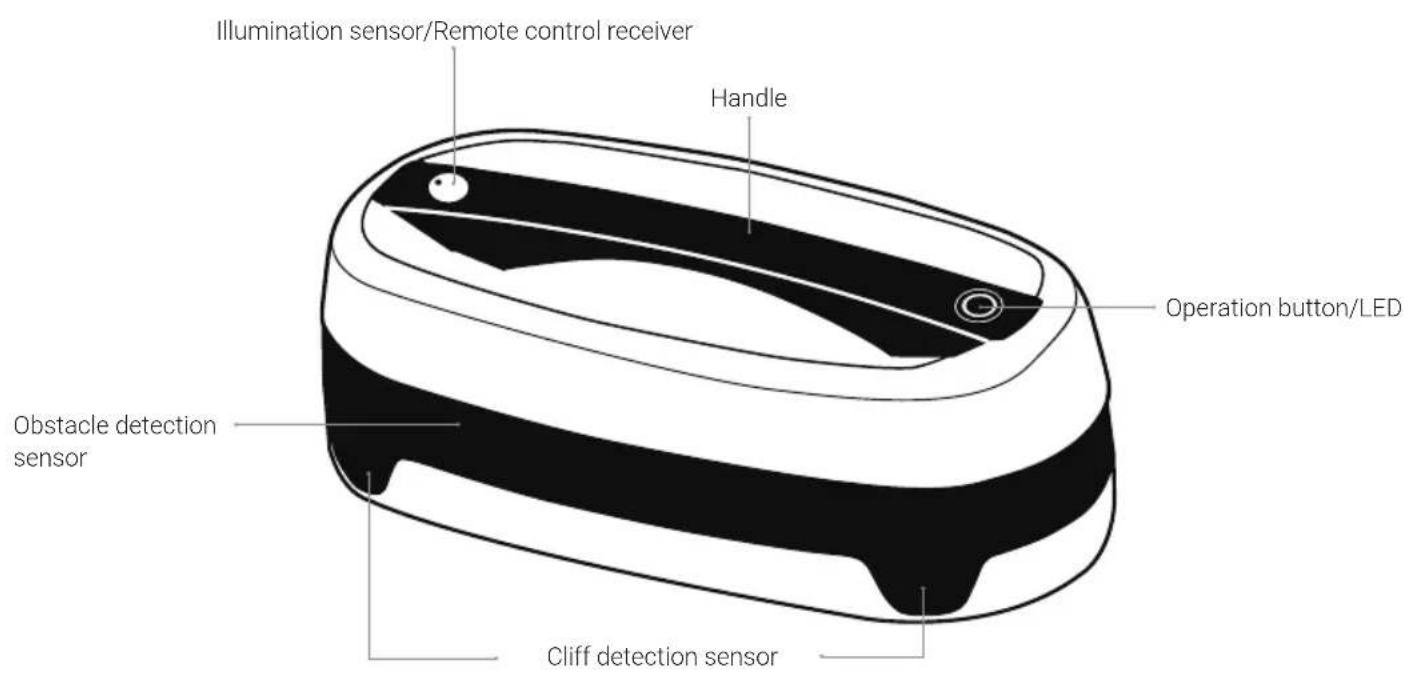
Everybot Edge overview
Edge front
Edge rear
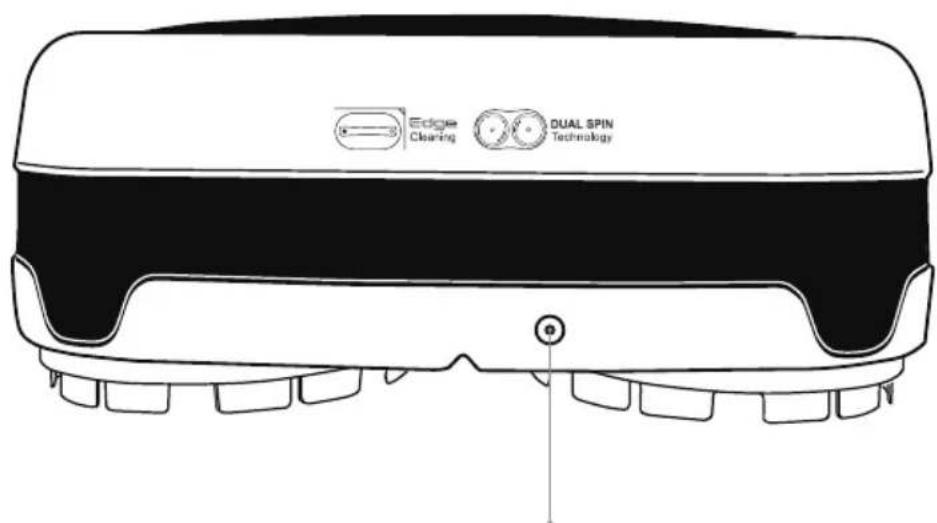
Power jack
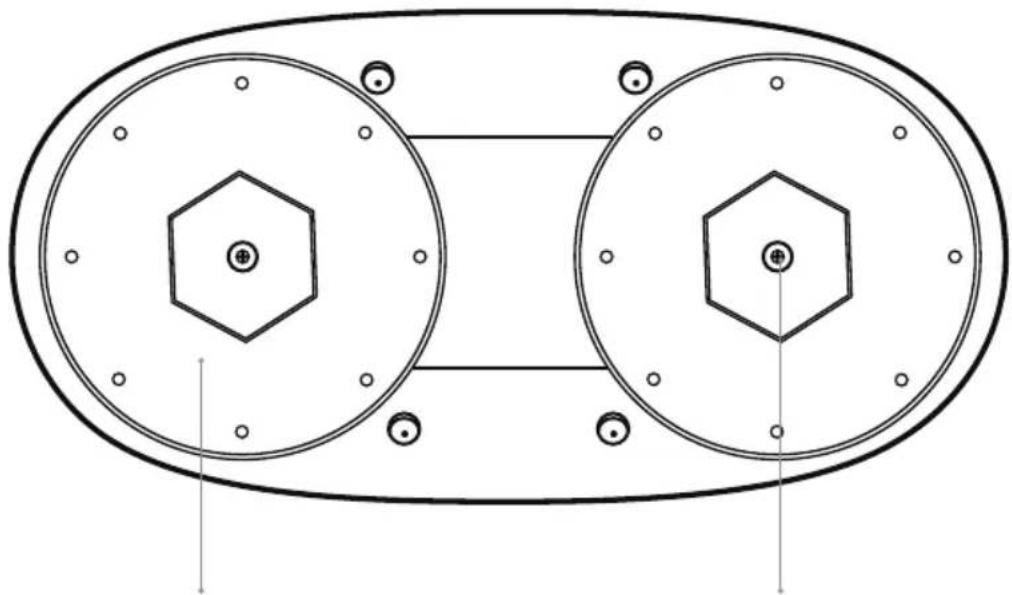
Edge bottom
Mop guide kit Mop guide kit set screw
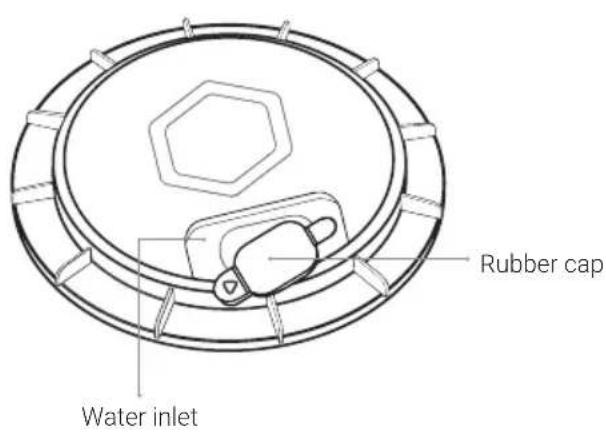
Water supply mop kit top
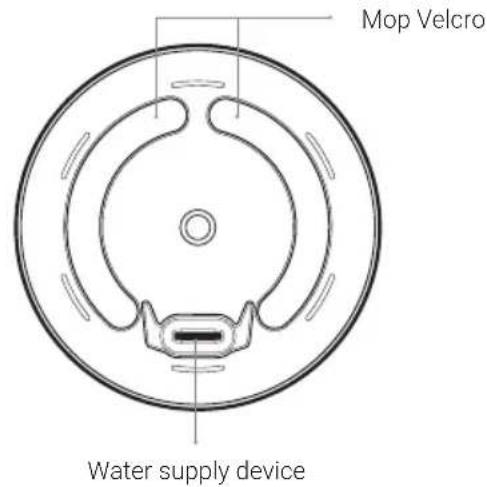
Water supply mop kit bottom
EVERY4BOT
TJM Imports B.V. All rights reserved ©2020