500 NAV SET - Browser MAC AUDIO - Free user manual and instructions
Find the device manual for free 500 NAV SET MAC AUDIO in PDF.



| Product type | GPS navigator for car |
| Brand | MAC AUDIO |
| Model | 500 NAV SET |
| Navigation software | 3D NAV-Engine-Software iGo Primo 2.4 |
| Maps provided | 44 European countries (Western and Eastern Europe) |
| Number of points of interest (POI) | 16 million |
| Voice synthesis (TTS) | 15 languages, street name announcements |
| Traffic information (TMC) | TMC module included |
| GPS antenna | GPS antenna included |
| Memory card | Pre-installed 8 GB micro SD card |
| Map updates | Via www.naviextras.com (Latest Map Guarantee) |
| 3D features | 3D buildings, 3D landmarks, 3D terrain |
| Available languages | French, English, German, Spanish, Italian, Dutch, etc. |
| Power supply | Via MAC 520 DAB receiver (12V car battery) |
| Installation | Refer to the wiring diagram; disconnect the negative battery terminal before proceeding |
| Maintenance | Avoid touching the contacts of the SD card; turn off the ignition before installation |
| Recycling | Dispose of at end of life at an appropriate recycling point |
Frequently Asked Questions - 500 NAV SET MAC AUDIO
User questions about 500 NAV SET MAC AUDIO
0 question about this device. Answer the ones you know or ask your own.
Ask a new question about this device
Download the instructions for your Browser in PDF format for free! Find your manual 500 NAV SET - MAC AUDIO and take your electronic device back in hand. On this page are published all the documents necessary for the use of your device. 500 NAV SET by MAC AUDIO.
USER MANUAL 500 NAV SET MAC AUDIO
At the end of the product's useful life, please dispose of it at appropriate collection points provided in your country.
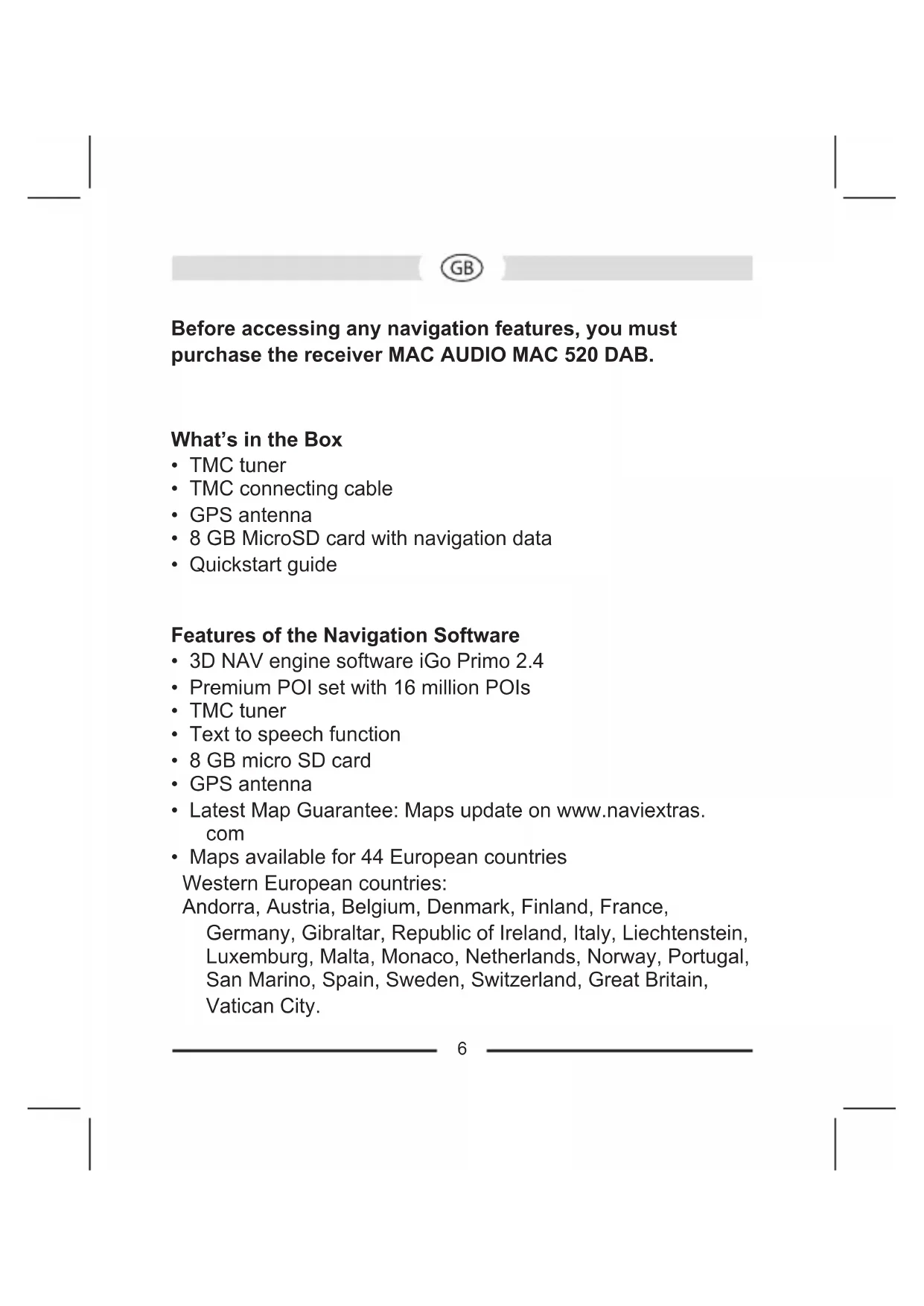
Before accessing any navigation features, you must purchase the receiver MAC AUDIO MAC 520 DAB.
What's in the Box
TMCtuner
TMC connecting cable
GPS antenna
8 GB MicroSD card with navigation data
- Quickstart guide
Features of the Navigation Software
3D NAV engine software iGo Primo 2.4
- Premium POI set with 16 million POIs
TMCtuner
Text to speech function
8 GB micro SD card
GPS antenna
- Latest Map Guarantee: Maps update on www.naviextras. com
- Maps available for 44 European countries
Western European countries:
Andorra, Austria, Belgium, Denmark, Finland, France, Germany, Gibraltar, Republic of Ireland, Italy, Liechtenstein, Luxemburg, Malta, Monaco, Netherlands, Norway, Portugal, San Marino, Spain, Sweden, Switzerland, Great Britain, Vatican City.
Eastern European countries:
Albania, Belarus, Bosnia and Herzegovina, Bulgaria, Croatia, Czech Republic, Estonia, Greece, Hungary, Latvia, Lithuania, Macedonia, Moldova, Montenegro, Poland, Romania, Serbia, Slovakia, Slovenia, Turkey, Ukraine
15 TTS languages (Text to Speech, announcement of road names):
Danish, Dutch, English (BE), English (AE), Finnish, French, German, Greek, Italian, Norwegian, Polish, Portuguese, Spanish, Swedish, Turkish
3D function displaying:
- 3D buildings
- 3D landmarks
- 3D terrain
Disconnecting the Battery
To prevent a short circuit, be sure to turn off the ignition and remove the negative (-) battery cable prior to installation of the MAC 500 NAV-SET.
Micro-SD card for the navigation system
Take the MicroSD card, avoid touching the pin's of the MicroSD card.
Make sure the pin's are on the bottom side, then insert the MicroSD card to the MicroSD card slot located on the upper right side of the MAC 520 DAB. The MicroSD card must snap into the slot with a click noise.

Installation
For connection of the GPS antenna and the TMC tuner, please refer to the wiring diagram in the installation manual of the receiver MAC 520 DAB.
Please consult with your local car stereo specialty shop for assistance on this type of installation.


Brand : MAC AUDIO
Model : 500 NAV SET
Category : Browser