ManualGo.com
SSW 650 - Screwdriver METABO - Free user manual and instructions
Find the device manual for free SSW 650 METABO in PDF.



| Features | Details |
|---|---|
| Product type | Screwdriver |
| Power | 650 W |
| No-load speed | 0-2400 rpm |
| Maximum torque | 200 Nm |
| Weight | 1.8 kg |
| Battery type | Not applicable (corded model) |
| Applications | Screwing and unscrewing in various materials |
| Maintenance | Regular cleaning, checking cables and plug |
| Safety | Use safety glasses, avoid contact with water |
| Warranty | 2 years (depending on the retailer) |
Frequently Asked Questions - SSW 650 METABO
Download the instructions for your Screwdriver in PDF format for free! Find your manual SSW 650 - METABO and take your electronic device back in hand. On this page are published all the documents necessary for the use of your device. SSW 650 by METABO.
USER MANUAL SSW 650 METABO
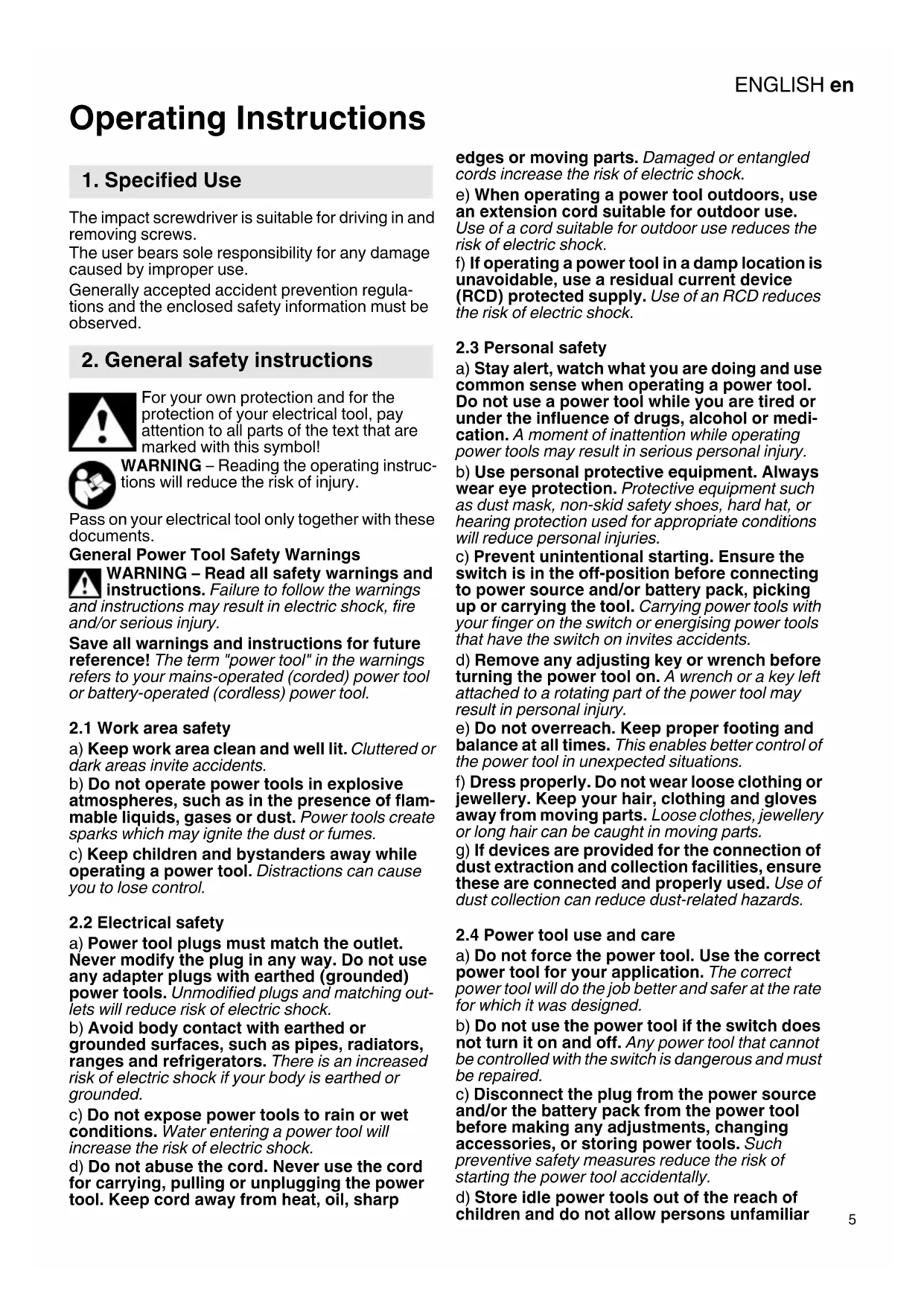
Operating Instructions The impact screwdriver is suitable for driving in and removing screws. The user bears sole responsibility for any damage caused by improper use. Generally accepted accident prevention regula- tions and the enclosed safety information must be observed. For your own protection and for the protection of your electrical tool, pay attention to all parts of the text that are marked with this symbol! WARNING – Reading the operating instruc- tions will reduce the risk of injury. Pass on your electrical tool only together with these documents. General Power Tool Safety Warnings WARNING – Read all safety warnings and instructions. Failure to follow the warnings and instructions may result in electric shock, fire and/or serious injury. Save all warnings and instructions for future reference! The term "power tool" in the warnings refers to your mains-operated (corded) power tool or battery-operated (cordless) power tool.
2.1 Work area safety
a) Keep work area clean and well lit. Cluttered or dark areas invite accidents. b) Do not operate power tools in explosive atmospheres, such as in the presence of flam- mable liquids, gases or dust. Power tools create sparks which may ignite the dust or fumes. c) Keep children and bystanders away while operating a power tool. Distractions can cause you to lose control.
2.2 Electrical safety
a) Power tool plugs must match the outlet. Never modify the plug in any way. Do not use any adapter plugs with earthed (grounded) power tools. Unmodified plugs and matching out- lets will reduce risk of electric shock. b) Avoid body contact with earthed or grounded surfaces, such as pipes, radiators, ranges and refrigerators. There is an increased risk of electric shock if your body is earthed or grounded. c) Do not expose power tools to rain or wet conditions. Water entering a power tool will increase the risk of electric shock. d) Do not abuse the cord. Never use the cord for carrying, pulling or unplugging the power tool. Keep cord away from heat, oil, sharp edges or moving parts. Damaged or entangled cords increase the risk of electric shock. e) When operating a power tool outdoors, use an extension cord suitable for outdoor use. Use of a cord suitable for outdoor use reduces the risk of electric shock. f) If operating a power tool in a damp location is unavoidable, use a residual current device (RCD) protected supply. Use of an RCD reduces the risk of electric shock.
a) Stay alert, watch what you are doing and use common sense when operating a power tool. Do not use a power tool while you are tired or under the influence of drugs, alcohol or medi- cation. A moment of inattention while operating power tools may result in serious personal injury. b) Use personal protective equipment. Always wear eye protection. Protective equipment such as dust mask, non-skid safety shoes, hard hat, or hearing protection used for appropriate conditions will reduce personal injuries. c) Prevent unintentional starting. Ensure the switch is in the off-position before connecting to power source and/or battery pack, picking up or carrying the tool. Carrying power tools with your finger on the switch or energising power tools that have the switch on invites accidents. d) Remove any adjusting key or wrench before turning the power tool on. A wrench or a key left attached to a rotating part of the power tool may result in personal injury. e) Do not overreach. Keep proper footing and balance at all times. This enables better control of the power tool in unexpected situations. f) Dress properly. Do not wear loose clothing or jewellery. Keep your hair, clothing and gloves away from moving parts. Loose clothes, jewellery or long hair can be caught in moving parts. g) If devices are provided for the connection of dust extraction and collection facilities, ensure these are connected and properly used. Use of dust collection can reduce dust-related hazards.
2.4 Power tool use and care
a) Do not force the power tool. Use the correct power tool for your application. The correct power tool will do the job better and safer at the rate for which it was designed. b) Do not use the power tool if the switch does not turn it on and off. Any power tool that cannot be controlled with the switch is dangerous and must be repaired. c) Disconnect the plug from the power source and/or the battery pack from the power tool before making any adjustments, changing accessories, or storing power tools. Such preventive safety measures reduce the risk of starting the power tool accidentally. d) Store idle power tools out of the reach of children and do not allow persons unfamiliar
2. General safety instructionsENGLISHen
with the power tool or these instructions to operate the power tool. Power tools are dangerous in the hands of untrained users. e) Maintain power tools. Check for misalign- ment or binding of moving parts, breakage of parts and any other condition that may affect the power tool's operation. If damaged, have the power tool repaired before use. Many acci- dents are caused by poorly maintained power tools. f) Keep cutting tools sharp and clean. Properly maintained cutting tools with sharp cutting edges are less likely to bind and are easier to control. g) Use the power tool, accessories and tool bits etc. in accordance with these instructions, taking into account the working conditions and the work to be performed. Use of the power tool for operations different from those intended could result in a hazardous situation.
a) Have your power tool serviced by a qualified repair person using only identical replacement parts. This will ensure that the safety of the power tool is maintained. Hold the power tool by insulated gripping surfaces only, when performing an operation where the cutting accessory may contact hidden wiring or its own cord. A cutting acces- sory that comes in contact with a "live" wire may render exposed metal parts of the power tool "live" and give the operator an electric shock. Pull the plug out of the plug socket before any adjustments, conversions or servicing are performed. Ensure that the spot where you wish to work is free of power cables, gas lines or water pipes (e.g. using a metal detector). Only screwdriving bits suitable for the impact screw- driver must be used. Take care when driving in long screws - risk of slip- ping. Mount the machine on the screw only when it is switched off. The workpiece must lay flat and be secured against slipping, e.g. using clamps. Large workpieces must be supported adequately. Wear ear protectors when working for long periods of time. High noise levels over a prolonged period of time may affect your hearing. Materials that generate dusts or vapours that may be harmful to health (e.g. asbestos) must not be processed. Additional Warnings: California Prop 65 08_2018 Some dust created by power sanding, sawing, grinding, drilling, and other construction activities contains chemicals known to cause cancer, birth defects or other reproductive harm. Some examples of these chemicals are:
- Lead from lead-based paints,
- Crystalline silica from bricks and cement and other masonry products, and
- Arsenic and chromium from chemicallytreated lumber. Your risk from these exposures varies, depending on how often you do this type of work. To reduce your exposure to these chemicals: work in a well ventilated area, and work with approved safety equipment, such as those dust masks that are specially designed to filter out microscopic particles. SYMBOLS ON THE TOOL: ......... Class II Construction V............. volts A............. amperes Hz........... hertz .../min ..... revolutions per minute ~............. alternating current BPM......... beat per minute
............. no-load speed See page 2. 1 Square attachment for 1/2“ tools 2 Rotation selector switch / Transporting safety device 3 Trigger Before plugging in the device, check to see that the rated mains voltage and mains frequency, as specified on the rating label, match your power supply. Australia: Always use a residual current device (RCD) protected supply with a rated residual- current of 30 mA or less.
5.1 Setting the direction of rotation, engag-
ing the transporting safety device (switch-on lock) Do not actuate the rotation selector switch or engage the transportation lock (2) unless the motor has stopped completely! Actuate the rotation selector switch / Engage the transportation lock (2) R = Right rotation set (insert screws) L = Left rotation set (remove screws) 0 = Central position: transportation lock setting (switch-on lock)
5.2 Switching on and off
Switching on: press the trigger switch (3). Switching off: release the trigger switch (3).
3. Special Safety Instructions
5. Initial Operation/SettingENGLISH en
Speed / Tightening torque The speed and tightening torque are connected directly. The lower the speed, the lower the tight- ening torque. The speed and tightening torque can be adjusted steplessly by pressing the trigger (3) firmly or lightly, thus adapting to working conditions. Recommendation: determine the correct setting by carrying out trial screwdriving.
5.4 Changing the screwdriving bit
The screwdriving bit used must match the screw. Damaged screwdriving bits must not be used. For machines WITHOUT locking pin in the spindle Inserting the screwdriving bit: Fit the tool on the square attachment until the limit stop (1) . Removing the screwdriving bit: Remove the tool from the square attachment (1) . For machines WITH locking pin in the spindle Use only screwdriving bits with a lateral drilled hole (a). Only like this will the screwdriving bit be retained by the locking pin (b). Inserting the screwdriving bit: - Align the tool and spindle such as the locking pin (b) at the spindle and the drilled hole (a) at the tool can be interlock after the fitting. - Press in the locking pin (b) and keep pressed. - Fit the tool on the square attachment until the limit stop (1) . - Make sure that the guard is placed securely. Removing the screwdriving bit: Press in the locking pin (b) with an appropriate object and remove the tool from the square attachment (1) . Mount the machine on the screw, ensuring it is aligned straight. The screwdriving process has two elements: inserting the screw and tightening the screw with the percussion mech- anism. The tightening torque depends on the impact dura- tion. With an impact duration of approx. 5 seconds, the maximum tightening torque has been reached. The torque curve depends on the type of applica- tion: With a hard screwdriving application (screw- couplings in hard material such as metal), maximum tightening torque is already reached after a short impact duration (a). With a soft screwdriving application (screw- couplings in soft material such as wood), a longer impact duration (b) is required. Recommendation: determine the correct impact duration by carrying out trial screwdriving. Caution! With small screws, maximum torque can be reached even below an impact duration of 0.5 seconds. - This is why the duration of the screwdriving process must be monitored exactly. - Adjust the tightening torque by pressing firmly or lightly on the trigger (3), ensuring that the screw is not damaged or that the screw head does not tear off. Use only genuine Metabo accessories. Use only accessories that fulfil the requirements and specifications listed in these operating instruc- tions. See page 4. A Screwdriving bits B 1/2“ tool For a complete range of accessories, see www.metabo.com or the catalogue. Repairs to electrical tools must be carried out by qualified electricians ONLY! If you have Metabo electrical tools that require repairs, please contact your Metabo service centre. For addresses see www.metabo.com. You can download spare parts lists from www.metabo.com. Observe national regulations on environmentally compatible disposal and on the recycling of disused machines, packaging and accessories.
Explanatory notes on the specifications on page 3. Changes due to technological progress reserved.
=No-load speed s =Impact frequency H =Machine tool attachment m =Weight (with smallest battery pack)
max. =max. tightening torque The technical specifications quoted are subject to tolerances (in compliance with the relevant valid standards). Emission values Using these values, you can estimate the emissions from this power tool and compare these with the values emitted by other power tools. The actual values may be higher or lower, depending on the particular application and the condition of the tool or power tool. In estimating the values, you should also include work breaks and periods of low use. Based on the estimated emission values, specify protective measures for the user - for example, any organisational steps that must be put in place. Vibration total value (vector sum of three directions) determined in accordance with EN 60745:
= Vibration emission value(screwdriving with impact)
= Uncertainty (vibration) Typical A-effective perceived sound levels::
= Sound pressure level
= Acoustic power level
= Uncertainty (noise level) Wear ear protectors!