ManualGo.com
Xarion Pro TXP1520011 - Vacuum Cleaner HOOVER - Free user manual and instructions
Find the device manual for free Xarion Pro TXP1520011 HOOVER in PDF.



Download the instructions for your Vacuum Cleaner in PDF format for free! Find your manual Xarion Pro TXP1520011 - HOOVER and take your electronic device back in hand. On this page are published all the documents necessary for the use of your device. Xarion Pro TXP1520011 by HOOVER.
USER MANUAL Xarion Pro TXP1520011 HOOVER
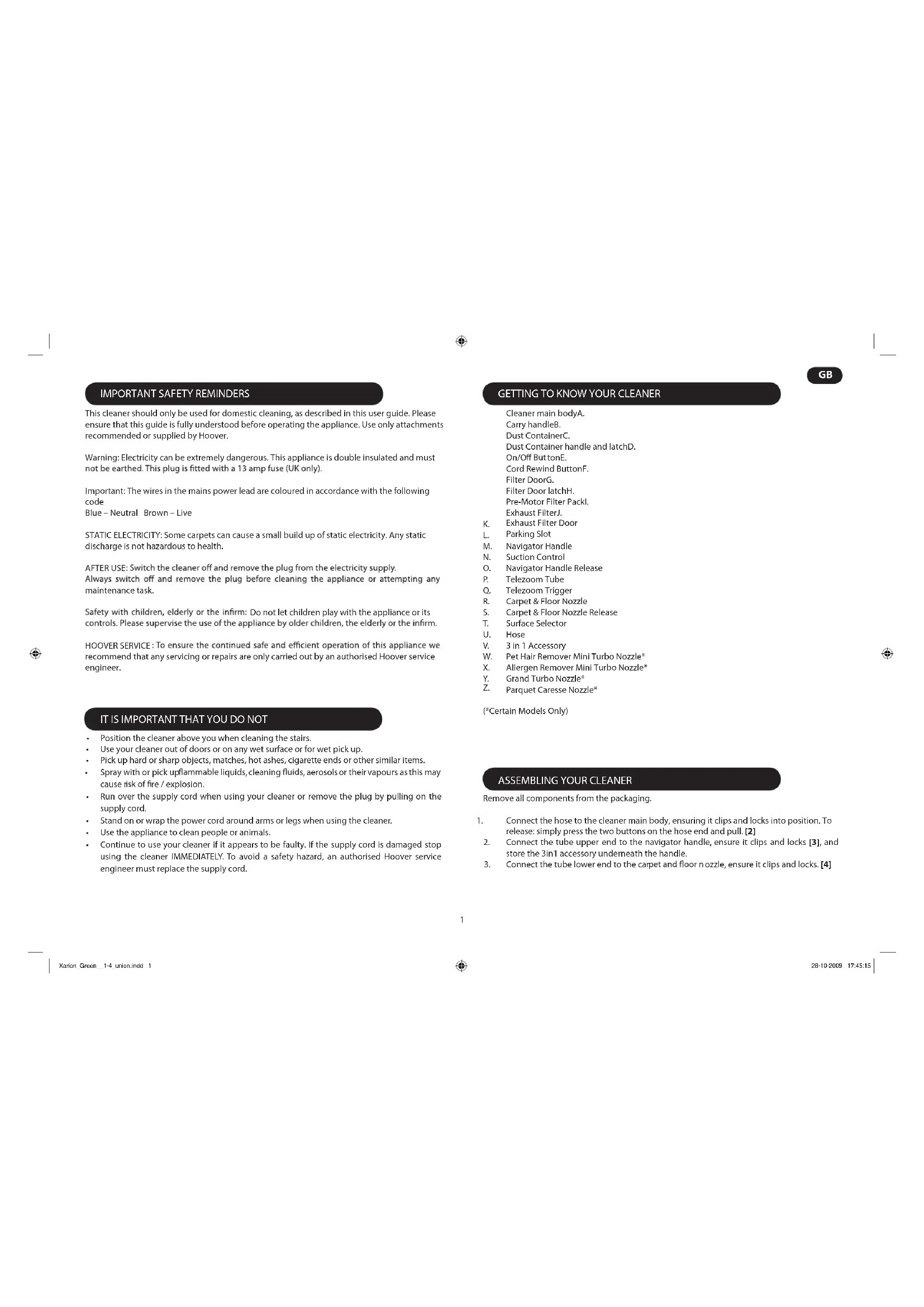
This cleaner should only be used for domestic cleaning, as described in this user guide. Please ensure that this guide is fully understood before operating the appliance. Use only attachments recommended or supplied by Hoover.
Warning: Electricity can be extremely dangerous. This appliance is double insulated and must
Important: The wires in the mains power lead are coloured in accordance with the following code Blue – Neutral Brown – Live STATIC ELECTRICITY: Some carpets can cause a small build up of static electricity. Any static discharge is not hazardous to health. AFTER USE maintenance task. Do not let children play with the appliance or its HOOVER SERVICE recommend that any servicing or repairs are only carried out by an authorised Hoover service engineer. IT IS IMPORTANT THAT YOU DO NOT
Carpet & Floor Nozzle Release
(*Certain Models Only) Remove all components from the packaging. Connect the hose to the cleaner main body, ensuring it clips and locks into position. To 1. release: simply press the two buttons on the hose end and pull. [2] Connect the tube upper end to the navigator handle, ensure it clips and locks 2. [3], and store the 3in1 acc essory underneath the handle. Connect the tube lower end to the car ozzle, ensure it clips and locks. 3. [4] Position the cleaner above you when cleaning the stairs.• Use your cleaner out of doors or on any wet surface or for wet pick up.• Pick up hard or sharp objects, matches, hot ashes, cigarette ends or other similar items.• Spray with or pick up liquids, cleaning s, aerosols or their vapours as this may • cause r re / explosion. Run over the supply cord when using your cleaner or remove the plug by pulling on the • supply cord. Stand on or wrap the power cord around arms or legs when using the cleaner.• Use the appliance to clean people or animals.• Continue to use your cleaner if it appears to be faulty. If the supply cord is damaged stop • using the cleaner IMMEDIATELY. To avoid a safety hazard, an authorised Hoover service engineer must replace the supply cord. Xarion_Green__1-4_union.indd 1 28-10-2009 17:45:15 Exhaust Filter Door
IMPORTANT: Do not use the turbo and mini turbo nozzles on rugs with long fringes, animal hides and carpet pile deeper than 15mm. Do not keep the nozzle stationary while the brush is rotating. individual models. All accessories can be purchased separately from Hoover. (See Hoover Spares and Consumable section). 3 in 1 Accessory – C body. Reach into awkward areas by rotating the body. The 3 in 1 tool can be stored neatly underneath the hose handle. [1] Crevice Tool – For corners and hard to reach areas. [12] Furniture Nozzle – For soft furniture and fabrics. [13] Dusting Brush – For bookshelves, frames, keyboards and other delicate areas. To extend the brushes push the button on the body of the tool. [14] Parquet Caresse Nozzle* – F [1X] Grand Turbo Nozzle* – Use the turbo nozzle for deep cleaning on carpets. [1W] Pet Hair Remover Mini Turbo Nozzle* - Use the mini turbo nozzle on stairs or for deep cleaning on textile surfaces and other hard to clean areas. Particularly suitable for pet hairs removal. [1U] Allergen Remover Mini Turbo Nozzle* – Use the mini turbo nozzle on stairs or for deep cleaning on textile surfaces and other hard to clean areas, particularly suitable for allergen removal. [1V] (*Certain Models Only) Extract p ower cord and plug it into the power supply. Do not pull the cord beyond the 1. red marker. [5]
Select the type of surface to be cleaned by pressing the pedal in the nozzle. 3. [7] Hard F Carpet – Brushes are raised for the deepest clean. Switch the cleaner on by pressing the On/O
Adjust the suction by sliding the suction regulator to the desired level. 5. [9] On/O6. rewind button to wind the power cord back into the cleaner. [10] To store your cleaner adjust telezoom tube to the lowest height setting and park the 7. nozzle in the park position on the cleaner main body. [11] ACCESSORIES Emptying the Dust Container When the dust reaches the max level indicator in the container empty the dust container. IMPORTANT: To maintain optimum performance do not allow the dust to sit higher than the max level. Release the container carry handle by lifting the centre latch to detach the dust co ntainer 1. from the main cleaner and pull upward to remove. [15] Hold the dust container over a bin with one hand and with the other pull the dust 2. container catch to open the door and empty. [16]
container carry handle down until the latch connects with the main body of the cleaner.
R4. using warm water. Do not use hot water or detergents. Remove excess water from the [21]
CLEANER MAINTENANCE XarionFilterPro_union_pp.indd 2 28-04-2010 16:29:49 To adjust the length of the telezoom tube hold the nozzle in place with your foot, pull the telezoom trigger and raise or lower the handle to the most comfortable cleaning position. [6] zoom3
IMPORTANT: Cleaning the Airvolution separation unit This cleaner uses the Airvolution separation system, unique to Hoover. If necessary the Airvolution separation unit can be removed from the dust container and cleaned. Remove dust container from the cleaner by releasing the container carry handle to detach 1. the dust container from the main cleaner and pull upward to remove. [15]
container. [22] Using the dust container handle lift the dust container upper section containing the 3. separation unit from the lower section. [23] Use a cloth to remove excessive dust from the separation unit’s surface. 4. [24] Reassemble the dust container upper section. Push clips back to fully close the dust 5. container. [25]
down until the latch connects with the main body of the cleaner. Once correctly retained Removing a blockage Check if the dust container is full. If so refer to ‘Emptying the dust container’.1. If the dust container is empty but suction is still low:2. If so refer to ‘CA. Check if there is any other blockage in the system - Use a rod or pole to remove any B. CC. Check if the separation unit needs to be cleaned. Refer to ‘Cleaning the separation D. unit’. USER CHECKLIST Hoover spares and Consumables Always replace parts with genuine Hoover spares. These are available from your local Hoover dealer or direct from Hoover. When ordering parts always quote your model number. Consumables: Hepa Pre-Motor Filter: S104 - 35600990• Hepa Exhaust Filter Door: T101 - 35600991• Spares:
Grand Turbo Nozzle: J24 - 35600978• Hoover Service Should you require service at any time, please contact your local Hoover Service O Quality, Safety and the Environment Safety believe that independent approval is the best way of demonstrating safety in design and manufacture. The British Electrotechnical Approvals Board (BEAB), the independent UK national authority for the safety of domestic electrical appliances, ensures that European safety standards are met and maintained throughout the production life of an appliance. All appliances that pass the requirements are permitted to carry the BEAB mark of safety. Should you have a problem with the product, complete this simple user checklist before calling your local Hoover service. Is there a working electricity supply to the cleaner? Please check with another electrical • appliance. Is t he dust container over-lled? Please refer to ‘Cleaner Maintenance’.• Is the lter blocked? Please refer to ‘Cleaner Maintenance’.• Is the hose or nozzle blocked? Please refer to ‘Removing a blockage’ from the system.• Has the cleaner overheated? If so, it will take approximately 30 minutes to automatically • reset. IMPORTANT INFORMATION XarionFilterPro_union_pp.indd 3 28-04-2010 16:29:49 Flexible Hose: D121 - 35601070 Carpet & Floor Nozzle: G99 - 35600879 Parquet Caresse Nozzle: G97 - 35600868 Miniturbo Nozzle Allergen Remover with Silver Ion Technology: J25B - 356009294
Quality BSI ISO 9001 Hoover’s factories have been independently assessed for quality. Our products are made using a quality system which meets the requirements of ISO 9001. The Environment: This appliance is marked according to the European Directive 2002/96/EC on Waste Electrical and Electronic Equipment (WEEE). By ensuring this product is disposed of correctly you will help prevent potential negative consequences for the environment and human health, which could otherwise be caused by inappropriate waste handling of this product. The symbol on the product indicates that this product may not be treated as household waste. Instead it shall be handed over to the appliance collection point for recycling of electrical and electronic equipment. Disposal must be carried out in accordance with the local environmental regulations for waste disposal. For more detailed information about treatment, recovery and recycling of this product, please contact your local city oce, your household waste disposal service or the shop where you purchased the product. Your Guarantee The guarantee conditions for this appliance are as dened by our representative in the country in which it is sold. Details regarding these conditions can be obtained from the dealer from whom the appliance was purchased. The bill of sale or receipt must be produced when making any claim under the terms of this guarantee. Subject to change without notice. XarionFilterPro_union_pp.indd 4 28-04-2010 16:29:495
VIKTIG SIKKERHETSPÅMINNELSER
rengöringsmedel. R reusing. [21]
Turboszczotka Grand*