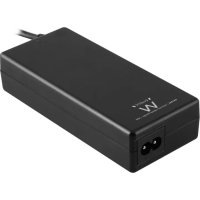
EW3966 - Memory reader Ewent - Free user manual and instructions
Find the device manual for free EW3966 Ewent in PDF.



| Product Type | Laptop Charger |
| Brand | Ewent |
| Model | EW3966 |
| Output Voltages | 15V, 16V, 18.5V, 19V, 19.5V (depending on selected tip) |
| Maximum Output Current | 3 A (example) |
| Output Power | Up to 45 W (example: 15V x 3A) |
| USB Port | 5V, 2A (10 W) for charging devices |
| Included Power Tips | 8 tips: M1, M3, M4, M5, M6, M7, M8, M12 |
| Package Contents | Charger, power tips, power cable, safety instructions |
| Warranty | 2 years |
| Safety | Use only the tip corresponding to the required voltage; repair by Ewent qualified agent |
| General Information | Support and updates at www.ewent-online.com |
Frequently Asked Questions - EW3966 Ewent
User questions about EW3966 Ewent
0 question about this device. Answer the ones you know or ask your own.
Ask a new question about this device
Download the instructions for your Memory reader in PDF format for free! Find your manual EW3966 - Ewent and take your electronic device back in hand. On this page are published all the documents necessary for the use of your device. EW3966 by Ewent.
USER MANUAL EW3966 Ewent
Ewent Computer Supplies
Postbus 276
6160 AG Geleen
Nederland
1.0 Introduction 2C
1.1 Packing contents 2C
2.0 Using the laptop charger 2C
2.1 Connecting the laptop charger to your laptop 3
2.2 Using the USB port (EW3971/EW3973/EW3974) 5c
3.0 Frequently Asked Questions and other related information 5
4.0 Service and support. 5c
5.0 Warning and points of attention 6c
6.0 Warranty conditions 7C
7.0 Declaration of Conformity 7C
1.0 Introduction
Congratulations with the purchase of this high-quality Ewent product! This product has undergone extensive testing by Ewent's technical experts. Should you experience any problems with this product, you are covered by a 2-year Ewent warranty. Please keep this manual and the receipt in a safe place.
Register your product now on http://www.ewent-online.com/ and receive product updates!
1.1 Packing contents
The following parts need to be present in the packing:
- Laptop charger
Power tips
Power cable - Safety instructions
2.0 Using the laptop charger
You only have to connect the power supply, and check whether the voltage corresponds with the voltage of your laptop. Then connect the power connector to your laptop to start charging your laptop.
Calculating the necessary power for your laptop
In case you want to know if the laptop charger can be used with your laptop you can use the following calculation:
If your original laptop charger has an output of 15V 3A, you need a charger which delivers a minimum of 45 Watts (15V x 3A).
2.1 Connecting the laptop charger to your laptop
Hint: Before using the charger, check what voltage is needed to charge your laptop. Usually, this can be found on the bottom of your laptop or in the user's manual of your laptop.
- Take the laptop charger, power cable and power connectors out of the packaging.
Connecting the wrong power tip can mean you are using the wrong voltage. This can lead to damaging the laptop or other connected devices! - Choose the power tip which fits the power input of your laptop. You can fit the tip to the power input of your laptop first, without connecting this power tip to the laptop charger. Each power connector has it's own voltage. Below, you will find a table with the supplied power tips and voltages per brand.
EW3964:
| Type | Voltage Tips | Size Merk laptop | |
| M1 15V c6,3 x 3,0 | x 10,7 mm cToshiba Satelite (Pro) series, NEC Versa | ||
| M3 16V c6,0 x 4,4 | x 10,7mm cPanasonic, Sony, Fujitsu | ||
| M4 18,5V c4,8 x 1,7 | 7 x 10,7 mm cCompaq, HP, LG | ||
| M5 19V c5,5 x 2,5 | x 10,7 mm | HP, Compaq, Acer, Toshiba, Fujitsu, Gateway IBM, Dell, NEC, Delta, LiteOn, Asus, Lenovo | |
| M6 19V c5,0 x 3,0 | x 10,7 mm cSamsung | ||
| M7 19V c5,5 x 2,1 | x 10,7 mm | Acer Travelmate series, Delta, HP, Gateway, Toshiba, LiteOn | |
| M8 19,5V c6,0 x 4,4 | x 10,7 mm cSony PCG GRS Series, Fijiitsu | ||
| M24 19V c2,5 x 0,7 | x 11 mm cAsus (Netbook) | ||
EW3965/EW3966/EW3967 :
| Type | Voltage Tips | Size Merk laptop | |
| M1 | |||
| M3 | |||
| M4 | |||
| M5 | |||
| M6 | |||
| M7 | |||
| M8 | |||
| M12 |
EW3971/EW3973/EW3974 :
| Type | Output Voltage Tips Size | Notebook Brand |
| M1 | ||
| M3 | ||
| M4 | ||
| M5 | ||
| M6 | ||
| M7 | ||
| M8 | ||
| M9 | ||
| M12 |
Free Tip Service
If your laptop/notesbook requires another tip then the tips which are supplied with this product, you can send a request for the right tip to Ewent (please check the tiplist in this manual). We cannot guarantee that we have the requested tip at all time. When available, our support desk will send the tip to you for free.
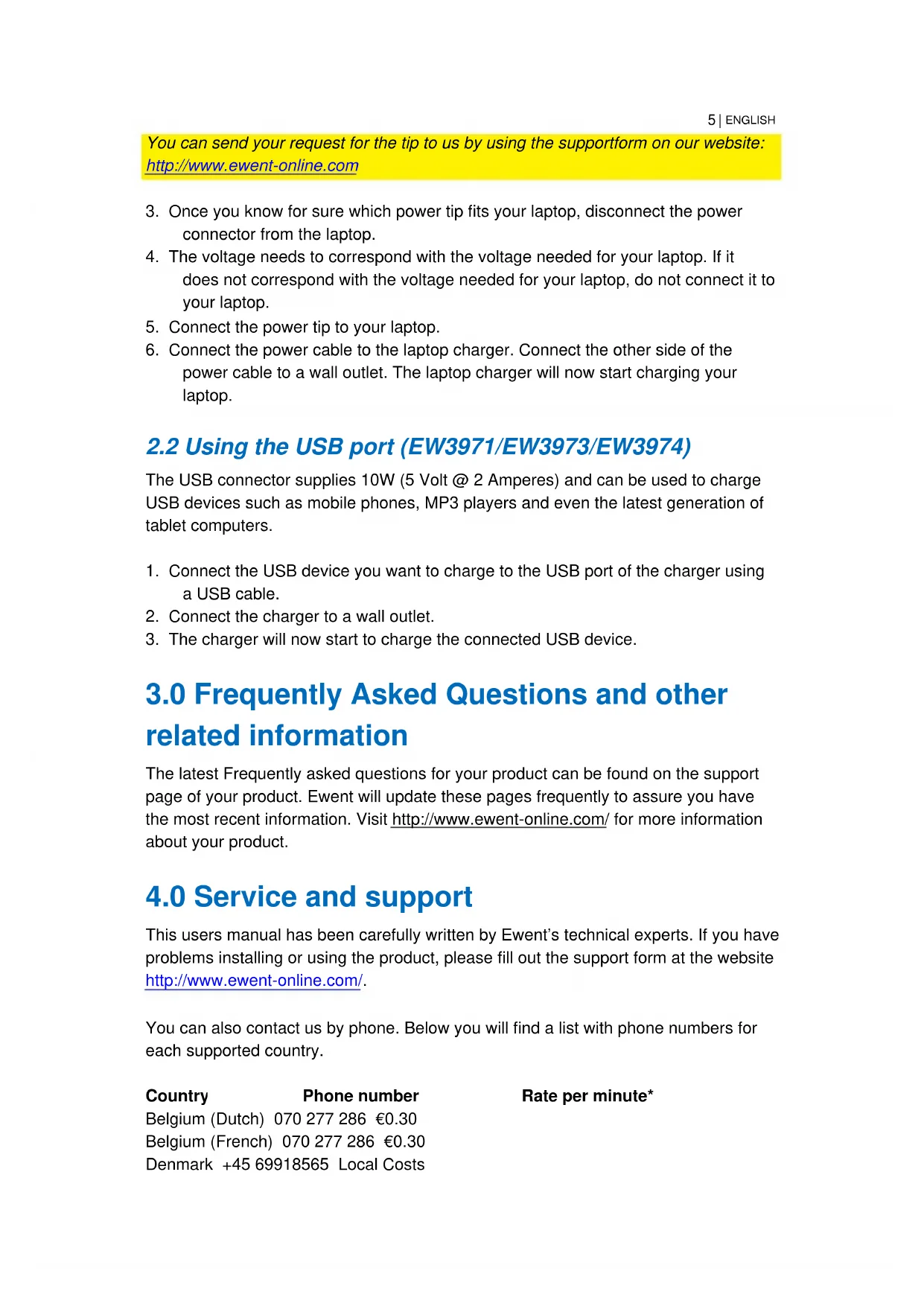
You can send your request for the tip to us by using the supportform on our website: http://www.ewent-online.com
- Once you know for sure which power tip fits your laptop, disconnect the power connector from the laptop.
- The voltage needs to correspond with the voltage needed for your laptop. If it does not correspond with the voltage needed for your laptop, do not connect it to your laptop.
- Connect the power tip to your laptop.
- Connect the power cable to the laptop charger. Connect the other side of the power cable to a wall outlet. The laptop charger will now start charging your laptop.
2.2 Using the USB port (EW3971/EW3973/EW3974)
The USB connector supplies 10W (5 Volt @ 2 Amperes) and can be used to charge USB devices such as mobile phones, MP3 players and even the latest generation of tablet computers.
- Connect the USB device you want to charge to the USB port of the charger using a USB cable.
- Connect the charger to a wall outlet.
- The charger will now start to charge the connected USB device.
3.0 Frequently Asked Questions and other related information
The latest Frequently asked questions for your product can be found on the support page of your product. Ewent will update these pages frequently to assure you have the most recent information. Visit http://www.ewent-online.com/ for more information about your product.
4.0 Service and support
This users manual has been carefully written by Ewent's technical experts. If you have problems installing or using the product, please fill out the support form at the website http://www.ewent-online.com/.
You can also contact us by phone. Below you will find a list with phone numbers for each supported country.
Country
Phone number
Belgium (Dutch) 070 277 286 €0.30
Belgium (French) 070 277 286 €0.30
Denmark +45 69918565 Local Costs
Rate per minute*
Finland +35 8942415826 Local Costs
Germany +49 (0)30 887 89 298 Local Costs
Italy +39 0240042016 Local Costs
Norway +47 21075033 Local Costs
Spain 807 080 042 €0.41
Sweden +46 840 309985 Local Costs
The Netherlands 0900-3646368 €0.45
UK +44 (0)203 318 9998 Local Costs
Hungary 1-4088902 (From
Budapest)
Hungary 06-1-4088902 (From the
rest of Hungary)
Hungary +36 1-4088902
(International)
Local Costs
Local Costs
Local Costs
- Rates mentioned in this table do not include cell phone charges.
5.0 Warning and points of attention
Due to laws, directives and regulations set out by the European parliament, some (wireless) devices could be subject to limitations concerning its use in certain

European member states. In certain European member states the use of such devices could be prohibited. Contact your (local) government for more information about this limitations.
Always follow up the instructions in the manual*, especially where it concerns devices which need to be assembled.
Warning: In most cases this concerns an electronic device. Wrong/improper use may lead to (severe) injuries!
Repairing of the device should be done by qualified Ewent staff. The warranty immediately voids when products have undergone self repair and/or by misuse. For extended warranty conditions, please visit our website at http://www.ewentonline.com/.
*Tip: Ewent manuals are written with great care. However, due to new technological developments it can happen that a printed manual does not longer contain the most recent information.
If you are experiencing any problems with the printed manual or you can not find what you are looking for, please always check our website http://www.ewent-online.com/ first for the newest updated manual.
Also, you will find frequently asked questions in the FAQ section. It is highly recommended to consult the FAQ section. Very often the answer to your questions will be found here.
6.0 Warranty conditions
The 2-year Ewent warranty applies to all Ewent products unless mentioned otherwise before or during the moment of purchase. When having bought a second-hand Ewent product the remaining period of warranty is measured from the moment of purchase by the product's first owner. The Ewent warranty applies to all Ewent products and parts inextricably connected to and/or mounted on the main product. Power supply adapters, batteries, antennas and all other products not integrated in or directly connected to the main product and/or products of which, without reasonable doubt, can be assumed that wear and tear show a different pattern than the main product are not covered by the Ewent warranty. Products are not covered by the Ewent warranty when subjected to incorrect/improper use, external influences and/or when opened by parties other than Ewent.
7.0 Declaration of Conformity
To ensure your safety and compliance of the product with the directives and laws created by the European Commission you can obtain a copy of the Declaration of Conformity concerning your product by sending an e-mail message to: info@ewentonline.com. You can also send a letter to:
Ewent Europe BV
PO Box 276
6160 AG Geleen
The Netherlands
Clearly state 'Declaration of Conformity' and the article code of the product of which you would like to obtain a copy of the Declaration of Conformity.
ewent
by erasure
EW3964/EW3965/EW3966/EW3967/
EW3971/EW3973/EW3974
EW3964/EW3965/EW3966/EW3967/EW3971/ EW3973/EW3974
Table des matieres
4.0 Service et assistance
Trademarks all brand names are trademarks and/or registered trademarks of their respective holders.
The information contained in this document has been created with the utmost care. No legal rights can be derived from these contents. Eminent cannot be held responsible, nor liable for the information contained in this document.
Event is a member of the Event Group.

ewent
by erasure
EW3964/EW3965/EW3966/EW3967/
EW3971/EW3973/EW3974
EW3964/EW3965/EW3966/EW3967/EW3971/ EW3973/EW3974
Contenidos
Ewent Computer Supplies
P.O.Box 276
6160 AG Geleen
Paesi Bassi
Ewent Computer Supplies
P.O.Box 276
6160 AG Geleen
The Netherlands
Tel. +31 46 436 21 56
Tradenarics: all brand names are trademarks and/or registered trademarks of their respective holders. The information contained in this document has been created with the utmost care. No legal rights can be derived from these contents. Emment cannot be held responsible, nor liable for the information contained in this document.

Event is a member of the Event Group.


- 1.0 INTRODUCTION
- 1.1 PACKING CONTENTS
- 2.0 USING THE LAPTOP CHARGER
- CALCULATING THE NECESSARY POWER FOR YOUR LAPTOP
- 2.1 CONNECTING THE LAPTOP CHARGER TO YOUR LAPTOP
- FREE TIP SERVICE
- 2.2 USING THE USB PORT (EW3971/EW3973/EW3974)
- 3.0 FREQUENTLY ASKED QUESTIONS AND OTHER RELATED INFORMATION
- 4.0 SERVICE AND SUPPORT
- COUNTRY
- PHONE NUMBER
- RATE PER MINUTE
- 5.0 WARNING AND POINTS OF ATTENTION
- 6.0 WARRANTY CONDITIONS
- 7.0 DECLARATION OF CONFORMITY
- EWENT
- EW3964/EW3965/EW3966/EW3967/EW3971/ EW3973/EW3974
- TABLE DES MATIERES
- 4.0 SERVICE ET ASSISTANCE
- CONTENIDOS
Brand : Ewent
Model : EW3966
Category : Memory reader