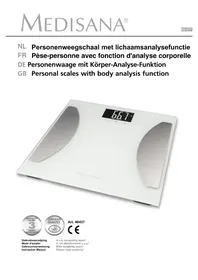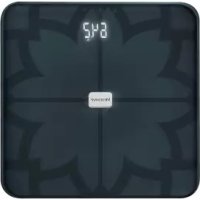
BS 450 - Scale MEDISANA - Free user manual and instructions
Find the device manual for free BS 450 MEDISANA in PDF.



User questions about BS 450 MEDISANA
0 question about this device. Answer the ones you know or ask your own.
Ask a new question about this device
Download the instructions for your Scale in PDF format for free! Find your manual BS 450 - MEDISANA and take your electronic device back in hand. On this page are published all the documents necessary for the use of your device. BS 450 by MEDISANA.
USER MANUAL BS 450 MEDISANA
text_image
WEDDER by Mediana Today 64.5 kg 0.3 kg lost since 12.05. 64.2 kg 0.3 kg lost since 12.05. 64.0 kg TARGET WEIGHT MEDISANA® 24.0 22% 48% 70% EAC CEtext_image
Diagram showing a device with labeled parts, including numbered indicators 1, 2, and 3 pointing to a component.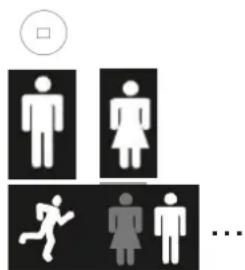
text_image
Diagram showing gender symbols and a sequence of human figures with a circle indicating a square symbol.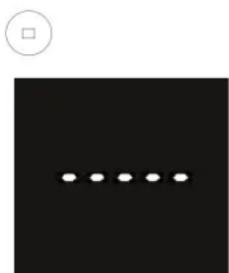
natural_image
Black square with a row of five white dots and a small circle above it (no text or symbols)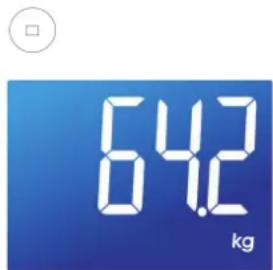
text_image
64.2 kgtext_image
Available on the App Store
text_image
ANDROID APP ON Google play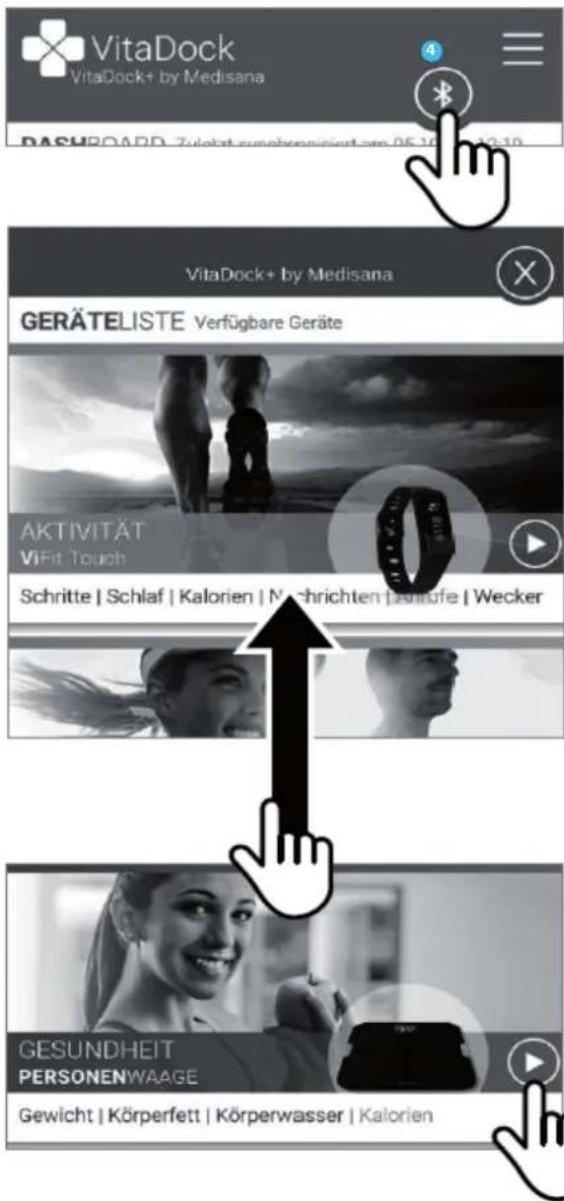
Read the instruction manual carefully before using this device, especially the safety instructions, and keep the instruction manual for future use. Should you give this device to another person, it is vital that you also pass on these instructions for use.
- This device should only be used in private households.
- This device should only be used by people who weigh less than 180 kg.
• This device should not be used during pregnancy. - Due to the electrical current which flows through the body, this device should not be used for body fat analysis in children for safety reasons. However children may be weighed without any concerns.
- The device many not be used by anyone fitted with a heart pacemaker, or any other medical implant. The indication of body fat may be inaccurate in the event of diabetes or other medical / physical conditions. The same applies to highly trained sportsmen.
- The device should not be used if it is not functioning perfectly, if it has fallen into or under water, or it has been damaged.

Risk of slipping and falling!
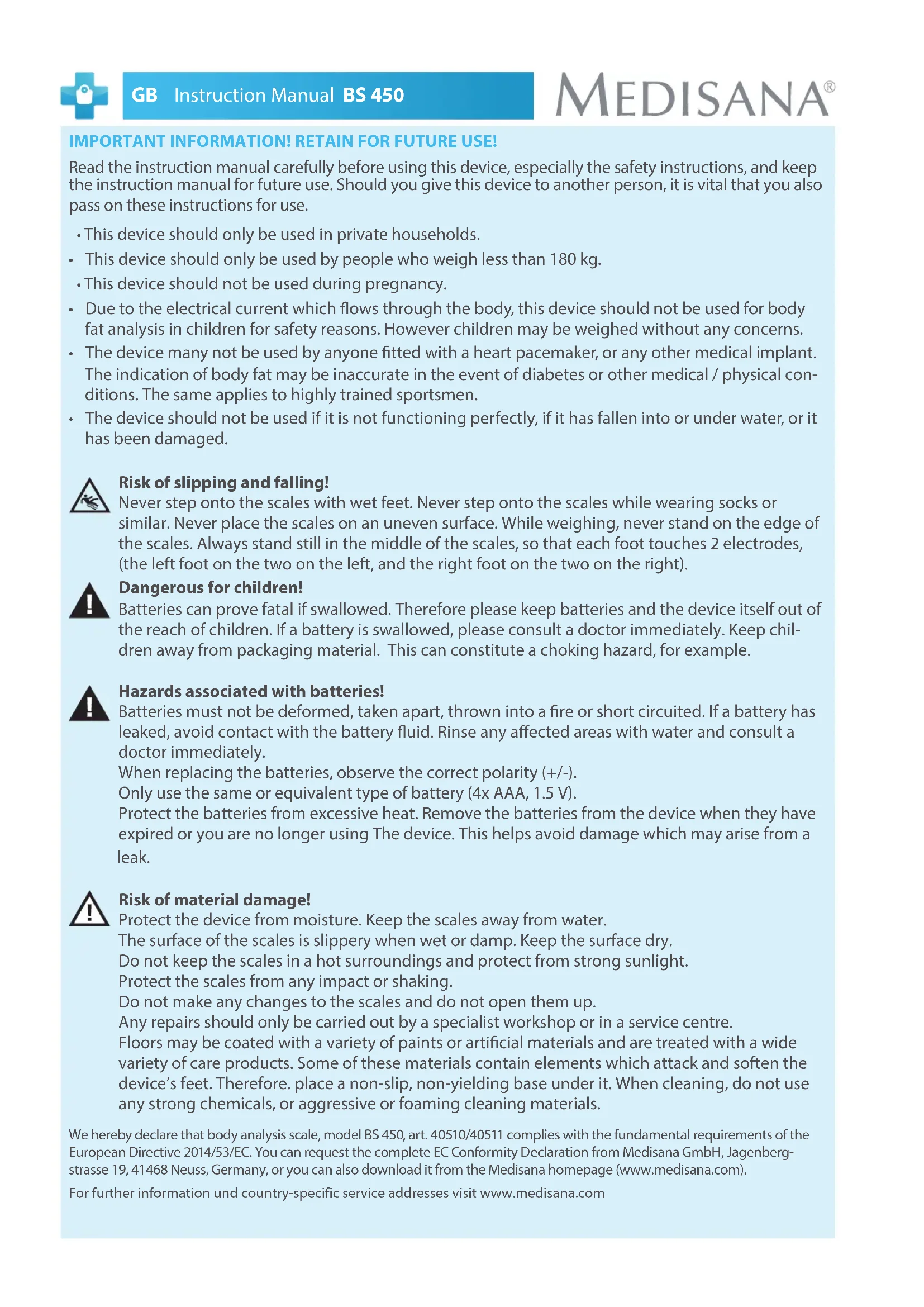
Never step onto the scales with wet feet. Never step onto the scales while wearing socks or similar. Never place the scales on an uneven surface. While weighing, never stand on the edge of the scales. Always stand still in the middle of the scales, so that each foot touches 2 electrodes, (the left foot on the two on the left, and the right foot on the two on the right).

Dangerous for children!
Batteries can prove fatal if swallowed. Therefore please keep batteries and the device itself out of the reach of children. If a battery is swallowed, please consult a doctor immediately. Keep children away from packaging material. This can constitute a choking hazard, for example.

Hazards associated with batteries!
Batteries must not be deformed, taken apart, thrown into a fire or short circuited. If a battery has leaked, avoid contact with the battery fluid. Rinse any affected areas with water and consult a doctor immediately.
When replacing the batteries, observe the correct polarity (+/-).
Only use the same or equivalent type of battery (4x AAA, 1.5 V).
Protect the batteries from excessive heat. Remove the batteries from the device when they have expired or you are no longer using The device. This helps avoid damage which may arise from a leak.

Risk of material damage!
Protect the device from moisture. Keep the scales away from water.
The surface of the scales is slippery when wet or damp. Keep the surface dry.
Do not keep the scales in a hot surroundings and protect from strong sunlight.
Protect the scales from any impact or shaking.
Do not make any changes to the scales and do not open them up.
Any repairs should only be carried out by a specialist workshop or in a service centre.
Floors may be coated with a variety of paints or artificial materials and are treated with a wide variety of care products. Some of these materials contain elements which attack and soften the device's feet. Therefore, place a non-slip, non-yielding base under it. When cleaning, do not use any strong chemicals, or aggressive or foaming cleaning materials.
We hereby declare that body analysis scale, model BS 450, art. 40510/40511 complies with the fundamental requirements of the European Directive 2014/53/EC. You can request the complete EC Conformity Declaration from Medisana GmbH, Jagenbergstrasse 19, 41468 Neuss, Germany, or you can also download it from the Medisana homepage (www.medisana.com).
For further information und country-specific service addresses visit www.medisana.com
A) Weighing with "step-on"-function
Before you can use the scale, pull the insulating strip out of the battery compartment on the underside of the scale.
Make sure the scales are on a firm, level surface. If you only want to weigh yourself but have moved the scales just before, you must first initialise the scales.
To do this, press your foot on the middle of the surface of the scales. "0.0 kg" appears in the display.
When the scales switch off, they are ready for the "step-on" function.
natural_image
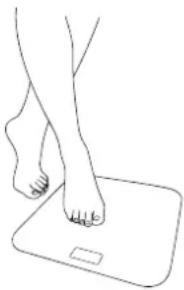
Line drawing of a human foot pressing on a square foot (no text or symbols)① Simply stand on the scales barefoot (without socks or similar).

text_image
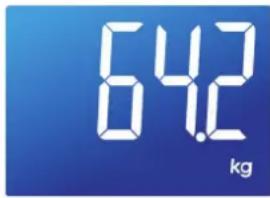
64.2 kg② Your weight is shown.
B) Setting the personal data in the scales / Weighing with body analysis
The scales can store the data (gender, athlete mode, height, age) for 8 people with up to 30 memory locations each.
text_image
Diagram showing a device with labeled parts, including numbered indicators 1, 2, and 3 pointing to a component.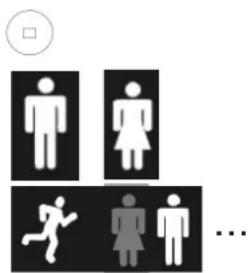
text_image
Diagram showing gender symbols for males, females, running, and a person, with an empty gender symbol in the top-left corner.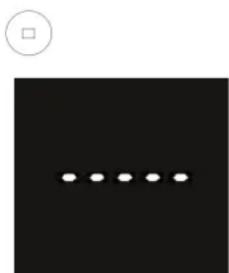
natural_image
Black square with a row of five white dots and a small circle above it (no text or symbols)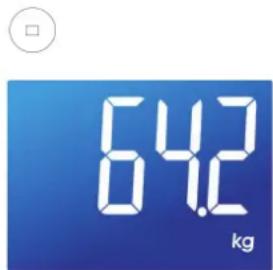
text_image
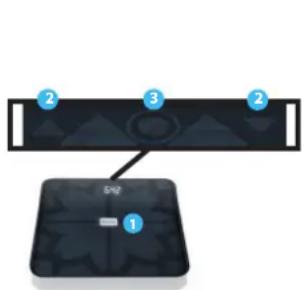
64.2 kg1 Press your foot on the middle of the surface of the scales 1 shortly.
2 Press "OK" 3.
Select desired memory location
with buttons " ▲ " and " ▼ " .2
Memory location "P0" is used for "guest mode". No data will be saved when using "P0".
3 press "OK" to confirm your selection.
4 Now the symbols for gender/athletic condition are flashing. Select with "▲" or "▼" and confirm with "OK".
If you have already saved your personal data before, steps 3, 4 and 5 do not apply. After selecting a memory location the stored data is shown one after another. Proceed with step 6.
5 Enter your height, age and your target weight. Change numbers by pressing "▲" and "▼". Confirm every step with "OK".
⑥ displays shows "----" and then "0.0 kg".
Stand on the scales barefoot (without socks or similar).
7 Your weight is shown.
Then body analysis is conducted. After a few seconds the display shows the following measurements:
- Actual weight
• Difference between actual weight and target weight (see Target weight function)
• BMI - KCAL (caloric needs)
• Proportion body fat
• Proportion muscle mass
• Proportion body water - Bone mass
Change the unit of weight
You may have your weight displayed in kilograms (kg), pounds (lb) or stones (st). Turn on the scales. When the display shows „0.0“, select the unit (KG / LB / ST:LB) by pressing " ▲ " or " ▼".
Automatic user recognition
Automatic user recognition based on last measurement:
Stand on the scales barefoot. Your user data (memory location) is selected automatically.
- If your user data is not selected correctly, select the number (P1 to P8) by pressing " ▲ " or " ▼ " and confirm with "OK".
- Error message "P1P2" or other combinations of memory locations = The scale recognizes users already saved based on their weight. In this case, two users have a similar weight. To select the correct user press the UP key for the left value (example "P1") and the DOWN key for the right value (example "P2").
C) VitaDock+ App\*
Weighing yourself and transferring data via Bluetooth to the VitaDock+ app
Make the personal settings on the scales as described in B). To transfer the data, the scales and the smartphone must be connected via Bluetooth® 4.0 or Bluetooth Smart®. To do this, install the latest version of the VitaDock+ app.
- Free download of the VitaDock+ app* in the app store or Google Play store.
\*System requirements:
iOS: iPhone 4S and later, iPad 3 and later. Android: Version 4.3 (Jelly Bean) Bluetooth® 4.0 technology.
- Activate Bluetooth® on your iOS or Android appliance.
- Start the app. Ensure that there is a stable connection to the internet (3G or WLAN). Register now with your VitaDock online account. If you don't have your own account yet, you can register free now at VitaDock Online.
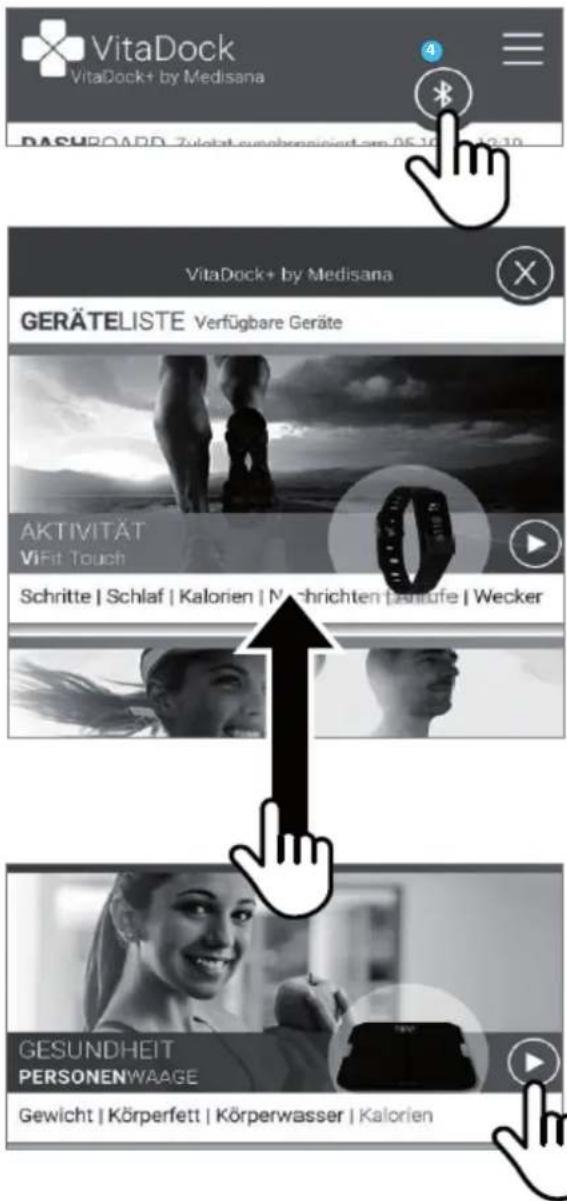
- Touch the Bluetooth symbol to open the list of devices.
- Scroll down the device list until you see the BS 450.
- Touch the arrow beside the scales to start the setup process.
- Follow the setup process within the app.
NOTE:
If you use the scales in guest mode "PO", no data is saved. The weight data cannot be transferred by Bluetooth in this mode.
In the course of continuous product optimisation, we reserve the right to regularly update the VitaDock+ app.
Therefore, we recommend that you periodically perform an update.
The included images serve only as a reference.
Technical specifications
| Name and model MEDISANA BS 450 | |
| Voltage supply 6 V= , 4 x 1.5 V batteries (type AAA) | |
| Memory for 8 persons + guest mode (P 0) | |
| Measuring range up to 180 kg, 396 lb or 28 st | |
| Graduation 100 g, 0.2 lb or 1/4 st | |
| Autom. switch-off after approx. 10 seconds | |
| Abmessungen (L/W/H) | approx. 320 mm x 320 mm x 23 mm |
| Weight | approx. 2 kg |
| Item No. | 40510/40511 |


text_image
Available on the App Store
text_image
ANDROID APP ON Google play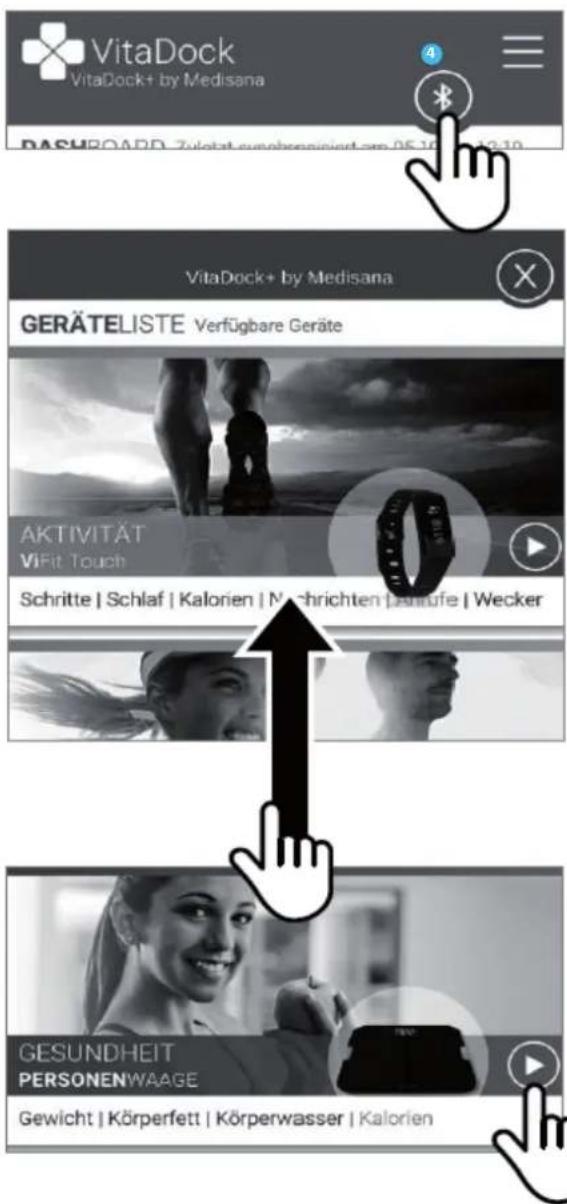
O-LD = The scale is overloaded; LO = The battery is low and must be replaced.
ERR/ERR2 = Body analysis could not be completed.
“----” = get off the scales first and wait until the device has turned off. Restart a measurement afterwards.
“□□□□□” = bodyfat analysis in progress. Do not get off the scales during this measurement process! The measurement is finished, when the display shows the correct weight.
If your personal scales do not function to your satisfaction, check the following before contacting a service centre:
- Check whether the batteries have been inserted correctly.
- Check whether the correct unit of weight has been selected.
- Check whether the scales are freestanding on a solid and even surface. They must not be touching a wall or any other object.
- Weigh yourself again.
Insert/replace batteries
Replace the batterie if the battery change symbol "LO" appears in the display or if nothing appears in the display after you have stepped on the device. Insert the four 1.5 V batteries (type AAA) into the device. To do this, open the battery compartment beneath the device and insert the batteries.
Make sure the polarity is correct.
text_image
Dis har buDisposal
This product must not be disposed of together with domestic waste. All users are obliged to in all electrical or electronic devices, regardless of whether or not they contain toxic substances, at a municipal or commercial collection point so that they can be disposed of in an environmentally acceptable manner. Please remove the batteries before disposing of the device/unit. Do not dispose of old batteries with your household waste,
but at a battery collection station at a recycling site or in a shop.
Warranty and repair terms
Please contact your dealer or the service centre in case of a claim under the warranty. If you have to return the unit, please enclose a copy of your receipt and state what the defect is.
The following warranty terms apply:
- The warranty period for MEDISANA products is three years from date of purchase. In case of a warranty claim, the date of purchase has to be proven by means of the sales receipt or invoice.
- Defects in material or workmanship will be corrected free of charge within the warranty period.
- Repairs under warranty do not extend the warranty period either for the unit or for the replacement parts.
- The following is excluded under the warranty:
a. All damage which has arisen due to improper treatment, e.g. nonobservance of the user instructions.
b. All damage which is due to repairs or tampering by the customer or unauthorised third parties.
c. Damage which has arisen during transport from the manufacturer to the consumer or during transport to the service centre.
d. Accessories which are subject to normal wear and tear (batteries etc.).
- Liability for direct or indirect consequential losses caused by the unit are excluded even if the damage to the unit is accepted as a warranty claim.

Medisana GmbH
natural_image
Line drawing of a human foot pressing on a square foot (no text or symbols)text_image
Diagram showing a device with labeled parts, including numbered indicators 1, 2, and 3 pointing to a component.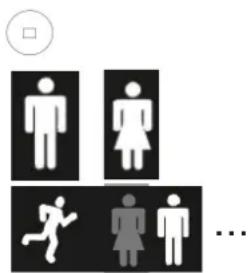
text_image
Diagram showing gender symbols for males, females, running, and a person, with an empty gender symbol in the top-left corner.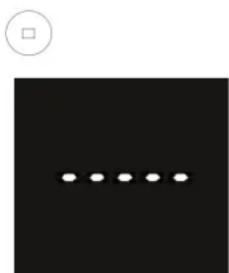
natural_image
Black square with a row of five white dots and a small circle above it (no text or symbols)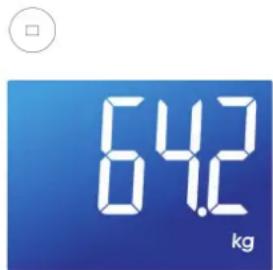
text_image
64.2 kgtext_image
Available on the App Store
text_image
ANDROID APP ON Google play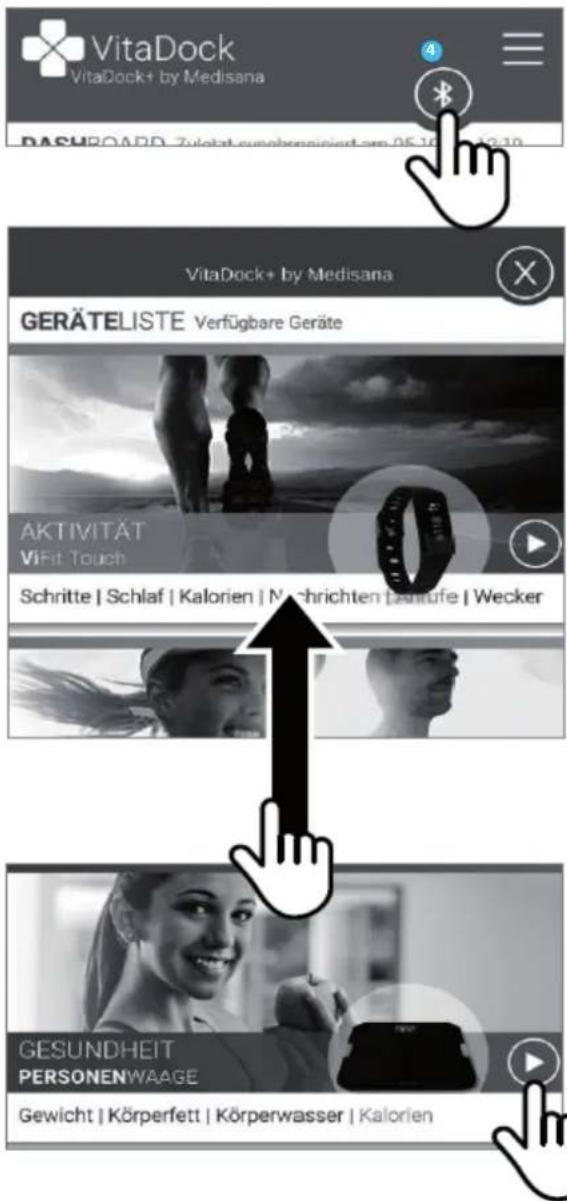
natural_image
Line drawing of a human foot pressing on a square foot (no text or symbols)text_image
Diagram showing a device with three labeled components: 1, 2, and 3, connected to a central display panel.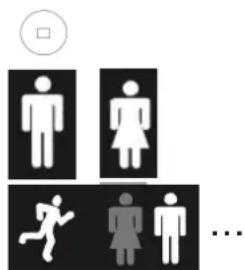
text_image
Diagram showing gender symbols and a sequence of human figures with a circle indicating a square symbol.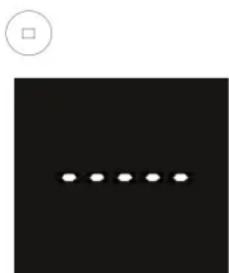
natural_image
Black square with a row of five white dots and a small circle above it (no text or symbols)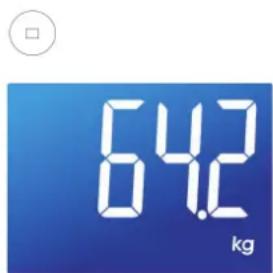
text_image
64.2 kgtext_image
Available on the App Store
text_image
ANDROID APP ON Google play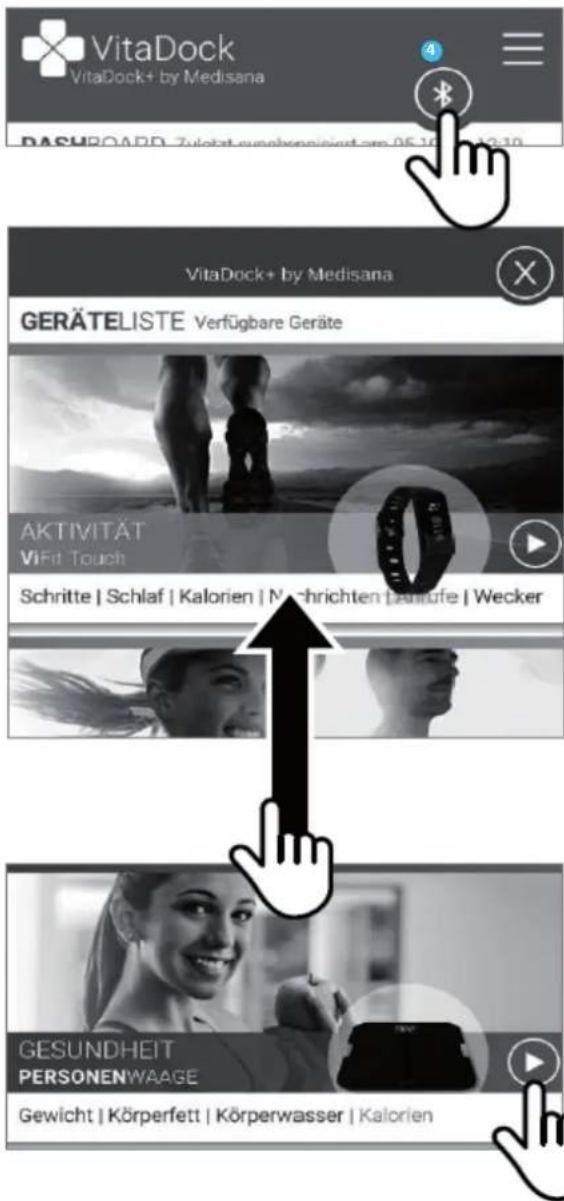
natural_image
Line drawing of a human foot pressing on a square foot (no text or symbols)text_image
Diagram showing a device with labeled parts, including numbered indicators 1, 2, and 3 pointing to a component.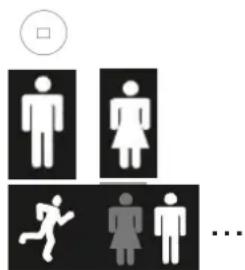
text_image
Diagram showing gender symbols and a sequence of human figures with a circle indicating a square symbol.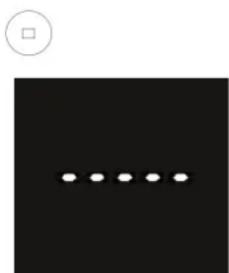
natural_image
Black square with a row of five white dots and a small circle above it (no text or symbols)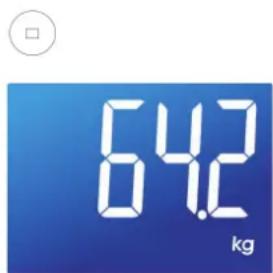
text_image
64.2 kgtext_image
Available on the App Store
text_image
ANDROID APP ON Google play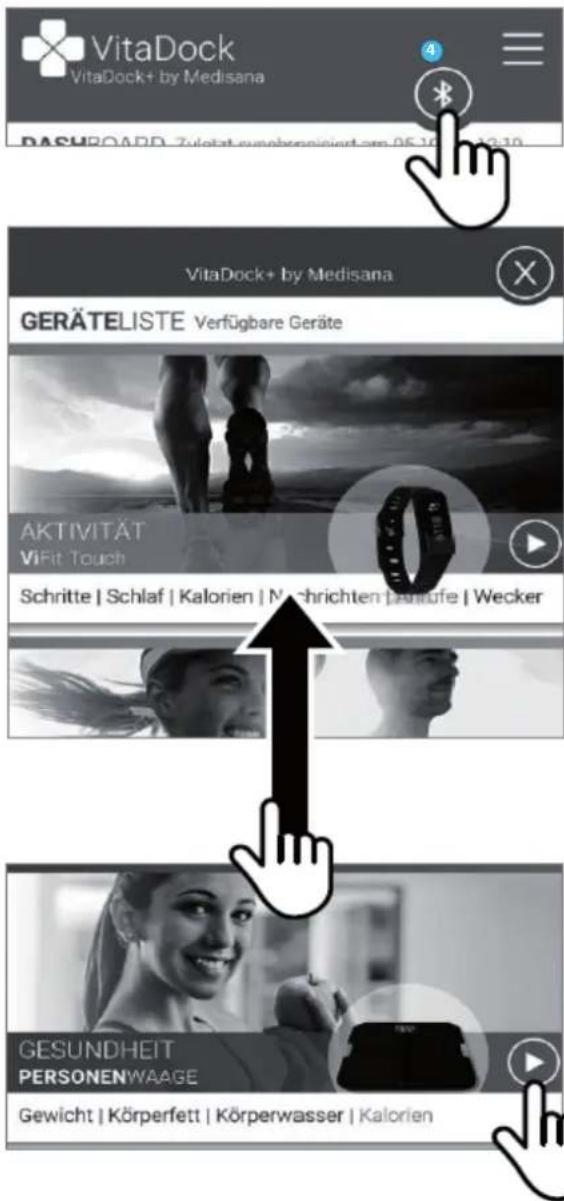
natural_image
Line drawing of a human foot pressing on a square foot (no text or symbols)text_image
Diagram showing three labeled components (1, 2, 3) pointing to a device with a button and label 'S4' at the bottom.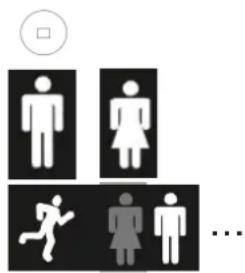
text_image
Diagram showing gender symbols and a sequence of human figures with a checkbox, likely indicating a participation or status tracking scenario.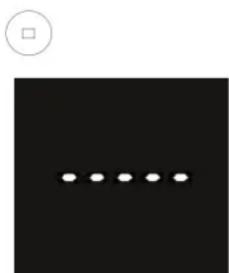
natural_image
Black square with five white dots arranged horizontally and a small circle above it (no text or symbols)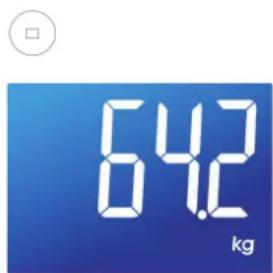
text_image
64.2 kgtext_image
Available on the App Store
text_image
ANDROID APP ON Google play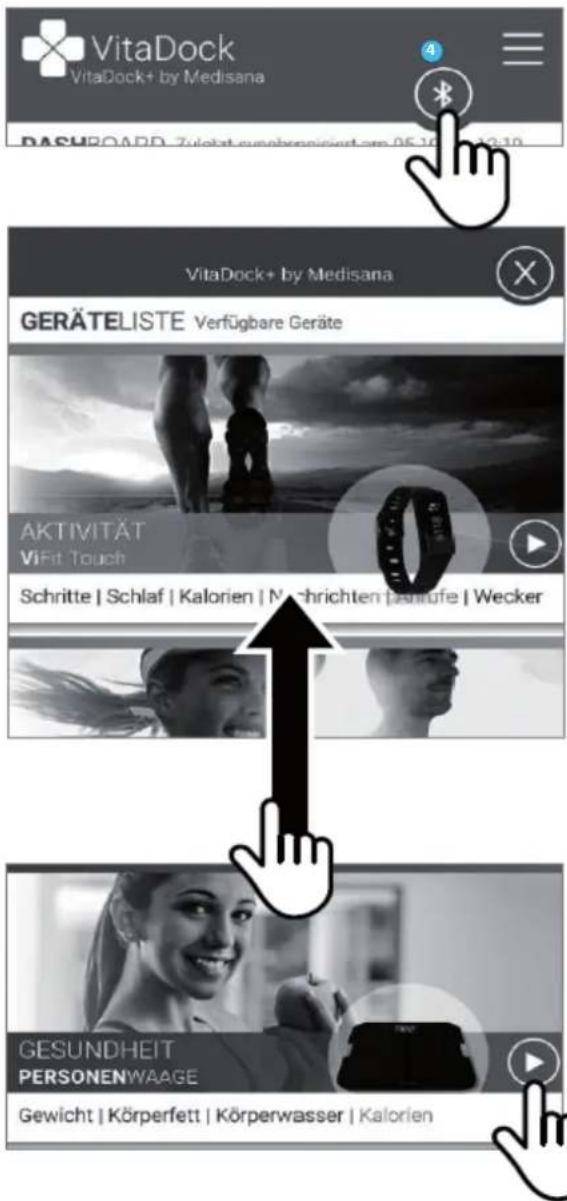
Colocar/trocar as pilhas
natural_image
Line drawing of a human foot pressing on a square foot (no text or symbols)text_image
Diagram showing a device with three labeled components: 1, 2, and 3, connected to a central component.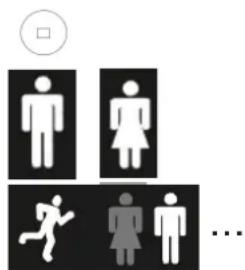
text_image
Diagram showing gender symbols and a sequence of human figures with a checkbox above, likely indicating a participation or status indicator.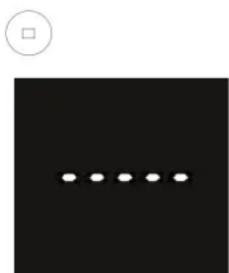
natural_image
Black square with a row of five white dots and a small circle above it (no text or symbols)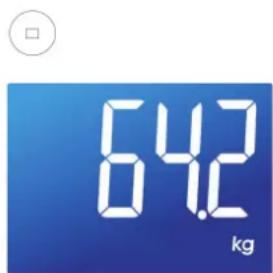
text_image
64.2 kgtext_image
Available on the App Store
text_image
ANDROID APP ON Google play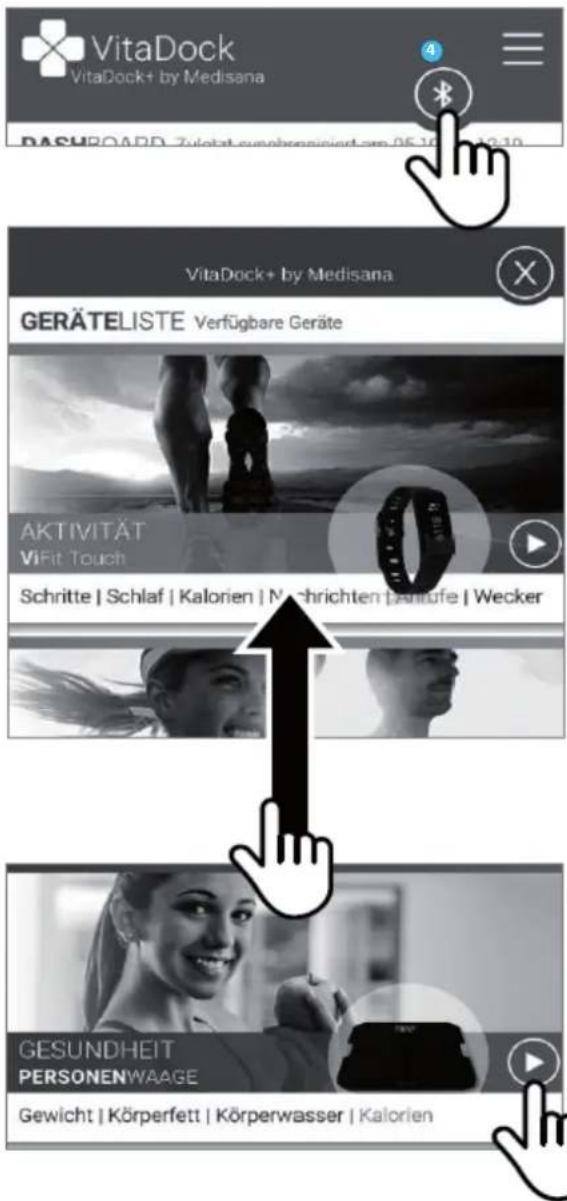
natural_image
Line drawing of a human foot pressing on a square foot (no text or symbols)text_image
Diagram showing a device with labeled parts, including numbered indicators and a bottom panel with a '5V' label.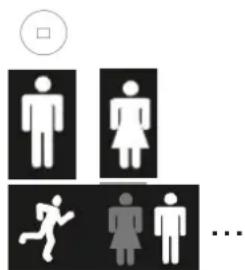
text_image
Diagram showing gender symbols and a sequence of human figures with a circle indicating a square symbol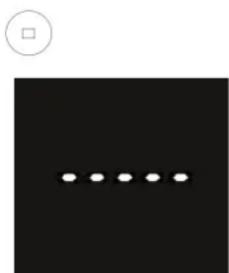
natural_image
Black square with a row of five white dots and a small circle above it (no text or symbols)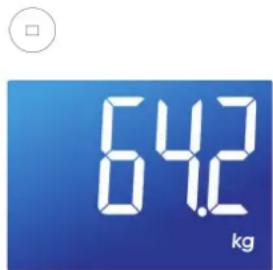
text_image
64.2 kgtext_image
Available on the App Store
text_image
ANDROID APP ON Google play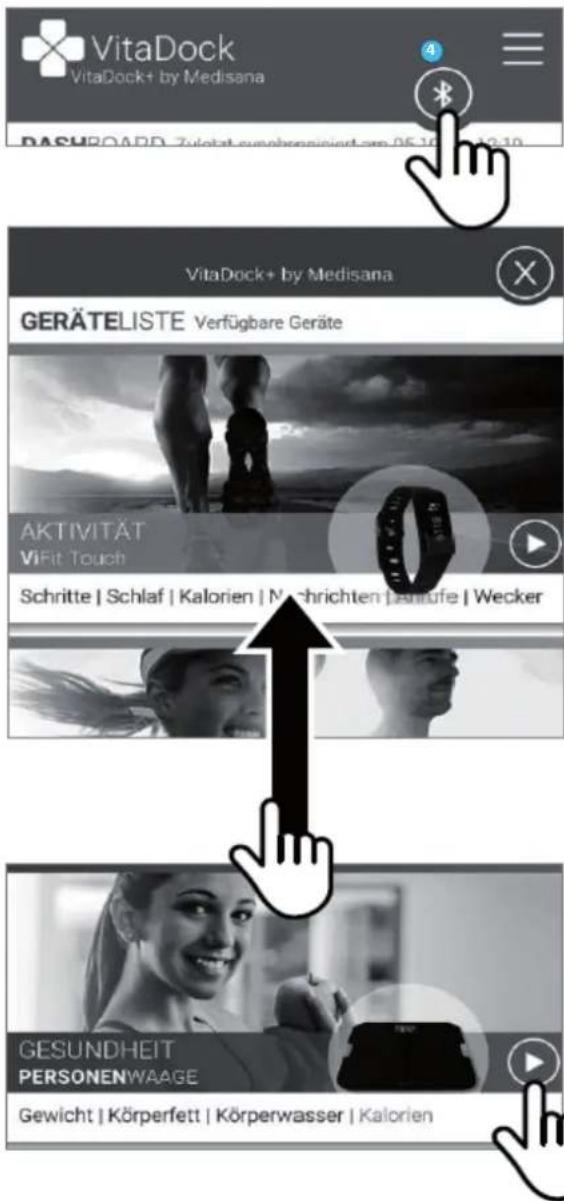
natural_image
Line drawing of a human foot pressing on a square foot (no text or symbols)text_image
Diagram showing a device with labeled parts, including numbered indicators and a base panel with a symbol.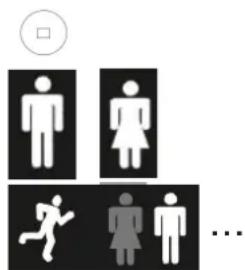
text_image
Diagram showing gender symbols and a sequence of human figures with a checkbox above, likely indicating a participation or status indicator.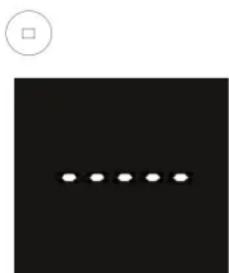
natural_image
Black square with a row of five white dots and a small circle above it (no text or symbols)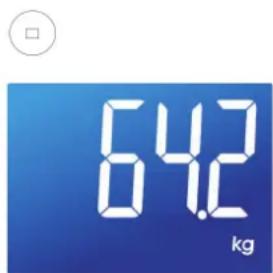
text_image
64.2 kgtext_image
Available on the App Store
text_image
ANDROID APP ON Google play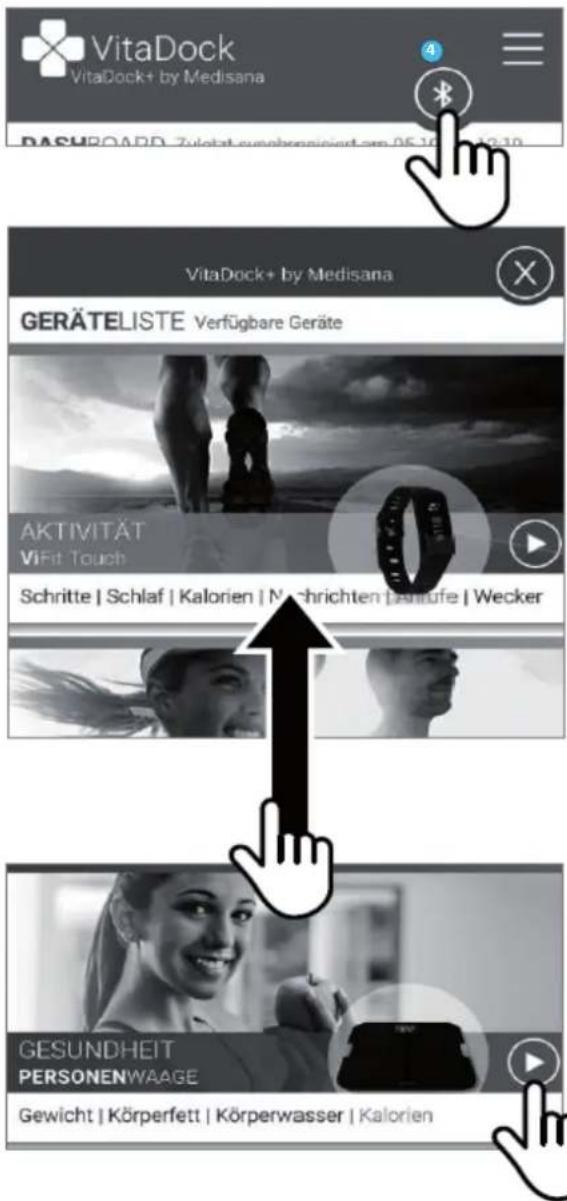
natural_image
Line drawing of a human foot pressing on a square foot (no text or symbols)text_image
Diagram showing a device with labeled parts, including numbered indicators 1, 2, and 3 pointing to a central component.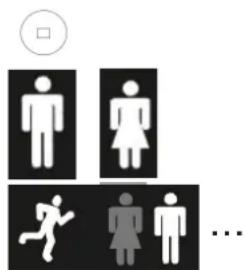
text_image
Diagram showing gender symbols and a sequence of human figures with a circle indicating a square symbol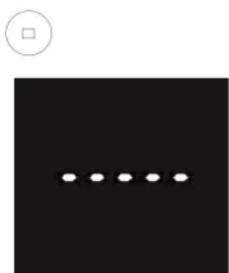
natural_image
Black square with a row of five white dots and a small circle above it (no text or symbols)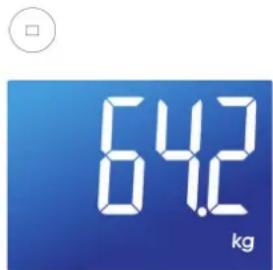
text_image
64.2 kgtext_image
Available on the App Store
text_image
ANDROID APP ON Google play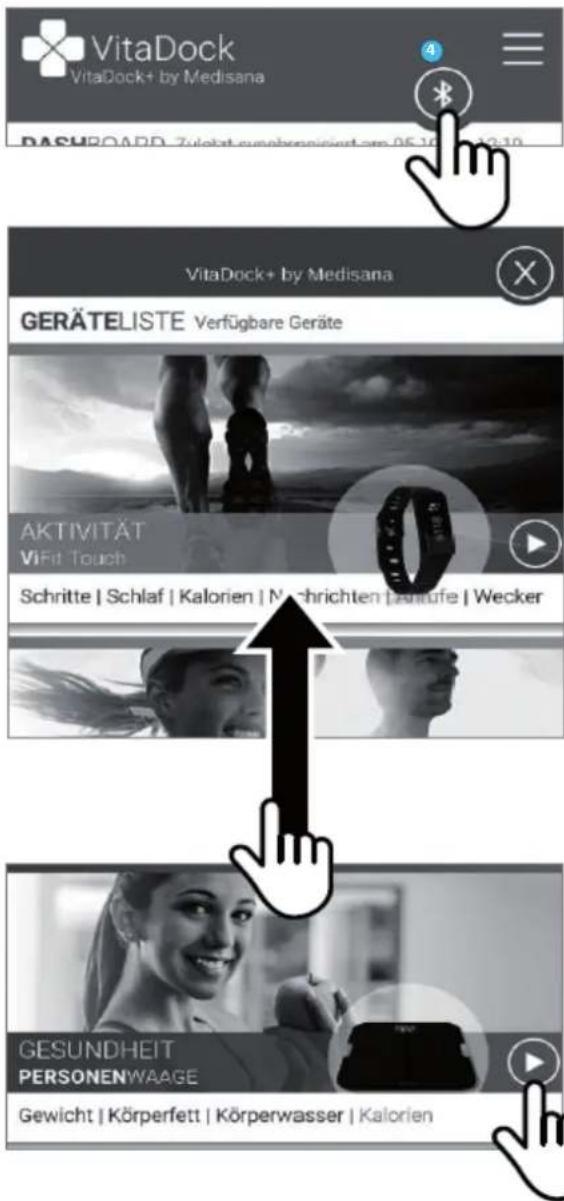
text_image
Two identical diagrams showing a trash bin with 'O' and 'δ' symbols crossed out by diagonal lines, indicating no waste or discharge.natural_image
Line drawing of a human foot pressing on a square base (no text or symbols)text_image
Diagram showing a device with three labeled components: 1, 2, and 3, connected to a base panel.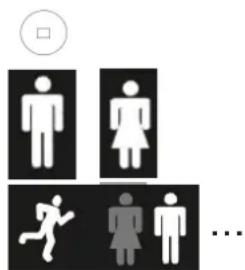
text_image
Diagram showing gender symbols and a sequence of human figures with a checkbox, likely representing a social or occupational context.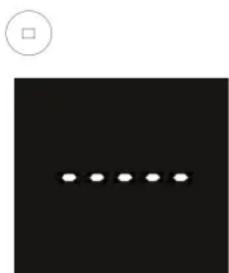
natural_image
Black square with a row of five white dots and a small circle above it (no text or symbols)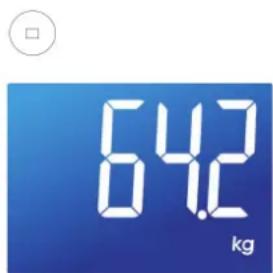
text_image
64.2 kgtext_image
Available on the App Store
text_image
ANDROID APP ON Google play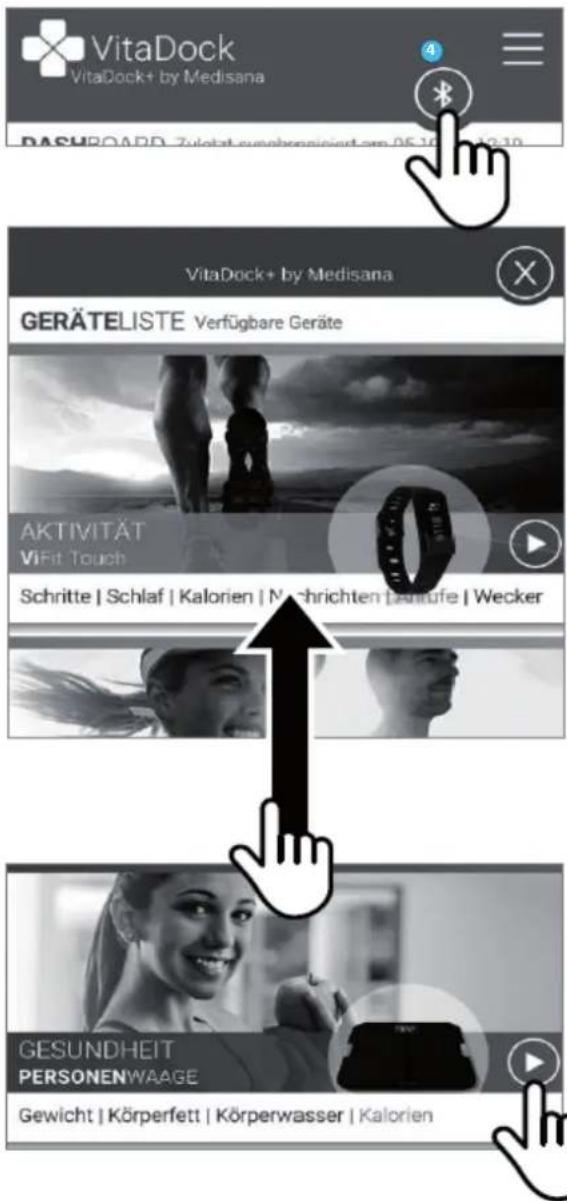
natural_image
Line drawing of a human foot pressing on a square foot (no text or symbols)text_image
Diagram showing a device with labeled parts, including numbered indicators 1, 2, and 3 pointing to a component.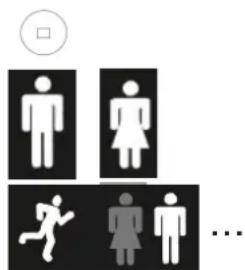
text_image
Diagram showing gender symbols and a sequence of human figures with a circle indicating a square symbol.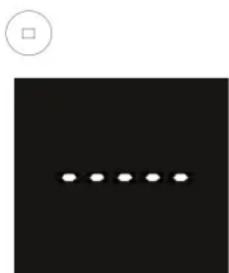
natural_image
Black square with a row of five white dots and a small circle above it (no text or symbols)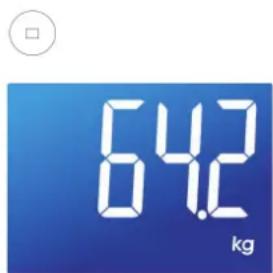
text_image
64.2 kgtext_image
Available on the App Store
text_image
ANDROID APP ON Google play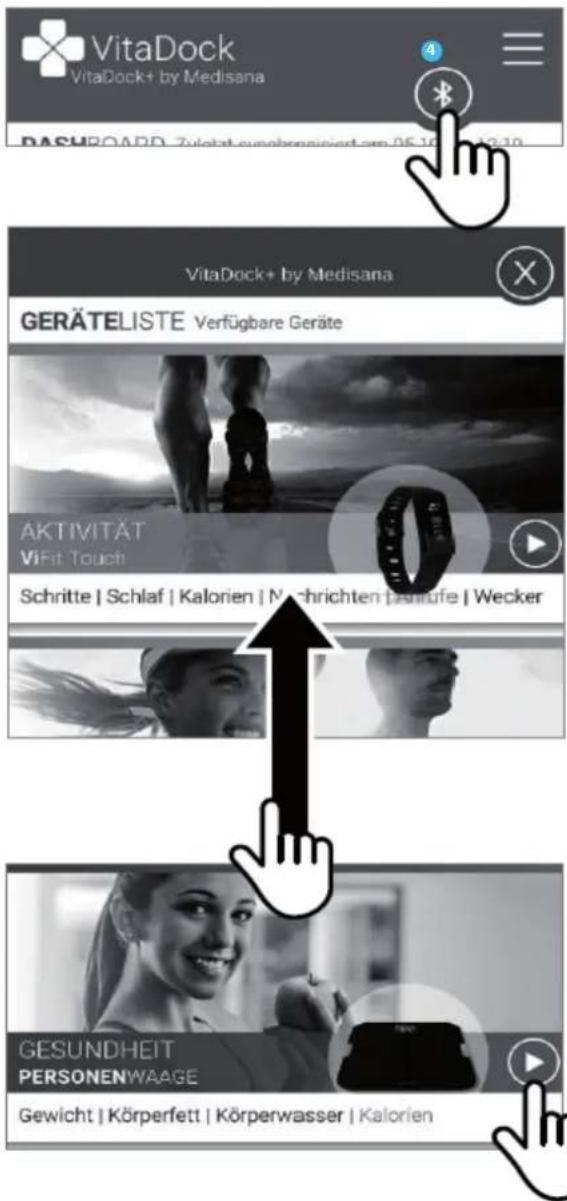
natural_image
Line drawing of a human foot pressing on a square base (no text or symbols)text_image
Diagram showing a device with labeled parts, including numbered indicators 1, 2, and 3 pointing to a component.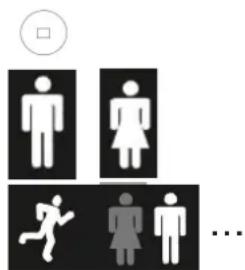
text_image
Diagram showing gender symbols and a sequence of human figures with a circle indicating a square symbol.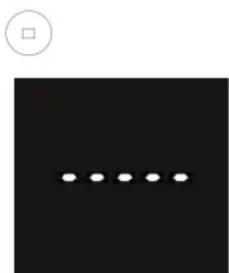
natural_image
Black square with a row of five white dots and a small circle above it (no text or symbols)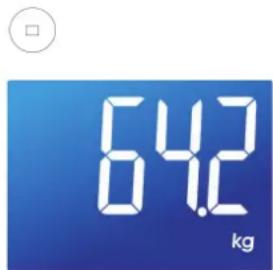
text_image
64.2 kgtext_image
Available on the App Store
text_image
ANDROID APP ON Google play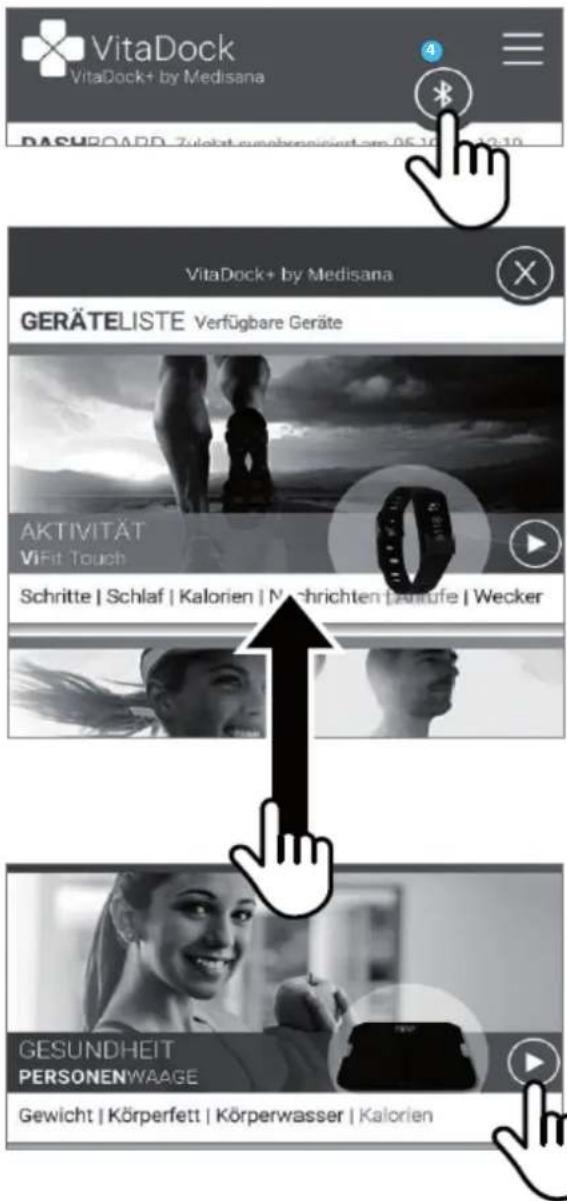
natural_image
Line drawing of a human foot pressing on a square foot (no text or symbols)text_image
Diagram showing a device with labeled parts, including numbered indicators 1, 2, and 3 pointing to a component.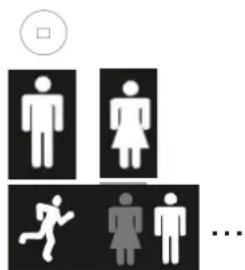
text_image
Diagram showing gender symbols and human activity icons, including male, female, running, and obese individuals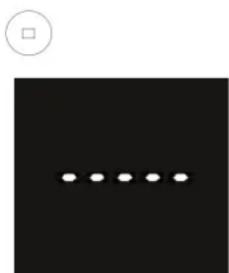
natural_image
Black square with a row of five white dots and a small circle above it (no text or symbols)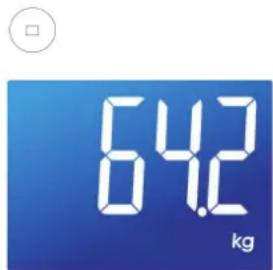
text_image
64.2 kgtext_image
Available on the App Store
text_image
ANDROID APP ON Google play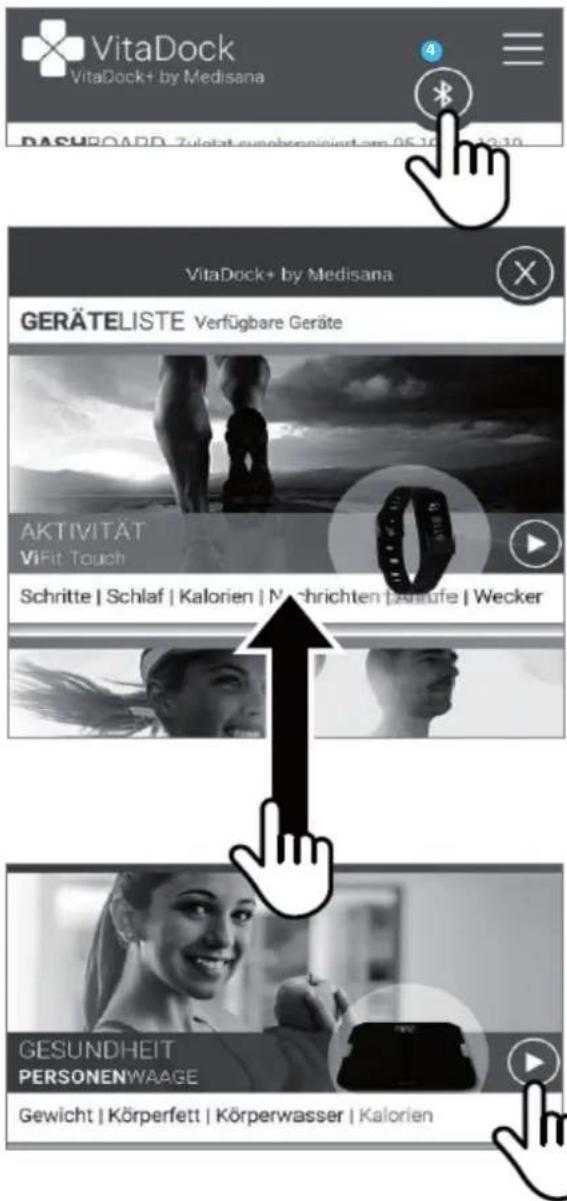
natural_image
Line drawing of a human foot pressing on a square foot (no text or symbols)text_image
Diagram showing a device with labeled parts, including numbered indicators and a 5V label at the bottom.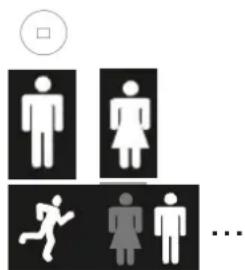
text_image
Diagram showing gender symbols and a sequence of human figures with a checkbox above, likely indicating a participation or status indicator.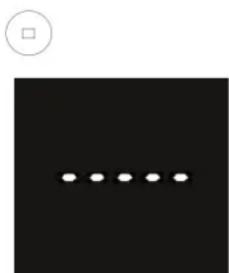
natural_image
Black square with a row of five white dots and a small circle above it (no text or symbols)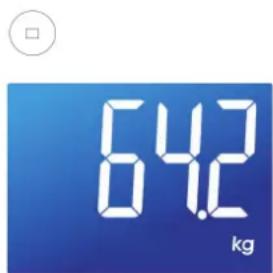
text_image
64.2 kgtext_image
Available on the App Store
text_image
ANDROID APP ON Google play