MultiPad 7.0 Ultra Duo - Tablet PRESTIGIO - Free user manual and instructions
Find the device manual for free MultiPad 7.0 Ultra Duo PRESTIGIO in PDF.



| Product Type | Touchscreen Tablet |
| Brand | Prestigio |
| Model | MultiPad 7.0 Ultra Duo |
| Processor | Dual-core ARM Cortex A9 up to 1.6 GHz |
| RAM | 1 GB DDR3 |
| Screen | 7-inch IPS, capacitive multi-touch |
| Resolution | 1280 x 800 pixels |
| Internal Storage | 8 GB (approximately 6 GB user available) |
| Memory Expansion | micro SDHC up to 32 GB |
| Connectivity | USB 2.0, USB Host (OTG), micro HDMI |
| Network | Wi-Fi 802.11 b/g/n |
| Battery | Li-Polymer 4000 mAh, charging via USB/adapter |
| Dimensions | 188 x 116 x 9.0 mm |
| Weight | 310 g |
| Operating Temperature | 0°C to +45°C |
| Front Camera | Yes, for video calls |
| Rear Camera | Yes, for photos |
| Care and Cleaning | Wipe with a soft, dry cloth. Do not use abrasive products. |
| Safety | Do not expose to moisture or extreme temperatures. Use only the supplied adapter. |
| Spare Parts and Repairability | Contact authorized after-sales service. |
Frequently Asked Questions - MultiPad 7.0 Ultra Duo PRESTIGIO
User questions about MultiPad 7.0 Ultra Duo PRESTIGIO
0 question about this device. Answer the ones you know or ask your own.
Ask a new question about this device
Download the instructions for your Tablet in PDF format for free! Find your manual MultiPad 7.0 Ultra Duo - PRESTIGIO and take your electronic device back in hand. On this page are published all the documents necessary for the use of your device. MultiPad 7.0 Ultra Duo by PRESTIGIO.
USER MANUAL MultiPad 7.0 Ultra Duo PRESTIGIO
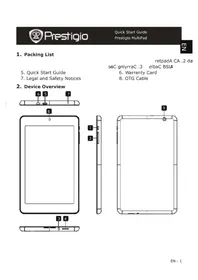
- Quick Start Guide
-
Legal and Safety Notices
-
Warranty Card
-
OTG Cable
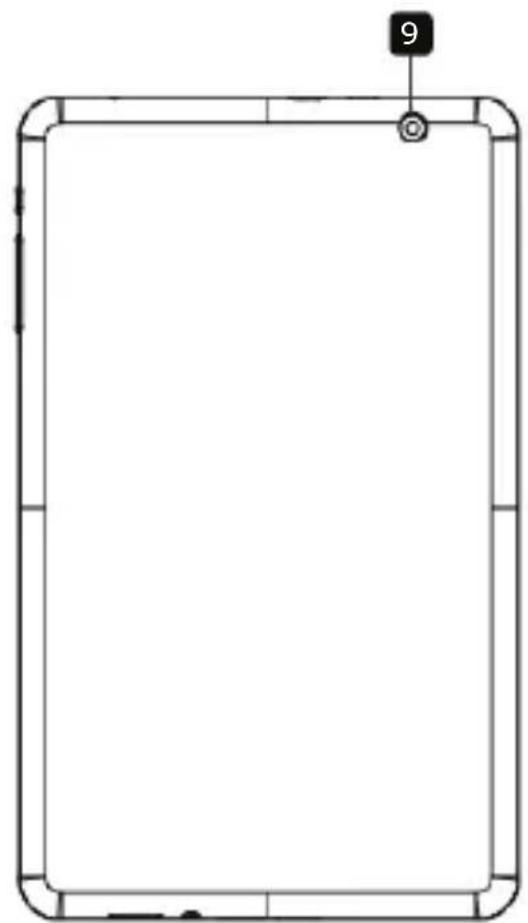
2. Device Overview
natural_image
Simple line drawing of a tablet device with a numbered label '8' on top (no text or symbols on the device itself)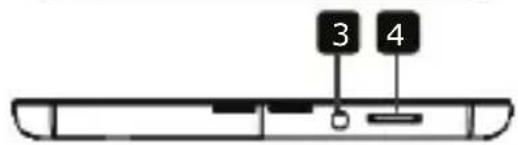


natural_image
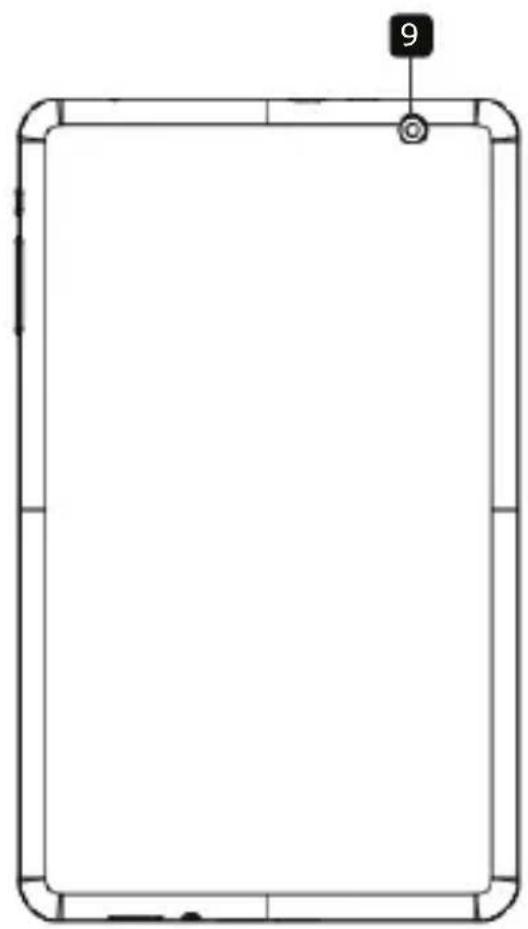
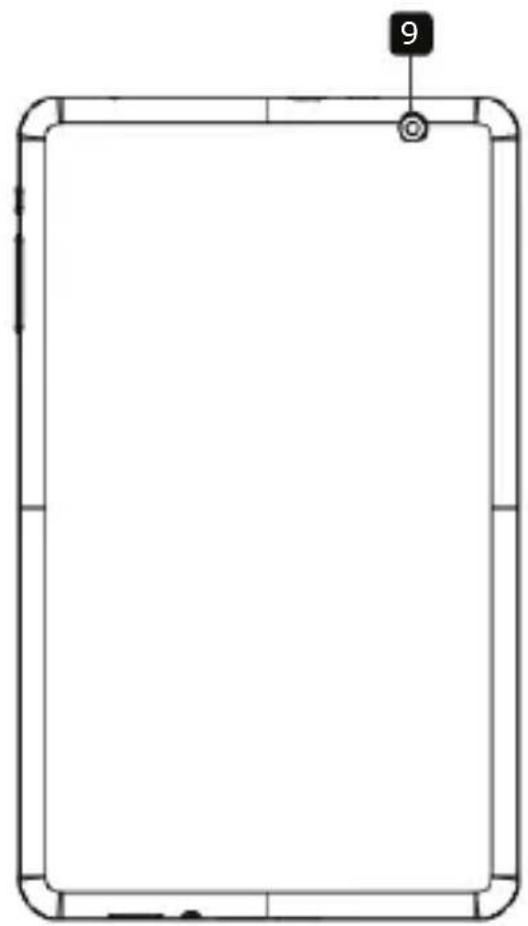
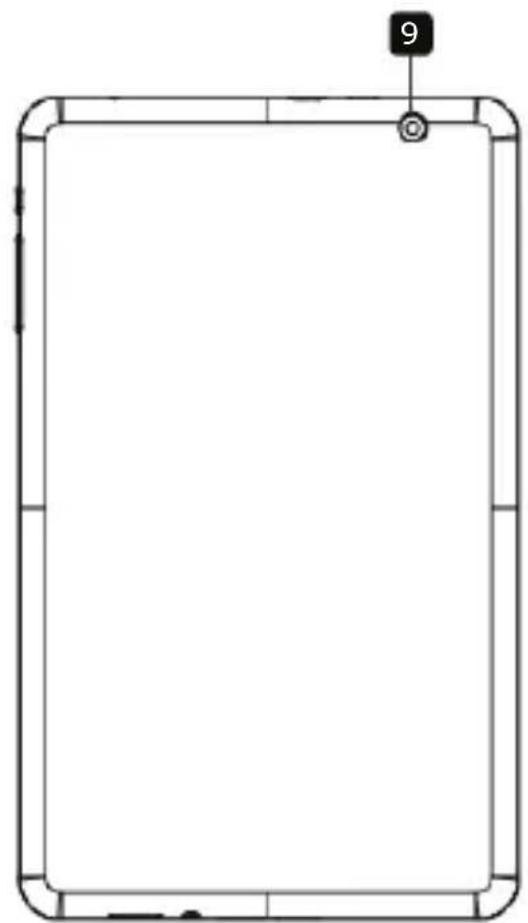
Simple line drawing of a rectangular frame with rounded corners and a small circular mark labeled '9' at the top (no text or symbols within the frame)
Prestigio
Quick Start Guide
Prestigio MultiPad
E Z 1
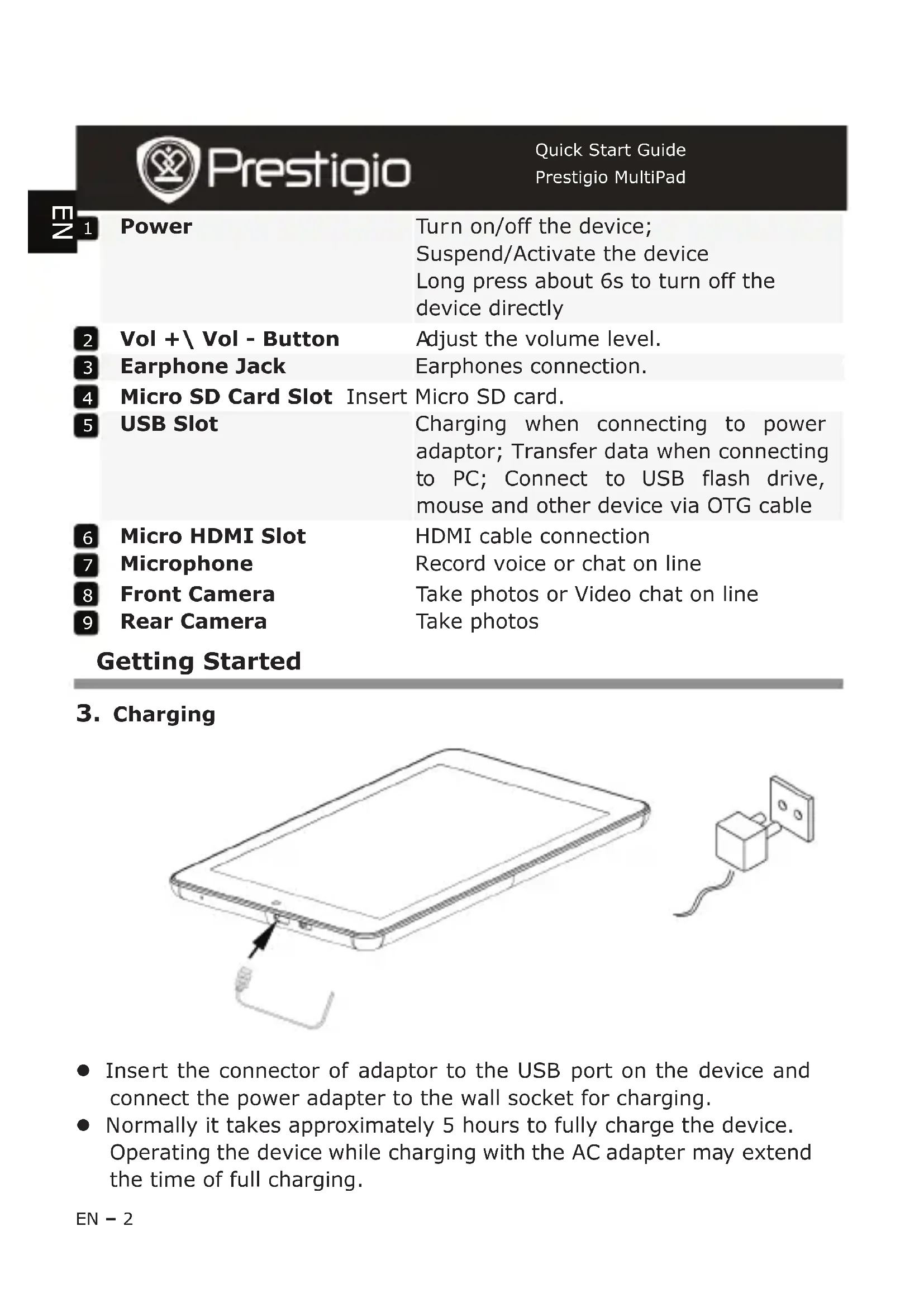
Power
Turn on/off the device;
Suspend/Activate the device
Long press about 6s to turn off the device directly
2 Vol + \ Vol - Button Adjust the volume level.
3 Earphone Jack Earphones connection.
4 Micro SD Card Slot Insert Micro SD card.
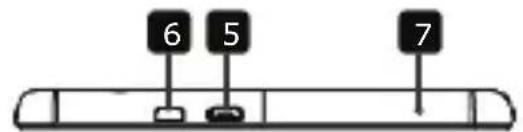
5 USB Slot Charging when connecting to power adaptor; Transfer data when connecting to PC; Connect to USB flash drive, mouse and other device via OTG cable
6 Micro HDMI Slot HDMI cable connection
7 Microphone Record voice or chat on line
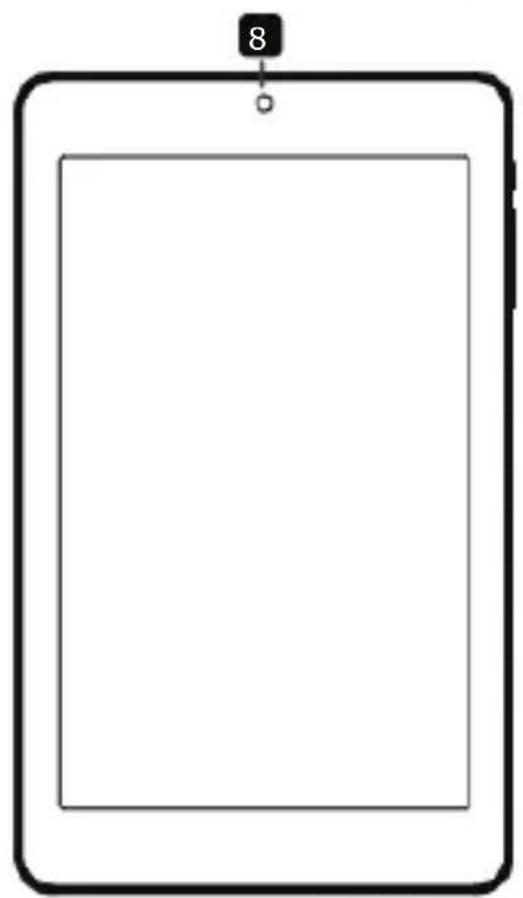
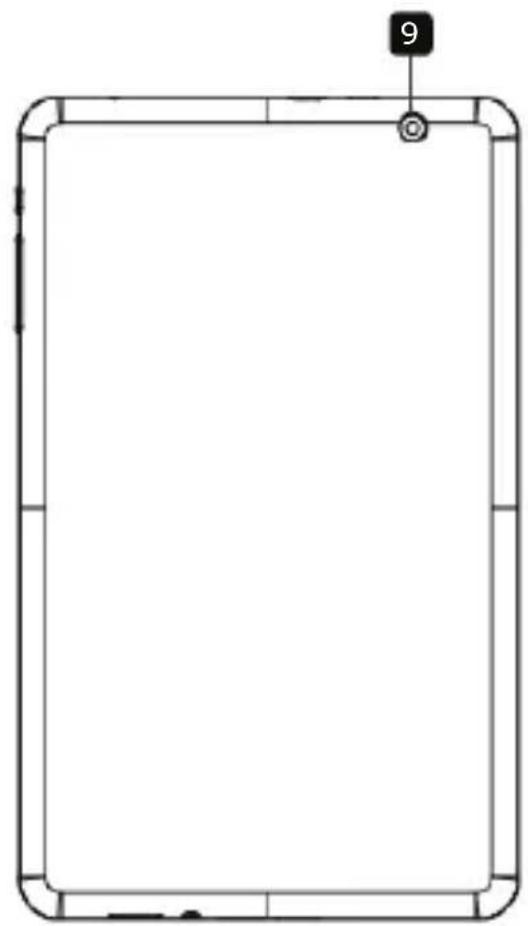
8 Front Camera Take photos or Video chat on line
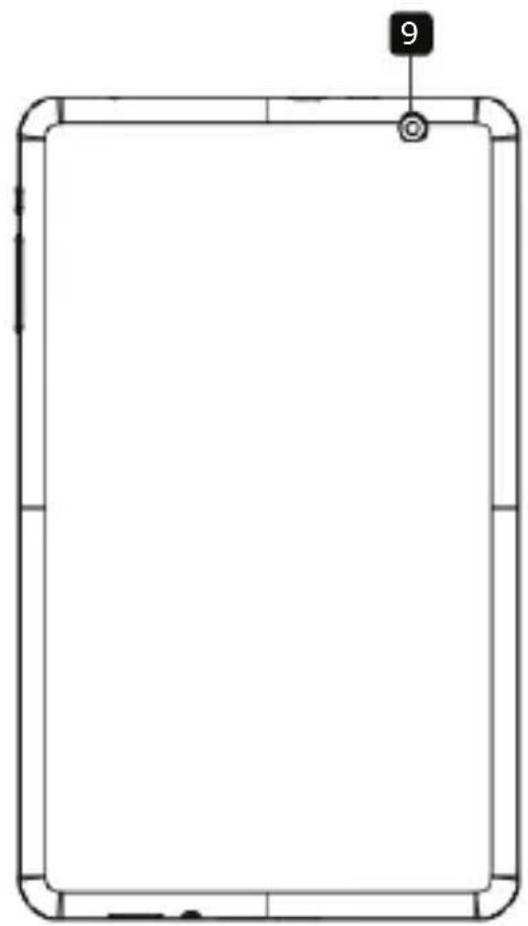
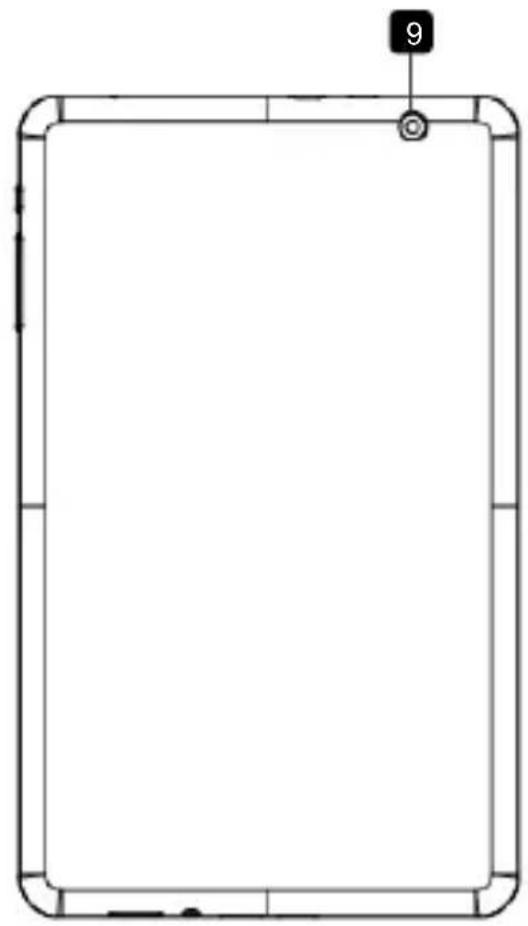
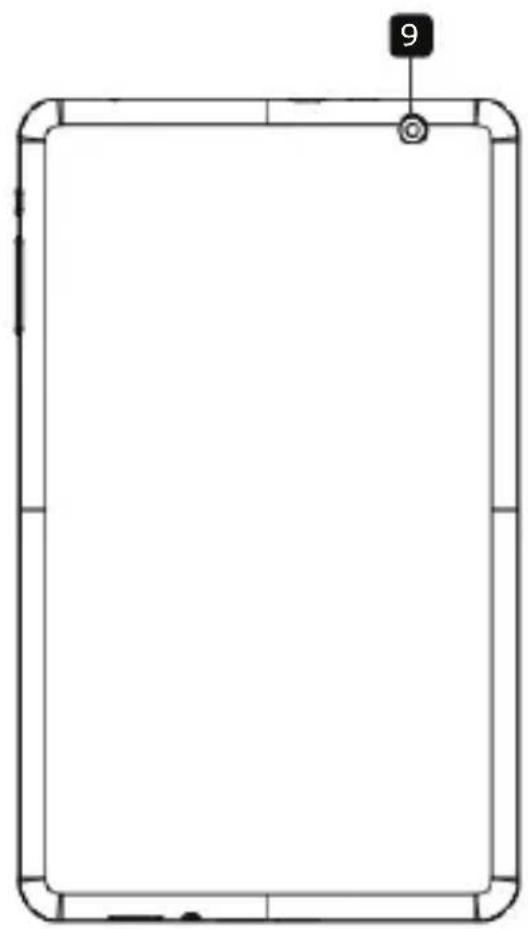
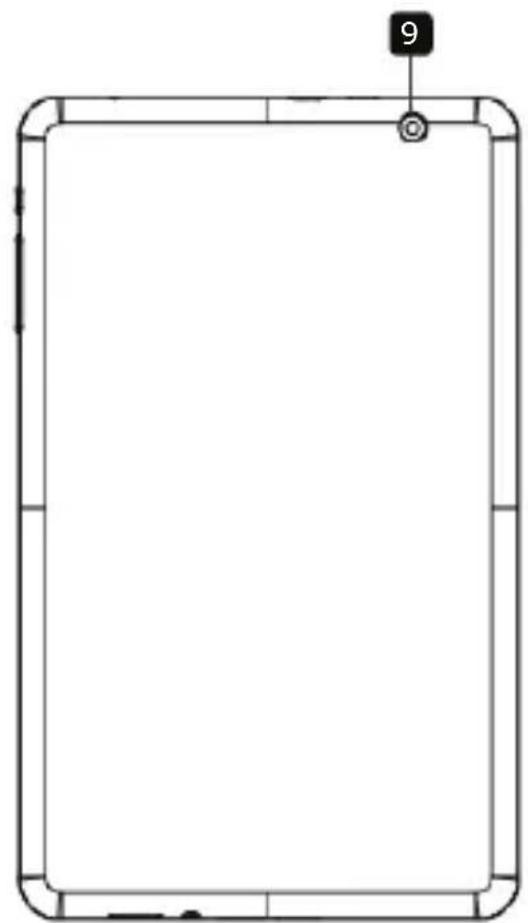
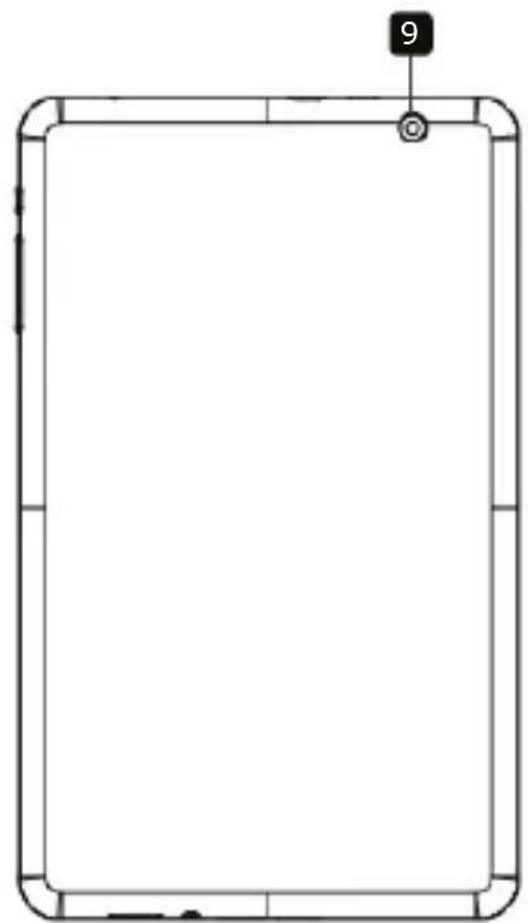
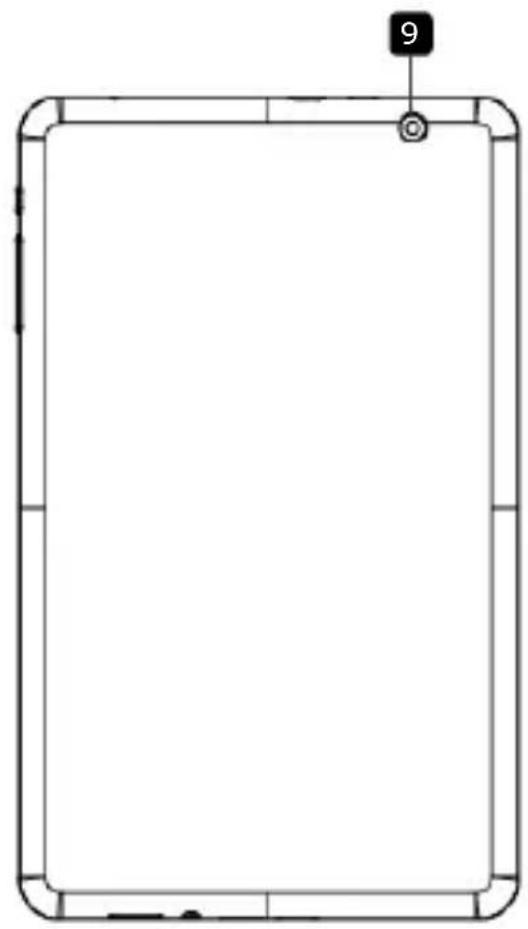
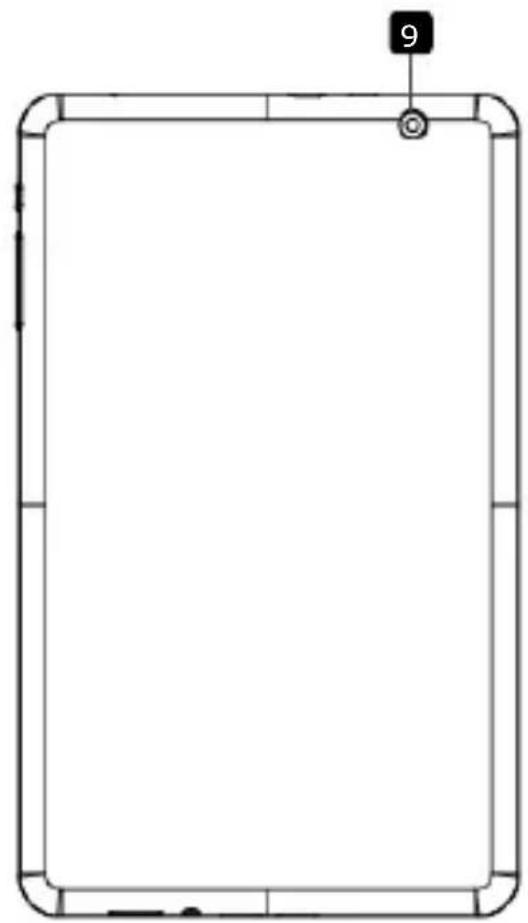
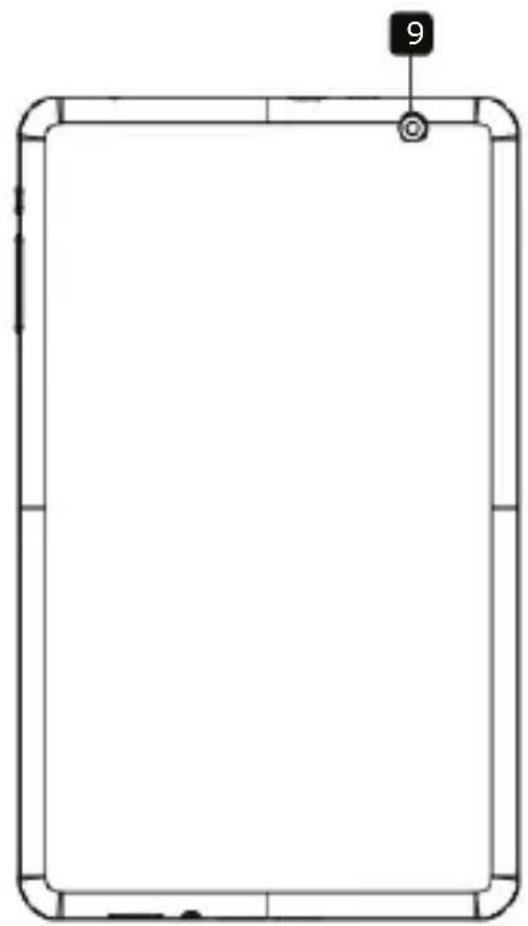
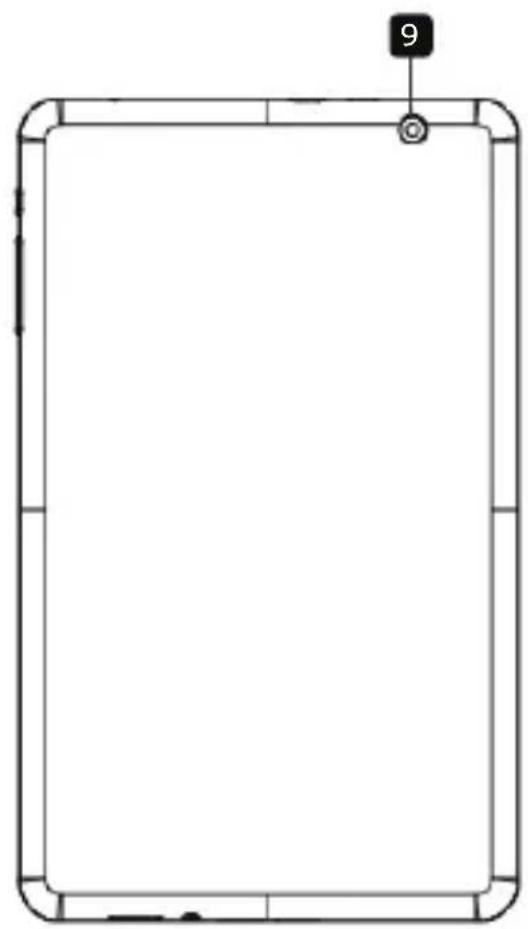
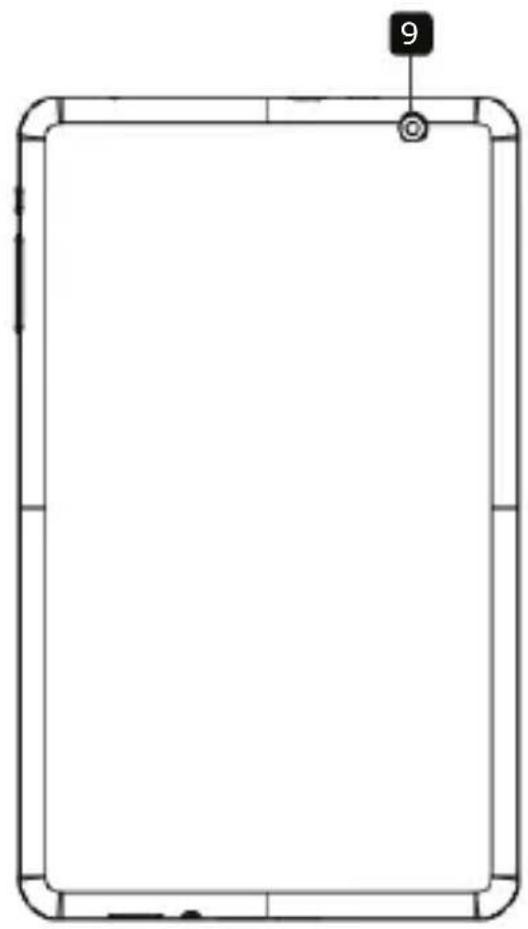
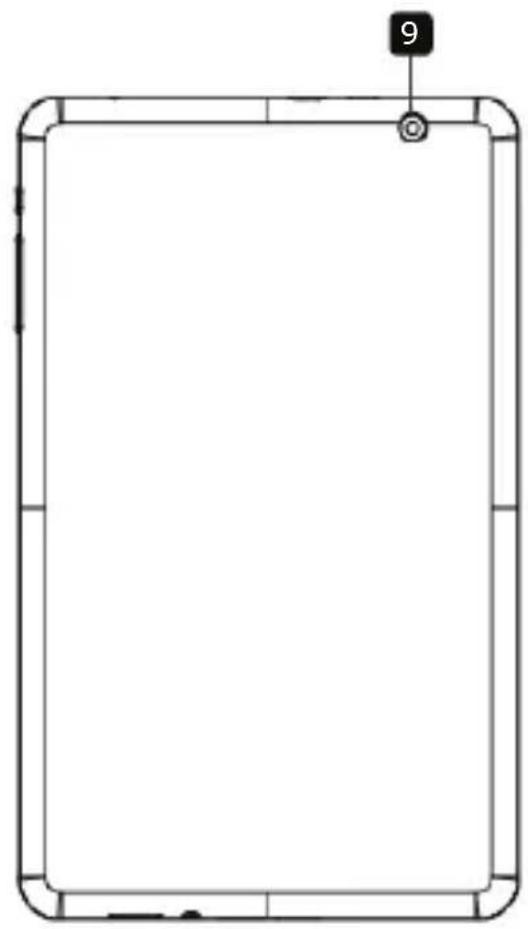
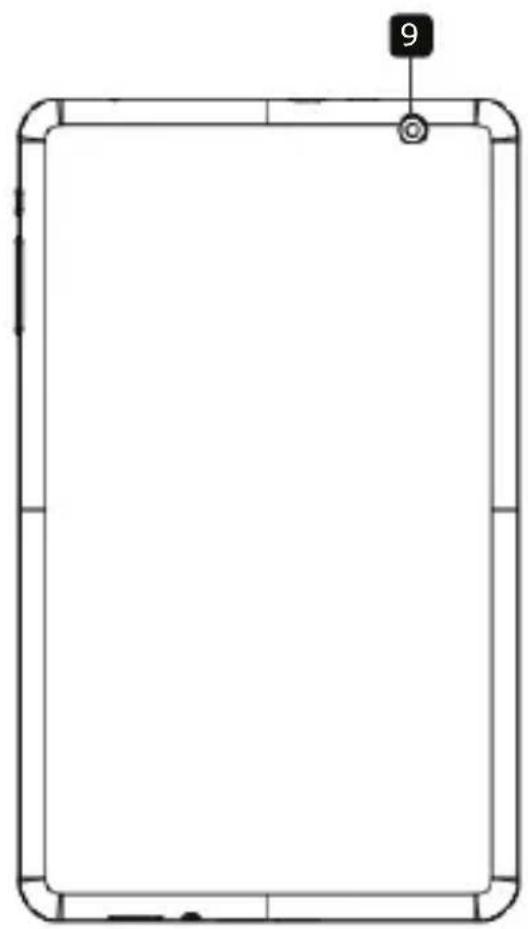
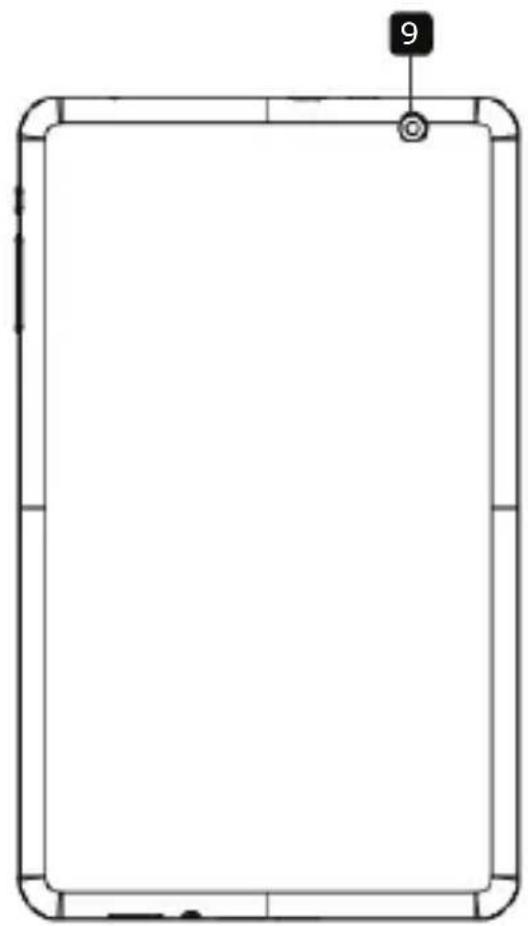
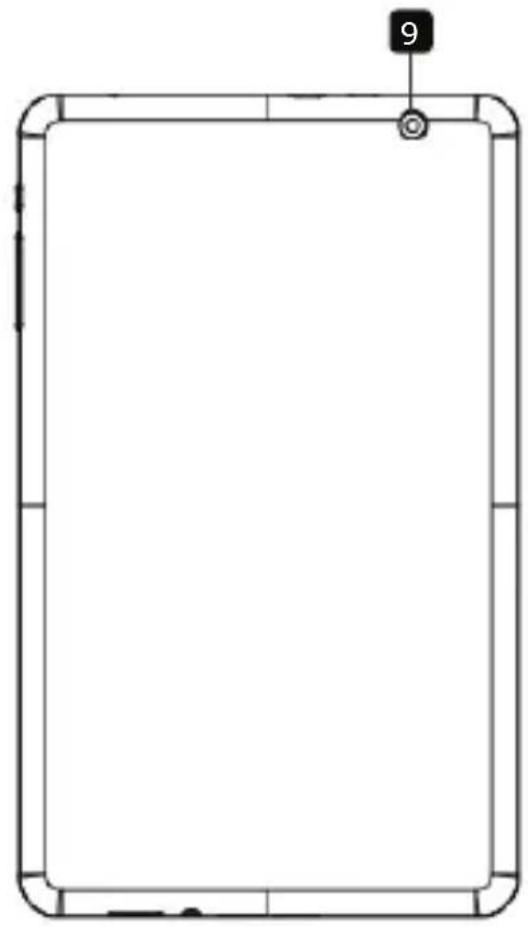
9 Rear Camera Take photos
Getting Started
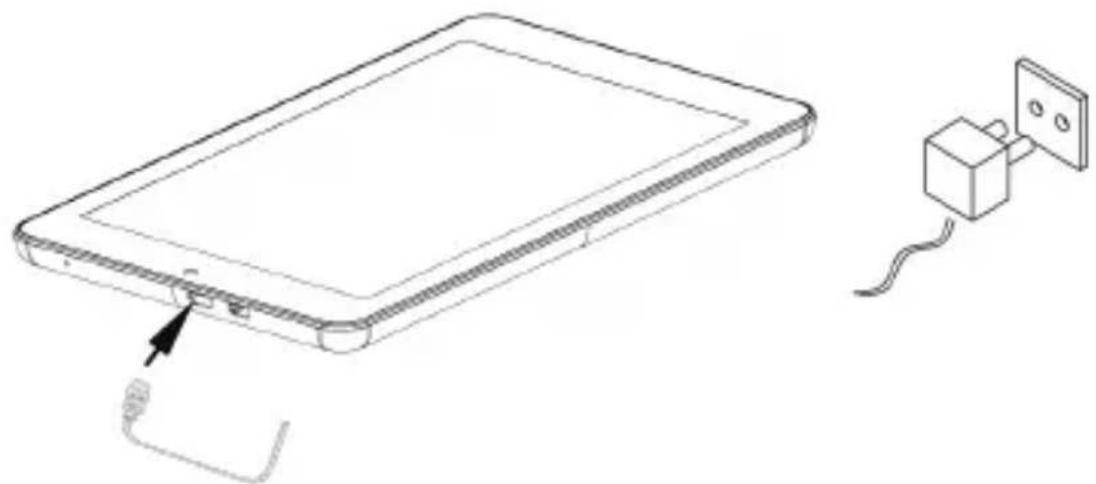
3. Charging
natural_image
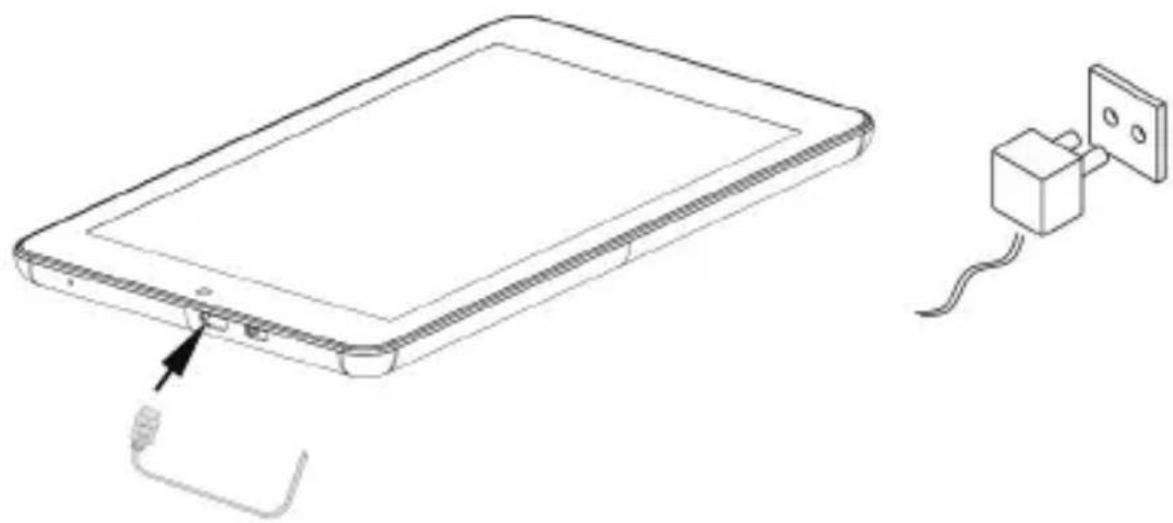
Line drawing of a tablet device with cable and power outlet, no text or symbols present- Insert the connector of adaptor to the USB port on the device and connect the power adapter to the wall socket for charging.
- Normally it takes approximately 5 hours to fully charge the device. Operating the device while charging with the AC adapter may extend the time of full charging.
4. Power on/Power off
- To turn on the device, press and hold the Power Button until you see the start-up screen then release. It will automatically enter the Home screen.
- Press the Power Button once to enter sleep mode and press it again to awake the device.
- Press and hold the Power Button, and then tap on OK to power off the device.
- Press and hold the Power Button for about 6, it will power off directly.
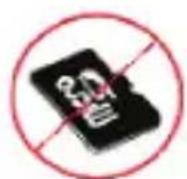
5. Inserting a Memory Card
natural_image
Line drawing of a smartphone showing the front panel and side buttons (no text or symbols)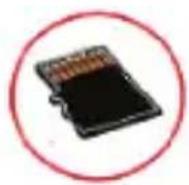
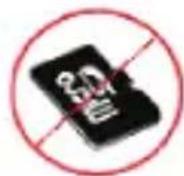
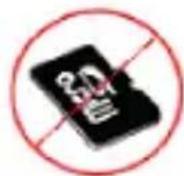
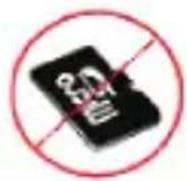
Correct
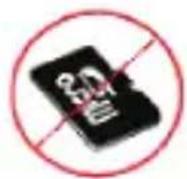
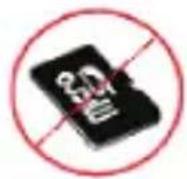
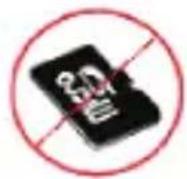
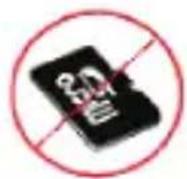
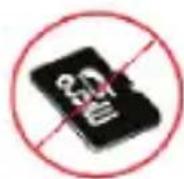
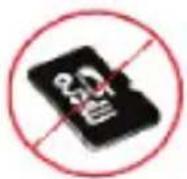
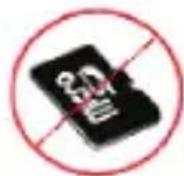
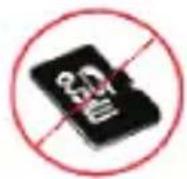
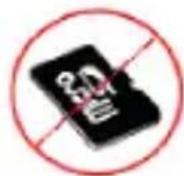
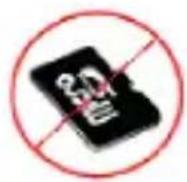
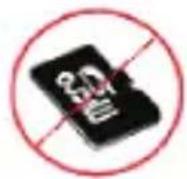
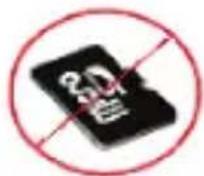
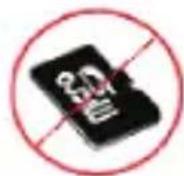
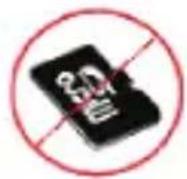
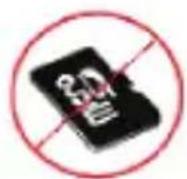
Incorrect
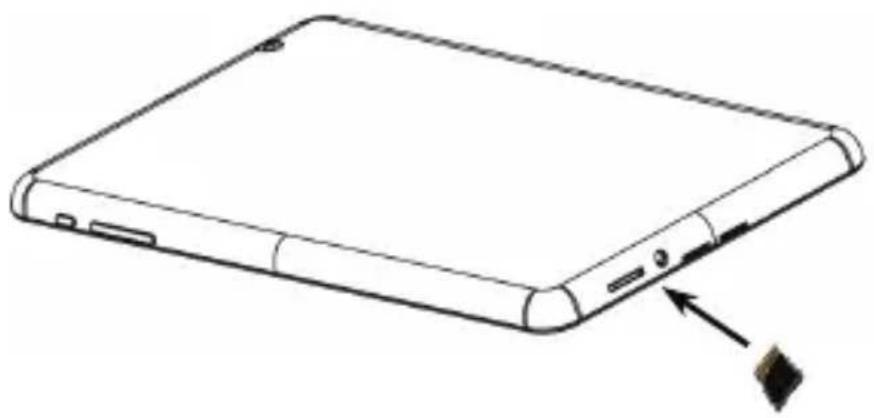
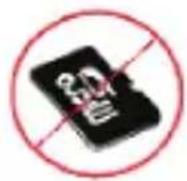
● The device supports micro SD/SDHC cards.
- To insert a Micro SD card, place the card connector towards the rear side of the device and the printing side of the card towards the front side of the device.
- To remove the micro SD card, gently press the edge of the card to release the safety lock and pull the card out of the slot.
- To access the files on the memory card, select Explorer icon and tap on SD Card.
Notice:
When you are reading the file from micro SD card, please don't remove it, or the device could fail to operate correctly.
Technical Specifications
| Processor | Dual Core ARM Cortex A9 up to 1.6 GHz |
| RAM 1GB DDR3 | |
| Display 7" IPS Panel, Capacitive multi-touch | |
| Resolution 1280 x 800 pixels | |
| Supported File Formats | Video: AVI,3GP, MP4, RM, RMVB, FLV, MOVAudio:MP3/WMA/WAV/OGG/FLAC/APE/AACPicture: JPEG(Baseline), BMP, GIF (Static), PNG |
| Storage capacity 8 GB flash memory (about 6 GB are accessible by user), Memory card slot supports micro SDHC card up to 32 GB | |
| Interfaces USB 2.0, Micro SD (micro SDHC compatible), USB Host | |
| Communications WiFi (802.11 b/g/n) | |
| Battery 4000 mAh Li-Pol battery | |
| Dimensions | 188x116x9.0mm (L x W x H) (appro.) |
| Weight 310 g (appro.) | |
| Operation | 0°C ~ +45°C |
| Temperature | |
| Disclaimer | |

As the Prestigio products are constantly updated and improved, your device's software and hardware may have a slightly different appearance or modified functionality than presented in this Quick Start Guide.
Prestigio hereby states that this MultiPad complies to basic requirements and another relevant regulations given by the EU directive1999/5/EC.
Full version of the declaration of conformity is available on
http://www.prestigio.com/compliance.
natural_image
Simple line drawing of a tablet device with a numbered label '8' on top (no text or symbols on the device itself)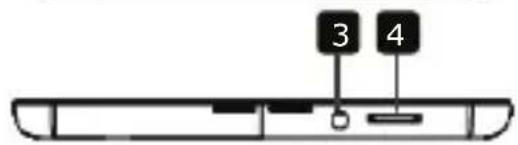

natural_image
Blank rectangular frame with rounded corners and a small circular mark labeled '9' at the top (no text or symbols on the frame itself)
Prestigio
natural_image
Line drawing of a tablet device with cable and power outlet, no text or symbols presentnatural_image
Line drawing of a smartphone rear panel with a close-up view showing the edge and base (no text or symbols)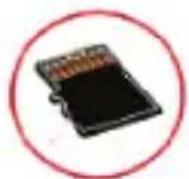
Верно
Неверно
natural_image
Simple line drawing of a tablet device with a numbered label '8' on top (no text or symbols on the device itself)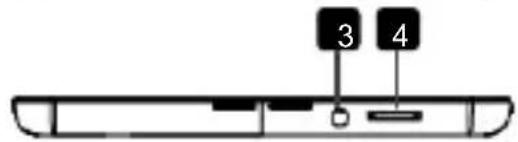

natural_image
Blank rectangular frame with rounded corners and a small circular mark labeled '9' at the top (no text or symbols beyond the number)natural_image
Line drawing of a tablet device with a cable inserted, alongside a connected electrical outlet (no text or symbols)natural_image
Blank rectangular frame with rounded corners and a small circular mark labeled '9' at the top (no text or symbols on the frame itself)
Prestigio
Кратко ръководство
Prestigio MultiPad
BG
1
Захранване
natural_image
Line drawing of a tablet device with cable and power outlet, no text or symbols presentnatural_image
Line drawing of a smartphone rear panel with a close-up view showing the edge and base (no text or symbols)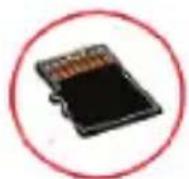
Правилно Неправилно
natural_image
Blank rectangular frame with rounded corners and a small circular mark labeled '9' at the top (no text or symbols beyond the number)
Prestigio
natural_image
Line drawing of a tablet device with cable and power outlet, no text or symbols presentnatural_image
Line drawing of a smartphone showing the front panel and side buttons (no text or symbols)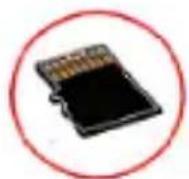
Správně
Nesprávně
natural_image
Simple line drawing of a tablet device with a numbered label '8' on top (no text or symbols on the device itself)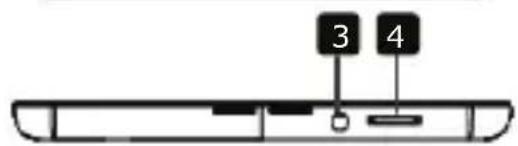

natural_image
Blank rectangular frame with rounded corners and a small circular mark labeled '9' at the top (no text or symbols on the frame itself)natural_image
Line drawing of a tablet device with cable and power outlet, alongside a connected electrical plug (no text or symbols)natural_image
Line drawing of a smartphone showing the front panel and side panel with an arrow pointing to the right side (no text or symbols present)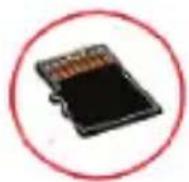
Richtig
Falsch
natural_image
Simple line drawing of a tablet device with a numbered label '8' on top (no text or symbols on the device itself)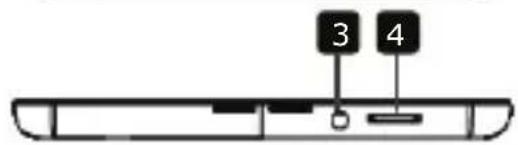

natural_image
Simple line drawing of a rectangular frame with rounded corners and a small circular mark labeled '9' at the top (no text or symbols within the frame)
Prestigio
Kiirjuhend
Prestigio MultiPad


Toitenupp
natural_image
Line drawing of a tablet device with cable and power outlet, no text or symbols presentnatural_image
Line drawing of a smartphone showing the front panel and side buttons (no text or symbols)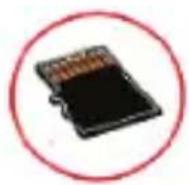
Õige
Vale
natural_image
Simple line drawing of a tablet device with a square top and square bottom, no text or symbols present.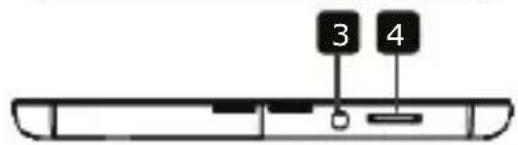

natural_image
Blank rectangular frame with rounded corners and a small circular mark labeled '9' at the top (no text or symbols beyond the number)
Prestigio
natural_image
Line drawing of a tablet device with a cable inserted, alongside a connected electrical outlet (no text or symbols)natural_image
Line drawing of a smartphone rear panel with a close-up arrow pointing to the side (no text or symbols)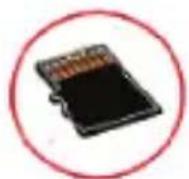
Correct

Incorrecto
natural_image
Simple line drawing of a tablet device with a small number 8 on top (no text or symbols on the device itself)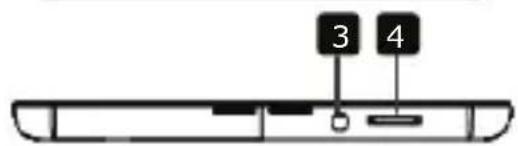

natural_image
Blank rectangular frame with rounded corners and a small circular mark labeled '9' at the top (no text or symbols on the frame itself)π

Prestigio
natural_image
Line drawing of a tablet device with cable and power outlet, no text or symbols presentnatural_image
Line drawing of a smartphone rear panel with a close-up view showing the edge and base (no text or symbols)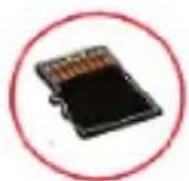
Correct
Incorrect
natural_image
Simple line drawing of a tablet device with a small number 8 on top (no text or symbols on the device itself)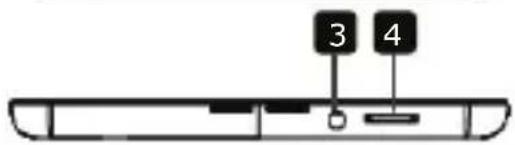

natural_image
Blank rectangular frame with rounded corners and a small circular mark labeled '9' at the top (no text or symbols beyond the number)
Prestigio
natural_image
Line drawing of a tablet device with an attached power outlet connected to its wall (no text or symbols present)natural_image
Line drawing of a smartphone rear panel with a close-up arrow pointing to the side (no text or symbols)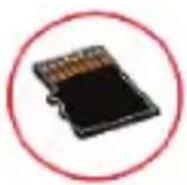
Σωστό
Λάθος
natural_image
Simple line drawing of a tablet device with a numbered label '8' on top (no text or symbols on the device itself)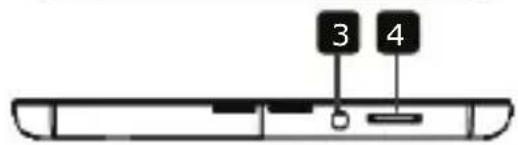

natural_image
Blank rectangular frame with rounded corners and a small circular mark labeled '9' at the top (no text or symbols beyond the number)
Prestigio
Kratke upute
Prestigio MultiPad
| 1 | Napajanje | Uključivanje /isključivanje uređaja;Deaktiviranje/aktiviranje uređajaDužim pritiskom na 6 sek. direktno isključujete uređaj |
| 2 | Vol +\ Vol - tipka | Namještanje razine glasnoće. |
| 3 | Ulaz za slušalice | Spajanje na slušalice. |
| 4 | Utor mikro SD kartice | Umetanje mikro SD kartice. |
| 5 | USB utor | Punjenje dok ste spojeni na strujni adapter; Prijenos podataka kada ste spojeni na računalo; Spajanje na USB flash pogon, miš i ostali uređaji preko OTG kabela |
| 6 | Mikro HDMI utor | Spajanje na HDMI kabel |
| 7 | Mikrofon | Snimanje glasa ili internetsko čavrljanje |
| 8 | Prednja kamera | Snimanje fotografija ili video čavrljanje preko interneta |
| 9 | Stražnja kamera | Snimanje fotografija |
Početak
3. Punjenje
natural_image
Line drawing of a tablet device with cable and power cord, connected to a small electrical outlet (no text or symbols)- Umetnite priključak adaptera u USB ulaz na uređaju i spojite strujni adapter u zidnu utičnicu za punjenje.
- Potrebno je otprilike 5 sati za potpuno punjenje uređaja. Rad s uređajem tijekom punjenja s AC adapterom može produžiti vrijeme do potpunog punjenja.
natural_image
Line drawing of a smartphone rear panel with a close-up view showing the edge and base (no text or symbols)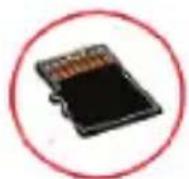
Isprav.
Neisprav.
- Uređaj podržava mikro SD/SDHC kartice.
- Za umetanje mikro SD kartice, postavite priključak kartice prema stražnjoj strani uređaja i ispisanu stranu kartice prema prednjoj strani uređaja.
- Da biste izvadili mikro SD karticu, nježno pritisnite rub kartice da biste otpustili sigurnosnu bravu i izvucite karticu iz utora.
- Za pristup datotekama na memorijskoj kartici, odaberite ikonu Preglednik datoteke i zatim dotaknite na SD karticu.
Napomena:
Kada čitate datoteku sa mikro SD kartice, molimo nemojte ju vaditi, jer bi uređaj mogao početi neispravno raditi.
Tehničke specifikacije
| Procesor | Dual Core ARM Cortex A9 do 1.6 GHz |
| RAM 1GB DDR3 | |
| Zaslon | 7" IPS Panel, Kapacitivni višedodirni |
| Rezolucija | 1280 x 800 piksela |
| Podržani formati datoteke | Video: AVI,3GP, MP4, RM, RMVB, FLV, MOVAudio:MP3/WMA/WAV/OGG/FLAC/APE/AACPicture: JPEG(osnovna), BMP, GIF (statična) , PNG |
| Kapacitet pohrane | 8 GB flash memorija (oko 6 GB je dostupno po korisniku), Utor memorijske kartice podržava mikro SDHC karticu do 32 GB |
| Sučelja | USB 2.0, Mikro SD (mikro SDHC sukladan), USB ulaz |
| Komunikacije | WiFi (802.11 b/g/n) |
| Baterija | 4000 mAh Litij polimerska baterija |
| Dimenzije | 188x116x9.0mm (D x Š x V) (otprilike) |
| Težina 310 g (otprilike) | |
| Radna temperatura | 0°C ~ +45°C |
| Izjava o odricanju |

Kako se Prestigio proizvodi neprestano poboljšavaju i nadograđuju, softver i hardver vašeg uređaja mogu imati malo drugačiji izgled ili izmijenjenu funkcionalnost od one koja je prikazana u ovim uputama.
Prestigio ovime izjavljuje da ovaj MultiPad uređaj udovoljava temeljnim zahtjevima i ostalim relevantnim propisima danim od EU direktive1999/5/EC. Potpuna verzija deklaracije o sukladnosti je dostupna na internetskoj stranici http://www.prestigio.com/compliance.
1. Csomag tartalma
retpadapáT .2 da
kotózodroH .3 lebák-BSU .4
natural_image
Simple line drawing of a tablet device with a small number 8 on top (no text or symbols on the device itself)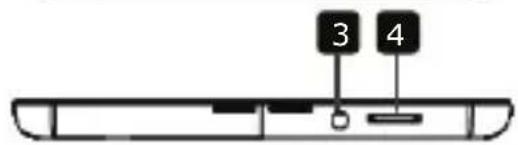

natural_image
Blank rectangular frame with rounded corners and a small circular mark labeled '9' at the top (no text or symbols beyond the number)
Prestigio
natural_image
Line drawing of a smartphone rear panel with a black arrow pointing to the side panel (no text or symbols)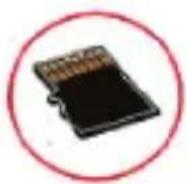
Helyes
Helytelen
natural_image
Simple line drawing of a rectangular frame with rounded corners and a small circular mark labeled '9' at the top (no text or symbols within the frame)
Prestigio
natural_image
Line drawing of a tablet device with cable and power outlet, no text or symbols presentnatural_image
Line drawing of a smartphone rear panel with a close-up view showing the edge and base (no text or symbols)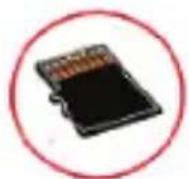
Corretto
Errato
natural_image
Simple line drawing of a tablet device with a square top and rounded bottom, no text or symbols present.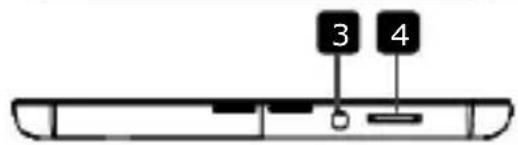

natural_image
Simple line drawing of a rectangular frame with rounded corners and a small circular mark labeled '9' at the top (no text or symbols within the frame)
Prestigio
natural_image
Line drawing of a tablet device with cable and power outlet, no text or symbols presentnatural_image
Line drawing of a smartphone rear panel with a close-up arrow pointing to the side (no text or symbols)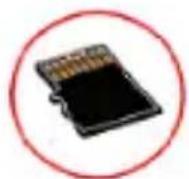
Teisingai
Neteisingai
natural_image
Simple line drawing of a tablet device with a small number 8 on top (no text or symbols on the device itself)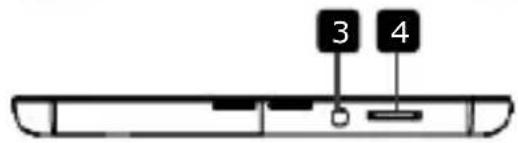

natural_image
Blank rectangular frame with rounded corners and a small circular mark labeled '9' at the top (no text or symbols within the frame)
Prestigio
Īsā pamācība
Prestigio MultiPad
<
natural_image
Line drawing of a tablet device with cable and power outlet, no text or symbols presentnatural_image
Line drawing of a smartphone rear panel with a close-up view showing the edge and base (no text or symbols)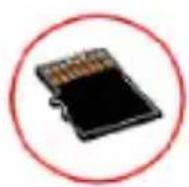
Pareizi
Nepareizi
natural_image
Simple line drawing of a tablet device with a numbered label '8' on top (no text or symbols on the device itself)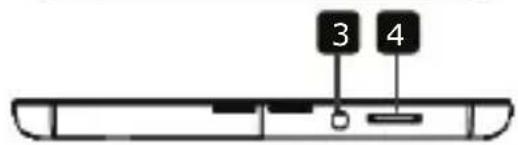

natural_image
Blank rectangular frame with rounded corners and a small circular mark labeled '9' at the top (no text or symbols beyond the number)
Prestigio
Snelstartgids
Prestigio MultiPad
natural_image
Line drawing of a tablet device with a cable inserted, next to a connected electrical outlet (no text or symbols)natural_image
Line drawing of a smartphone showing the front panel and side buttons (no text or symbols)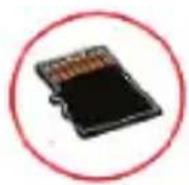
Goed
Fout
natural_image
Simple line drawing of a tablet device with a numbered label '8' on top (no text or symbols on the device itself)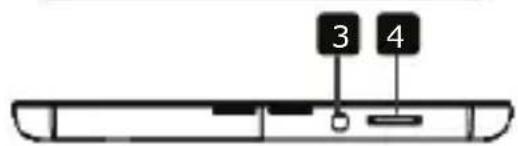

natural_image
Blank rectangular frame with rounded corners and a small circular mark labeled '9' at the top (no text or symbols on the frame itself)
Prestigio
Podręcznik skrócony
Tablet Prestigio MultiPad

1
Przycisk zasilania
natural_image
Line drawing of a tablet device with a cable inserted, connected to a wall-mounted power outlet (no text or symbols present)natural_image
Line drawing of a rectangular electronic device with a small inset showing a dark object, no text or symbols present.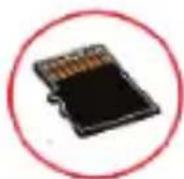
Prawidłowo
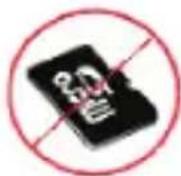
Nieprawidłowo
natural_image
Blank rectangular frame with rounded corners and a small circular mark labeled '9' at the top (no text or symbols on the frame itself)natural_image
Line drawing of a tablet device with a cable inserted, connected to a small electrical outlet (no text or symbols present)natural_image
Line drawing of a smartphone rear panel with a black arrow pointing to the side panel (no text or symbols)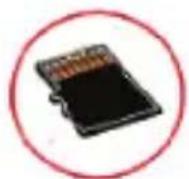
Correct
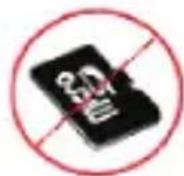
Incorrecto
natural_image
Simple line drawing of a tablet device with a small number 8 on top (no text or symbols on the device itself)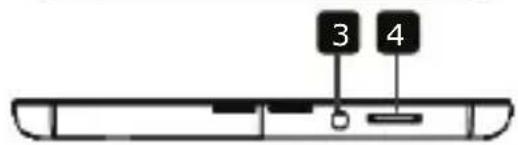

natural_image
Simple line drawing of a rectangular frame with rounded corners and a small circular mark labeled '9' at the top (no text or symbols within the frame)
Prestigio
Scurt Ghid de Utilizare
Prestigio MultiPad
natural_image
Line drawing of a tablet device with cable and power outlet, connected to a wall-mounted electrical outlet (no text or symbols)natural_image
Line drawing of a smartphone showing the rear panel and side buttons (no text or symbols)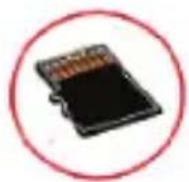
Corect
Incorrect
natural_image
Line drawing of a tablet device with cable and power outlet, no text or symbols presentnatural_image
Line drawing of a rectangular electronic device with a small inset showing a dark object, no text or symbols present.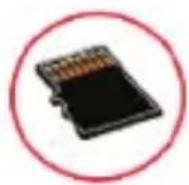
Correct
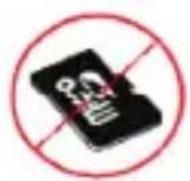
Incorrect
- Uređaj podržava miro SD/SDHC kartice.
- Da postavite Mikro SD karticu, usmerite konektor kartice ka prednjoj strani uređaja, a stranu kartice sa štampom u pravcu zadnje strane uređaja.
- Da uklonite mikro SD karticu, nežno pritisnite ivicu kartice da oslobodite mehanizam zaključavanja i izvucite karticu iz otvora.
- Da pristupite fajlovima na memorijskoj kartici, izaberite ikonicu Explorer zatim tapnite na SD Card.
Napomena:
natural_image
Simple line drawing of a tablet device with a numbered label '8' on top (no text or symbols on the device itself)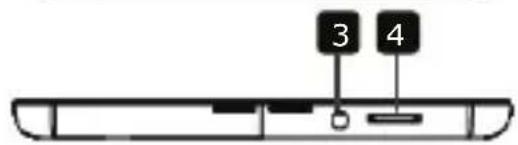

natural_image
Simple line drawing of a rectangular frame with rounded corners and a small circular mark labeled '9' at the top (no text or symbols within the frame)
Prestigio
natural_image
Line drawing of a tablet device with a cable inserted, connected to a wall-mounted power outlet (no text or symbols present)natural_image
Line drawing of a smartphone rear panel with a USB cable and an arrow pointing to the side panel (no text or symbols)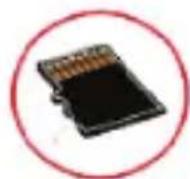
Pravilno
Nepravilno
natural_image
Simple line drawing of a tablet device with a numbered label '8' on top (no text or symbols on the device itself)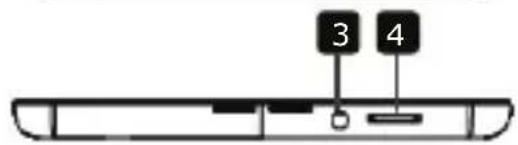

natural_image
Simple line drawing of a rectangular frame with rounded corners and a small circular mark labeled '9' at the top (no text or symbols within the frame)
Prestigio
Krátky návod
Prestigio MultiPad
natural_image
Line drawing of a tablet device with cable and power outlet, alongside a connected electrical plug (no text or symbols)natural_image
Line drawing of a smartphone rear panel with a close-up view showing the edge and base (no text or symbols)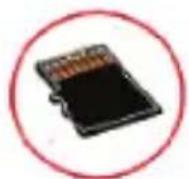
Správne
Nesprávne
natural_image
Simple line drawing of a tablet device with a numbered label '8' on top (no text or symbols on the device itself)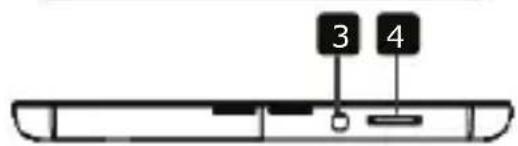

natural_image
Blank rectangular frame with rounded corners and a small circular mark labeled '9' at the top (no text or symbols on the frame itself)- Garantikort
- OTG-kabel

Prestigio
SNABBSTARTSGUIDE
Prestigio MultiPad
natural_image
Line drawing of a tablet device with cable and power outlet, no text or symbols presentnatural_image
Line drawing of a smartphone rear panel with a close-up arrow pointing to the side (no text or symbols)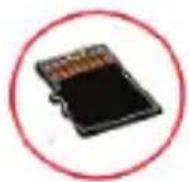
Rätt
Fel
natural_image
Simple line drawing of a tablet device with a small number 8 on top (no text or symbols on the device itself)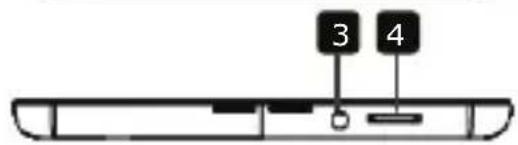

natural_image
Blank rectangular frame with rounded corners and a small circular mark labeled '9' at the top (no text or symbols on the frame itself)
Prestigio
natural_image
Line drawing of a smartphone showing the front panel and side buttons (no text or symbols)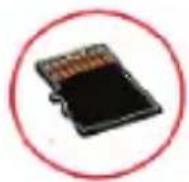
Doğru
Hatalı
natural_image
Simple line drawing of a tablet device with a small number 8 on top (no text or symbols on the device itself)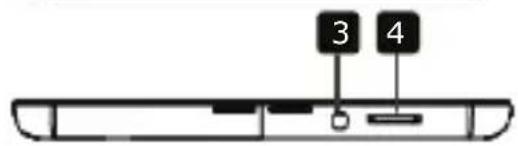

natural_image
Blank rectangular frame with rounded corners and a small circular mark labeled '9' at the top (no text or symbols beyond the number)
Prestigio
natural_image
Line drawing of a tablet device with cable and power outlet, no text or symbols presentnatural_image
Line drawing of a smartphone showing the front panel and side buttons (no text or symbols)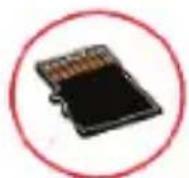
Правильно
Неправильно