Redskull - Earplug DIVACORE - Free user manual and instructions
Find the device manual for free Redskull DIVACORE in PDF.



| Product Type | Bluetooth earplug (wireless headset) |
| Brand | Divacore |
| Model | Redskull (DVC 4010) |
| Weight | 20 g |
| Playback battery life | Up to 10 hours |
| Charging time | 2 hours |
| Built-in battery | Yes (rechargeable via micro-USB) |
| Connectivity | Bluetooth 4.1 |
| Bluetooth range | 10 meters |
| Multi-device support | Up to 2 devices simultaneously |
| Noise reduction | cVc 6th generation |
| Microphone | Truesound Ultra Voice Speech |
| Main functions | Play/pause, volume control, track change, hands-free calling, voice activation (Siri/Google) |
| LED indicator | Red (charging, low battery), blue (power on, pairing, full charge) |
| Voice assistant | Announcements in English (Power on, Pairing, etc.) |
| Maintenance | Wipe with a soft, dry cloth. Do not immerse in water. |
| Warranty | 2 years |
Frequently Asked Questions - Redskull DIVACORE
User questions about Redskull DIVACORE
0 question about this device. Answer the ones you know or ask your own.
Ask a new question about this device
Download the instructions for your Earplug in PDF format for free! Find your manual Redskull - DIVACORE and take your electronic device back in hand. On this page are published all the documents necessary for the use of your device. Redskull by DIVACORE.
USER MANUAL Redskull DIVACORE
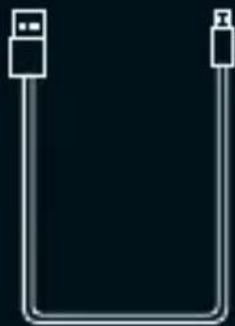
Cable USB / Micro-USB *Or
- Provided only to charge REDSKULL
Internal battery
CHARGING
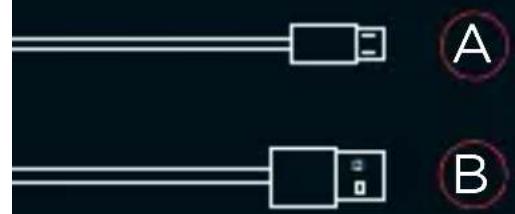
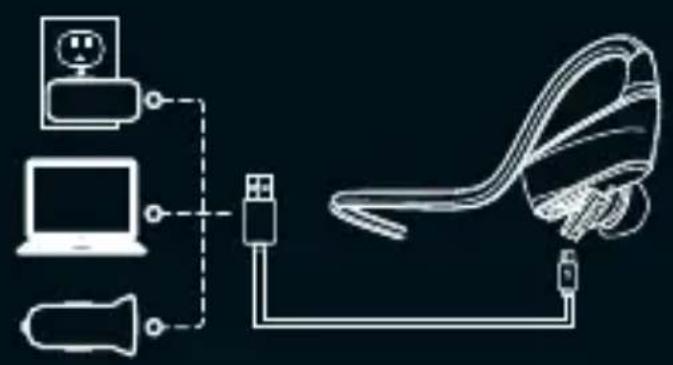
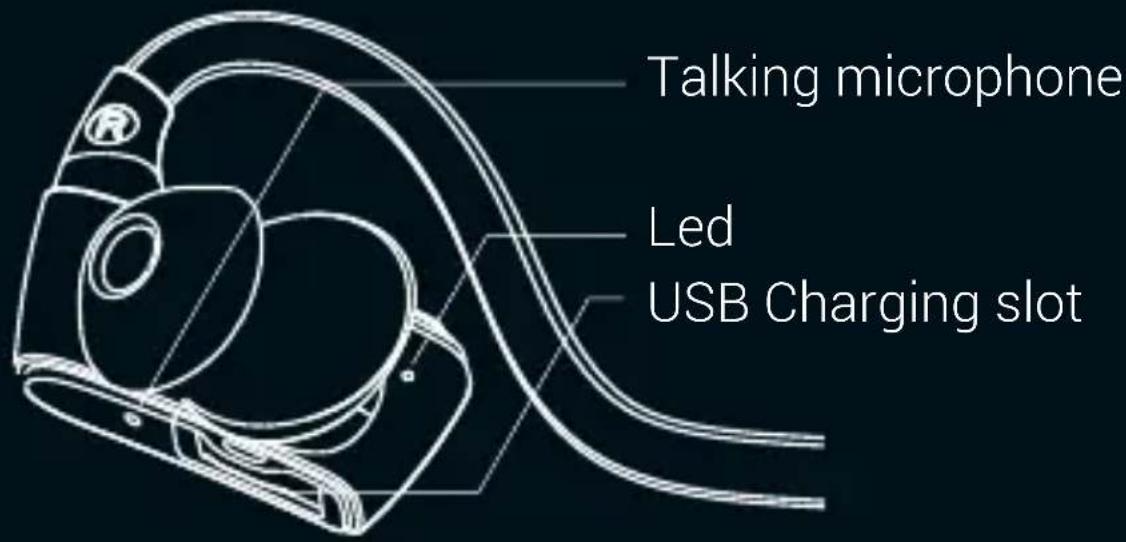
1 Open USB door, connect micro USB A to BLUESKULL and USB B to your computer, wall adapter, or car adapter
2 The light turns red while charging
The light turns blue once REDSKULL is fully charged. 2 hours for a full charge. Then, enjoy your best music up to 10 hours
CORE FEATURES
Power ON
Hold Multifunction key for 2 seconds.
Connect your device via Bluetooth.
If BLUESKULL is already paired, connection is automatic.
Power OFF
Hold Multifunction key for 3 seconds.
Reset
Hold Multifunction key, and plug USB cable to your computer.
Keep holding Multifunction up it starts.
Led status informations
| Instruction | LED status | Voice prompts |
| Power on | Stay blue about one second | Power on |
| Power off | Stay red about two second | Power off |
| Standby | Blink blue once every 5 seconds | / |
| Pairing | Flashes red and blue alternately | Pairing |
| Incoming call | Flashes blue quickly | Tinkle |
| Battery low | Blink red | Battery low |
| Charging | Stays on red while charging Stays on blue after fully charged | / |
CORETALK CONTROLS
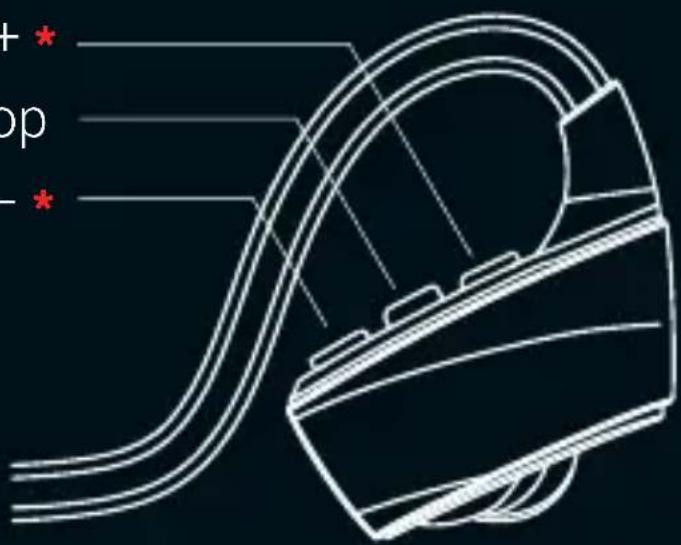
Volume + / Track + *
Multifunction key
Volume - / Track - *
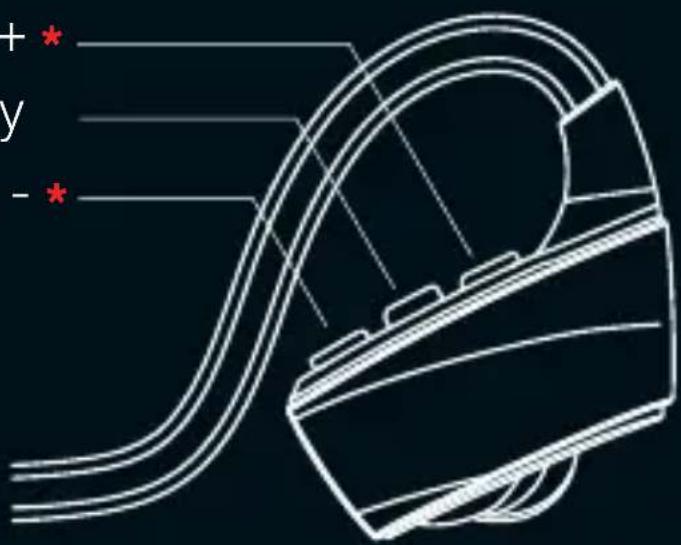
- Short press : Volume control
- Long press : Track control
WIRELESS PAIRING
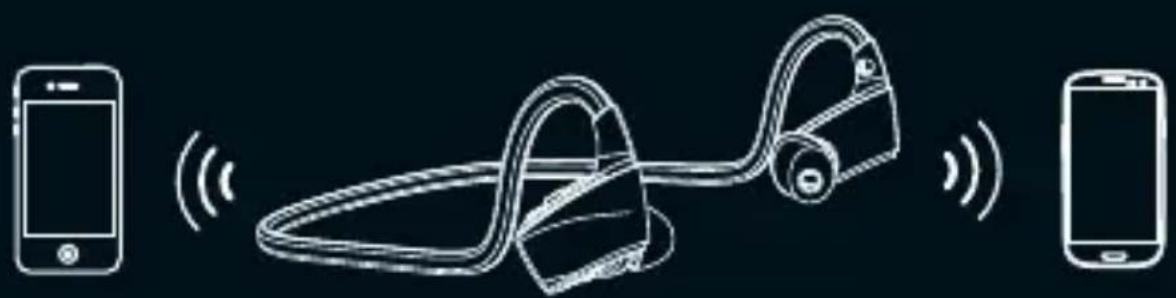
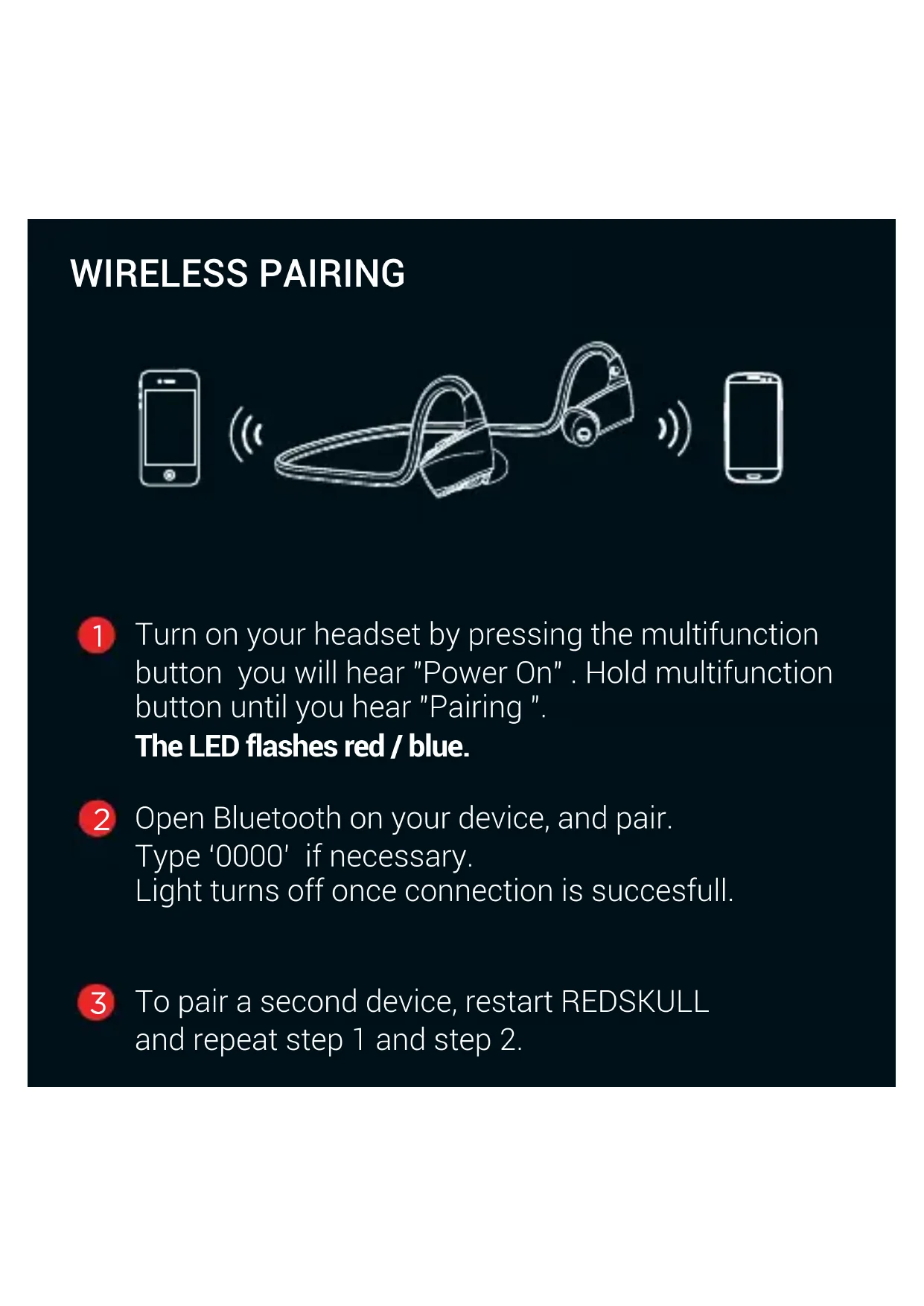
1 Turn on your headset by pressing the multifunction button you will hear "Power On". Hold multifunction button until you hear "Pairing". The LED flashes red / blue.
Open Bluetooth on your device, and pair. Type '0000' if necessary. Light turns off once connection is successful.
3 To pair a second device, restart REDSKULL and repeat step 1 and step 2.
TALK / PHONE CONTROLS
When you get a call, Music automatically stops. During the call, hold "Volume -" key 2 seconds to turn in mute mode.
Press 1 time Multifunction key to answer/end call
2 Hold 2 seconds Multifunction key to reject the call
3 Call mode: radial your last number by pressing 2 times Multifunction key
VOICE PROMPTS ON / OFF
Turn On Blueskull. Press Multifonction button until the LED flashes in red and blue.
VOICES ON : hold "volume +" button 3 seconds. The LED flashes 3 times blue.
VOICES OFF: hold "volume -" button 3 seconds. The LED flashes 3 times red.
SPECIFICATIONS
Model : DVC 4010
Warranty : 2 years
Playing time : Up to 10 hours
Charging time : 2 hours
Weight : 20 g
Bluetooth range : 10 m
Connection:Bluetooth4.1
Support : 2 devices simultaneously
Noise reduction : 6th generation cVc
Microphone : Truesound Ultra Voice Speech




"DIVACORE" "D" & "REDSKULL" are official trademarks of Divacore in France and worldwide. © 2016 Divacore

divacore.com

/divacorenomadsystem

/DivacoreNs

Divacore - 20 Rue Saint Jean - 57000 Metz - France
D
divacore* redskull
GEBRAUCHSANWEISUNG
INHALT
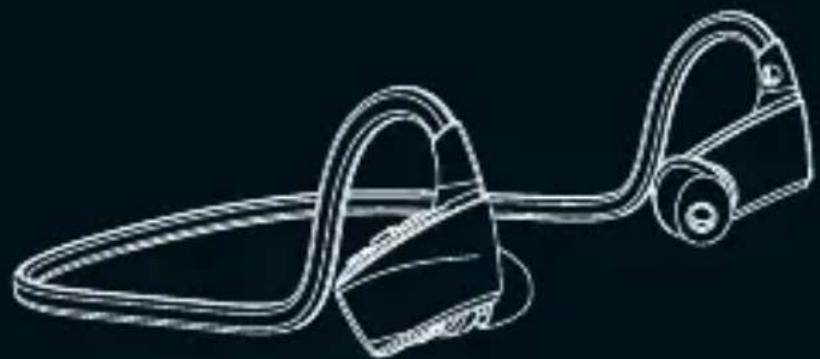

HD-Kopfhörer REDSKULL Clip
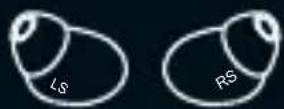

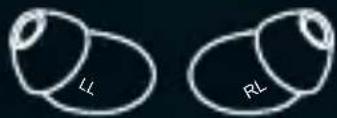
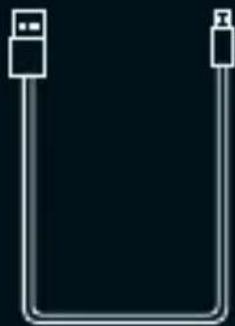
USB-Kabel / Mikro-USB *He
| Instruction | LED status | Voice prompts |
| Power on | Stay blue about one second | Power on |
| Power off | Stay red about two seconds | Power off |
| Standby | Blink blue once every 5 seconds | / |
| Pairing | Flashes red and blue alternately | Pairing |
| Incoming call | Flashes blue quickly | Tinkle |
| Battery low | Blink red | Battery low |
| Charging | Stays on red while charging | / |
| Stays on blue after fully charged |
| Instruction | LED status | Voice prompts |
| Power on | Stay blue about one second | Power on |
| Power off | Stay red about two second | Power off |
| Standby | Blink blue once every 5 seconds | / |
| Pairing | Flashes red and blue alternately | Pairing |
| Incoming call | Flashes blue quickly | Tinkle |
| Battery low | Blink red | Battery low |
| Charging | Stays on red while charging Stays on blue after fully charged | / |
FUNCTIONES AVANZADAS
| Instruction | LED status | Voice prompts |
| Power on | Stay blue about one second | Power on |
| Power off | Stay red about two seconds | Power off |
| Standby | Blink blue once every 5 seconds | / |
| Pairing | Flashes red and blue alternately | Pairing |
| Incoming call | Flashes blue quickly | Tinkle |
| Battery low | Blink red | Battery low |
| Charging | Stays on red while charging Stays on blue after fully charged | / |
FUNZIONI AVANZATE
| Instruction | LED status | Voice prompts |
| Power on | Stay blue about one second | Power on |
| Power off | Stay red about two second | Power off |
| Standby | Blink blue once every 5 seconds | / |
| Pairing | Flashes red and blue alternately | Pairing |
| Incoming call | Flashes blue quickly | Tinkle |
| Battery low | Blink red | Battery low |
| Charging | Stays on red while charging | / |
| Stays on blue after fully charged |
GEAVANCEERDE FUNCTIONS
Volume + / Spoor + *
Multifunctionele knop
Volume - / Spoor - *