ManualGo.com
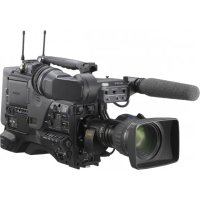
PMWF3L - Camcorder SONY - Free user manual and instructions
Find the device manual for free PMWF3L SONY in PDF.


| Feature | Details |
|---|---|
| Camcorder type | Professional camcorder |
| Sensor | Exmor CMOS sensor |
| Video resolution | 4K (3840 x 2160) |
| Recording formats | XAVC, AVCHD, DV |
| Optical zoom | 12x zoom |
| Image stabilization | Optical stabilization |
| Screen | 3.5-inch LCD screen |
| Connectivity | HDMI, USB, Wi-Fi |
| Power supply | Rechargeable lithium-ion battery |
| Weight | Approximately 1.5 kg |
| Dimensions | Approximately 15 x 15 x 30 cm |
| Maintenance | Regular lens cleaning, firmware update |
| Safety | Do not expose to water, avoid extreme temperatures |
| Included accessories | Charger, HDMI cable, user manual |
Frequently Asked Questions - PMWF3L SONY
Download the instructions for your Camcorder in PDF format for free! Find your manual PMWF3L - SONY and take your electronic device back in hand. On this page are published all the documents necessary for the use of your device. PMWF3L by SONY.
USER MANUAL PMWF3L SONY
OFF PICTURE PR OFILE
ASSIGN 6 ASSIGN 7 REC START/STOP
otion29/24fps74% High Light ND2 120min STBY
6. Indication des supports restants [M]
al. Gain SetupShutter
ype Flicker ReduceMulti
one Safety Area Center
al. Gain Setup Shutter
ype Flicker Reduce Multi
al. Gain Setup Shutter
ype Flicker Reduce Multi
al. Gain Setup Shutter
ype Flicker Reduce Multi
ASSIGN ASSIGN 5 ASSIGN 8 ASSIGN 4 AUTO
SET Set ting Interval
otion Rec ReviewMulti
atrix hi teHD Detail SEL SET
SEL SET OFF PP1: SceneA PP2: SceneB PP3: SceneC PP4: SceneD PP5: SceneE PP6: SceneF TLCS
1920/23.9P TCR 00:00:00:00 DUR 00:03:19:23
TCR 00:00:00:00 DUR 00:25:05:00
otion 29/24fps TCR 00:05:00:02 TCR 00:05:00:00 STR TCR 00:08:19:23 END DUR 00:03:20:00 CH1/CH2
al. Gain SetupShutter
ype Flicker ReduceMulti
al. Gain Setup Shutter
ype Flicker Reduce Multi
al. Gain SetupShutter
ype Flicker ReduceMulti
al. Gain SetupShutter
al. Gain Setup Shutter
ype Flicker Reduce Multi
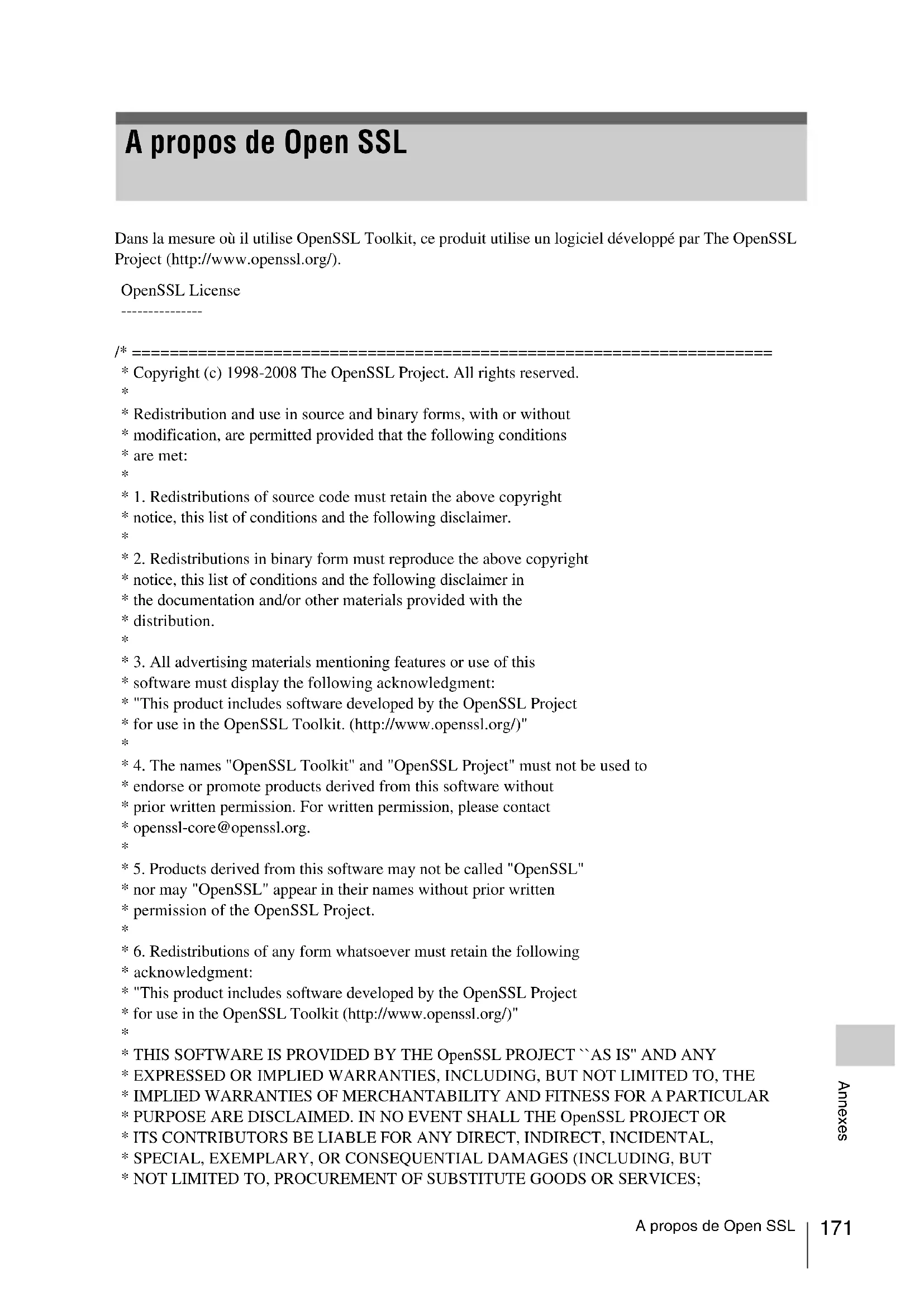
- Copyright (c) 1998-2008 The OpenSSL Project. All rights reserved.
- Redistribution and use in source and binary forms, with or without
- modification, are permitted provided that the following conditions
- 1. Redistributions of source code must retain the above copyright
- notice, this list of conditions and the following disclaimer.
- 2. Redistributions in binary form must reproduce the above copyright
- notice, this list of conditions and the following disclaimer in
- the documentation and/or other materials provided with the
- 3. All advertising materials mentioning features or use of this
- software must display the following acknowledgment:
- "This product includes software developed by the OpenSSL Project
- 4. The names "OpenSSL Toolkit" and "OpenSSL Project" must not be used to
- endorse or promote products derived from this software without
- prior written permission. For written permission, please contact
- 5. Products derived from this software may not be called "OpenSSL"
- nor may "OpenSSL" appear in their names without prior written
- permission of the OpenSSL Project.
- 6. Redistributions of any form whatsoever must retain the following
- "This product includes software developed by the OpenSSL Project
- for use in the OpenSSL Toolkit (http://www.openssl.org/)"
- EXPRESSED OR IMPLIED WARRANTIES, INCLUDING, BUT NOT LIMITED TO, THE
- SPECIAL, EXEMPLARY, OR CONSEQUENTIAL DAMAGES (INCLUDING, BUT
- ARISING IN ANY WAY OUT OF THE USE OF THIS SOFTWARE, EVEN IF ADVISED
- This product includes cryptographic software written by Eric Young
- (eay@cryptsoft.com). This product includes software written by Tim
- All rights reserved.
- This package is an SSL implementation written
- by Eric Young (eay@cryptsoft.com).
- The implementation was written so as to conform with Netscapes SSL.
- This library is free for commercial and non-commercial use as long as
- the following conditions are aheared to. The following conditions
- apply to all code found in this distribution, be it the RC4, RSA,
- lhash, DES, etc., code; not just the SSL code. The SSL documentation
- included with this distribution is covered by the same copyright terms
- except that the holder is Tim Hudson (tjh@cryptsoft.com).
- Copyright remains Eric Young's, and as such any Copyright notices in
- the code are not to be removed.
- If this package is used in a product, Eric Young should be given attribution
- as the author of the parts of the library used.
- This can be in the form of a textual message at program startup or
- in documentation (online or textual) provided with the package.
- Redistribution and use in source and binary forms, with or without
- modification, are permitted provided that the following conditions
- 1. Redistributions of source code must retain the copyright
- notice, this list of conditions and the following disclaimer.
- 2. Redistributions in binary form must reproduce the above copyright
- notice, this list of conditions and the following disclaimer in the
- documentation and/or other materials provided with the distribution.
- 3. All advertising materials mentioning features or use of this software
- must display the following acknowledgement:
- "This product includes cryptographic software written by
- Eric Young (eay@cryptsoft.com)"
- The word 'cryptographic' can be left out if the rouines from the library
- being used are not cryptographic related :-).
- 4. If you include any Windows specific code (or a derivative thereof) fromA propos de Open SSL
- the apps directory (application code) you must include an acknowledgement:
- "This product includes software written by Tim Hudson (tjh@cryptsoft.com)"
- ANY EXPRESS OR IMPLIED WARRANTIES, INCLUDING, BUT NOT LIMITED TO, THE
- DAMAGES (INCLUDING, BUT NOT LIMITED TO, PROCUREMENT OF SUBSTITUTE GOODS
OUT OF THE USE OF THIS SOFTWARE, EVEN IF ADVISED OF THE POSSIBILITY OF
- The licence and distribution terms for any publically available version or
- derivative of this code cannot be changed. i.e. this code cannot simply be
- copied and put under another distribution licence
- [including the GNU Public Licence.] */Spécifications
Users Bit 132 UTC 24