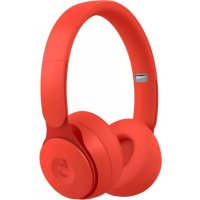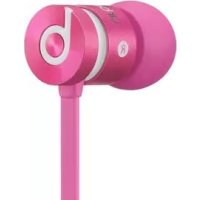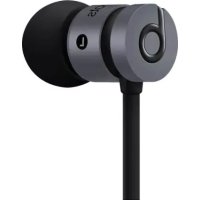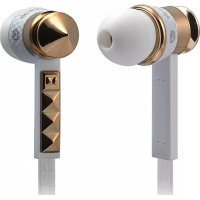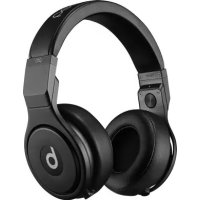
Pro O - Earphones BEATS - Free user manual and instructions
Find the device manual for free Pro O BEATS in PDF.



| Type of earphone | In-ear |
| Connectivity | Bluetooth and wired |
| Frequency response | 20 Hz - 20 kHz |
| Impedance | 32 ohms |
| Weight | 260 g |
| Battery life | Up to 12 hours |
| Sound control | Built-in touch controls |
| Included accessories | Carrying case, audio cables |
| Recommended use | Music, studio, DJ |
| Maintenance | Regular cleaning of ear tips, storage in case |
| Safety | Use at moderate volume to avoid hearing damage |
| Compatibility | Compatible with most Bluetooth devices |
| Warranty | 1 year |
Frequently Asked Questions - Pro O BEATS
User questions about Pro O BEATS
0 question about this device. Answer the ones you know or ask your own.
Ask a new question about this device
Download the instructions for your Earphones in PDF format for free! Find your manual Pro O - BEATS and take your electronic device back in hand. On this page are published all the documents necessary for the use of your device. Pro O by BEATS.
USER MANUAL Pro O BEATS
natural_image
Abstract black circular shape with a white lowercase 'b' at the center (no text or symbols)Pro
User Guide

bar
| Category | Value | |---|---| | Category 1 | 100 | | Category 2 | 100 | | Category 3 | 100 | | Category 4 | 100 | | Category 5 | 100 | | Category 6 | 100 | | Category 7 | 100 | | Category 8 | 100 | | Category 9 | 100 | | Category 10 | 100 |Table of Contents
EN Important Safety Information 2
Using the Remote Mic 5
Connect, Listen, Enjoy 7
To avoid hearing damage, make sure that the volume on your music player is turned down before connecting your headphones. After placing headphones in/on your ears, gradually turn up the volume until you reach a comfortable listening level. Noise levels are measured in decibels (dB), exposure to any noise at or above 85 dB can cause gradual hearing loss. Monitor your use; hearing loss is a function of loudness versus time. The louder it is, the less time you can be exposed to it. The softer it is, the more time you can listen to it.
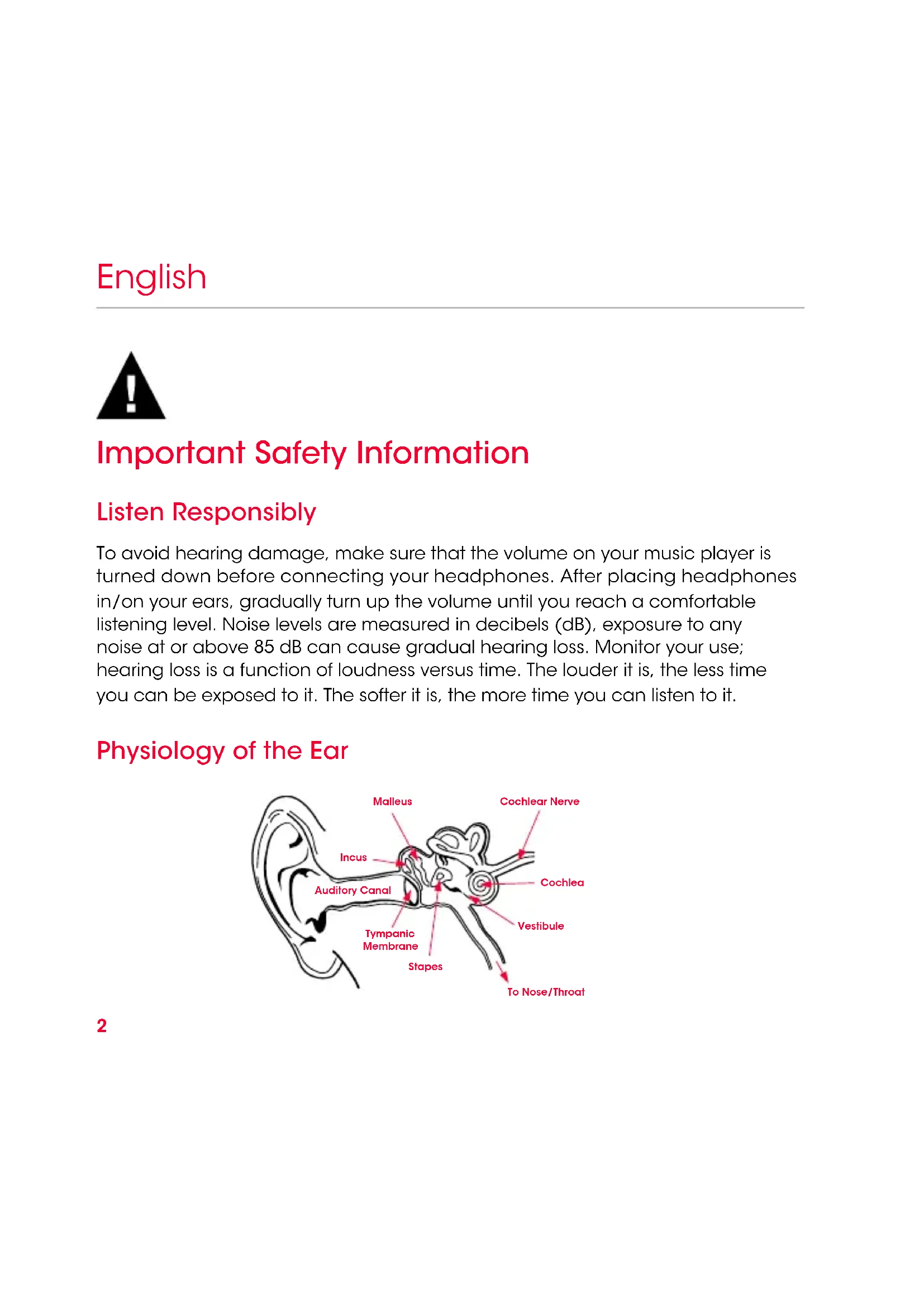
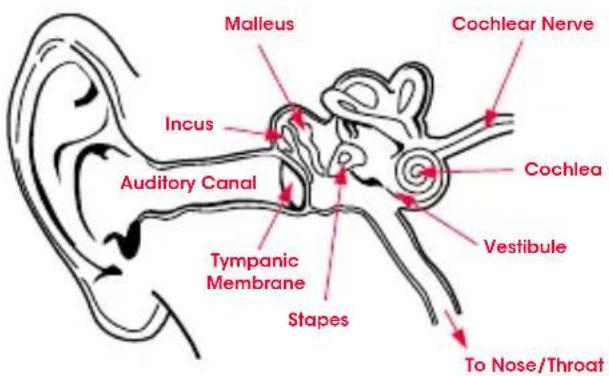
Physiology of the Ear
text_image
Malleus Cochlear Nerve Incus Auditory Canal Cochlea Vestibule Tympanic Membrane Stapes To Nose/ThroatThis decibel (dB) table compares some common sounds and shows how they rank in potential harm to hearing.
| SOUND NOISE LEVEL | (dB) | EFFECT |
| Whisper 30 Very quiet | ||
| Quiet Office 50-60 Comfortable hearing levels are under 60dB | ||
| Vacuum Cleaner, Hair Dryer | 70 Intrusive; interferes with telephone conversations | |
| Food Blender 85-90 85 dB is the level at which hearing damage (8 hrs.) begins | ||
| Garbage Truck, Cement Mixer | 100 No more than 15 minutes of unprotected exposure recommended for sounds between 90-100 dB | |
| Power Saw, Drill/Jackhammer | 110 Regular exposure to sound over 100 dB of more than 1 minute risks permanent hearing loss | |
| Rock Concert (varies) | 110-140 | Threshold of pain begins around 125 dB |
* Chart information from http://www.nidcd.nih.gov/health/education/teachers/pages/common_sounds.aspx
English
".... a typical person can safely listen to an iPod for 4.6 hours per day at 70% volume."
".... knowing the levels one is listening to music at, and for how long is extremely important."
From http://www.cbc.ca/health/story/2006/10/19/music-earphones.html
Get the most out of your equipment and enjoy great audio performance even at safe levels. Our headphones will allow you to hear more details at lower volume levels than ever before.
Use Responsibly
Do not use headphones when it's unsafe to do so—while operating a vehicle, crossing streets, or during any activity or in an environment where your full attention to your surroundings is required.
It's dangerous to drive while wearing headphones, and in many places, illegal because it decreases your chances of hearing life-saving sounds outside of your vehicle, such as another car's horn and emergency vehicle sirens. Please avoid wearing your headphones while driving. Use an FM transmitter to listen to your mobile media devices instead.
Learn how to establish a safe listening level and review other important safety guidelines from the Consumer Electronics Association at www.ce.org and the Deafness Research Foundation at www.drf.org.
English
Using the Remote Mic
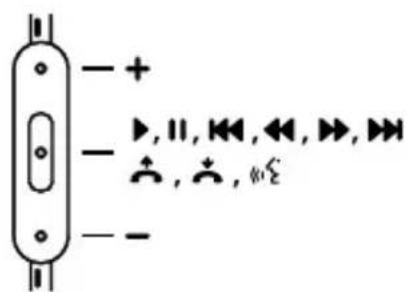
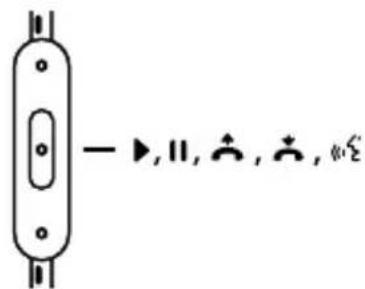
Beats Pro comes equipped with an audio cable that has a built-in remote mic feature for use with phone or music player.
Functions include:
- Play
HTC, Blackberry & AndroidiPod, iPhone & iP - Pause II
- Skip Forward/ Backward
- Scan Forward/ Backward
- Answer
- End Call
• Voice Command
• Volume Control + -
text_image
- + - ▶, ∥, ↔, ↔, ▶, ↔ + , + , ↔
Note: Functionality varies by device.
Play or pause a song or video: Press and release the center button. Repeat to resume.
Skip track or backward to next song or video: Press and release the center button twice quickly to skip forward. Press and release three times quickly to skip back.
Scan forward or backward through a song or video: In quick motion, press the center button twice, hold on the second press to scan forward. Release when you want to stop scanning. To scan backward, press the center button three times, holding on the third press.
Answer or end a call: Press and release the center button once to answer. Repeat to end the call.
Decline an incoming call: Press and hold the center button for two seconds, then release. There will be two beeps when you let go to indicate successful operation.
Voice Command: Press and hold the center button until voice activation starts up. Functionality will vary by device.
Control volume: Press the top button to increase volume. Press the bottom button to decrease volume. Functionality will vary by device.
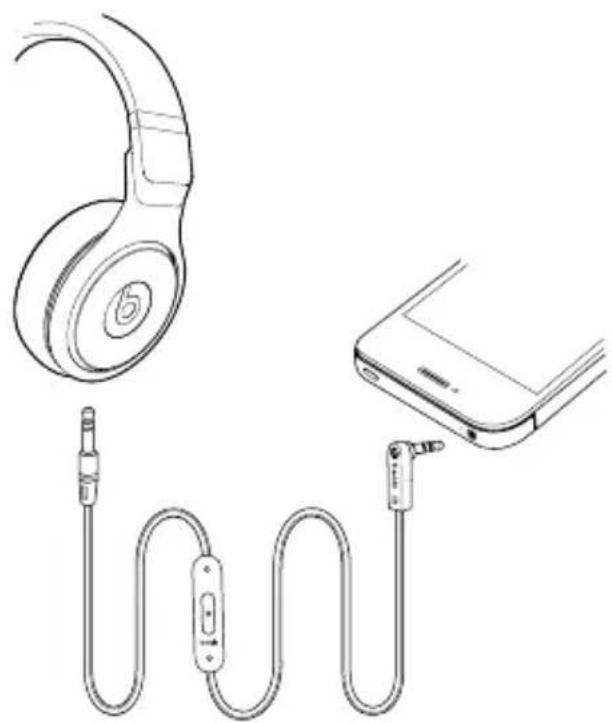
Connect, Listen and Enjoy
natural_image
Line drawing of a pair of audio/video headphones connected to a smartphone (no text or symbols)Register Your Beats Today
www.beatsbydre.com/register

Utilisation responsible
Tiré du site http://www.cbc.ca/health/story/2006/10/19/music-earphones.html
Utilisation responsible
natural_image
Line drawing of a pair of headphones connected to a smartphone via cord (no text or symbols)De http://www.cbc.ca/health/story/2006/10/19/music-earphones.html
natural_image
Line drawing of a pair of audio/video headphones connected to a smartphone (no text or symbols)Fonte http://www.cbc.ca/health/story/2006/10/19/music-earphones.html
natural_image
Line drawing of a pair of audio/video headphones connected to a smartphone (no text or symbols)Beats Electronics, LLC
1601 Cloverfield Blvd
Suite 5000N
Santa Monica
CA 90404
beats by dr. dre.
771-00012-01-C