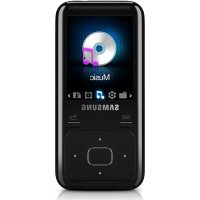
YPZ3CW - Mp3 player SAMSUNG - Free user manual and instructions
Find the device manual for free YPZ3CW SAMSUNG in PDF.

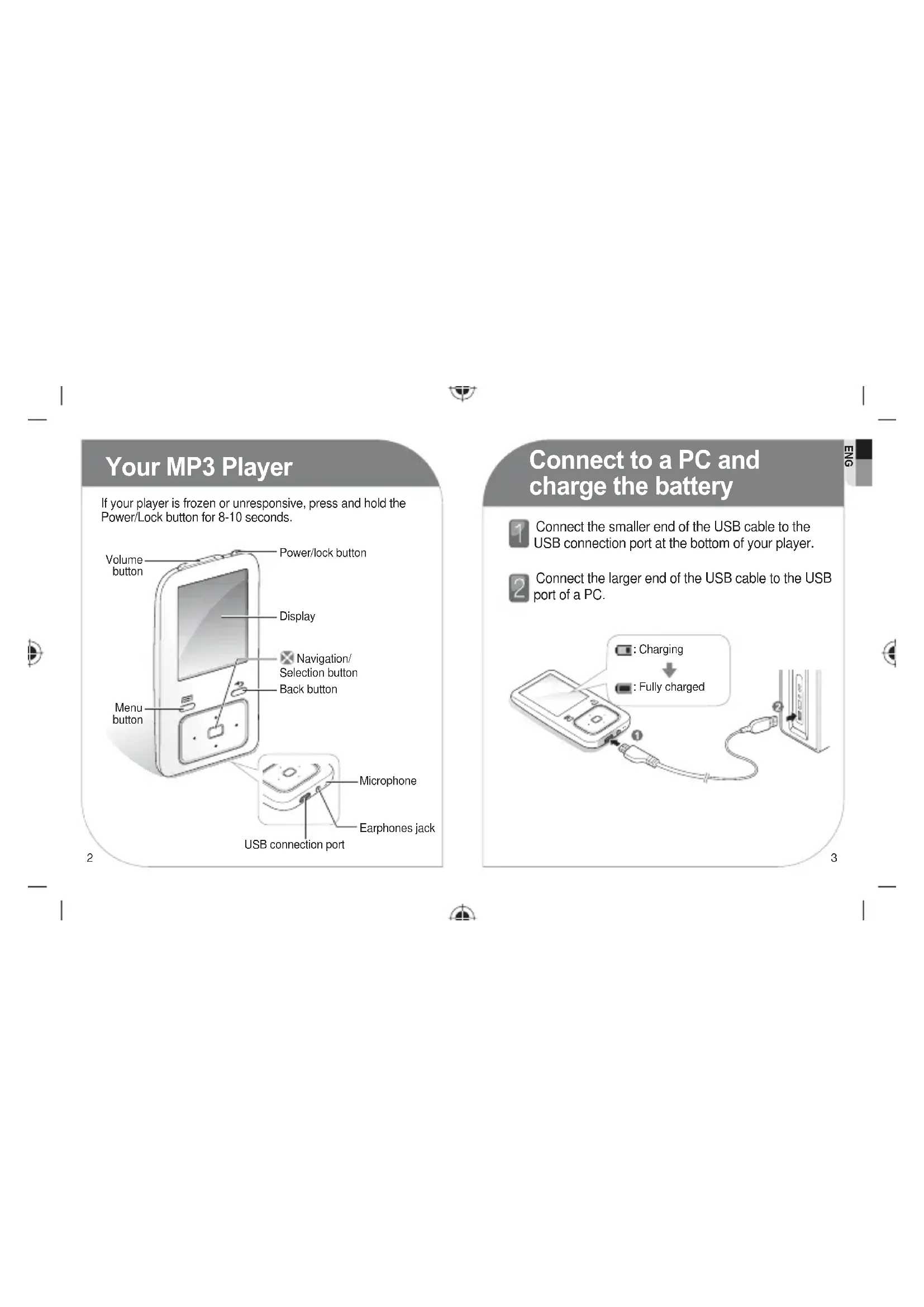

| Product type | Digital MP3 player |
| Brand | Samsung |
| Model | YPZ3CW |
| Dimensions (approx.) | 4.5 x 8.0 x 1.5 cm |
| Weight (approx.) | 50 g |
| Power source | Rechargeable lithium-ion battery, charging via micro-USB port |
| Battery life | Up to 12 hours of audio playback |
| Storage capacity | Internal (capacity not specified, likely 4 GB or 8 GB) |
| Supported audio formats | MP3, WMA, WAV, OGG, FLAC (according to standard model) |
| Supported video formats | WMV, AVI (playback possible via conversion) |
| Display | Color LCD screen (size and resolution not specified) |
| Main functions | Audio playback, video playback, FM radio, voice recording, photo viewing |
| Connectivity | USB 2.0 via micro-USB, 3.5 mm headphone jack |
| PC software | Samsung Kies (installation from the player) |
| Care and cleaning | Clean with a soft, dry cloth. Do not use chemical products. |
| Safety | Do not use at high volume for extended listening. Keep out of reach of children. |
| Spare parts and repairability | USB cable available as spare part. Battery non-removable. |
| General information | User manual included in device memory. Quick start guide provided. |
Frequently Asked Questions - YPZ3CW SAMSUNG
User questions about YPZ3CW SAMSUNG
0 question about this device. Answer the ones you know or ask your own.
Ask a new question about this device
Download the instructions for your Mp3 player in PDF format for free! Find your manual YPZ3CW - SAMSUNG and take your electronic device back in hand. On this page are published all the documents necessary for the use of your device. YPZ3CW by SAMSUNG.
USER MANUAL YPZ3CW SAMSUNG
Digital Media Player
SAMSUNG

- The user manual and the installation program are stored in your player. Refer to page 4.
- Fully charge the battery before using your player for the first time.
natural_image
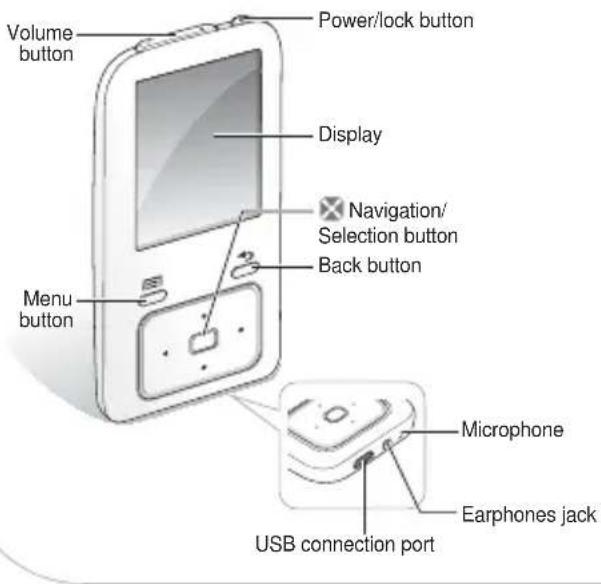
Illustration of a handheld electronic device with a screen and control buttons (no text or symbols)Your MP3 Player
If your player is frozen or unresponsive, press and hold the Power/Lock button for 8-10 seconds.
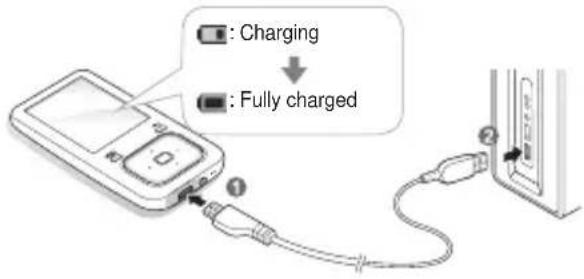
Connect to a PC and charge the battery

Connect the smaller end of the USB cable to the USB connection port at the bottom of your player.

Connect the larger end of the USB cable to the USB port of a PC.
Install PC program and view user manual
You can view the user manual and install the PC program (Kies) on your PC.

Connect your player to a PC using the USB cable.

On your PC, double click

Click
When the installation is completely done, you can remove the
Download fi les

Connect your player to a PC using the USB cable.

On your PC, open

Select a folder you want.

Copy files from the PC to your player.
\* Note
- Before disconnecting your player from a PC, first perform the safely remove hardware process. The process may vary depending on your PC's operating system.
Play video fi les
In the main menu, select
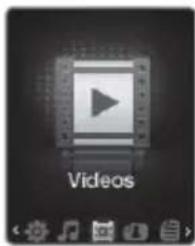
2 Select a video file from the list.
During playback, use the following controls:
| To Do this | |
| Skip to the previous fi le or the next fi le | Press [IMAGE] |
| Search backward or forward in a fi le | Press and hold [IMAGE] |
| Pause or resume playback | Press [IMAGE] |
YP-Z3
natural_image
Illustration of a handheld electronic device with a screen and control buttons (no text or symbols)Votre lecteur MP3

Brand : SAMSUNG
Model : YPZ3CW
Category : Mp3 player