 ManualGo.com
EBPG950 - Smartphone SAMSUNG - Free user manual and instructions
Find the device manual for free EBPG950 SAMSUNG in PDF.



Download the instructions for your Smartphone in PDF format for free! Find your manual EBPG950 - SAMSUNG and take your electronic device back in hand. On this page are published all the documents necessary for the use of your device. EBPG950 by SAMSUNG.
USER MANUAL EBPG950 SAMSUNG
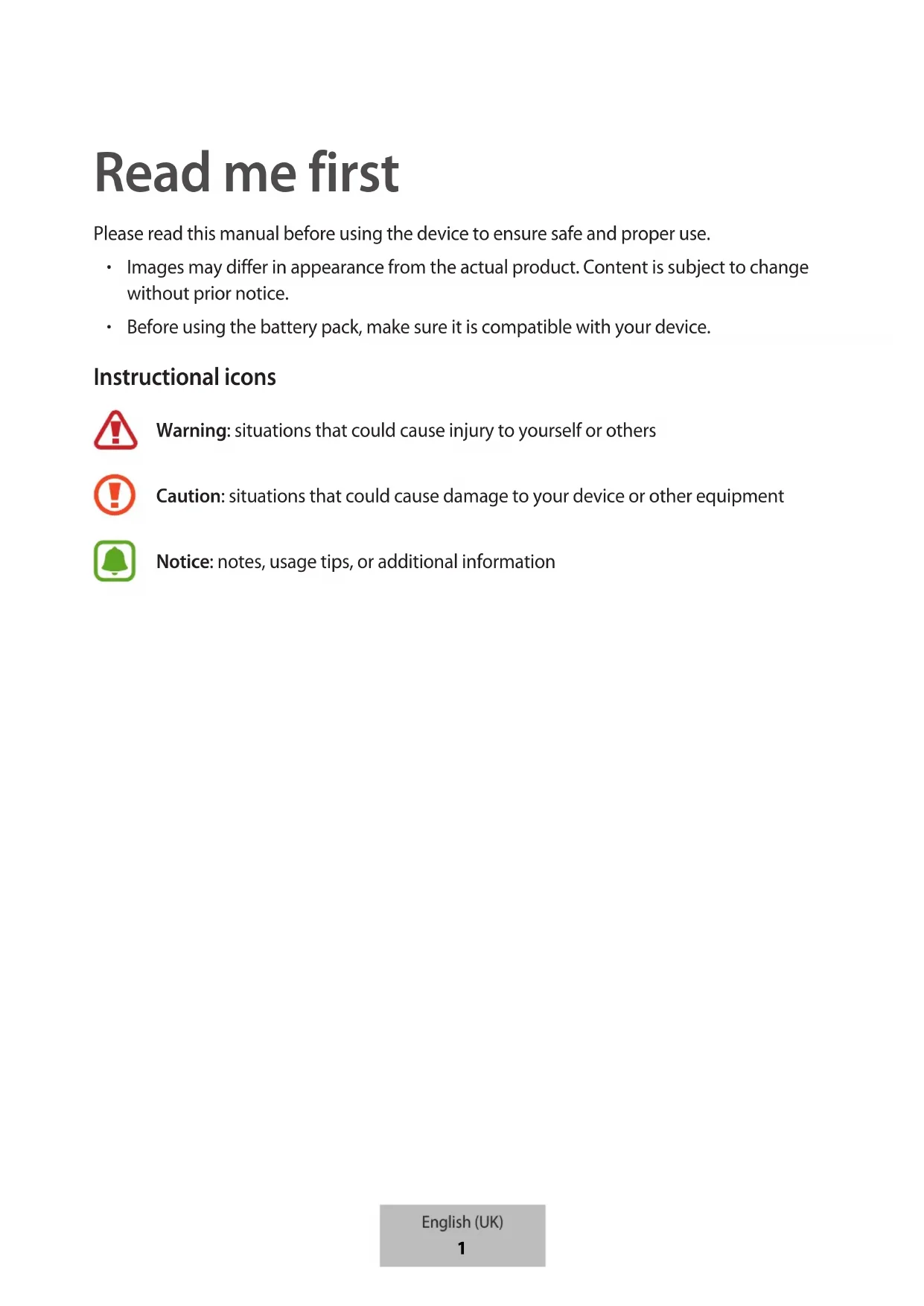
Français (Canada) Português (Brasil) 한국어3 Read me first Please read this manual before using the device to ensure safe and proper use.
Images may differ in appearance from the actual product. Content is subject to change without prior notice.
Before using the battery pack, make sure it is compatible with your device. Instructional icons
Warning: situations that could cause injury to yourself or others
Caution: situations that could cause damage to your device or other equipment Notice: notes, usage tips, or additional information English (UK)
Getting started Package contents Check the product box for the following items:
The items supplied with the device and any available accessories may vary depending on the region or service provider.
The supplied items are designed only for this device and may not be compatible with other devices.
Appearances and specifications are subject to change without prior notice.
You can purchase additional accessories from your local Samsung retailer. Make sure they are compatible with the device before purchase.
Use only Samsung-approved accessories. Using unapproved accessories may cause the performance problems and malfunctions that are not covered by the warranty.
Availability of all accessories is subject to change depending entirely on manufacturing companies. For more information about available accessories, refer to the Samsung website. English (UK) 2Getting started
Device layout Strap USB charger port Charger port Reset/Battery Level button Indicator light Micro USB connector USB cable Charging the battery Battery charging tips and precautions
You can charge the battery pack using the charger (sold separately).
Depending on the type of charger you are using, you may need to use the Micro USB connector.
Using a power source other than the charger, such as a computer, may result in a slower charging speed due to a lower electric current.
The battery pack can be used while it is charging, but it may take longer to fully charge the battery.
While charging, the battery pack may heat up. This is normal and should not affect the battery pack’s lifespan or performance. If the battery gets hotter than usual, the charger may stop charging. English (UK) 3Getting started
The actual capacity (Wh) is measured based on the battery’s output current and voltage. It may differ from the capacity (Wh) indicated on the device, depending on the output power condition, the connected device’s circuit configuration, and the operation environment.
If the battery pack is not charging properly, take the battery pack and the charger to a Samsung Service Centre. Charging Charge the battery before using the battery pack for the first time or when the battery pack has been unused for extended periods.
Use only Samsung-approved chargers. Unapproved chargers can cause the battery to explode or damage the battery pack.
To use Fast charging on your device, connect it to a battery charger that supports Adaptive fast charging.
Connect the battery pack to a charger. Connecting the charger improperly may cause serious damage to the battery pack. Any damage caused by misuse is not covered by the warranty. English (UK) 4Getting started
After fully charging, disconnect the battery pack from the charger.
To save energy, unplug the charger when not in use. The charger does not have a power switch, so you must unplug the charger from the electric socket when not in use to avoid wasting power. The charger should remain close to the electric socket and easily accessible while charging.
The socket-outlet shall be installed near the equipment and shall be easily accessible. Checking the remaining battery power Check the remaining battery power by pressing the Reset/Battery Level button. The indicator lights alerts you to the remaining battery power. 100% 0% English (UK)
Using the battery pack Charging the mobile device
Connect one end of the USB cable to the battery pack’s USB charger port. Then, plug the other end of the USB cable into the mobile device’s multipurpose jack.
After the mobile device is fully charged, disconnect the USB cable from both devices.
Depending on your mobile device’s multipurpose jack, you may need to use the Micro USB connector.
To begin fast charging, connect a mobile device that supports fast charging to the battery pack.
If the mobile device is not charging after being connected to the battery pack, press the Reset/Battery Level button.
If the battery pack encounters an error, such as displaying a full indicator light when the connected mobile device is not fully charged, press the Reset/Battery Level button for more than 7 seconds.
The battery pack is an auxiliary external battery. It may not fully charge some mobile devices.
If the battery pack is exposed to extremely hot or cold temperatures or an error occurs, the indicator light will flash white. Disconnect the mobile device from the battery pack, and then reconnect them. English (UK) 6Using the battery pack
Checking the charging status The indicator light alerts you to the connected mobile device’s charging status. Status Indicator light Charging 100% 0% Fully charged 100% 0% English (UK) 7Copyright Copyright © 2017 Samsung Electronics This manual is protected under international copyright laws. No part of this manual may be reproduced, distributed, translated, or transmitted in any form or by any means, electronic or mechanical, including photocopying, recording, or storing in any information storage and retrieval system, without the prior written permission of Samsung Electronics. Trademarks
SAMSUNG and the SAMSUNG logo are registered trademarks of Samsung Electronics.
All other trademarks and copyrights are the property of their respective owners. English (UK)
Read me first Please read this manual before using the device to ensure safe and proper use.
Images may differ in appearance from the actual product. Content is subject to change without prior notice.
Before using the battery pack, make sure it is compatible with your device. Instructional icons
Warning: situations that could cause injury to yourself or others
Caution: situations that could cause damage to your device or other equipment Notice: notes, usage tips, or additional information English (USA)
Getting started Package contents Check the product box for the following items:
The items supplied with the device and any available accessories may vary depending on the region or service provider.
The supplied items are designed only for this device and may not be compatible with other devices.
Appearances and specifications are subject to change without prior notice.
You can purchase additional accessories from your local Samsung retailer. Make sure they are compatible with the device before purchase.
Use only Samsung-approved accessories. Using unapproved accessories may cause the performance problems and malfunctions that are not covered by the warranty.
Availability of all accessories is subject to change depending entirely on manufacturing companies. For more information about available accessories, refer to the Samsung website. English (USA) 2Getting started
Device layout Strap USB charger port Charger port Reset/Battery Level button Indicator light Micro USB connector USB cable Charging the battery Battery charging tips and precautions
You can charge the battery pack using the charger (sold separately).
Depending on the type of charger you are using, you may need to use the Micro USB connector.
Using a power source other than the charger, such as a computer, may result in a slower charging speed due to a lower electric current.
The battery pack can be used while it is charging, but it may take longer to fully charge the battery.
While charging, the battery pack may heat up. This is normal and should not affect the battery pack’s lifespan or performance. If the battery gets hotter than usual, the charger may stop charging. English (USA) 3Getting started
The actual capacity (Wh) is measured based on the battery’s output current and voltage. It may differ from the capacity (Wh) indicated on the device, depending on the output power condition, the connected device’s circuit configuration, and the operation environment.
If the battery pack is not charging properly, take the battery pack and the charger to a Samsung Service Center. Charging Charge the battery before using the battery pack for the first time or when the battery pack has been unused for extended periods.
Use only Samsung-approved chargers. Unapproved chargers can cause the battery to explode or damage the battery pack.
To use Fast charging on your device, connect it to a battery charger that supports Adaptive fast charging.
Connect the battery pack to a charger. Connecting the charger improperly may cause serious damage to the battery pack. Any damage caused by misuse is not covered by the warranty. English (USA) 4Getting started
After fully charging, disconnect the battery pack from the charger. To save energy, unplug the charger when not in use. The charger does not have a power switch, so you must unplug the charger from the electric socket when not in use to avoid wasting power. The charger should remain close to the electric socket and easily accessible while charging. Checking the remaining battery power Check the remaining battery power by pressing the Reset/Battery Level button. The indicator lights alerts you to the remaining battery power. 100% 0% English (USA)
Using the battery pack Charging the mobile device
Connect one end of the USB cable to the battery pack’s USB charger port. Then, plug the other end of the USB cable into the mobile device’s multipurpose jack.
After the mobile device is fully charged, disconnect the USB cable from both devices.
Depending on your mobile device’s multipurpose jack, you may need to use the Micro USB connector.
To begin fast charging, connect a mobile device that supports fast charging to the battery pack.
If the mobile device is not charging after being connected to the battery pack, press the Reset/Battery Level button.
If the battery pack encounters an error, such as displaying a full indicator light when the connected mobile device is not fully charged, press the Reset/Battery Level button for more than 7 seconds.
The battery pack is an auxiliary external battery. It may not fully charge some mobile devices.
If the battery pack is exposed to extremely hot or cold temperatures or an error occurs, the indicator light will flash white. Disconnect the mobile device from the battery pack, and then reconnect them. English (USA) 6Using the battery pack
Checking the charging status The indicator light alerts you to the connected mobile device’s charging status. Status Indicator light Charging 100% 0% Fully charged 100% 0% English (USA) 7Copyright Copyright © 2017 Samsung Electronics This manual is protected under international copyright laws. No part of this manual may be reproduced, distributed, translated, or transmitted in any form or by any means, electronic or mechanical, including photocopying, recording, or storing in any information storage and retrieval system, without the prior written permission of Samsung Electronics. Trademarks
SAMSUNG and the SAMSUNG logo are registered trademarks of Samsung Electronics.
All other trademarks and copyrights are the property of their respective owners. English (USA)