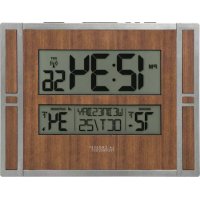
BBB86088V2 - Clock LA CROSSE TECHNOLOGY - Free user manual and instructions
Find the device manual for free BBB86088V2 LA CROSSE TECHNOLOGY in PDF.



| Product Type | Atomic Digital Wall Clock with Indoor/Outdoor Temperature |
| Brand | La Crosse Technology |
| Model | BBB86088V2 |
| Clock Dimensions | 27.94 x 2.79 x 21.69 cm (11 x 1.10 x 8.54 inches) |
| Outdoor Sensor Dimensions (TX141-Bv2) | 3.98 x 2.08 x 12.98 cm (1.57 x 0.82 x 5.11 inches) |
| Clock Power Supply | 2 AA (LR6) batteries not included |
| Sensor Power Supply | 2 AA (LR6) batteries not included |
| Battery Life | Over 12 months |
| Indoor Temperature Range | 0 °C to 50 °C (32 °F to 122 °F) |
| Outdoor Temperature Range | -40 °C to 60 °C (-40 °F to 140 °F) |
| Temperature Update Frequency | Every 51 seconds |
| Wireless Transmission Range | Up to 100 meters (330 feet) in open air |
| Atomic Time Signal Reception | WWVB (60 kHz) with automatic search (7:00, 8:00, 9:00, 10:00, 11:00) and manual |
| Available Time Zones | Atlantic, Eastern, Central, Mountain, Pacific, Alaska, Hawaii |
| Display | Time (12/24h), date, indoor/outdoor temperature, DST indicator, alarm, trends |
| Main Functions | Alarm with snooze (10 min), daylight saving time indicator, temperature trend arrows, manual atomic signal and sensor search |
| Mounting | Wall (3 holes) or on stand (included) |
| Care and Cleaning | Clean with a soft, dry cloth. Do not use abrasive cleaners. Remove batteries if not in use for extended periods. |
| Safety | Do not mix old and new batteries, or different types. Observe polarity. Keep out of reach of children. |
| Warranty | Limited one-year warranty from date of purchase |
| Customer Service | Phone: 1-608-782-1610, online: www.lacrossetechnology.com/support |
| Regulatory Information | FCC Part 15 Class B compliant |
Frequently Asked Questions - BBB86088V2 LA CROSSE TECHNOLOGY
User questions about BBB86088V2 LA CROSSE TECHNOLOGY
0 question about this device. Answer the ones you know or ask your own.
Ask a new question about this device
Download the instructions for your Clock in PDF format for free! Find your manual BBB86088V2 - LA CROSSE TECHNOLOGY and take your electronic device back in hand. On this page are published all the documents necessary for the use of your device. BBB86088V2 by LA CROSSE TECHNOLOGY.
USER MANUAL BBB86088V2 LA CROSSE TECHNOLOGY
Atomic Digital Wall Clock with Indoor/Outdoor Temperature
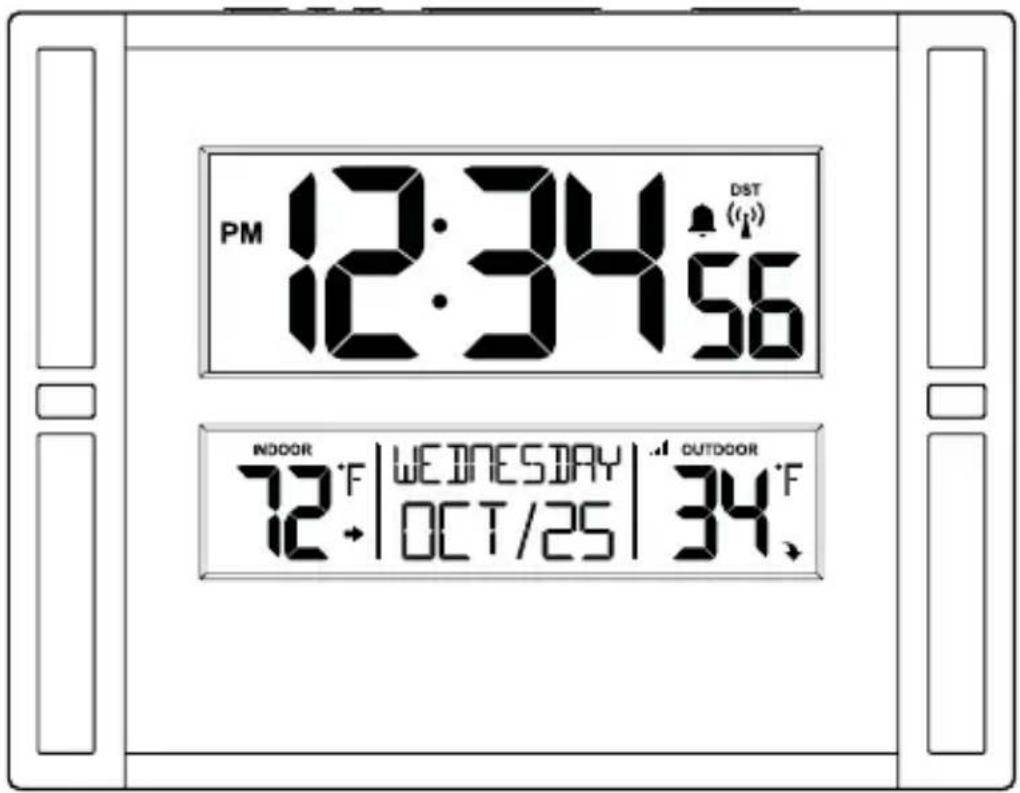
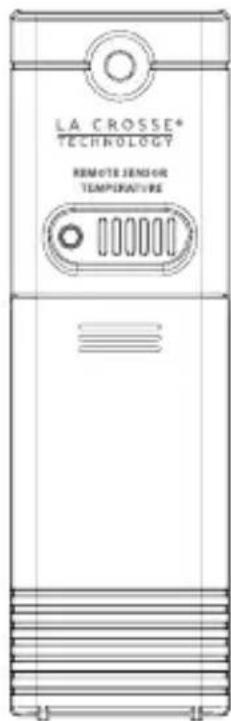
Model: BBB86088
Instruction Manual
DC: 103017
Welcome to the La Crosse Technology® family!
We hope you enjoy your new Atomic Clock.
Table of Contents
2 Let's Get Started
3 Basic Settings
4 Fahrenheit | Celsius
5 LCD Features
5 Daylight Saving Time Indicator
6 Atomic Time - WWVB Signal
6 Time Alarm
7 Activate | Deactivate Alarm
7 Snooze
7 Sensor Reception and Search
8 Temperature Trend Arrows
8 Position TX141-Bv2 Sensor
8 Low Battery
9 Let's Get Social
9 Care and Maintenance
9 Warranty and Support
10 Specifications
11 FCC Statement
Lets Get Started
- Insert 2 AA batteries into your sensor.
The red LED light will flash when your sensor transmits.
The TX button lets you manually transmit a signal.
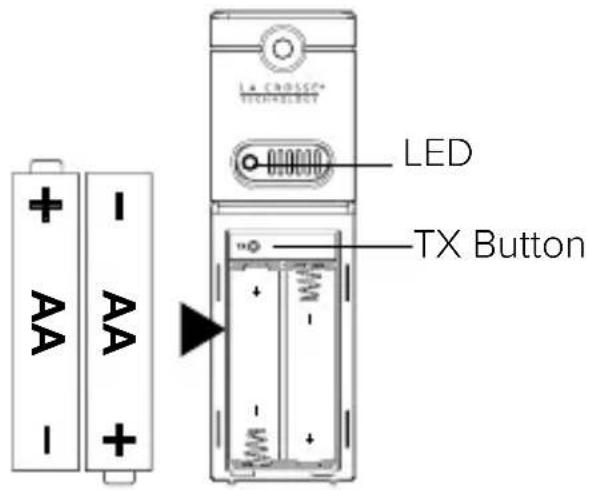
- Insert 2 AA batteries into your clock.
- Configure basic settings.
- After 5 minutes, place your sensor outside in a shaded location.
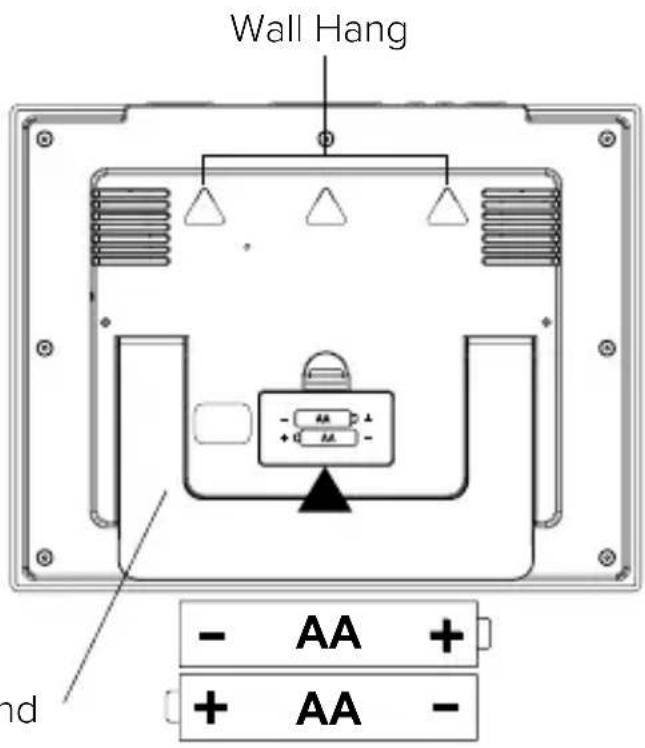
Pullout Stand
- Mount your clock on the wall with the 3 holes on the back, or use the pullout stand to place your clock on a desk or counter.
Basic Settings
- Hold the ^ F / ^ button 3 seconds to enter settings mode.
- Press the + or - button to adjust the flashing values, hold to adjust quickly.
- Press the ^ F / ^ button to confirm adjustments and move to the next item.
- Press the SNOOZE button at any time to exit.
Settings menu order:
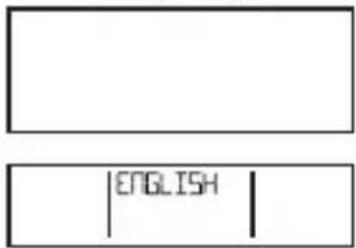
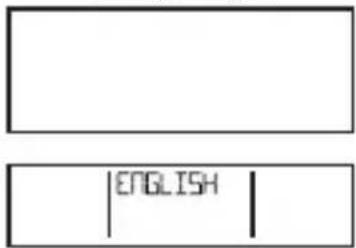
- Language (English, Espanol, Frangois)
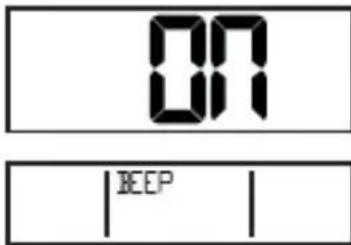
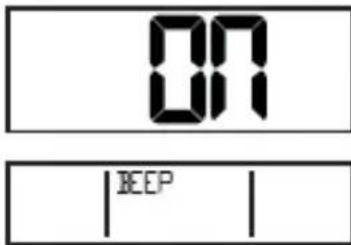
- Beep ON/OFF
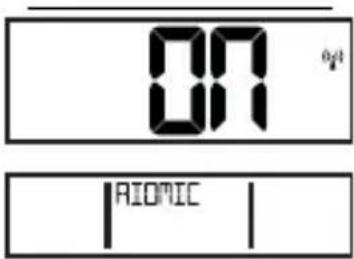
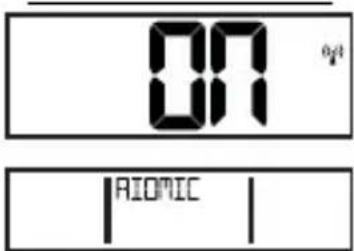
- Atomic ON/OFF
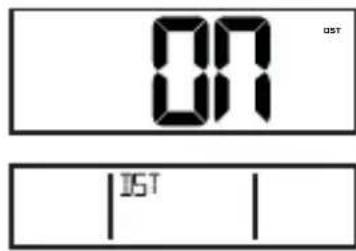
- DST ON/OFF
Time Zone
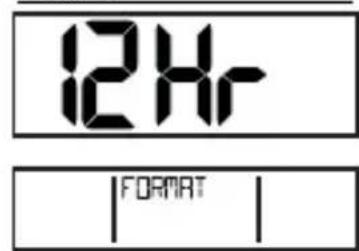
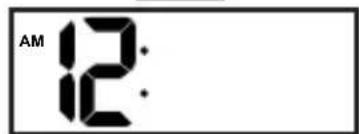
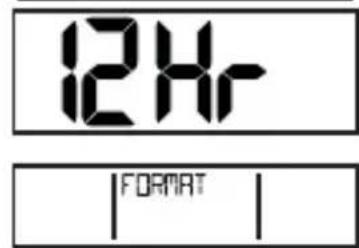
12/24 Hour Format
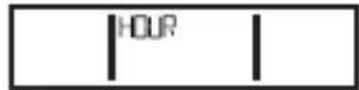
Hour
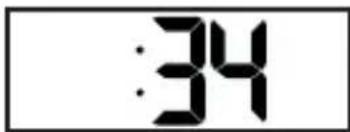
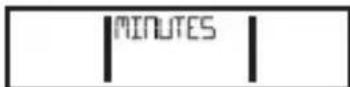
Minutes
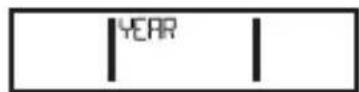
Year
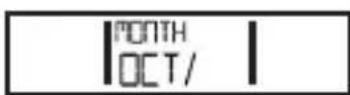
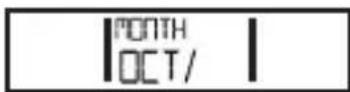
Month
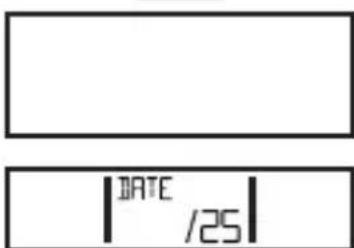
- Date
Note: When Espanol or Francais are selected, the settings menu will continue in the language selected.
Time Zones
Zone AST - Atlantic
Zone EST - Eastern
Zone CST - Central
Zone MST - Mountain
Zone PST - Pacific
Zone AKT - Alaska
Zone HAT - Hawaii
Language Beep ON | OFF Atomic ON | OFF
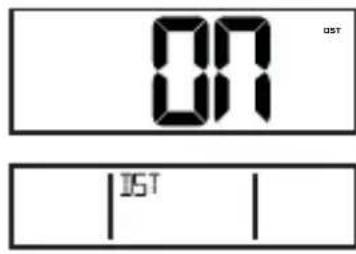
DST ON | OFF
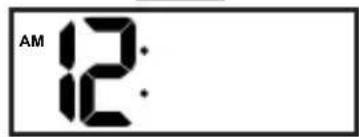
Hour
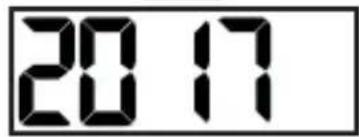
Year
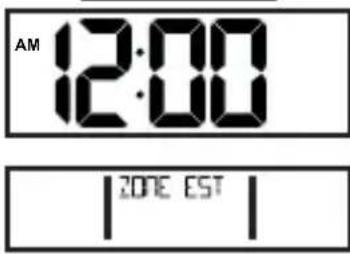
Time Zone 12/24 Hour Format
Minutes
Month Date
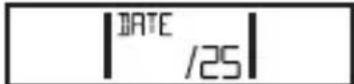
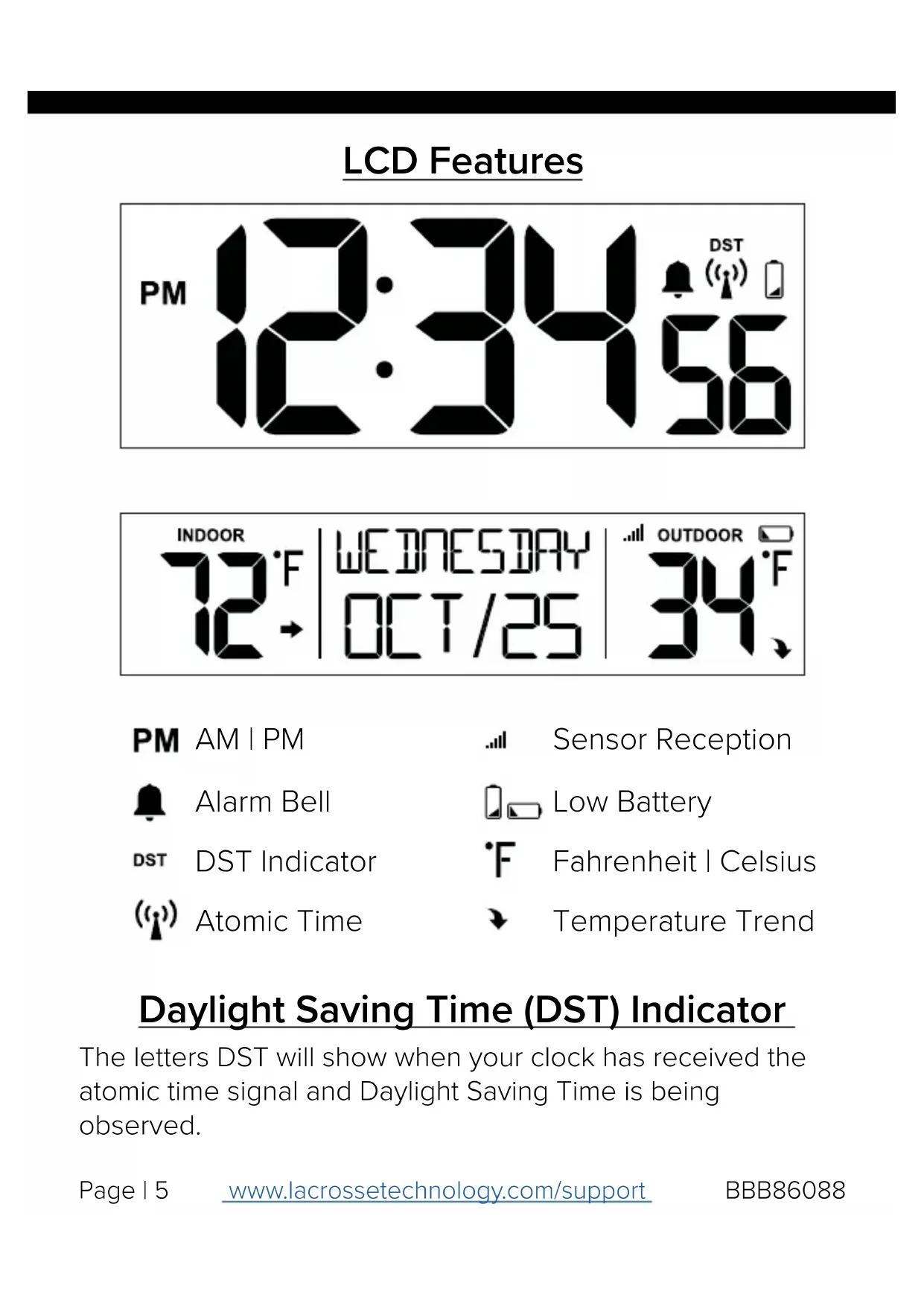
The letters DST will show when your clock has received the atomic time signal and Daylight Saving Time is being observed.
Atomic Time -WWVB Signal (1)
- Your clock will search for the atomic signal at UTC 7:00, 8:00, 9:00, 10:00, and 11:00.
- If there is no WWWVB signal reception, your clock will search every 2 hours until the WWWVB time is received.
- The atomic time signal icon (tower) will flash while searching, and be solid when connected.
- Hold the MINUS button for 3 seconds to manually search for the WWVB atomic time signal.
- For information about WWVB visit: http://bit.ly/AtomicTime
Time Alarm
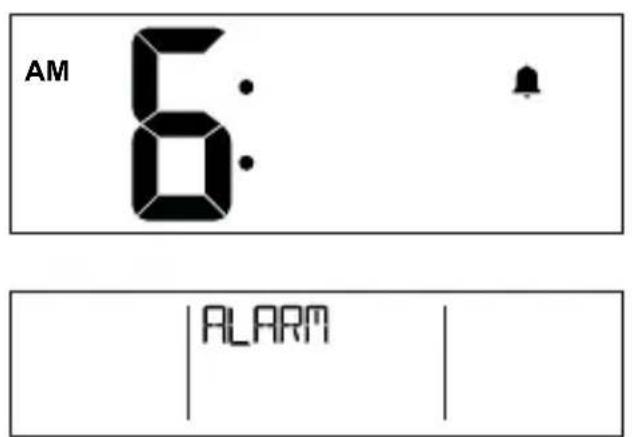
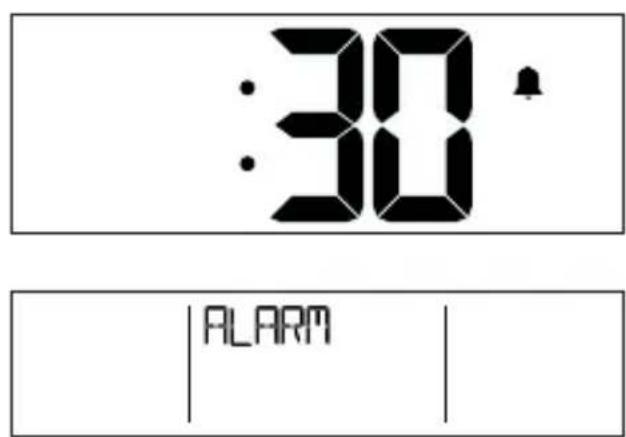
- Hold the ALARM button 3 seconds to enter alarm mode.
- Press the + or - button to adjust the flashing values, hold to adjust quickly.
- Press the ALARM button to confirm adjustments and move to the next item.
- Press the SNOOZE button at any time to exit.
Activate | Deactivate Alarm
- The alarm is active when set. From normal time display, press and release the ALARM button to deactivate or activate the alarm.
- Alarm icon (bell) will show then active.

Snoopze
- When your alarm sounds, press the SNOOZE button to silence alarm for 10 minutes. The alarm bell will flash.
- Press any button except SNOOZE to silence the alarm for 24 hours.
Sensor Reception & Search .III
- If the signal is lost, your clock will display the LAST DATA recorded from the sensor for 10 minutes.
- After that 10 minutes if the signal does not come back dashes will show for outdoor temperature.
- After 30 minutes, your clock will automatically search for the sensor.
- Hold the PLUS button for 3 seconds to manually search for your outdoor sensor.
- The sensor reception icon will flash while searching.
- The icon will be solid when the sensor is connected.
Temperature Trend Arrows
- The trend arrows indicate changes in your temperature (2^, 1^) over the past hour.
- They update every 15 minutes and compare data from exactly one hour prior.

Position TX141-Bv2 Sensor
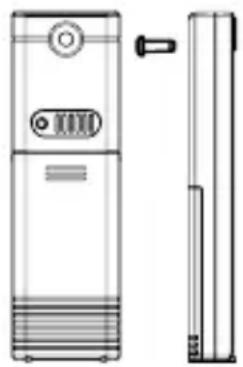
- Mount your sensor with the hole at the top: Either hang it from the back using a nail, or insert one mounting screw through the front.
- Mount your sensor on a north-facing wall or in any shaded area. Under an eave or deck rail is preferred.
- The maximum wireless transmission range to your clock is over 330 feet (100 meters) in open air, not including walls or floors.
- Be sure the sensor is mounted vertically, to allow moisture to drain out properly.
- Watch sensor mounting video: http://bit.ly/TH_SensorMounting
Low Battery

- When the low battery icon appears by the time, replace the batteries in your clock.
- When the low battery icon appears by the outdoor temperature, replace the batteries in your sensor.
Let's Get Social
JOIN THE CONVERSATION
Ask questions, watch detailed setup videos, and provide feedback on our social media channels!



Care and Maintenance
- Do not mix old and new batteries
- Do not mix Alkaline, Standard, Lithium or Rechargeable Batteries
- Always purchase the correct size and grade of battery most suitable for intended use.
- Replace all batteries of a set at the same time.
- Clean the battery contacts and also those of the device prior to battery installation.
- Ensure the batteries are installed with correct polarity (+ and -).
- Remove batteries from equipment when it is not to be used for an extended period of time.
- Promptly remove expired batteries.
Warranty and Support
La Crosse Technology, Ltd. provides a 1-year limited time warranty (from date of purchase) on this product relating to manufacturing defects in materials & workmanship.
Before returning a product, please contact our friendly customer support or visit our online help:
Phone: 1-608-782-1610
Online: www.lacrossetechnology.com/support
Specifications
Temperature
Indoor Range: 32^ F to 122^ F ( 0^ C to 50^ C )
Outdoor Range: -40°F to 140°F (-40°C to 60°C)
Transmission Range: 300 feet (91 meters) open air
Update Interval: Every 51 seconds
Power
Clock: 2 AA LR6, IEC batteries
TX141-Bv2 Sensor: 2 AA LR6, IEC batteries
Batteries not included
Battery Life: Over 12 months
Dimensions
Clock: 11.02" L x 1.10" W x 8.54" H (28.00 L x 2.80 W x 21.70 H cm)
TX141-Bv2 Sensor: 1.57" L x 0.82" W x 5.11" H (3.98 L x 2.08 W x 12.98 H cm)
FCC Statement
This equipment has been tested and found to comply with the limits for a Class B digital device, pursuant to part 15 of the FCC Rules. These limits are designed to provide reasonable protection against harmful interference in a residential installation. This equipment generates, uses, and can radiate radio frequency energy, and if not installed and used in accordance with the instructions, may cause harmful interference to radio communications. However, there is no guarantee that interference will not occur in a particular installation. If this equipment does cause harmful interference to radio or television reception, which can be determined by turning the equipment off and on, the user is encouraged to try to correct the interference by one or more of the following measures:
- Reorient or relocate the receiving antenna.
- Increase the separation between the equipment and receiver.
- Connect the equipment into an outlet on a circuit different from that to which the receiver is connected.
- Consult the dealer or an experienced radio/TV technician for help.
This device must not be co-located or operating in conjunction with any other antenna or transmitter.
Operation is subject to the following two conditions:
(1) This device may not cause harmful interference, and
(2) This device must accept any interference received, including interference that may cause undesired operation.
Caution!
The manufacturer is not responsible for any radio or TV interference caused by unauthorized changes or modifications to this equipment. Such changes or modifications could void the user authority to operate the equipment.
All rights reserved. This manual may not be reproduced in any form, even in part, or duplicated or processed using electronic, mechanical or chemical process without the written permission of the publisher.
This booklet may contain errors or misprints. The information it contains is regularly checked and corrections are included in subsequent editions. We disclaim any responsibility for any technical error or printing error, or their consequences.
All trademarks and patents are recognized.
LA CROSSE®
TECHNOLOGY
Distance de transmission:
Language Beep ON | OFF Atomic ON | OFF
DST ON | OFF
Hour
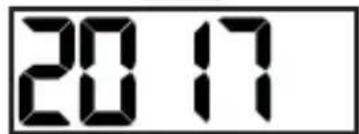
Year
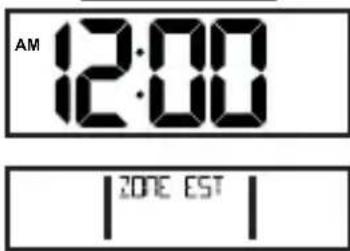
Time Zone 12/24 Hour Format
Minutes
Month Date
- Atomic Digital Wall Clock with Indoor/Outdoor Temperature
- Table of Contents
- Lets Get Started
- Basic Settings
- Settings menu order:
- Time Zones
- Atomic Time -WWVB Signal (1)
- Time Alarm
- Activate | Deactivate Alarm
- Snoopze
- Sensor Reception & Search .III
- Temperature Trend Arrows
- Position TX141-Bv2 Sensor
- Low Battery
- Let's Get Social
- Care and Maintenance
- Warranty and Support
- Specifications
- Temperature
- Power
- Dimensions
- FCC Statement
- Operation is subject to the following two conditions:
- Caution!
- LA CROSSE®
- TECHNOLOGY
Brand : LA CROSSE TECHNOLOGY
Model : BBB86088V2
Category : Clock