P3346 - Surveillance Camera AXIS - Free user manual and instructions
Find the device manual for free P3346 AXIS in PDF.


Frequently Asked Questions - P3346 AXIS
User questions about P3346 AXIS
0 question about this device. Answer the ones you know or ask your own.
Ask a new question about this device
Download the instructions for your Surveillance Camera in PDF format for free! Find your manual P3346 - AXIS and take your electronic device back in hand. On this page are published all the documents necessary for the use of your device. P3346 by AXIS.
USER MANUAL P3346 AXIS
AXIS P33 Network Camera Series
AXIS P3343 Network Camera
AXIS P3343-V Network Camera
AXIS P3344 Network Camera
AXIS P3344-V Network Camera
AXIS P3346 Network Camera
AXIS P3346-V Network Camera
About this Document
This document includes instructions for installing the AXIS P33 Series Pendant Kit.
Equipment Modifications
This equipment must be installed and used in strict accordance with the instructions given in the user documentation.
Liability
Every care has been taken in the preparation of this document. Please inform your local Axis office of any inaccuracies or omissions. Axis Communications AB cannot be held responsible for any technical or typographical errors and reserves the right to make changes to the product and documentation without prior notice. Axis Communications AB makes no warranty of any kind with regard to the material contained within this document, including, but not limited to, the implied warranties of merchantability and fitness for a particular purpose. Axis Communications AB shall not be liable nor responsible for incidental or consequential damages in connection with the furnishing, performance or use of this material.
Support
Should you require any technical assistance, please contact your Axis reseller. If your questions cannot be answered immediately, your reseller will forward your queries through the appropriate channels to ensure a rapid response. If you are connected to the Internet, you can:
- find answers to resolved problems in the FAQ database. Search by product, category, or phrases
- report problems to Axis support by logging in to your private support area.
Pendant Kit Installation Guide
This installation guide provides instructions for installing the Pendant Kit for the following Network Cameras:
| AXIS P3343 AXIS P3343-V | |
| AXIS P3344 AXIS P3344-V | |
| AXIS P3346 AXIS P3346-V |
The Pendant Kit is designed to be installed with the mounting of your choice. For a list of mounts available go to Accessories in www-axis.com
Please read through the entire guide before proceeding with the installation. For all other aspects of using the Axis network camera, please see the Installation Guide and User's Manual, available from www-axis.com/techsup
Installation steps
- Check the package contents against the list on page 4.
- Installation instructions. See page 5.
Important!
This product must be used in compliance with local laws and regulations.
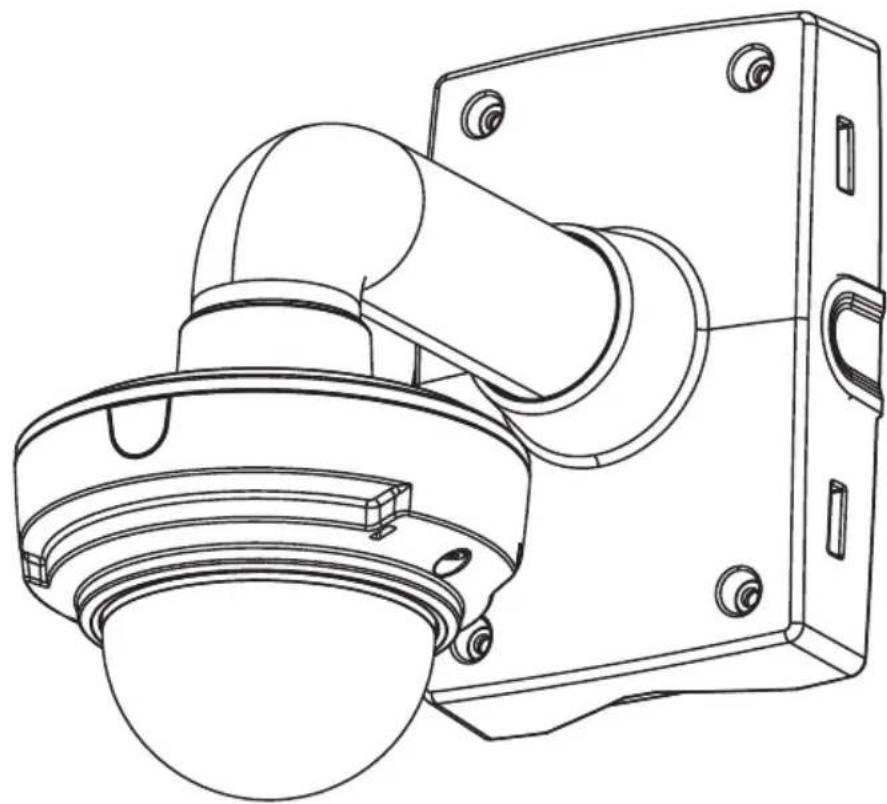
Package contents
- 1 Pendant adapter
2 M 4 x 8 s c r ew s - 1 M4x12 screw
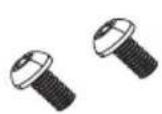
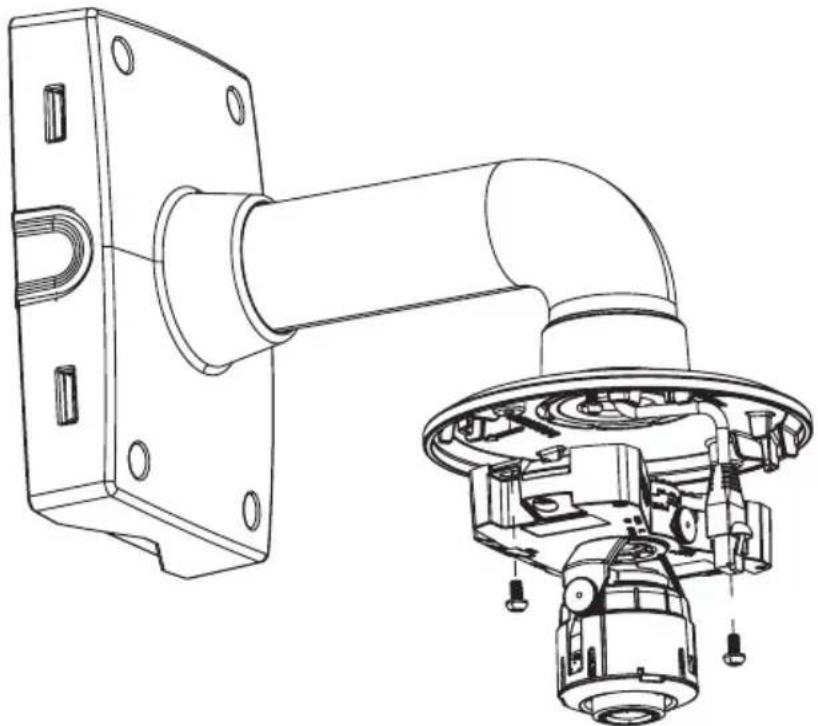
2 M4x8 screws
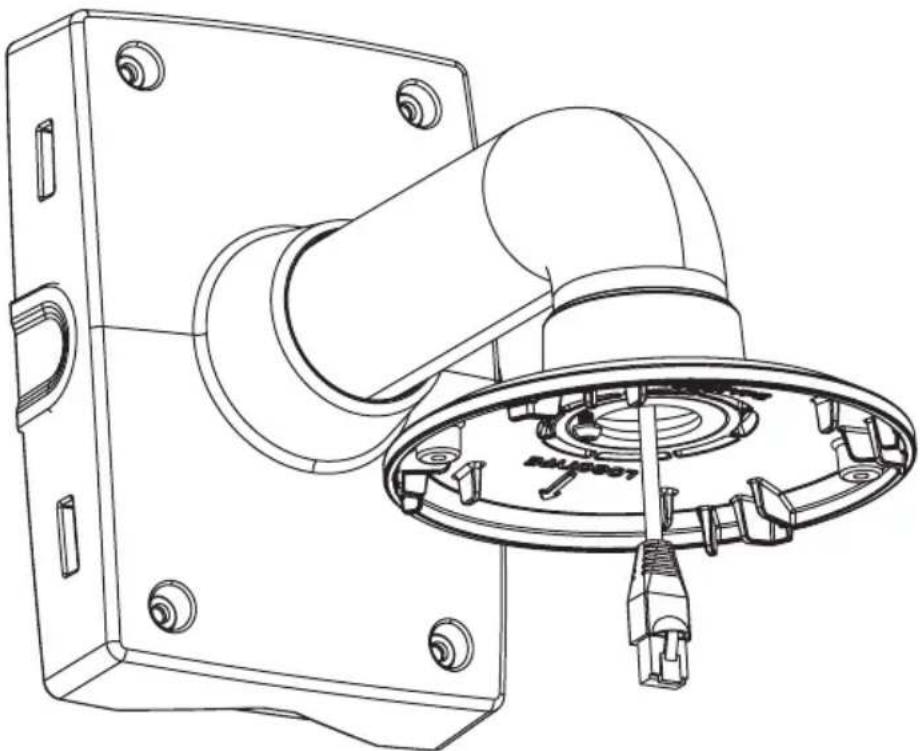
Pendant adapter (bottom)
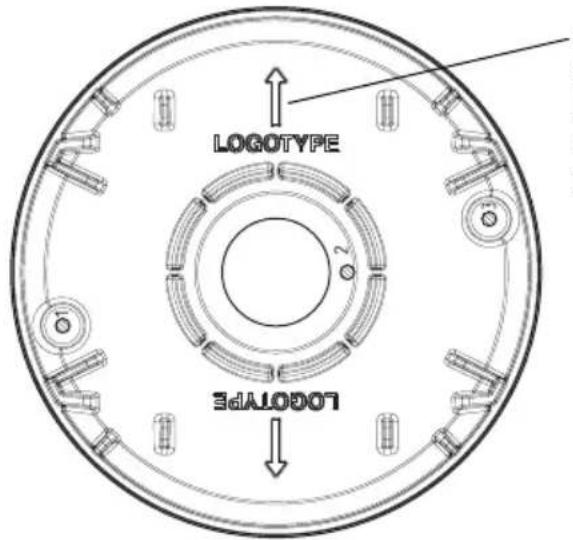
Logotype arrow points to where the logo will appear when the installation is complete
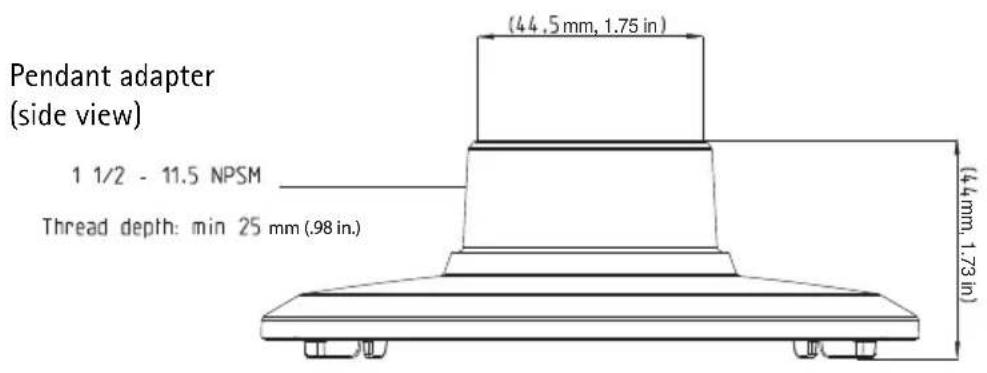
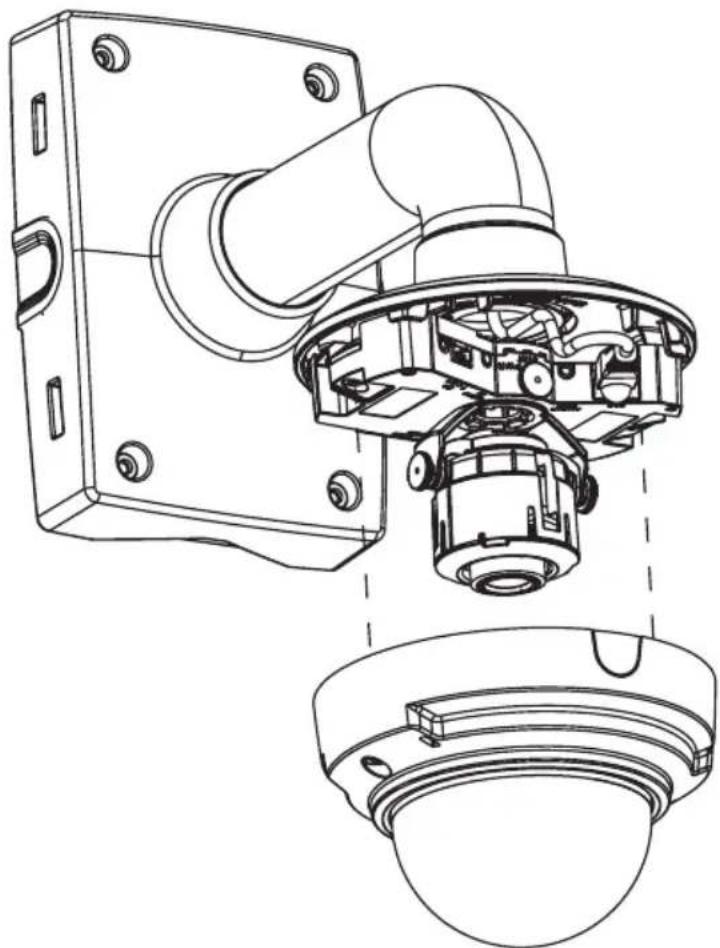
Install pendant kit
- Install the mount of your choice with necessary cables threaded through it according the instructions included with the mounting kit.
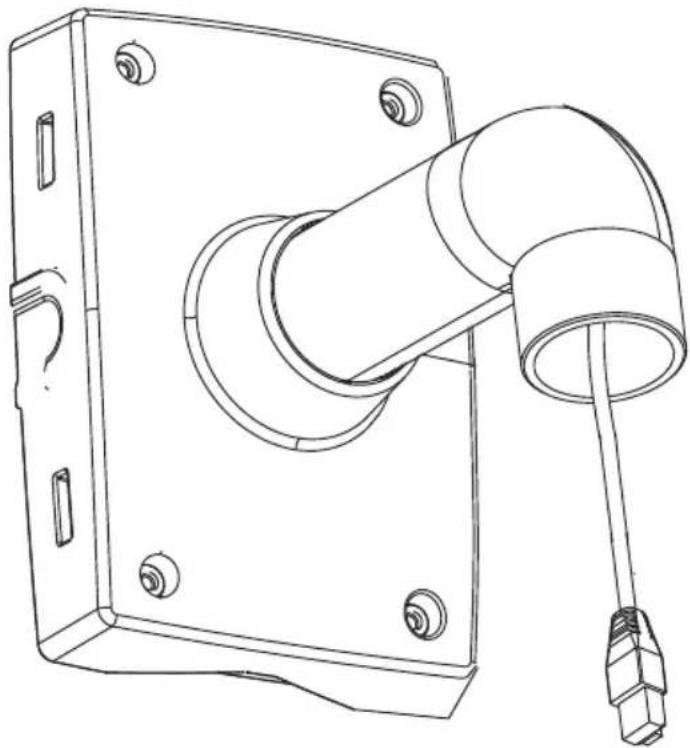
- Attach the pendant adaptor to the mount and secure it using a stop screw.
- Attach the camera to the pendant chassis with 2 M4x8 screws.
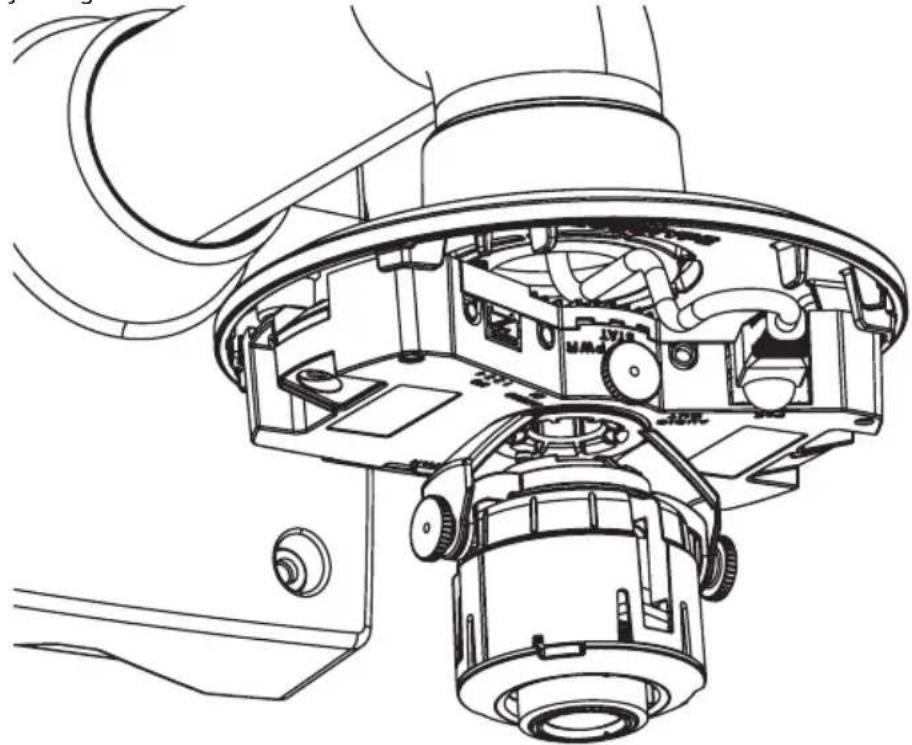
- Attach the necessary cables and follow the instructions in the camera's Installation Guide for adjusting the lens.
- Place the dome cover and attach it by tightening the captive screws.