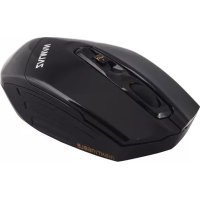
ZMM500WL - Mouse ZALMAN - Free user manual and instructions
Find the device manual for free ZMM500WL ZALMAN in PDF.


| Product type | Wireless optical mouse |
| Brand | Zalman |
| Model | ZMM500WL |
| Connectivity | Wireless 2.4 GHz via USB Nano receiver |
| Power supply | 2 AA alkaline 1.5V batteries |
| Estimated battery life | Up to 3 months depending on usage |
| Sensor technology | Optical |
| Resolution (DPI) | 1000 / 1500 / 3000 DPI adjustable |
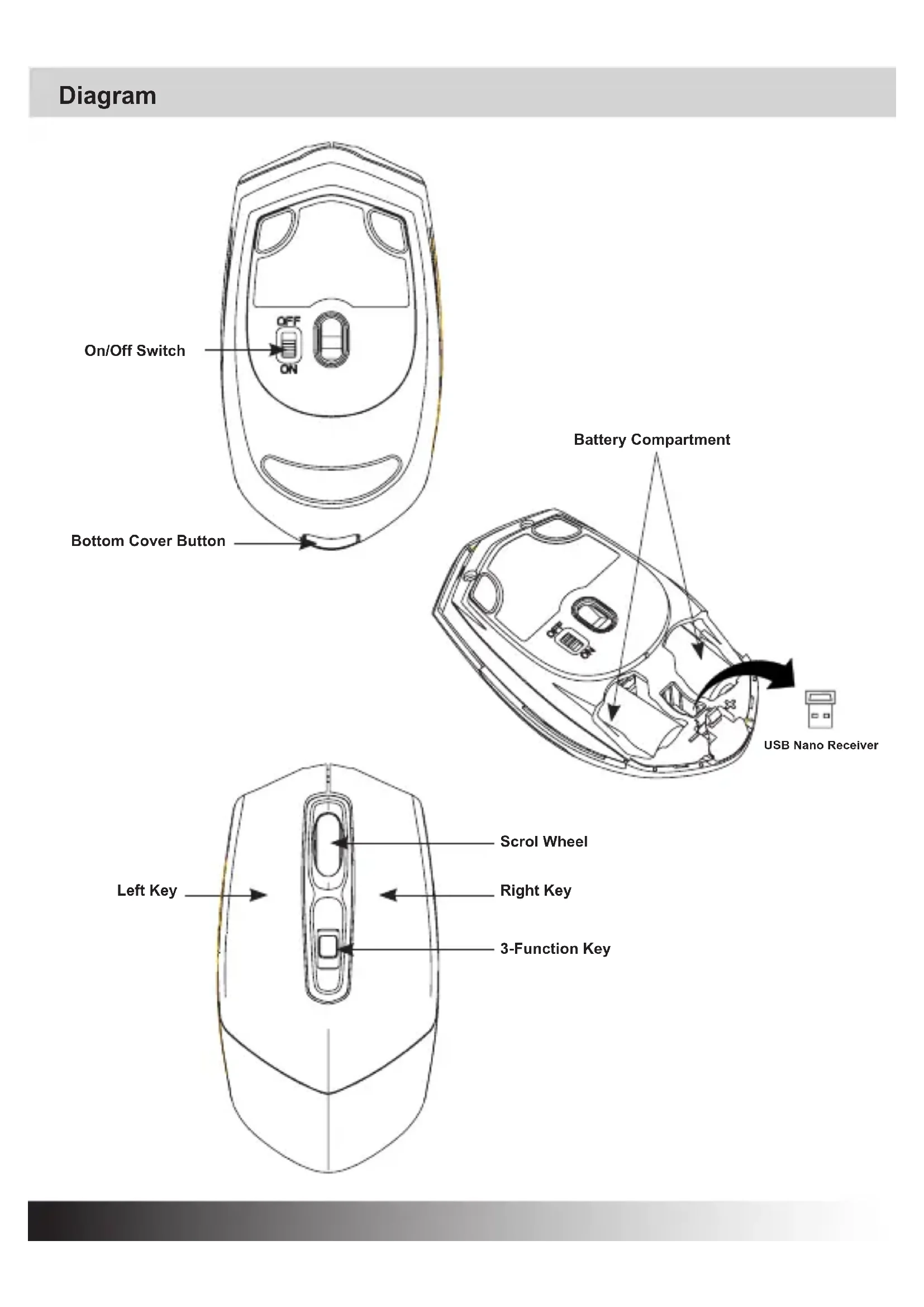
| Number of buttons | 5 (left click, right click, scroll wheel, 3-in-1 button forward/backward/DPI, on/off switch) |
| System compatibility | Windows 2000, 2003, XP, Vista, 7 |
| USB port required | USB 1.1 or higher |
| Low battery indicator | Beep every 20 seconds |
| Weight (with batteries) | Approximately 100 g |
| Dimensions (L x W x H) | Approximately 120 x 70 x 40 mm |
| Package contents | Mouse, USB Nano receiver, 2 AA batteries, user manual, pouch |
| Care and cleaning | Clean with a soft dry cloth. Do not use solvents. |
| Safety instructions | Do not expose to moisture. Use only recommended batteries. |
| Repairability | No spare parts available. In case of failure, replace the device. |
Frequently Asked Questions - ZMM500WL ZALMAN
User questions about ZMM500WL ZALMAN
0 question about this device. Answer the ones you know or ask your own.
Ask a new question about this device
Download the instructions for your Mouse in PDF format for free! Find your manual ZMM500WL - ZALMAN and take your electronic device back in hand. On this page are published all the documents necessary for the use of your device. ZMM500WL by ZALMAN.
USER MANUAL ZMM500WL ZALMAN
Wireless Optical Mouse 1pcs
USB Nano Receiver 1pcs
1.5V AA alkaline battery 2pcs
User Manual 1pcs
Pouch 1pcs
Battery Installation
- Open the bottom cover.
- Remove USB Nano receiver.
- Insert two new 1.5V AA batteries into the battery compartment. Make sure to properly orient the positive (+) and negative (-) ends as specified.
- Close the bottom cover and make sure it is locked.
USB Nano Receiver Installation
- Turn the switch off on the bottom of mouse.
- Insert the USB Nano Receiver into a USB port of PC. It will be detected by OS automatically.
-
Turn the switch on, and the mouse will generate two beeps when communication with the USB Nano Receiver is successful.
-
ON/OFF Switch : Turn this off when not using the mouse to save the battery power.
Description of Keys and 3-Function Key
3-Function Key offers Forward, Backward, and DPI change.
By clicking, DIP can be switched to 1000DPI, 1500DPI, 3000DPI and back.
Low-battery Alert
When the battery power is low, the mouse will beep every 20 seconds. Replace with new batteries.
System Requirements
Compatible OS : Windows 2000/2003/XP/Vista/7
Compatible USB : 1.1 and higher
Contenus de package

Brand : ZALMAN
Model : ZMM500WL
Category : Mouse