VTH 980NA1TXS - Tumble drier HOOVER - Free user manual and instructions
Find the device manual for free VTH 980NA1TXS HOOVER in PDF.


User questions about VTH 980NA1TXS HOOVER
0 question about this device. Answer the ones you know or ask your own.
Ask a new question about this device
Download the instructions for your Tumble drier in PDF format for free! Find your manual VTH 980NA1TXS - HOOVER and take your electronic device back in hand. On this page are published all the documents necessary for the use of your device. VTH 980NA1TXS by HOOVER.
USER MANUAL VTH 980NA1TXS HOOVER
INSTRUCTION BOOK VTH 980N1TX
Heat Pump Tumble Dryer
VISIONTECH
8KG
A ^+ ENERGY
HEAT PUMP
TECHNOLOGY
English 2
Suomi 16
Dansk 30
Norsk 44
Svenska 58
Français 72
Deutsch 86
Dutch 100
Italiano 114
Introduction 3
Delivery Information 3
Safety Reminders 3
Use 4
Installation 5
The Laundry 5
Ventilation 6
Environmental Issues 7
Gias Service 7
Electrical Requirements 7
Adjusting the Feet 7
Drain Hose Kit: Fitting Instructions 8
Preparing the Load 9
Clothes Preparation 9
Do Not Tumble Dry 9
Energy Saving 9
Sorting the Load 9
Drying Guide 9
Controls and Indicators 10
Selecting the Programme 11
Door and Filter 12
Opening the Door 12
Filter 12
Filter Care Indicator 12
Water Container 13
To Remove the Container 13
Condenser 13
To Remove the Condenser 13
Operation 13
Delay Start Function 14
Cancelling and Resetting the Programme 14
Cleaning and Routine Maintenance 14
Cleaning the Dryer 14
Technical Specifications 14
Troubleshooting 15
Customer Service 15
Spares 15
Gias Service 15
INTRODUCTION
Please read and follow these instructions carefully and operate the machine accordingly. This booklet provides important guidelines for safe use, installation, maintenance and some useful advice for best results when using your machine.
Keep all documentation in a safe place for future reference or for any future owners.
Delivery Information
Please check that the following items are delivered with the appliance:
- Instruction manual
- Guarantee card
- Energy label
⚠️ Check that no damage has occurred to the machine during transit. If it has, call for service by GIAS.
Failure to comply with the above can compromise the safety of the appliance. You may be charged for a service call if a problem with your machine is caused by misuse.
SAFETY REMINDERS
Use
- This appliance can be used by children aged from 8 years and above and persons with reduced physical, sensory or mental capabilities or lack of experience and knowledge if they have been given supervision or instruction concerning use of the appliance in a safe way and understand the hazards involved. Children shall not play with the appliance. Cleaning and user maintenance shall not be made by children without supervision. Children of less than 3 years should be kept away unless continuously supervised.
- WARNING Misuse of a tumble dryer may create a fire hazard.
•This appliances is intended to be used in household and similar applications such as:
- Staff kitchen areas in shops, offices and other working environments;
- Farm houses
- By clients in hotels, motels and other residential type environments;
- Bed and breakfast type environments.
A different use of this appliance from household environment or from typical housekeeping functions, as commercial use by expert or trained users, is excluded even in the above applications.
If the appliance is used in a manner inconsistent with this it may reduce the life of the appliance and may void the manufacturer's warranty. Any damage to the appliance or other damage or loss arising through use that is not consistent with domestic or household use ( even if located in a domestic or household environment) shall not be accepted by the manufacturer to the fullest extent permitted by law."
SAFETY REMINDERS
Use
- This machine should only be used for its intended purpose as described in this manual. Ensure that the instructions for installation and use are fully understood before operating the appliance.
- Do not touch the appliance when hands or feet are damp or wet.
- Do not lean on the door when loading the machine or use the door to lift or move the machine.
- Do not allow children to play with the machine or its controls.
- WARNING Do not use the product if the fluff filter is not in position or is damaged; fluff could be ignited.
- WARNING Where the hot surface symbol is 🔍 located the temperature rise during operation of the tumble dryer may be in excess of 60 degrees C.
- Remove the plug from the electricity supply. Always remove the plug before cleaning the appliance.
- Do not continue to use this machine if it appears to be faulty.
- Lint and fluff must not be allowed to collect on the floor around the outside of the machine.
- The final part of a tumble dryer cycle occurs without heat (cool down cycle) to ensure that the items are left at a temperature that ensures that the items will not be damaged.
• Maximum load drying weight 8 kg - The tumble dryer is not to be used if industrial chemicals have been used for cleaning.
- WARNING: Never stop a tumble dryer before the end of the drying cycle unless all items are quickly removed and spread out so that the heat is dissipated.
SAFETY REMINDERS
Installation
- Check that the product has no visible signs of damage before use. If damaged do not use and please call GIAS Service.
- Do not use adapters, multiple connectors and/or extensions.
- Never install the dryer against curtains and be sure to prevent items from falling or collecting behind the dryer.
- The appliance must not be installed behind a lockable door, a sliding door or a door with a hinge on the opposite side to that of the tumble dryer.
The Laundry
- Do not dry unwashed items in the tumble dryer.
- WARNING Do not tumble dry fabrics treated with dry cleaning fluids.
- WARNING Foam rubber materials can, under certain circumstances, when heated become ignited by spontaneous combustion. Items such as foam rubber (latex foam), shower caps, waterproof textiles, rubber backed articles and clothes or pillows fitted with foam rubber pads MUST NOT be dried in the tumble dryer.
-
Always refer to the laundry care labels for directions on suitability for drying.
-
Clothes should be spin dried or thoroughly wrung before they are put into the tumble dryer. Clothes that are dripping wet should not be put into the dryer.
- Lighters and matches must not be left in pockets and NEVER use flammable liquids near the machine.
- Glass fibre curtains should NEVER be put in this machine. Skin irritation may occur if other garments are contaminated with the glass fibres.
- Items that have been soiled with substances such as cooking oil, acetone, alcohol, petrol, kerosene, spot removers, turpentine, waxes and wax removers should be washed in hot water with an extra amount of detergent before being dried in the tumble dryer.
- Fabric softeners, or similar products, should be used as specified by the fabric softener instructions.
SAFETY REMINDERS
Ventilation
- Adequate ventilation must be provided in the room where the tumble dryer is located to prevent gases from appliances burning other fuels, including open fires, being drawn into the room during operation of the tumble dryer.
- Installing the rear of the appliance close to a wall or vertical surface.
- There should be a gap of at least 12 mm between the machine and any obstructions. The inlet and outlet should be kept clear of obstruction. To ensure adequate ventilation the space between the bottom of the machine and the floor must not be obstructed.
- Check regularly that the air flowing through the dryer is not restricted.
- Check frequently the fluff filter after use, and clean, if necessary.
- Prevent items from falling or collecting behind the dryer as these may obstruct the air inlet and outlet
- NEVER install the dryer up against curtains.
- In cases where the dryer is installed on top of a washing machine, a suitable stacking kit must be used according to the follow configuration.
-Stacking kit Mod 35100019: for minimum washing machine depth 49 cm
-Stacking kit Mod 35900120: for minimum washing machine depth 51 cm
The stacking kit shall be one of that above, obtainable from our spare service.
The instructions for installation and any fixing attachments, are provided with the staking kit.
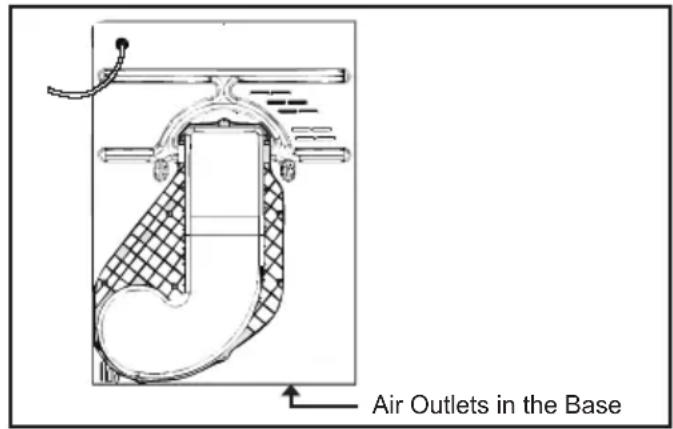
text_image
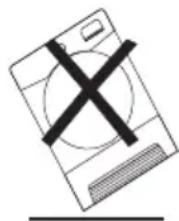
Air Outlets in the BaseImportant: During transport ensure that the dryer is in an upright position, if it's necessary you can only flip in the side shown;
natural_image
Simple line drawing of a computer monitor with a cross mark on the screen (no text or symbols)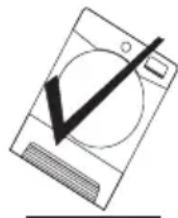
Caution: If the product is in different side, wait at least 4 hours before switching on so that the oil can flow back into the compressor. Failure to do this could result in damage to the compressor.
Environmental Issues
- All packaging materials used are environmentally-friendly and recyclable. Please help dispose of the packaging via environmentally-friendly means. Your local council will be able to give you details of current means of disposal.
- To ensure safety when disposing of an old tumble dryer disconnect the mains plug from the socket, cut the mains power cable and destroy this together with the plug. To prevent children shutting themselves in the machine break the door hinges or the door lock.
European Directive 2002/96/EC
This appliance is marked according to the European directive 2002/96/EC on Waste Electrical and Electronic Equipment (WEEE).
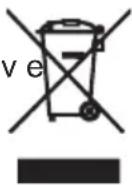
By ensuring this product is disposed of correctly, you will help prevent potential negative consequences for the environment and human health, which could otherwise be caused by inappropriate waste handling of this product. The symbol on the product indicates that this product may not be treated as household waste. Instead it shall be handed over to the applicable collection point for the recycling of electrical and electronic equipment.
For more detailed information about treatment, recovery and recycling of this product, please contact your local city office, your household waste disposal service or the shop where you purchased the product. Disposal must be carried out in accordance with local environmental regulations for waste disposal.
GIAS Service
- To ensure the continued safe and efficient operation of this appliance we recommend that any servicing or repairs are only carried out by an authorised GIAS service engineer.

If the appliance is not running properly or down, switch it off and disconnect the from the socket. Consult GIAS Service for ble repair.
Electrical Requirements
Tumble dryers are supplied to operate at a voltage of 220-240V, 50 Hz single phase. Check that the supply circuit is rated to at least 6A.
Electricity can be extremely dangerous.
This appliance must be earthed. The socket outlet and the plug on the appliance must be of the same type.
Do not use multiple adapters and/or extension leads.
The plug should be accessible for disconnection after the appliance has been installed.
CE Appliance complies with European Directive 2004/108/EC, 2006/95/EC and subsequent amendments.

You may be charged for a service call if a item with your machine is caused by direct installation.

If the mains cord on this appliance is aged, it must be replaced by a special cord is ONLY obtainable from the spares e. It must be installed by a competent n.

Do not plug the machine in and switch it on at the mains until the installation is completed. For your safety, this dryer must be correctly installed. If there is any doubt about installation, call GIAS Service for advice.
Adjusting the Feet
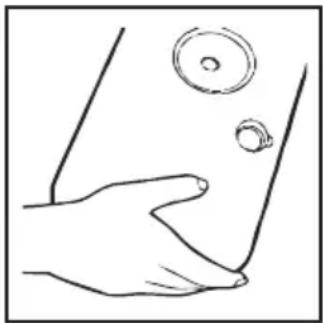
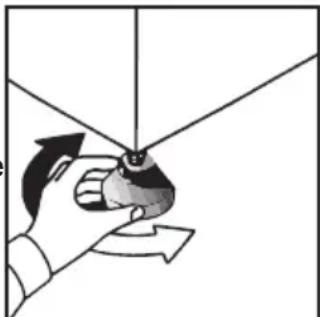
Once the machine is in place the feet should be adjusted to ensure that the machine is level.
natural_image
Illustration of a hand holding a small object with directional arrows indicating motion (no text or symbols)DRAIN HOSE KIT: FITTING INSTRUCTIONS
To avoid having to empty the water container after each drying cycle, the water normally collected during the drying cycle can be discharged directly to a waste water drain pipe (the same drainage system as household sinks). Water Bye-Laws prohibit connection to a surface water drain. The waste water drain pipe system should be located adjacent to the tumble dryer.
•The kit is composed: 1 hose, 1 straight hose connector, 1 pipe clip and 1 plastic tie.

WARNING!
Switch off and remove the
tumble dryer plug from the electricity supply before carrying out any work.
Fit he Kit s Follows:t a
-
Unscrew and remove the 3 screws, at the rear of the machine, retaining the worktop trim.
-
Remove the rear worktop trim and the worktop surface by carefully sliding it towards the rear of the machine.
-
The waste water container is situated at the right-hand side of the machine (viewed from the rear). A grey hose connects to the bridge above the water container. Using pliers, remove the pipe retaining clip from the bridge.
-
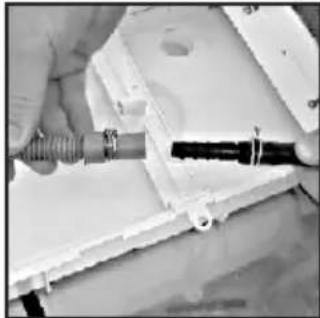
Pull the hose off the bridge connection.
-
Attach the hose from the kit, using the connector and pipe clips supplied, to the hose removed from the bridge connection.
natural_image
Close-up of a hand using a tool to adjust or install a component, no visible text or symbols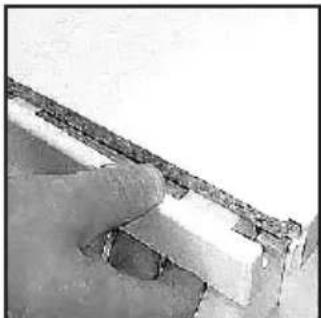
natural_image
Close-up of a hand holding a small object against a plain background (no visible text or symbols)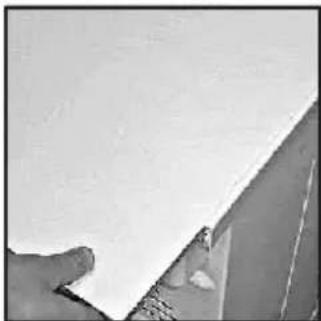
natural_image
Close-up of a hand holding a white sheet of paper, partially visible against a plain background (no text or symbols)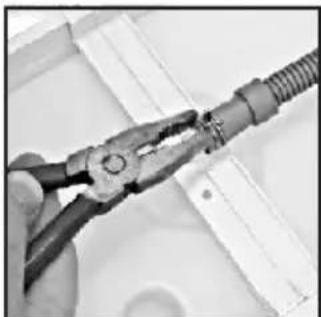
natural_image
Close-up of hands using pliers to handle a cable or wire (no text or symbols visible)-
Take off the water container cover from the rear of the machine by removing the two screws and unclipping the cover.
-
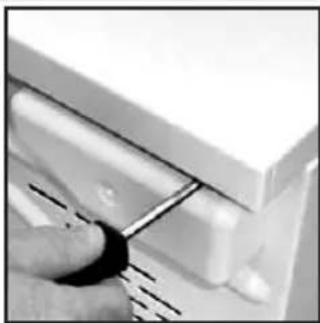
Break off the tab on the side of the cover and replace the cover on the machine, refit the screws. You should now have revealed a hole in the back of the cabinet next to the Cover.
-
Feed the drain hose through the hole in the cabinet.
-
Locate the grey pipe in the cutout of the tray and secure the pipe assembly to the bridge with the plastic tie.
-
Carefully slide the worktop back into position ensuring that the hose is not trapped and replace the worktop rear trim with the 3 screws.
-
Connect the new drain hose to the waste water pipe. Make sure that the new hose does not kink when pushing the tumble dryer into position. Ensure that the guidelines, as shown, are followed when routing the new external hose.
-
Connect to the mains electricity supply.
-
After emptying the waste water container switch the machine ON (and press the 'START' button on electronic models) to commence with the drying program.
natural_image
Close-up of hands assembling a mechanical component with threaded rod and black connector (no visible text or symbols)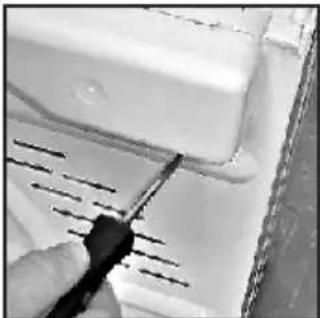
natural_image
Close-up of a hand using a screwdriver to cut or mark a white surface with parallel lines (no text or symbols visible)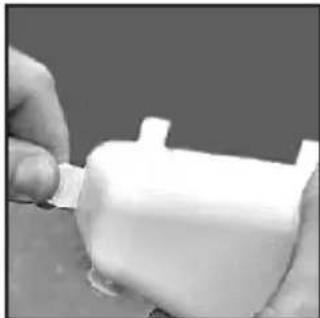
natural_image
Close-up of hands applying a white plastic bag to a cylindrical container (no text or symbols visible)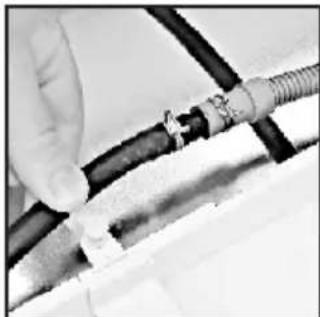
natural_image
Close-up of hands connecting a cable to a connector (no visible text or symbols)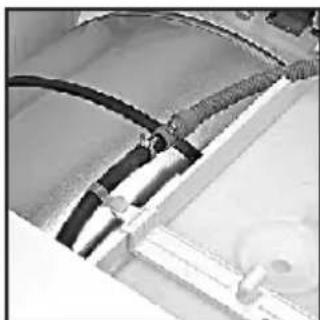
natural_image
Close-up of electrical wiring harnesses and components (no visible text or symbols)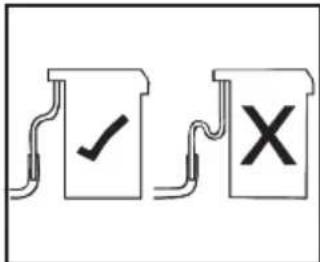
text_image
Diagram showing two document-like boxes with checkmark and cross symbols, likely indicating approval or rejection status.PREPARING THE LOAD
Before using the tumble dryer for the first time:
- Please read this instruction book thoroughly.
- Remove all items packed inside drum.
- Wipe the inside of the drum and door with a damp cloth to remove any dust which may have settled in transit.
Clothes Preparation
Make sure that the laundry you are going to dry is suitable for drying in a tumble dryer, as shown by the care symbols on each item.
Check that all fastenings are closed and that pockets are empty. Turn the articles inside out. Place clothes loosely in the drum to make sure that they don't get tangled.
Do Not Tumble Dry:
Woollens, silk, delicate fabrics, nylon stockings, delicate embroidery, fabrics with metallic decorations, garments with PVC or leather trimmings, training shoes, bulky items such as sleeping bags, etc.

IMPORTANT: Do not dry articles which have been treated with a dry cleaning fluid or other clothes (danger of fire or explosion).
During the last 15 minutes (roughly) the load is always tumbled in cool air

Do not overload the drum, large items when can exceed the maximum admissible clothes (for example: sleeping bags, duvets).
Energy Saving
Only put into the tumble dryer laundry which has been thoroughly wrung or spin-dried. The drier the laundry the shorter the drying time thus saving electricity.
ALWAYS
- Try to dry the maximum weight of laundry, this will save time and electricity.
- Check that the filter is clean before every drying cycle.
NEVER
- Exceed the maximum weight, this will waste time and electricity.
- Put dripping wet items into the tumble dryer, this may damage the appliance.
Maximum Drying Weight
- Cottons
Max. 8 kg
- Synthetics
Max. 4 kg
Sort the Load as Follows
- By care symbols
These can be found on the collar or inside seam:

Suitable for tumble drying.

Tumble drying at high temperature.

Tumble drying at low temperature only.

Do not tumble dry.
If the item does not have a care label it must be assumed that it is not suitable for tumble drying.
- By amount and thickness
Whenever the load is bigger than the dryer capacity, separate clothes according to thickness (e.g. towels from thin underwear).
- By type of fabric
Cottons/linen: Towels, cotton jersey, bed and table linen.
Synthetics: Blouses, shirts, overalls, etc. made of polyester or polyamid, as well as for cotton/synthetic mixes.
- By drying level
Sort into: iron dry, cupboard dry, etc. For delicate articles press the 📋 button to select low drying temperature.
Drying Guide
The standard cycle HANG DRY ( □ ) is the most energy efficient and best suited for drying normal wet cotton laundry.
The table below shows the approximate time and energy consumption of the main drying programmes.
| CYCLE | LOAD | ENERGY(kWh) | TIME(Min) |
| All Towels | FULL | 3,40 | 250 |
| Store Dry | FULL | 2,93 | 210 |
| Hang Dry | FULL | 2,66 | 149 |
| Hang Dry | HALF | 1,35 | 115 |
| Iron Dry | FULL | 2,13 | 159 |
| Power consumption of "left on-mode" | 0,75 W |
| Power consumption of "off-mode" | 0,20 W |
CONTROLS AND INDICATORS
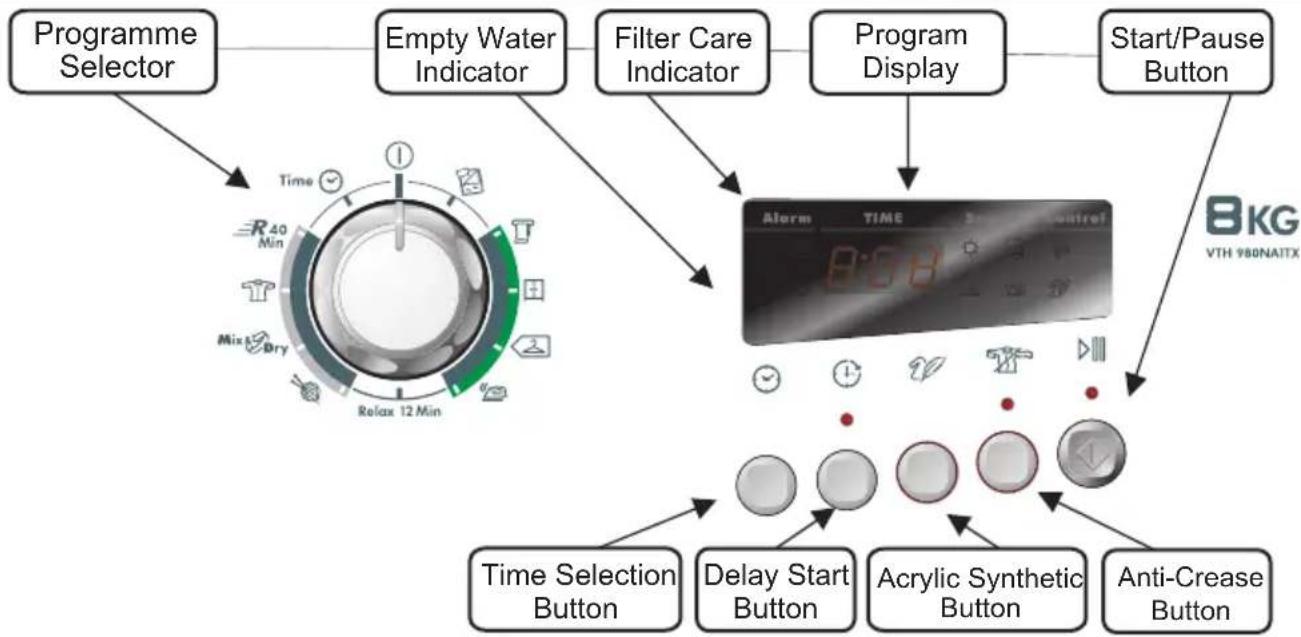
flowchart
graph TD
    A["Programme Selector"] --> B["Empty Water Indicator"]
    B --> C["Filter Care Indicator"]
    C --> D["Program Display"]
    D --> E["Start/Pause Button"]
    E --> F["Alarm"]
    F --> G["Time Selection Button"]
    F --> H["Delay Start Button"]
    F --> I["Acrylic Synthetic Button"]
    F --> J["Anti-Crease Button"]
Control Panel and Indicator Lights
Knob: You can turn it in both directions to choose the required programme.
Time selection ⚙:To modify the drying timing of required programme; it works only with certain programmes.
Delay start Ⓗ: To delay the start of the drying cycle and to dry your laundry when electricity costs less (please see dedicated section)
Delicate fabrics: When pulled, this indicator 📊 turns off and this new one 🌐 turns on; with this special function, the drying temperature is lower to better protect your delicate clothes.
Anti-Crease Button 📋 – Select the anti-crease function at the end of drying cycle. The drum keeps moving at regular phases to refresh the laundry.
Cool down ⚙ : This indicator turns on during the final cool phase of the cycle.
Start/Pause ▷: To start the programme required or to pause the cycle.
Automatic programmes: Depending on desired programme, specific indicators turn on (please see "programme list"); ECO indicator turns on when you select a low consumption programme.
Filter care : When on, please clean the filters.
Full water tank 📋 : When on, please empty the water tank.
SELECTING THE PROGRAMME
text_image
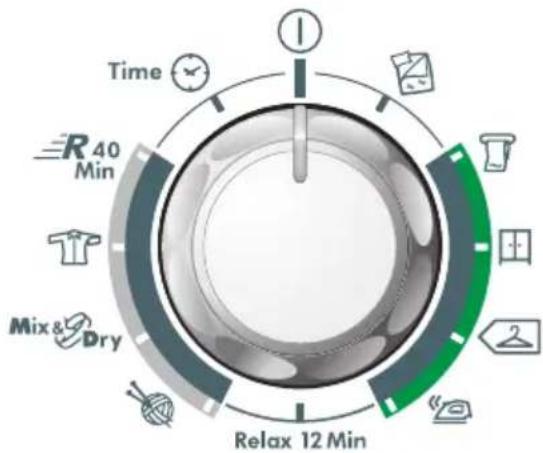
Time R 40 Min Mix & Dry Relax 12 MinThis machine has a special Sensor Dry to help you choose your preferred programme simply by selecting the level of dryness wanted.
For small loads and pre-dried clothes, please use a Timing programme and select "Delicate fabrics" button to lower the temperature inside the drum.
If the Sensor does not detect any item, this Dryer will work for only 10 minutes before starting the Cool down phase.
If the load is too big or too wet, this Dryer will automatically work for 3 hours and then start the Cool down phase.
At the end of each programme, there is always the Cool Down phase: it is a cool-air refresh phase of around 15 minutes.
SELECTING THE PROGRAMME
| PROGRAMME | IDEAL FOR |
| All Towels | Clothes you want completely dried, e.g. towels, bathrobes, table clothes or sheet. Time: around 3h. |
| Store Dry | Clothes you want to fold and store without ironing, e.g. shirts in mixed fabrics, socks, baby clothes. Time: around 2h and 45 min. |
| Hang Dry | Clothes you don't need to iron, but just hang after the drying cycle. Time: around 2h and 30 min. |
| Iron Dry | Leave clothes slightly damp to allow easier ironing. Time: around 1h and 50 min. |
| Relax 12 Min. | Clothes you just need to refresh. Good for items of clothing which have been left prior to ironing or if they have been dried outside or on radiators. This programme has a specific Anti-Crease function that relaxes fibres and makes easier ironing. Time: 9 min + 3 min cool down. |
| Wool | To soften your woollen clothes or to simply refresh them after a long time in the wardrobe. Time: 12 min. |
| Mix & Dry | To dry mixed cotton and synthetic clothes: save time and no need to separate the washing and dry them in different cycles. Time: around 2h (max 4 kg). |
| Shirts | To dry shirts both cotton and synthetic fabrics. Time: 1h for 2kg of synthetic shirts (around 10 shirts); 1h and 20 min for 3 kg of cotton shirts (around 10 shirts). |
| Rapid 40 Min. | For dry, refreshed and ready to dress clothes in onyl 40 minutes. Sensor system keeps under control the temperature to have always the best result. Max 2 kg. |
| Time | If you want to choose drying times, from 30 to 180 minutes. By selecting “20 min” you choose a “cool programme”, ideal to refresh clothes and to remove eventual smells. |
| Duvet | For single duvet or quilted jackets; please do not dry double or bigger duvet. Please do not dry damaged items as filling may block filters and air duct. The programme works for around 2h, but time can change according to dimensions, density of load or washing spin speed. At the end of the cycle, the duvet is ready for use; if some parts are slightly wet, please shake the load and re-start the programme for few minutes. If you need to dry a duvet filled with synthetic fabrics, please push “Delicate fabrics” button. |
Opening the Door
natural_image
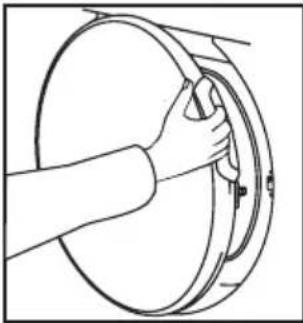
Line drawing of a hand holding a circular mechanical component (no text or symbols)Pull on handle to open the door.
To restart the dryer, close the door and press ▷III.
WARNING! When the tumble dryer is in use the drum and door may be VERY HOT. Never stop a tumble dryer before the end of the drying cycle unless all items are quickly removed and spread out so that the heat is dissipated.
Filter
IMPORTANT: To maintain the efficiency of the dryer check that the fluff filter is clean before each drying cycle.
Do not operate the dryer without the filters. Clogged filters can increase the drying time and cause damage which may result in expensive repair costs.
-
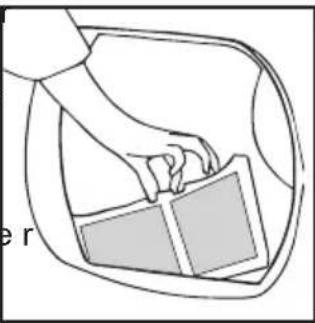
Pull the filte upwards.
-
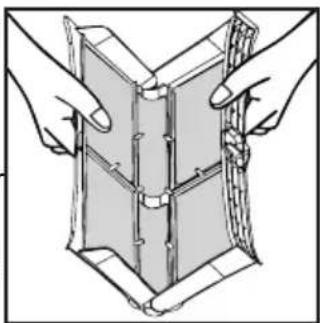
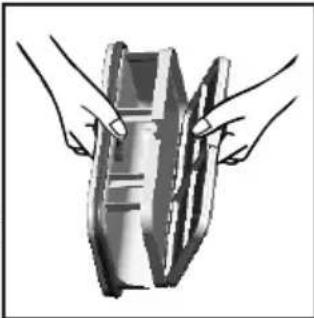
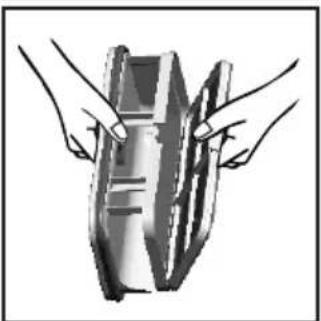
Open filter as shown.
-
Gently remove lint using a soft brush or your fingertips.
-
Snap the filter together and push back into place.
natural_image
Line drawing of a hand holding a rectangular object inside a car (no text or symbols)Filter Care Indicator
● Lights when the filter needs cleaning.
Check and clean the main filter in the door and the condenser filters allocated in the bottom of the dryer, If the laundry is not drying check that the filter is not clogged.
natural_image
Illustration of two hands holding a folded or layered object, no text or symbols presentTo Clean the Condenser Filter
-
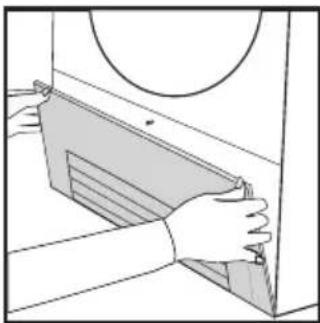
Remove the kickplate.
-
Turn the two locking levers anti-clockwise and pull out the front cover.
-
Gently remove the filter frame and clean any dust or fluff with a cloth from the filter. Do not use water to clean the filter.
-
Remove the sponge gently from its place and then wash the sponge by holding it under a running tap turning it so to remove any dust or fluff.
-
Refit the front cover ensuring it is in the correct way (as indicated by the arrow) and pushed firmly into place. Lock the two levers by turning them clockwise.
-
Refit the kickplate.
natural_image
Illustration of hands installing or adjusting a mechanical component with a circular inset (no text or symbols)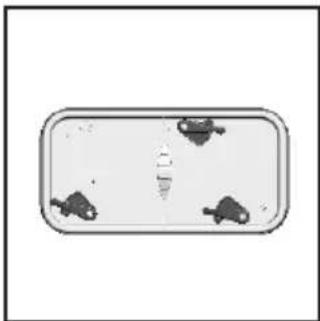
natural_image
Top-down view of a rectangular object with three small dark shapes on its surface, no visible text or symbols.
natural_image
Illustration of two hands holding a rectangular device with internal components (no text or symbols visible)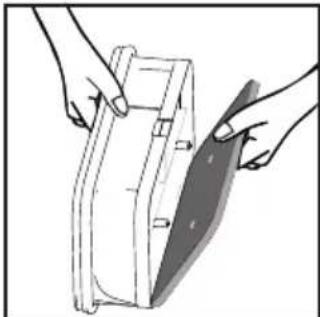
natural_image
Illustration of hands holding a mechanical part with a blade, no text or symbols present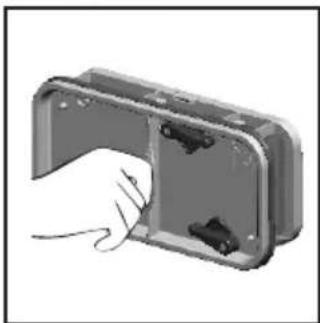
natural_image
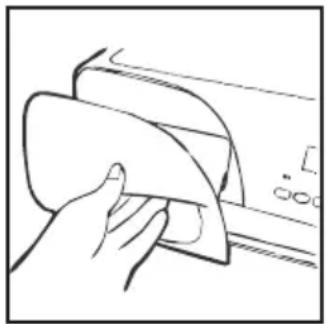
Illustration of a hand inserting a component into a metallic housing (no text or symbols visible)DO NOT USE WATER TO CLEAN THE FILTER.
The water removed from the laundry during the drying cycle is collected in a container inside the door of the dryer. When the container is full the 📋 indicator on the control panel will light, and the container MUST be emptied. However, we recommend that the container is emptied after each drying cycle.
NOTE: Very little water will collect during the first few cycles of a new machine as an internal reservoir is filled first.
To Remove the Container
-
Gently pull out the tray until it is completely removed. Support the tray with both hands. When it is full the water container will weigh about 4kg.
-
Tilt the water container to empty the water out through the rear hole.
When emptyslide the water container back into position. PUSH FIRMLY INTO PLACE.
- Press ▷III to restart the cycle.
NOTE: If you have the option of drainage near the dryer it is possible to use the discharge kit to provide a permanent drain for the water collected by the dryer. This will remove the need to empty the water tray. All the information for assembly of the kit is contained in the kit envelope.
natural_image
Hand cleaning a car window with a cloth (no text or symbols visible)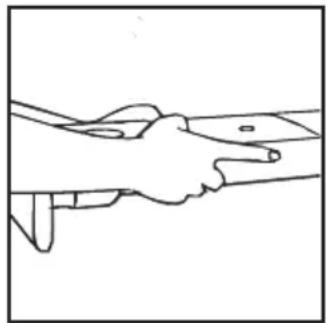
natural_image
Line drawing of two hands shaking over a surface (no text or symbols)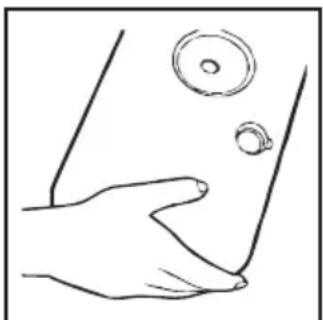
natural_image
Line drawing of a hand holding a small object near the lower part of a curved surface (no text or symbols)OPERATION
-
Open the door and load the drum with laundry. Ensure that garments do not hinder closure of the door.
-
Gently close the door pushing it slowly until you hear the door 'click' shut.
-
Turn the Programme Selector dial to select the required drying programme (see Programme Guide).
-
If drying synthetics, acrylics or delicate items, press the 📋 button to reduce the heat level. The indicator will light up when the machine is in low heat setting. To deselect in the first few minutes of the programme, press the 📋 button, after this time reset the machine to change the setting.
-
Press the ▷■ button. The dryer will start automatically and the indicator above the button will be continuously lit.
-
If the door is opened during the programme to check the laundry, it is necessary to press to recommence drying after the door has been closed.
-
When the cycle is nearing completion the machine will enter the cool down phase, the clothes will be tumbled in cool air allowing the load to cool down.
-
Following the completion of the cycle the drum will rotate intermittently to minimize creasing. This will continue until the machine is switched OFF or the door is opened.
Do not open the door during the automatic programs in order to obtain a proper drying.
Delay Start Function
The Delay Start Function ⏻ allows the user to delay the start of the drying cycle by 1 to 24 hours.
When the function is first selected the display will show a delay of 1 hour, subsequent presses of the button will increase the delay with 1 hour steps.
To commence the programme press ▷III and the appliance will complete the drying cycle at the end of this time. The indicator light will flash to indicate that the start delay is in progress.
Cancelling and Resetting the Programme
To cancel a programme press the ▷■ button for 3 seconds. In the TIME CONTROL display 0:00 Light will flash to indicate that it has been reset.
CLEANING AND ROUTINE MAINTENANCE
Cleaning the Dryer
- Clean the filter and empty the water container after every drying cycle.
• Regularly clean the filters. - After each period of use, wipe the inside of the drum and leave the door open for a while to allow circulation of air to dry it.
- Wipe the outside of the machine and the door with a soft cloth.
- DO NOT use abrasive pads or cleaning agents.
- To prevent the door sticking or the build up of fluff clean the inner door and gasket with a damp cloth after every drying cycle.

WARNING! The Drum, door and load may very hot.
Technical Specifications
| Drum capacity | 115 litres |
| Maximum load | 8 kg |
| Height | 85 cm |
| Width | 60 cm |
| Depth | 60 cm |
| Energy Label Band | A + |
Information for Test Laboratory
| EN 61121 Programme | Programme To Use |
| -DRY COTTON | -HANG DRY |
| -IRON DRY COTTON | -IRON DRY |
| -EASY-CARE TEXTILE | -HANG DRY + SYNTHETIC |

IMPORTANT Always switch off and move the plug from the electricity supply are cleaning this appliance.

For electrical data refer to the rating label the front of the dryer cabinet (with the door open).
TROUBLESHOOTING
What Might be the Cause of...
Defects you can remedy yourself
Before calling GIAS Service for technical advice please run through the following checklist. A charge will be made if the machine is found to be working or has been installed incorrectly or used incorrectly. If the problem persists after completing the recommended checks, please call GIAS Service, they may be able to assist you over the telephone.
Time display to end could change during drying cycle. The time to end is continuously checked during the drying cycle and the time is adjusted to give the best estimation time. The displayed time may increase or decrease during the cycle and this is normal.
Drying time is too long/clothes are not dry enough...
- Have you selected the correct drying time/programme?
- Were the clothes too wet? Were the clothes thoroughly wrung or spindried?
- Does the filter need cleaning?
- Is the dryer overloaded?
- Has the option been selected from a previous cycle?
The dryer does not operate...
- Is there a working electricity supply to the dryer? Check using another appliance such as a table lamp.
- Is the plug properly connected to the mains supply?
- Is there a power failure?
- Has the fuse blown?
- Is the door fully closed?
- Is the dryer switched on, both at the mains supply and at the machine?
- Has the drying time or the programme been selected?
- Has the machine been switched on again after opening the door?
The dryer is noisy...
- Switch off the dryer and contact GIAS Service for advice.
The Indicator is on...
- Does the filter need cleaning?
The 📋 Indicator is on...
- Does the water container need emptying?
CUSTOMER SERVICE
Should there still be a problem with your dryer after completing all the recommended checks, please call GIAS Service for advice.
They may be able to assist you over the telephone or arrange for a suitable appointment for an engineer to call under the terms of your guarantee. However, a charge may be made if any of the following applies to your machine:
• Is found to be in working order.
- Has been used incorrectly.
- Has not been installed in accordance with the installation instructions.
Spares
Always use genuine spares, available direct from GIAS Service.
GIAS Service
For service and repairs call your local GIAS Service engineer.
The manufacturer declines all responsibility in the event of any printing mistakes in this booklet. The manufacturer also reserves the right to make appropriate modifications to its products without changing the essential characteristics.
Johdanto 17
Pakkaustiedot 17
natural_image
Simple line drawing of a computer monitor with a black X mark on the screen (no text or symbols)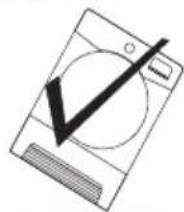
natural_image
Simple line drawing of a washing machine with a checkmark and screwdriver (no text or symbols)natural_image
Illustration of a hand holding a small object with arrows indicating motion or force direction (no text or symbols)TYHJENNYSLETKUSARJAN ASENNUSOHJEET
natural_image
Black rubber hose with two metal clips and a small bracket, shown without any text or symbols.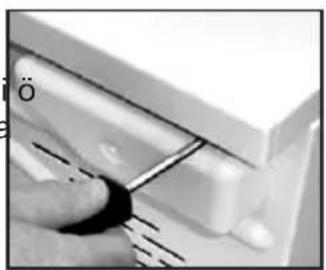
natural_image
Close-up of a hand using a tool to adjust or install a component, no visible text or symbols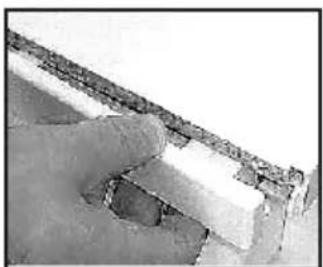
natural_image
Close-up of a hand holding a small object against a textured wall (no visible text or symbols)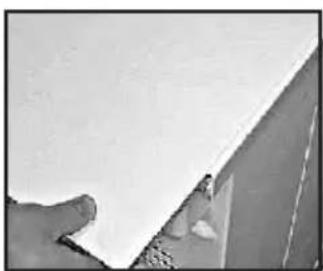
natural_image
Close-up of a hand holding a white sheet of paper against a wall (no text or symbols visible)natural_image
Close-up of a hand using pliers to handle a coiled cable or wire (no text or symbols visible)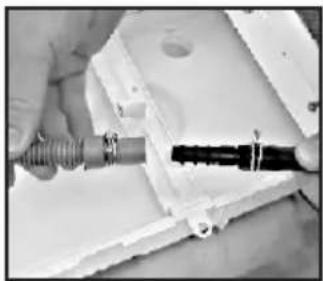
natural_image
Close-up of hands using a tool to adjust or install a component, no visible text or symbols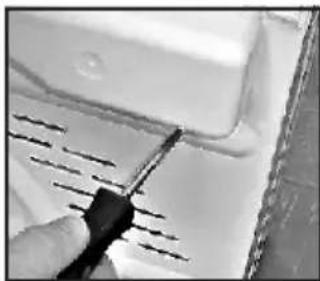
natural_image
Close-up of a hand using a screwdriver to mark a white panel edge (no text or symbols visible)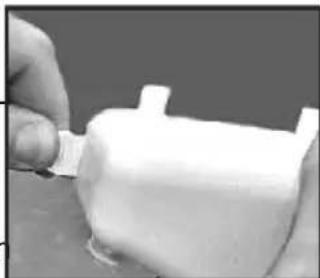
natural_image
Close-up of a hand holding a small white plastic object with a protruding clip (no visible text or symbols)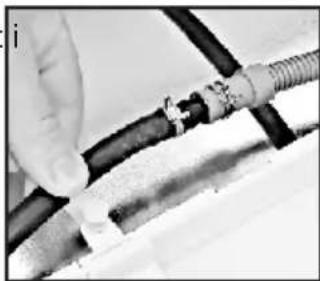
natural_image
Close-up of hands connecting a flexible hose to a coiled cable (no visible text or symbols)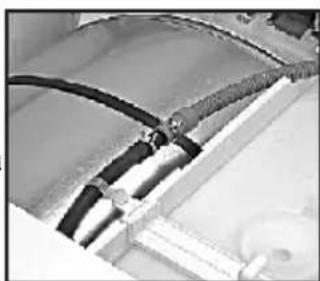
natural_image
Close-up of a mechanical component with black hoses and connectors (no visible text or symbols)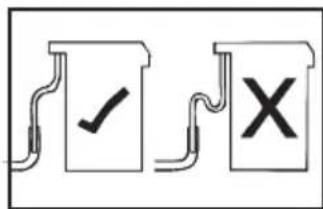
text_image
Diagram showing two document-like symbols with check and cross marks, likely indicating approval or rejection actions.natural_image
Line drawing of a hand holding a circular mechanical component (no text or symbols)natural_image
Line drawing of a hand holding a rectangular object inside a car (no text or symbols)natural_image
Illustration of two hands holding a folded or layered object, no text or symbols presentnatural_image
Illustration of hands installing or adjusting a cabinet panel into a door (no text or symbols visible)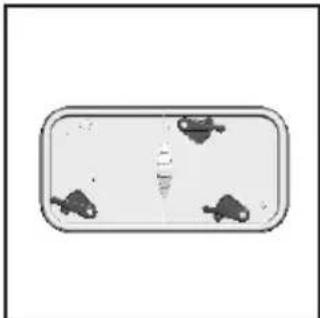
natural_image
Simple diagram of a rectangular container with three small icons inside, no text or symbols present.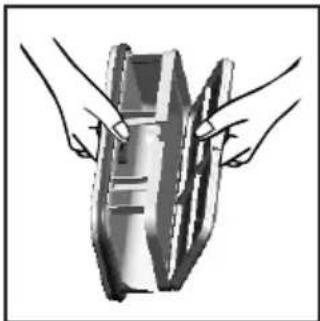
natural_image
Illustration of two hands holding a device with a grid-like structure (no text or symbols visible)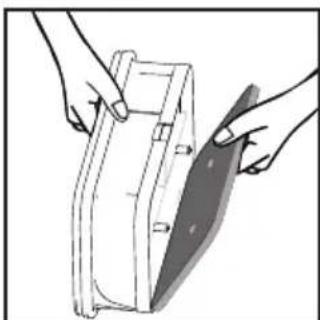
natural_image
Illustration of hands holding a mechanical component with a blade, no text or symbols present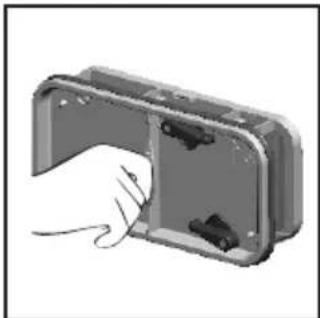
natural_image
Hand inserting a component into a metal enclosure (no text or symbols visible)ÄLÄ PUHDISTA SUODATINTA VEDELLÄ.
VESISÄILIÖ
natural_image
Line drawing of a hand cleaning a surface with a cloth (no text or symbols)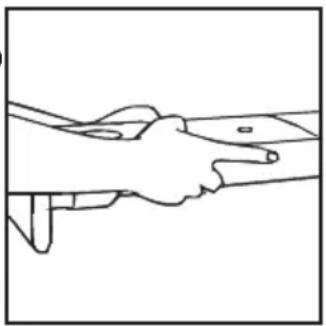
natural_image
Line drawing of two hands shaking over a surface, no text or symbols presentnatural_image
Line drawing of a hand holding a small object near the lower part of a curved surface (no text or symbols)KÄYTTÖ
natural_image
Two identical icons showing a washing machine with a black X and checkmark, no text or symbols present.natural_image
Illustration of a hand holding a small object with arrows indicating motion or direction (no text or symbols)AFL∅BSSLANGESÆT: MONTERINGSVEJLEDNING
natural_image
Black rubber hose with two plastic clips and a small metal bracket, no text or symbols visible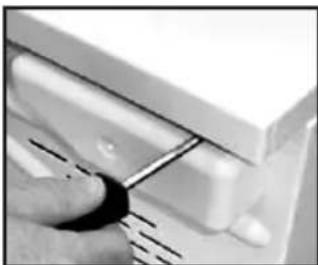
natural_image
Close-up of a hand using a tool to adjust or install a component, no visible text or symbols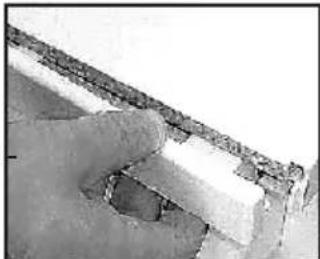
natural_image
Close-up of a hand holding a textured surface with no visible text or symbols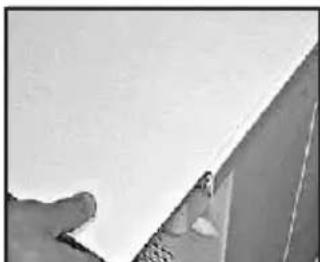
natural_image
Close-up of a hand holding a white surface next to a corner wall (no text or symbols visible)natural_image
Close-up of a hand using pliers to cut a cable or wire (no text or symbols visible)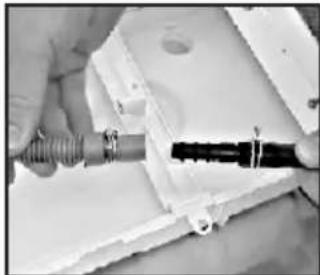
natural_image
Close-up of hands holding a coiled cable and a black connector inside a white plastic housing (no visible text or symbols)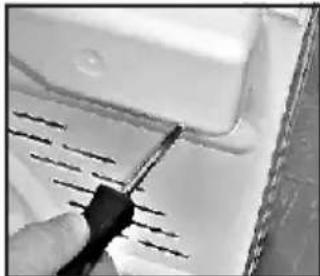
natural_image
Close-up of a hand using a tool to mark a white surface with parallel lines (no text or symbols visible)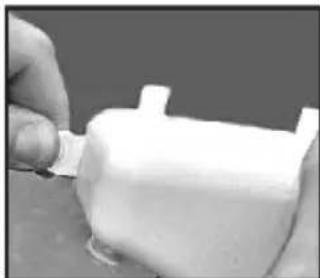
natural_image
Close-up of a hand holding a small white object with a protruding part, possibly a container or mechanical component (no visible text or symbols)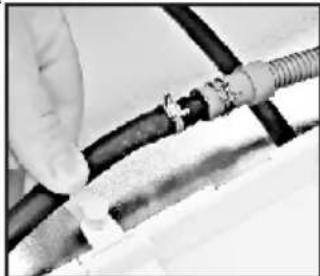
natural_image
Close-up of hands connecting a black cable with coiled tubing (no visible text or symbols)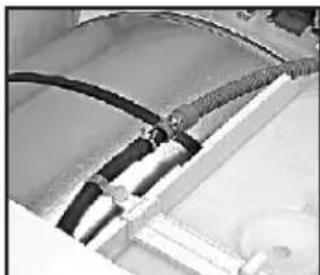
natural_image
Close-up of electrical wiring and components (no visible text or symbols)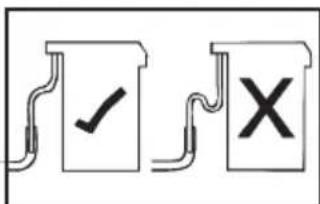
text_image
Diagram showing two labeled document icons with check and cross symbols, likely indicating approval or rejection status.FORBEREDELSE AF ILÆGNING AF T∅J
natural_image
Line drawing of a hand holding a circular mechanical component (no text or symbols)natural_image
Illustration of two hands folding a folded or folded object with visible structural details (no text or symbols)BRUG IKKE VAND TIL RENG∅RING AF FILTERET
natural_image
Illustration of hands installing or adjusting a mechanical component with a circular inset (no text or symbols)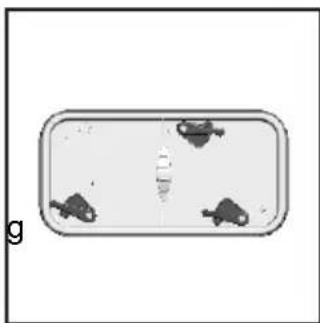
natural_image
Top-down view of a rectangular container with three small fish icons inside, no text or symbols visible.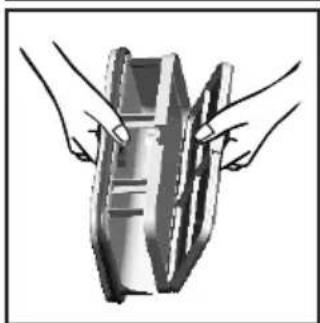
natural_image
Illustration of hands holding a mechanical component (no text or symbols visible)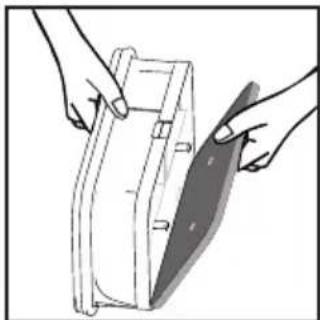
natural_image
Illustration of hands holding a rectangular object with a shaded blade, no text or symbols present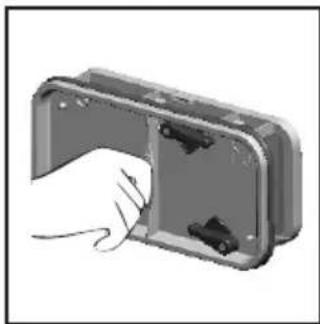
natural_image
Hand inserting a component into a metal enclosure (no text or symbols visible)IKKE BRUK VANN FOR Å RENGJ∅RE FILTERET.
VANDBEHOLDER
natural_image
Hand cleaning a surface with a cloth (no text or symbols visible)
natural_image
Line drawing of two hands shaking over a surface, no text or symbols present
natural_image
Line drawing of a hand pressing down on a surface with circular features (no text or symbols)- Hvis du tørrer akryl, syntetiske eller sarte stoffer, skal du trykke på knappen for at skrue ned for varmen.
SIKKERHETSPÅMINNELSER
Bruk
SIKKERHETSPÅMINNELSER
Bruk
SIKKERHETSPÅMINNELSER
Installasjon
SIKKERHETSPÅMINNELSER
VENTILASJON
natural_image
Two identical diagrams showing a washing machine with a cross mark and a checkmark, placed on a baseline (no text or symbols)natural_image
Black rubber hose with two plastic clips and a small bracket, no text or symbols visible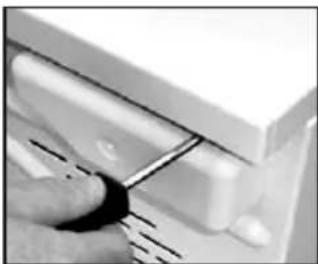
natural_image
Close-up of a hand using a tool to adjust or install a component, no visible text or symbols
natural_image
Close-up of a hand holding a metal object against a plain background (no text or symbols visible)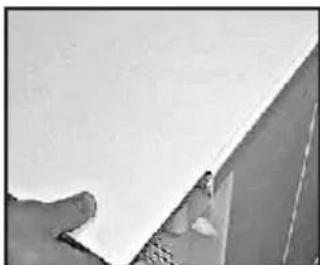
natural_image
Close-up of a hand holding a white panel with a small object near the edge (no visible text or symbols)natural_image
Close-up of a hand using pliers to tighten a cable or wire (no text or symbols visible)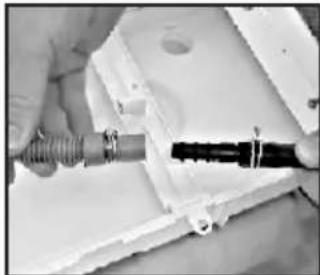
natural_image
Close-up of hands holding a coiled cable or wire component inside a white plastic housing (no visible text or symbols)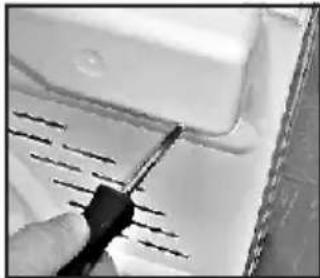
natural_image
Close-up of a hand using a screwdriver to cut or mark a white surface with diagonal lines (no text or symbols visible)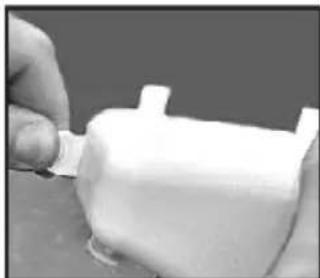
natural_image
Close-up of a hand holding a small white object with a protruding part, possibly a container or mechanical component (no visible text or symbols)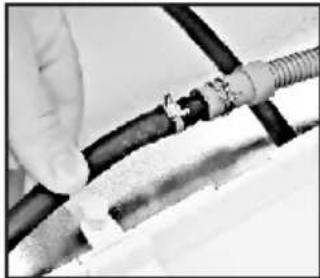
natural_image
Close-up of hands connecting a black cable to a white plastic sheet (no text or symbols visible)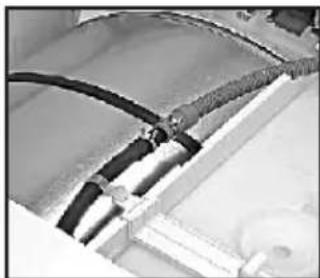
natural_image
Close-up of a mechanical component with black cables and layered surfaces (no visible text or symbols)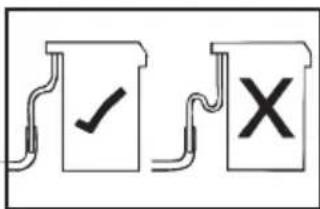
text_image
Diagram showing three document icons: a checkmark, a cross, and a document with lines, likely indicating approval or verification steps.GJ∅RE KLART T∅YET
natural_image
Line drawing of a hand holding a circular mechanical component (no text or symbols)natural_image
Line drawing of a hand holding a rectangular object inside a car (no text or symbols)Indikator For Filtervedlikehold
natural_image
Illustration of two hands assembling or folding a folded paper or panel structure (no text or symbols visible)natural_image
Illustration of hands installing or adjusting a rectangular panel with a circular component above (no text or symbols)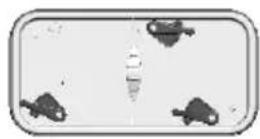
natural_image
Illustration of two hands holding a metallic object with a curved handle (no text or symbols)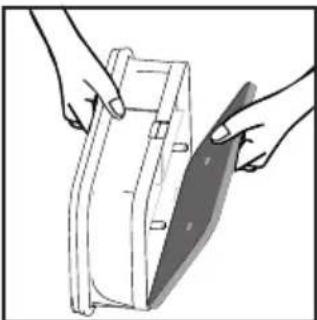
natural_image
Illustration of hands holding a medical device with a shaded blade (no text or symbols)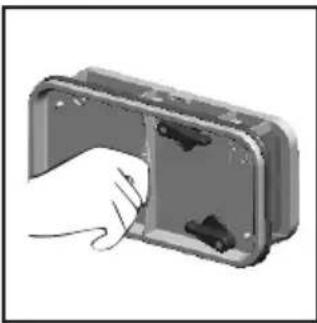
natural_image
Illustration of a hand inserting a component into an open electrical enclosure (no text or symbols visible)
IKKE BRUK VANN FOR Å RENGJ∅RE FILTERET.
VANNBEHOLDER
natural_image
Hand cleaning a car window with a cloth (no text or symbols visible)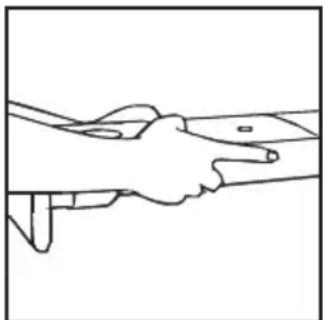
natural_image
Line drawing of two hands shaking over a surface, no text or symbols present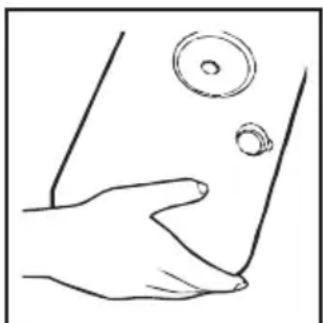
natural_image
Line drawing of a hand holding a small object near the skin, with no text or symbols present.BRUK AV MASKINEN
natural_image
Simple line drawing of a floppy disk with a central 'X' mark and textured base (no text or symbols)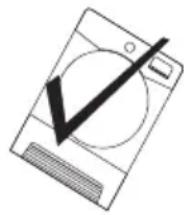
natural_image
Simple line drawing of a washing machine with a checkmark overlay (no text or symbols)natural_image
Illustration of a hand holding a small object with arrows indicating direction (no text or symbols)AVLOPPSSLANGSATS: MONTERINGSINSTRUKTIONER
natural_image
Black rubber hose with two plastic clips and a small metal bracket (no text or symbols visible)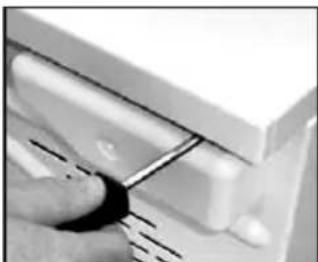
natural_image
Close-up of a hand using a tool to adjust or install a component, no visible text or symbols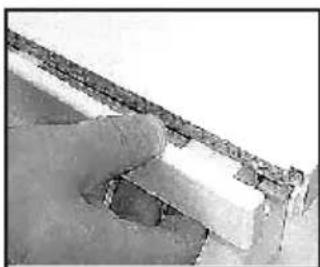
natural_image
Close-up of a wooden structure with exposed beams and joints, no visible text or symbols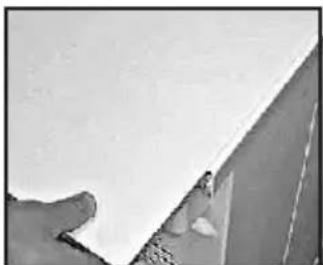
natural_image
Close-up of a hand holding a white panel with a small object near the edge (no visible text or symbols)natural_image
Close-up of a hand using pliers to cut a cable or wire (no text or symbols visible)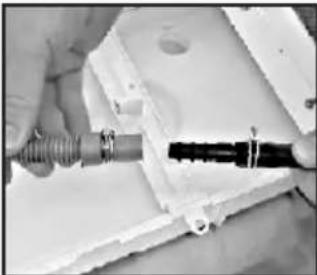
natural_image
Close-up of hands holding a coiled cable or wire component inside a white plastic housing (no visible text or symbols)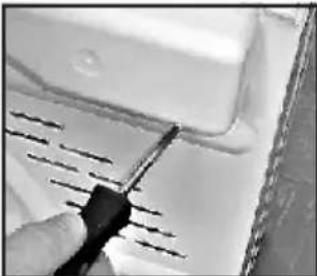
natural_image
Close-up of a hand using a screwdriver to mark a surface with parallel lines (no text or symbols visible)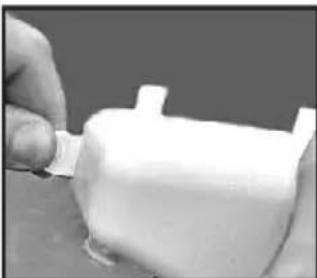
natural_image
Close-up of a hand holding a small white plastic object with a pointed tip (no visible text or symbols)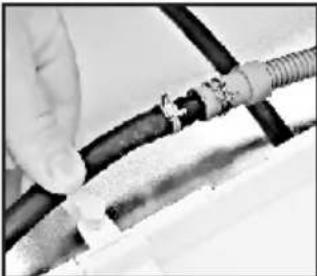
natural_image
Close-up of hands connecting a black cable to a white plastic sheet (no text or symbols visible)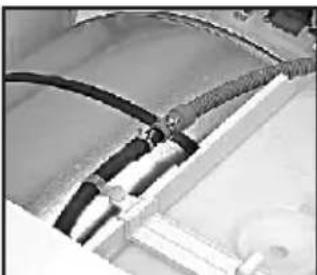
natural_image
Close-up of electrical wiring and components (no visible text or symbols)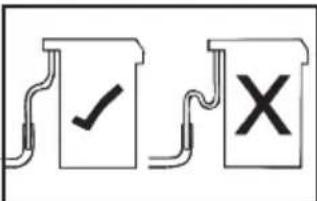
text_image
Diagram showing two document icons with check and cross symbols, likely indicating approval or rejection status.natural_image
Line drawing of a hand holding a circular mechanical component (no text or symbols)natural_image
Line drawing of a hand holding a rectangular object inside a car (no text or symbols)Filterindikator
natural_image
Illustration of two hands holding a folded or layered object, no text or symbols presentnatural_image
Illustration of hands installing or adjusting a rectangular panel with a circular component above (no text or symbols)
natural_image
Top-down view of a rectangular object with three small frog-like figures on its surface (no text or symbols)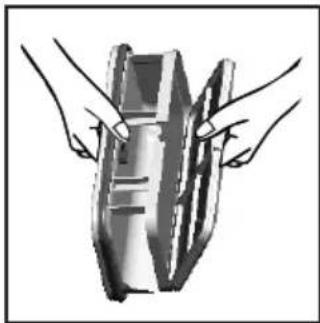
natural_image
Illustration of two hands holding a mechanical component (no text or symbols visible)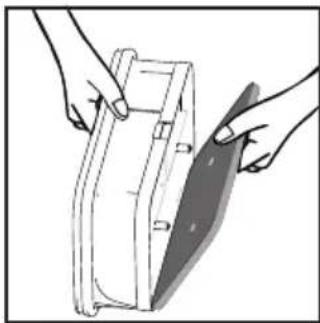
natural_image
Illustration of hands holding a medical device with a shaded band (no text or symbols)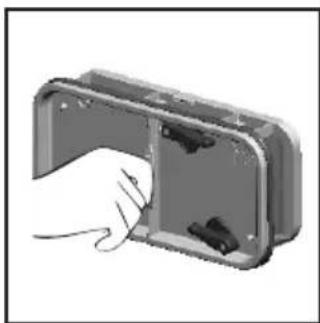
natural_image
Hand inserting a component into a device housing (no text or symbols visible)
RENGÖR INTE FILTRET MED VATTEN.
VATTENBEHÅLLARE
natural_image
Hand cleaning a surface with a cloth (no text or symbols visible)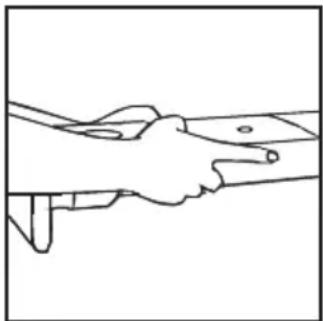
natural_image
Line drawing of two hands shaking over a surface (no text or symbols)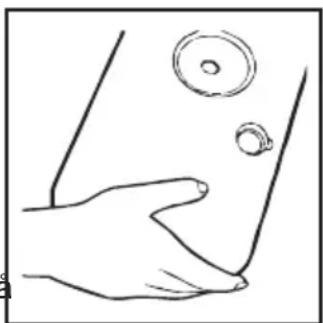
natural_image
Line drawing of a hand holding a small object near the lower part of a curved surface (no text or symbols)ANVÄNDNING
- Dans des bed and breakfast,
natural_image
Technical line drawing of a mechanical component with hatched area and directional arrow (no text or symbols)natural_image
Hand holding a small object with directional arrows indicating rotation or movement (no text or symbols)KIT TUYAU D'ÉVACUATION : INSTRUCTIONS DE MONTAGE
natural_image
Black rubber hose with two metal clips and a small bracket, no text or symbols visible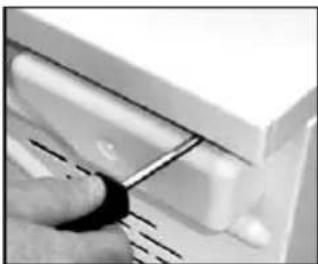
natural_image
Close-up of a hand using a tool to adjust or install a component, no visible text or symbols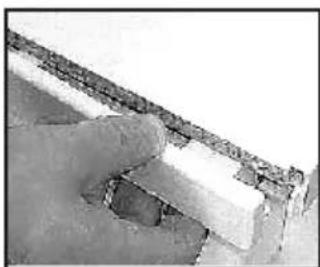
natural_image
Close-up of a hand holding a small object against a textured wall (no visible text or symbols)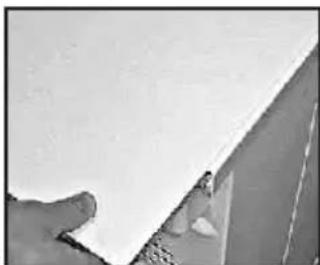
natural_image
Close-up of a hand holding a white rectangular object with a small hole, possibly part of a wall or panel (no visible text or symbols)natural_image
Close-up of hands using pliers to cut a cable or wire (no visible text or symbols)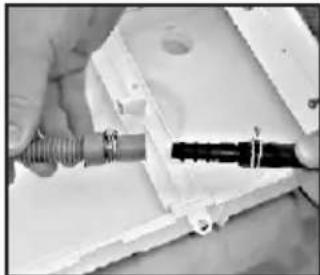
natural_image
Close-up of hands holding a coiled wire and a black connector inside a white plastic housing (no visible text or symbols)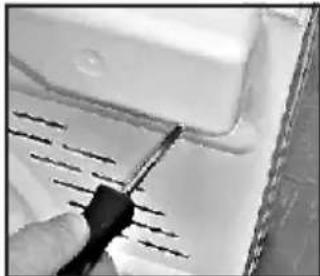
natural_image
Close-up of a hand using a screwdriver to mark a white surface with parallel lines (no text or symbols visible)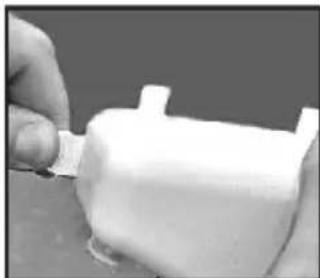
natural_image
Close-up of a hand holding a small white object with a protruding part (no visible text or symbols)
natural_image
Close-up of hands connecting a black cable to a white plastic sheet (no text or symbols visible)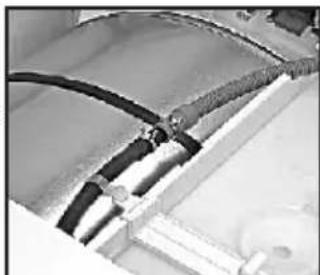
natural_image
Close-up of electrical wiring and components (no visible text or symbols)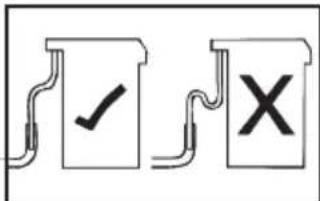
text_image
Diagram showing two labeled document boxes with check and cross symbols, likely indicating approval or rejection status.PRÉPARATION DE LA CHARGE
natural_image
Line drawing of a hand holding a circular mechanical component (no text or symbols)natural_image
Line drawing of a hand holding a rectangular object inside a car (no text or symbols)natural_image
Illustration of two hands holding a folded or layered object, no text or symbols presentnatural_image
Illustration of hands installing or adjusting a wall-mounted panel, no text or symbols present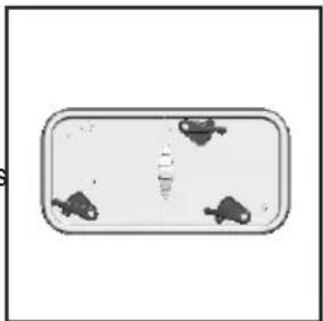
natural_image
Top-down view of a rectangular container with three small fish icons on its surface (no text or symbols)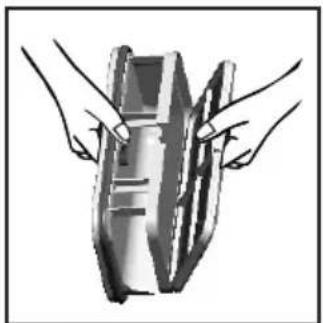
natural_image
Illustration of two hands holding a cylindrical object (no text or symbols visible)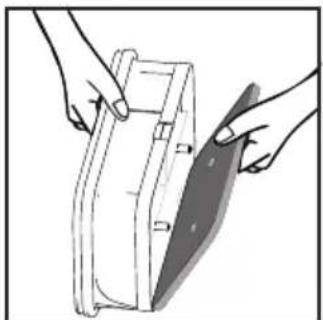
natural_image
Illustration of hands holding a rectangular object with a shaded blade, no text or symbols present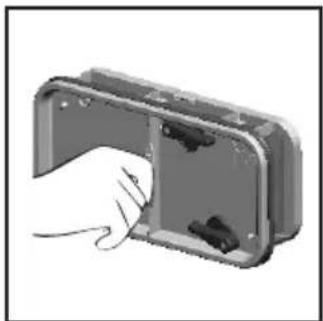
natural_image
Hand inserting a component into a device housing (no text or symbols visible)natural_image
Hand cleaning a car window with a cloth (no text or symbols visible)natural_image
Line drawing of two hands shaking over a surface (no text or symbols)natural_image
Line drawing of a hand holding a small object near the lower part of a curved surface (no text or symbols)FONCTIONNEMENT
text_image
Air Outlets in the Basenatural_image
Illustration of a person holding a small object with arrows indicating motion (no text or symbols)natural_image
Black rubber hose with two plastic clips and a small bracket, no text or symbols visible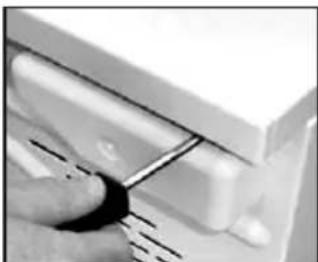
natural_image
Close-up of a hand using a tool to adjust or install a component, no visible text or symbols
natural_image
Close-up of a weathered roof corner with visible brickwork and water surface (no text or symbols)
natural_image
Close-up of a hand holding a white sheet of paper or paper, partially visible against a dark background (no text or symbols)natural_image
Close-up of a hand using pliers to tighten a cable or wire (no text or symbols visible)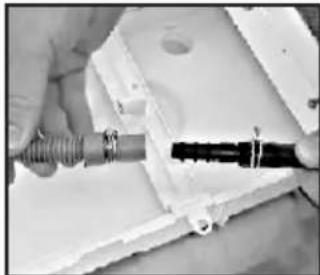
natural_image
Close-up of hands holding a coiled wire and a black connector inside a white plastic housing (no visible text or symbols)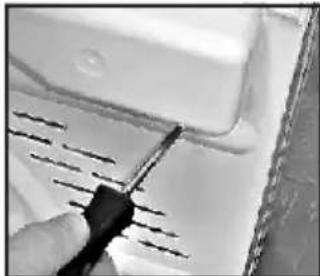
natural_image
Close-up of a hand using a screwdriver to cut a white surface with visible lines (no text or symbols)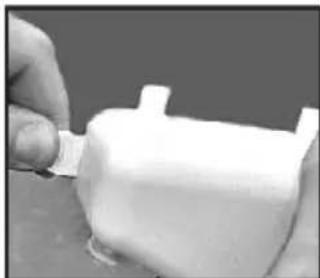
natural_image
Close-up of a hand holding a white plastic object with a small protrusion (no visible text or symbols)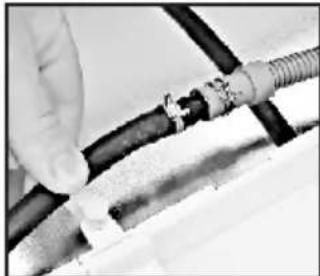
natural_image
Close-up of hands connecting a cable to a mechanical component (no visible text or symbols)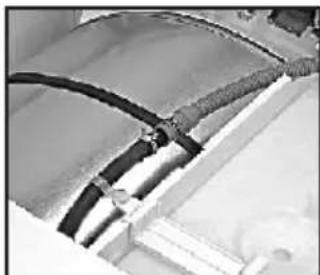
natural_image
Close-up of electrical wiring with black cables and connectors (no visible text or symbols)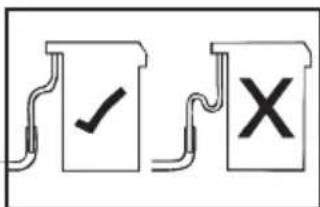
text_image
Diagram showing two labeled documents with check and cross symbols, likely indicating approval or rejection actions.natural_image
Line drawing of a hand holding a circular mechanical component (no text or symbols)natural_image
Line drawing of a hand holding a rectangular object inside a car (no text or symbols)Flusensieb-Anzeige
natural_image
Illustration of two hands folding a folded or folded object with visible internal structure (no text or symbols)natural_image
Illustration of hands installing or adjusting a wall-mounted panel, no text or symbols present
natural_image
Top-down view of a rectangular container with three small fish icons on its surface (no text or symbols)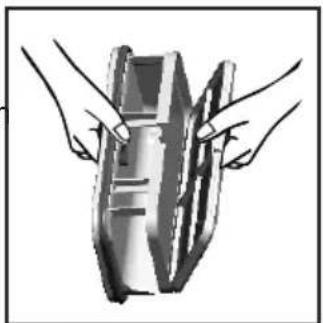
natural_image
Illustration of two hands holding a cylindrical object (no text or symbols visible)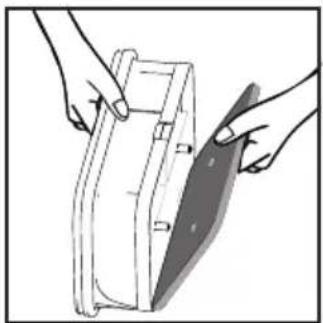
natural_image
Illustration of hands holding a rectangular object with a shaded blade, no text or symbols present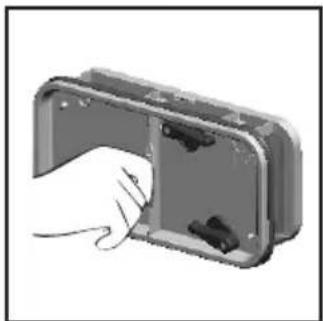
natural_image
Hand inserting a component into a device housing (no text or symbols visible)
natural_image
Hand cleaning a surface with a cloth, no text or symbols visible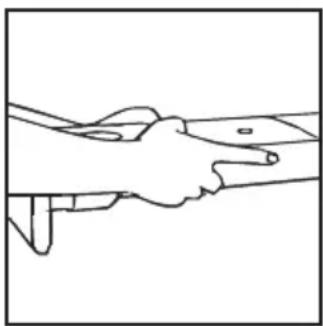
natural_image
Line drawing of two hands shaking over a surface, no text or symbols presentnatural_image
Line drawing of a hand holding a small object near the skin, with no text or symbols present.BETRIEB
natural_image
Technical line drawing of a mechanical component with hatched area and internal structure (no text or symbols)Air Outlets in the Base
natural_image
Hand holding a small object with directional arrows indicating motion (no text or symbols)natural_image
Close-up of a hand using a tool to adjust or install a white plastic component (no visible text or symbols)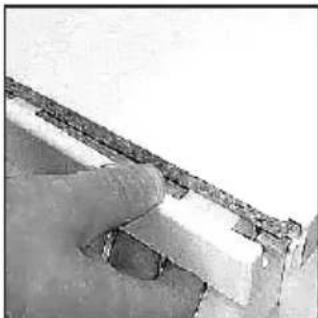
natural_image
Close-up of a finger holding a small, textured object (no visible text or symbols)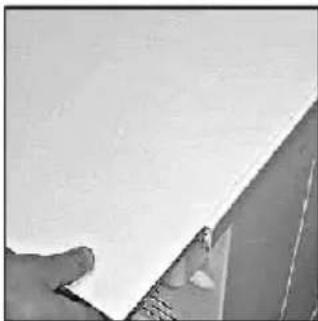
natural_image
Close-up of a hand holding a white sheet of paper, partially visible against a plain background (no text or symbols)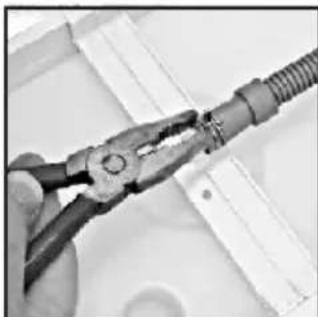
natural_image
Close-up of hands using pliers to handle a coiled cable or wire (no text or symbols visible)natural_image
Close-up of hands holding a metallic tool with wires, mounted on a white electronic device (no visible text or symbols)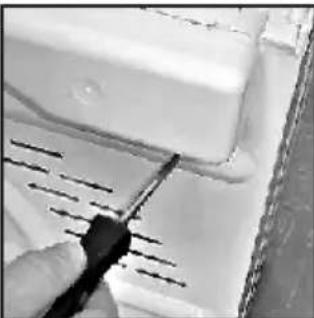
natural_image
Close-up of a hand using a screwdriver to cut a white surface with parallel lines (no text or symbols visible)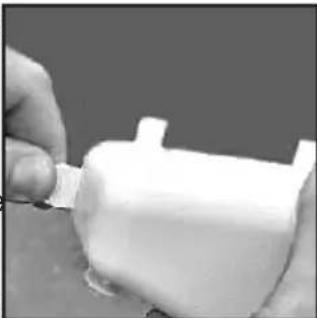
natural_image
Close-up of hands applying a white plastic bag to a small cylindrical object (no visible text or symbols)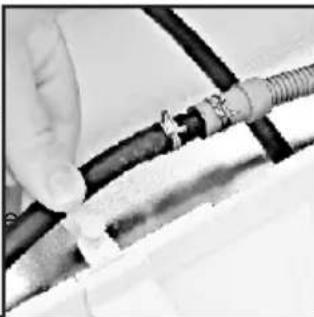
natural_image
Close-up of hands holding a coiled black cable with a coiled wire (no visible text or symbols)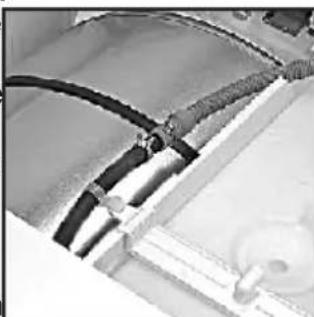
natural_image
Close-up of electrical wiring with black insulation and metal components (no visible text or symbols)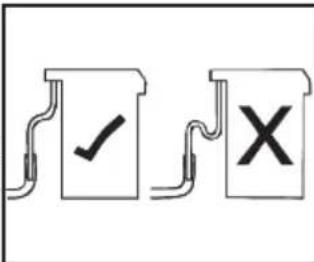
text_image
Diagram showing two labeled documents with check and cross symbols, likely indicating approval or rejection actions.HET WASGOED VOORBEREIDEN
natural_image
Line drawing of a hand holding a circular mechanical component (no text or symbols)natural_image
Line drawing of a hand opening a car door with a closed door (no text or symbols)natural_image
Illustration of hands holding a folded or layered object with no visible text or symbols
natural_image
Illustration of hands installing or removing a mechanical component into a cabinet (no text or symbols visible)
natural_image
Illustration of two hands holding a cylindrical object with a handle, no text or symbols present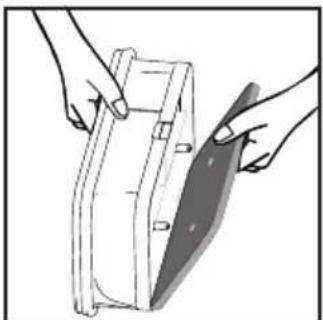
natural_image
Illustration of hands holding a rectangular object with a shaded section, no text or symbols present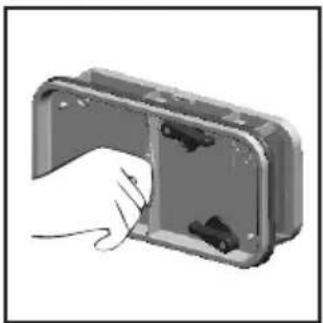
natural_image
Hand holding a mechanical component with arrows indicating force or movement (no text or symbols visible)natural_image
Hand holding a cloth over a surface, no text or symbols visible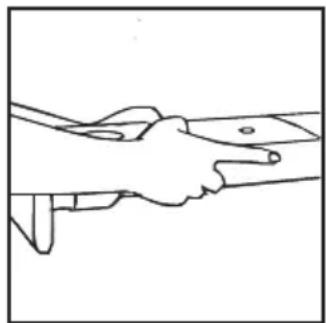
natural_image
Line drawing of two hands shaking over a surface, no text or symbols present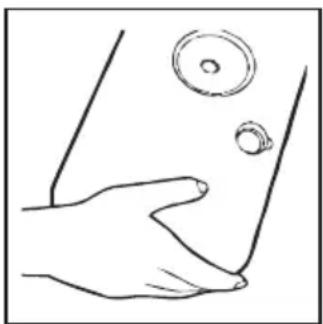
natural_image
Line drawing of a hand holding a small object near the lower part of a skin (no text or symbols)BEDIENING
natural_image
Illustration of a hand holding a small object with arrows indicating motion or direction (no text or symbols)KIT DI MONTAGGIO TUBO DI SCARICO: ISTRUZIONI PER IL MONTAGGIO
natural_image
Close-up of a hand using a tool to adjust or install a white plastic component (no visible text or symbols)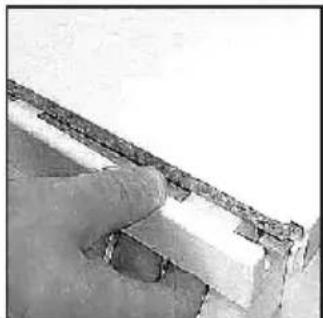
natural_image
Close-up of a curved stone wall with a small circular object on the ground (no text or symbols visible)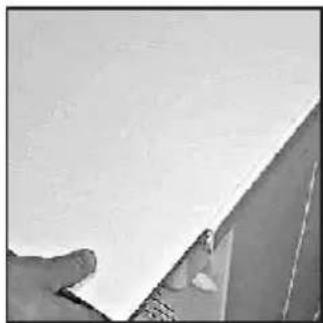
natural_image
Close-up of a hand holding a white sheet of paper against a plain background (no text or symbols visible)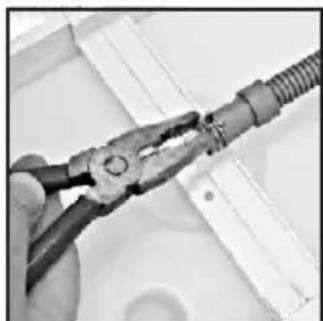
natural_image
Close-up of hands using pliers to handle a flexible wire or cable (no text or symbols visible)natural_image
Close-up of hands assembling a mechanical component with a threaded rod (no visible text or symbols)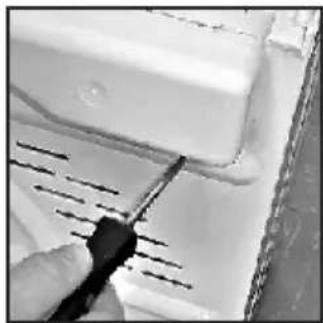
natural_image
Close-up of a hand using a screwdriver to cut or mark a white surface with diagonal lines (no text or symbols visible)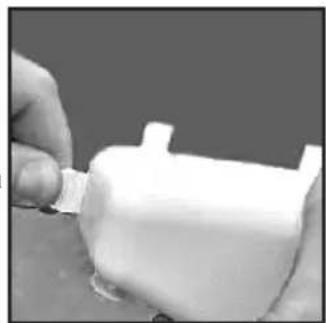
natural_image
Close-up of a hand holding a white plastic object with a small protrusion (no visible text or symbols)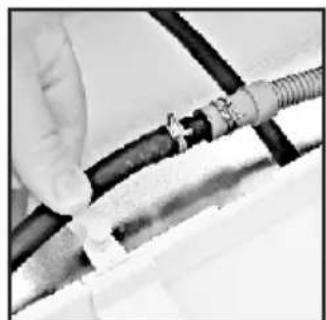
natural_image
Close-up of hands connecting black and white cables to a mechanical component (no visible text or symbols)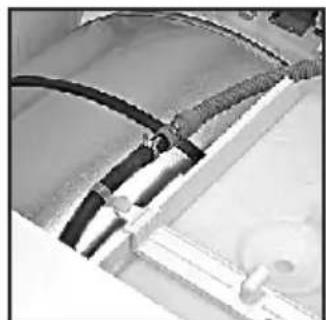
natural_image
Close-up of a mechanical component with black hoses and a circular inset element (no visible text or symbols)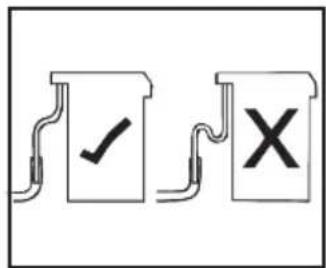
text_image
Diagram showing two document-like symbols with checkmark and cross marks, likely indicating approval or rejection status.natural_image
Line drawing of a hand holding a circular mechanical component (no text or symbols)natural_image
Line drawing of a hand holding a rectangular object inside a car (no text or symbols)natural_image
Illustration of two hands assembling or folding a rectangular object (no text or symbols visible)
NON USARE ACQUA PER PULIRE IL FILTRO
Pulizia Filtro
natural_image
Illustration of hands installing or adjusting a mechanical component with a circular inset (no text or symbols)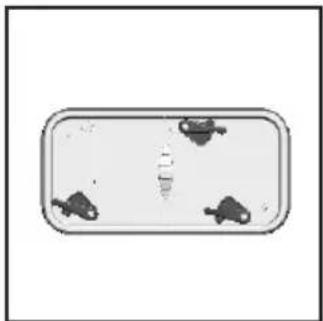
natural_image
Simple diagram of a rectangular container with three small fish icons on its surface (no text or symbols)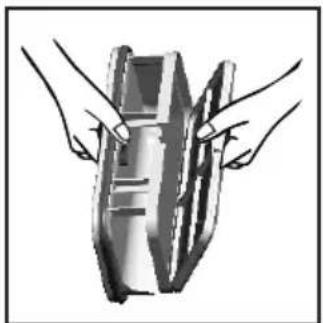
natural_image
Illustration of two hands holding a cylindrical object (no text or symbols visible)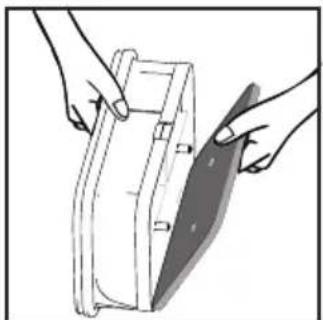
natural_image
Illustration of hands holding a rectangular object with a diagonal blade, no text or symbols present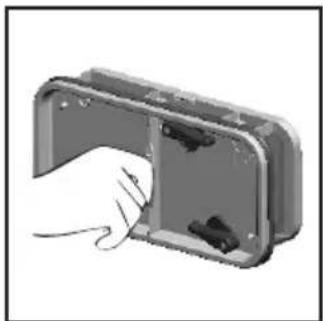
natural_image
Hand inserting a component into a device housing (no text or symbols visible)VASCHETTA DELL'ACQUA
natural_image
Hand cleaning a surface with a cloth (no text or symbols visible)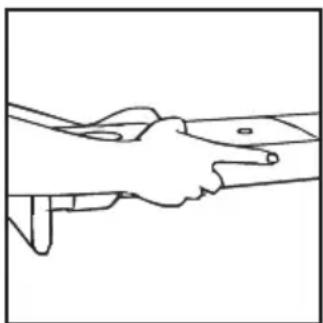
natural_image
Line drawing of two hands shaking over a surface (no text or symbols)