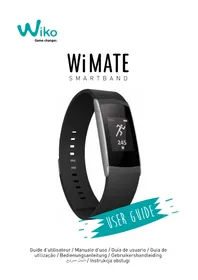
WiMate Smartband - Sports Watch WIKO - Free user manual and instructions
Find the device manual for free WiMate Smartband WIKO in PDF.


User questions about WiMate Smartband WIKO
0 question about this device. Answer the ones you know or ask your own.
Ask a new question about this device
Download the instructions for your Sports Watch in PDF format for free! Find your manual WiMate Smartband - WIKO and take your electronic device back in hand. On this page are published all the documents necessary for the use of your device. WiMate Smartband by WIKO.
USER MANUAL WiMate Smartband WIKO
Visit your doctor before starting or changing your training session.
Box contents:
1x WiMATE smart band.
1x USB charging cable.
1x Quick user guide.
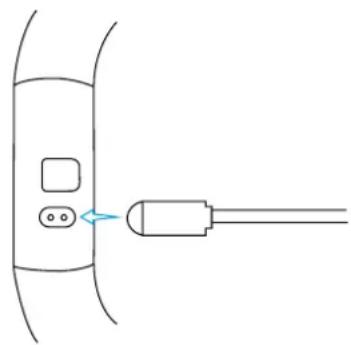
1. Charging:
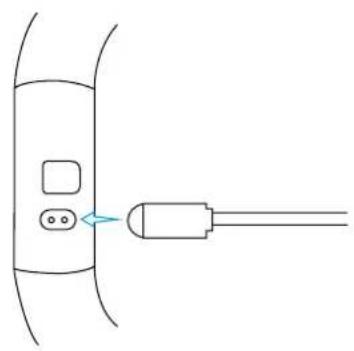
Connect the USB cable to a USB port in your computer or compatible USB adapter.
Connect the magnetic pins with the contacts on the back of the WiMATE smartband.
2. Wear your smart band:
Wear your smartband around your Wrist and adjust it.
3. Power, pairing mode and set up
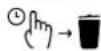
To turn on your smartband, maintain your finger onto the touch screen until you feel 4 vibrations. Connect your smartband to your smartphone thanks to WiMATE App. Please make sure your smartphone OS is at least Android 5.0 or above / iOS 8.0 or above.
- Download the "WiMATE" application from Google Play Store or Apple Store in your smartphone.
- Launch the application and follow the steps to pair and to set up your personal information.
- Your smartband and your smartphone will sync automatically.
Tracking activities and functions:
Some of the smartband functions require pairing with the smartphone.
FUNCTIONS AND ICONS:
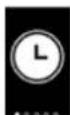
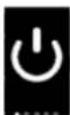
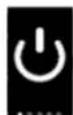
| Off | |
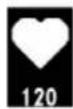
| Hearth rate (bpm) | |
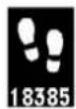
| Steps | |
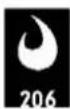
| Calories (kcal) | |
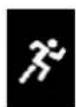
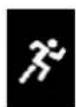
| Training / Activity | |
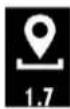
| Distance (km) | |
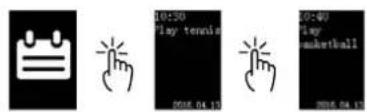
| Agenda | |
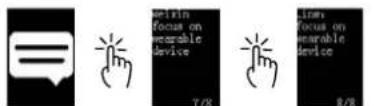
| SMS et notifications | |
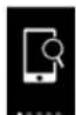
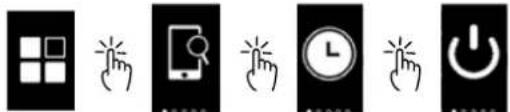
| Find your phone | |
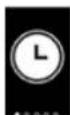
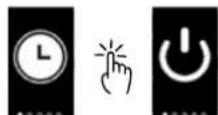
| Alarms | |
| Sedentary reminders | |
| Functions | |
| Incoming call (name) |
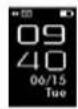
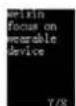
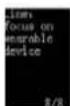
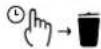
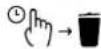
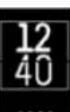
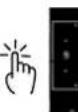
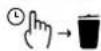
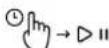
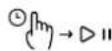
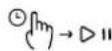
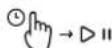
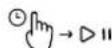
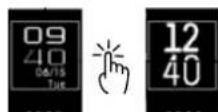
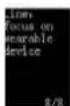
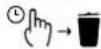
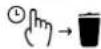
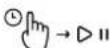
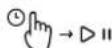
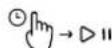
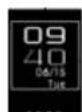
TOUCH SCREEN NAVIGATION:

新
指

( m/m)
指
前
指

( m/m)
前
C_m^2

前
浙
前
法

C_m^2
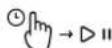
① 1 D .
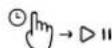
② 7 D 11

前
设 m > 1
m

m = 311
前
中
(1)
(1)
② m >
(1)
中
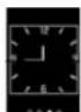
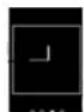
Display screen information:
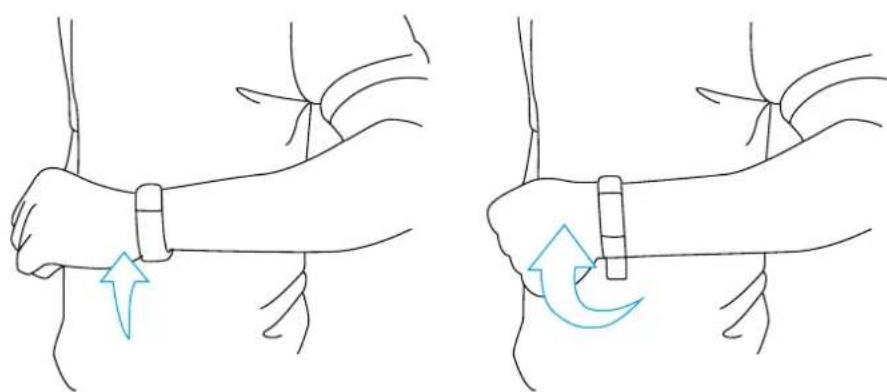
If the screen of your smartband is in stand-by mode, you may activate it through 2 ways:
- Slide your finger on the touch screen from the top to the bottom.
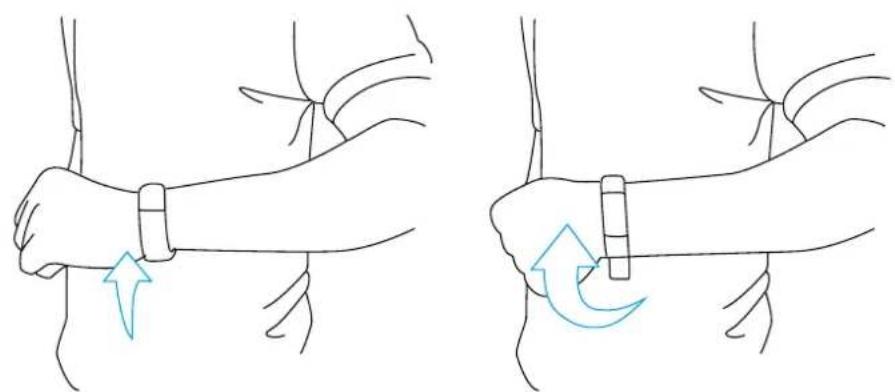
- Flip your wrist.
USUAL QUESTIONS:
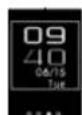
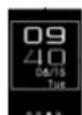
Q: After the sync between my smartphone and the smartband, the date and time shown by the smartband are not correct.
A: Restart the smart band and make the sync again.
Q: Why my smartband doesn't show the name of the incoming call?
A: Android: After pairing with the App, make sure you allow all your phone permissions to authorize the app display calls, SMS, contacts and also make sure the App is active in background.
If your smartphone had other software security services, make sure, the App "WiMATE" is marked as sure.
iOS: Restart your iPhone and re-connect to the smartband. After connection, wait for the message « Bluetooth pairing request » and select « pairing »: the name of the incoming call must be displayed.
Q: Is my smart band waterproof?
A: Your product is waterproof, to water splash and to light dip (IP67 certification). You can wash your hands wearing your smart band.
To extend your smartband quality and lifetime, we suggest to remove your smart band every time you wash your hands or have a shower.
IMPORTANT: your smartband is not designed for swimming.
Smartband instructions care.
- Avoid shocks: hard manipulations could damage your smart band.
- Never use a hard or sharp element onto the touch screen.
- Avoid the use of chemicals cleaners or solvents to clean your smart band. It may damage the plastic parts and coatings.
- Carefully clean your smartband with a soft towel and water after every time you use sun block, other beauty products, alcohol or other chemical products. After cleaning, dry the device.
- Do not keep the smartband in extreme temperatures (sauna, too long sun exposure)
Important usage information:
The smart band have a built in lithium- ion battery.
Never throw the battery or smartband on a fire and follow the guidelines in force for recycling used batteries.
Be careful not to crush or damage the battery. It could cause an internal short circuit and overheating.
Never take the battery apart.
Do not leave the battery being charged for more than a week as this might result in an overload and reduce the life of the product.
HELP
- Heart rate: if the heart rate data is not accurate, you can:
Clean and dry your arm before wearing the smartband.
Avoid the contact between your smartband and sun blocker.
Wear your smartband around your wrist above your bone. The band must be adjusted to the wrist size and remain comfortable.
- Pairing: if you couldn't pair your smartband with your smartphone, follow these steps:
Turn off the smart band by selecting On/Off button.
Press the touch screen for 15 seconds, until you feel 4 vibrations.
Try to pair again your smartband with your smartphone via Wiko App 'WiMATE'.
Website: www.wikomobile.com
WARRANTY POLICY
This product comes in 2-year warranty starting from date of purchase. Repair services and/or components replacements are free of charge if damage result under normal use and within the warranty period. Warranty is avoid if:
- Unit is improperly used, misused, modified, not properly installed, or is disabled.
- Safety instructions within this manual are for no followed.
- Product barcode is tempered, missing or destroyed.
Customer service :
serviceclients@wikomobile.com
© 2016 Wiko. All rights reserved.
CE
INTRODUCTION
Avtissement
serviceclients@wikomobile.com
© 2016 Wiko. All rights reserved.
CE
INTRODUZIONE
Avverenza
© 2016 Wiko. All rights reserved.
CE
INTRODUCCION
Advertencia
Consulte sempre a sumedicalo antes de comenzar autilizar o modificar su programa de entrega;.
m = 311
①[m]
(1)
中
Wikomobile Logistic S.L.
+34[0]947593979
sat@wikomobile.es
© 2016 Wiko. All rights reserved.

INTRODUÇÃO
Aviso
Sempre consulte o seumedicalo ante devenir ou de modifier qualquerprograma de exercicios fisicos.
Conteúdo da caixa:
1x pulseira conectada Wiko
© 2016 Wiko. All rights reserved.

EINLEITUNG
WARNHINWEIS

11( m/m)
前
前
11( m/m)

前
前

设 m > 1
前
法

11( m)


新
前









(1)

(1)


© 2016 Wiko. All rights reserved.

INLEIDING
Waarschuwing
© 2016 Wiko. All rights reserved.

#
y
4.1.11
Wiko Jia x 1
USB 一 _ 一 1x1
1x1
:
jai jai 1
.USB aIbI JgB gB IaI bI USB 1000-
.Wiko
(1 + 12) < 1
aal 1
13
4 1 1 1 1 1 1 1 1 1 1 1 1
aillg jssll 1000000000000000000000000000000000000000
.8SOi 0.5 diordnA ySdIyLJyIyIyIyIyIyIyIyIyIyIyIyIyIyIyIyIyIyIyIyIyIyIyIyIyIyIyIyIyIyIyIyIyIyIyIyIy
aaii 111111111111111111111
slll gllg 1
:
s 1
11( m + 2)

11( m + 2)
11( m/m)

11( m)

① 1 D 11
② 7 D .
(1)
m
m
(1)
(1)
(1)
(1)
中
:
i 1
a
aial jall aylae oale! g ylll
a aalaaal alalal alalal aalaa
J 1
:aiilll llll 1 jil .Sii iilal all m al glln jir jir jir jir jir jir jir jir jir jir jir jir jir jir jir jir jir jir jir jir jir jir jir jir jir jir jir jir jir jir jir jir jir jir jir jir
. ffo
4 51 5
.okiW 5
www.wikomobile.com:
J
1 1
Jia jiaaiall jaijaiai 0i jia iiaie aie aie aie aie
jbls jbs lks jgl dss jg plalw e g jbla plalw gld

11( m + 2)
前
法
11( m/m)

前
法
法
新
法
11( m/m)
① 1 D 11
② 1 D 11

前
设 m > 1
(1)

1
指
中
m
② m_7
中


© 2016 Wiko. All rights reserved.

Wiko SAS | 1, rue Capitaine Dessemond - 13007 Marseille - France
Tel +33 4 88 08 95 15 | Fax +33 4 88 08 95 20
wikomobile.com | SIRET 530 072 206 00028 - APE 4652Z