ManualGo.com
 Focus DZ5005 - Iron ROWENTA - Free user manual and instructions
Find the device manual for free Focus DZ5005 ROWENTA in PDF.


Download the instructions for your Iron in PDF format for free! Find your manual Focus DZ5005 - ROWENTA and take your electronic device back in hand. On this page are published all the documents necessary for the use of your device. Focus DZ5005 by ROWENTA.
USER MANUAL Focus DZ5005 ROWENTA
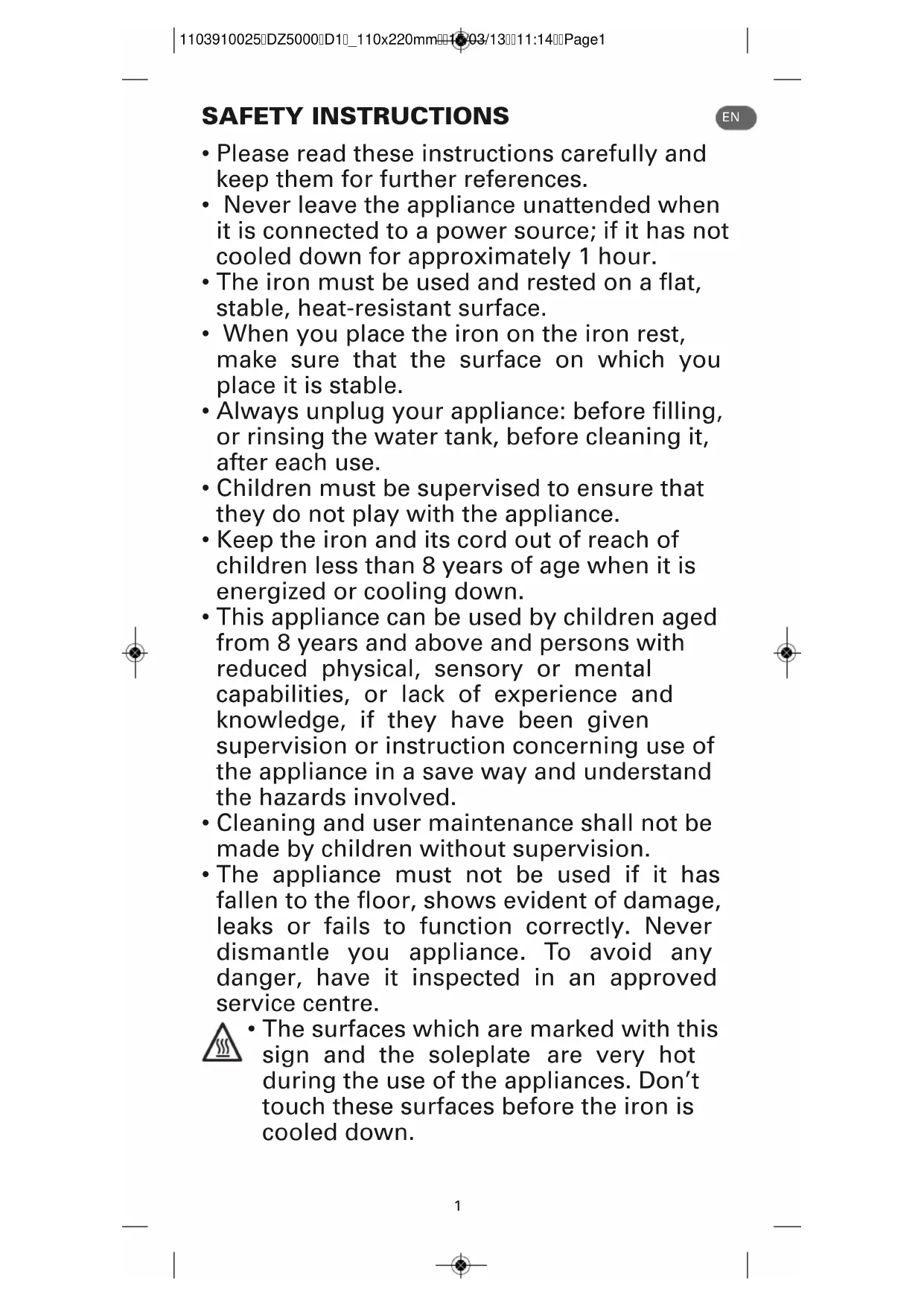
EN SAFETY INSTRUCTIONS
• Please read these instructions carefully and
keep them for further references.
• Never leave the appliance unattended when
it is connected to a power source; if it has not
cooled down for approximately 1 hour.
• The iron must be used and rested on a flat,
stable, heat-resistant surface.
• When you place the iron on the iron rest,
make sure that the surface on which you
• Always unplug your appliance: before filling,
or rinsing the water tank, before cleaning it,
• Children must be supervised to ensure that
they do not play with the appliance.
• Keep the iron and its cord out of reach of
children less than 8 years of age when it is
energized or cooling down.
• This appliance can be used by children aged
from 8 years and above and persons with
reduced physical, sensory or mental
capabilities, or lack of experience and
knowledge, if they have been given
supervision or instruction concerning use of
the appliance in a save way and understand
the hazards involved.
• Cleaning and user maintenance shall not be
made by children without supervision.
• The appliance must not be used if it has
fallen to the floor, shows evident of damage,
leaks or fails to function correctly. Never
dismantle you appliance. To avoid any
danger, have it inspected in an approved
• The surfaces which are marked with this
sign and the soleplate are very hot
during the use of the appliances. Don’t
touch these surfaces before the iron is
1103910025DZ5000D1_110x220mm15/03/1311:14Page1IMPORTANT RECOMMANDATIONS • The voltage of your electrical installation must correspond to that of the iron (220-240V). Always plug your iron into an earth socket. Connecting to the wrong voltagemay cause irreversible damage to the iron and will invalidate the guarantee.• If you are using a mains extension lead, ensure that it is corrected rated (16A) withan earth, and is fully extended.• If the electric power cord is damaged, it must be replaced by an Approved ServiceCentre in order to prevent any danger.• Do not unplug your appliance by pulling on the cord.• Never immerse your steam iron in water or any other liquid. Never hold it under thewater tap.• Never touch the electric cord with the soleplate of the iron.• Your appliance gives off steam, which may cause burns, especially when you areironing close to the edge of your ironing board.• Never direct the steam towards people or animals.• For your saftey, this appliance conforms to the applicable standards and regulations(Low Voltage, Electromagnetic Compatibility, Environmental Directives). • This product has been designed for domestic use only. Any commercial use, inappropriate use or failure to comply with the instructions, the manufacturer acceptsno responsibility and the guarantee will not apply. ENVIRONMENT PROTECTION FIRST ! i Your appliance contains valuable materials which can be recovered orrecycled. ‹ Leave it at a local civic waste collection point. Keep these instructions
DESCRIPTION BEFORE USE
1 • Unpacking Take the iron out of the box and remove all the stickers.IMPORTANT Before doing anything else, remove the soleplate protector (fig.1)! 2 • What water may be used ? Your iron has been designed to operate using untreated tap water up to 17° dH(German water hardness). If in doubt, check with your local water authority.However, if your water is very hard, you can mix 50% untreated tap water with50% distilled or demineralised water.IMPORTANT Heat concentrates the elements contained in water duringevaporation. The types of water listed below contain organic waste or mineralelements that can cause spitting, brown staining or premature wear of theappliance:- water from clothes dryers, scented or softened water, water fromrefrigerators, batteries or air conditioners, pure distilled or demineralised wateror rain water should not be used in your iron. Also do not use boiled, filtered orbottled water. 3 • Using for the first time Plug in the iron (fig.2) and set the temperature control dial (fig.3) to ••• to heat theappliance. A little smoke and a slight smell may be emitted, but this is only temporary.Unplug the iron (fig.4) and fill the water tank (§ 4 Filling the water tank). To remove any impurities in the iron's steam chamber, unplug the iron and hold itover a sink horizontally. Push the steam control into the Self Clean position : steamwill now begin to build up.(*) Depending on model1 Spray nozzle2 Filling inlet (with slide-buttonopening)3 Variable steam controla Dry ironing b Steam max. position *c Self Cleand Autosteam *4 Spray button 5 Shot of steam button 6 Auto-off indicator light*7 Cord8 Handle9 Thermostat control light*10 Temperature control dial11 LED display*a Yellow LED b Green LEDc Red LEDd Auto-off LED12 Water tank 13 Maximum water level indicator14 Soleplate 1103910025DZ5000D1_110x220mm15/03/1311:14Page23
EN (*) Depending on model After a few seconds water will emerge from the soleplate, rinsing any impurities
out of the steam chamber (fig.5).
Move the steam control to steam position after approx.
1 minute. Plug in the iron and allow the iron to heat up again. Wait until the
remaining water has evaporated. Unplug from the mains and allow the iron to fully
4 • Filling the water tank
IMPORTANT Before filling the water tank, unplug the iron and set the steam
control to dry position .
Tilt the iron. Open the filling inlet (fig.6). Pour in water up to the max mark (fig.7).
Close the filler inlet (fig.8) and return the iron to the horizontal.
5 • Setting the temperature
Set the iron temperature to suit the type of material using the temperature control
Temperature control*: The temperature control light indicates that the soleplate is
heating up. When the temperature control light goes off (fig.9), the set temperature
is reached and you can begin ironing.
set temperature is reached and you can begin ironing.
Electronic temperature control*: The traffic lights tell you whether the soleplate is
at the selected temperature (fig.10).
IMPORTANT The iron takes longer to cool down than to heat up. We
recommend that you start with fabrics to be ironed at a low temperature.
For mixed fabrics set the temperature for the most delicate fabric.
TIP Always spray starch onto the reverse side of the fabric to be ironed.
Set the variable steam control to (fig.11) and set the temperature to suit the
type of material (care points •, ••, •••).
You can steam iron from temperature setting •• upwards.
Steam function* The steam quantity can be set to between no steam (minimum
steam quantity) and (maximum steam quantity) (fig.12). We recommend setting
to maximum steam quantity only when the iron is at temperature setting •••.
Auto Steam function* Set the steam button to (fig.13) and the steam quantity will
adjust automatically to the soleplate temperature
8 • Shot of steam (from temperature setting •• upwards)
IMPORTANT Leave an interval of 4 seconds between each shot and wait until
the flow of steam is finished before standing the iron on its heel.
Press the shot of steam button to generate a powerful jet of steam and remove
stubborn creases (fig.14).
Ironing label Fabric
YELLOW The soleplate is still too cold for the selected material. GREEN The soleplate is at the right temperature for the selected material.RED The soleplate is still too hot for the selected material.AUTO- OFF The automatic electronic cut-out* is active.
1103910025DZ5000D1_110x220mm15/03/1311:14Page34
(*) Depending on model
9 • Vertical shot of steam
(from temperature setting •• upwards)
TIP Hold the iron 10 to 20 centimetres away from the garment to avoid burning
Hold the iron to the vertical and press the shot of steam button ( fig.15) to
remove creases from suits, jackets, skirts, hanging curtains etc.
IMPORTANT Never direct the steam at persons or animals!
Press the spray button to dampen stubborn creases (fig.16).
11 • Anti-Drip system*
It prevents water escaping from the soleplate when the temperature is too low.
12 • Automatic electronic 3-position cut-off*
If, although switched on, the appliance is not moved, it will automatically switch off
nd the auto off light will blink after the following intervals (fig. 17):
- After 30 sec., if the iron is left standing on the soleplate or lying on its side .
- After 8 mins., if the iron is left standing on its heel.
To switch the iron back on, move the iron gently.
Unplug the iron (fig.4), pour away remaining water (fig.18) and set steam control to
Open and close the steam control several times (fig.19) to prevent the valve hole
into the steam chamber from scaling or blocking up.
Allow the appliance to cool down before storing the iron standing on its heel
IMPORTANT Do not wind the cord around the hot soleplate. Never store your
iron placed down on the soleplate (fig21).
MAINTENANCE AND CLEANING IMPORTANT Unplug and allow the iron to fully cool down before maintenance
15 • Anti-scale system
Your iron contains an anti-scale cartridge to reduce scale deposits. This
considerably prolongs the operational life of your iron.
The anti-scale cartridge is an integral part of the water tank
and does not need to be replaced.
16 • Self Clean function
(prolongs the life of the iron)
The Self Clean function flushes dirt and scale particles out of the steam chamber.
IMPORTANT Do not use descaling agents, as these damage the lining of the
steam chamber and so may impair the steam function.
Fill the water tank with tap untreated water up to the max mark and heat the iron to
the ••• temperature. Unplug the iron and hold it over a sink horizontally. Hold the
steam control into the Self Clean position (fig.5) : steam will now begin to build up.
After a few seconds water will emerge from the soleplate, rinsing dirt and scale
particles out of the steam chamber.
Move the steam control to position after approx. 1 minute.
Plug in the iron and allow the iron to heat up again. Wait until the remaining water
has evaporated. Unplug from the mains and allow the iron to fully cool down.
When cool, the soleplate can be wiped with a damp cloth.
TIP Use the Self Clean function approx. every 2 weeks. If the water is very hard,
clean the iron weekly.
17 • Cleaning the iron
When the appliance has cooled down, wipe it down with a damp cloth or sponge,
Remove the dirt from the soleplate with a damp cloth or sponge.
IMPORTANT Do not use sharp or abrasive cleaning agents or objects to clean
soleplate and other parts of the iron. If the appliance has been standing unused
for long periods, use the Self Clean function (see § 16).
1103910025DZ5000D1_110x220mm15/03/1311:14Page45
EN (*) Depending on model If you are unable to trace the cause of the fault, contact an official Rowenta Customer
Service Centre. The addresses are shown in the enclosed service centre address list.
Helplines listed at the front of this leaflet.
Further hints and tips are obtainable from our homepage: www.rowenta.com
Subject to modifications !
Problems Cause Solution The iron isplugged in,but thesoleplate ofthe ironremains cold.No mains supply. Check that the mains plug is properlyinserted or try plugging the iron into adifferent socket.Temperature control set too low. Set the temperature control to a highertemperature.The automatic electronic cut- o ff* is active.Move your iron.Thermostatcontrol light*or the yellowled* goes onand off.This is normal.When the thermostat control light* orthe yellow led* goes on and off the ironis heating up. As soon as the thermostatcontrol light* goes off or the green led*lights up the set temperature has beenreached. None or too
being emitted. Steam control set on dryposition .Turn the steam control to the requiredsetting area. Not enough water in the
Fill the water tank.
Anti-Drip* is active
Wait for the soleplate to reach the correct
Do not add any descaling agents to the
water in the water tank. Use the Self
Clean function and clean your iron.
accumulated in the holes of
the soleplate and are burning.
Clean the soleplate with a
non-metallic sponge.
Vacuum the holes of the soleplate from
Your linen is not rinsed
sufficiently or you have
ironed a new garment before
Ensure linen is rinsed thoroughly to
remove any soap deposits or chemicals
on new garments which may be sucked
by the iron. Use of starch. Always spray starch onto the reverse sideof the fabric to be ironed and clean youriron soleplate. Pure distilled /
demine-ralised or softened
Only use untreated tap water or mix half
tap water with half distilled/demineralised
water. Use the Self Clean function and
Overuse of shot of steam
Allow more time between each shot.
Soleplate temperature too
Set the temperature control to a higher
3 Knapp for dampregulering
c Self Clean d Autosteam
5 Knapp for dampstrøm
set temperature is reached and you can begin ironing.
15 • Anti-kalk system
the iron to fully cool down.
set temperature is reached and you can begin ironing.
accumulated in the holes of
the soleplate and are burning.
Puhdista pohja ei-metallisella
pesusienellä. Puhdista pohjan reiät silloin
Your linen is not rinsed
sufficiently or you have
ironed a new garment before
demine-ralised or softened
R E C O M E N D A C I O N E S I M P O R T A N T E S