ManualGo.com
GA73PVMS2 - Carte mère GIGABYTE - Free user manual and instructions
Find the device manual for free GA73PVMS2 GIGABYTE in PDF.
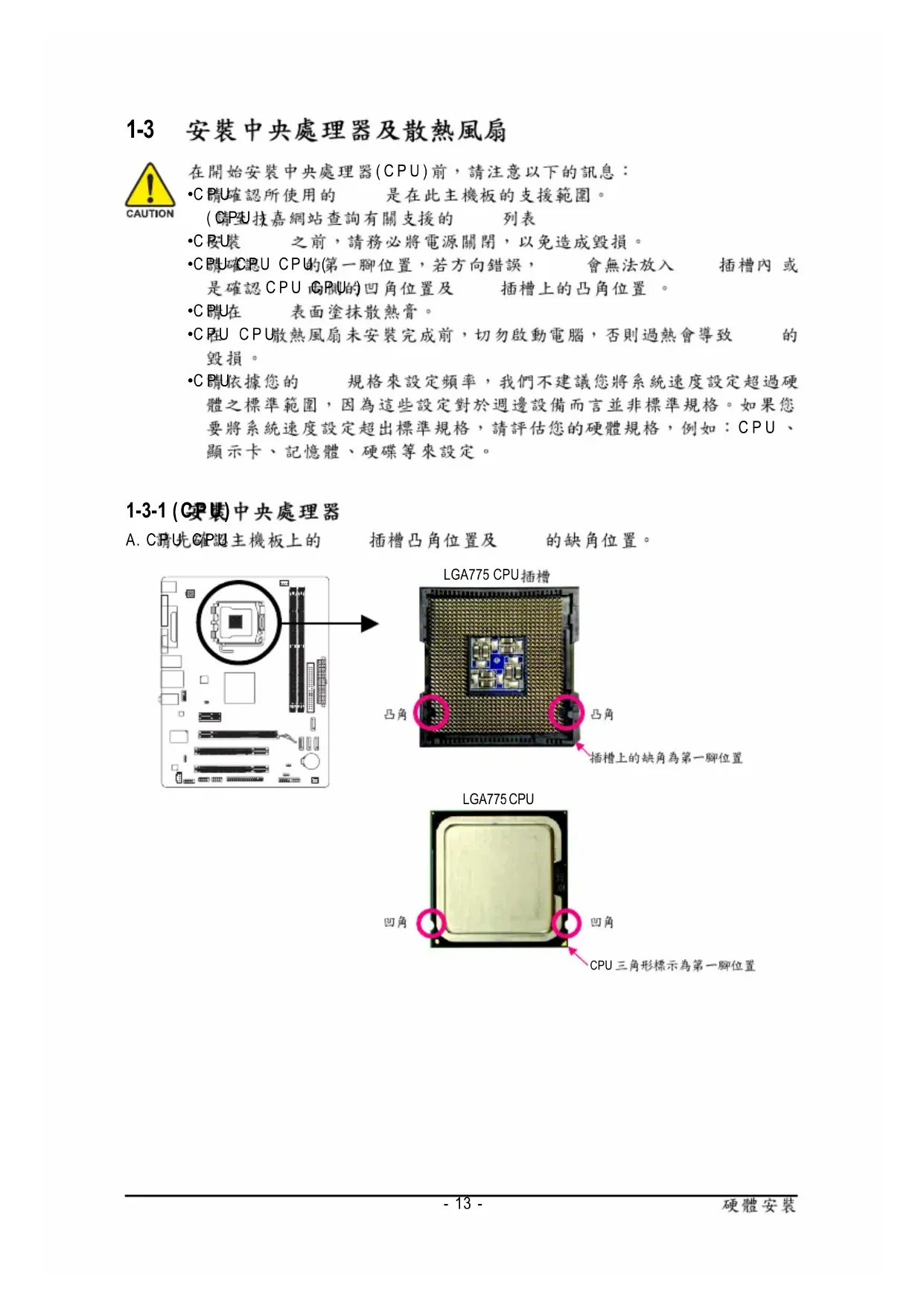


Download the instructions for your Carte mère in PDF format for free! Find your manual GA73PVMS2 - GIGABYTE and take your electronic device back in hand. On this page are published all the documents necessary for the use of your device. GA73PVMS2 by GIGABYTE.
USER MANUAL GA73PVMS2 GIGABYTE
12MC-73PVMS2-1003RDec. 6, 2007
2-5 Integrated Peripherals (
2-6 Power Management Setup (
2-7 PnP/PCI Configurations (
2-8 PC Health Status ( ) 47
2-11 Load Optimized Defaults (
2-12 Set Supervisor/User Password ( / ) 52
2-13 Save & Exit Setup (
2-14 Exit Without Saving (
Line-In(Rear Speaker Out)
B. CPU CPU CPU CPU CPU
DVI-D DVI-D DVI-D D-Sub
16 PS_ON(soft On/Off)
+12V CPU_FAN 4-pin SYS_FAN 3-pin
(Master/Slave) ( IDE )
HD (High Definition ) AC'97
(POST Power-On Self-
` Integrated Peripherals
Integrated Peripherals ( )
PC Health Status ( )
Set User Password ( )
Exit Without Saving ( )
Time (hh:mm:ss) 22:31:24
` IDE Channel 0 Master [None]
` IDE Channel 0 Slave [None]
` IDE Channel 2 Master [None]
` IDE Channel 2 Slave [None]
` IDE Channel 3 Master [None]
` IDE Channel 3 Slave [None]
Drive A [1.44M, 3.5"]
Floppy 3 Mode Support [Disabled]
Halt On [All, But Keyboard]
All, But Keyboard ( )
First Boot Device [Floppy]
Second Boot Device [Hard Disk]
Third Boot Device [CDROM]
CPU Enhanced Halt (C1E)
CPU Thermal Monitor 2(TM2)
First / Second / Third Boot Device ( / / )
CPU Multi-Threading ( CPU )
CPU CPU Enabled CPU ( )
(buffer overflow) ( Enabled)
CPU Enhanced Halt (C1E) (Intel
CPU Enhanced Halt (C1E) ( CPU
CPU Thermal Monitor 2 (TM2) (Intel
CPU EIST Function (Intel
Virtualization Technology (Intel
2-5 Integrated Peripherals ( )
CMOS Setup Utility-Copyright (C) 1984-2007 Award Software
Integrated Peripherals
` SMART LAN [Press Enter]
Legacy USB storage detect [Enabled]
Onboard Serial Port 1 [3F8/IRQ4]
Onboard Parallel Port [378/IRQ7]
Parallel Port Mode [SPP]
( )- 41 - BIOS AHCI SATA AHCI AHCI (Advanced Host
Controller Interface)
Serial ATA Native Command Queuing
USB Keyboard Support ( USB )
USB Mouse Support ( USB )
Cable Length 10m Cable
length less than 10M MS-DOS 10/100 Mbps
Windows LAN Boot ROM Gigabit hub 10/100/
hub Status Short Length
Part1-2 Status = Short / Length = 1.6m
10/100 Mbps Part 4-5 7-8
Start detecting at Port
Start detecting at Port
Part1-2 Status = Open / Length = 0.0m
Part3-6 Status = Open / Length = 0.0m
Part4-5 Status = Open / Length = 0.0m
Part7-8 Status = Open / Length = 0.0m
KLJI: Move Enter: Select +/-/PU/PD: Value F10: Save ESC: Exit F1: General Help
EPP EPP (Enhanced Parallel Port)
ECP ECP (Extended Capabilities Port)
ECP+EPP EPP ECP ECP Mode Use DMA (ECP DMA )
Soft-Off by Power button ( )
USB Resume from Suspend ( USB )
Power Management Setup
ACPI Suspend Type [S1(POS)]
Soft-Off by Power button [Instant-Off]
PME Event Wake Up [Enabled]
HPET Support ( ) [Enabled]
High Precision Event Timer
Power On By Mouse ( )
+5VSB 1 ATX Disabled ( )
Power On By Keyboard ( )
Power On by Keyboard Passoword
2-8 PC Health Status ( )
Current Voltage(V) Vcore / DDR2 1.8V / +3.3V / +12V ( )
Current System/CPU Temperature ( /CPU )
/CPU Current CPU/SYSTEM FAN Speed (RPM) ( )
CPU Warning Temperature (CPU )
CPU CPU Disabled ( CPU
C Current CPU Temperature 37
Menu Level`GA-73PVM-S2 - 48 -
CPU Smart FAN Control (CPU )
CPU Disabled CPU Enabled CPU CPU EasyTune ( )
CPU Smart FAN Mode (CPU )
CPU Smart FAN Control
Voltage 3-pin CPU Voltage
Current CPU Freq, MHz 3600.0 3600.0
Current CPU Freq, MHz
FSB-Memory Clock Mode
CPU Auto BIOS CPU ( )
Linked CPU CPU Unlinked CPU FSB-Memory Ratio
FSB-Memory Clock Mode Linked
Sync Mode CPU CPU Host Frequency (Mhz) (CPU )
CPU Host Frequency (Mhz)
CPU Clock Ratio (CPU )
CPU CPU CPU- 51 - BIOS CPU Voltage Control (CPU )
CPU Normal CPU Vcore (CPU )
` Integrated Peripherals
` Integrated Peripherals
2-12 Set Supervisor/User Password ( / )
` Standard CMOS Features
` Integrated Peripherals
KLJI Change/Set/Disable Password
2-14 Exit Without Saving ( )
` Integrated Peripherals
Save to CMOS and EXIT (Y/N)? Y CMOS Setup Utility-Copyright (C) 1984-2007 Award Software
` Standard CMOS Features
` Advanced BIOS Features
` Integrated Peripherals
Quit Without Saving (Y/N)? N- 55 -
C. Xpress Recovery2 (Backup)
1. Xpress Recovery2 "Press
E. Xpress Recovery2 (Remove)
BIOS BIOS "Are you sure
Update BIOS from Drive
Update BIOS from Drive
Enter : Run KL:Move ESC:Reset F10:Power Off
!! Copy BIOS completed - Pass !!
Please press any key to continue
` Integrated Peripherals
3. C.O.M.(Corporate Online Management)
<Delete> BIOS Load Optimized
<Delete> BIOS Load Optimized
( ) C.I.A. M.I.B. CPU
Integrated Peripherals NV Serial-ATA Controller ( 1)
Integrated Peripherals
` SMART LAN [Press Enter]
Legacy USB storage detect [Enabled]
Onboard Serial Port 1 [3F8/IRQ4]
Onboard Parallel Port [378/IRQ7]
Parallel Port Mode [SPP]
Press F10 to enter RAID setup utility ...
MediaShield BIOS Jul 27 2007
- Define a New Array -
RAID Mode: Striped Stripe Block: Optimal
<F7> "All data on new(or added)
RAID Mode: Striped Stripe Block: Optimal
[Y] YES [N] NO RAID Mode: Striped Stripe Block: Optimal
All data on new(or added) disks will be overwritten. Contiune?
KLKL KLKL KL] Select [B] Set Bootable [N] New Array [ENTER] Detail
[R] Rebuild [D] Delete [C] Clear MBR [ENTER] ReturnGA-73PVM-S2 - 76 -
to install a 3rd party SCSI or RAID driver" <F6> ( 1)
SATA RAID/AHCI <S> ( 2)
Press F6 if you need to install a third party SCSI or RAID driver.
S=Specify Additional Device ENTER=Continue F3=Exit
Setup could not determine the type of one or more mass storage devices
installed in your system, or you have chosen to manually specify an adapter.
Currently, Setup will load support for the following mass storage devices(s)
* To specify additional SCSI adapters, CD-ROM drives, or special
disk controllers for use with Windows, including those for
which you have a device support disk from a mass storage device
manufacturer, press S.
* If you do not have any device support disks from a mass storage
device manufacturer, or do not want to specify additional
mass storage devices for use with Windows, press ENTER.GA-73PVM-S2 - 78 -
S=Specify Additional Device ENTER=Continue F3=Exit
Setup will load support for the following mass storage device(s):
NVIDIA RAID Driver (required)
* To specify additional SCSI adapters, CD-ROM drives, or special
disk controllers for use with Windows, including those for
which you have a device support disk from a mass storage device
manufacturer, press S.
* If you do not have any device support disks from a mass storage
device manufacturer, or do not want to specify additional
mass storage devices for use with Windows, press ENTER.
ENTER=Select F3=Exit
You have chosen to configure a SCSI Adapter for use with Windows,
using a device support disk provided by an adapter manufacturer.
Select the SCSI Adapter you want from the following list, or press ESC
to return to the previous screen.
NVIDIA RAID Driver (required)
NVIDIA nForce Storage Controller (required)- 79 -
WindowsXP Professional
S=Specify Additional Device ENTER=Continue F3=Exit
Setup will load support for the following mass storage device(s):
NVIDIA RAID Driver (required)
NVIDIA nForce Storage Controller (required)
* To specify additional SCSI adapters, CD-ROM drives, or special
disk controllers for use with Windows, including those for
which you have a device support disk from a mass storage device
manufacturer, press S.
* If you do not have any device support disks from a mass storage
device manufacturer, or do not want to specify additional
mass storage devices for use with Windows, press ENTER.GA-73PVM-S2 - 80 -
driver for High Definition Audio" Service Pack
(S/PDIF ) S/PDIF SPDIF_O S/PDIF S/PDIF S/PDIF S/PDIF S/PDIF A. (S/PDIF )
SPDIF_OGA-73PVM-S2 - 86 -
B. S/PDIF S/PDIF S/PDIF S/PDIF
Pink In Front Green In
A CPU CPU CPU_FAN ATX 12V CPU
Restriction of the use of Certain Hazardous Substances in Electrical and
Electronic Equipment, RoHS) WEEE ( Waste Electrical and Electronic
G.B.T. INC. (U.S.A.) -