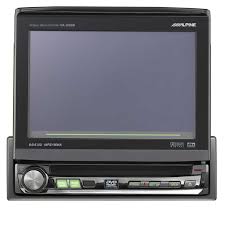
IVA-D100RB - Car stereo ALPINE - Free user manual and instructions
Find the device manual for free IVA-D100RB ALPINE in PDF.


| Product Type | Car stereo with DVD/CD player, FM/MW/LW tuner, motorized LCD screen |
| Brand | ALPINE |
| Model | IVA-D100RB |
| Power supply | 12 V DC (negative ground), main fuse 15 A, ignition fuse 7.5 A |
| Radio tuner | FM (3 bands), MW, LW, with RDS (AF, TA, PTY, NEWS, radio text) |
| Disc player | DVD video, DVD audio, DVD-VR, CD video, CD audio, CD-R/RW (MP3/WMA) |
| Supported audio formats | MP3 (32-320 kbps, 32-48 kHz), WMA (32-320 kbps, 32-48 kHz), CD-DA |
| RDS functions | AF (alternative frequencies), TA (traffic information), PTY (program type), NEWS, radio text |
| Connectivity | Ai-NET, RGB input for navigation, AUX video input/output, optical digital output, steering wheel control possible |
| Audio/video inputs | 1 AUX input (audio + video), 1 RGB input |
| Audio outputs | 4 RCA outputs (front left/right, rear left/right), 1 subwoofer output |
| Video output | 1 composite video output (yellow) |
| Screen | Motorized LCD monitor with PulseTouch function (tactile feedback) |
| Audio adjustments | Bass, treble, balance, fader, contour, subwoofer, graphic/parametric equalizer, Dolby Surround/Pro Logic II (with external processor) |
| iPod compatibility | Yes (via KCA-420i adapter), playback, search by list/artist/album |
| Safety | Parking brake required for advanced audio settings and video viewing; do not watch video while driving |
| Maintenance | Clean with a soft dry cloth; do not use chemical products |
| Repairability | Do not repair yourself; contact an authorized Alpine dealer |
| General information | Detachable front panel, playback position memory function, power-off timer, in-store demonstration |
Frequently Asked Questions - IVA-D100RB ALPINE
User questions about IVA-D100RB ALPINE
0 question about this device. Answer the ones you know or ask your own.
Ask a new question about this device
Download the instructions for your Car stereo in PDF format for free! Find your manual IVA-D100RB - ALPINE and take your electronic device back in hand. On this page are published all the documents necessary for the use of your device. IVA-D100RB by ALPINE.
USER MANUAL IVA-D100RB ALPINE
Mobile Media Station
IVA-D100R IVA-D100RB




Made for iPod

AUDIO/VIDEO



- OWNER'S MANUAL
Please read before using this equipment.
777 Supertest Road, Toronto,
Ontario M3J 2M9, Canada
Phone 1-800-ALPINE-1 (1-800-257-4631)
ALPINE ELECTRONICS OF AUSTRALIA PTY. LTD.
161-165 Princes Highway, Hallam
Victoria 3803, Australia
Phone 03-8787-1200
ALPINE ELECTRONICS GmbH
Frankfurter Ring 117, 80807 München, Germany
Phone 089-32 42 640
ALPINE ELECTRONICS OF U.K. LTD.
Alpine House
Fletchamstead Highway, Coventry CV4 9TW, U.K.
Phone 0870-33 33 763
ALPINE ELECTRONICS FRANCE S.A.R.L.
(RCS PONTOISE B 338 101 280)
98, Rue de la Belle Etoile, Z.I. Paris Nord II
B.P. 50016, 95945 Roissy Charles de Gaulle
Cedex, France
Phone 01-48638989
⑧ Touche OPEN/CLOSE/FLAT
DVD video, DVD-VR, CD video, DVD audio (mode VCAP)* :
COUNTRY CODE / PARENTAL / DIGITAL OUT /
DOWNMIX MODE / TV SCREEN / BONUS CODE /
DVD-A SETUP/PBC
OFF/FULL (plage complete)/TW (Tweeter)
OFF/ON
REAR: OFF/ON
CENTER: OFF/ON
SUBW.: OFF/MONO/STEREO
Plage d'accord 87,5-108,0 MHz
CLASSE 1 PRODUIT LASER
NE PAS COICER LES CABLES AVEC DES OBJECTS VOISINS.
Alpine CD Changers Give You More!
More musical selections, more versatility, more convenience.
The CHA-S634 is a high-performance 6-disc changer with a new M DAC, CD-R/RW PLAY BACK, MP3 PLAY BACK and CD TEXT. The CHA-1214 Ai-NET model holds 12 discs, and the CHM-S630 M-Bus model is a super-compact 6-disc changer with a CD-R/RW PLAY BACK.
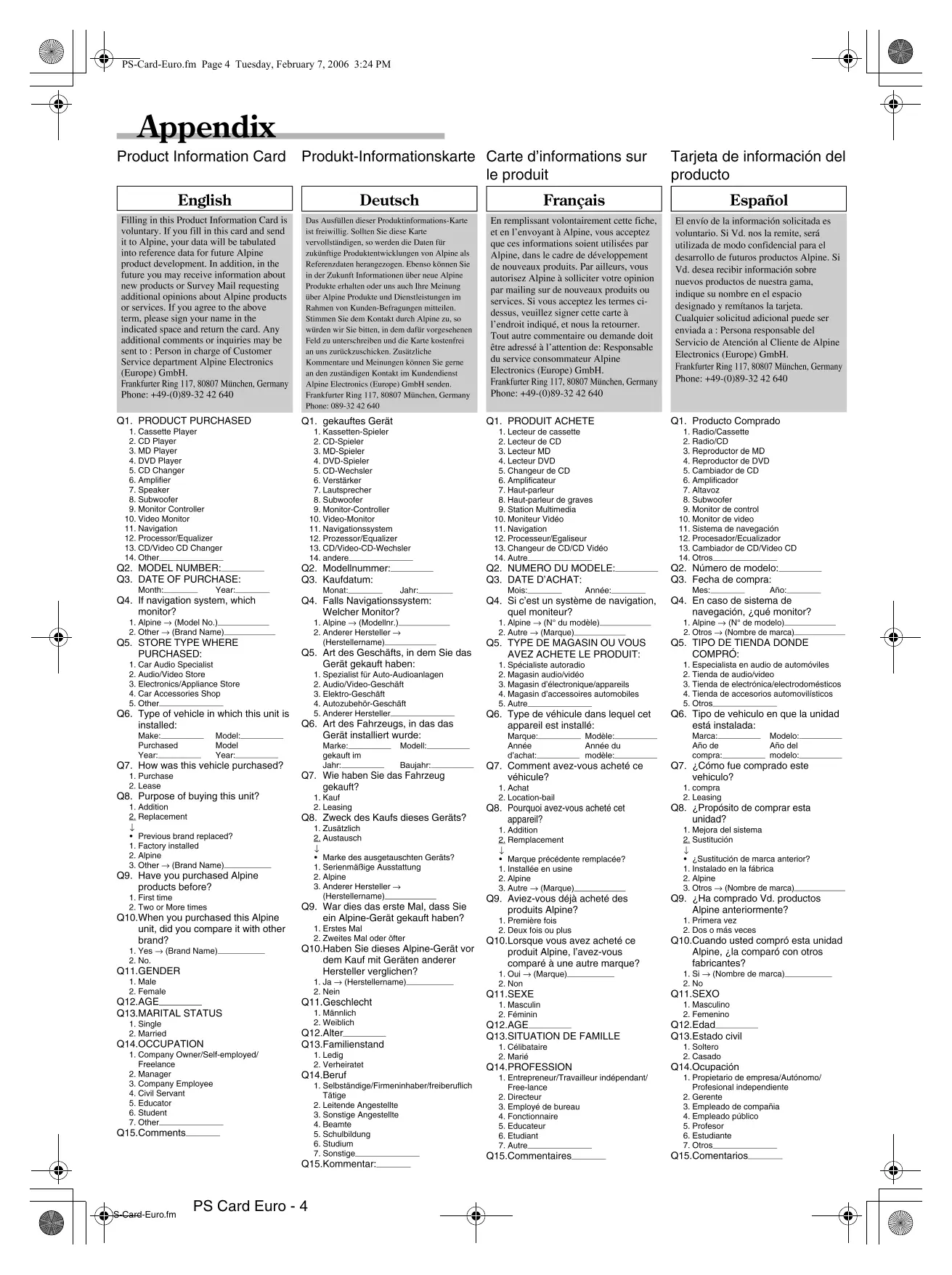
Filling in this Product Information Card is voluntary. If you fill in this card and send it to Alpine, your data will be tabulated into reference data for future Alpine product development. In addition, in the future you may receive information about new products or Survey Mail requesting additional opinions about Alpine products or services. If you agree to the above term, please sign your name in the indicated space and return the card. Any additional comments or inquiries may be sent to: Person in charge of Customer Service department Alpine Electronics (Europe) GmbH. Frankfurter Ring 117, 80807 München, Germany Phone: +49-(0)89-32 42 640
Deutsch
Q1. PRODUCT PURCHASED
-
Cassette Player
-
CD Player
-
MD Player
4.DVD Player
-
CD Changer
-
Amplifier
-
Speaker
-
Subwoofer
-
Monitor Controller
-
Video Monitor
-
Navigation
-
Processor/Equalizer
-
CD/Video CD Changer
-
Other
Q2. MODEL NUMBER:
Q3. DATE OF PURCHASE:
Month:
Q4. If navigation system, which monitor?
-
Alpine (Model No.).
-
Other (Brand Name)
Q5. STORE TYPE WHERE PURCHASED:
-
Car Audio Specialist
-
Audio/Video Store
-
Electronics/Appliance Store
-
Car Accessories Shop
-
Other.
Q6. Type of vehicle in which this unit is installed:
Make:
Model:
Model
Purchased
Model Year:
Q7. How was this vehicle purchased?
-
Purchase
-
Lease
Q8. Purpose of buying this unit?
-
Addition
-
Replacement
上
-
Previous brand replaced?
-
Factory installed
-
Alpine
-
Alpine 3. Other (Brand Name).
Q9. Have you purchased Alpine products before?
-
First time
-
Two or More times
Q10.When you purchased this Alpine unit, did you compare it with other brand?
1.Yes (Brand Name)
2.No
Q11.GENDER
-
Male
-
Female
Q12.AGE
Q13.MARITAL STATUS
-
Single
-
Married
Q14.OCCUPATION
- Company Owner/Self-employed/
Freelance
-
Manager
-
Company Employee
-
Civil Servant
-
Educator
-
Student
-
Other
Q15 Comments
Q1. gekauftes Gerät
- Addition
- Replacement
山
1.
Q10.Lorsque you've azed achete ce
Q5 NO. Make: Model: Other Purchased Year: | | | | ModelYear: | | |
Q7 NO. 1 Previous brand replaced. Brand Name NO. 2 1. 2. 3.
Q9 NO. Q10 1→Brand Name NO. 2 NO.
Q12 | years old Q13 NO. Q14 NO.
Q15 Comments

REPONSE PAYEE/WERBEANTWORT ALLEMAGNE
ALPINE ELECTRONICS (EUROPE) GmbH
Frankfurter Ring 117, 80807 München,
Germany