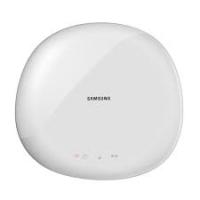
DVD-H1080W - DVD player SAMSUNG - Free user manual and instructions
Find the device manual for free DVD-H1080W SAMSUNG in PDF.



Pick your language and provide your email: we'll send you a specifically translated version.
| Product Type | DVD Player |
| Brand | SAMSUNG |
| Model | DVD-H1080W |
| Dimensions (W x D x H) | 430 x 250 x 40 mm |
| Weight | 2.5 kg |
| Power supply | AC 220-240V, 50/60 Hz |
| Power consumption | 15 W (standby: 1 W) |
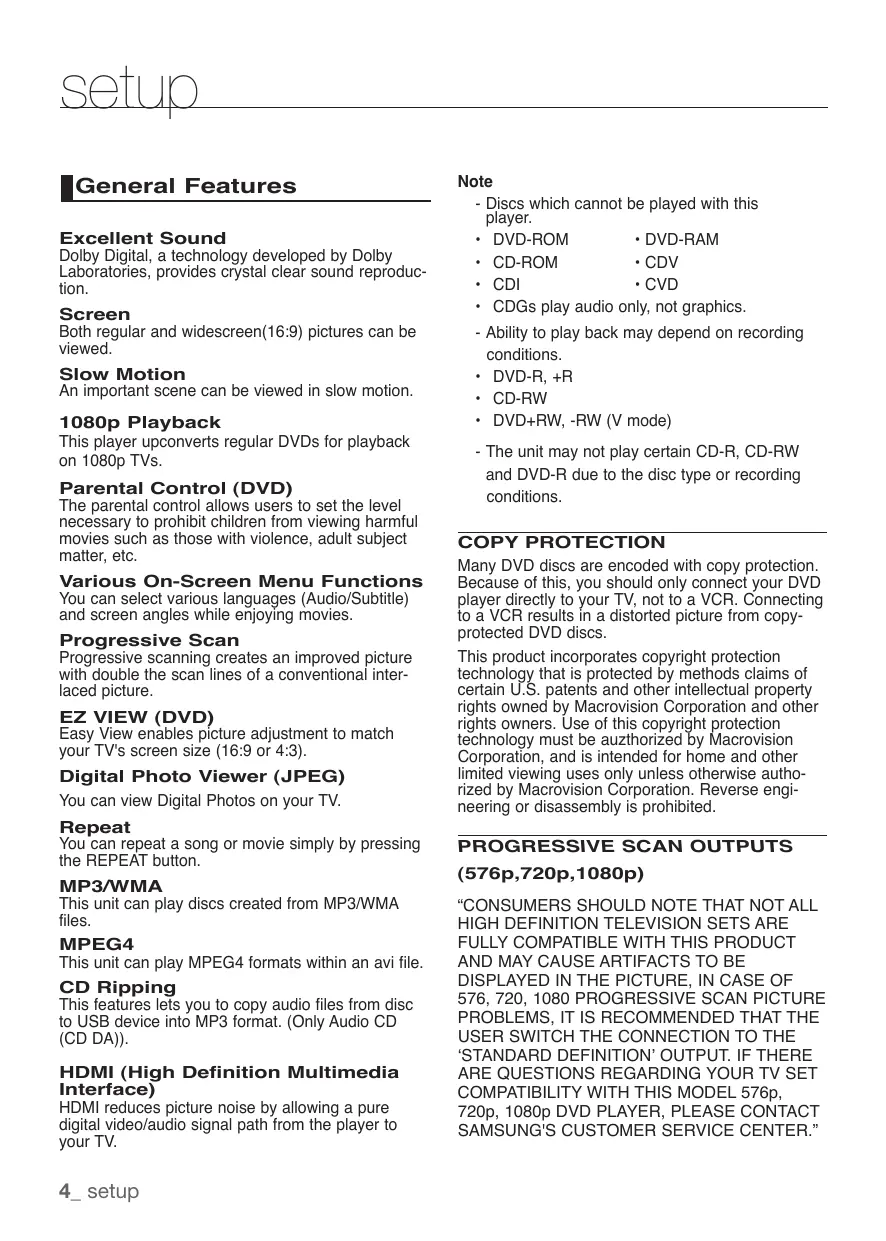
| Supported disc formats | DVD, DVD±R/RW, CD, CD-R/RW, MP3, JPEG, DivX, XviD |
| Video outputs | HDMI, Composite, S-Video, Component (YUV) |
| Audio outputs | Analog stereo, Coaxial digital audio, HDMI audio |
| Video upscaling | Up to 1080p via HDMI |
| Main features | Progressive scan, zoom, repeat, playback programming, parental control |
| Maintenance and cleaning | Clean the casing with a soft, dry cloth. Do not use any solvents. Clean the lens with a CD/DVD lens cleaning kit. |
| Safety | Do not expose to moisture, extreme temperatures, or shocks. Unplug before cleaning. Use only indoors. |
| Spare parts and repairability | Spare parts are not directly available from the manufacturer. Consult an authorized service center for repair. Repairability is limited. |
| General information | User manual available for download. Continue to use the device according to the instructions in the manual. |
Frequently Asked Questions - DVD-H1080W SAMSUNG
How to connect the DVD player to a TV?
Use an HDMI cable for best quality. Connect one end of the HDMI cable to the player and the other to the TV. Select the corresponding HDMI input on your TV.
What to do if the player does not read a disc?
Check that the disc is clean and scratch-free. Clean it with a soft cloth from the center to the edges. Ensure the format is compatible. If the problem persists, try another disc.
How to activate parental control?
Go to the setup menu, select 'Parental Control' or 'Lock'. Enter a PIN code (default 0000) and set the desired rating level.
The player does not turn on, what to do?
Make sure the power cord is properly connected and the outlet works. Check if the device's fuse is intact. If nothing works, contact an authorized service center.
How to update the player's software?
This model does not support software updates. However, you can download the latest user manual from Samsung's website.
What audio formats are supported?
The player supports MP3, WMA, AAC, and PCM formats. Audio files can be played from CD, DVD, or compatible USB drives.
How to adjust the video output for better quality?
Press the 'Setup' button on the remote, then go to 'Video Output'. Choose between 480p, 720p, or 1080p depending on your TV's resolution. Use HDMI for best quality.
The sound is choppy or missing, why?
Check that the audio cable is properly connected. If using HDMI, ensure the TV is set to the correct channel. Try changing the cable. A damaged disc can also cause issues.
Can I play DVDs from other regions?
The player is locked for Europe region (Region 2). To play DVDs from other regions, you must unlock the device via a specific procedure, but this is not recommended as it may void the warranty.
How to clean the player's lens?
Use a special CD/DVD lens cleaning disc. Insert it into the player and follow the disc instructions. Never use liquid solvent or a cotton swab on the lens.
User questions about DVD-H1080W SAMSUNG
0 question about this device. Answer the ones you know or ask your own.
Ask a new question about this device
No questions yet. Be the first to ask one.
Download the instructions for your DVD player in PDF format for free! Find your manual DVD-H1080W - SAMSUNG and take your electronic device back in hand. On this page are published all the documents necessary for the use of your device. DVD-H1080W by SAMSUNG.