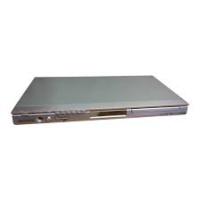
DVD-P350K - DVD player SAMSUNG - Free user manual and instructions
Find the device manual for free DVD-P350K SAMSUNG in PDF.



Pick your language and provide your email: we'll send you a specifically translated version.
| Product Type | DVD Player |
| Brand | Samsung |
| Model | DVD-P350K |
| Dimensions (W x D x H) | 430 x 240 x 55 mm |
| Weight | 1.8 kg |
| Power Supply | 220-240 V ~ 50 Hz |
| Power Consumption | 10 W |
| Playable Formats | DVD-Video, Audio CD, MP3, JPEG, DivX |
| Video Outputs | HDMI, Composite (RCA), Component (YUV) |
| Audio Outputs | Optical Digital, Stereo Analog (RCA) |
| Special Features | Progressive scan, parental control, loop playback |
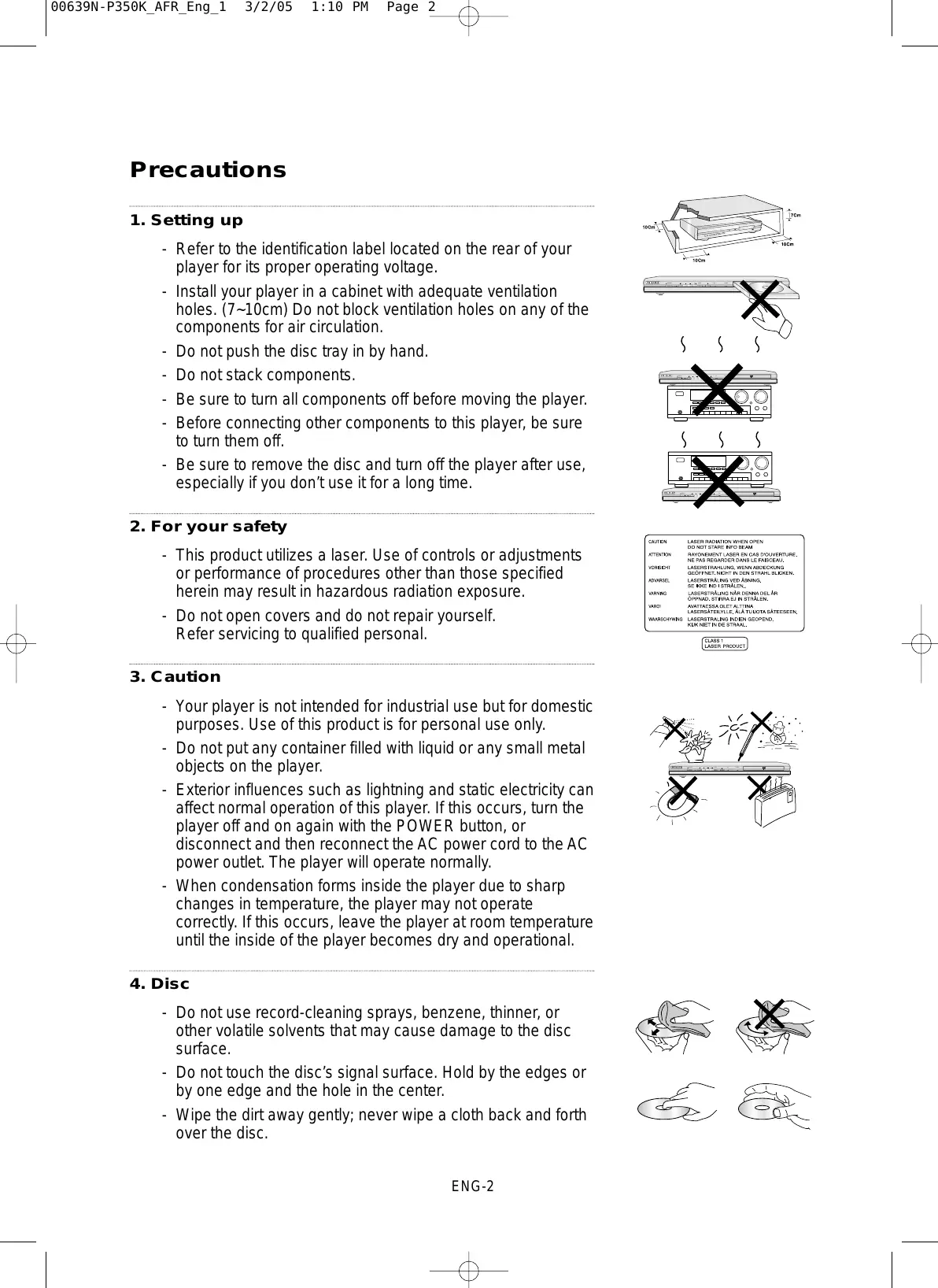
| Maintenance and Cleaning | Clean with a soft, dry cloth. Do not use liquids. |
| Safety | Do not expose to moisture or extreme temperatures. Unplug before cleaning. |
| Spare Parts and Repairability | Parts available via Samsung after-sales service. Remote control, power cord, laser lens. |
Frequently Asked Questions - DVD-P350K SAMSUNG
How to connect the DVD-P350K player to my TV?
Use an HDMI cable for best quality. Connect one end to the HDMI output of the player and the other to an HDMI input on your TV. Then select the corresponding HDMI source on your TV.
Why won't my DVD play?
Check that the disc is compatible (DVD-Video, CD, MP3, etc.) and that it is not scratched or dirty. If the problem persists, try cleaning the disc with a soft cloth or test another disc.
How to adjust subtitle or audio language?
During playback, press the 'Subtitle' or 'Audio' button on the remote control to browse available options. Default settings can be changed in the setup menu.
How to reset the DVD player to factory settings?
Turn on the player, open the setup menu ('Setup' button), go to 'System settings' or 'Reset', then select 'Reset to factory defaults'. Confirm the operation.
The player won't turn on, what to do?
Check that the power cord is properly connected and the outlet is working. Make sure the power switch on the back of the player is set to 'ON'.
How to play a DVD with a different region code?
The DVD-P350K player is generally region-locked. To play a DVD from another region, you can use a software unlock (if available) or purchase a multi-region player.
What to do if the remote control doesn't work?
Replace the remote's batteries. Point it directly at the player's sensor. If it still doesn't work, the sensor may be obstructed or the remote defective.
How to play MP3 or JPEG files on this player?
Burn your MP3 or JPEG files to a CD-R/RW or DVD-R/RW. Insert the disc into the player. It will automatically detect the files and you can select them via the menu.
The picture is jerky or poor quality, what to do?
Check the connection cable (HDMI or composite). Try another disc. Make sure the TV is set to the correct picture format. If the problem persists, clean the laser lens with a cleaning kit.
Can I use the player to play DVDs burned on a PC?
Yes, provided the disc is burned in DVD-Video format or contains compatible DivX, MP3, or JPEG files. DVD-VR format discs may not be supported.
User questions about DVD-P350K SAMSUNG
0 question about this device. Answer the ones you know or ask your own.
Ask a new question about this device
No questions yet. Be the first to ask one.
Download the instructions for your DVD player in PDF format for free! Find your manual DVD-P350K - SAMSUNG and take your electronic device back in hand. On this page are published all the documents necessary for the use of your device. DVD-P350K by SAMSUNG.