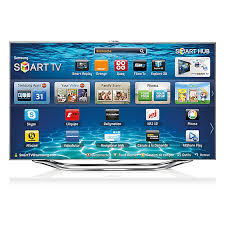


How to activate and use Wi-Fi Direct on the Samsung UE40ES8000SXZF TV?
Response Notice-Facile
Wi-Fi Direct allows you to connect your Samsung UE40ES8000SXZF TV directly to other compatible devices (smartphones, tablets, computers) without going through a Wi-Fi router. Here’s how to activate and use it:
Activating Wi-Fi Direct on your TV
- Turn on your TV.
- Press the Menu button on your remote control.
- Go to Settings or Setup.
- Select the Network section.
- Choose Wi-Fi Direct from the available options.
- Enable Wi-Fi Direct. The TV will start searching for compatible devices nearby.
Connecting a device to the TV via Wi-Fi Direct
- On the device you want to connect (smartphone, tablet, etc.), enable the Wi-Fi Direct feature.
- Look for your Samsung TV name in the list of available devices.
- Select your TV to establish the connection.
- Accept the connection request that appears on the TV if necessary.
Once the connection is established, you will be able to share files, photos, videos, or stream content directly to your TV without using a traditional Wi-Fi network.