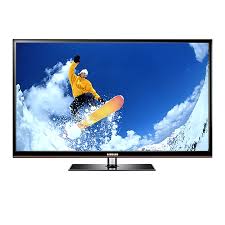


To update the software on your Samsung PS51E490B1W TV, you have two methods: an automatic update via the Internet connection and a manual update via USB key.
Automatic update (recommended): First, connect your TV to the Internet via Ethernet cable or Wi-Fi (you need a separate Samsung Wi-Fi adapter for the latter option). Press the Menu button on the remote control. Go to System and then select Setup or access the Support menu if available. Look for the Upgrade now option. Press it to start checking for new versions. If an update is available, the TV will download and install it automatically. Follow the on-screen instructions. Wait for the update to complete fully without turning off the TV.
Important: Software upgrade is only possible if the network settings are correctly configured. The initial setup of the TV automatically offers this update on the first startup.
Manual update via USB: If your TV is not connected to the Internet, you can perform an update via a USB key. Go to the official Samsung website (www.samsung.com → Support → Downloads) from a computer and download the latest firmware version for the PS51E490B1W model. Copy the file to a USB key formatted in FAT32. Insert the key into one of the USB ports on the TV (located on the side panel). Access the System menu and select the update option. The TV will detect the update file on the USB key and will start the installation automatically.
Warning: Never cut off the power to the TV during the software update. An interruption could irreparably damage the system and render the TV unusable. Ensure that the TV is properly powered and let the update complete fully, even if it takes several minutes.